How do I use the Luxury Perfume Commercial Sequence template?
Edit the prompt in the box under the preview — the template's model and format are already selected — and press Generate. Your version appears right on this page.
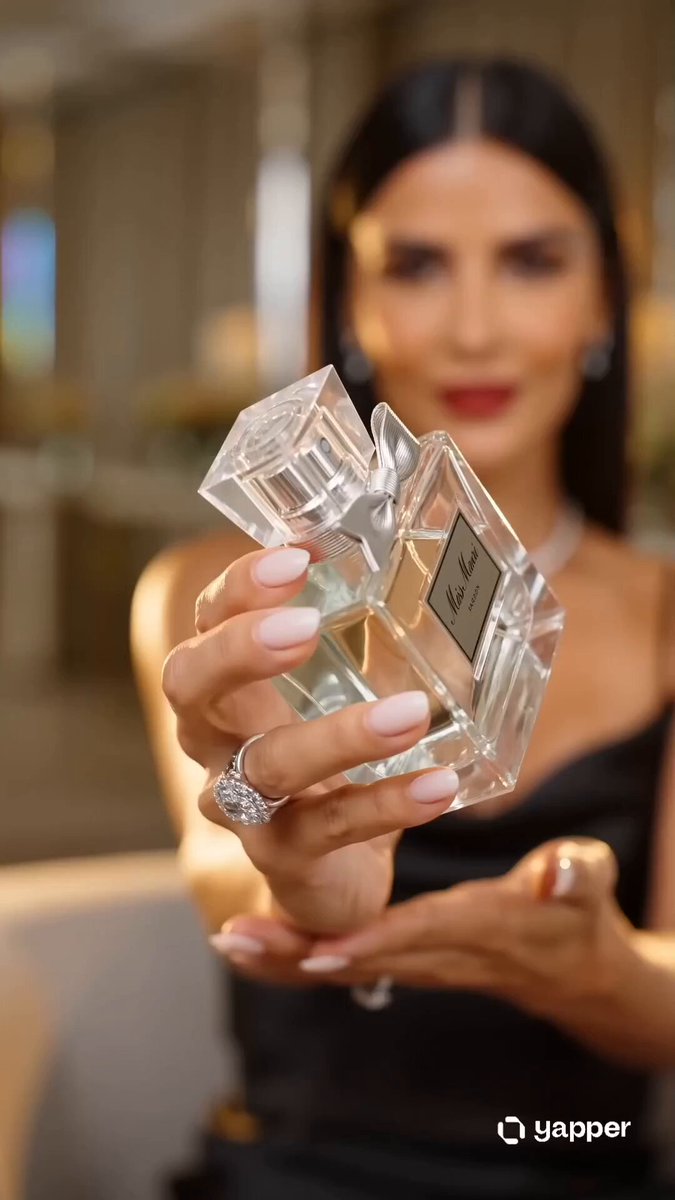
A professional storyboard prompt for a luxury perfume commercial, featuring ocean-side close-ups, mist effects, and application shots.
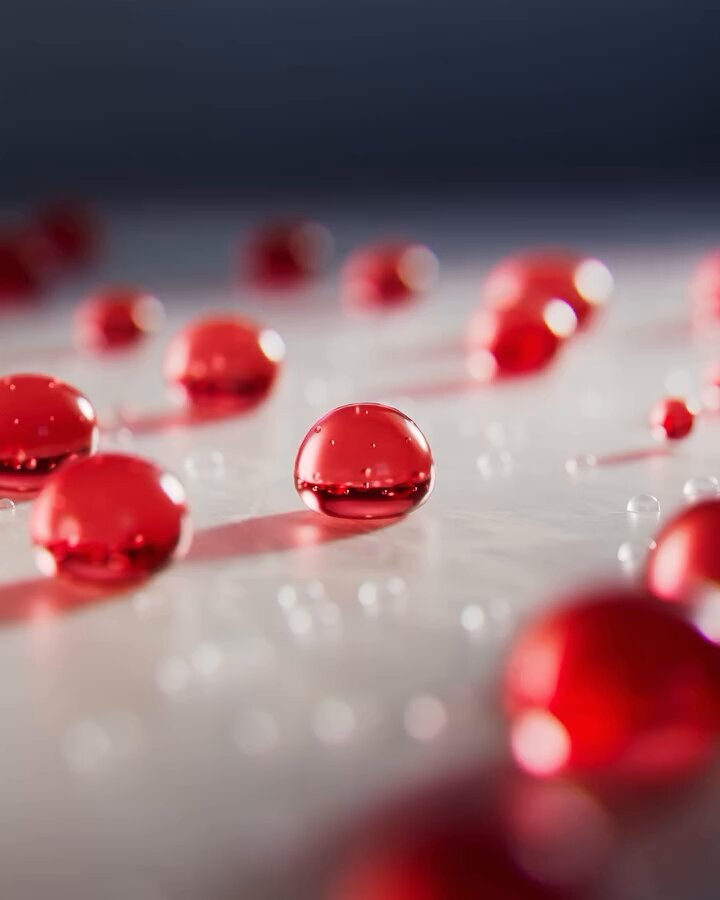
Scene 1 (0:00–0:03) — Hero Open Close-up handheld shot of a hand holding the California Signature bottle, beach rocks in foreground, soft turquoise ocean bokeh behind. Natural sunlight, warm golden tone. Camera: slight handheld sway. Audio: ambient waves + soft VO intro. Scene 2 (0:03–0:06) — Packaging Reveal Slow pan across the rock surface revealing the bottle standing beside its palm-tree-print box. Top-down to eye-level camera drift. Soft natural window/outdoor light. Audio: gentle background music swell. Scene 3 (0:06–0:08) — Texture/Mist Macro extreme close-up of the perfume spray releasing a fine mist, droplets suspended and catching the light. Static macro lens, shallow depth of field. Audio: soft spray "psst" sound effect. Scene 4 (0:08–0:11) — Application POV close-up of the bottle spraying onto skin (neck/wrist), hand in frame. Indoor-natural light, close handheld POV angle. Audio: VO + subtle room tone. Scene 5 (0:11–0:14) — Experience Medium close-up of a person's hand gently touching their neck, relaxed, satisfied expression, soft breeze moving hair/fabric slightly. Static camera, soft window light. Audio: soft music continues. Scene 6 (0:14–0:16) — Close Detail Macro close-up of the bottle cap and embossed "California Signature" label, reflector-style lighting to highlight glass texture. Camera slow push-in. Audio: subtle sparkle/chime sound. Scene 7 (0:16–0:18) — Final Hero/Recommendation Bottle lifted toward camera in a handheld POV shot, beach backdrop visible behind, natural sunlight flare. Camera: slight upward tilt reveal. Audio: VO outro + background music resolve.
Scene 1 (0:00–0:03) — Hero Open Close-up handheld shot of a hand holding the California Signature bottle, beach rocks in foreground, soft turquoise ocean bokeh behind. Natural sunlight, warm golden tone. Camera: slight handheld sway. Audio: ambient waves + soft VO intro. Scene 2 (0:03–0:06) — Packaging Reveal Slow pan across the rock surface revealing the bottle standing beside its palm-tree-print box. Top-down to eye-level camera drift. Soft natural window/outdoor light. Audio: gentle background music swell. Scene 3 (0:06–0:08) — Texture/Mist Macro extreme close-up of the perfume spray releasing a fine mist, droplets suspended and catching the light. Static macro lens, shallow depth of field. Audio: soft spray "psst" sound effect. Scene 4 (0:08–0:11) — Application POV close-up of the bottle spraying onto skin (neck/wrist), hand in frame. Indoor-natural light, close handheld POV angle. Audio: VO + subtle room tone. Scene 5 (0:11–0:14) — Experience Medium close-up of a person's hand gently touching their neck, relaxed, satisfied expression, soft breeze moving hair/fabric slightly. Static camera, soft window light. Audio: soft music continues. Scene 6 (0:14–0:16) — Close Detail Macro close-up of the bottle cap and embossed "California Signature" label, reflector-style lighting to highlight glass texture. Camera slow push-in. Audio: subtle sparkle/chime sound. Scene 7 (0:16–0:18) — Final Hero/Recommendation Bottle lifted toward camera in a handheld POV shot, beach backdrop visible behind, natural sunlight flare. Camera: slight upward tilt reveal. Audio: VO outro + background music resolve.
Edit the prompt in the box under the preview — the template's model and format are already selected — and press Generate. Your version appears right on this page.
Yes. You can change the subject, setting, lighting, mood, format, and available model controls before creating your video.
Opening and editing this template is free. Generating uses credits, shown on the Generate button when you are signed in.
Start with Seedance 2.0, which is the model associated with this template. You can compare another compatible model for a different finish.
Follow a topic to a crawlable collection of related PicX Studio templates.