
Luxury Perfume Boutique Tracking Shot
A cinematic commercial prompt using a continuous tracking shot to explore a high-end fragrance boutique.

- Prompt included
- Model and format preset
- Free template
The prompt behind this video
Copy the exact prompt behind Luxury Perfume Boutique Tracking Shot, or open it in the studio and make it yours.
Style: Ultra-photorealistic, luxury commercial, cinematic, one continuous tracking shot, premium fragrance boutique, warm ambient lighting, realistic human movement, 35mm lens, shallow depth of field, HDR, 8K, smooth gimbal stabilization. Scene 1 (0–3s) – Entering the Store A stylish young man wearing a fitted black t-shirt and dark jeans walks into a luxurious perfume boutique. The camera follows from a front-left tracking angle as he confidently enters. Elegant wooden shelves filled with premium glass fragrance bottles glow under warm LED lighting. Polished white marble flooring reflects the lights, creating a premium atmosphere. Scene 2 (3–6s) – Walking Through the Aisle The camera smoothly tracks beside him as he walks slowly through the fragrance aisle, casually looking at the collection. Hundreds of luxury perfume bottles are neatly arranged on illuminated shelves. Soft reflections on the glass bottles, clean modern interior, cinematic depth of field, realistic body movement, natural walking pace. Scene 3 (6–10s) – Browsing the Collection The camera moves slightly closer while he turns his head toward the shelves, appreciating the premium fragrances. Close-up shots capture elegant perfume bottles with golden liquid, crystal-clear glass, metallic caps, soft bokeh in the background, warm luxury retail lighting, realistic facial expressions. Scene 4 (10–13s) – Hero Ending The camera slowly pushes in as he continues walking past the display with confidence. The luxury boutique stretches into the background, showcasing rows of illuminated perfume shelves and a premium showroom. Smooth cinematic motion, elegant atmosphere, luxury fashion commercial aesthetic, ultra-realistic details, clean composition, high-end color grading, no text, no watermark, no logos.
How to use Luxury Perfume Boutique Tracking Shot in 3 steps
- 1
Open
The prompt is already in the box next to the preview, with the template's model and format selected.
- 2…a portrait of your subject in softgolden-hour light, 85mm…
Personalize
Edit the subject and creative details for your destination.
- 3Generate
Generate
Press Generate — your video is created in PicX Studio, so you can compare it with the original and refine one variable at a time.
More like this
Templates with the same subject, style or setup. Open one to see its prompt.
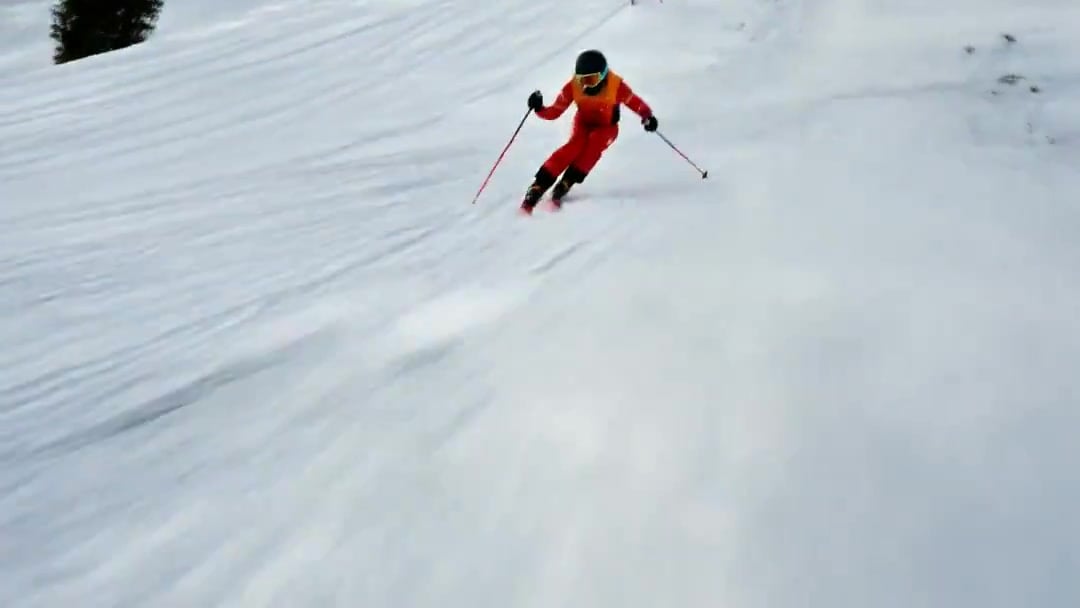
FPV Drone Skier Tracking — Kling 3.0 O3 Pro

Sneaker Product Commercial
Cinematic Portrait Study 3
Cinematic Portrait Study
Skincare Product Commercial
Luxury Handbag Commercial — Hollywood VFX Ad
Luxury Perfume Cinematic Commercial
Luxury Perfume Cinematic Action
Luxury Perfume Commercial Sequence
Luxury Perfume Commercial Sequence
Luxury Perfume Cinematic Commercial
Luxury Perfume Drone Shot Advertisement Prompt
Make it yours
Luxury Perfume Boutique Tracking Shot works as-is. These are the safest ways to change it without losing the look.
Change one field
Copy a single group, rewrite it, and generate again so you can see what that field is doing.
Keep the frame, change the subject
Hold the composition and light of Luxury Perfume Boutique Tracking Shot, then swap wardrobe, props or the person for a new take.
| If the result… | Why | Fix |
|---|---|---|
| The result drifts from the preview | Too many fields changed at once. | Reuse Luxury Perfume Boutique Tracking Shot as-is first, then change one group — subject, light, or setting. |
| The model over-stylizes the scene | The prose prompt leaves finish and camera underspecified. | Add one camera or lighting sentence and stay on Seedance 2.0. |
More Seedance 2.0 templates
Other prompts made for Seedance 2.0.

Comical Martial Arts Punch Scene

Maglev Train Action Sequence

Martial Arts Fight Sequence

Wuxia Protection and Trust Script

Vintage Korean Arcade MiniDV Vlog

Mercedes 190 SL Luxury Ad

Rainy Night Supernatural Reverse Comedy Video Script

Amazon Civilization Discovery

Futuristic South Asian City Transformation

Cozy Luxury Cafe Commercial
More video prompts
Fresh picks from across the catalog.

Omegle Split-Screen Interaction

Hospital Corridor Creature Horror
Out of Control — Seedance 2.0
Ghibli Style Dragon vs Monkey Wrestling Match
Realistic Skateboard Trick at Plaza
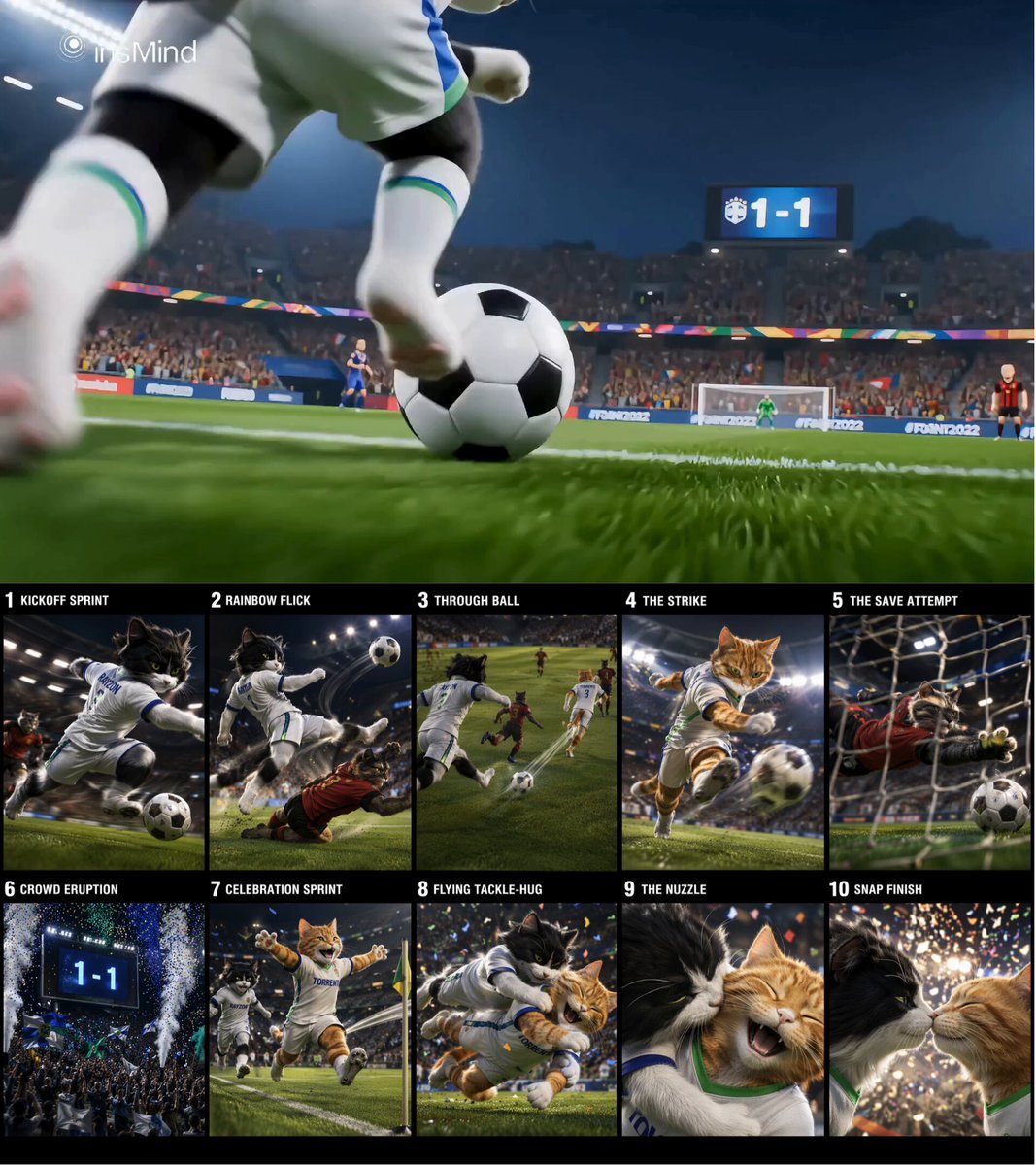
Cinematic Cat Football Championship Highlights
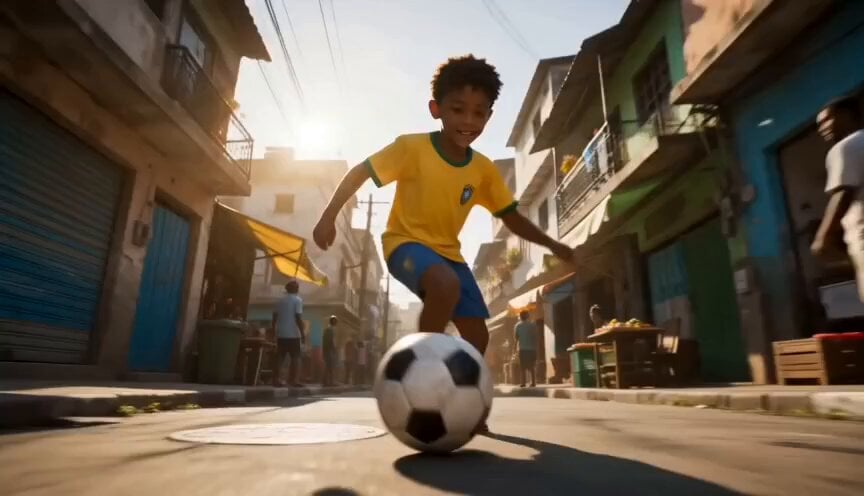
Global Football World Cup Journey
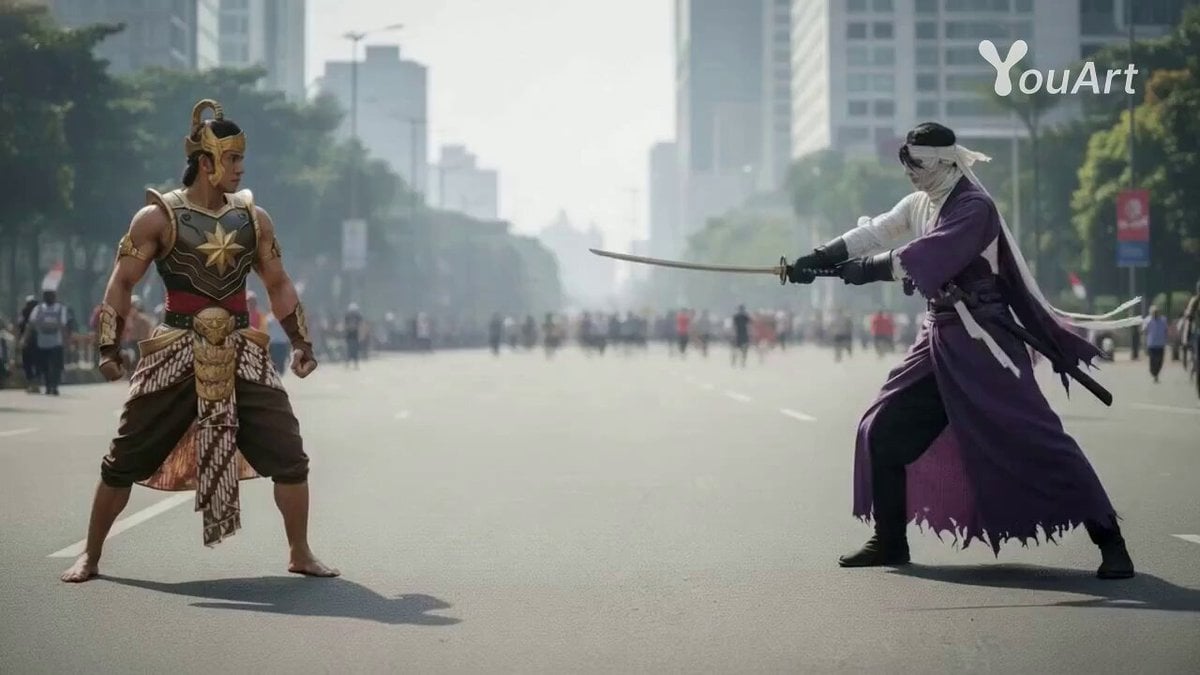
Cinematic Duel with Dynamic Camera Movement
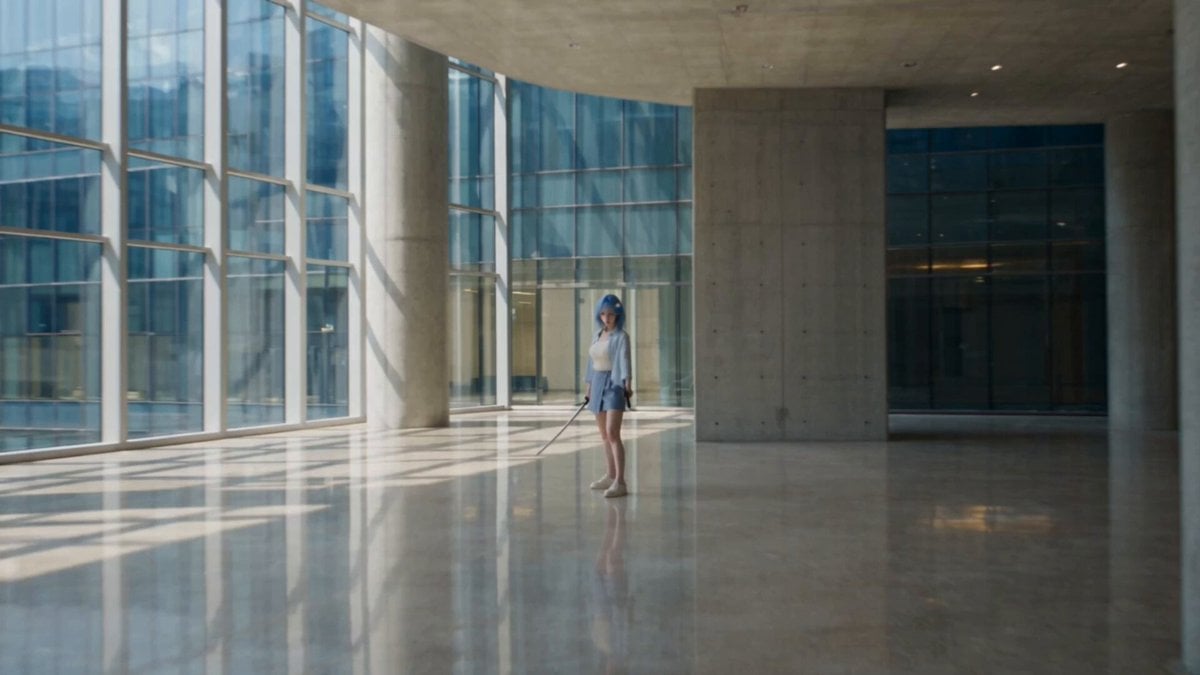
Modern Ninja Skyscraper Lobby Combat
Jewelry and Hands Close-up
Browse template categories
Luxury Perfume Boutique Tracking Shot questions
How do I use the Luxury Perfume Boutique Tracking Shot template?
Add your photo if the template asks for one, edit the prompt if you like — the template's model and format are already selected — and press Generate. Your version opens in PicX Studio.
Can I customize the Luxury Perfume Boutique Tracking Shot template?
Yes. You can change the subject, setting, lighting, mood, format, and available model controls before creating your video.
Is the Luxury Perfume Boutique Tracking Shot template free?
Opening and editing this template is free. Generating uses credits, shown on the Generate button when you are signed in.
Which AI model should I use?
Start with Seedance 2.0, which is the model associated with this template. You can compare another compatible model for a different finish.
Looking for something else? Browse all templates.

Your photo, any look
Thousands of ready templates for every top image and video model, from one credit balance.