How do I use the Realistic Skateboard Trick at Plaza template?
Edit the prompt in the box under the preview — the template's model and format are already selected — and press Generate. Your version appears right on this page.
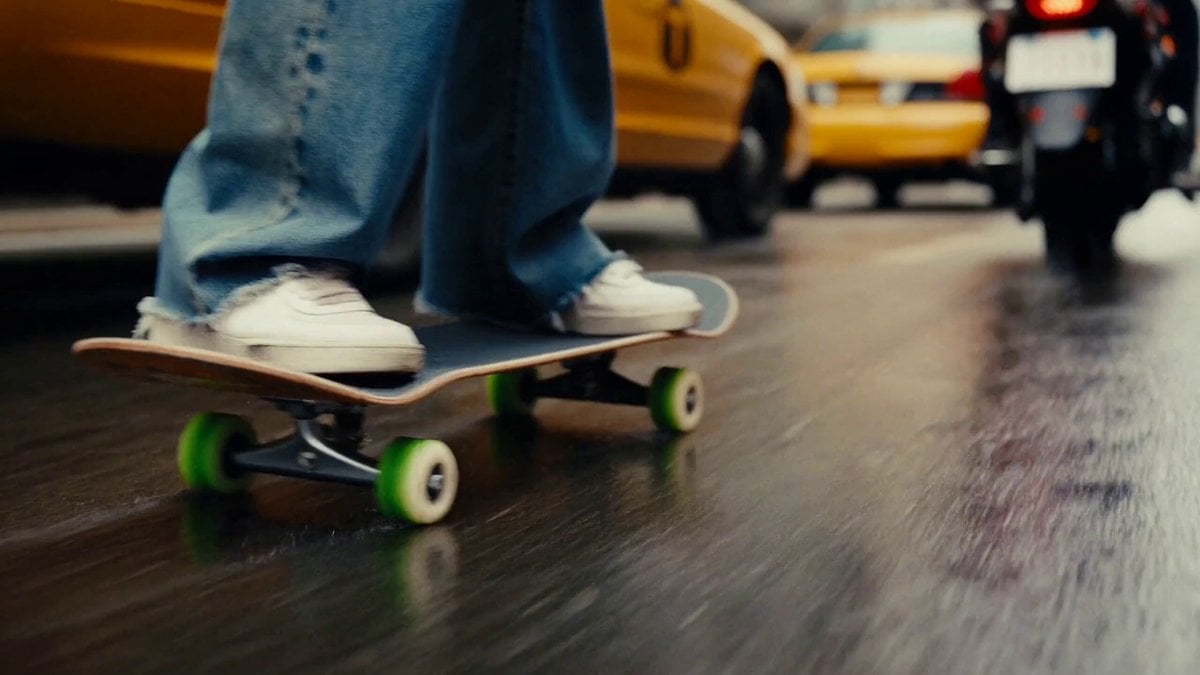
A detailed multi-shot skateboarding video prompt featuring specific trick choreography, camera movements, and timestamps for a cinematic look.
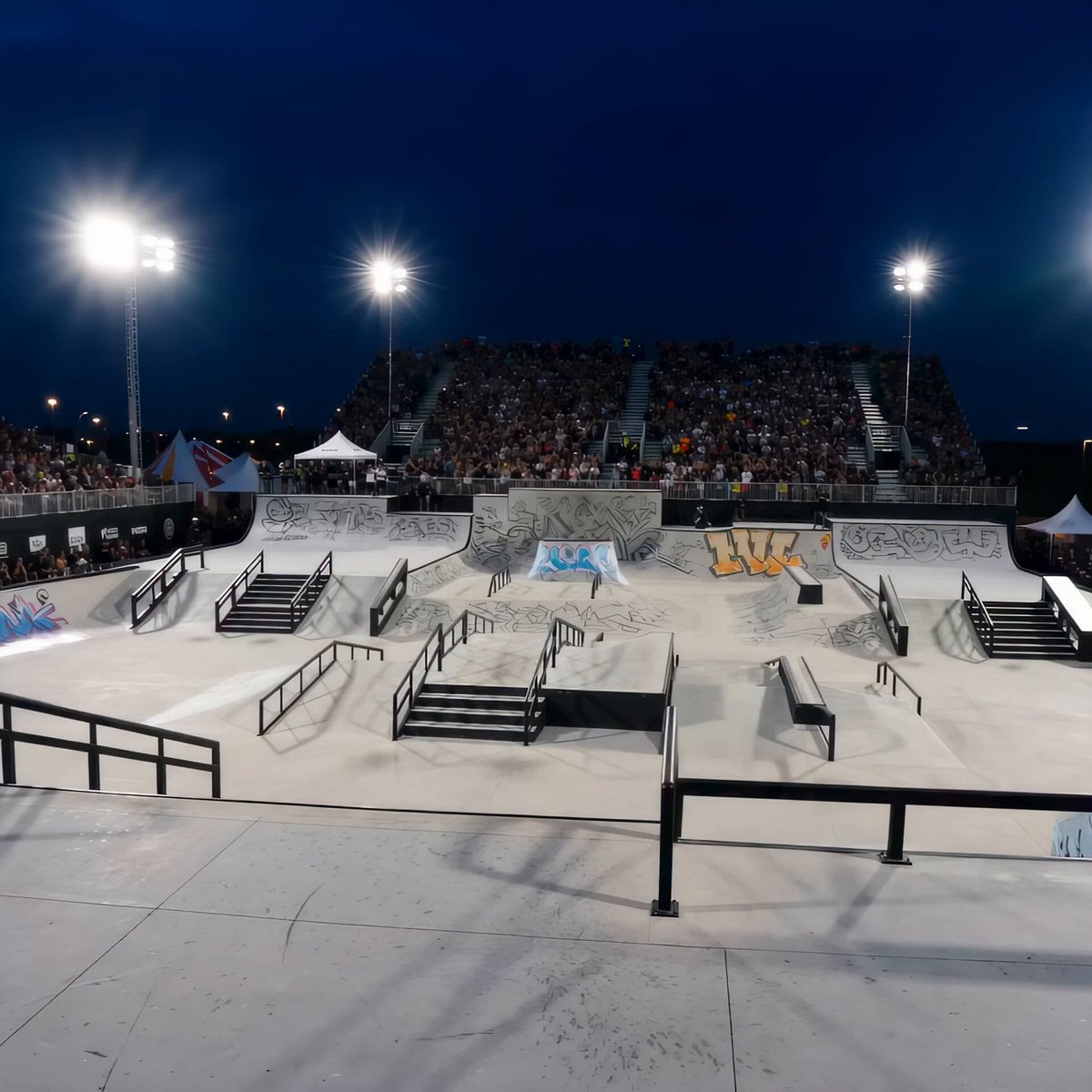
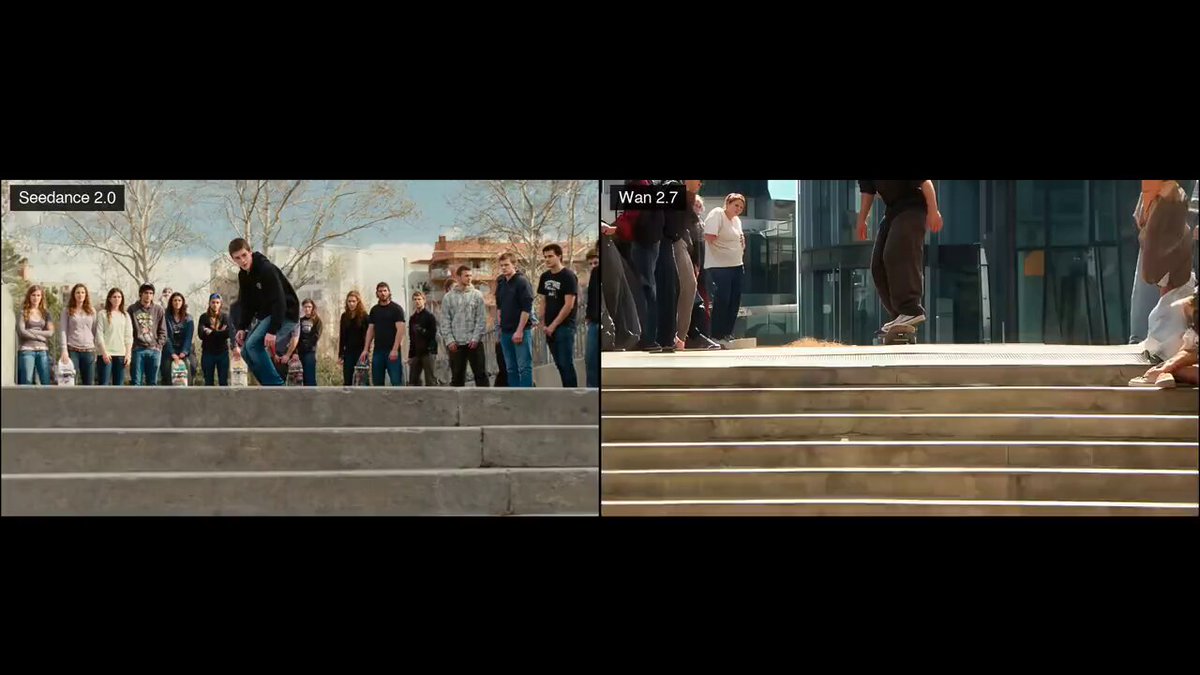
Subject: Black man, long dark dreadlocks, black knit beanie, plain black crew neck tee, black cuffed jeans, black gum-sole skate shoes. Starts atop a staircase, ollies onto a handrail, grinds the full rail to the bottom, lands clean, rolls out briefly, then kickflips and lands smoothly. Location: Outdoor CA plaza — light gray concrete stairs, steel center handrail, minimalist architecture, palm trees casting long shadows, bright warm midday sun with natural lens flare. Visual Style: Clean realistic skate-video look — natural skin tones, true-to-life fabric/hair movement, crisp daylight contrast between gray concrete and black wardrobe. Subtle motion blur on fast movement, sharp focus on rider throughout. Camera: Low-angle tracking cam at stair top for the ollie-on, then follows alongside the rail at board height matching descent speed. Brief slow-motion holds at the apex of each trick (ollie-on, kickflip). Ends on steady tracking shot as he rolls away. Timestamps: 00:00–00:01 Set-up: skater at stair top, board angled toward rail, low-angle cam facing him before push-off. 00:01–00:02 Ollie-on: board pops, ~35% slow-mo hold at apex as trucks align over rail top, cam tracks upward with pop. 00:02–00:02.5 Rail contact: trucks land on rail top, full-speed impact, subtle cam jitter to sell contact. 00:02.5–00:05 Grind descent: cam tracks down alongside rail, level with skater grinding full staircase, arms out for balance, stairs blur slightly past cam. 00:05–00:05.5 Landing: pops off rail bottom, lands grind clean on flat ground, cam holds steady at ground level. 00:05.5–00:06.5 Rollout: brief forward roll at normal speed, cam tracks alongside at slight distance. 00:06.5–00:08 Kickflip: board flips mid-air, ~35% slow-mo hold at peak showing rotation, side-profile cam at board height. 00:08–00:09 Kickflip landing: rotation completes, lands squarely on grip tape, full speed resumes, slight cam shake on impact. 00:09–00:10 Resolution: cam pulls back to steady tracking wide shot as he rolls away clean, natural sun flare across frame.
Subject: Black man, long dark dreadlocks, black knit beanie, plain black crew neck tee, black cuffed jeans, black gum-sole skate shoes. Starts atop a staircase, ollies onto a handrail, grinds the full rail to the bottom, lands clean, rolls out briefly, then kickflips and lands smoothly. Location: Outdoor CA plaza — light gray concrete stairs, steel center handrail, minimalist architecture, palm trees casting long shadows, bright warm midday sun with natural lens flare. Visual Style: Clean realistic skate-video look — natural skin tones, true-to-life fabric/hair movement, crisp daylight contrast between gray concrete and black wardrobe. Subtle motion blur on fast movement, sharp focus on rider throughout. Camera: Low-angle tracking cam at stair top for the ollie-on, then follows alongside the rail at board height matching descent speed. Brief slow-motion holds at the apex of each trick (ollie-on, kickflip). Ends on steady tracking shot as he rolls away. Timestamps: 00:00–00:01 Set-up: skater at stair top, board angled toward rail, low-angle cam facing him before push-off. 00:01–00:02 Ollie-on: board pops, ~35% slow-mo hold at apex as trucks align over rail top, cam tracks upward with pop. 00:02–00:02.5 Rail contact: trucks land on rail top, full-speed impact, subtle cam jitter to sell contact. 00:02.5–00:05 Grind descent: cam tracks down alongside rail, level with skater grinding full staircase, arms out for balance, stairs blur slightly past cam. 00:05–00:05.5 Landing: pops off rail bottom, lands grind clean on flat ground, cam holds steady at ground level. 00:05.5–00:06.5 Rollout: brief forward roll at normal speed, cam tracks alongside at slight distance. 00:06.5–00:08 Kickflip: board flips mid-air, ~35% slow-mo hold at peak showing rotation, side-profile cam at board height. 00:08–00:09 Kickflip landing: rotation completes, lands squarely on grip tape, full speed resumes, slight cam shake on impact. 00:09–00:10 Resolution: cam pulls back to steady tracking wide shot as he rolls away clean, natural sun flare across frame.
Edit the prompt in the box under the preview — the template's model and format are already selected — and press Generate. Your version appears right on this page.
Yes. You can change the subject, setting, lighting, mood, format, and available model controls before creating your video.
Opening and editing this template is free. Generating uses credits, shown on the Generate button when you are signed in.
Start with Seedance 2.0, which is the model associated with this template. You can compare another compatible model for a different finish.
Follow a topic to a crawlable collection of related PicX Studio templates.