How do I use the K-Pop Plaza Dance Battle template?
Edit the prompt in the box under the preview — the template's model and format are already selected — and press Generate. Your version appears right on this page.
A comprehensive prompt for a K-pop dance battle in Seoul, referencing two specific character images and describing the progression and atmosphere of the battle.
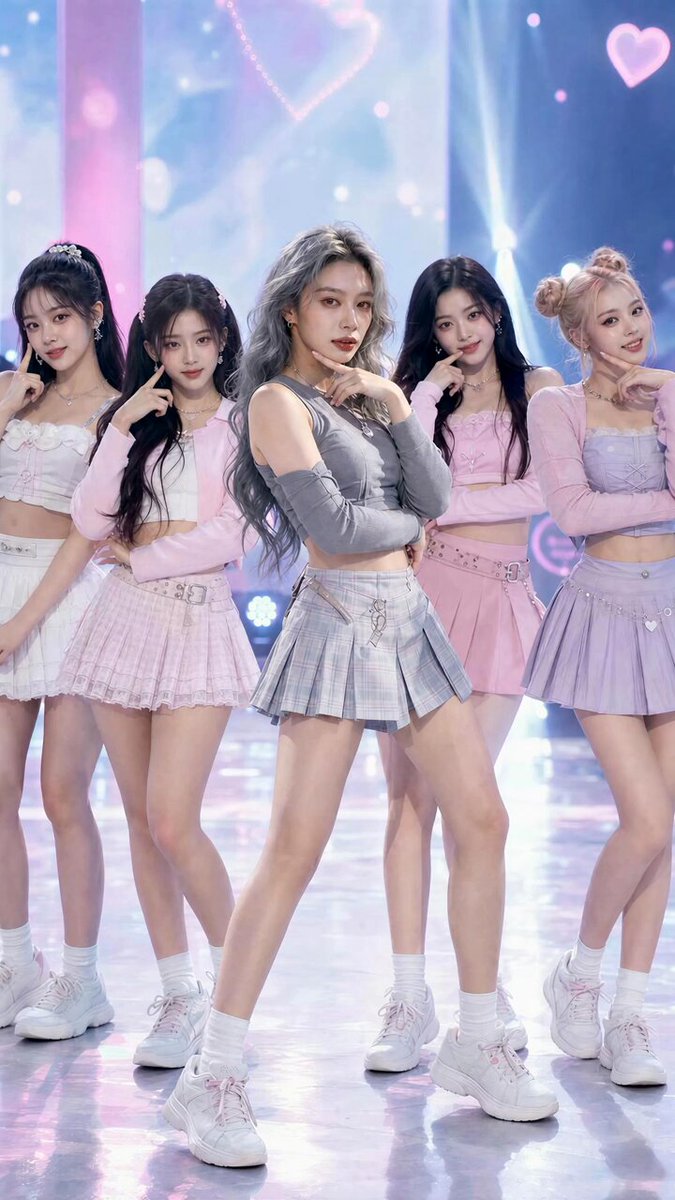
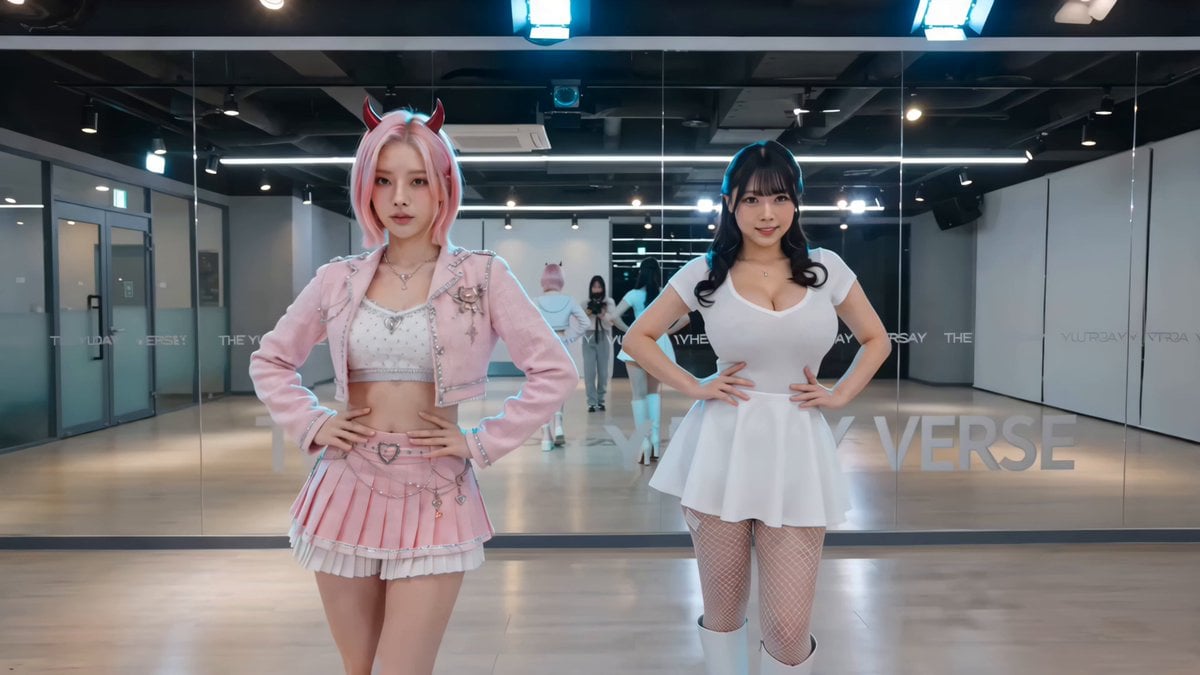
@ img1 : character reference, main dancer A, female, short gray hair, stylish K-pop outfit from reference, sharp choreography @ img2 : character reference, main dancer B, female, short pink hair, stylish K-pop outfit from reference, sharp choreography Two professional K-pop dancers ( @ img1 as Dancer A and @ img2 as Dancer B) face off in an intense yet fun dance battle in the middle of a bustling public plaza in Seoul at golden hour. Neon signs, Korean shop banners, and cherry blossom trees around. A large crowd of excited Korean locals (all ages, casual street fashion) quickly gathers in a circle, watching, cheering loudly, clapping, and filming with phones. 0-4s: Wide establishing shot, both dancers step into the open space, lock eyes, strike powerful starting pose. Crowd starts to form and murmur excitedly. 3-8s: Fast-paced K-pop battle begins — sharp isolations, powerful footwork, synchronized waves, body rolls, and competitive freestyle moves. Dancer A ( @ img1) hits a strong combo, Dancer B ( @ img2) instantly counters with even sharper moves. Camera orbits dynamically around them. 8-12s: Energy peaks — both dancers go all-out with big jumps, spins, and powerful final poses facing each other. Crowd goes wild, cheering “Wah!” and clapping loudly. 12-15s: Final freeze pose together, big smiles, crowd erupts in applause and whistles. Cinematic lighting, vibrant colors, slight film grain, high detail, 8K quality, dynamic camera movement, energetic and fun atmosphere, perfect character consistency from reference images, realistic Korean crowd reaction, street performance vibe.
@ img1 : character reference, main dancer A, female, short gray hair, stylish K-pop outfit from reference, sharp choreography @ img2 : character reference, main dancer B, female, short pink hair, stylish K-pop outfit from reference, sharp choreography Two professional K-pop dancers ( @ img1 as Dancer A and @ img2 as Dancer B) face off in an intense yet fun dance battle in the middle of a bustling public plaza in Seoul at golden hour. Neon signs, Korean shop banners, and cherry blossom trees around. A large crowd of excited Korean locals (all ages, casual street fashion) quickly gathers in a circle, watching, cheering loudly, clapping, and filming with phones. 0-4s: Wide establishing shot, both dancers step into the open space, lock eyes, strike powerful starting pose. Crowd starts to form and murmur excitedly. 3-8s: Fast-paced K-pop battle begins — sharp isolations, powerful footwork, synchronized waves, body rolls, and competitive freestyle moves. Dancer A ( @ img1) hits a strong combo, Dancer B ( @ img2) instantly counters with even sharper moves. Camera orbits dynamically around them. 8-12s: Energy peaks — both dancers go all-out with big jumps, spins, and powerful final poses facing each other. Crowd goes wild, cheering “Wah!” and clapping loudly. 12-15s: Final freeze pose together, big smiles, crowd erupts in applause and whistles. Cinematic lighting, vibrant colors, slight film grain, high detail, 8K quality, dynamic camera movement, energetic and fun atmosphere, perfect character consistency from reference images, realistic Korean crowd reaction, street performance vibe.
Edit the prompt in the box under the preview — the template's model and format are already selected — and press Generate. Your version appears right on this page.
Yes. You can change the subject, setting, lighting, mood, format, and available model controls before creating your video.
Opening and editing this template is free. Generating uses credits, shown on the Generate button when you are signed in.
Start with Seedance 2.0, which is the model associated with this template. You can compare another compatible model for a different finish.
Follow a topic to a crawlable collection of related PicX Studio templates.