
K-pop Dance Challenge Studio
A professional dance studio K-pop challenge prompt with highly specific synchronization and camera movement instructions.
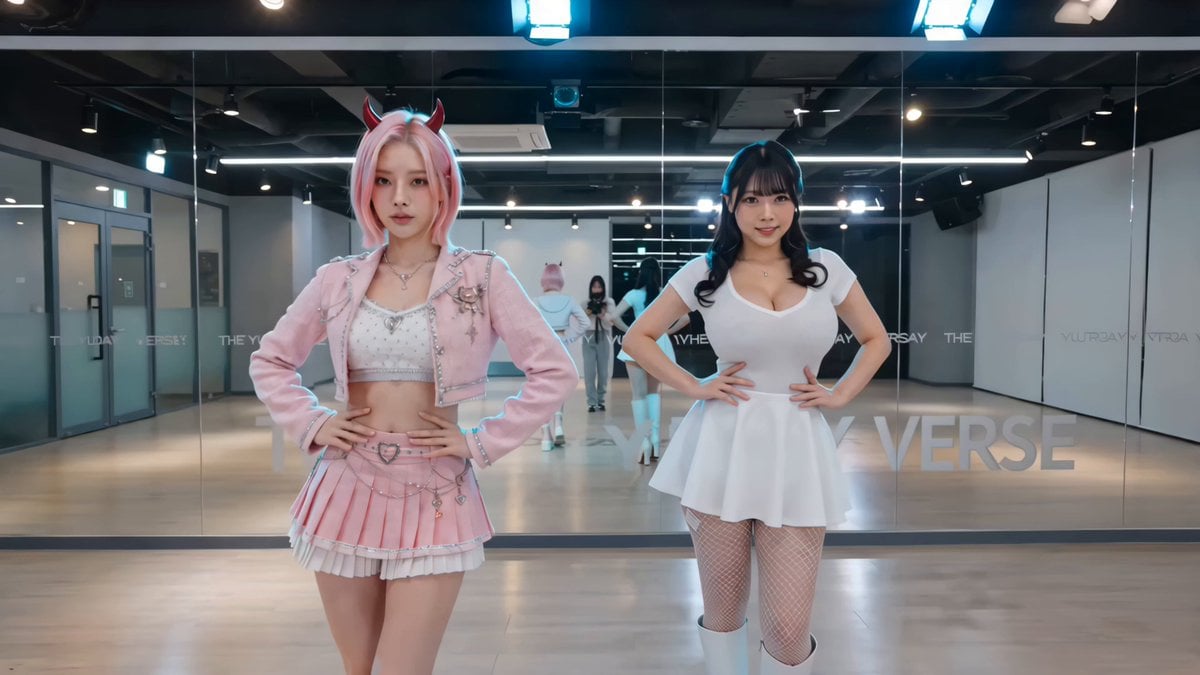
- Prompt included
- Model and format preset
- Free template
The prompt behind this video
Copy the exact prompt behind K-pop Dance Challenge Studio, or open it in the studio and make it yours.
Cinematic Truth Source & Setup High-production viral K-pop dance challenge video filmed inside a professional dance practice studio. Spacious bright room with high ceilings, full wall-to-wall mirror on the back wall reflecting the entire studio, light-colored wooden sprung dance floor, professional lighting rigs with soft diffused key lights and vibrant magenta and cyan accent lights. Minimalist clean studio atmosphere with large speakers and subtle equipment visible in the background. Shot on ARRI Alexa Mini LF in 4K 60fps, crisp digital cinema look with clean vibrant pop color grading. Image Reference @character1 positioned on the left and @character2 on the right. Exact character identities locked strictly via tags @character1 and @character2 from frame 0 to end. Starting pose on frame 0: both standing front facing camera in synchronized sharp choreography stance with hands on hips and intense gaze. Timeline (Second-by-Second) 0-3s: Medium full shot from front. Strong beat drop triggers sharp synchronized opening: right arm sharp pull across chest with left arm extending outward, powerful chest pop + shoulder isolation, quick intricate footwork (heel-toe slides with hip accents). Both execute precise double arm circles into a strong side pose. Camera subtly pushes in. 3-6s: Seamless transition into complex body waves — full undulation from head to hips followed by reverse isolation. Intricate layered arm choreography (one arm tutting while the other does smooth waves), sharp finger snaps and wrist flicks perfectly synced. Heavy bass hits matched with powerful torso isolations. 6-9s: High-intensity section — rapid directional changes with quick foot shuffles, knee lifts, and explosive arm swings. Synchronized hair flip during half-turn, followed by sharp locking moves, pointing choreography toward camera, and dynamic level change (deep plié to rise). Mirror-perfect sync maintained. 9-12s: Climactic finale — powerful synchronized jumps into wide stance, big dynamic arm hits with full body contraction, quick spin + final sharp pose freeze. Camera slowly pulls back revealing full body and studio reflection as they hold the ending with fierce expressions. Style, Quality Boosters & Negative Prompts Natural realistic fabric dynamics and hair movement with accurate physics, perfect anatomical precision, natural motion blur on fast actions. Strong vibrant yet realistic color grading, subtle film grain. --no deformed anatomy, no extra limbs, no rubbery or floaty movements, no face identity drift between @character1 and @character2, no unsynced dancing, no blurry motion, no cartoonish physics, stable hands and fingers, perfect synchronization throughout, no text or watermarks.
How to use K-pop Dance Challenge Studio in 3 steps
- 1
Open
The prompt is already in the box next to the preview, with the template's model and format selected.
- 2…a portrait of your subject in softgolden-hour light, 85mm…
Personalize
Edit the subject and creative details for your destination.
- 3Generate
Generate
Press Generate — your video is created in PicX Studio, so you can compare it with the original and refine one variable at a time.
More like this
Templates with the same subject, style or setup. Open one to see its prompt.
K-Pop Fancam Style Dance Animation
J-Pop Idol Classroom Dance Sequence

Cyberpunk Holographic Dance Performance - Seedance 2.5
Early-2000s Trainee Flashback Film

Luxury Airport Travel Vlog
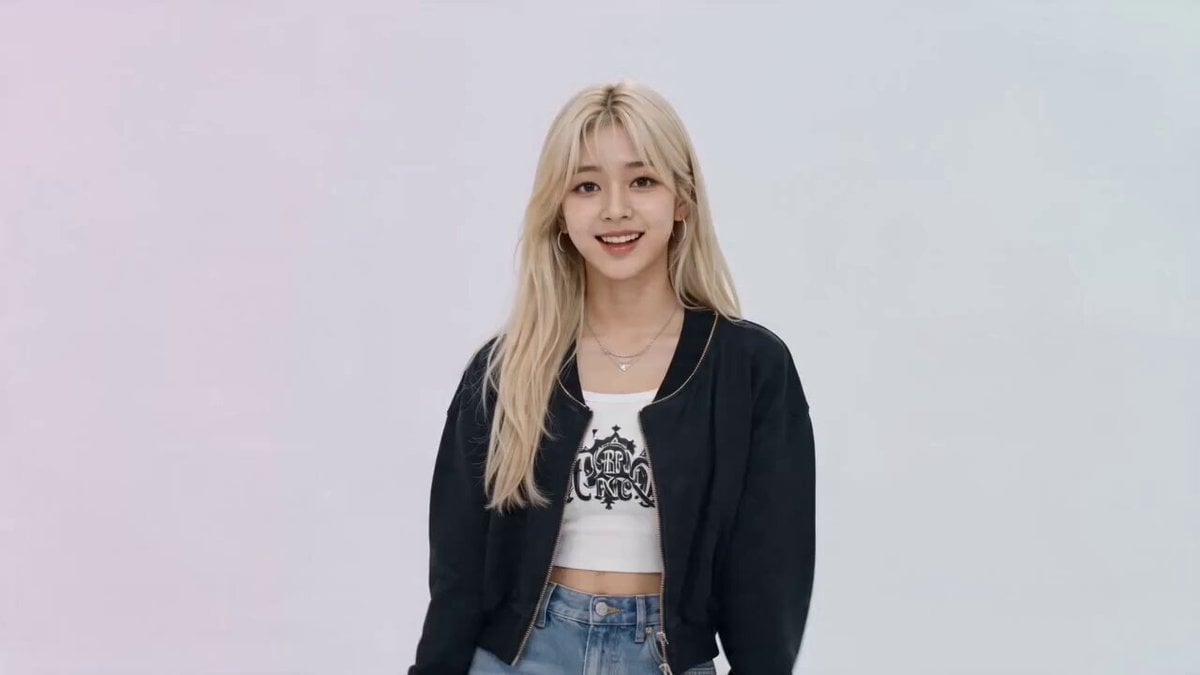
K-pop Idol Music Video Dance Scene
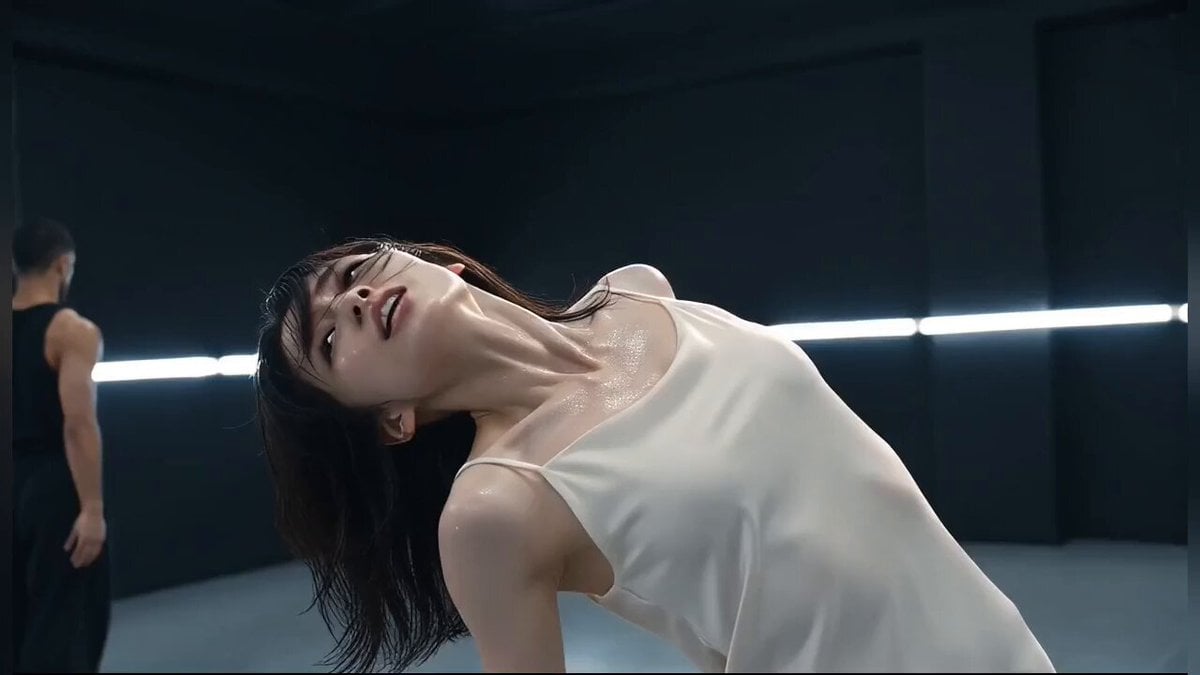
Modern Dance Studio Music Video
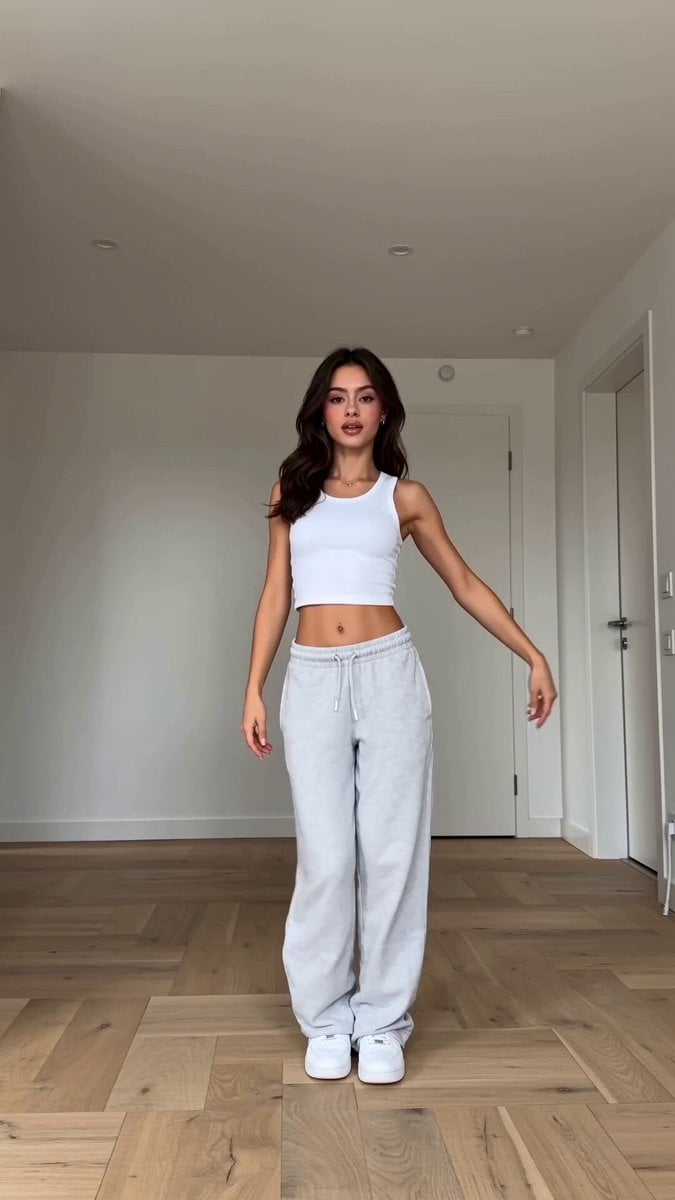
Viral K-pop Dance Choreography
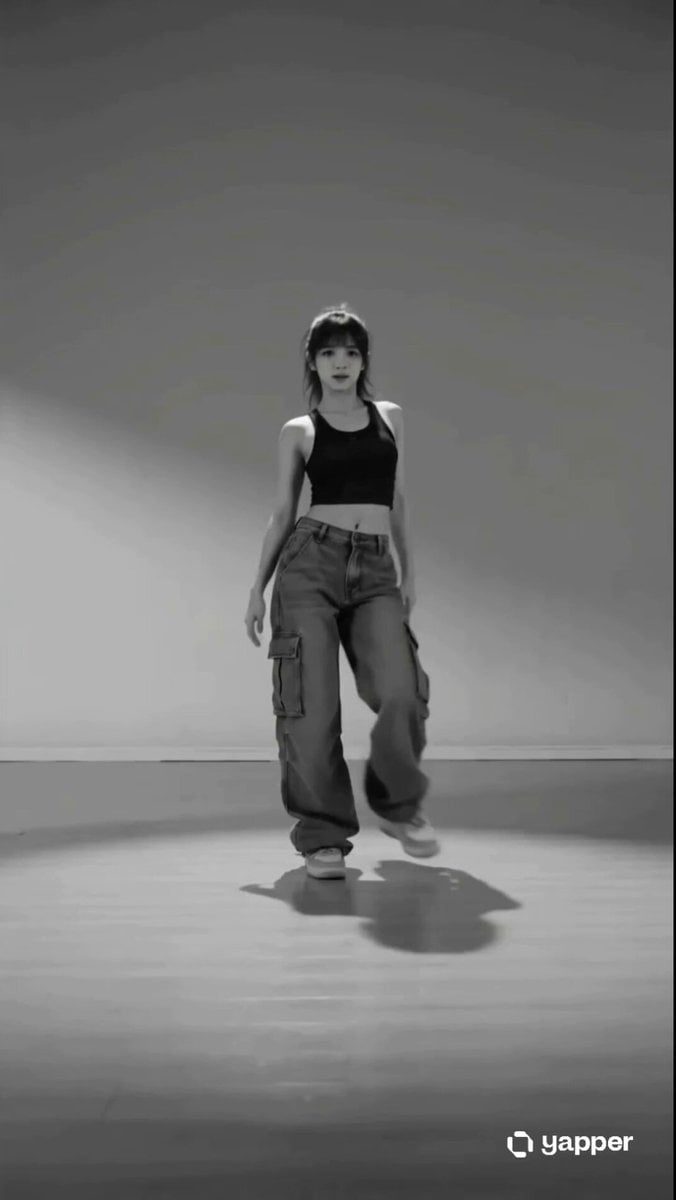
Street Dancer Studio Performance
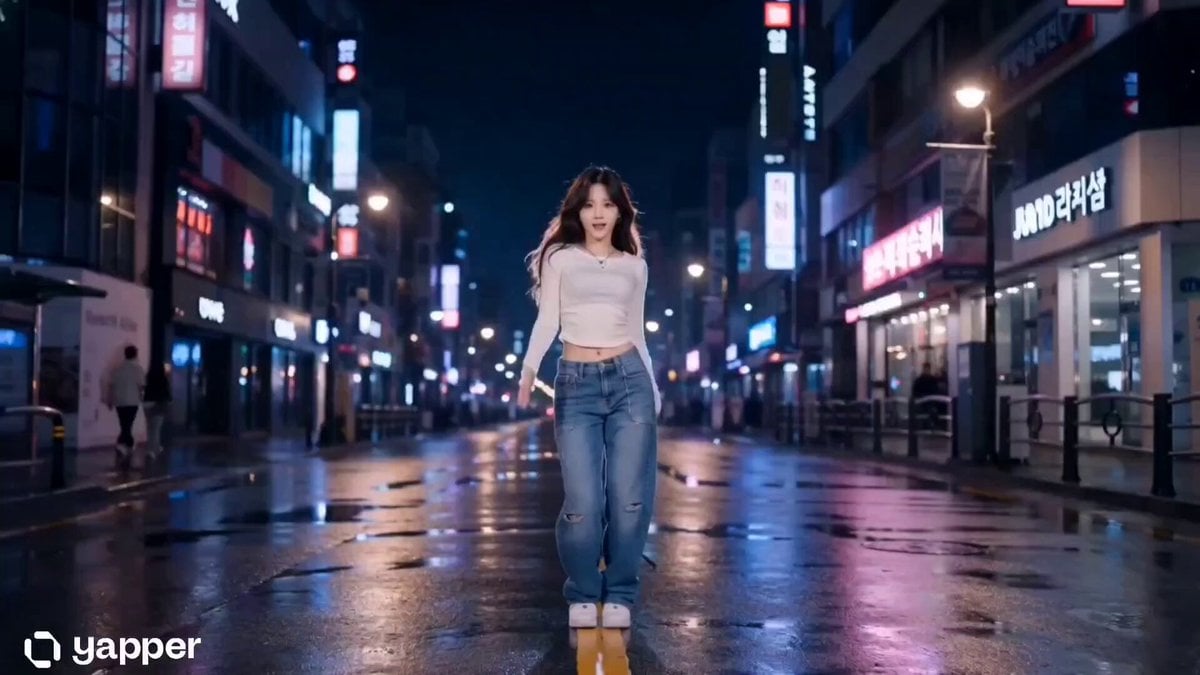
Cinematic K-Pop Dance Video
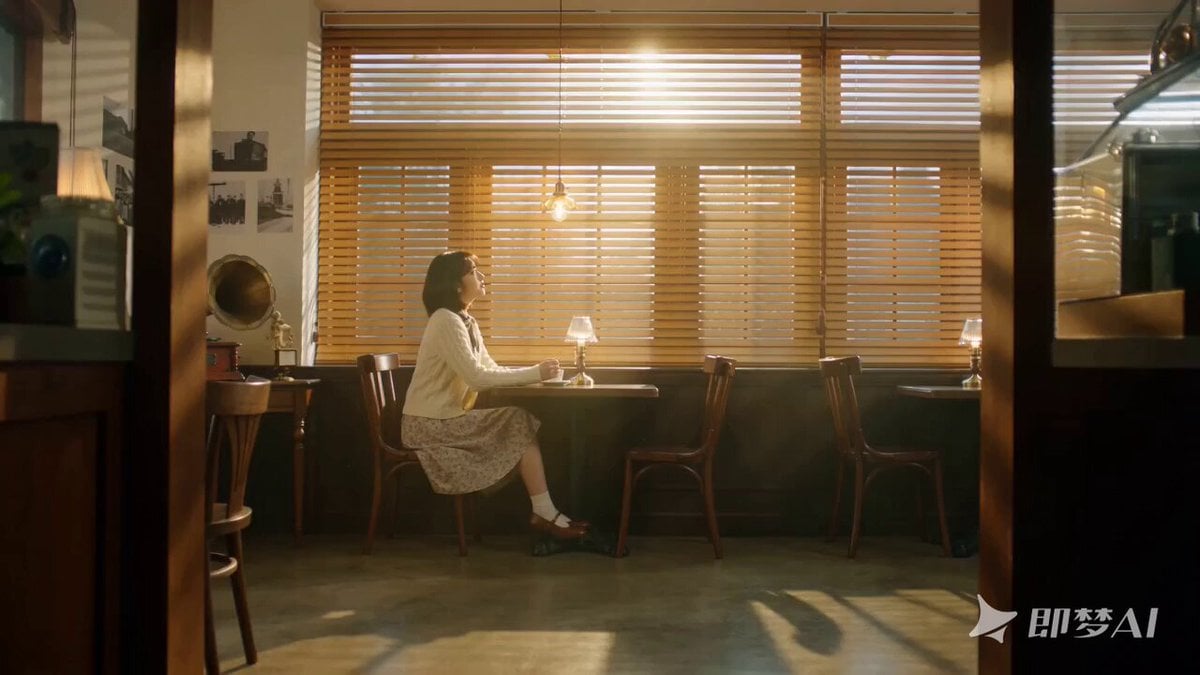
Seedance 2.0 K-pop Retro MV Prompt
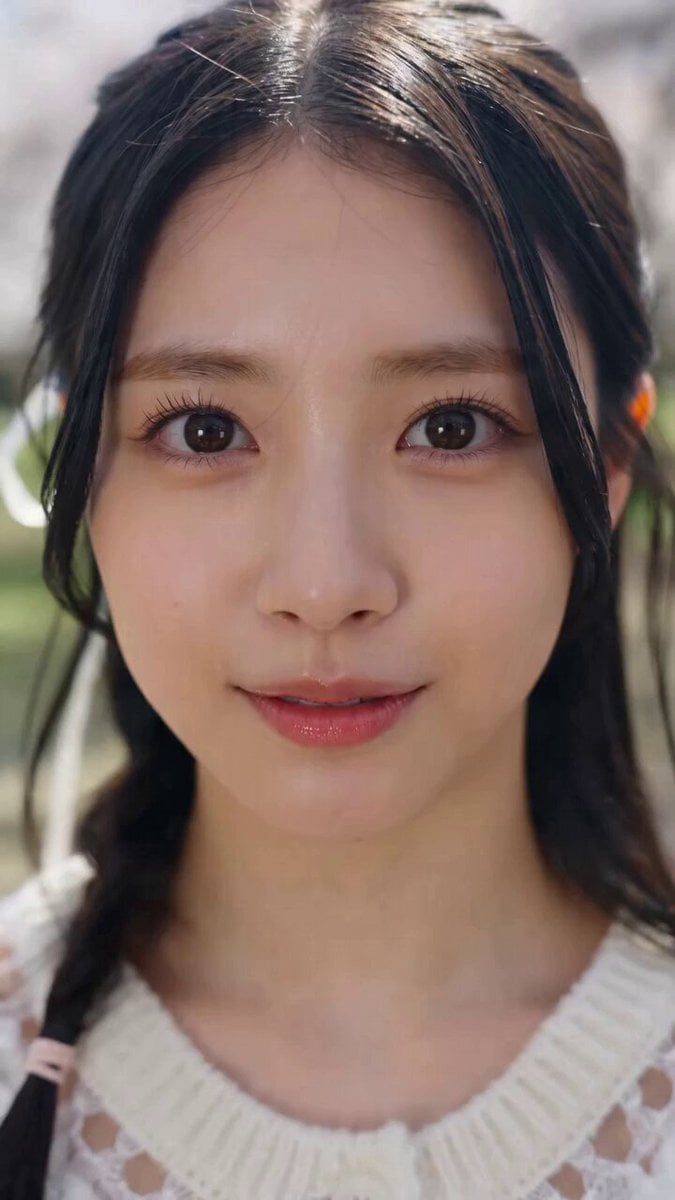
K-pop Style Dance MV in Tokyo
Make it yours
K-pop Dance Challenge Studio works as-is. These are the safest ways to change it without losing the look.
Change one field
Copy a single group, rewrite it, and generate again so you can see what that field is doing.
Keep the frame, change the subject
Hold the composition and light of K-pop Dance Challenge Studio, then swap wardrobe, props or the person for a new take.
| If the result… | Why | Fix |
|---|---|---|
| The result drifts from the preview | Too many fields changed at once. | Reuse K-pop Dance Challenge Studio as-is first, then change one group — subject, light, or setting. |
| The model over-stylizes the scene | The prose prompt leaves finish and camera underspecified. | Add one camera or lighting sentence and stay on Seedance 2.0. |
More Seedance 2.0 templates
Other prompts made for Seedance 2.0.

Comical Martial Arts Punch Scene

Maglev Train Action Sequence

Martial Arts Fight Sequence

Wuxia Protection and Trust Script

Vintage Korean Arcade MiniDV Vlog

Mercedes 190 SL Luxury Ad

Rainy Night Supernatural Reverse Comedy Video Script

Amazon Civilization Discovery

Futuristic South Asian City Transformation

Cozy Luxury Cafe Commercial
More video prompts
Fresh picks from across the catalog.

Animated Jungle Expedition Multi-Shot
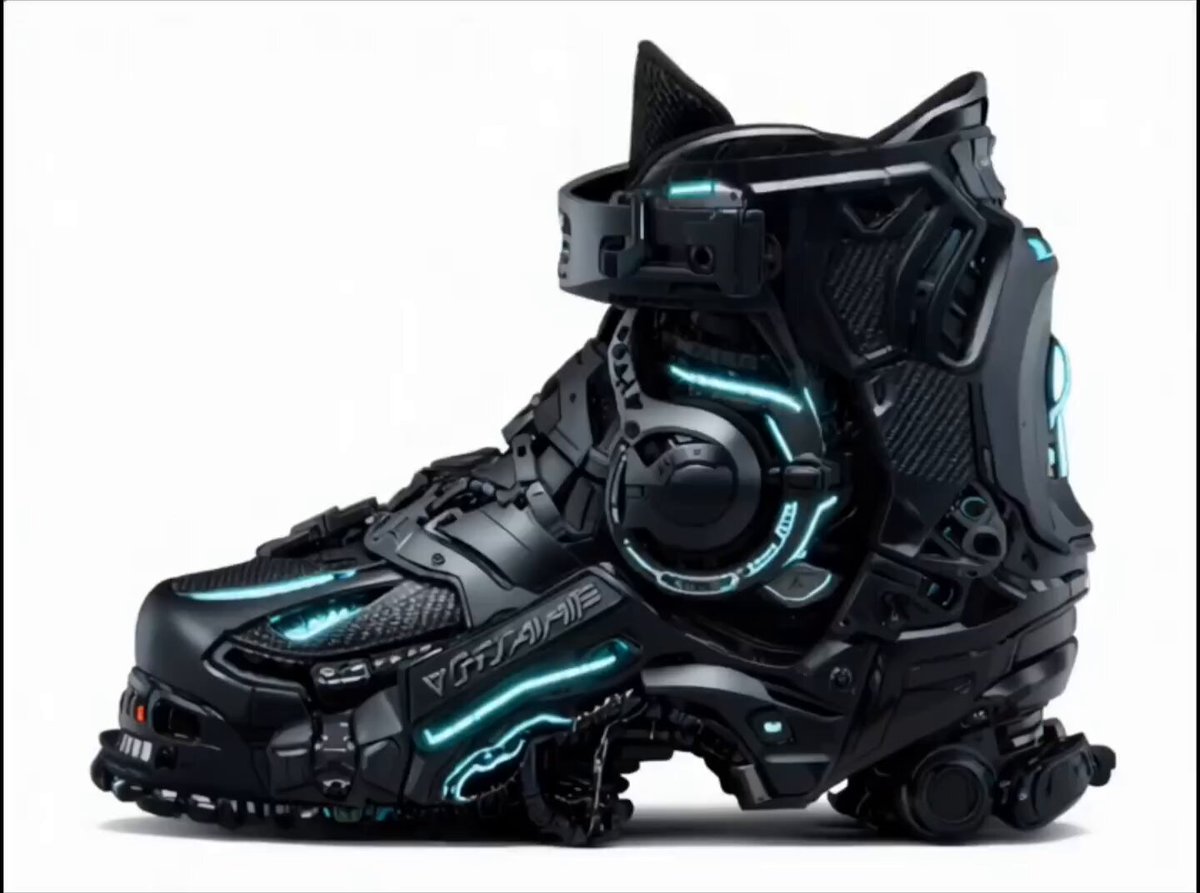
Futuristic Cyberpunk Boot Morphing Video
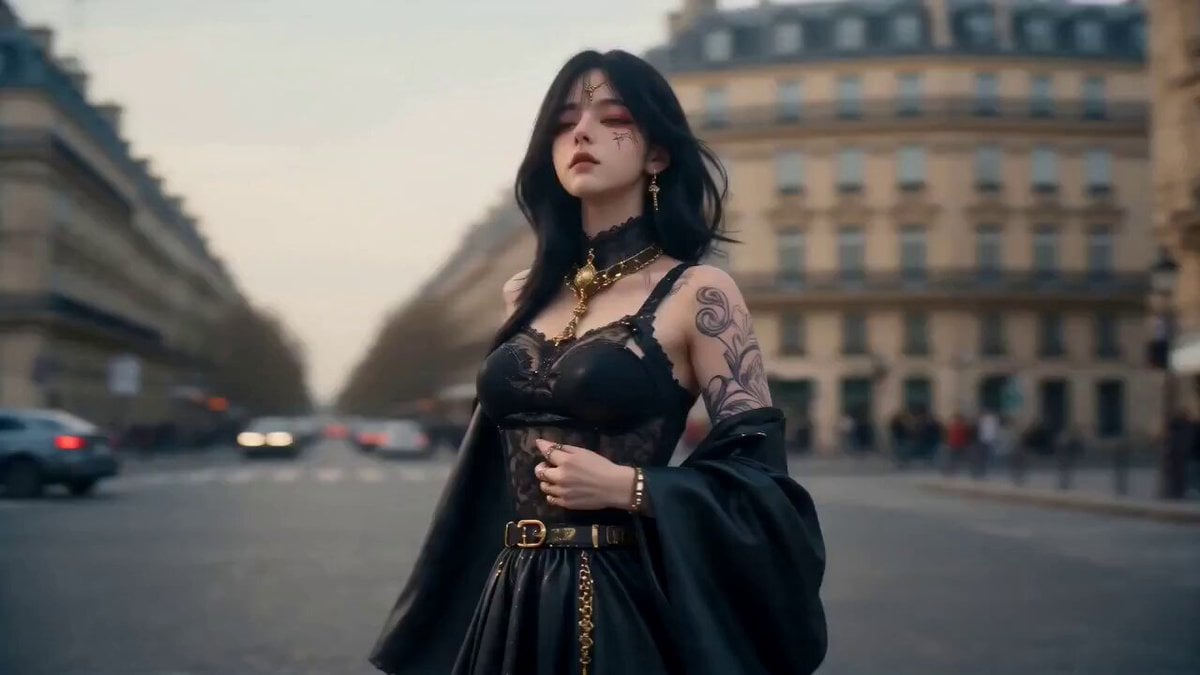
Cinematic Global Travel Landmark Transition
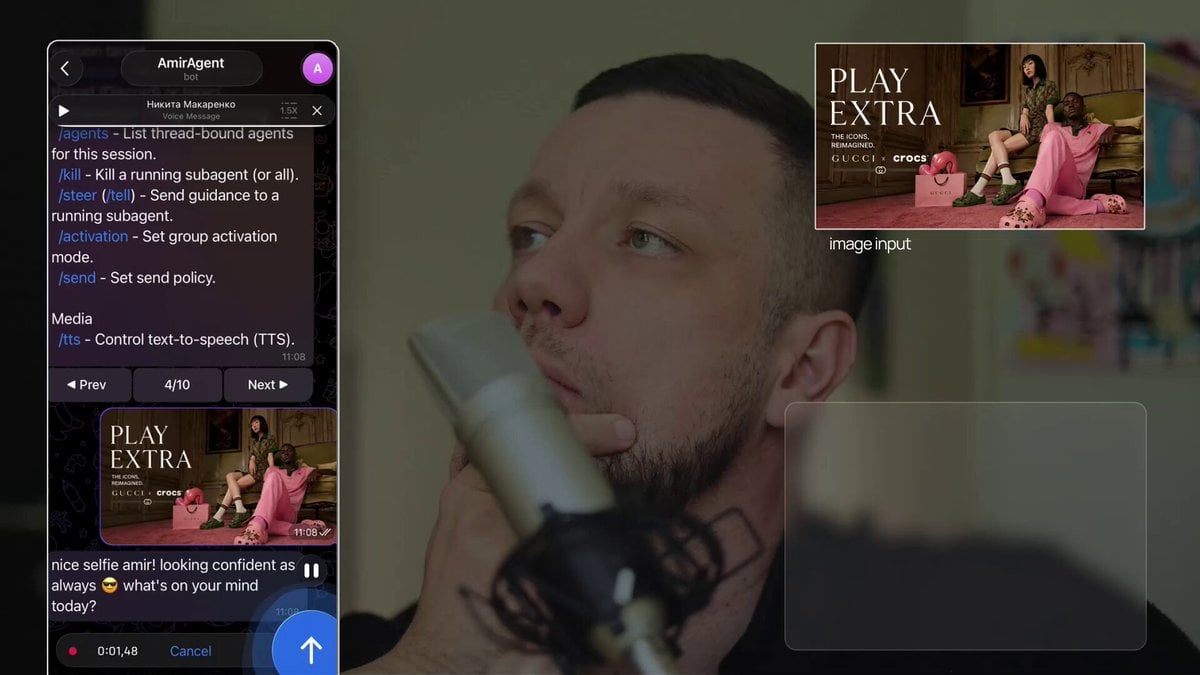
Poster-to-Video Fashion Ad
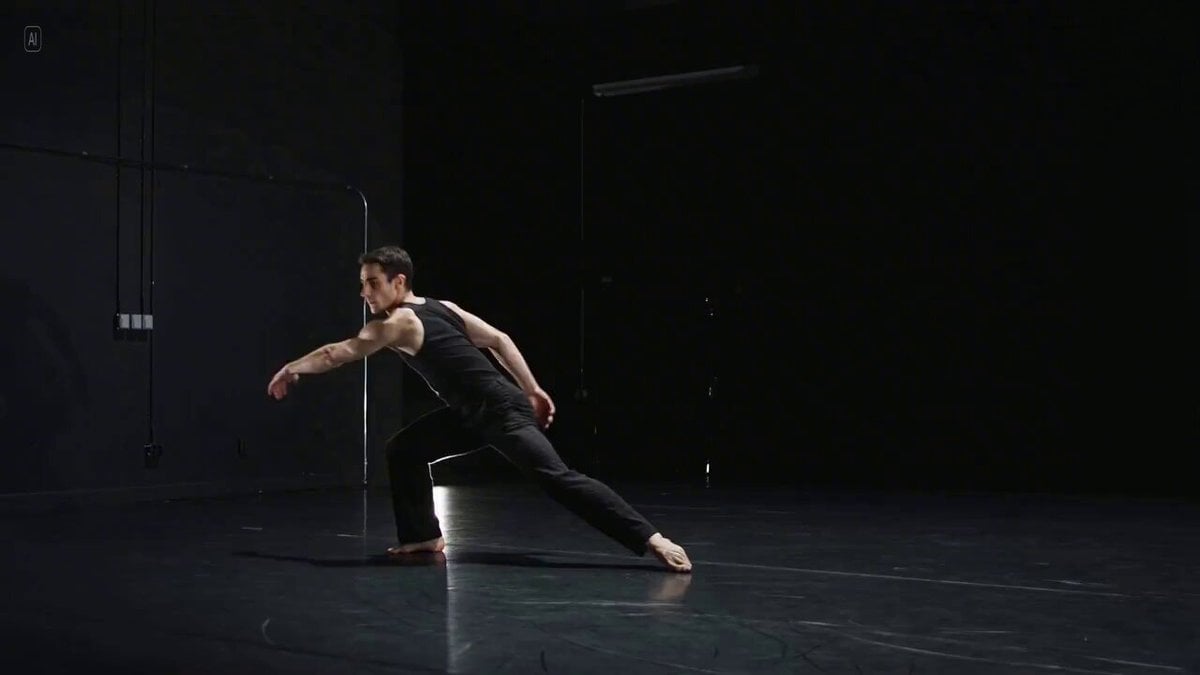
Long Exposure Video of Contemporary Dancer
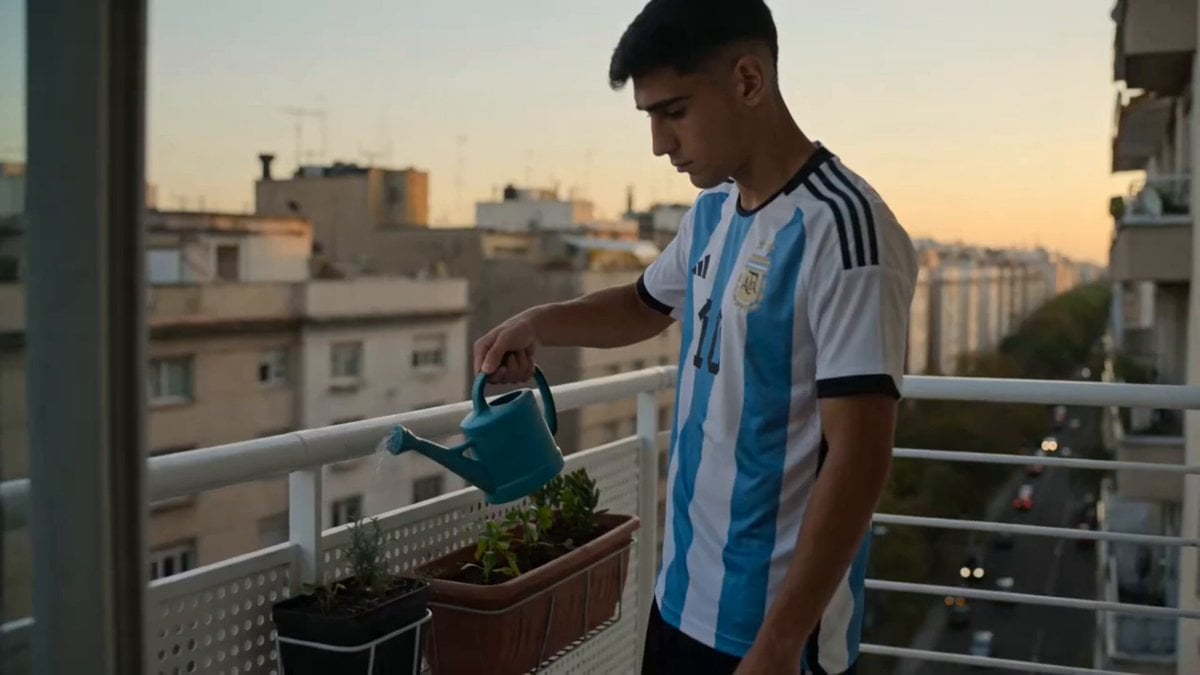
Lonely Argentinian Man Life Vlog
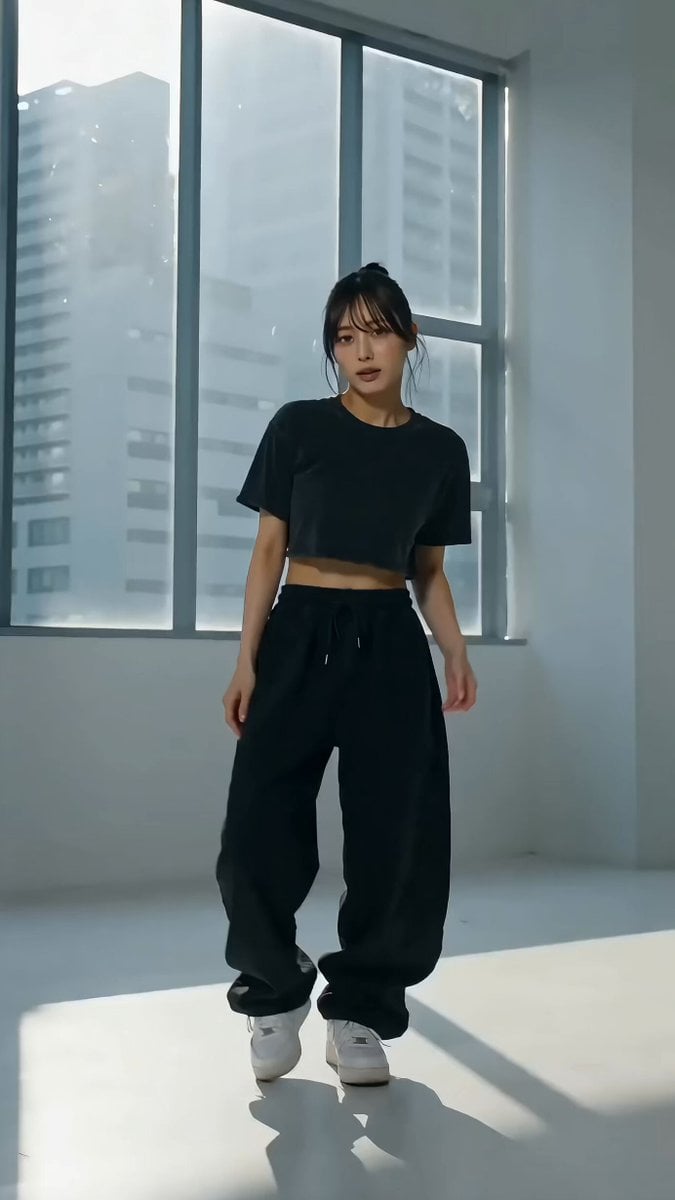
Cinematic Live-Action Dance MV Template
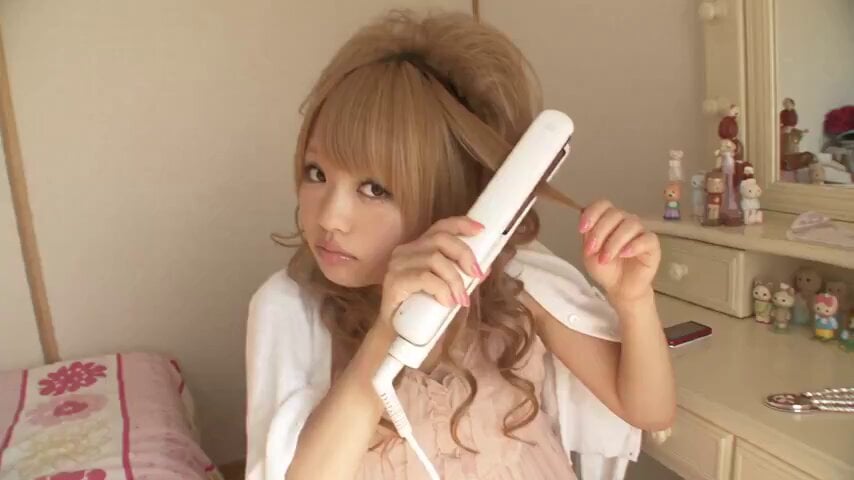
2007 Heisei Gal Documentary Style
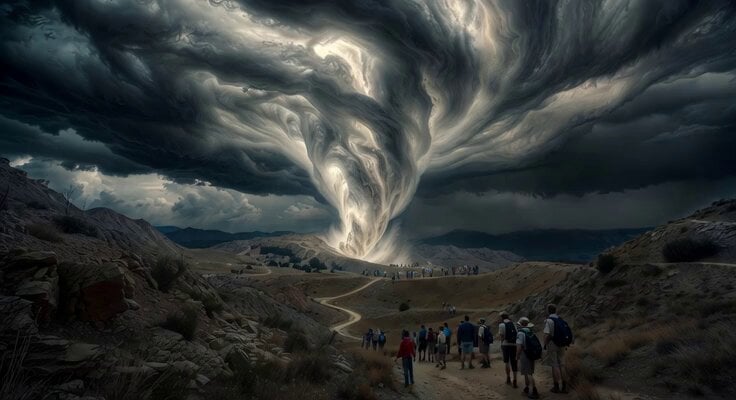
Scouts Camping Escape Plan
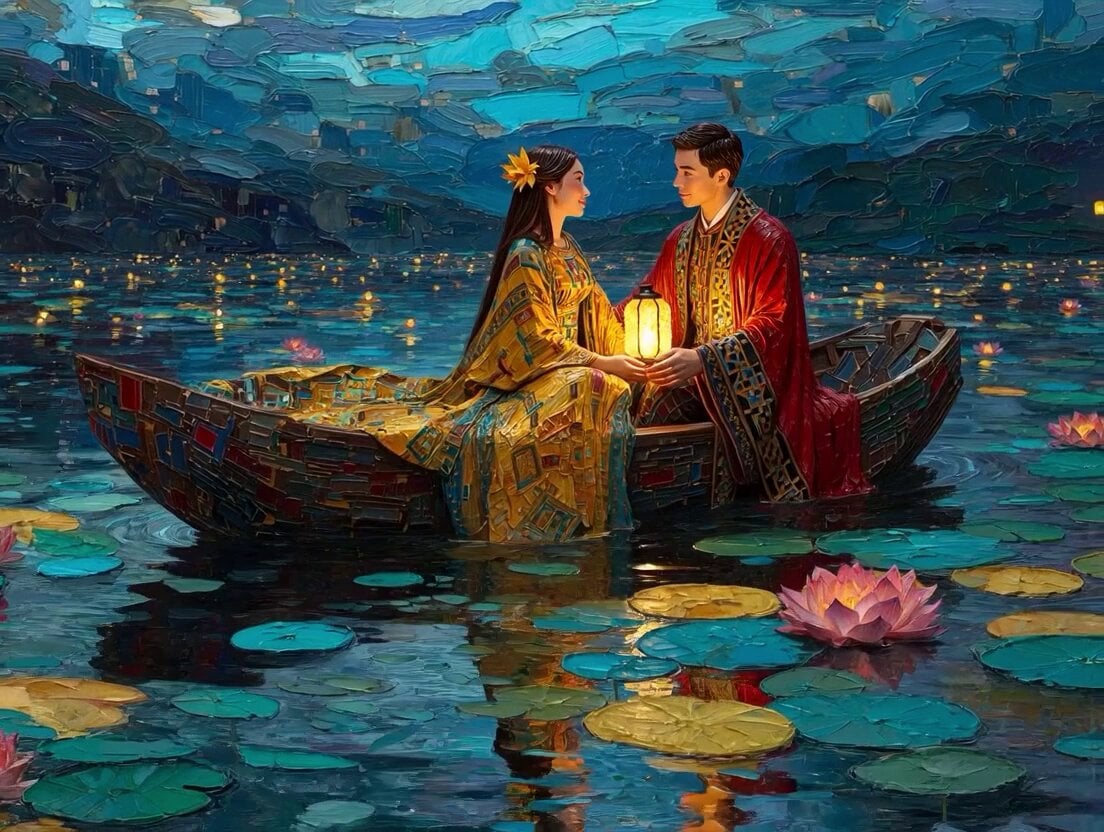
Klimt-Inspired Impasto Painting of Lovers (Midjourney/Grok Imagine)
Browse template categories
K-pop Dance Challenge Studio questions
How do I use the K-pop Dance Challenge Studio template?
Add your photo if the template asks for one, edit the prompt if you like — the template's model and format are already selected — and press Generate. Your version opens in PicX Studio.
Can I customize the K-pop Dance Challenge Studio template?
Yes. You can change the subject, setting, lighting, mood, format, and available model controls before creating your video.
Is the K-pop Dance Challenge Studio template free?
Opening and editing this template is free. Generating uses credits, shown on the Generate button when you are signed in.
Which AI model should I use?
Start with Seedance 2.0, which is the model associated with this template. You can compare another compatible model for a different finish.
Looking for something else? Browse all templates.

Your photo, any look
Thousands of ready templates for every top image and video model, from one credit balance.