
Cinematic Global Travel Landmark Transition
A highly detailed video prompt for Seedance 2.0 that creates a continuous orbital camera transition between world landmarks like the Eiffel Tower and Taj Mahal, including outfit changes.
- Prompt included
- Model and format preset
- Premium template
The prompt behind this video
Copy the exact prompt behind Cinematic Global Travel Landmark Transition, or open it in the studio and make it yours.
格式:真人实景,电影感视频,15 秒,连续旋转转场场景概念:一位时尚女性(人脸参考图片)站在画面中央,摄像机围绕她平稳地进行圆形轨道拍摄。她自然地移动,就像一位旅行博主在拍摄时尚短片——小幅转身,轻松的步伐,自信的姿势和轻微的头发摆动。在每次旋转时,环境和她的服装都会随之变换,以匹配不同的世界著名地标。摄像机:摄像机以腰部高度围绕角色连续旋转。摄像机永不停止旋转。当摄像机短暂地从她身后或肩膀后方经过时,进行转场。时间线:0:00–0:03 巴黎 - 埃菲尔铁塔在背景中可见。她穿着别致的巴黎服装:优雅的连衣裙、太阳镜、轻薄的围巾。她摆出一个小小的网红姿势,并稍微转向摄像机。0:03–0:06 旋转转场。纽约 - 时代广场的霓虹灯和广告牌。她的服装转变为现代都市街头时尚。她自信地向前走了几步,就像时尚短片一样。0:06–0:09 旋转转场。埃及 - 金字塔和沙漠地平线在她身后。她的服装变为沙漠风格的旅行装,面料飘逸。当她缓慢转身时,风吹动着她的头发和衣物。0:09–0:12 旋转转场。印度 - 泰姬陵庭院环境。她的服装变成了一件优雅的传统风格连衣裙,色彩鲜艳。她轻盈地旋转一圈,就像旅行博主的瞬间。0:12–0:15 最终旋转转场。日本 - 富士山景色,樱花在空中飘散。她的服装变为现代日式风格时尚。当轨道拍摄完成时,她面向摄像机结束动作。风格:连续轨道摄像机,网红时尚短片活力,无缝地标过渡,服装变换,电影感灯光,旅行蒙太奇美学。
How to use Cinematic Global Travel Landmark Transition in 3 steps
- 1
Open
The prompt is already in the box next to the preview, with the template's model and format selected.
- 2…a portrait of your subject in softgolden-hour light, 85mm…
Personalize
Edit the subject and creative details for your destination.
- 3Generate
Generate
Press Generate — your video is created in PicX Studio, so you can compare it with the original and refine one variable at a time.
More like this
Templates with the same subject, style or setup. Open one to see its prompt.

Handheld Tokyo Travel Vlog - Seedance 2.5

Global Flower Thank-You Film

Product UGC Commercial

Luxury Airport Travel Vlog

Kenting Lifestyle Travel Vlog
Global Travel Vlogger Hyper-lapse

Multilingual Global Flower Passing Transition
Wes Anderson Style Global Travel Video Prompt for Seedance 2.0
Hot-Air Balloon Travel Vlog
Cinematic Storyboard Sequence Transition
Vintage 16mm Jerusalem Travel Vlog

Japanese Summer Festival Travel Vlog
Make it yours
Cinematic Global Travel Landmark Transition works as-is. These are the safest ways to change it without losing the look.
Change one field
Copy a single group, rewrite it, and generate again so you can see what that field is doing.
Keep the frame, change the subject
Hold the composition and light of Cinematic Global Travel Landmark Transition, then swap wardrobe, props or the person for a new take.
| If the result… | Why | Fix |
|---|---|---|
| The result drifts from the preview | Too many fields changed at once. | Reuse Cinematic Global Travel Landmark Transition as-is first, then change one group — subject, light, or setting. |
| The model over-stylizes the scene | The prose prompt leaves finish and camera underspecified. | Add one camera or lighting sentence and stay on Seedance 2.0. |
More Seedance 2.0 templates
Other prompts made for Seedance 2.0.

Comical Martial Arts Punch Scene

Maglev Train Action Sequence

Martial Arts Fight Sequence

Wuxia Protection and Trust Script

Vintage Korean Arcade MiniDV Vlog

Mercedes 190 SL Luxury Ad

Rainy Night Supernatural Reverse Comedy Video Script

Amazon Civilization Discovery

Futuristic South Asian City Transformation

Cozy Luxury Cafe Commercial
More video prompts
Fresh picks from across the catalog.
Surreal 90s Infomercial Samsung Parody
Spaceships and energy god surrounding Earth

Dark Fantasy Female Image Video Prompt

Grok Imagine prompt for claymation leprechaun video
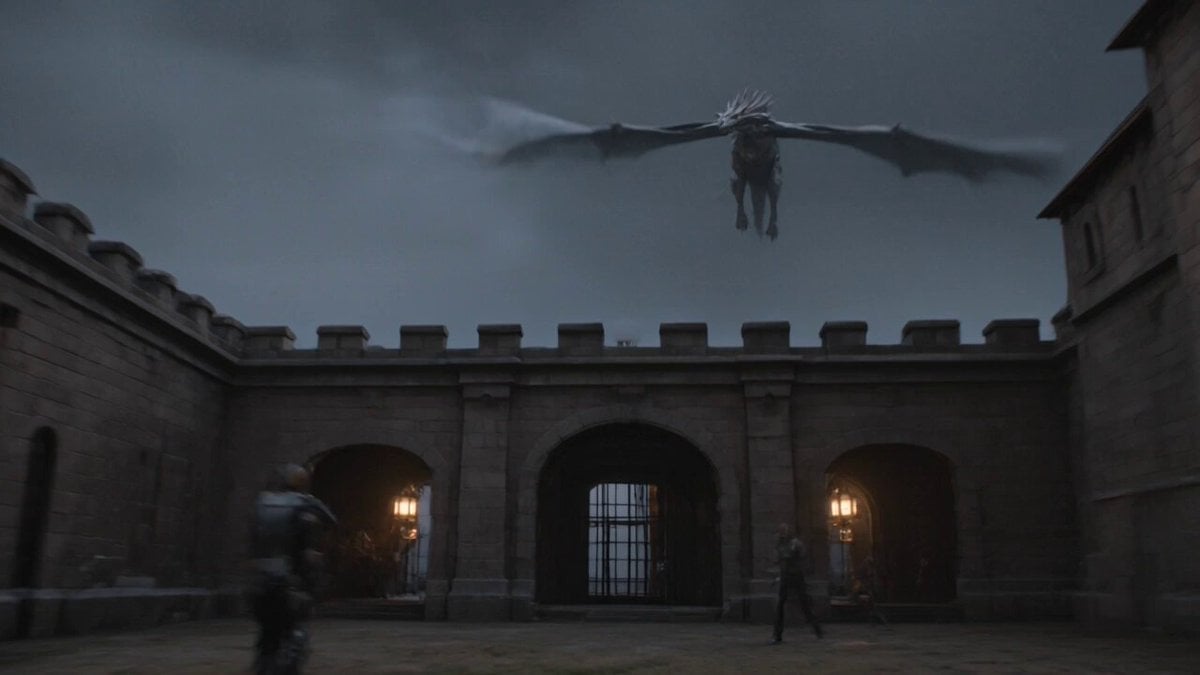
Ancient Castle Siege by Dragon
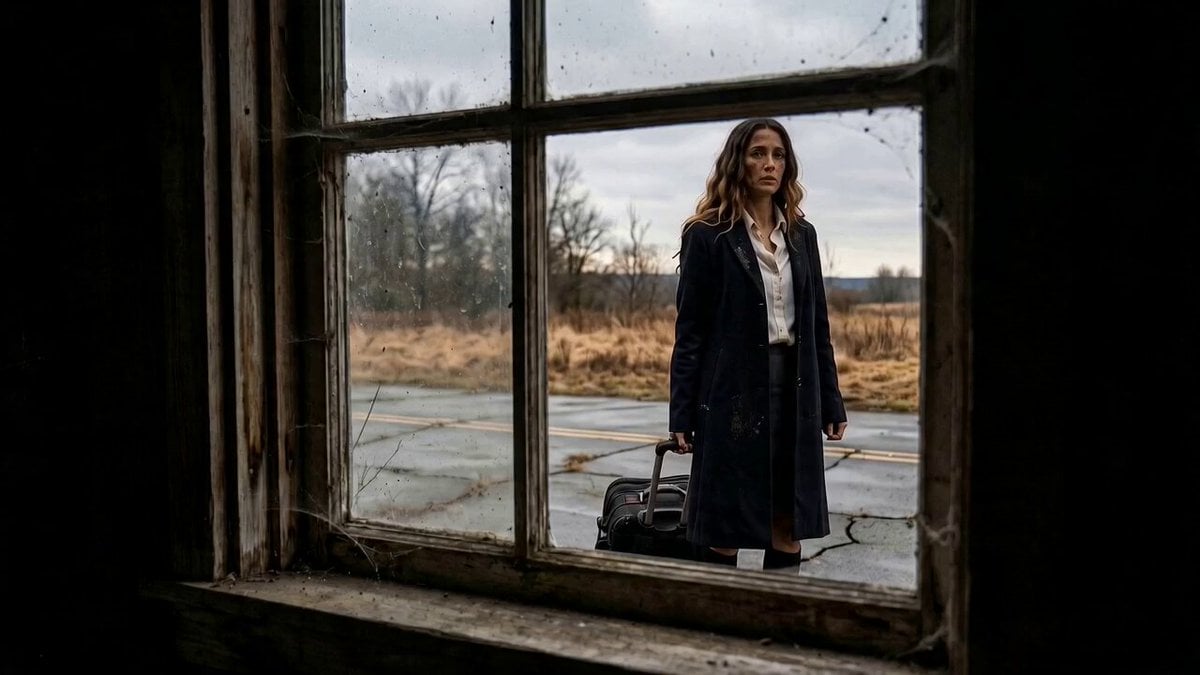
Mystery Horror Scene Transition
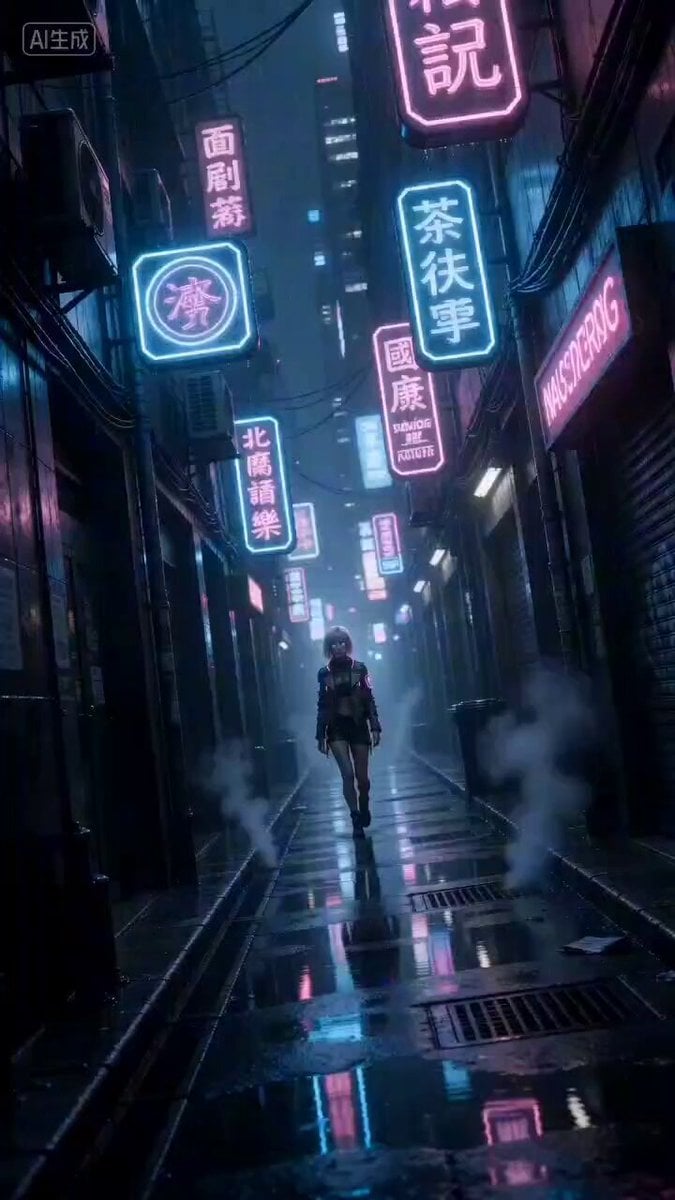
Cyberpunk Woman Video Prompt
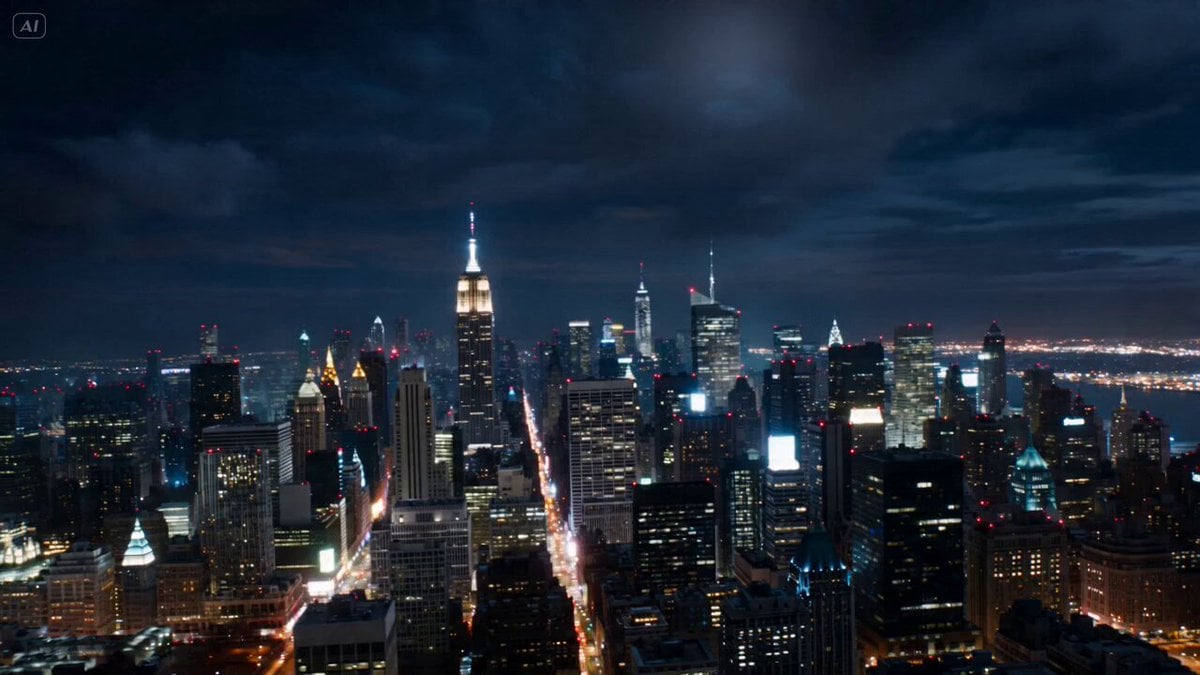
Cinematic Reality Collapse One-Take
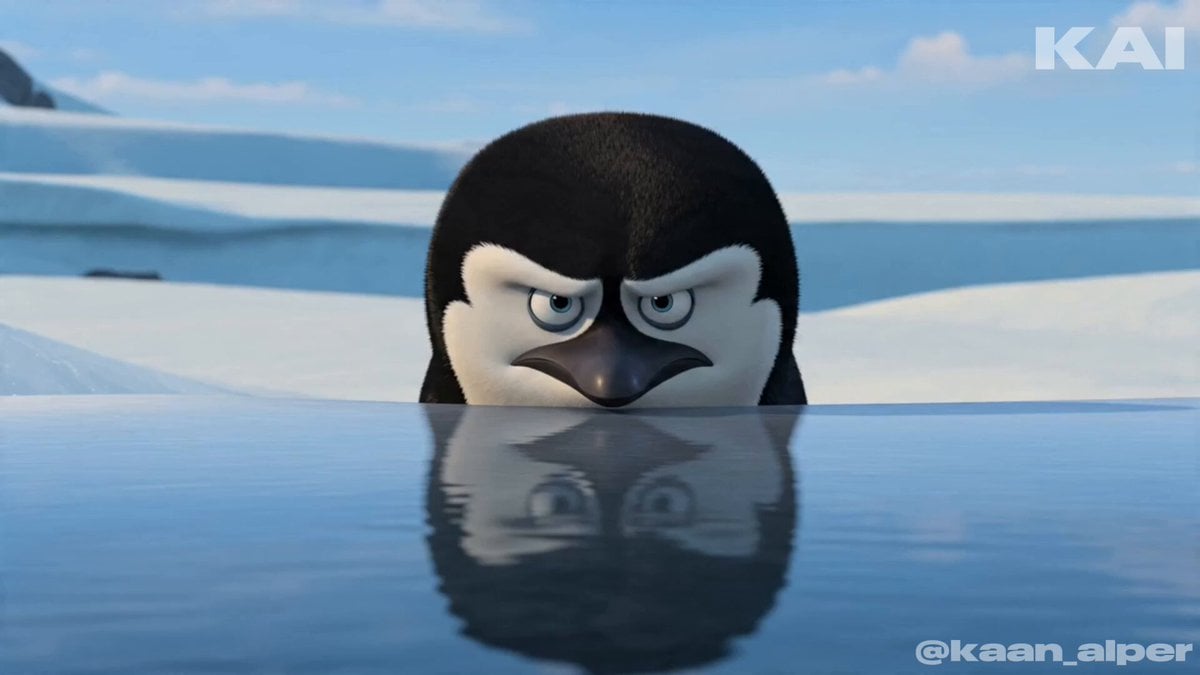
Animated Penguin Winter Slide Prompt

Football Stadium Fan Celebration Sequence
Browse template categories
Cinematic Global Travel Landmark Transition questions
How do I use the Cinematic Global Travel Landmark Transition template?
Add your photo if the template asks for one, edit the prompt if you like — the template's model and format are already selected — and press Generate. Your version opens in PicX Studio.
Can I customize the Cinematic Global Travel Landmark Transition template?
Yes. You can change the subject, setting, lighting, mood, format, and available model controls before creating your video.
Is the Cinematic Global Travel Landmark Transition template free?
Opening and editing this template is free. Generating uses credits, shown on the Generate button when you are signed in.
Which AI model should I use?
Start with Seedance 2.0, which is the model associated with this template. You can compare another compatible model for a different finish.
Looking for something else? Browse all templates.

Your photo, any look
Thousands of ready templates for every top image and video model, from one credit balance.