
Multilingual Global Flower Passing Transition
A cinematic concept where a flower is passed between individuals across nine different countries, featuring seamless visual transitions and native 'thank you' greetings.
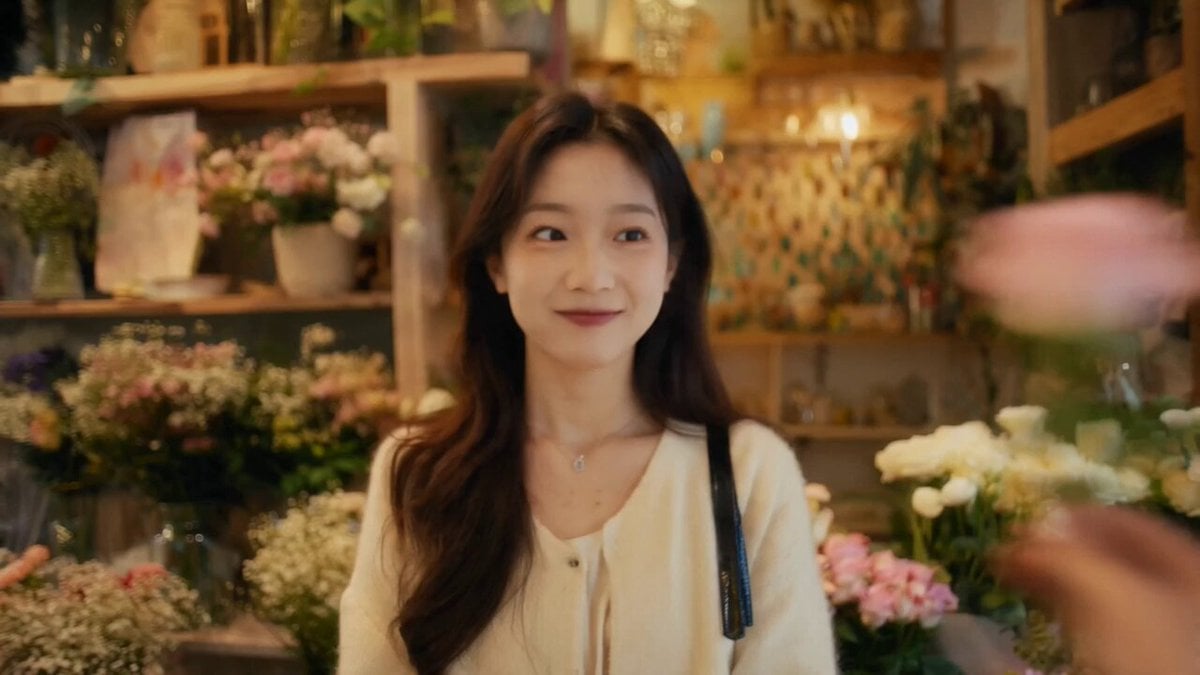
- Prompt included
- Model and format preset
- Free template
The prompt behind this video
Copy the exact prompt behind Multilingual Global Flower Passing Transition, or open it in the studio and make it yours.
真人实拍风格,快速剪辑,电影感,4K,24fps,温暖自然光,真实人物表演,自然口型同步,无字幕。以一朵鲜花的传递作为整支视频的核心视觉线索,花从一个国家快速传到下一个 国家,串联全球不同地域与人群。每到一个场景,都有一个人物接过过花、露出真诚微笑,并用当地语言说"谢谢"。整体节奏轻快流畅,镜头富有动感,强调真实街头/生活气息、跨文化温暖连 接、人与人之间的善意传递。转场方式:以前一个人物把花递出画面,下一镜头由另一个人物在新场景中接住花或使用快速甩镜、运动模糊、前景遮挡完成无缝转场保持花在画面中的视觉连续 性,形成"一镜传全球"的感觉镜头风格:手持跟拍、轻微镜头晃动、快速推拉、近景与中景结合、真实环境音氛围、电影级街拍质感。背景音乐温馨、轻快、有世界旅行感,结尾温柔淡出。场 景1 @图像1中国花店内,真实生活化场景。女孩接过一枝玫瑰,看向钱头微笑,自然地说:"谢谢!"镜头跟随花从画面右侧递入,女孩接花后轻轻扬起花束。场景2 @图像2英格兰街 头,微凉天气,街景自然。男士接过一枝康乃馨,微笑点头,说:"Thank you!"通过甩镜转场,花从上一场景甩入这一场景。场景3 @图像3墨西哥市场,色彩丰富,充满烟火气。阿姨接 过一束万寿菊,双手合十,温暖地说:"¡Gracias!"镜头快速掠过摊位立与人群,定格在接花瞬间。场景4 @图像4印尼乡村,自然阳光洒落。孩子接过一朵鸡蛋花,开心微笑笑,微微鞠躬, 说:"Terima kasih!"镜头带一点奔跑感,氛围纯真自然。场景5 @图像5泰国街头,热闹市井。摊贩接过一串茉莉花环,双手合十,亲切地说:"ขอบคุณค่ะ!"镜头轻快推进,花环在阳光下微 @图像6阿拉伯庭院,光影柔和,环境雅致。女士接过一枝沙漠玫傀,抚胸微笑,说:"IJSul"画面安静而温暖,人物神情真挚。场景7 微摆动。场景6 @图像7巴西社区,氛围热情鲜 活。男孩接过一朵非洲菊,十分开心,说:"Obrigado!"镜头富有节奏感,充满生命力。场景8 @图像8日本街道,上班族接过便当上的一朵小花,礼貌鞠躬,说:"ありがとう!"镜头短促 利落,保留都市节奏感。场景9 @图像9韩国街头,现代都市感。女青年接过一枝杜鹃花,双手自然合拢,微笑说:"감사합니다!"镜头在她微笑的瞬间稍作停留,随后画画面柔和淡出。
How to use Multilingual Global Flower Passing Transition in 3 steps
- 1
Open
The prompt is already in the box next to the preview, with the template's model and format selected.
- 2…a portrait of your subject in softgolden-hour light, 85mm…
Personalize
Edit the subject and creative details for your destination.
- 3Generate
Generate
Press Generate — your video is created in PicX Studio, so you can compare it with the original and refine one variable at a time.
More like this
Templates with the same subject, style or setup. Open one to see its prompt.
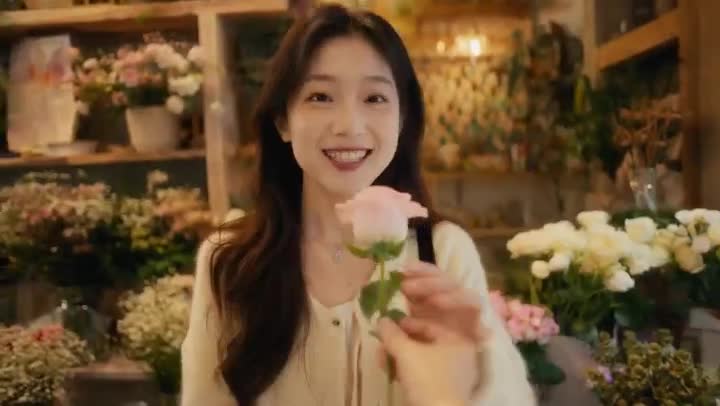
Global Flower Thank-You Film

FPV Multilingual Landscape Flight

Mechanical Flower Bloom Brand Film

Multilingual Creative Typography Loop
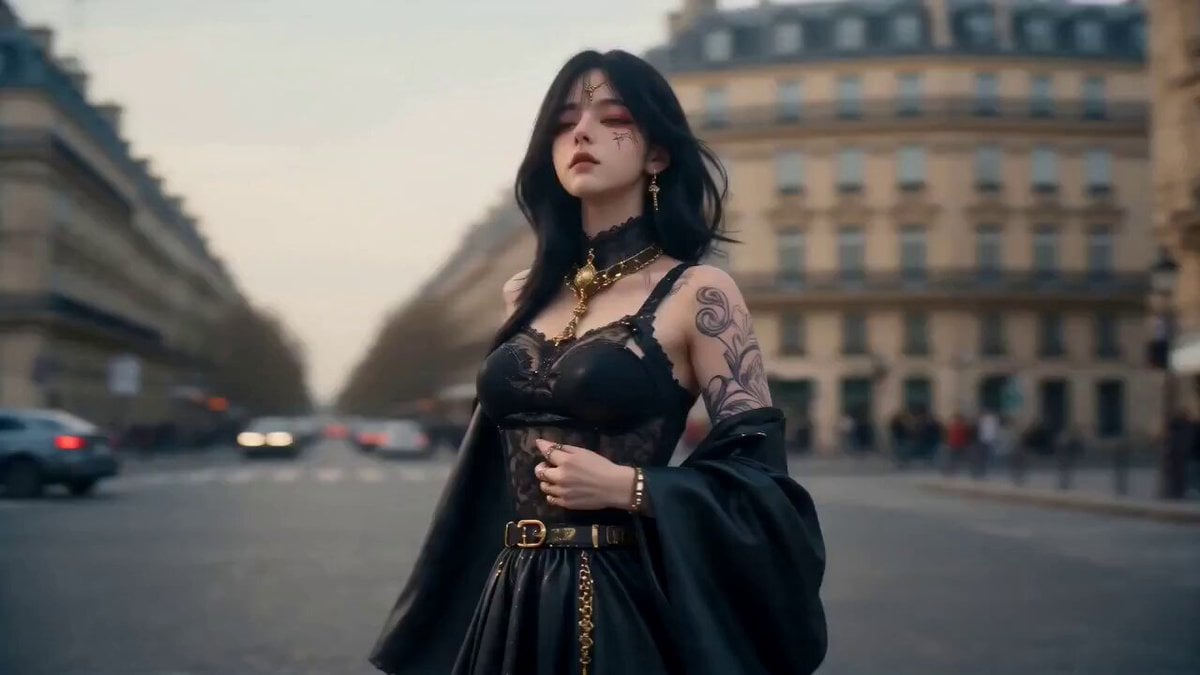
Cinematic Global Travel Landmark Transition
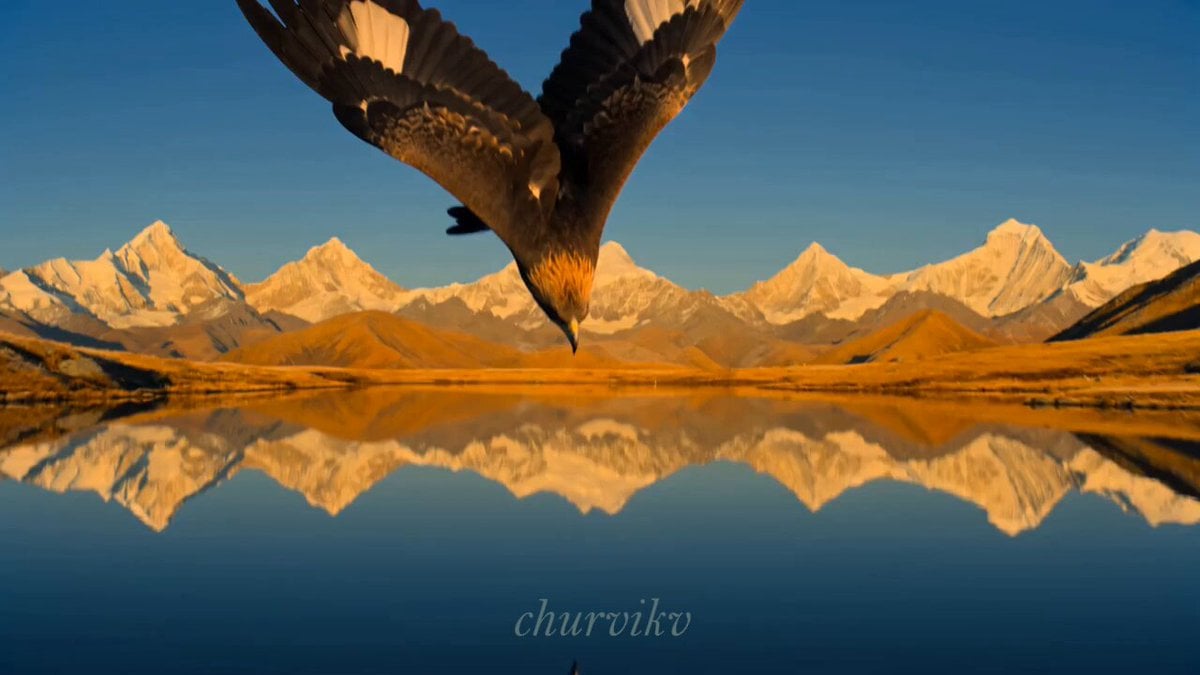
Cinematic Storyboard Sequence Transition

Astronaut to Apartment Match Cut Transition

Seasonal Path Transition Animation
Sunflower Field Character Consistency Video Prompt

Horror Daffy Duck Video Transition

Chimp Character Outfit Transition
Maiden Among Blue Flowers
Make it yours
Multilingual Global Flower Passing Transition works as-is. These are the safest ways to change it without losing the look.
Change one field
Copy a single group, rewrite it, and generate again so you can see what that field is doing.
Keep the frame, change the subject
Hold the composition and light of Multilingual Global Flower Passing Transition, then swap wardrobe, props or the person for a new take.
| If the result… | Why | Fix |
|---|---|---|
| The result drifts from the preview | Too many fields changed at once. | Reuse Multilingual Global Flower Passing Transition as-is first, then change one group — subject, light, or setting. |
| The model over-stylizes the scene | The prose prompt leaves finish and camera underspecified. | Add one camera or lighting sentence and stay on Seedance 2.0. |
More Seedance 2.0 templates
Other prompts made for Seedance 2.0.

Comical Martial Arts Punch Scene

Maglev Train Action Sequence

Martial Arts Fight Sequence

Wuxia Protection and Trust Script

Vintage Korean Arcade MiniDV Vlog

Mercedes 190 SL Luxury Ad

Rainy Night Supernatural Reverse Comedy Video Script

Amazon Civilization Discovery

Futuristic South Asian City Transformation

Cozy Luxury Cafe Commercial
More video prompts
Fresh picks from across the catalog.
Video Generation Prompt: Animating Mobile Screens
Streetwear Dance Performance

Romantic Beach Scene with Rey
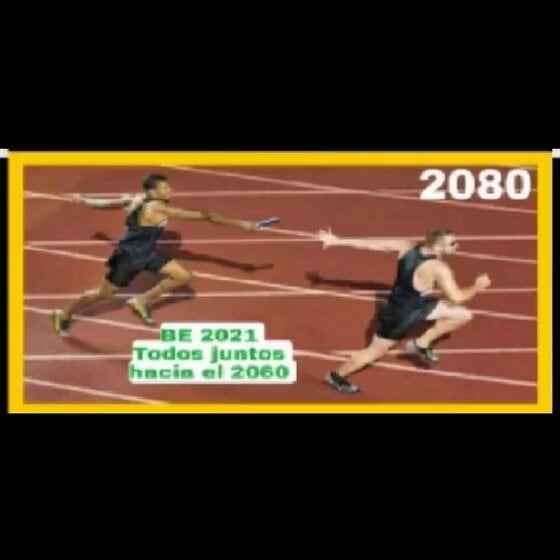
Runner with BE 2060 i inscription passing through sequential doors video prompt

Robotic Arm Releasing a Flower Seed in a Starry Scene

Violet Lightning Storm Warrior
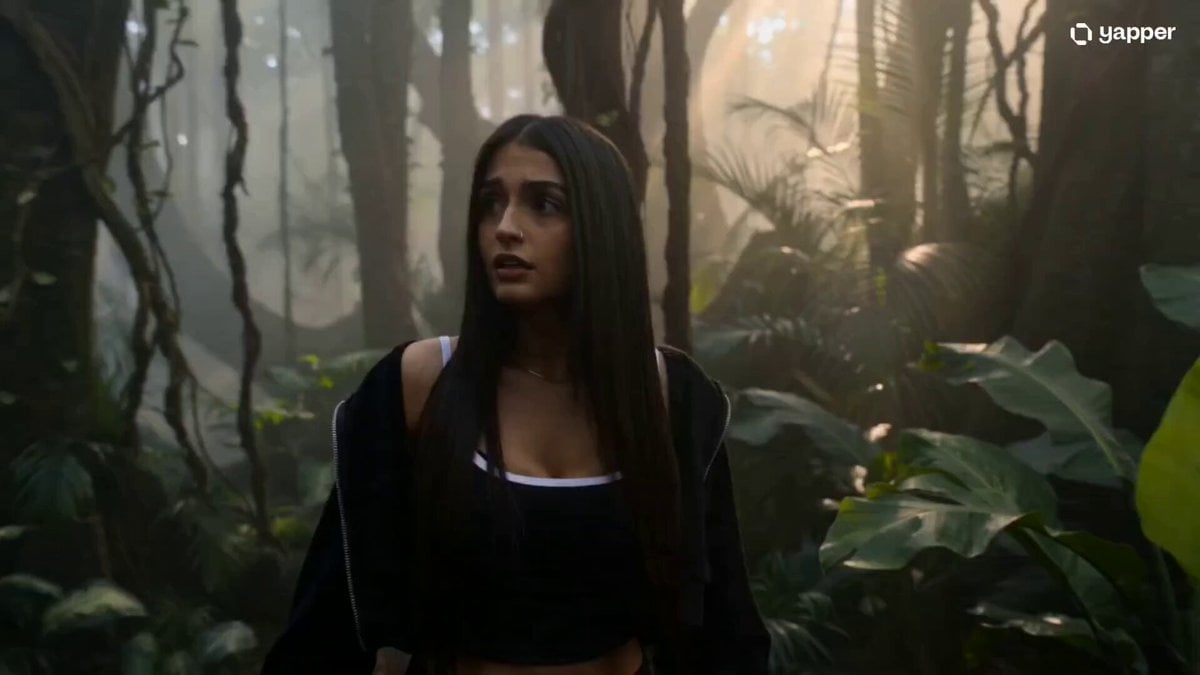
Mysterious Rainforest Tribal Encounter

Free-Flying Characters Cinematic Video Prompt

Nano-Strike Frozen Battlefield Sequence
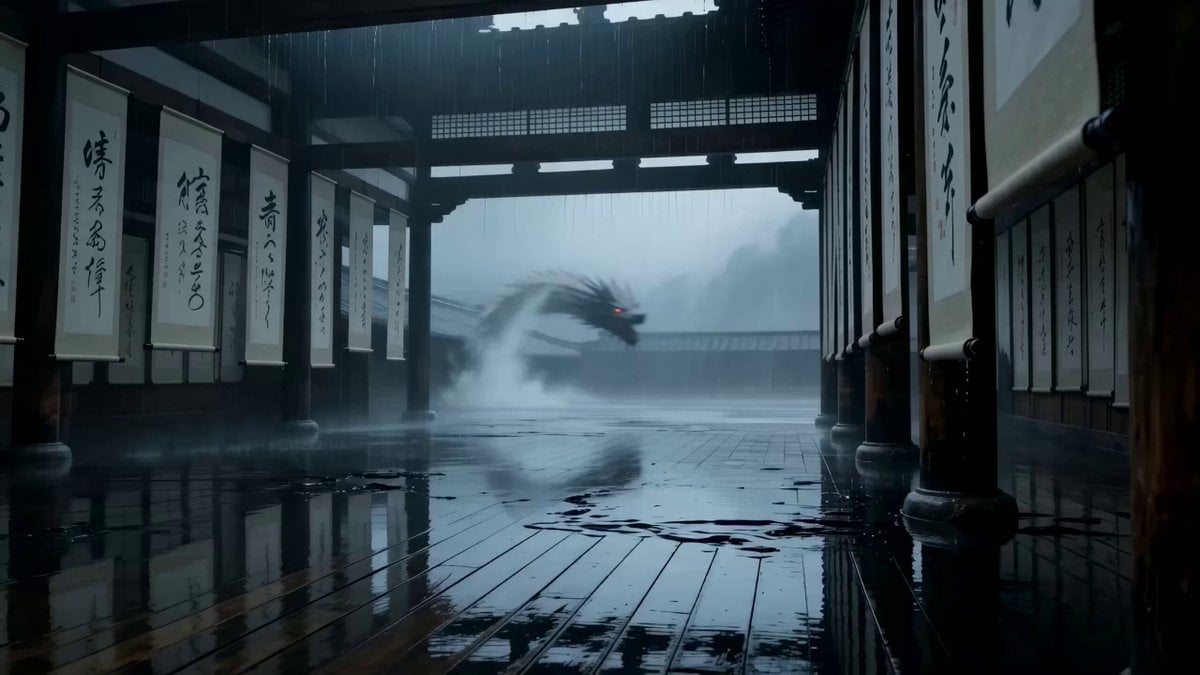
Cinematic supernatural duel: The Ink Monk vs the Paper Dragon
Browse template categories
Multilingual Global Flower Passing Transition questions
How do I use the Multilingual Global Flower Passing Transition template?
Add your photo if the template asks for one, edit the prompt if you like — the template's model and format are already selected — and press Generate. Your version opens in PicX Studio.
Can I customize the Multilingual Global Flower Passing Transition template?
Yes. You can change the subject, setting, lighting, mood, format, and available model controls before creating your video.
Is the Multilingual Global Flower Passing Transition template free?
Opening and editing this template is free. Generating uses credits, shown on the Generate button when you are signed in.
Which AI model should I use?
Start with Seedance 2.0, which is the model associated with this template. You can compare another compatible model for a different finish.
Looking for something else? Browse all templates.

Your photo, any look
Thousands of ready templates for every top image and video model, from one credit balance.