
Nano-Strike Frozen Battlefield Sequence
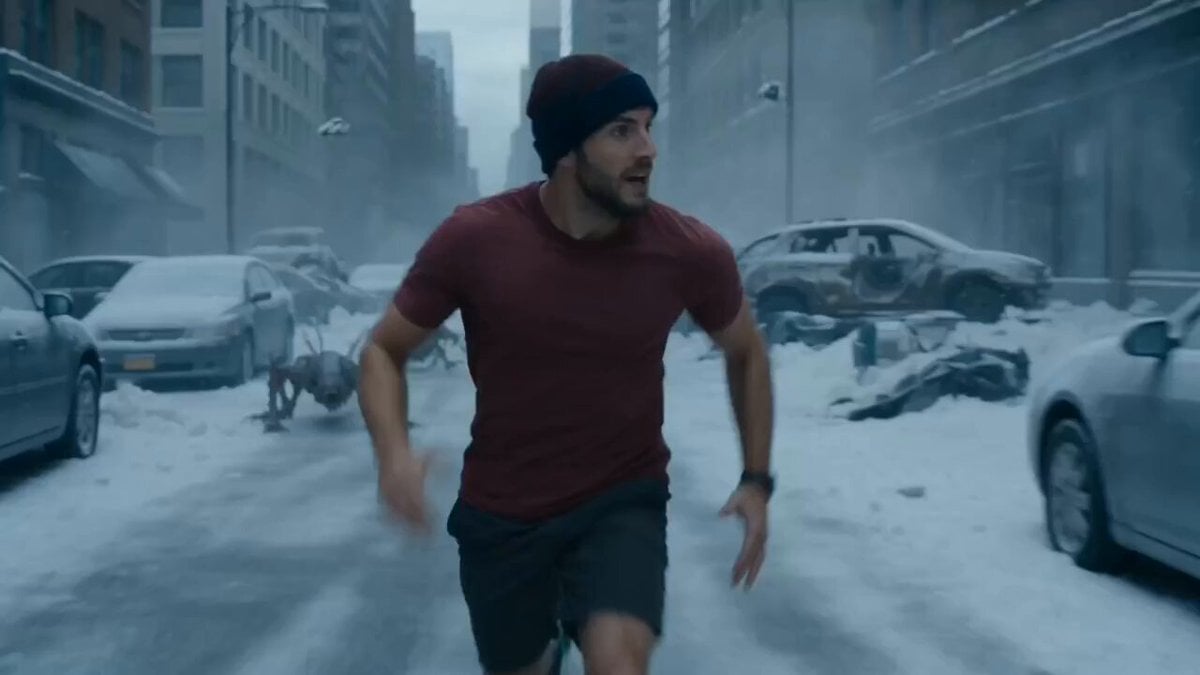
A highly detailed 15-second continuous action prompt for a mecha-transformation battle in a frozen urban wasteland.
- Prompt included
- Model and format preset
- Free template
The prompt behind this video
Copy the exact prompt behind Nano-Strike Frozen Battlefield Sequence, or open it in the studio and make it yours.
A surreal urban battlefield in a frozen future, temperature at –200°C. Endless snowfields, cracked asphalt, rusted metal, shattered glass, and burning wreckage. The sky is heavy lead-grey, with violent winds carrying ice particles. Sound echoes sharply in the empty cold. Lighting is fully realistic—deep contrast, volumetric fog, reflections on ice and metal, strong depth of field. Main Character Asian adult male based exactly on the reference (@Image1). Wearing a hat, red T-shirt, and shorts torn and battle-worn. Expression: calm, focused, determined under pressure. Movements are tense but controlled, showing both strength and urgency. Mecha System Solid white and dark-green komodo-type armor, fully mechanical. Based on reference @image2 All modules strictly match real human proportions—no scaling distortion. Gold vertical pupils, purple energy circuits. Parts assemble physically from all directions, locking with impact and vibration. No disappearing parts A pack of mutated hunting cockroach beasts—grey-black rough skin, steel claws, glowing eyes. They attack in coordinated waves, surrounding and closing in rapidly. 15s Continuous Action 0–1s The hero sprints across a frozen street, escaping. Beasts close in from three sides. Armor modules streak in from all directions. 1–2.5s – Feet Boot modules slam onto his left foot and ankle. 2.5–4s – Legs Leg armor locks in. He accelerates and leaps onto a structure, dodging pursuit. 4–5.5s – Waist Hip armor connects. He pivots and jumps walls using terrain to escape. 5.5–7s – Torso Iron Man armor seals across abdomen and ribs as he slides under a truck. 7–8s – Chest/Back Chest and spine armor lock. He blocks a claw strike mid-motion. 8–9s – Arms Arm modules attach. He clenches his fist, preparing a counterattack. 9–10s – Helmet A komodo-shaped helmet seals over his head. Golden eyes ignite. 10–12s – Clash Beasts leap in. He spins, blocks, and throws one into burning debris. 12–14.5s – Final Strike He dashes forward, grabs a monster’s joint, and delivers a powerful palm strike. The creature collapses as others are knocked back. Final Frame He slides into a half-kneeling stance, surrounded by snow, fire, and wreckage— a frozen hero shot in a silent, devastated world.
How to use Nano-Strike Frozen Battlefield Sequence in 3 steps
- 1
Open
The prompt is already in the box next to the preview, with the template's model and format selected.
- 2…a portrait of your subject in softgolden-hour light, 85mm…
Personalize
Edit the subject and creative details for your destination.
- 3Generate
Generate
Press Generate — your video is created in PicX Studio, so you can compare it with the original and refine one variable at a time.
More like this
Templates with the same subject, style or setup. Open one to see its prompt.
Ice Queen — Frozen Battlefield Time Control (Seedance)

Crusader Battlefield War Sequence
Necromancer Battlefield Orbit
Frozen Cathedral Chase Sequence
Hyper-Realistic Football Strike Sequence
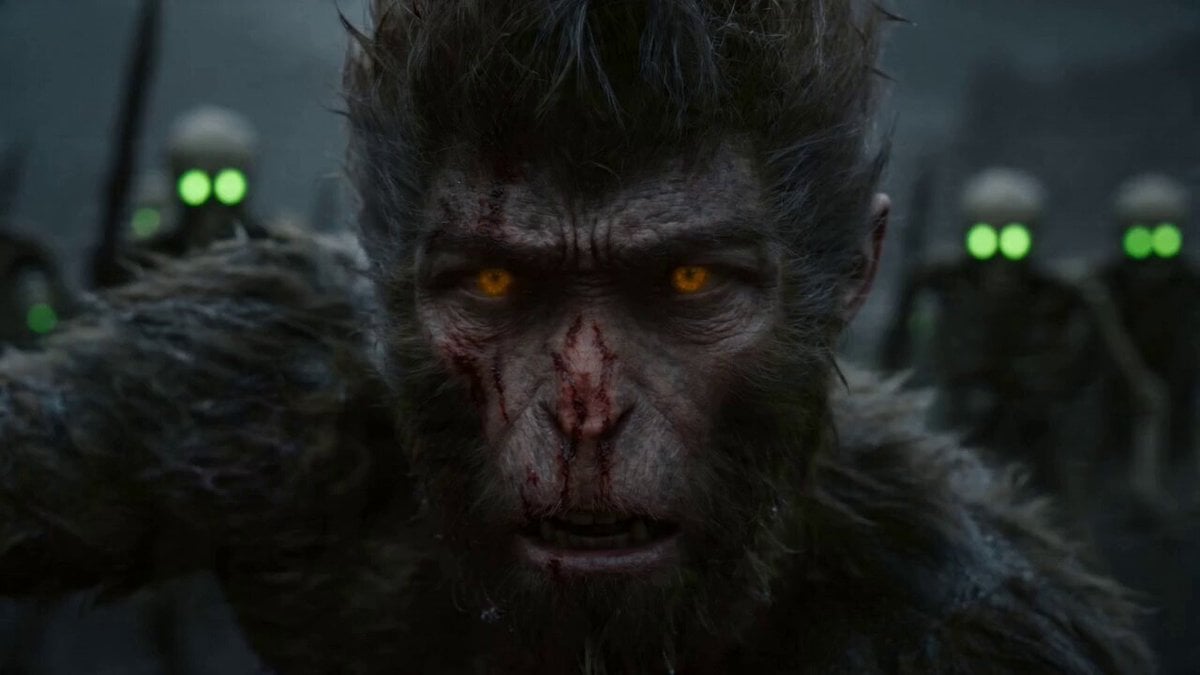
Epic Multi-Shot Sequence of Sun Wukong on a Mythological Battlefield
Time Freeze — Snap Shockwave Scene Seedance
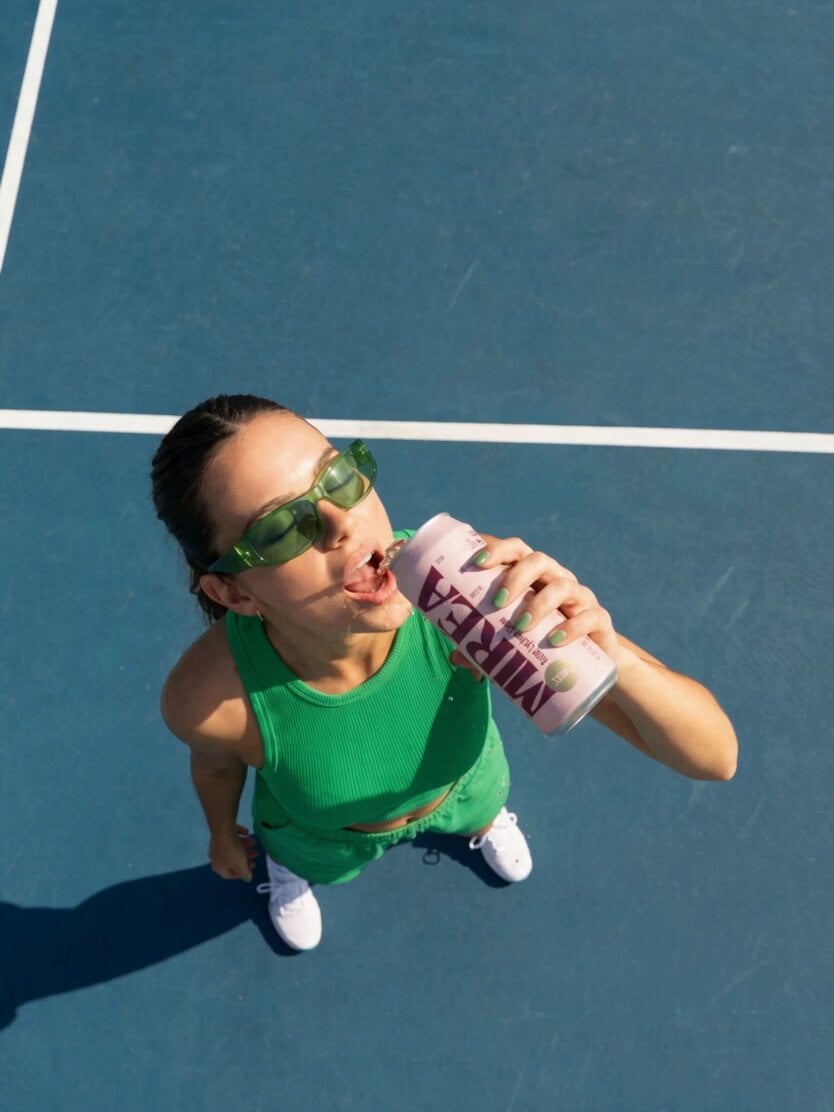
Frozen Time Handycam Diorama
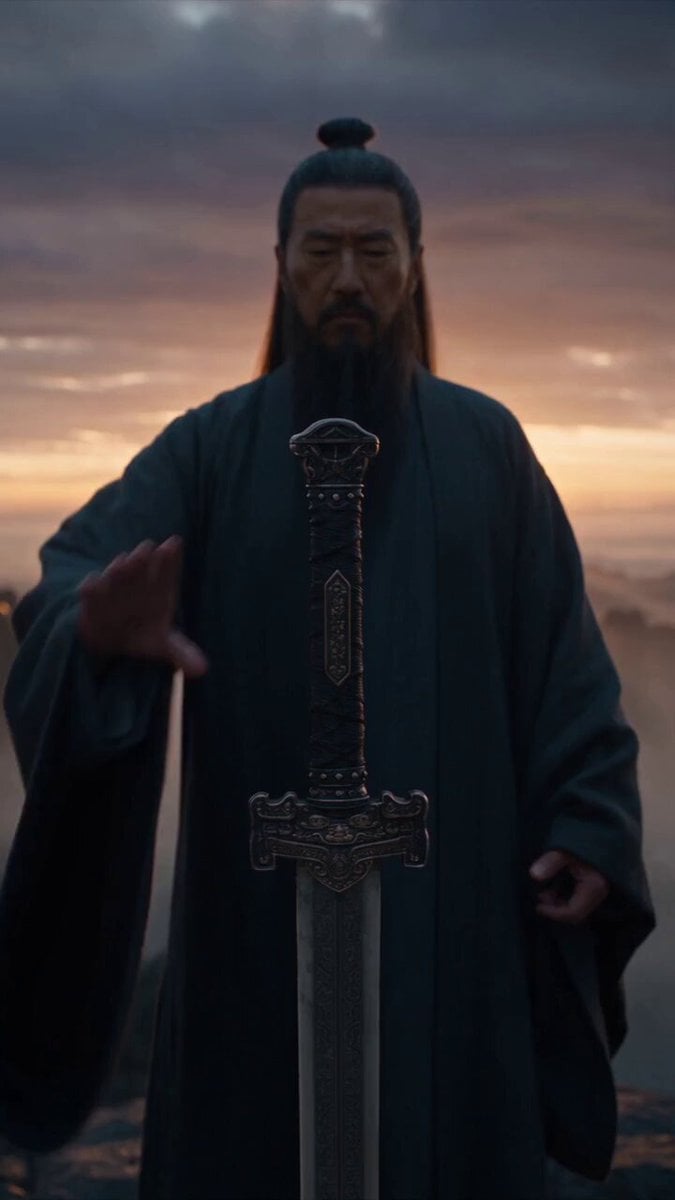
Immortal Swordmaster Spectral Dragon Strike
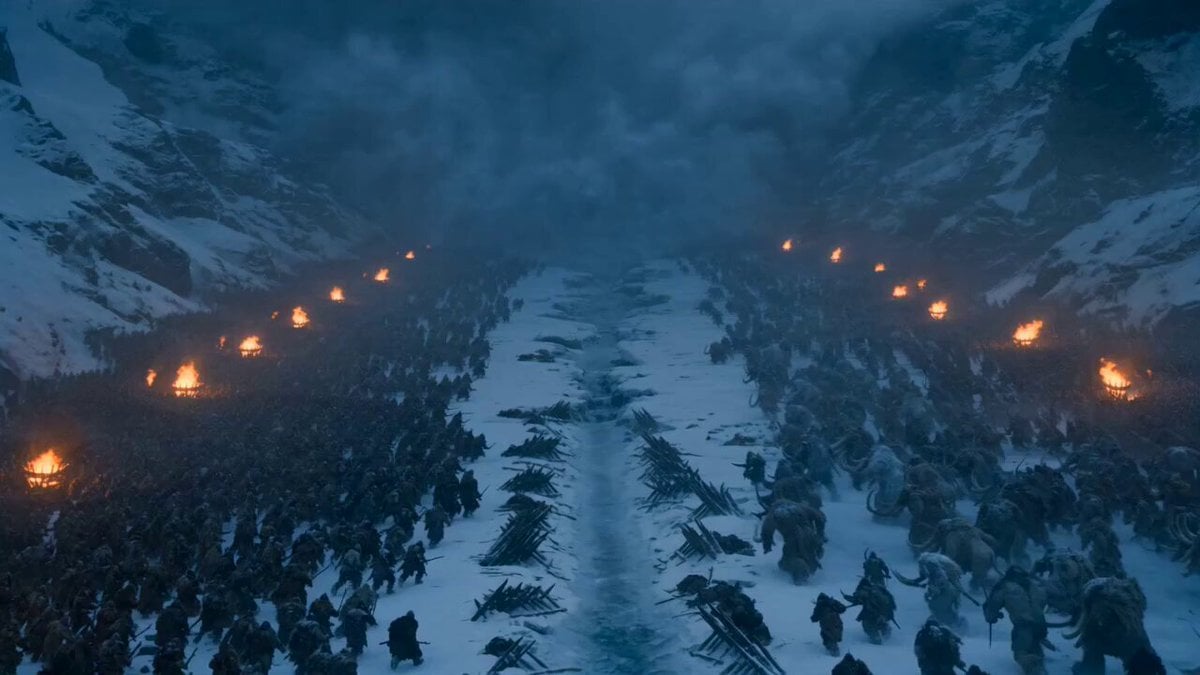
Dark Fantasy Frozen Mountain Battle
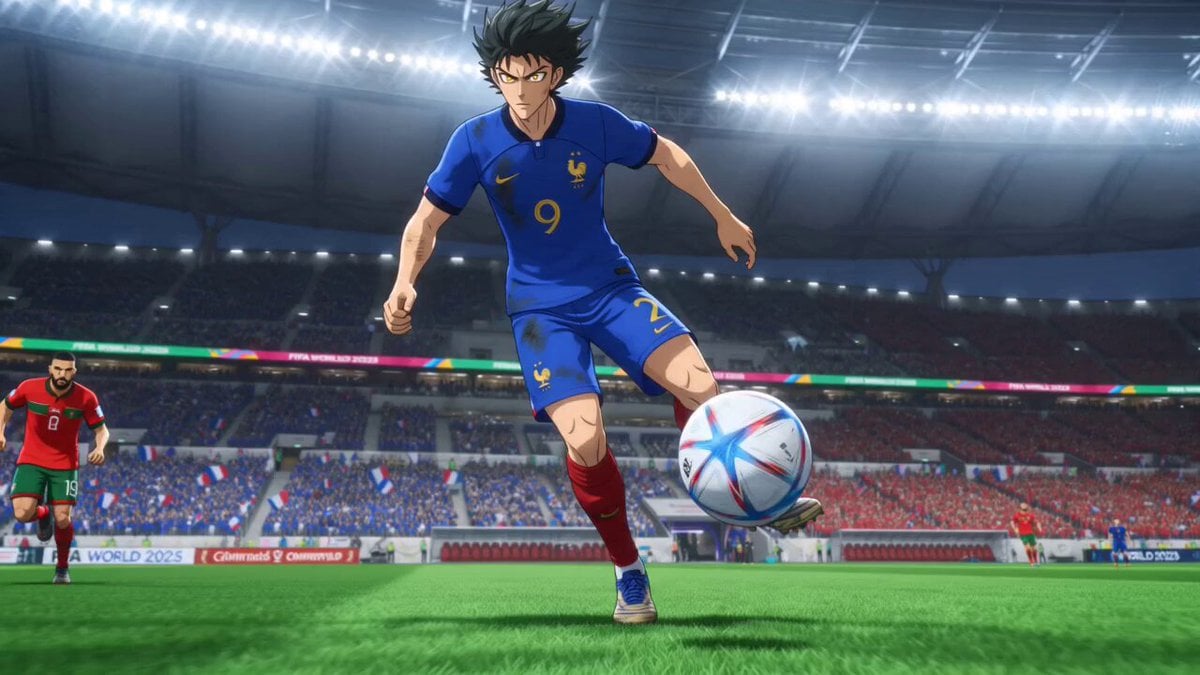
Anime Football Striker Dragon Strike
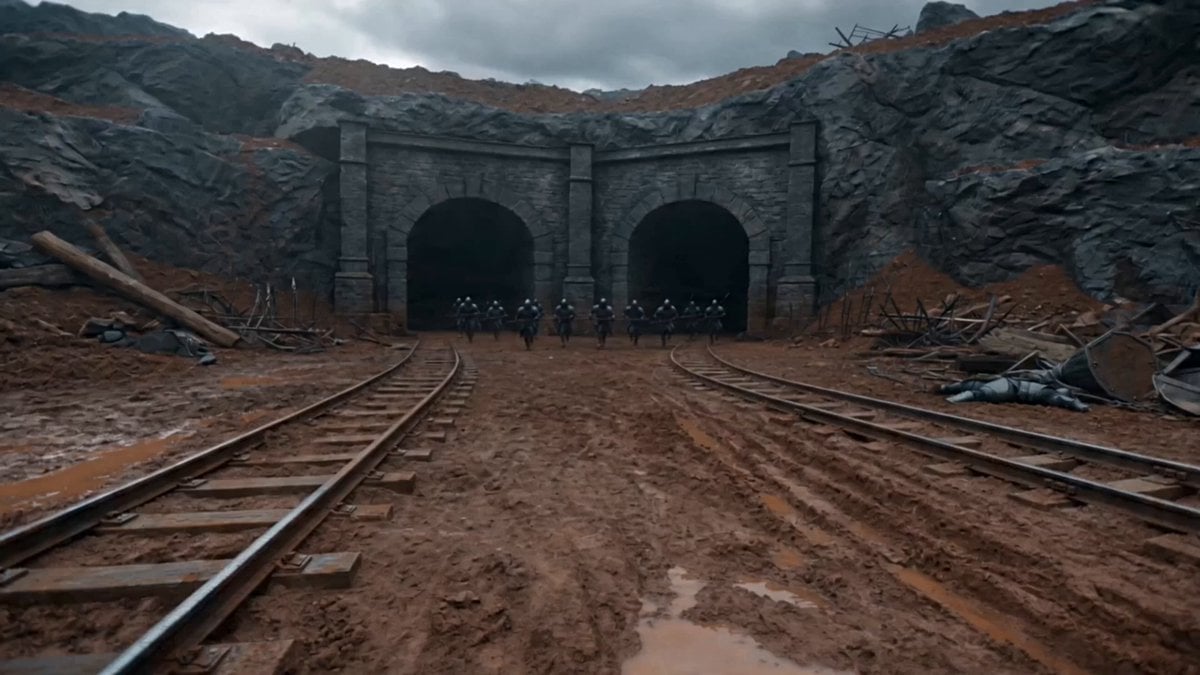
First-Person Magic Combat Strike
Make it yours
Nano-Strike Frozen Battlefield Sequence works as-is. These are the safest ways to change it without losing the look.
Change one field
Copy a single group, rewrite it, and generate again so you can see what that field is doing.
Keep the frame, change the subject
Hold the composition and light of Nano-Strike Frozen Battlefield Sequence, then swap wardrobe, props or the person for a new take.
| If the result… | Why | Fix |
|---|---|---|
| The result drifts from the preview | Too many fields changed at once. | Reuse Nano-Strike Frozen Battlefield Sequence as-is first, then change one group — subject, light, or setting. |
| The model over-stylizes the scene | The prose prompt leaves finish and camera underspecified. | Add one camera or lighting sentence and stay on Seedance 2.0. |
More Seedance 2.0 templates
Other prompts made for Seedance 2.0.

Comical Martial Arts Punch Scene

Wuxia Protection and Trust Script

Vintage Korean Arcade MiniDV Vlog

Mercedes 190 SL Luxury Ad

Rainy Night Supernatural Reverse Comedy Video Script

Amazon Civilization Discovery

Futuristic South Asian City Transformation

Cozy Luxury Cafe Commercial

Cyber Ronin Nanotech Transformation Video
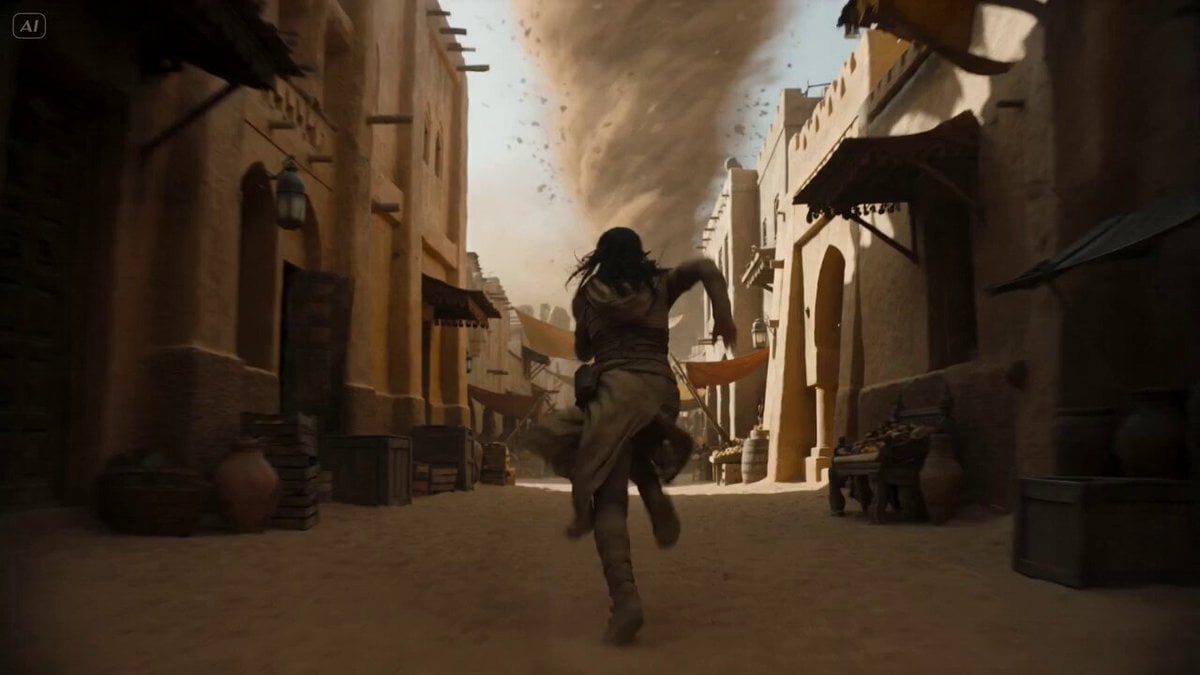
Desert Courier and Sandstorm Leviathan Chase
More video prompts
Fresh picks from across the catalog.
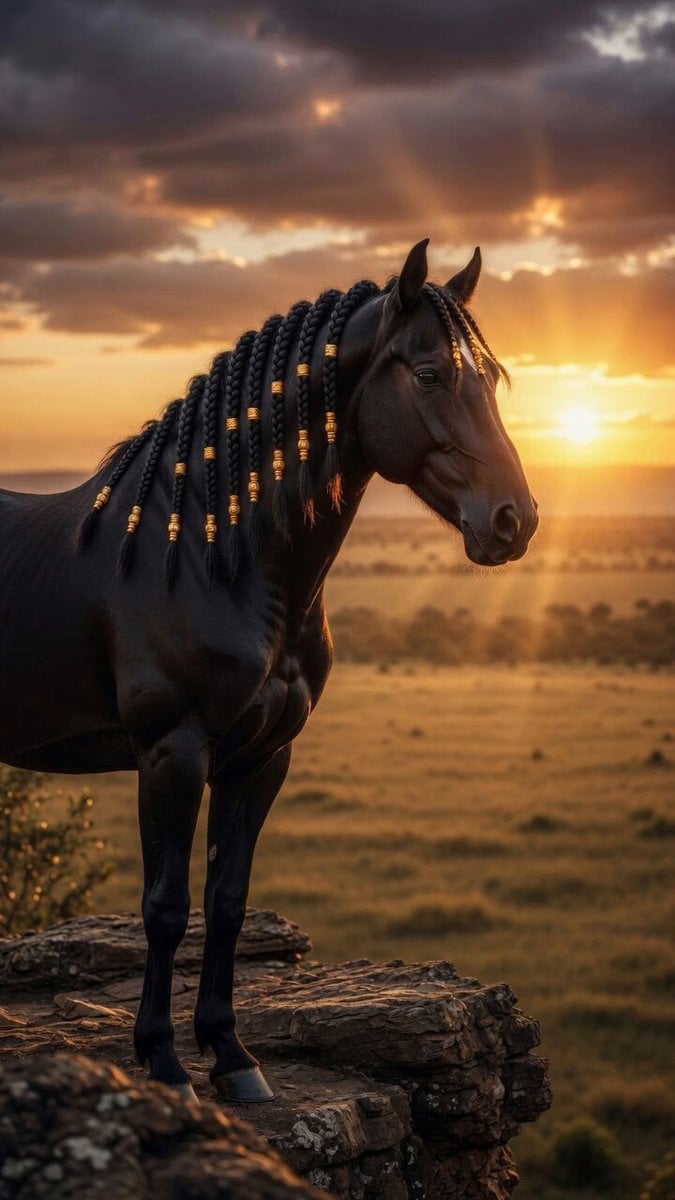
Stallion on African Cliff
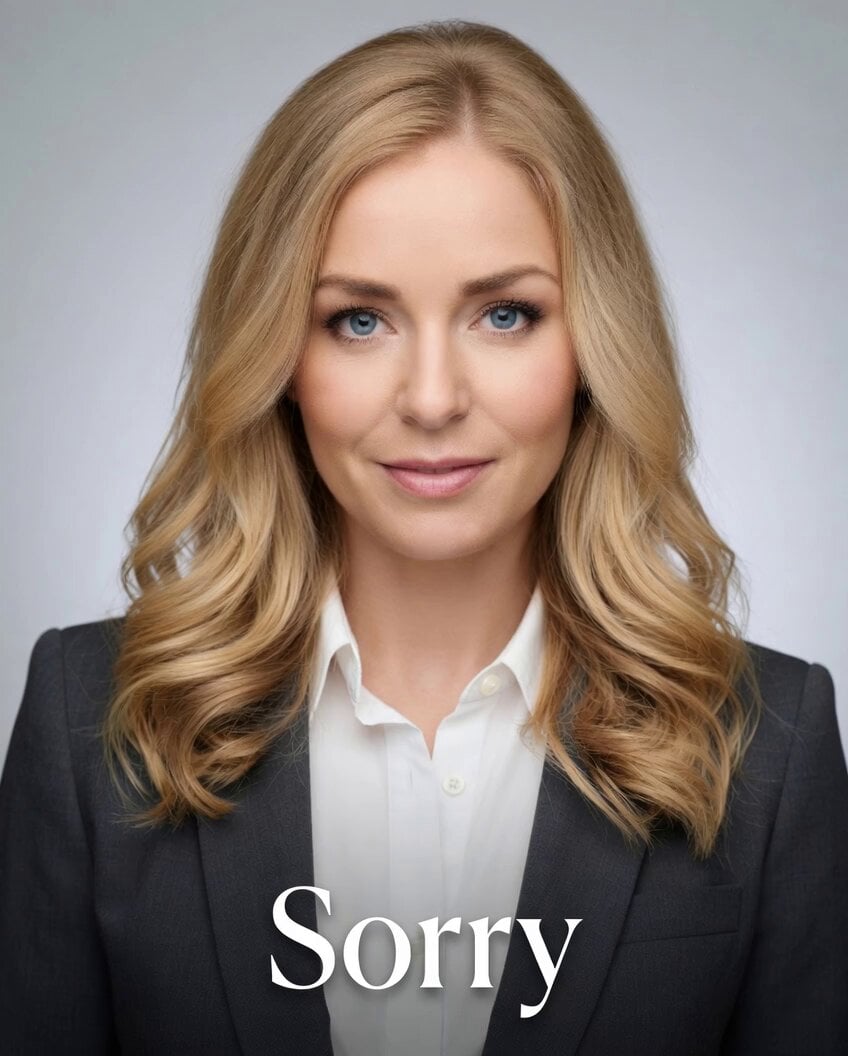
Professional Text Overlay Edit
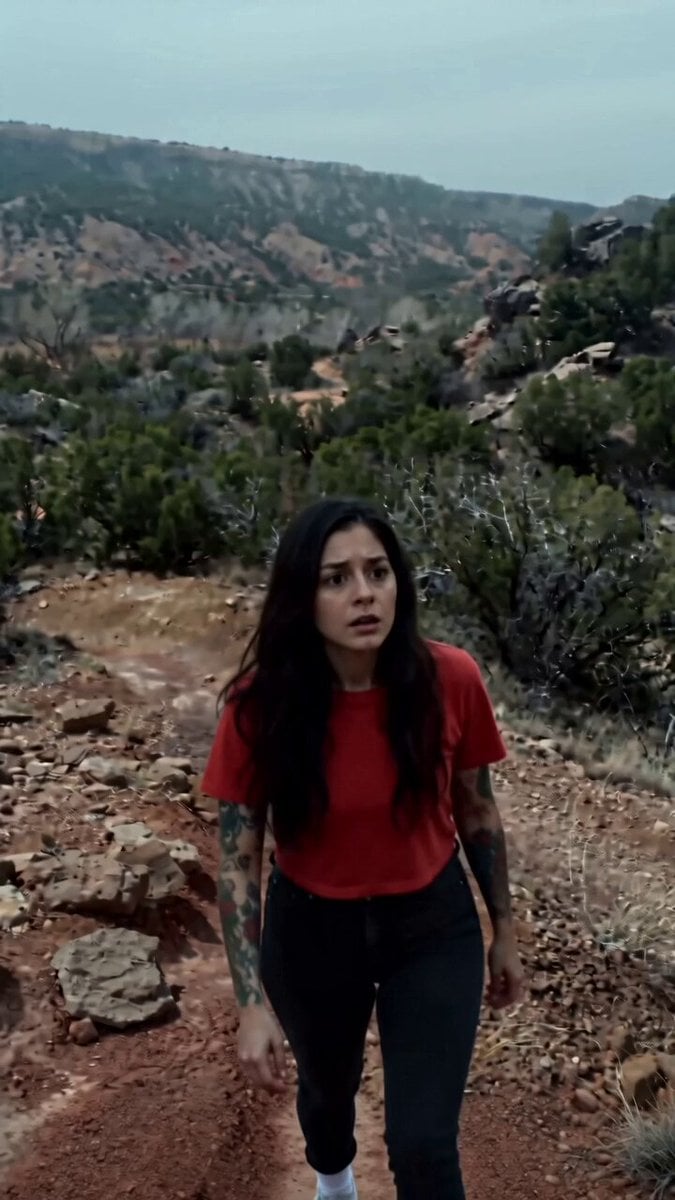
Ghostly Presence in High Desert
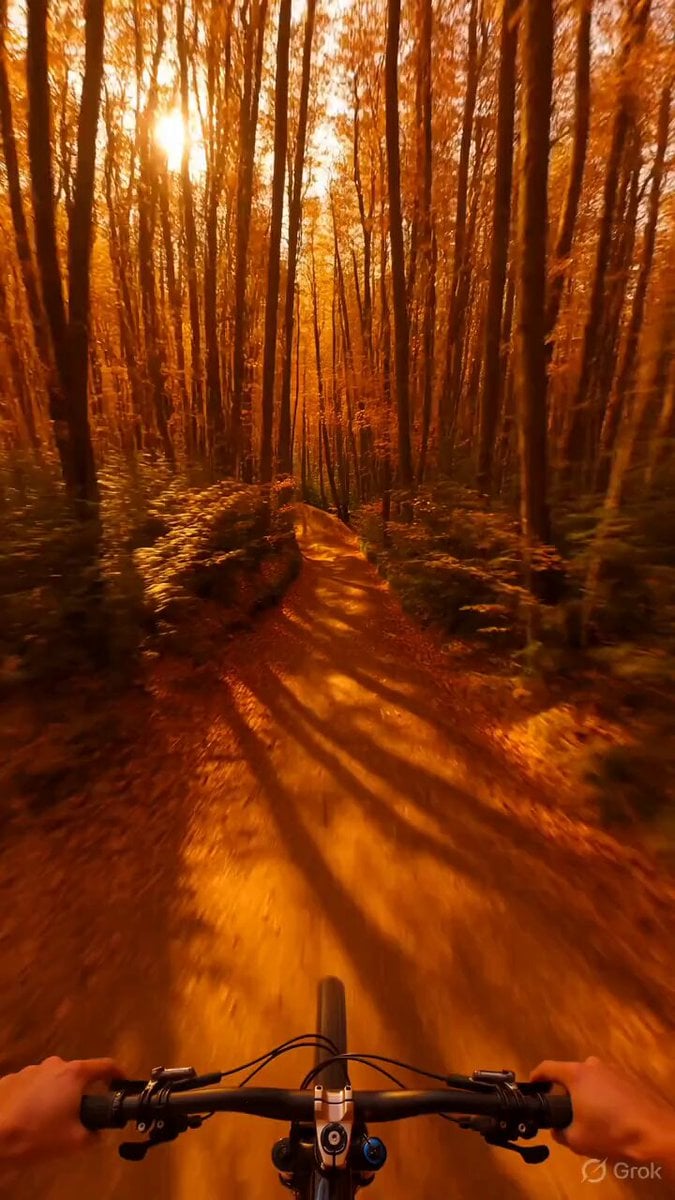
Psychedelic Mountain Bike POV
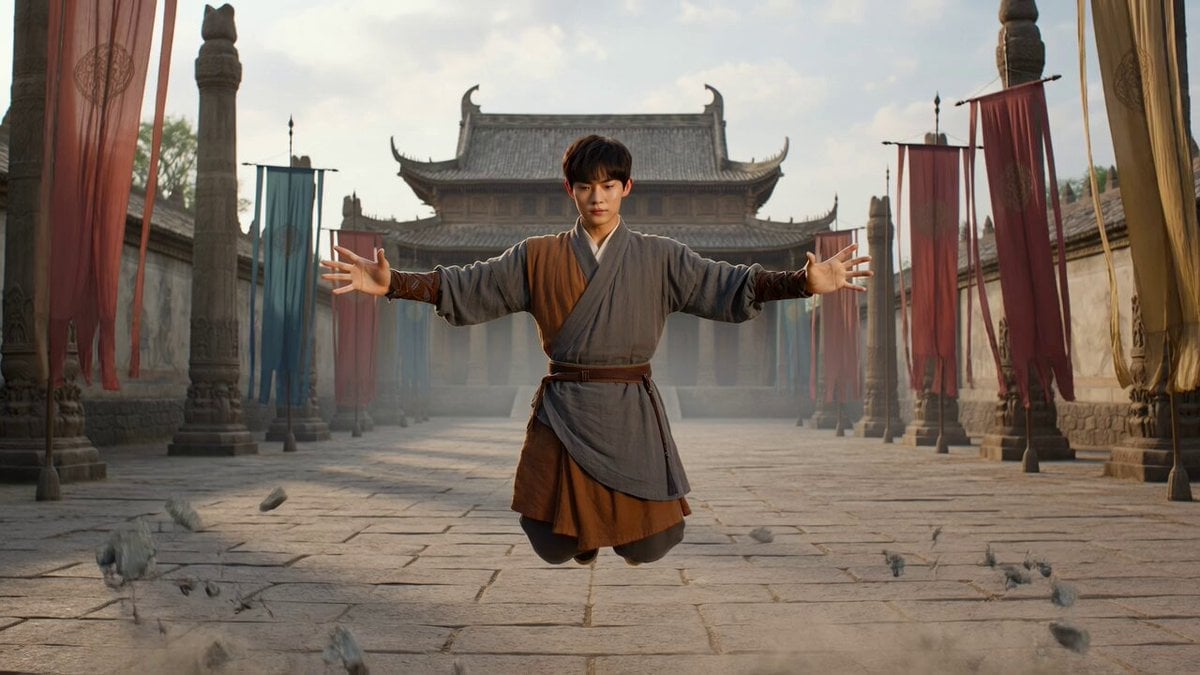
Levitating Warrior Monk Temple Sequence
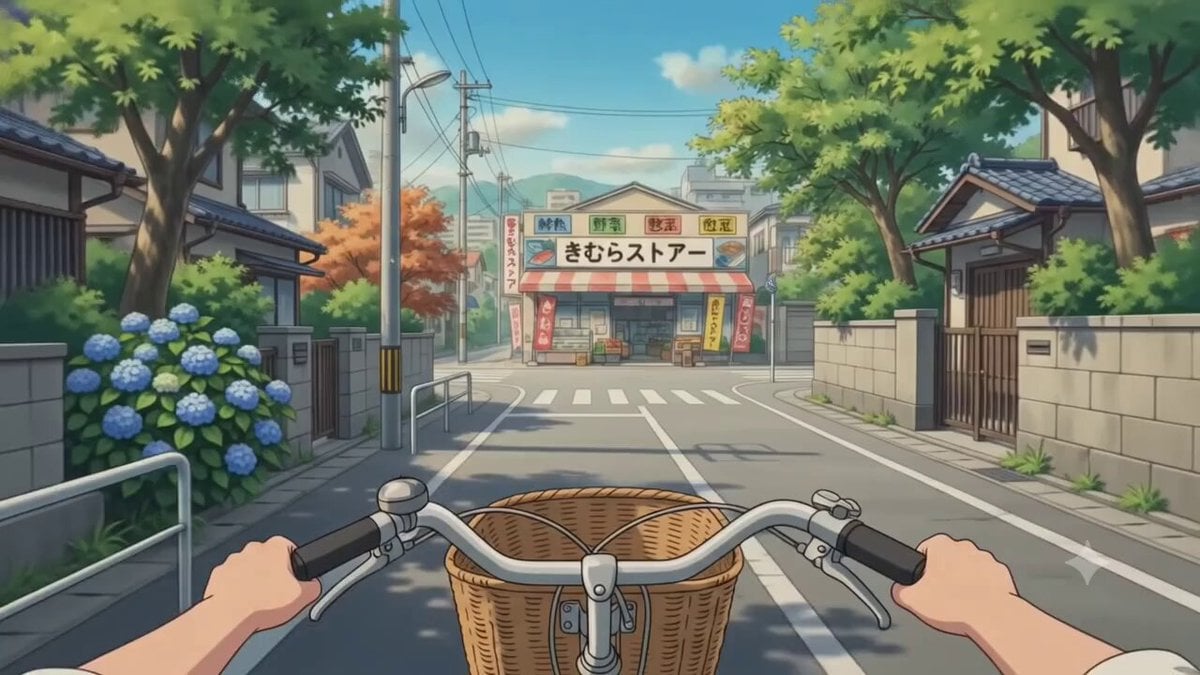
POV Japanese Residential Neighborhood Bike Trip
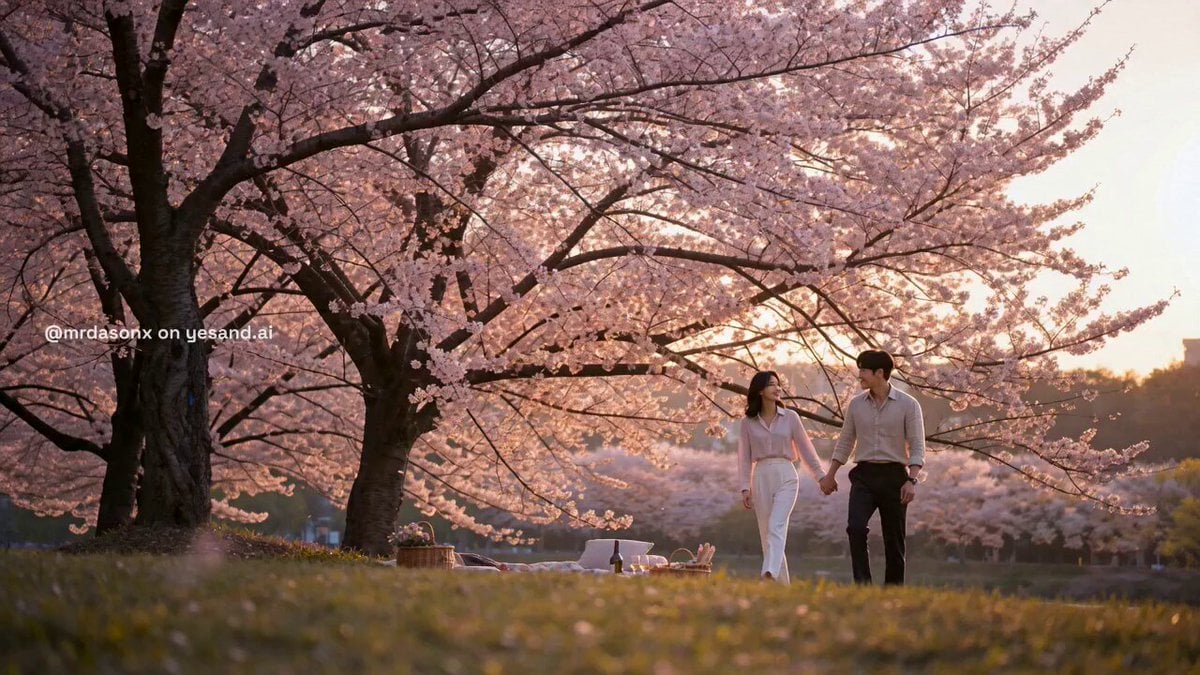
Korean Couple Sunset Picnic
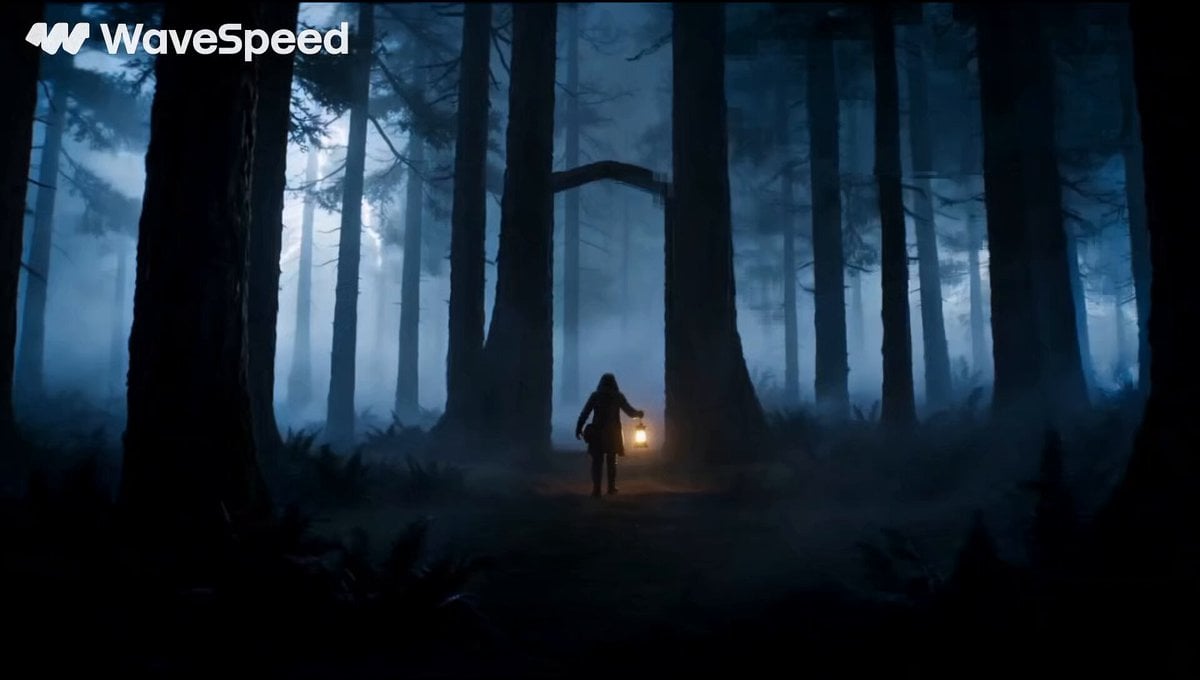
Magical Glowing Forest Portal Journey
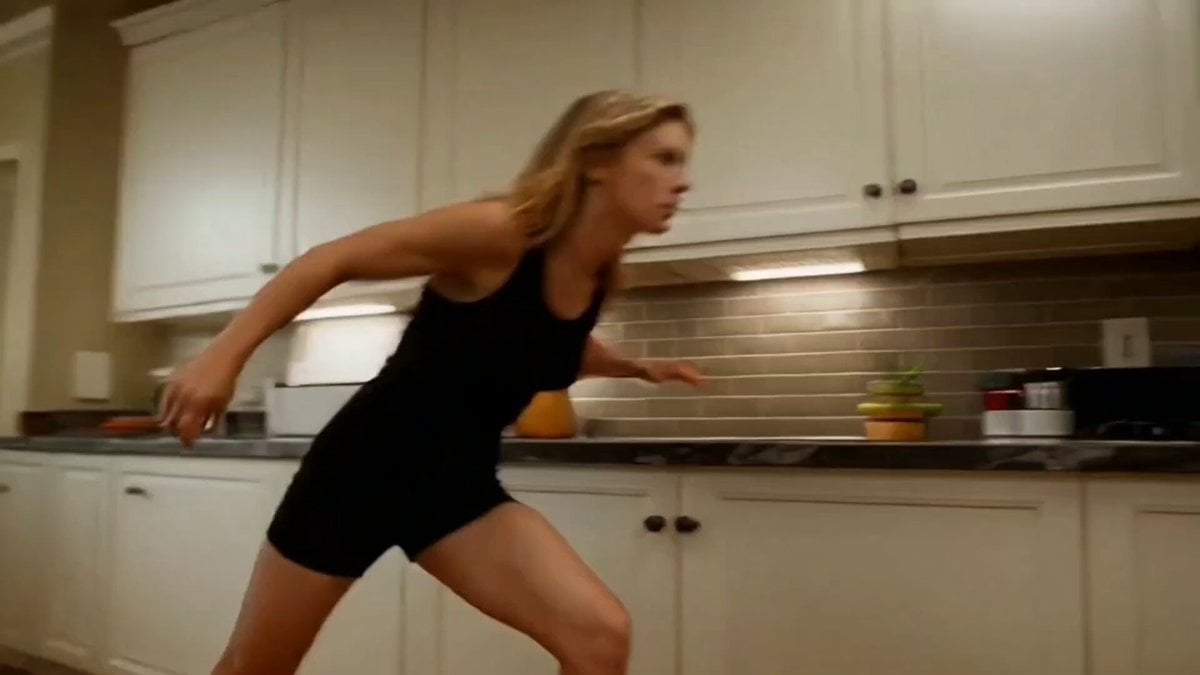
Super-Speed Kitchen Action Comedy Prompt
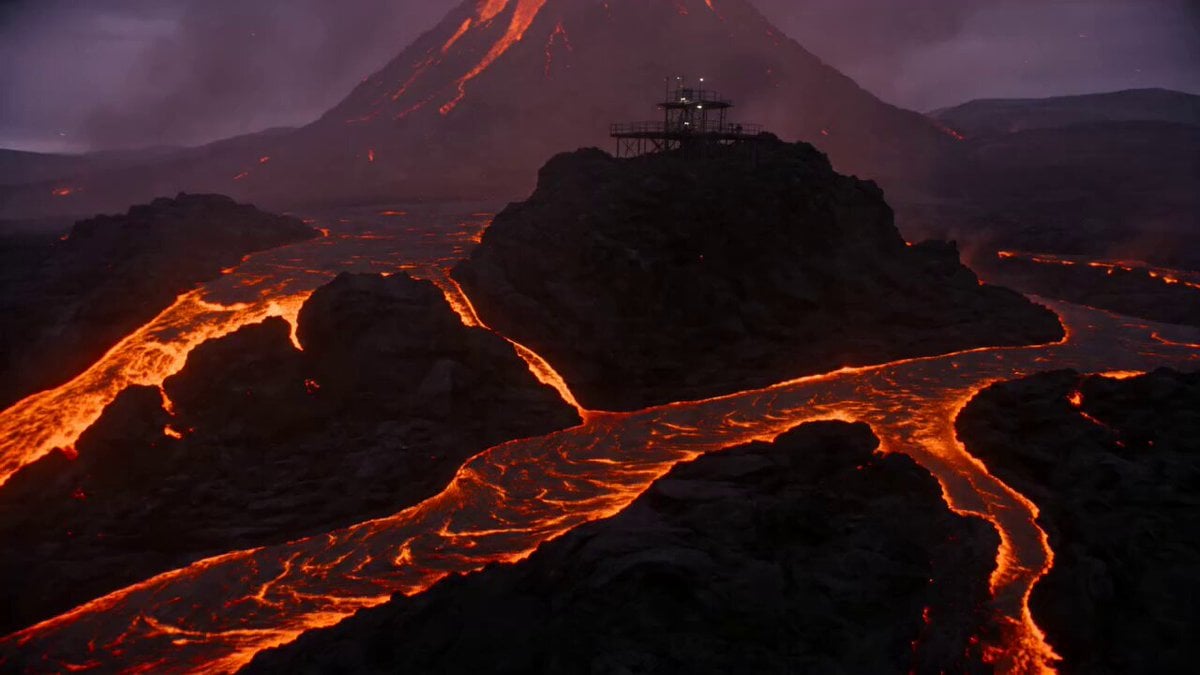
Volcanic Observatory Cinematic Disaster
Browse template categories
Nano-Strike Frozen Battlefield Sequence questions
How do I use the Nano-Strike Frozen Battlefield Sequence template?
Add your photo if the template asks for one, edit the prompt if you like — the template's model and format are already selected — and press Generate. Your version opens in PicX Studio.
Can I customize the Nano-Strike Frozen Battlefield Sequence template?
Yes. You can change the subject, setting, lighting, mood, format, and available model controls before creating your video.
Is the Nano-Strike Frozen Battlefield Sequence template free?
Opening and editing this template is free. Generating uses credits, shown on the Generate button when you are signed in.
Which AI model should I use?
Start with Seedance 2.0, which is the model associated with this template. You can compare another compatible model for a different finish.
Looking for something else? Browse all templates.

Your photo, any look
Thousands of ready templates for every top image and video model, from one credit balance.