
Frozen Cathedral Chase Sequence
A complex cinematic prompt for a high-intensity chase sequence featuring a winter-garbed archivist and a towering ice entity.
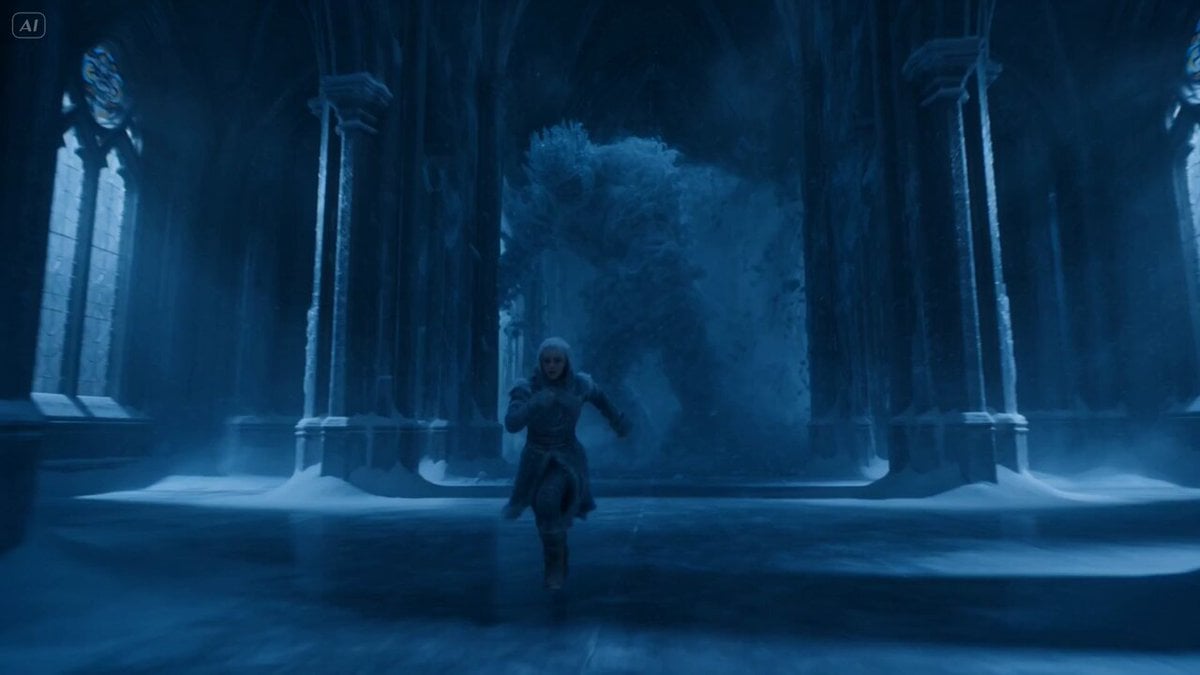
- Prompt included
- Model and format preset
- Free template
The prompt behind this video
Copy the exact prompt behind Frozen Cathedral Chase Sequence, or open it in the studio and make it yours.
A 24-year-old archivist wrapped in layered winter garments with frost-covered eyelashes and pale skin races through a frozen cathedral complex in the first two seconds as a towering ice entity forms behind her from collapsing arches and frozen pillars, its body composed of crystalline structures and swirling snow, instantly cracking stained glass windows into cascading shards, and the entire sequence flows forward without pause as she runs through icy corridors, collapsing staircases, frozen bridges, and echoing halls while the entity pursues in segmented motion, reforming itself through shattered ice, launching spear-like shards across the environment, and freezing surfaces instantly in its path, forcing her to slide across ice floors, leap between collapsing platforms, and weave through falling debris. Rendered with hyper-detailed ice simulation, volumetric fog, cold blue lighting, visible breath vapor, and subtle lens bloom on crystalline edges, the camera stays tight in pursuit with sudden wide reveals showing the entity’s size and structural destruction, and at the climax, as she reaches a massive frozen gate, the entire cathedral fractures at once, suspended for a split second before collapsing in a cascading avalanche of ice.
How to use Frozen Cathedral Chase Sequence in 3 steps
- 1
Open
The prompt is already in the box next to the preview, with the template's model and format selected.
- 2…a portrait of your subject in softgolden-hour light, 85mm…
Personalize
Edit the subject and creative details for your destination.
- 3Generate
Generate
Press Generate — your video is created in PicX Studio, so you can compare it with the original and refine one variable at a time.
More like this
Templates with the same subject, style or setup. Open one to see its prompt.
Hollywood Blockbuster Car Chase Sequence
Dramatic Jungle Chase Sequence

Fantasy Dragon Chase Sequence

Cartoon Donut Heist Bakery Chase

Walking Factory with Rebel on Hoverbike - Wasteland
Lightning Wolf Chase Sequence (Dreamina/Seedance 2)
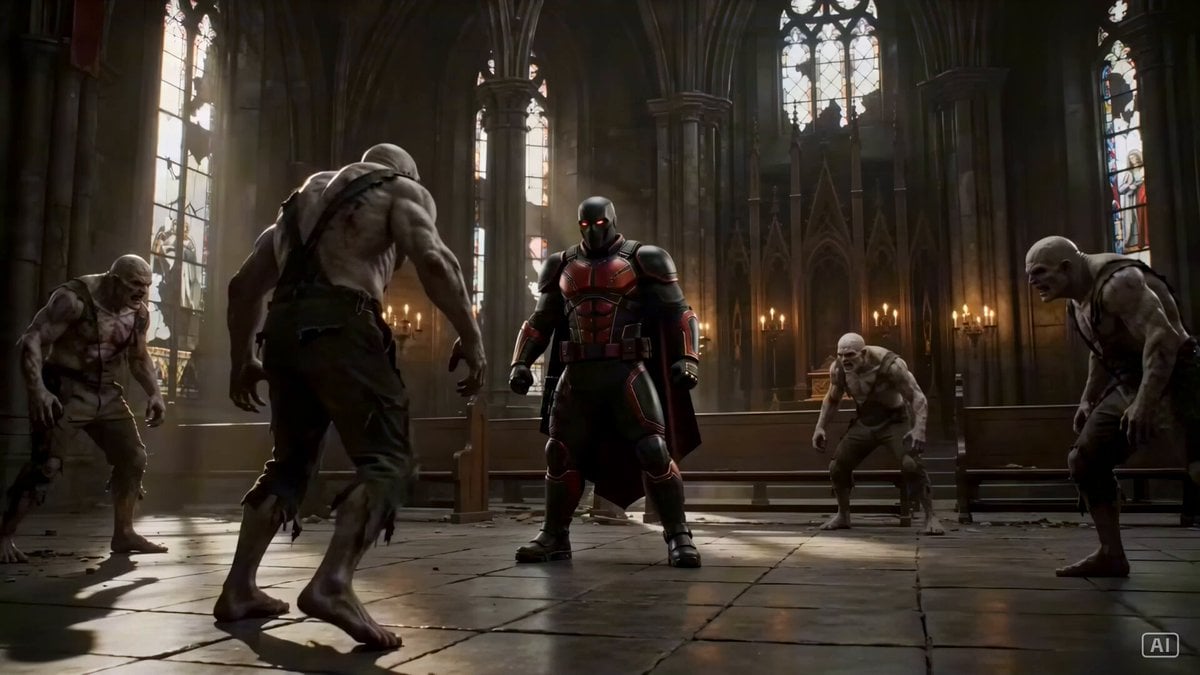
Grounded Action Sequence in a Gothic Cathedral
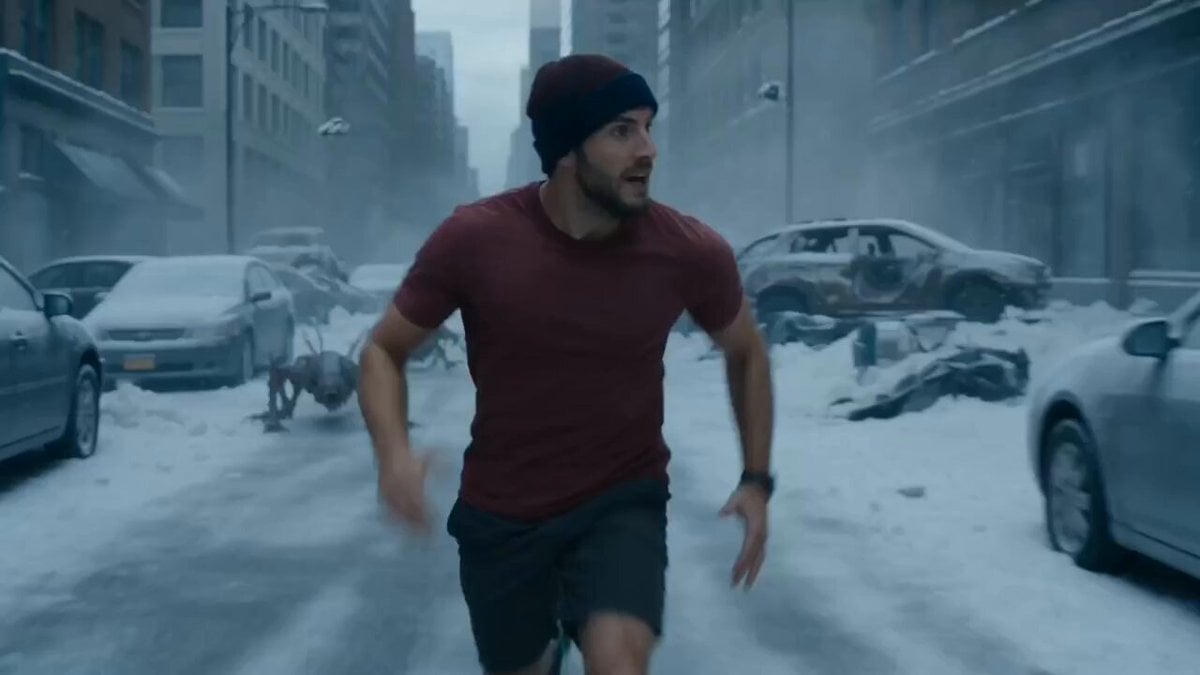
Nano-Strike Frozen Battlefield Sequence
Amazon FPV Drone Chase — Seedance 2.0
Time Freeze — Snap Shockwave Scene Seedance
Dim Sum Chase — Shrimp Dumpling Monster
Speeder Chase Across a Cliff City
Make it yours
Frozen Cathedral Chase Sequence works as-is. These are the safest ways to change it without losing the look.
Change one field
Copy a single group, rewrite it, and generate again so you can see what that field is doing.
Keep the frame, change the subject
Hold the composition and light of Frozen Cathedral Chase Sequence, then swap wardrobe, props or the person for a new take.
| If the result… | Why | Fix |
|---|---|---|
| The result drifts from the preview | Too many fields changed at once. | Reuse Frozen Cathedral Chase Sequence as-is first, then change one group — subject, light, or setting. |
| The model over-stylizes the scene | The prose prompt leaves finish and camera underspecified. | Add one camera or lighting sentence and stay on Seedance 2.0. |
More Seedance 2.0 templates
Other prompts made for Seedance 2.0.

Comical Martial Arts Punch Scene

Wuxia Protection and Trust Script

Vintage Korean Arcade MiniDV Vlog

Mercedes 190 SL Luxury Ad

Rainy Night Supernatural Reverse Comedy Video Script

Amazon Civilization Discovery

Futuristic South Asian City Transformation

Cozy Luxury Cafe Commercial

Cyber Ronin Nanotech Transformation Video

Desert Courier and Sandstorm Leviathan Chase
More video prompts
Fresh picks from across the catalog.
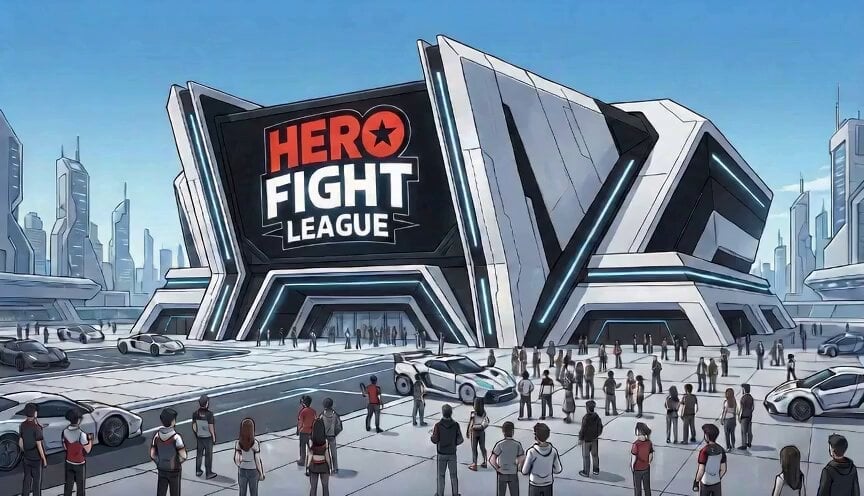
High-Energy Anime Arena Visuals
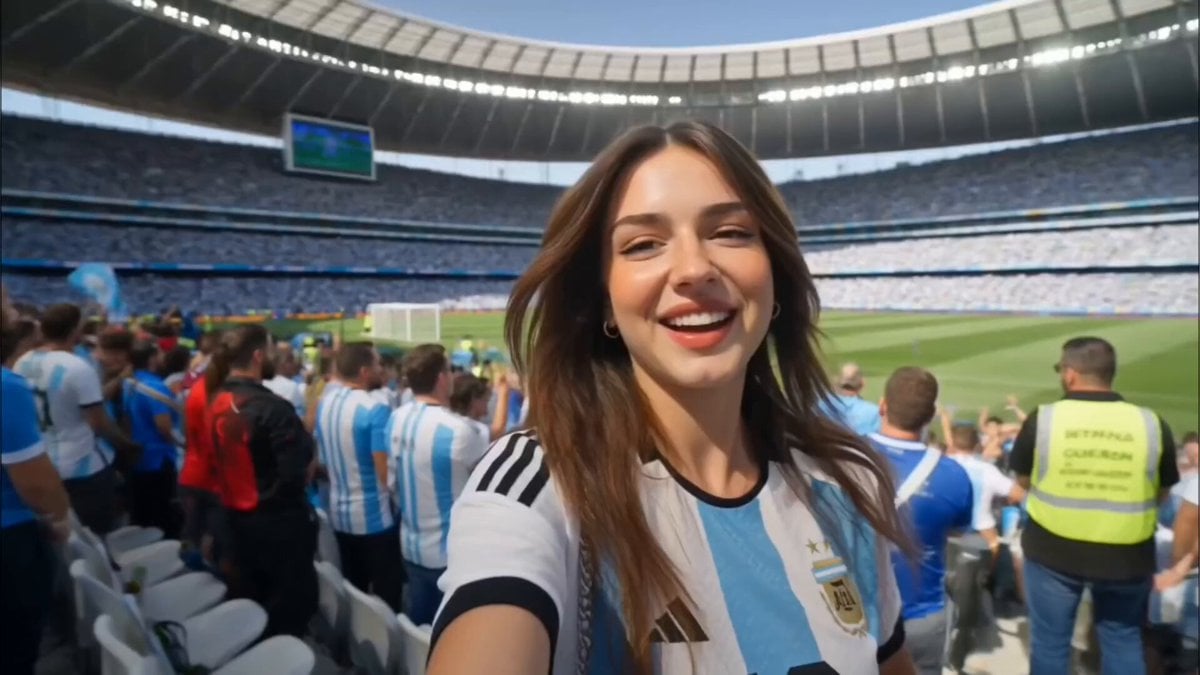
Argentina Football Fan Match Day Vlog
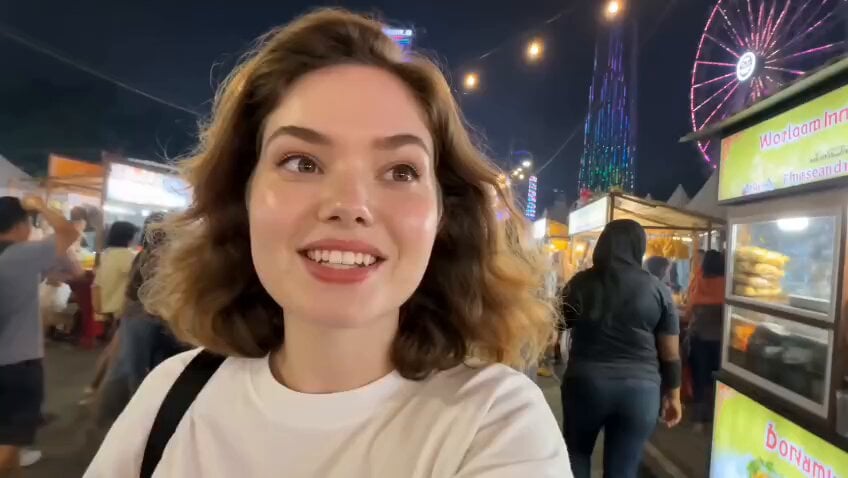
Jakarta Night Street Food Vlog
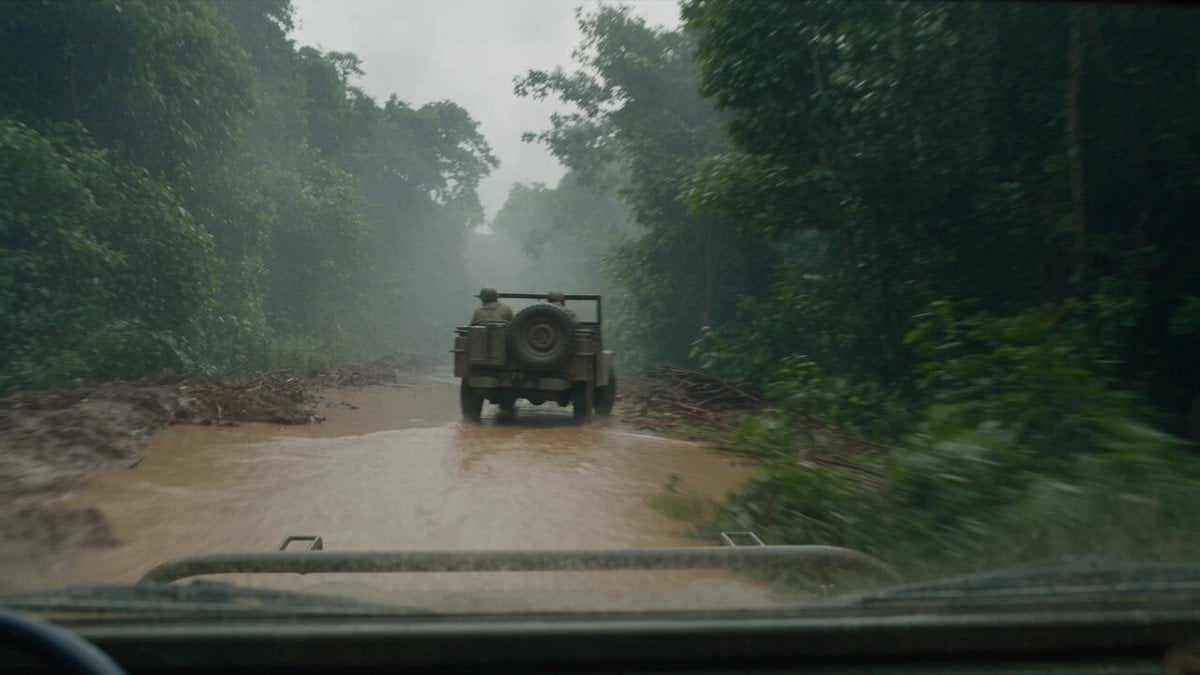
T-Rex Dashcam Jungle Attack

Dramatic Lone Hero in Destroyed City Prompt
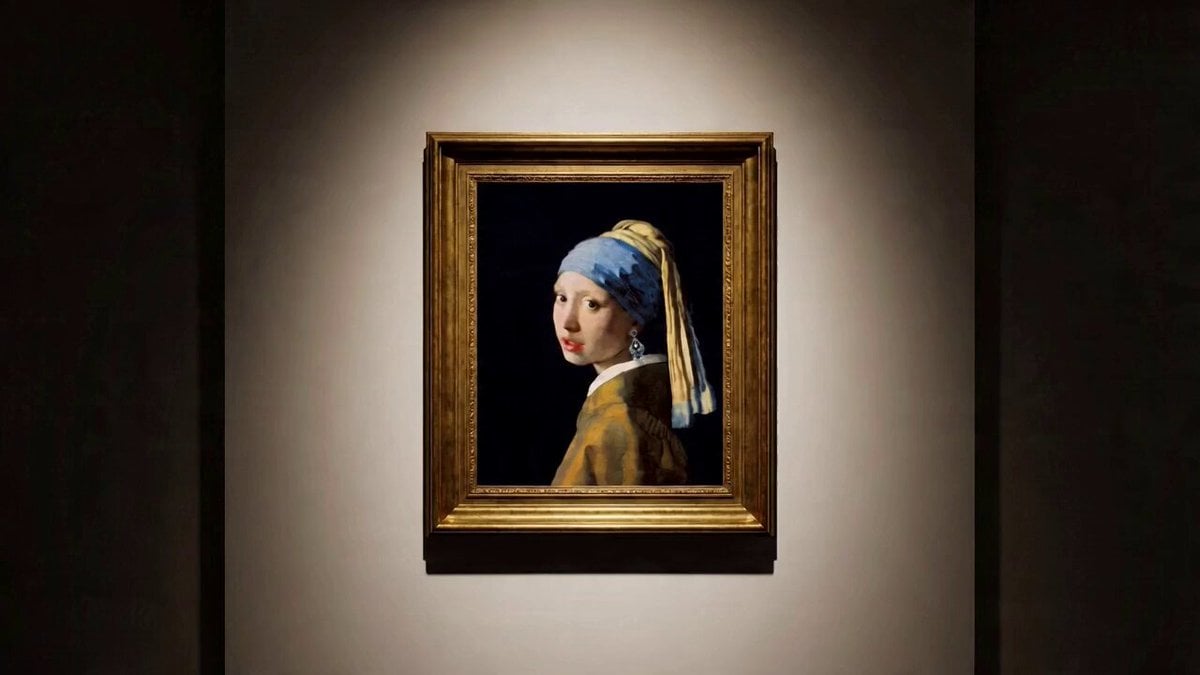
Multi-shot video prompt for a girl stealing earrings from an art museum at night
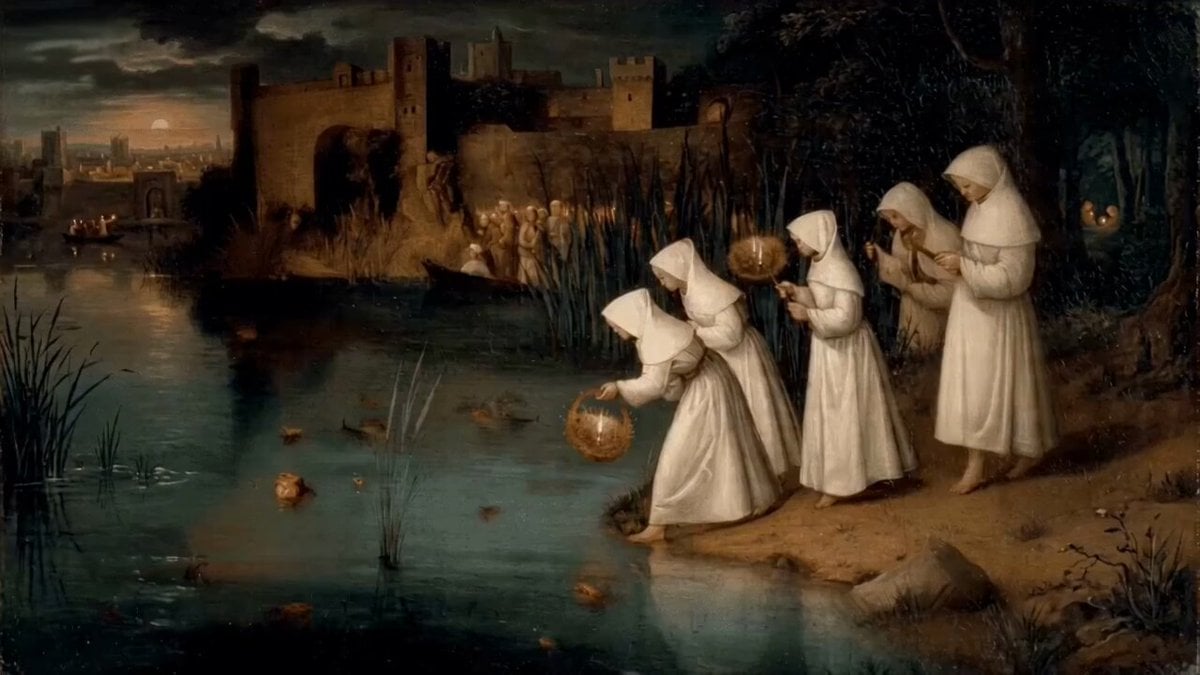
Women Placing Glowing Lanterns on Water in Hieronymus Bosch Style
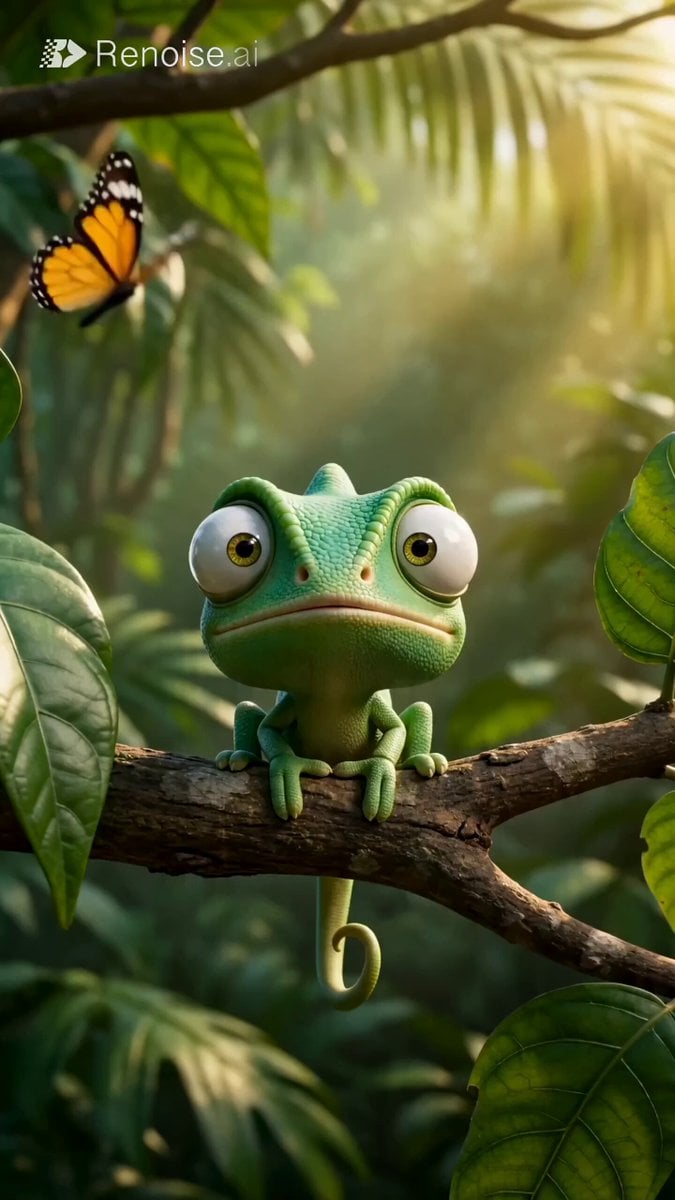
Chameleon Sneeze Comedy Short
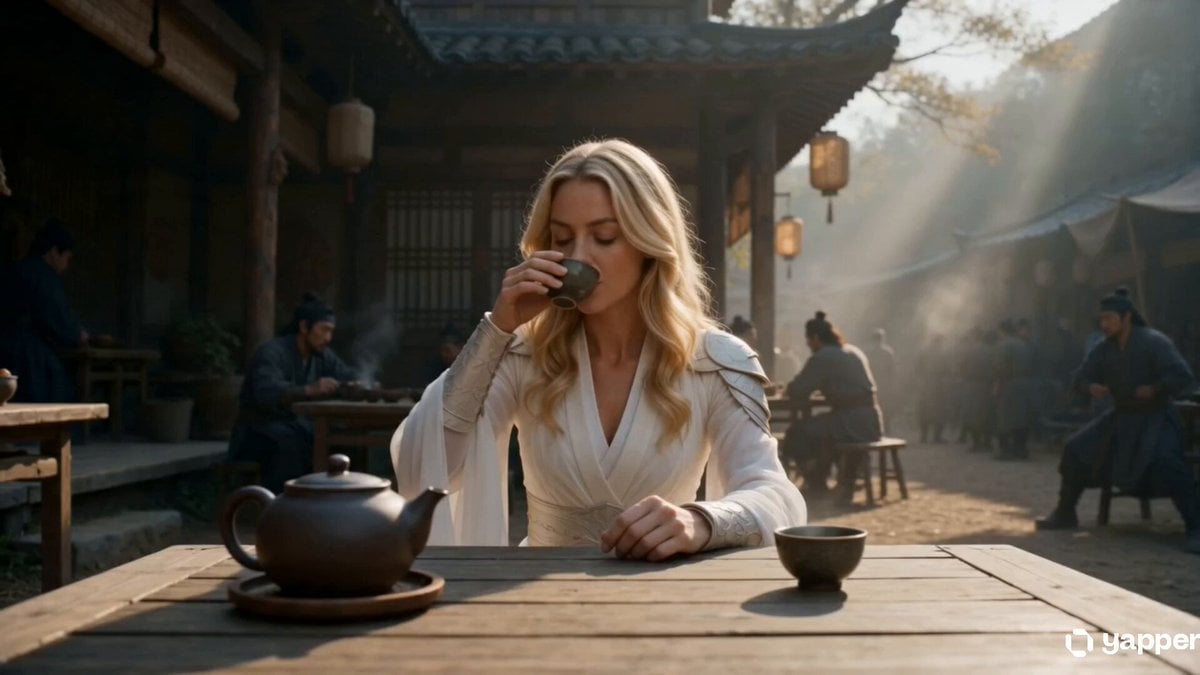
Lone Martial Artist Ancient Village Battle
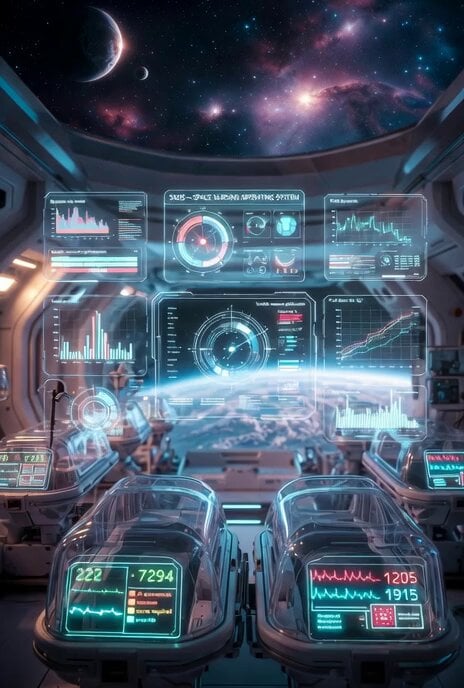
Futuristic deep space healthcare facility video prompt
Browse template categories
Frozen Cathedral Chase Sequence questions
How do I use the Frozen Cathedral Chase Sequence template?
Add your photo if the template asks for one, edit the prompt if you like — the template's model and format are already selected — and press Generate. Your version opens in PicX Studio.
Can I customize the Frozen Cathedral Chase Sequence template?
Yes. You can change the subject, setting, lighting, mood, format, and available model controls before creating your video.
Is the Frozen Cathedral Chase Sequence template free?
Opening and editing this template is free. Generating uses credits, shown on the Generate button when you are signed in.
Which AI model should I use?
Start with Seedance 2.0, which is the model associated with this template. You can compare another compatible model for a different finish.
Looking for something else? Browse all templates.

Your photo, any look
Thousands of ready templates for every top image and video model, from one credit balance.