How do I use the Dramatic Jungle Chase Sequence template?
Edit the prompt in the box under the preview — the template's model and format are already selected — and press Generate. Your version appears right on this page.
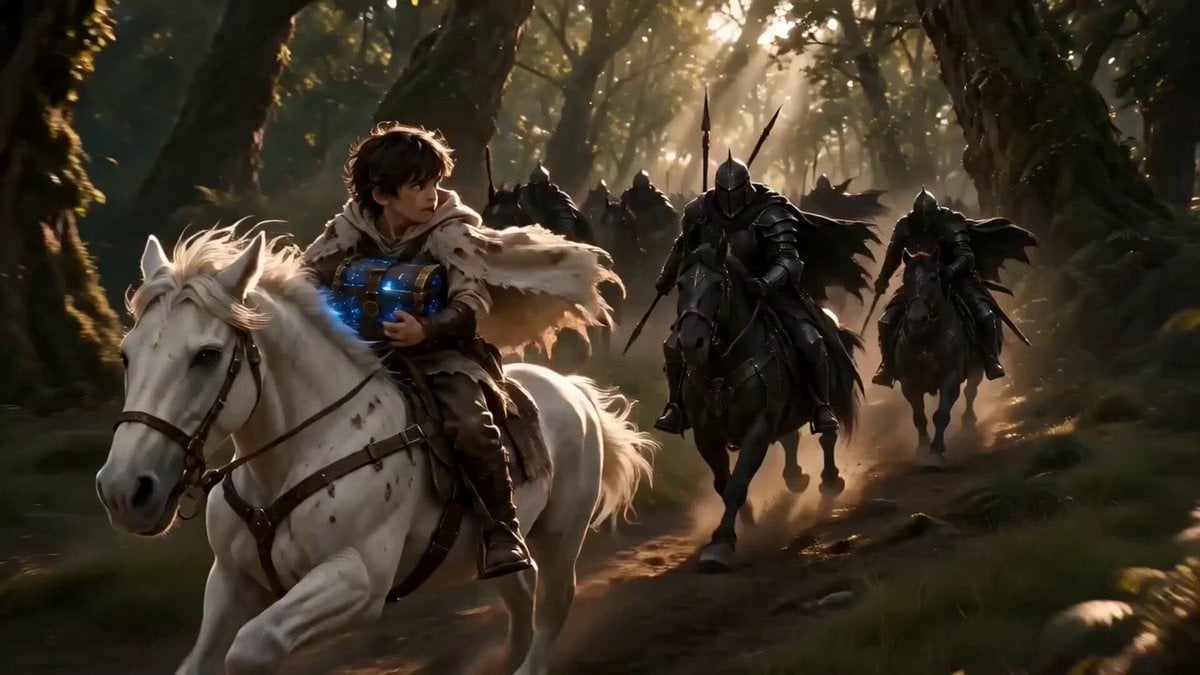
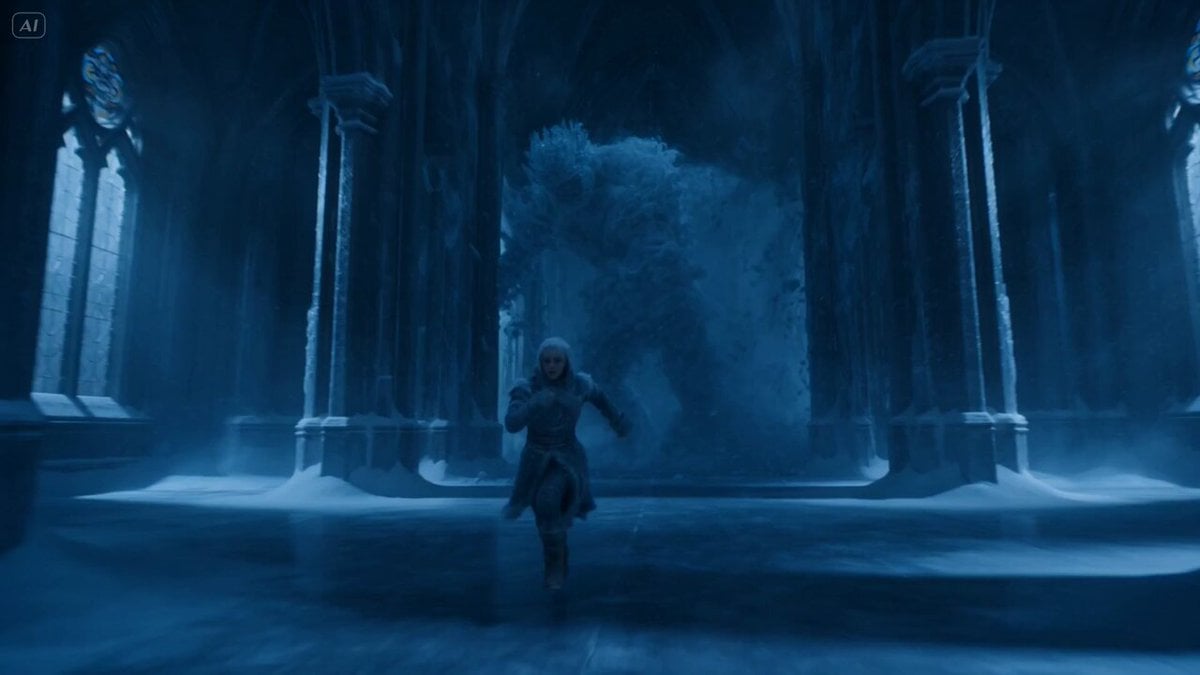
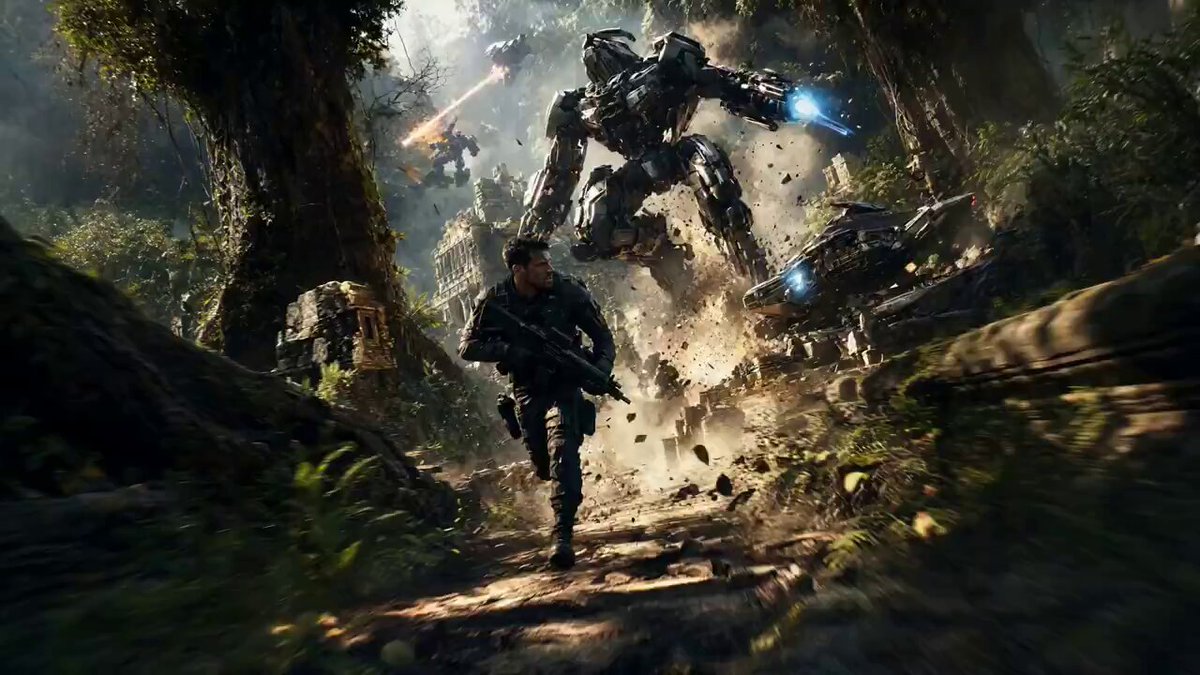
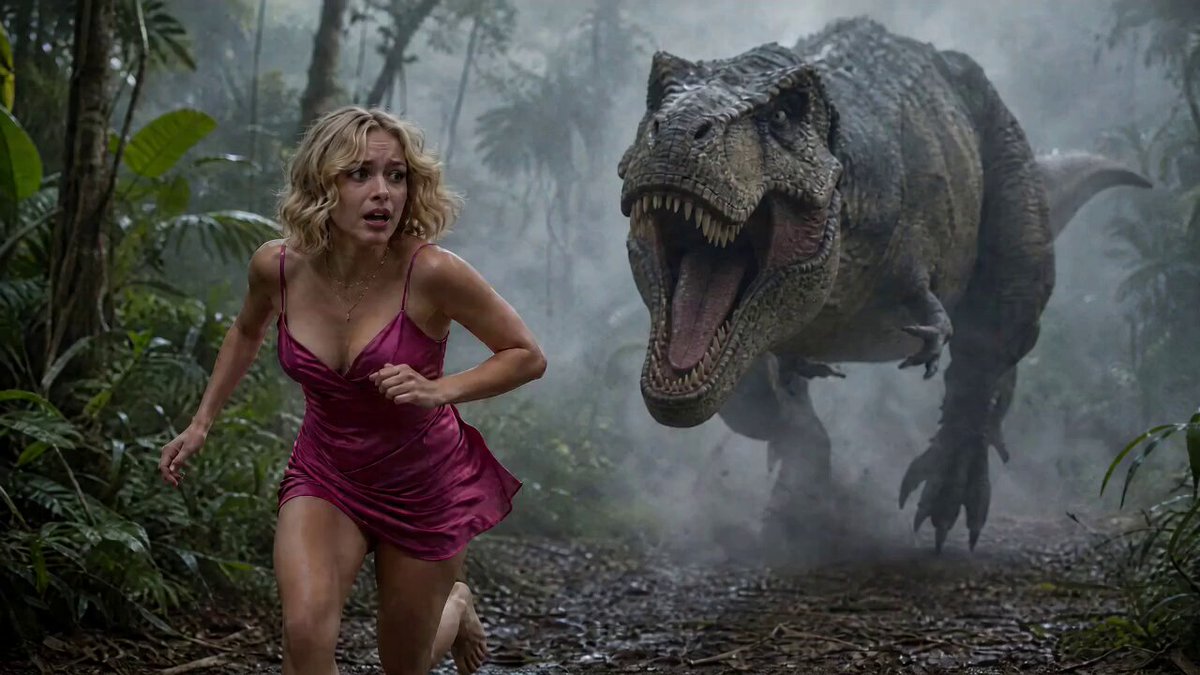
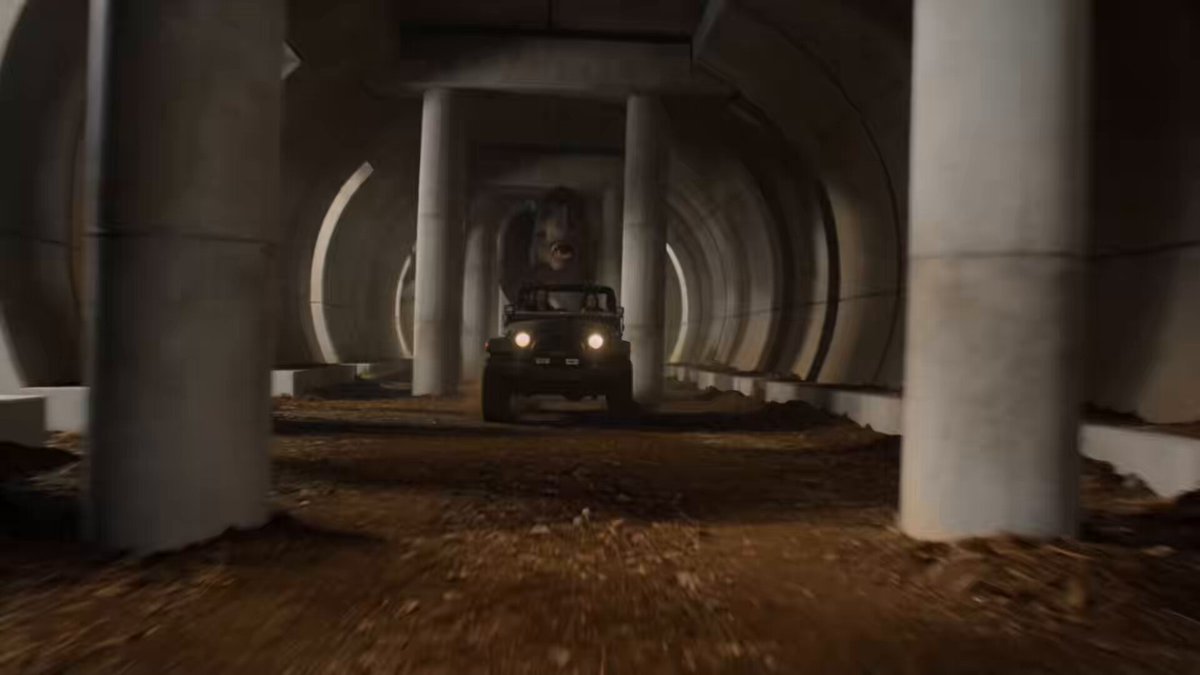
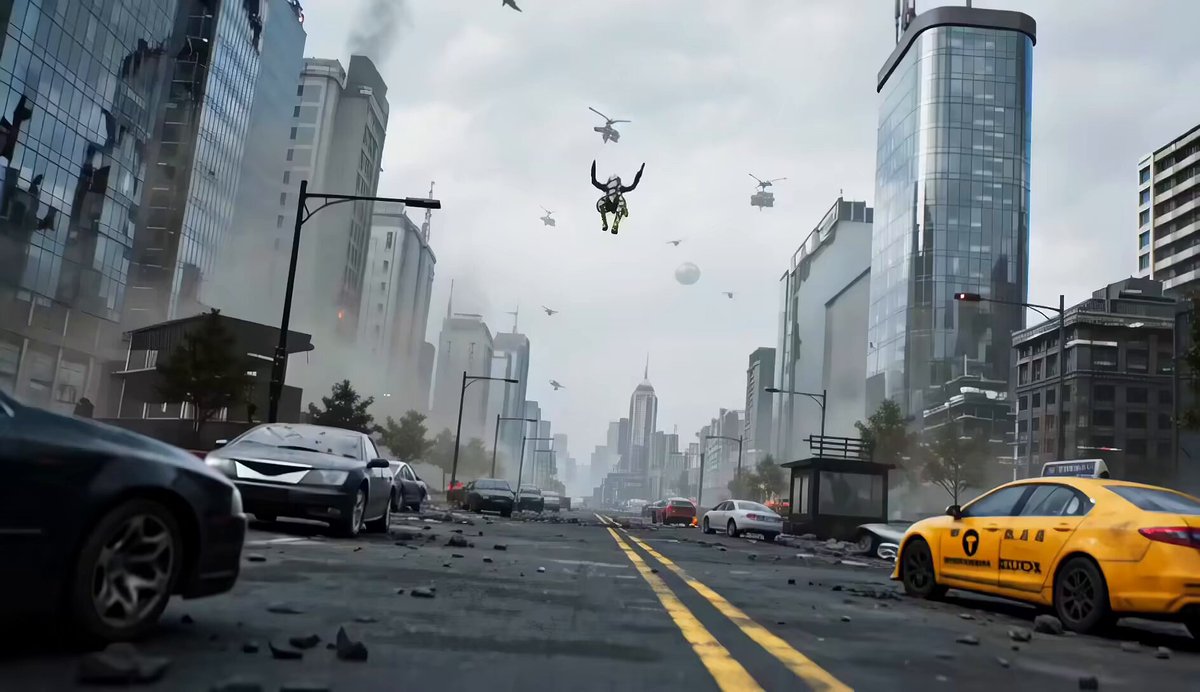
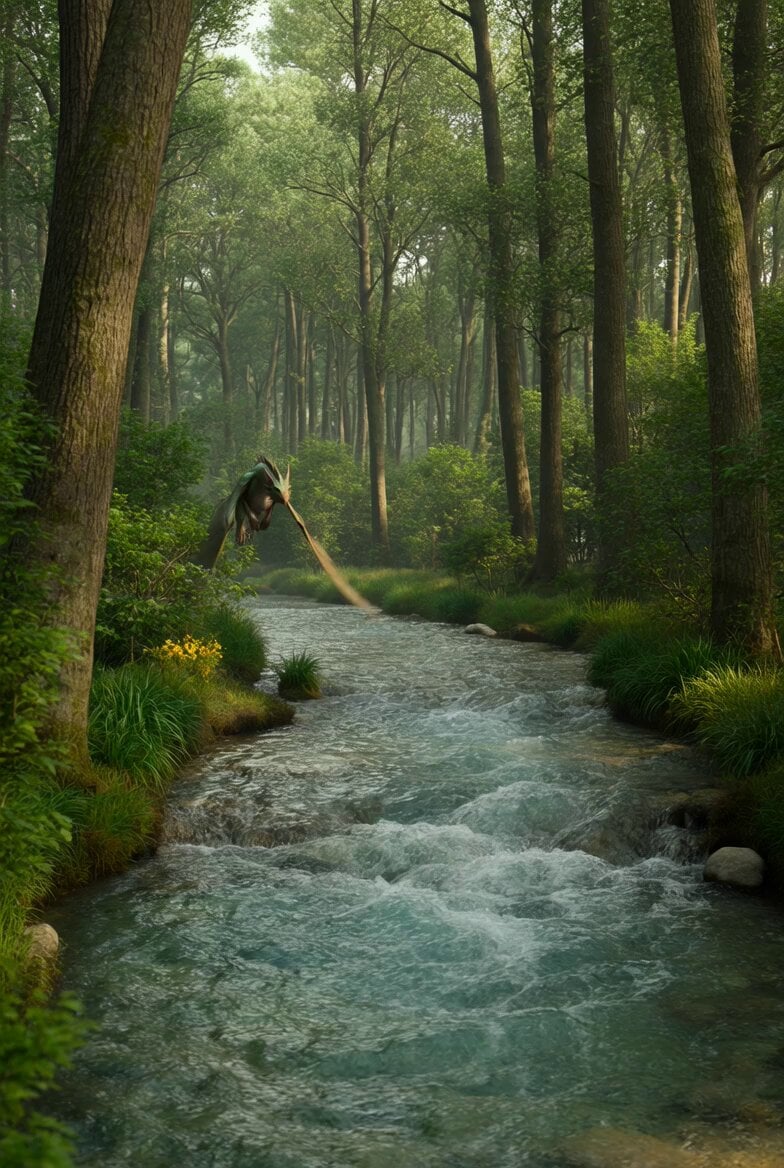
A cinematic video prompt for a 15-second jungle chase scene featuring multi-shot continuity, realistic environment effects, and intense suspense.
"Create a cinematic 15-second dramatic jungle chase video in 4K ultra-realistic quality with 6 continuous shots, intense suspense, dense jungle environment, fog, cinematic camera movement, movie-quality visuals. Shot 1: Wide shot of a dark dense jungle covered in fog, light rain falling, mysterious atmosphere, strange sounds. Shot 2: A man runs through thick jungle in panic, pushing branches aside, fast handheld camera movement creating tension. Shot 3: Close-up of frightened face looking back over shoulder, heavy breathing, sweat and rain on skin. Shot 4: Massive shadow moves rapidly between trees behind him, leaves shaking violently, suspense builds. Shot 5: He suddenly stops at the edge of a cliff, trapped with nowhere to escape, camera circles around dramatically. Shot 6: Giant creature slowly emerges from darkness behind him, glowing eyes, dramatic cinematic reveal, intense ending. Negative prompt: blurry, low quality, low resolution, distorted face, deformed body, bad anatomy, extra limbs, extra fingers, floating objects, unrealistic motion, jittery movement, flickering, oversaturated colors, artifacts, duplicate objects, poor lighting, bad proportions, warped details, cartoonish, low detail."
"Create a cinematic 15-second dramatic jungle chase video in 4K ultra-realistic quality with 6 continuous shots, intense suspense, dense jungle environment, fog, cinematic camera movement, movie-quality visuals. Shot 1: Wide shot of a dark dense jungle covered in fog, light rain falling, mysterious atmosphere, strange sounds. Shot 2: A man runs through thick jungle in panic, pushing branches aside, fast handheld camera movement creating tension. Shot 3: Close-up of frightened face looking back over shoulder, heavy breathing, sweat and rain on skin. Shot 4: Massive shadow moves rapidly between trees behind him, leaves shaking violently, suspense builds. Shot 5: He suddenly stops at the edge of a cliff, trapped with nowhere to escape, camera circles around dramatically. Shot 6: Giant creature slowly emerges from darkness behind him, glowing eyes, dramatic cinematic reveal, intense ending. Negative prompt: blurry, low quality, low resolution, distorted face, deformed body, bad anatomy, extra limbs, extra fingers, floating objects, unrealistic motion, jittery movement, flickering, oversaturated colors, artifacts, duplicate objects, poor lighting, bad proportions, warped details, cartoonish, low detail."
Edit the prompt in the box under the preview — the template's model and format are already selected — and press Generate. Your version appears right on this page.
Yes. You can change the subject, setting, lighting, mood, format, and available model controls before creating your video.
Opening and editing this template is free. Generating uses credits, shown on the Generate button when you are signed in.
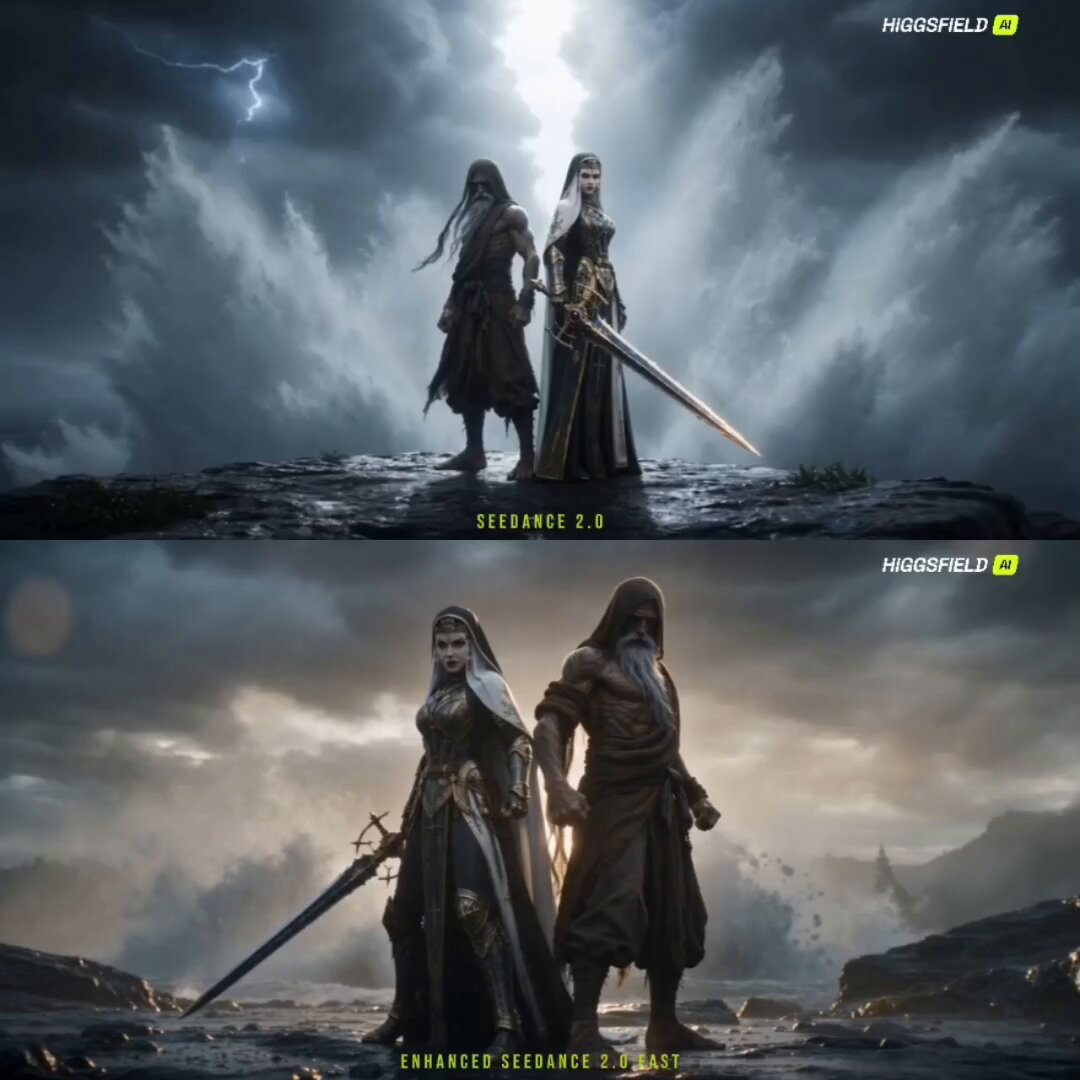
Start with Seedance 2.0, which is the model associated with this template. You can compare another compatible model for a different finish.
Follow a topic to a crawlable collection of related PicX Studio templates.