
Pixar-Style Telekinesis Animation Sequence
A detailed multi-scene cinematic prompt for an animated sequence featuring a young girl attempting telekinesis, complete with lighting details and camera instructions.
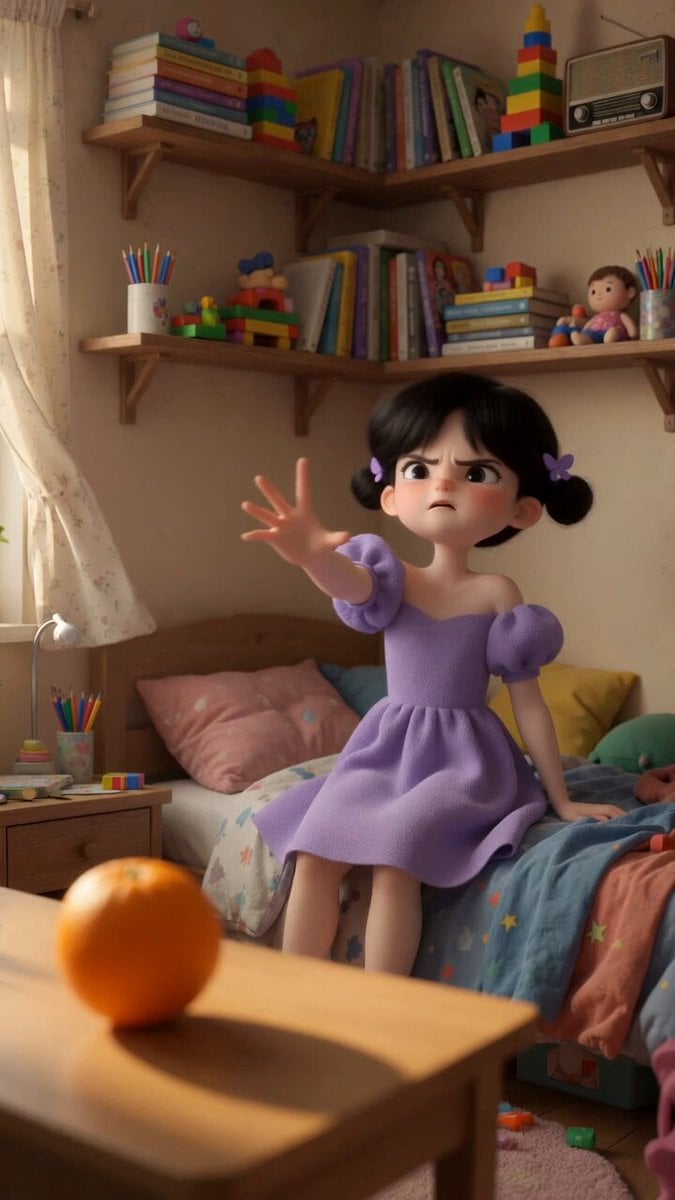
- Prompt included
- Model and format preset
- Free template
The prompt behind this video
Copy the exact prompt behind Pixar-Style Telekinesis Animation Sequence, or open it in the studio and make it yours.
皮克斯动画风格,柔和的窗外自然光和反光照明,真实的布料和头发运动,浅景深效果。 情景一:中景,一个小女孩坐在床上,手臂向前伸展。她努力施展意念控制术。面部紧绷,身体因为用力而微微颤抖。 情景二:切换为全景镜头,展示整个房间。窗帘微微摆动。摄影机以手动方式保持稳定。橘子在前景中,女孩在后景中模糊不清。 情景三:切换到女孩的面部特写镜头。紧咬牙关,脸颊膨胀,眉毛压缩。面部因为用力而微微颤抖。 情景四:快速切换到橘子特写,一动不动。 情景五:快速切换到中景。女孩双手无力下垂,,向后倒在床上,盯着天花板,发出一声叹息。 情景六:快速冲击镜头,从女孩身上拉回,穿过卧室。拉到房间外部远景镜头,一只狗漂浮在空中,露出惊恐的表情
How to use Pixar-Style Telekinesis Animation Sequence in 3 steps
- 1
Open
The prompt is already in the box next to the preview, with the template's model and format selected.
- 2…a portrait of your subject in softgolden-hour light, 85mm…
Personalize
Edit the subject and creative details for your destination.
- 3Generate
Generate
Press Generate — your video is created in PicX Studio, so you can compare it with the original and refine one variable at a time.
More like this
Templates with the same subject, style or setup. Open one to see its prompt.

Voice Controlled Water Animation
Pixar Style Barista Animation Sequence
Grok Imagine Cinematic Impact Sequence Video Prompt

Golden Winged Muse Animation
Pixar Style Sleeping Girl Animation
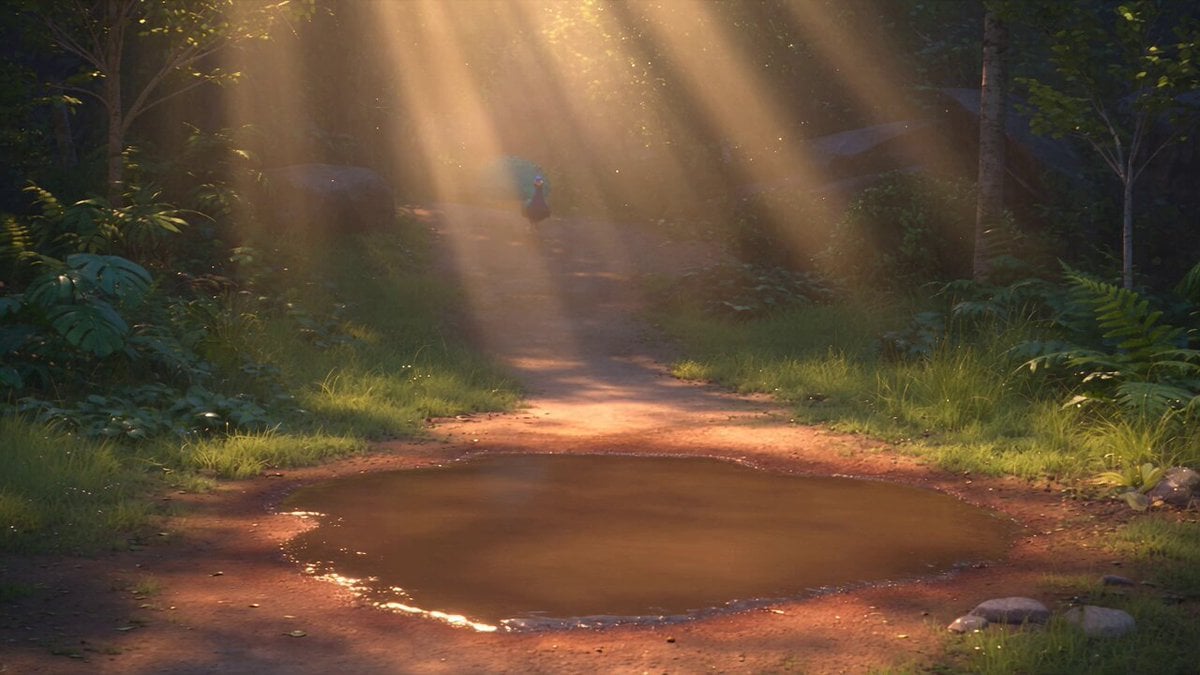
Pixar Style 3D Animation Prompt

Pixar Style Beauty Routine Animation
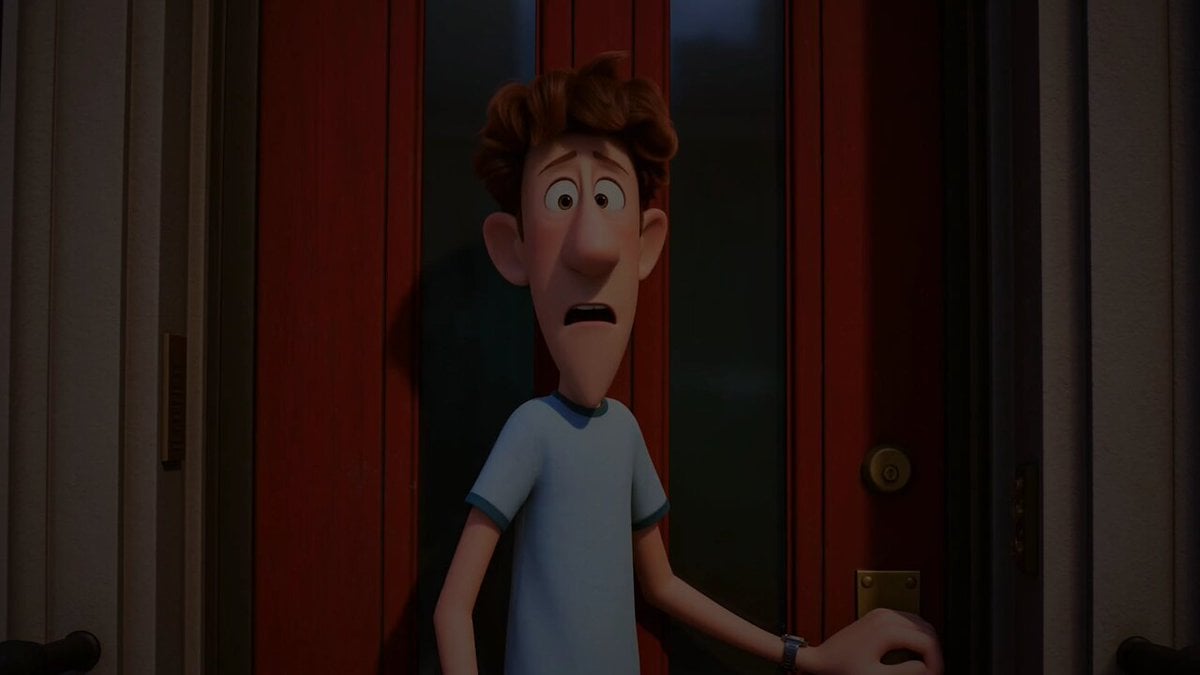
Pigeon Nemesis Pixar Animation Storyboard
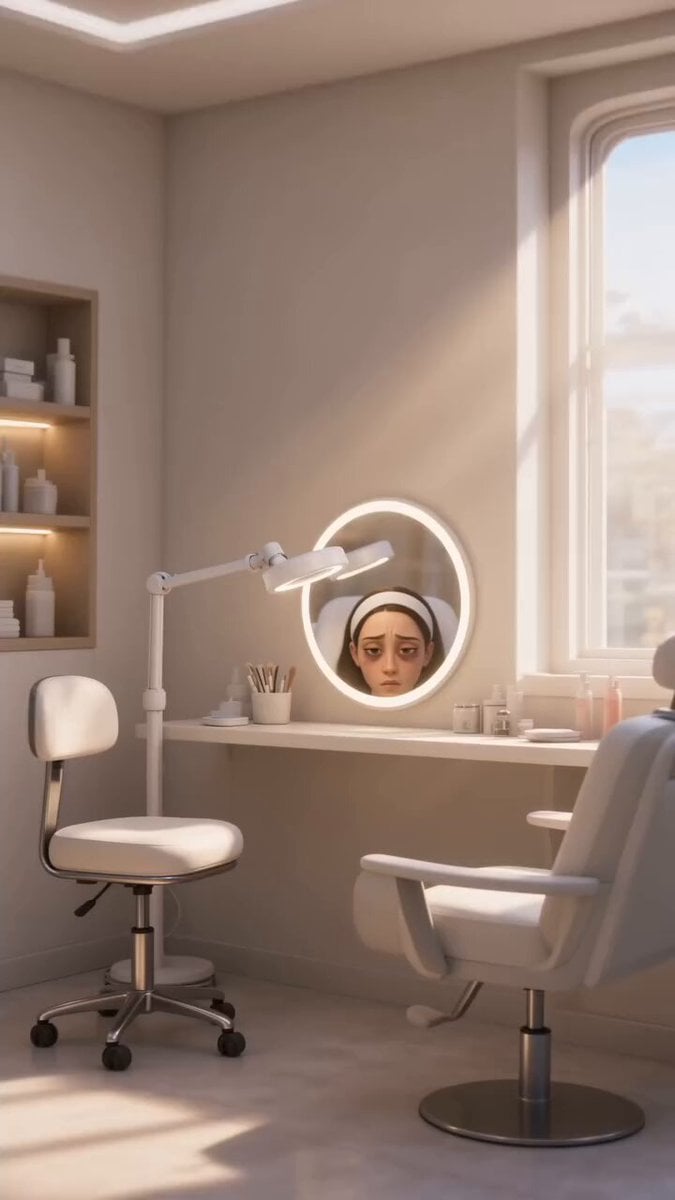
Disney Pixar Skincare Animation

Kaleidoscopic Cosmic Dolphin Video

Horror Daffy Duck Video Transition

America 250th Anniversary Celebration
Make it yours
Pixar-Style Telekinesis Animation Sequence works as-is. These are the safest ways to change it without losing the look.
Change one field
Copy a single group, rewrite it, and generate again so you can see what that field is doing.
Keep the frame, change the subject
Hold the composition and light of Pixar-Style Telekinesis Animation Sequence, then swap wardrobe, props or the person for a new take.
| If the result… | Why | Fix |
|---|---|---|
| The result drifts from the preview | Too many fields changed at once. | Reuse Pixar-Style Telekinesis Animation Sequence as-is first, then change one group — subject, light, or setting. |
| The model over-stylizes the scene | The prose prompt leaves finish and camera underspecified. | Add one camera or lighting sentence and stay on Grok Imagine. |
More Grok Imagine templates
Other prompts made for Grok Imagine.

Mecha Runway Tap Dance Video Prompt

Emotional Angry Couple Drama
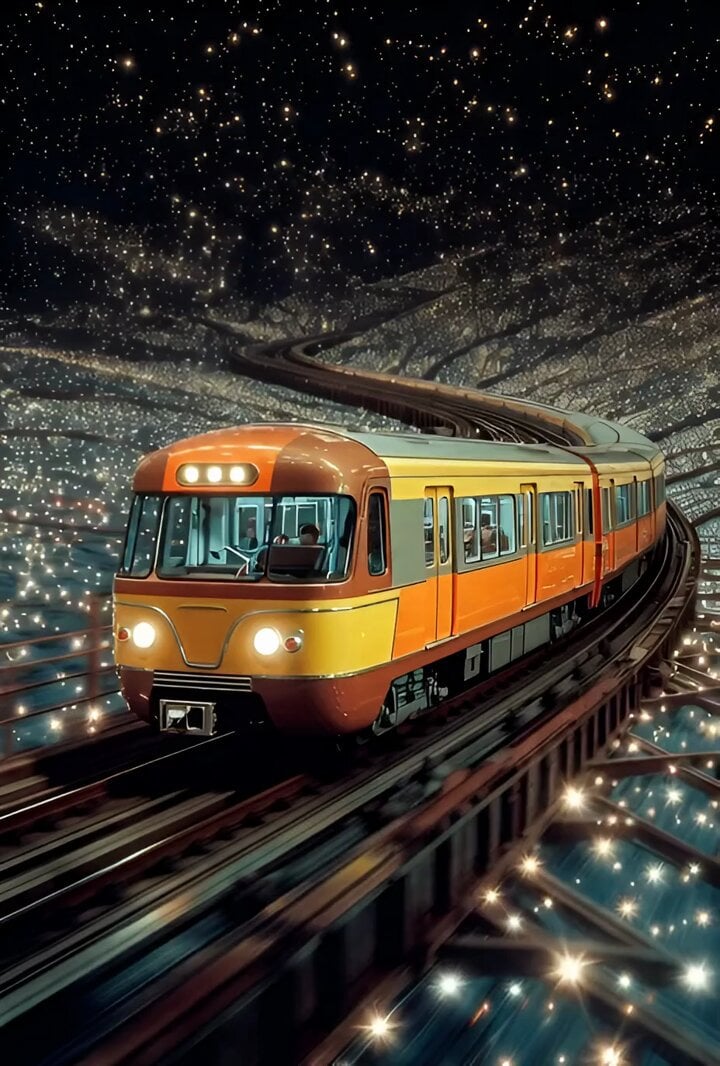
Train Zooming in Star Field Video Prompt

Cyberpunk Guerrilla Girl Video Generation

Detailed multi-part video prompt
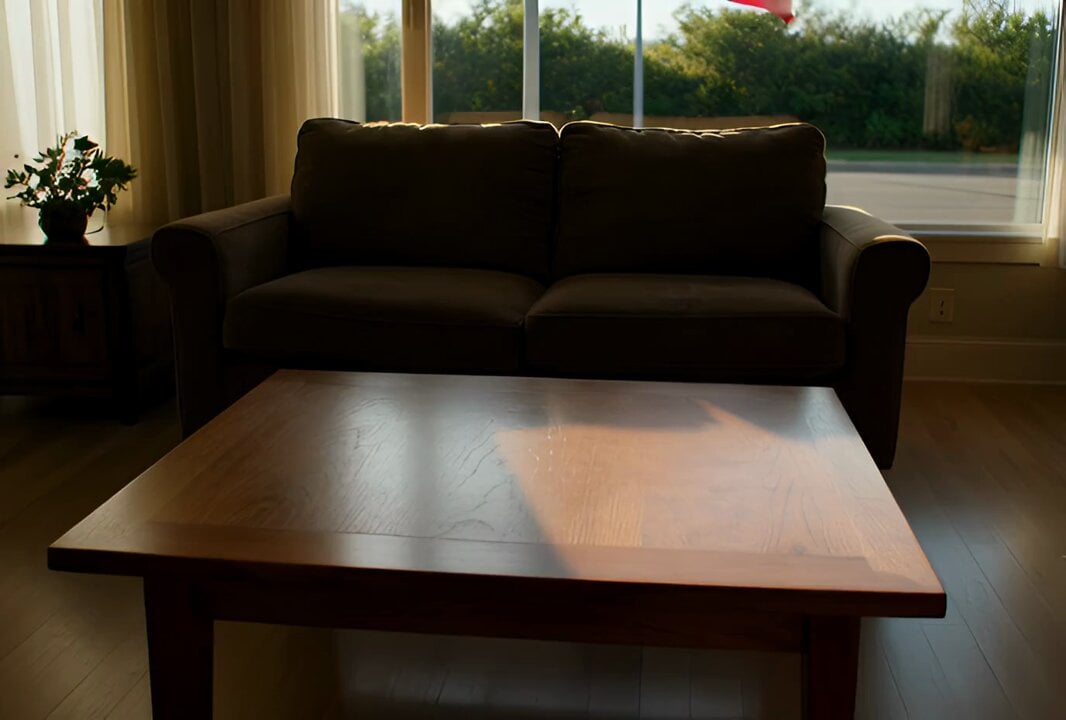
Interior View Video Generation Prompt
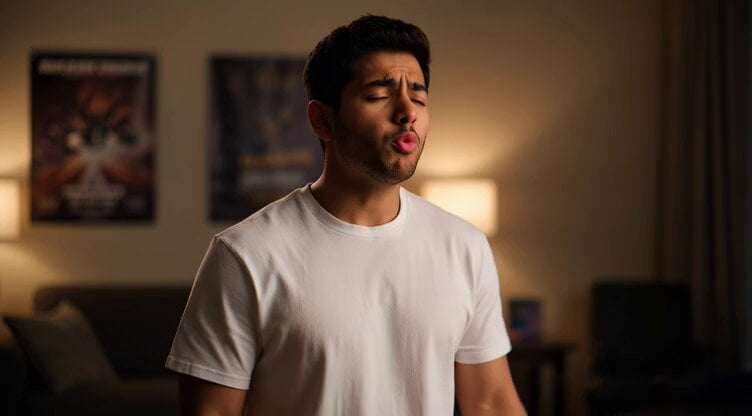
GTA 6 never came out in 1 million years

Bitcoin liferaft video prompt

Woman floating down, opening eyes and looking deeply into the viewer's eyes

Utopian World of Harmony and Peace
More video prompts
Fresh picks from across the catalog.
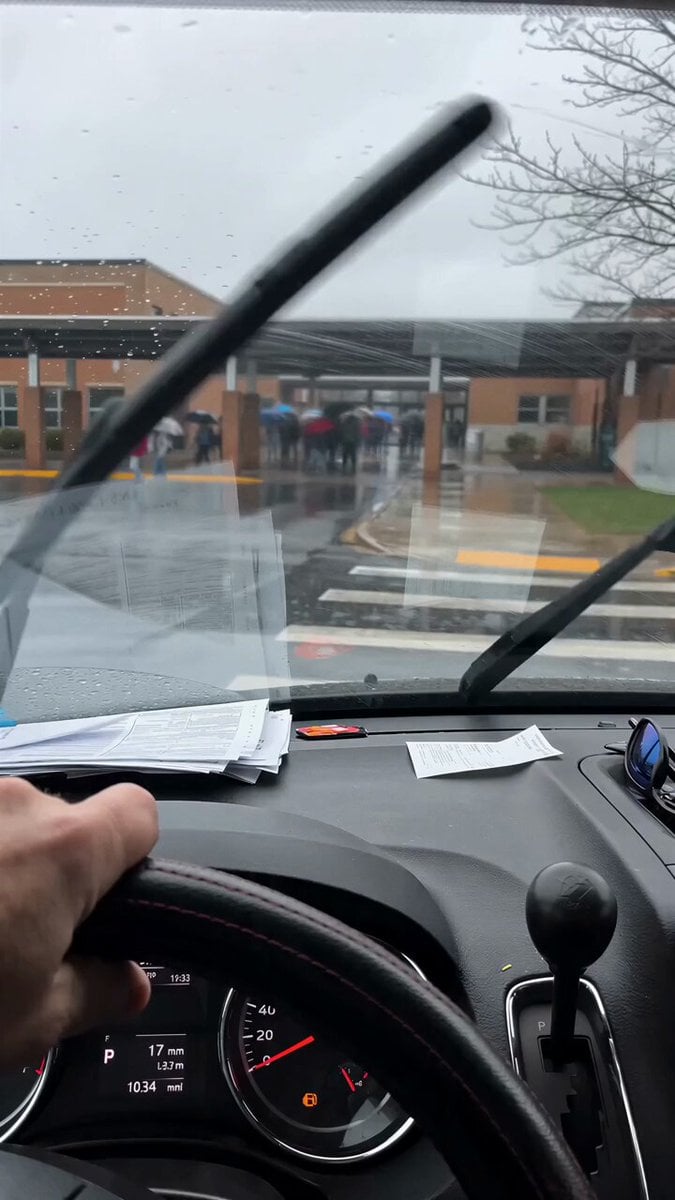
Smartphone POV Rainy School Pickup
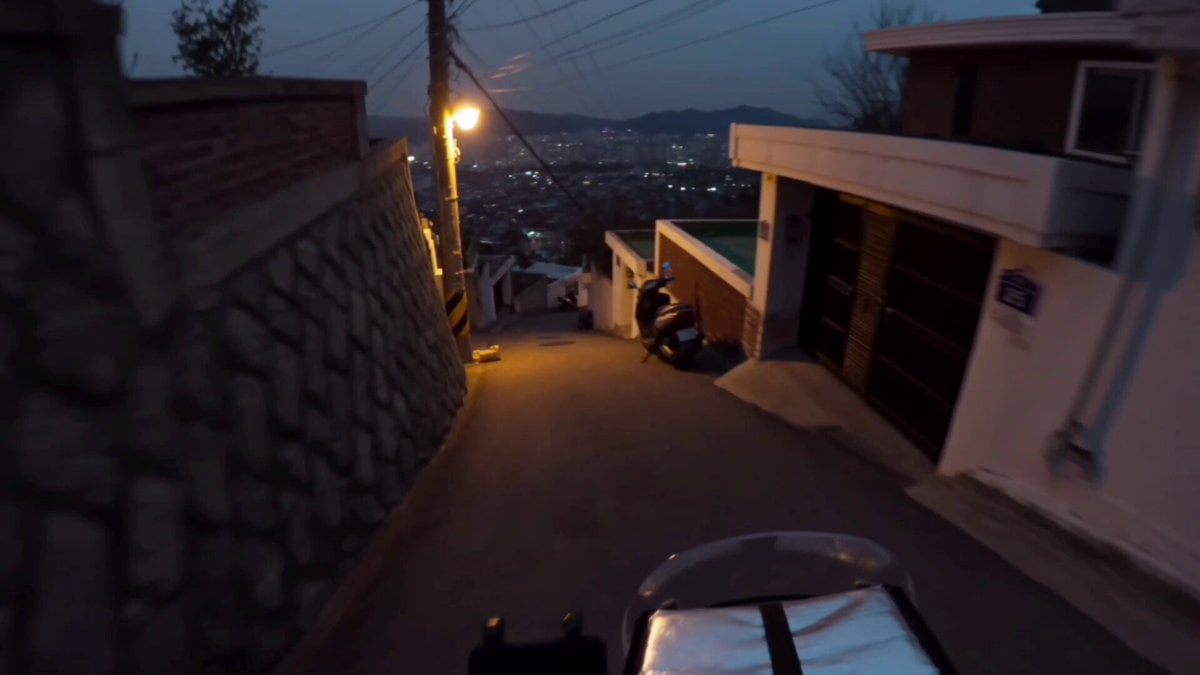
Korean Motorbike Delivery Action Video Prompt
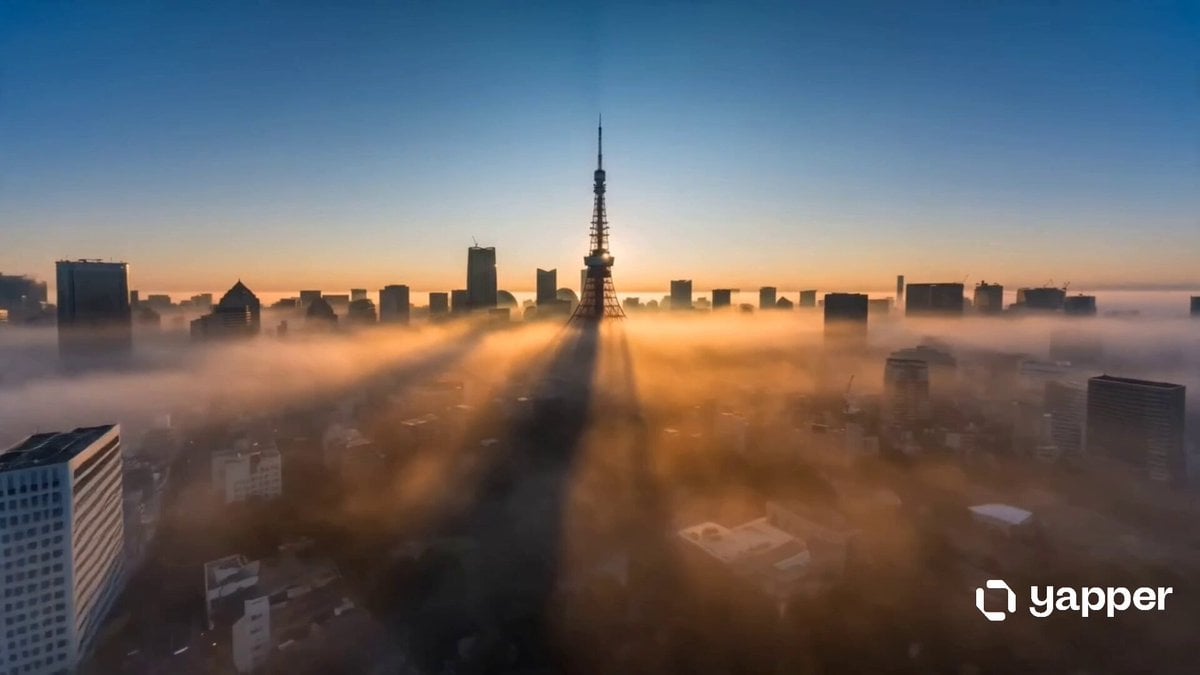
Cinematic Tokyo Travel Intro
Pokemon Found Footage Documentary
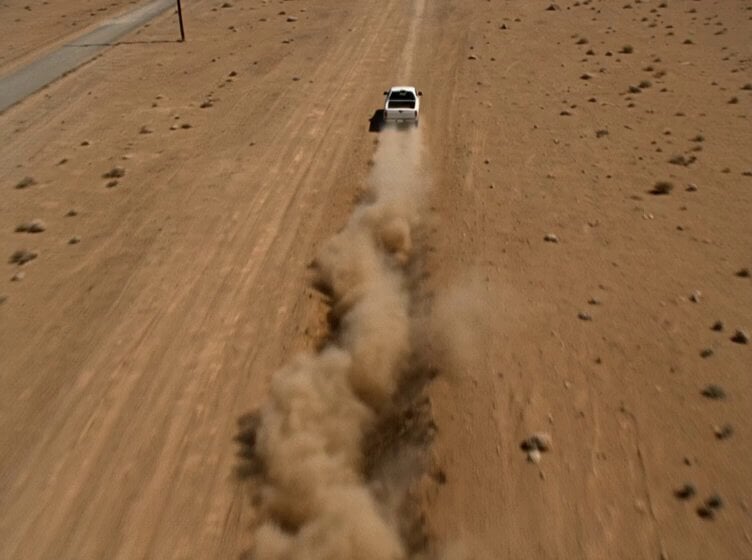
Truck vs Desert Underground Beast
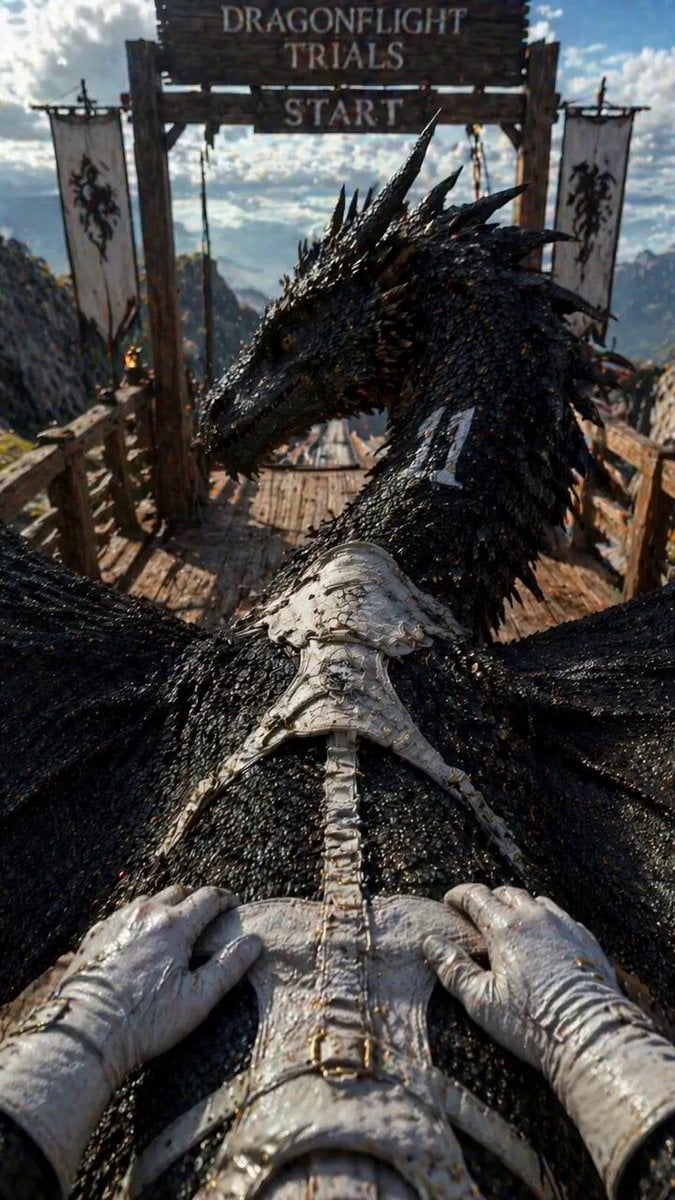
Dragonflight Trials POV
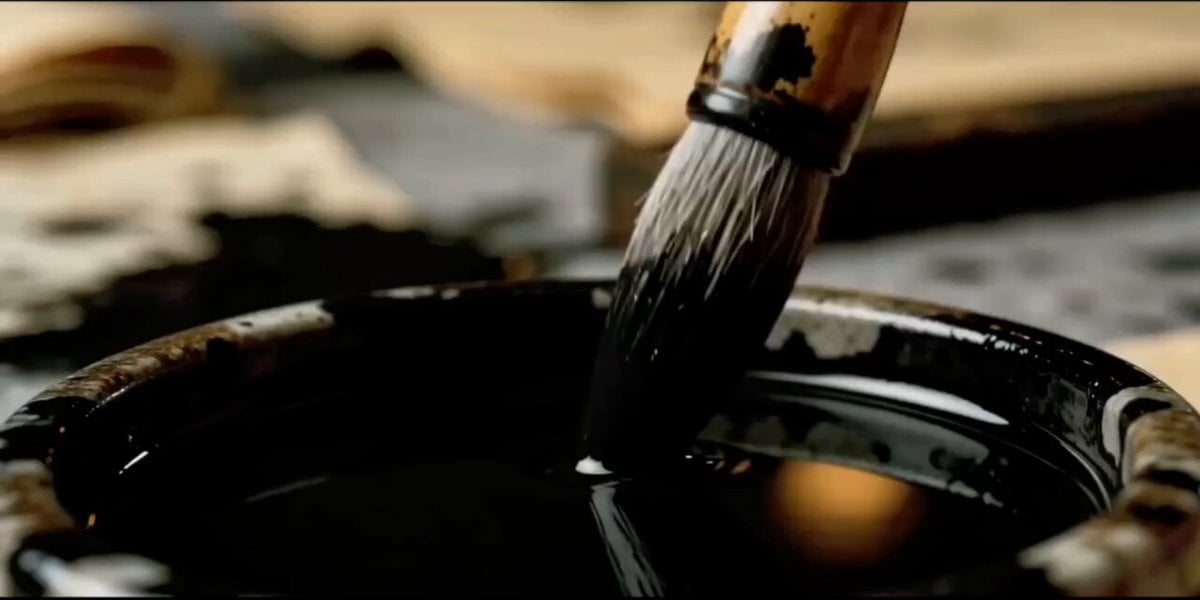
Dark Fantasy Calligraphy Ink Dragon
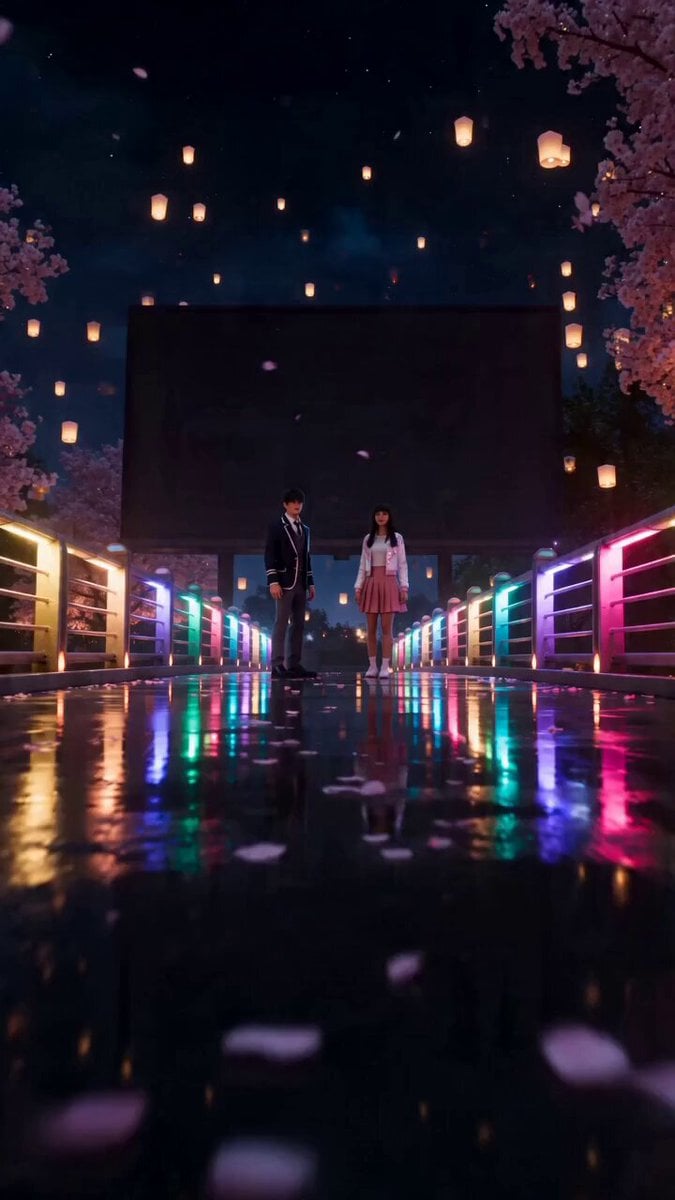
Cyberpunk Romance Scene: School Anniversary Night

Anime Dance Video in Pop-up Book Style
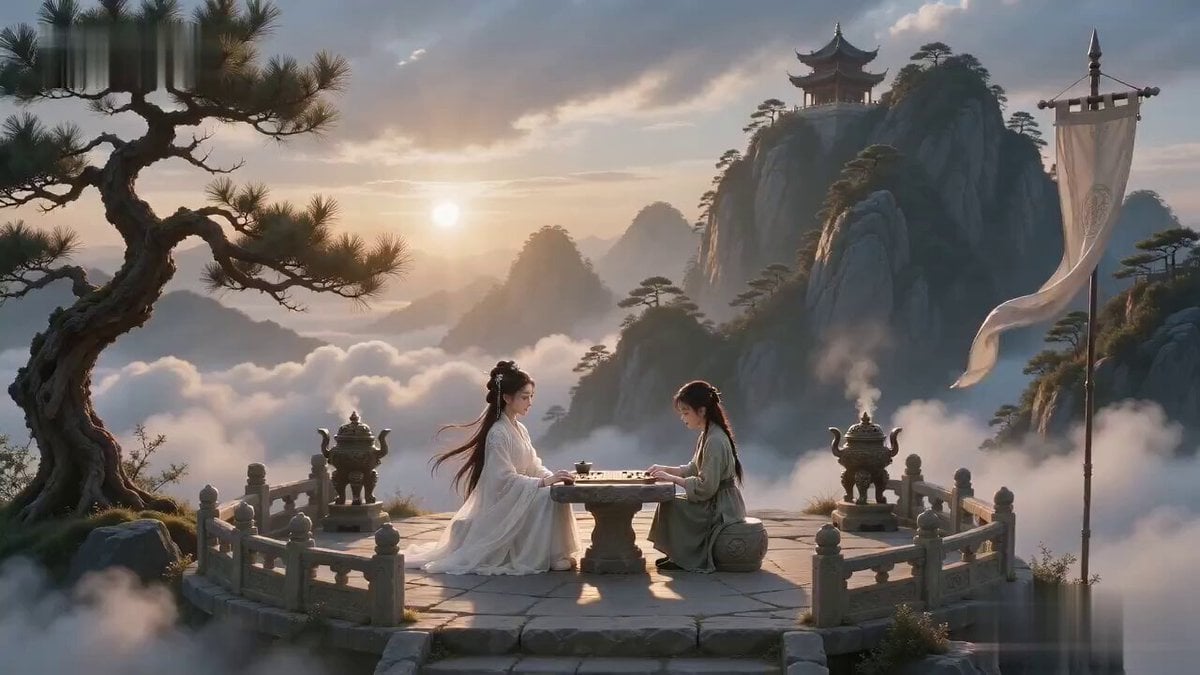
Epic Xianxia Immortal Chess Battle
Browse template categories
Pixar-Style Telekinesis Animation Sequence questions
How do I use the Pixar-Style Telekinesis Animation Sequence template?
Add your photo if the template asks for one, edit the prompt if you like — the template's model and format are already selected — and press Generate. Your version opens in PicX Studio.
Can I customize the Pixar-Style Telekinesis Animation Sequence template?
Yes. You can change the subject, setting, lighting, mood, format, and available model controls before creating your video.
Is the Pixar-Style Telekinesis Animation Sequence template free?
Opening and editing this template is free. Generating uses credits, shown on the Generate button when you are signed in.
Which AI model should I use?
Start with Grok Imagine, which is the model associated with this template. You can compare another compatible model for a different finish.
Looking for something else? Browse all templates.

Your photo, any look
Thousands of ready templates for every top image and video model, from one credit balance.