
Dragonflight Trials POV
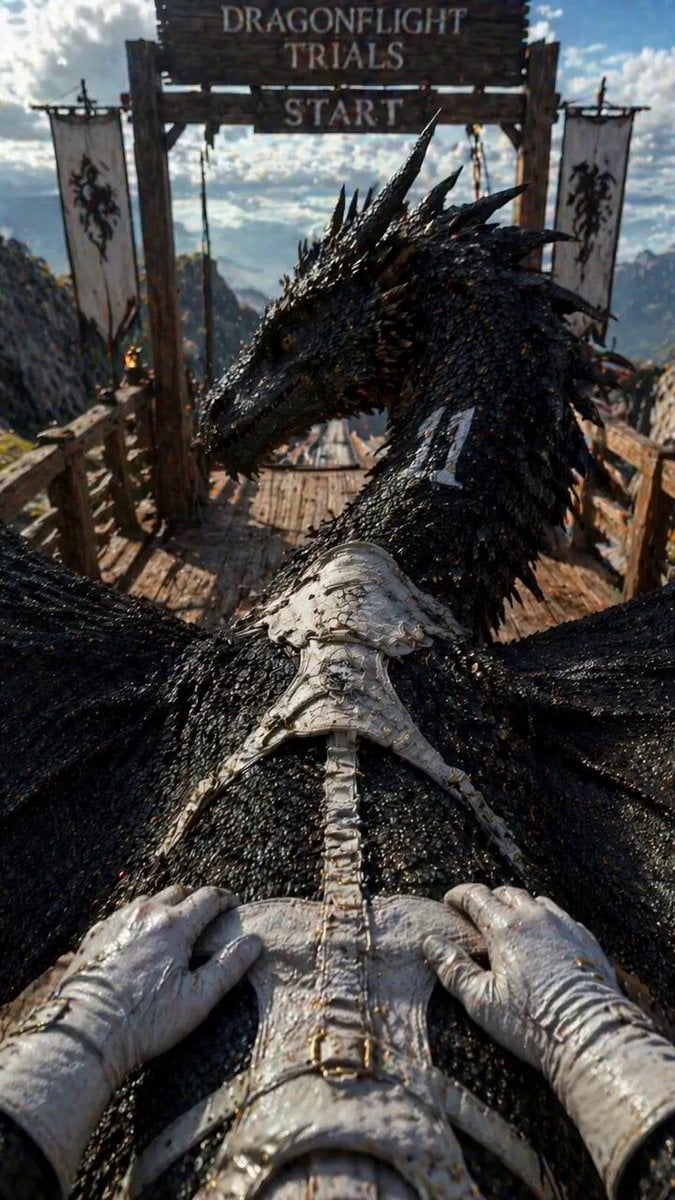
A visceral first-person perspective prompt for animating a rider mounting a massive black dragon on a mountain platform.
- Prompt included
- Model and format preset
- Free template
The prompt behind this video
Copy the exact prompt behind Dragonflight Trials POV, or open it in the studio and make it yours.
First-person POV from a rider approaching a massive black dragon from behind on a wooden mountain platform. The dragon stands at a starting ramp facing a wooden gate reading "DRAGONFLIGHT TRIALS START" with dragon-emblem banners on each side. Mountains and clouds beyond. The rider wears worn white leather gloves, dirt on hands. A white leather saddle with straps sits on the dragon's back. Ambient crowd noise: distant cheering, horns, excited murmur from spectators below. 35mm anamorphic, handheld POV, heavy film grain, teal-amber palette, bright sunlight, photoreal VFX, no zoom. 0s–2s: POV approaching the dragon's flank. Hands reach up, grab the saddle edge, pull up. One leg swings over. POV settles into the white saddle on the dragon's back. Hands grip the saddle straps. Crowd noise swells slightly. 2s–4s: Seated POV. The dragon slowly turns its massive horned head to the right, looking back over its shoulder toward the rider with one large amber eye — a knowing sideways glance, intense but calm. The eye blinks once, slowly. 4s–6s: The rider leans forward and extends one gloved hand to the side of the dragon's thick scaled neck. Pats it firmly three times with warm confident rhythm — thud, thud, thud — feeling the hard scales under the leather glove. The rider says softly but firmly: "Are you ready, my friend?" 6s–8s: The dragon holds the gaze for one more beat, then slowly turns its head back forward toward the starting gate. A deep exhale through its nostrils — a heavy deliberate sigh, two thick streams of warm air visible in the mountain cold. Its jaw tightens. Eyes narrow with focus. The crowd noise builds. 8s–10s: The dragon lowers its body slightly, hind legs coiling, claws gripping the wooden platform, wings tucking tight against its body in launch position. Muscles tensing visibly under the scales. The rider leans forward flat against the neck, hands locked on the straps, body pressed tight. Both locked in, both ready. Crowd roaring. The starting gate still ahead. Freeze on the tension. Style: hyperrealistic VFX, photoreal massive dragon, detailed scales and eye, worn leather saddle and gloves, mountain competition environment, visceral POV, rider always firmly mounted, layered crowd and competition soundscape — cheering, distant horns, wind, dragon breathing — building to crescendo, no music. Negative: cartoon, CGI look, zoom, third-person, rider's face visible, dragon launching or flying, text, watermark, morphing anatomy.
How to use Dragonflight Trials POV in 3 steps
- 1
Open
The prompt is already in the box next to the preview, with the template's model and format selected.
- 2…a portrait of your subject in softgolden-hour light, 85mm…
Personalize
Edit the subject and creative details for your destination.
- 3Generate
Generate
Press Generate — your video is created in PicX Studio, so you can compare it with the original and refine one variable at a time.
More like this
Templates with the same subject, style or setup. Open one to see its prompt.
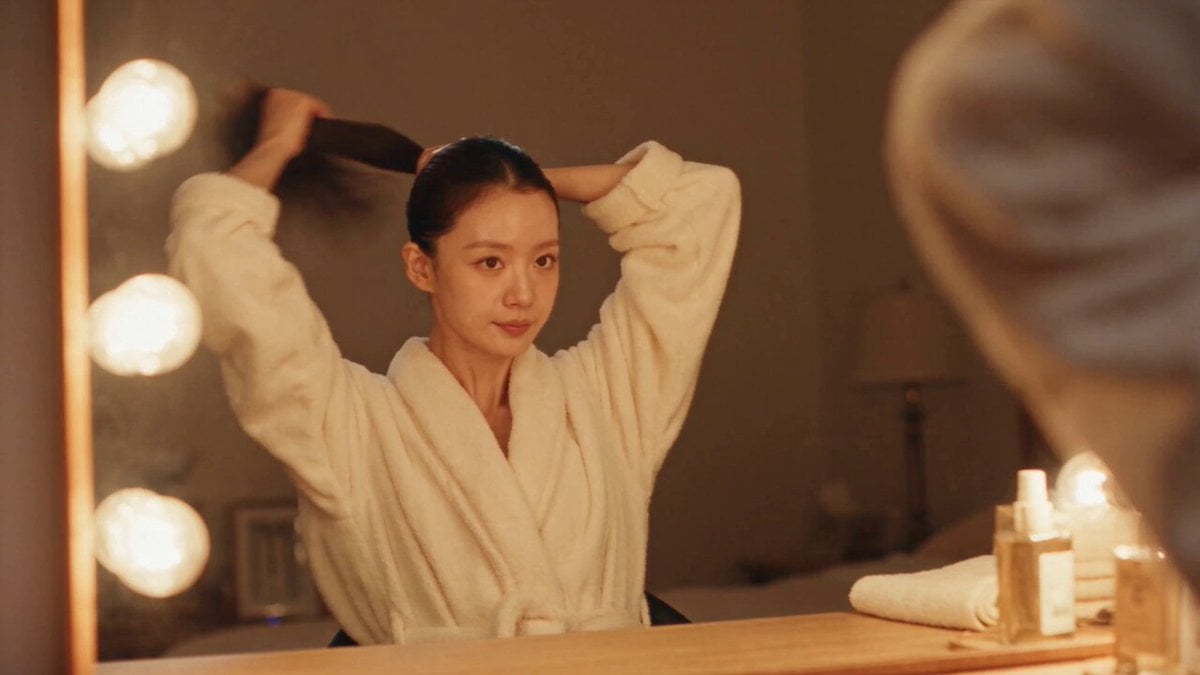
DV Camcorder POV Gym Montage — Seedance 2.5
DV Camcorder POV Gym Montage — Seedance 2.5
Ice Queen — Frozen Battlefield Time Control (Seedance)
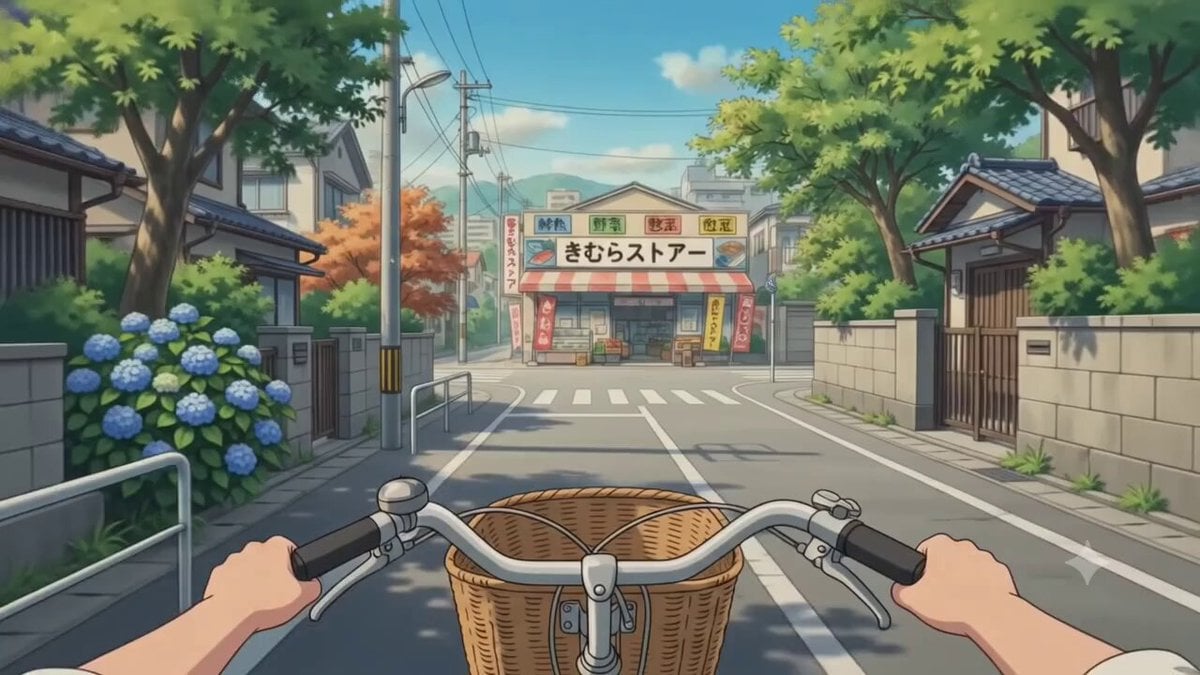
POV Japanese Residential Neighborhood Bike Trip
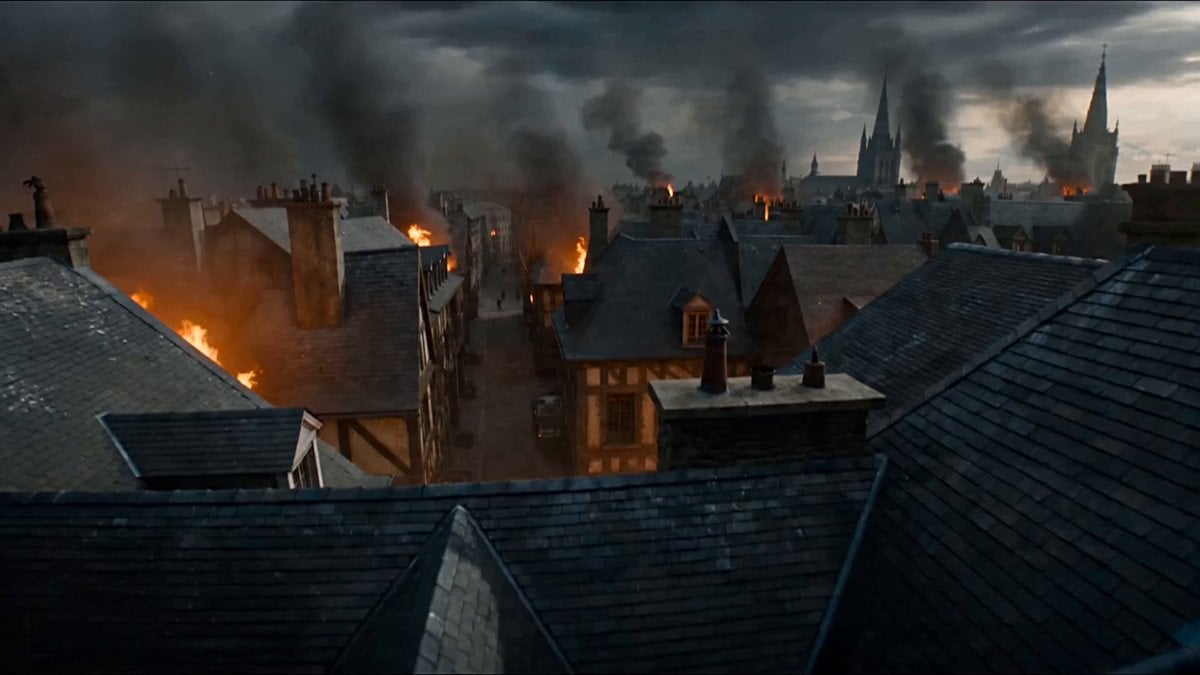
First-Person POV Fantasy Demon Battle
POV Handheld DV Camcorder Beach
Selfie POV Bungee Jump Vlog
Ancient POV Child Report Card
16mm Camcorder POV Beach Vlog
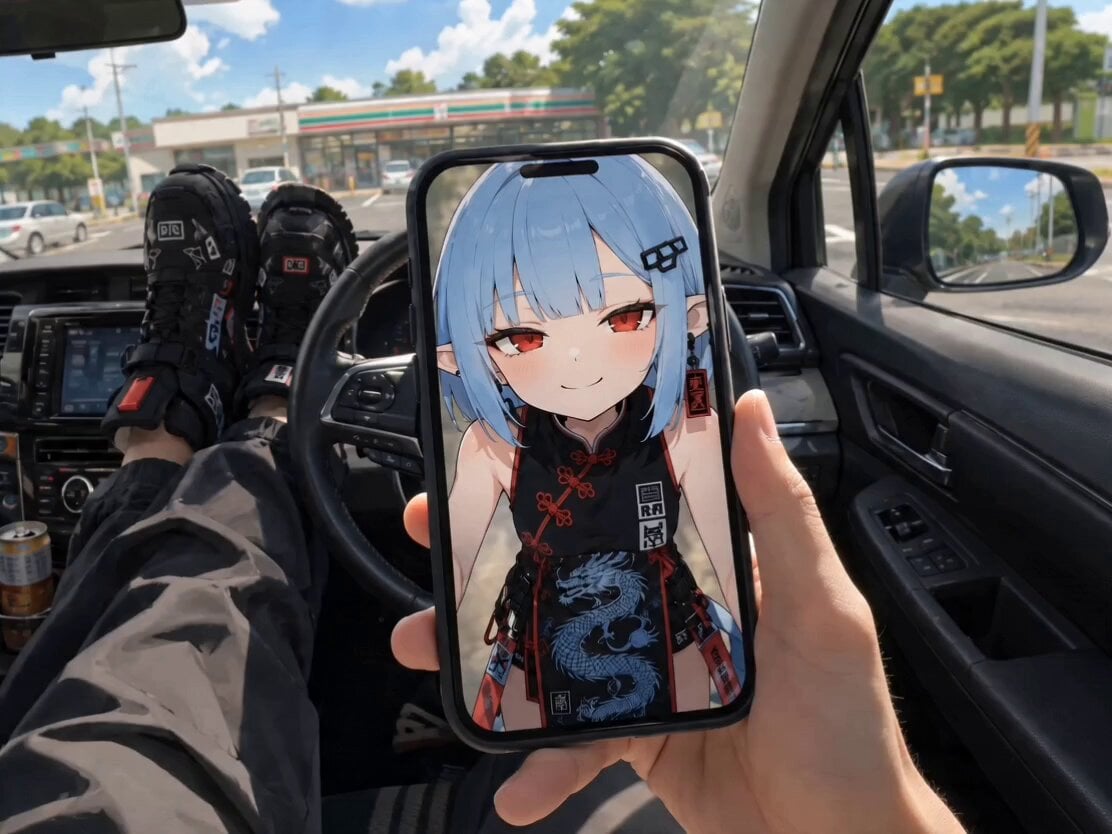
POV Singing Video Call in Car
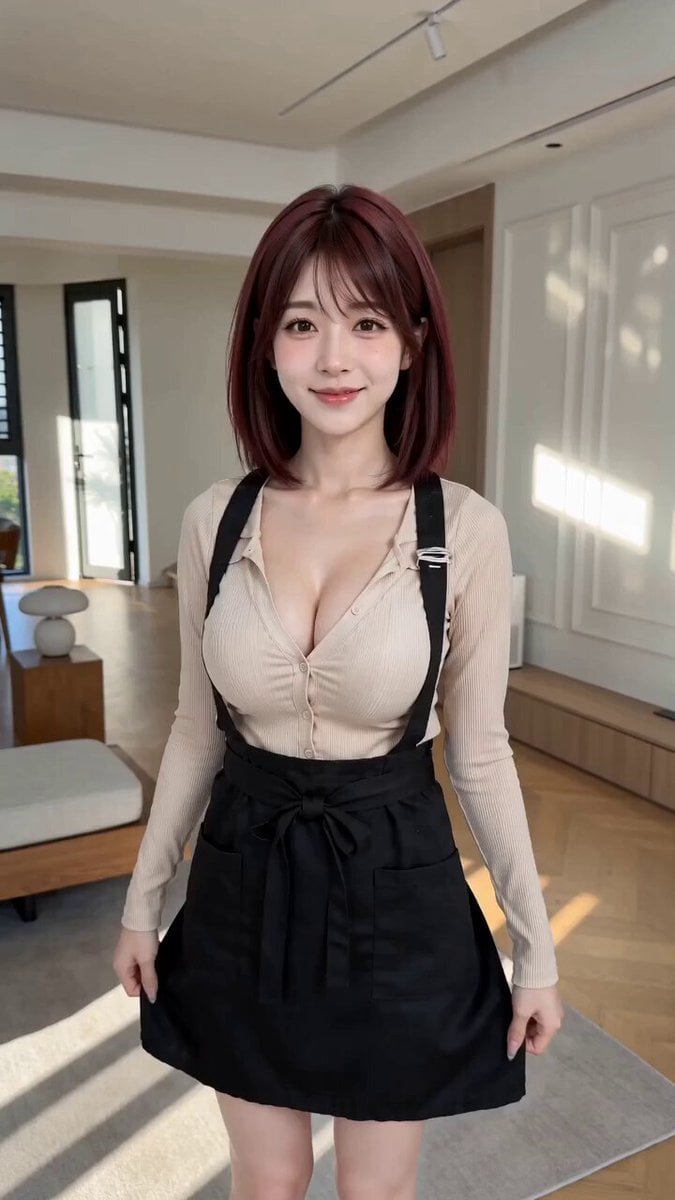
POV First-Person Remote Outfit Swap
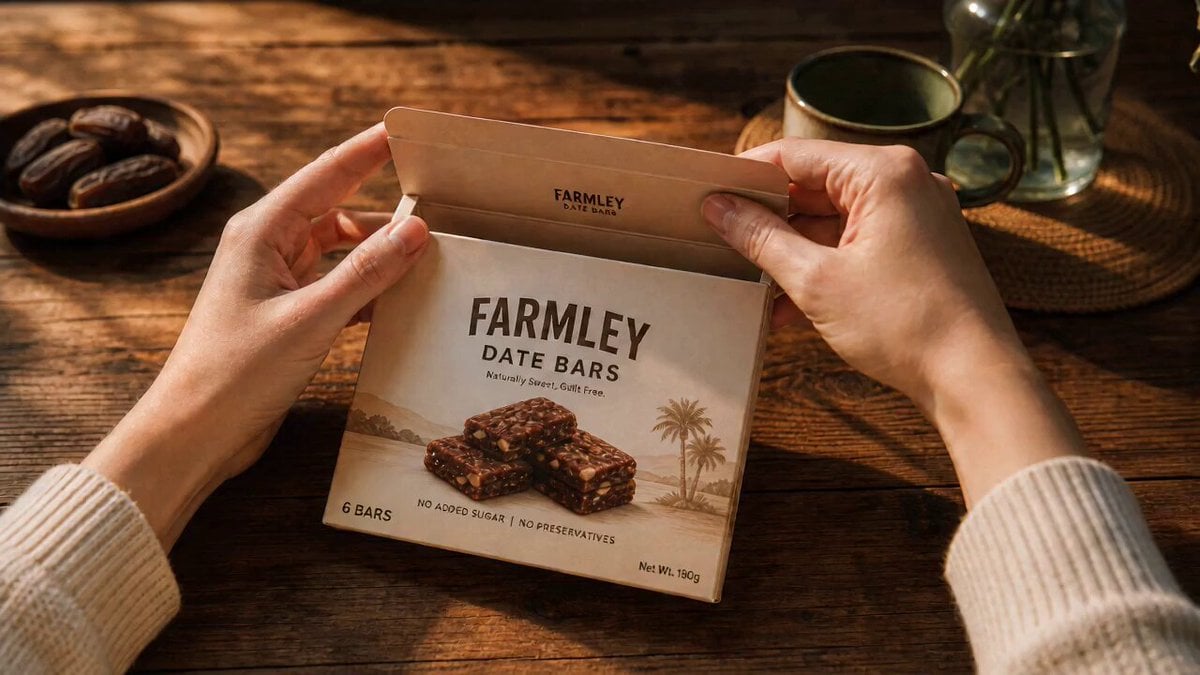
ASMR Date Bar POV Product Video
Make it yours
Dragonflight Trials POV works as-is. These are the safest ways to change it without losing the look.
Change one field
Copy a single group, rewrite it, and generate again so you can see what that field is doing.
Keep the frame, change the subject
Hold the composition and light of Dragonflight Trials POV, then swap wardrobe, props or the person for a new take.
| If the result… | Why | Fix |
|---|---|---|
| The result drifts from the preview | Too many fields changed at once. | Reuse Dragonflight Trials POV as-is first, then change one group — subject, light, or setting. |
| The model over-stylizes the scene | The prose prompt leaves finish and camera underspecified. | Add one camera or lighting sentence and stay on Seedance 2.0. |
More Seedance 2.0 templates
Other prompts made for Seedance 2.0.

Comical Martial Arts Punch Scene

Maglev Train Action Sequence

Martial Arts Fight Sequence

Wuxia Protection and Trust Script

Vintage Korean Arcade MiniDV Vlog

Mercedes 190 SL Luxury Ad

Rainy Night Supernatural Reverse Comedy Video Script

Amazon Civilization Discovery

Futuristic South Asian City Transformation

Cozy Luxury Cafe Commercial
More video prompts
Fresh picks from across the catalog.
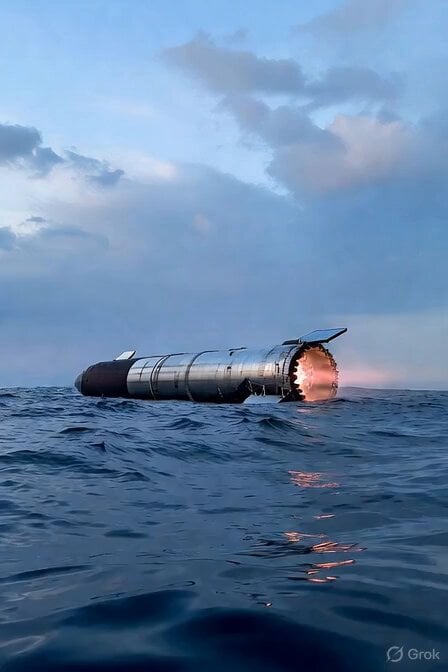
SpaceX Starship Ocean Speedboat

Parallel Self Encounter
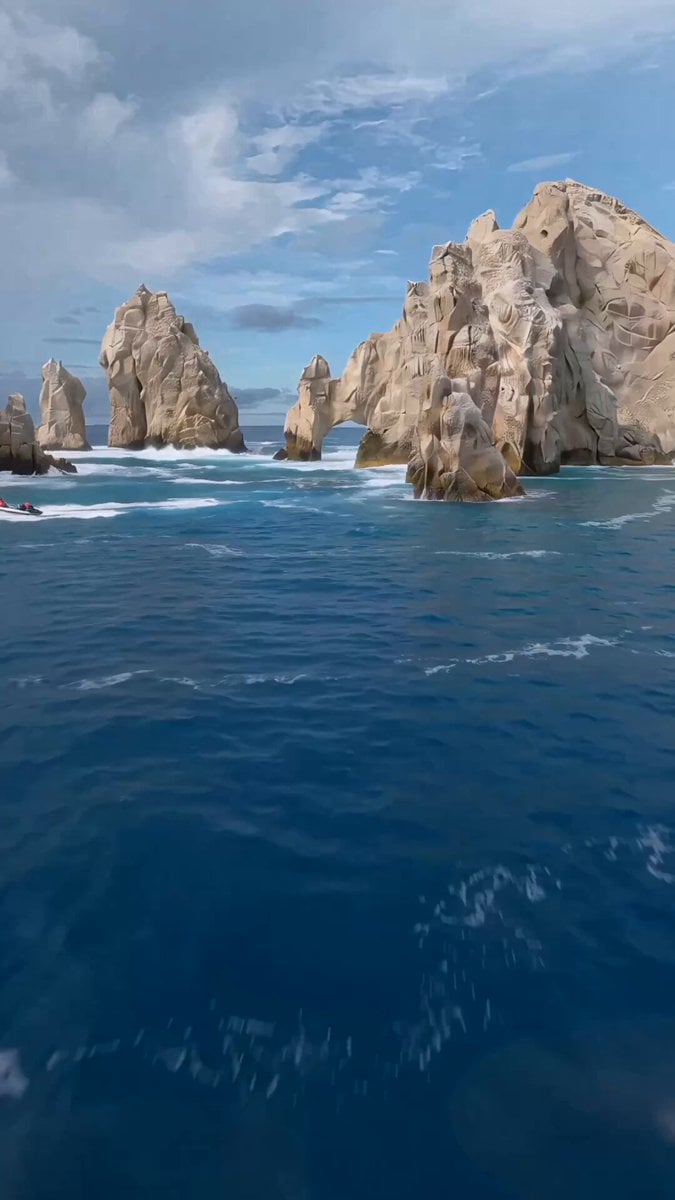
FPV Drone Humpback Whale Jump
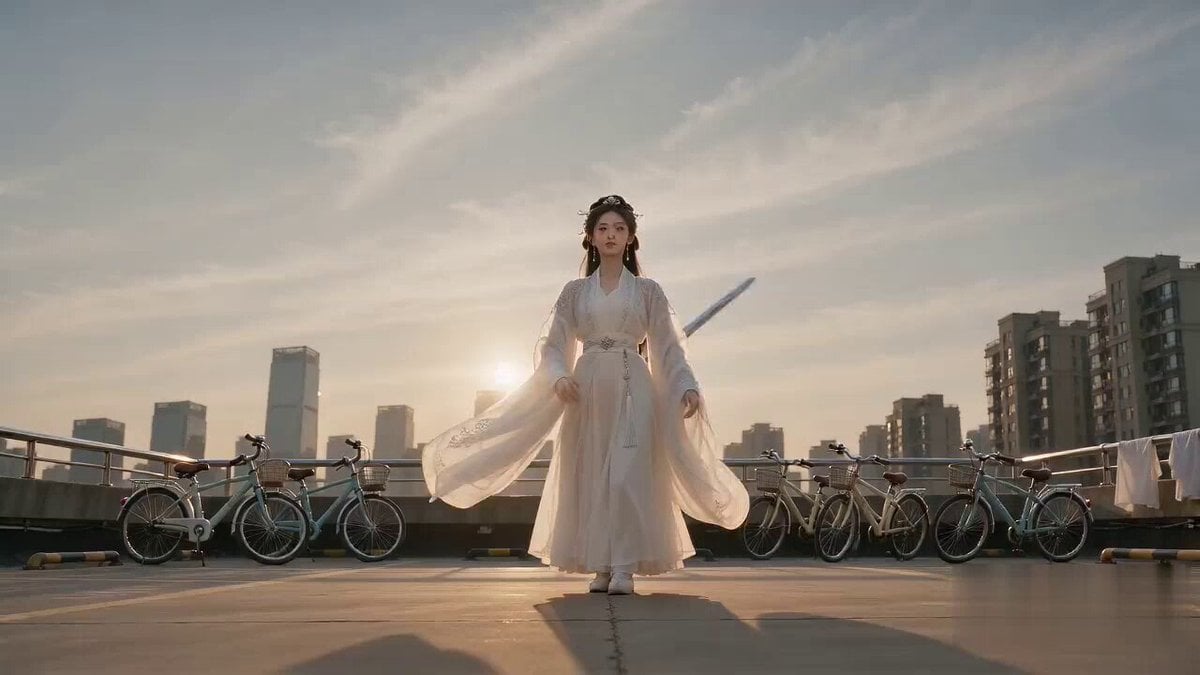
Cinematic Bicycle Array Comedy Video Prompt
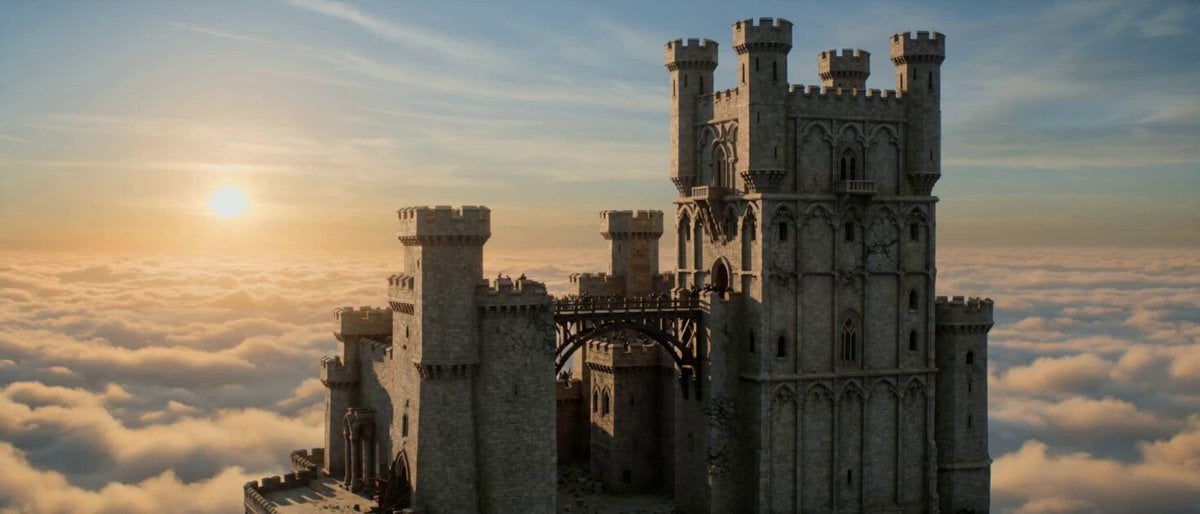
Floating Dragon Castle Sunrise
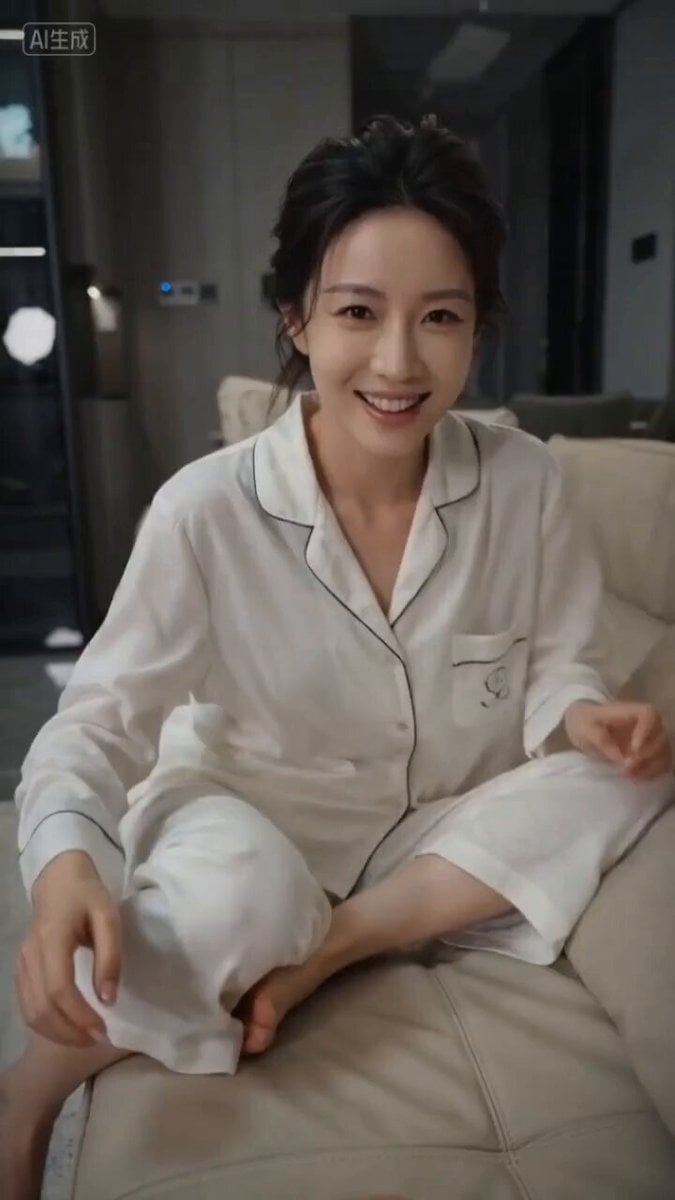
First-Person Perspective Couple Interaction Video Prompt
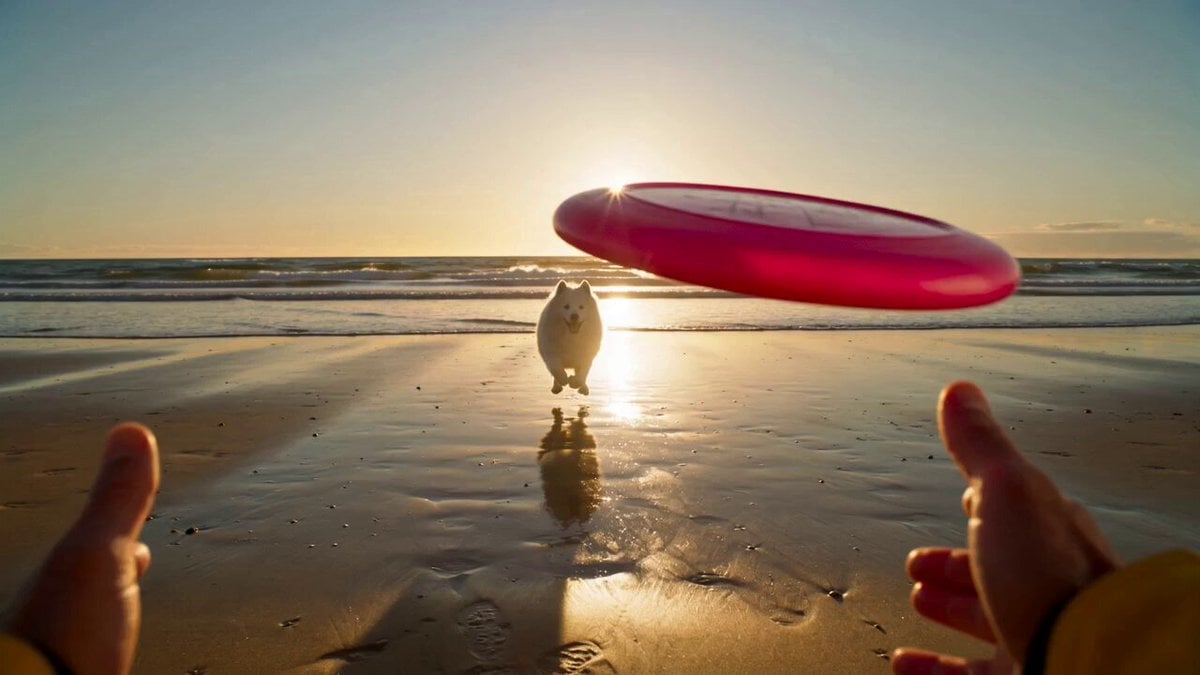
Golden Hour Beach Dog POV
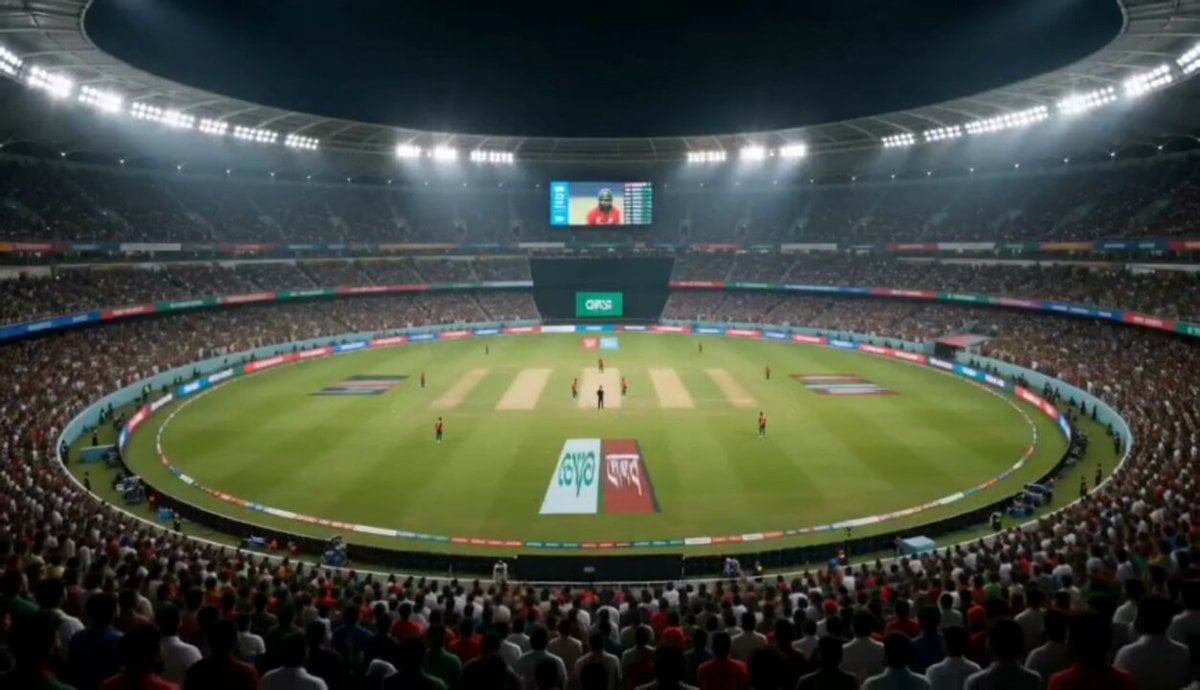
Cricket Stadium Fan Broadcast
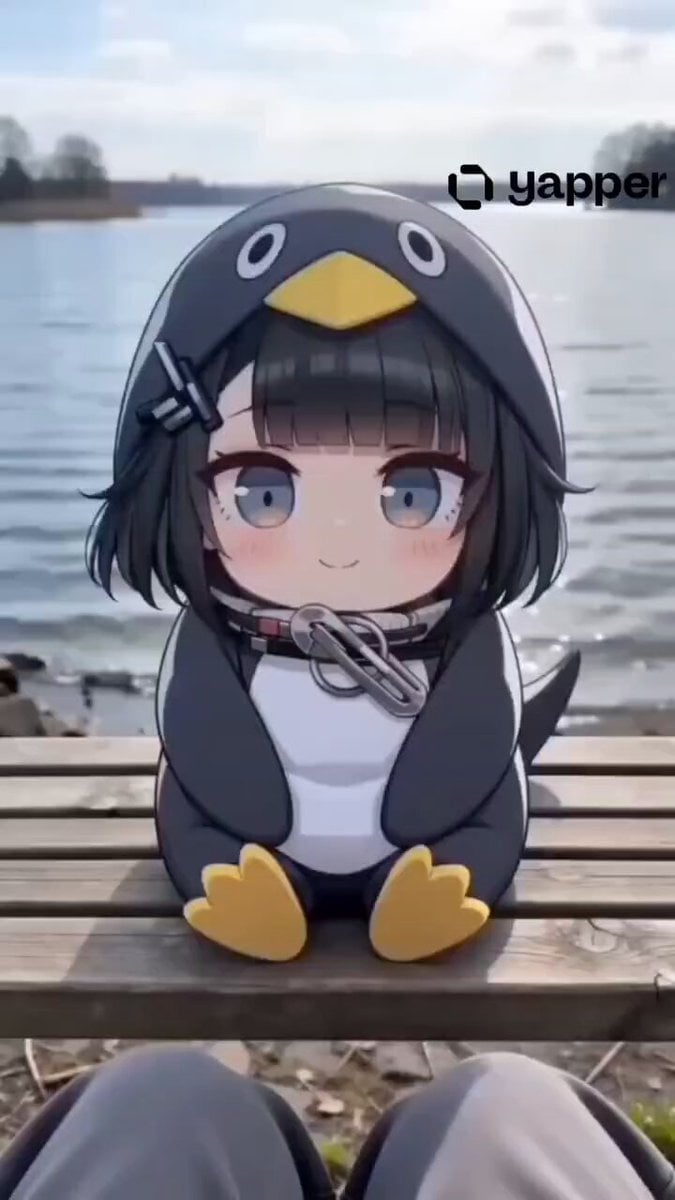
Gugu Gaga Chibi Animation by the Lake
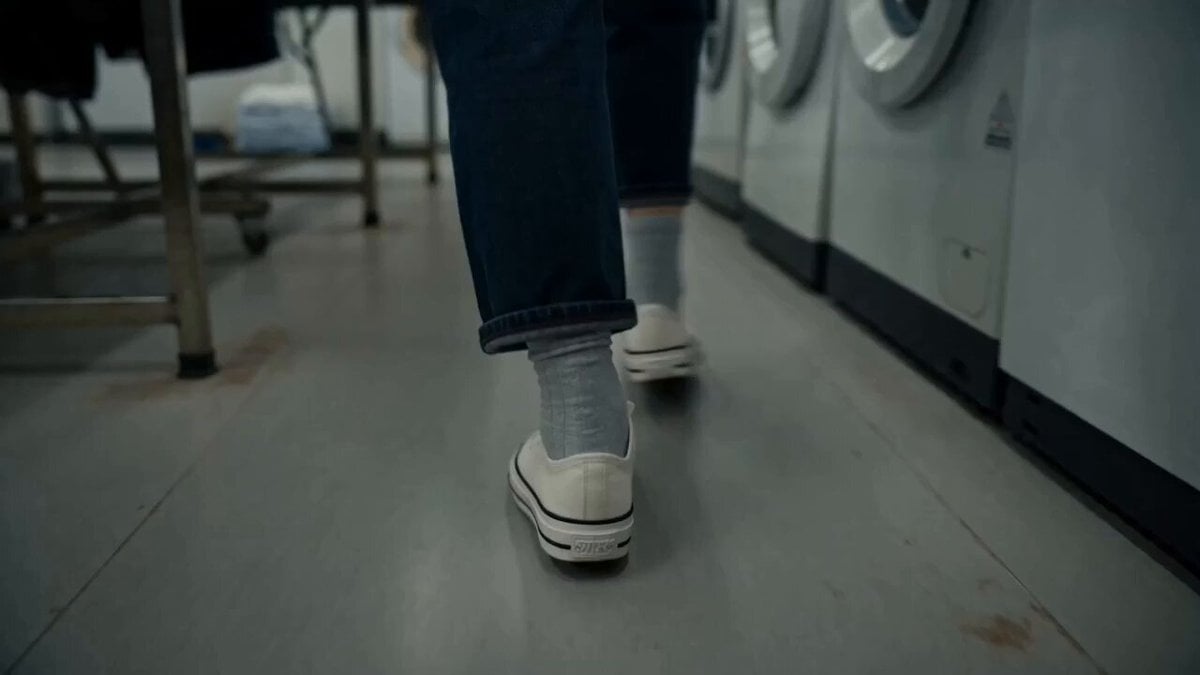
MiniDV Laundromat Life Moment
Browse template categories
Dragonflight Trials POV questions
How do I use the Dragonflight Trials POV template?
Add your photo if the template asks for one, edit the prompt if you like — the template's model and format are already selected — and press Generate. Your version opens in PicX Studio.
Can I customize the Dragonflight Trials POV template?
Yes. You can change the subject, setting, lighting, mood, format, and available model controls before creating your video.
Is the Dragonflight Trials POV template free?
Opening and editing this template is free. Generating uses credits, shown on the Generate button when you are signed in.
Which AI model should I use?
Start with Seedance 2.0, which is the model associated with this template. You can compare another compatible model for a different finish.
Looking for something else? Browse all templates.

Your photo, any look
Thousands of ready templates for every top image and video model, from one credit balance.