How do I use the 16mm Camcorder POV Beach Vlog template?
Edit the prompt in the box under the preview — the template's model and format are already selected — and press Generate. Your version appears right on this page.
A director-mode prompt for a nostalgic 16mm handheld POV video at a beach, capturing candid movement and dialogue with a lo-fi aesthetic.
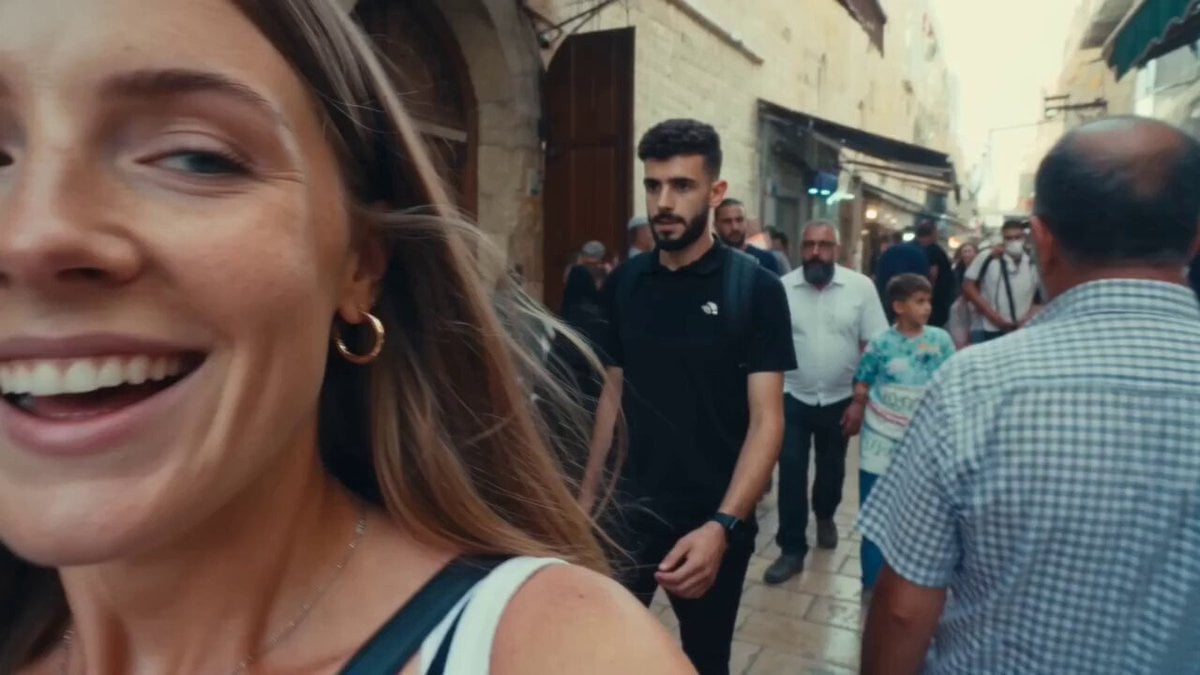
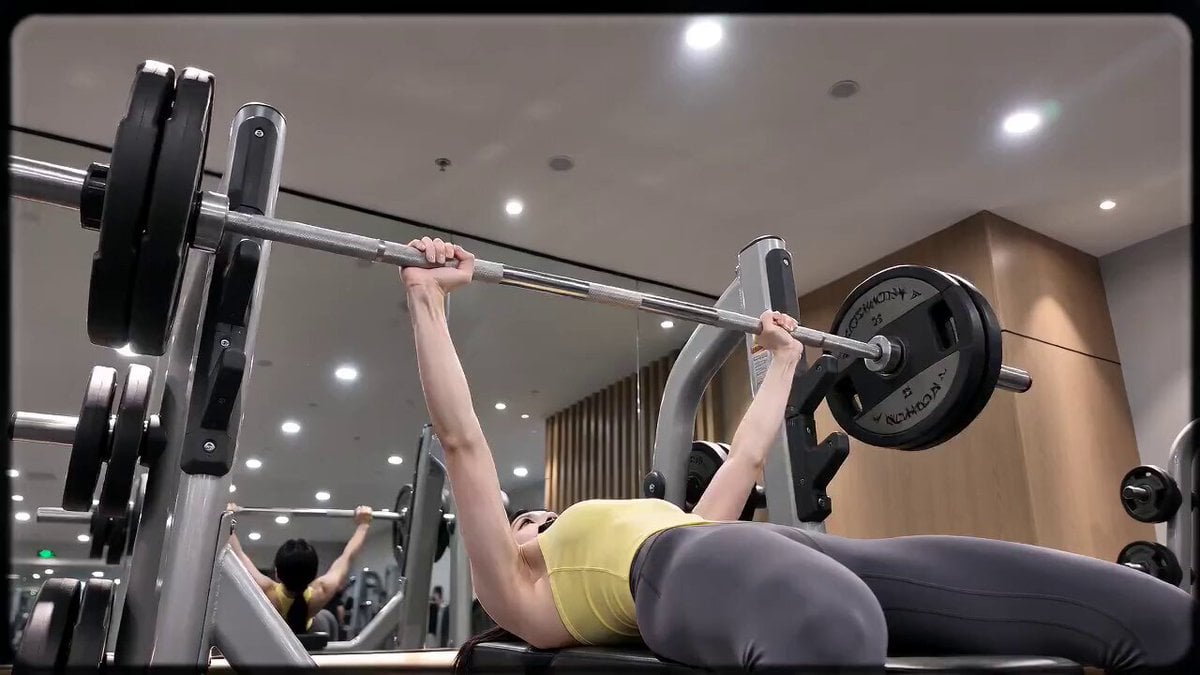
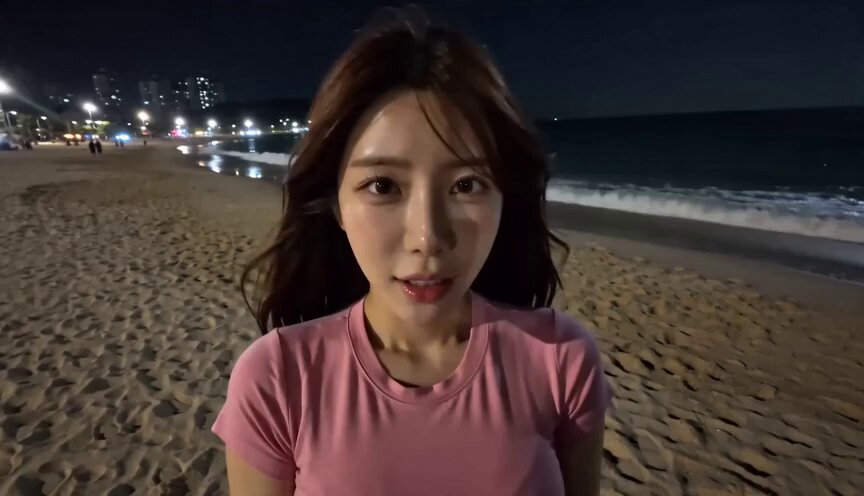
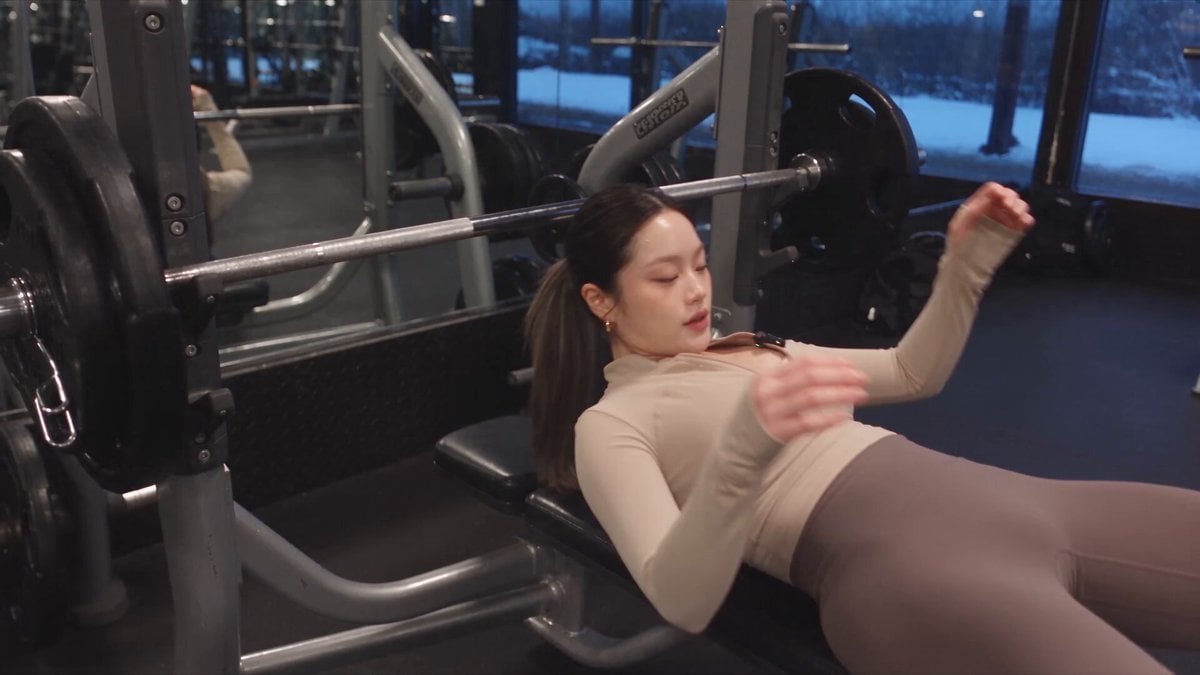
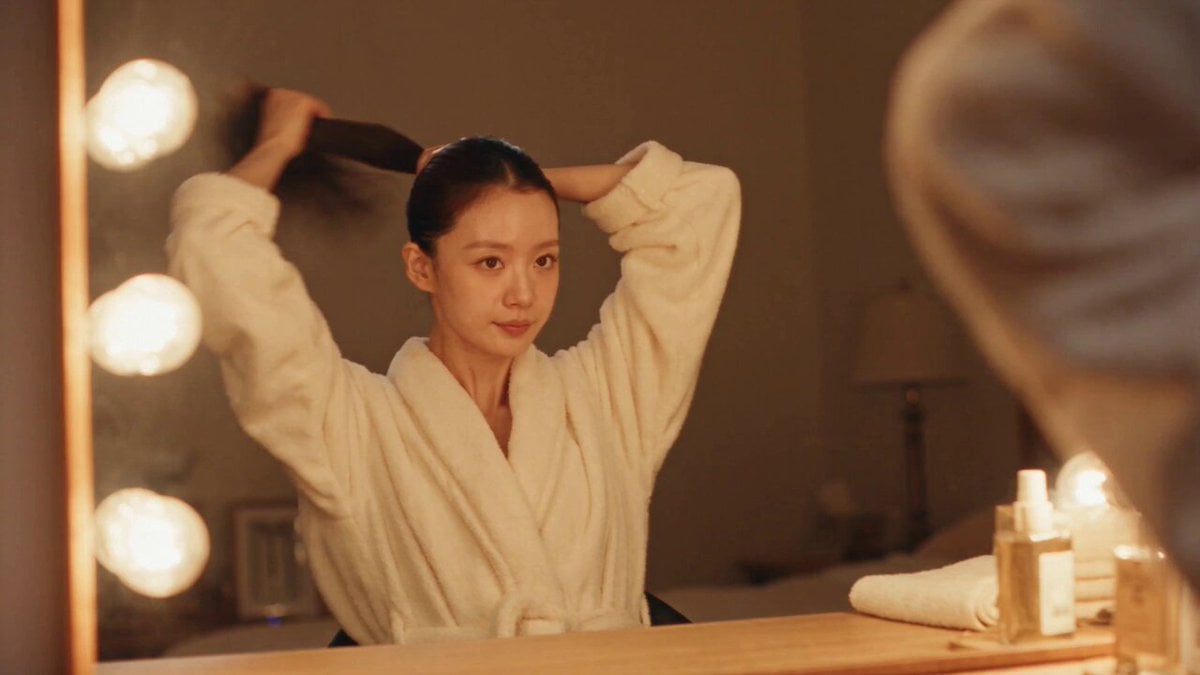
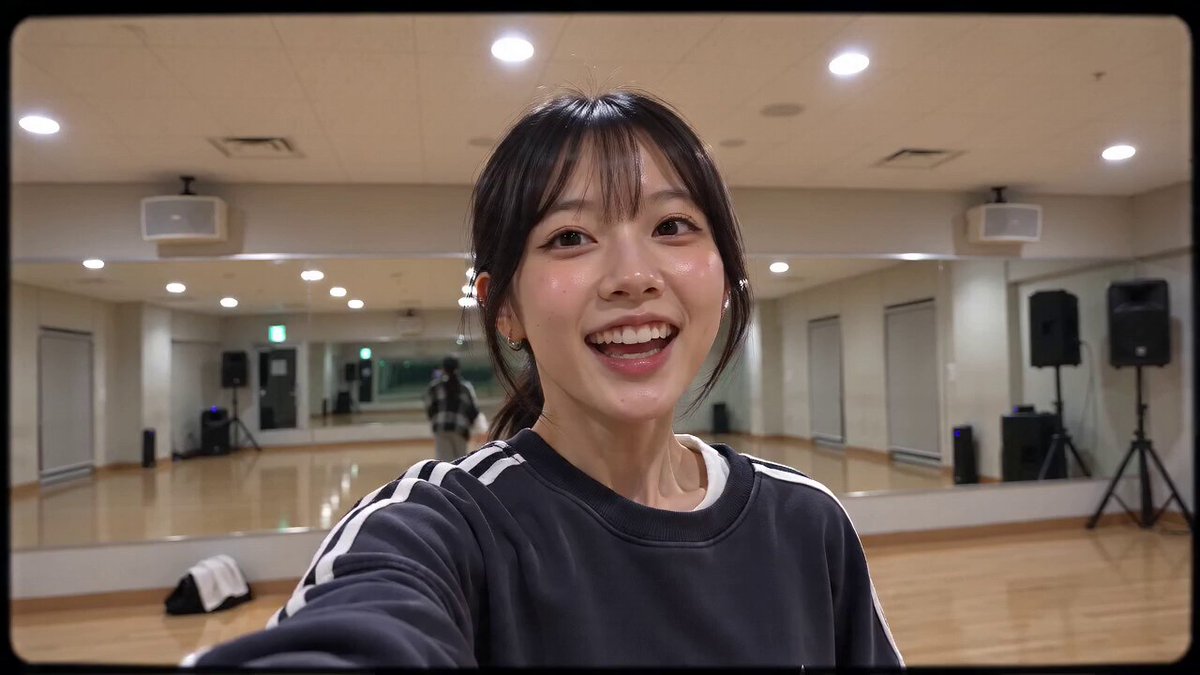
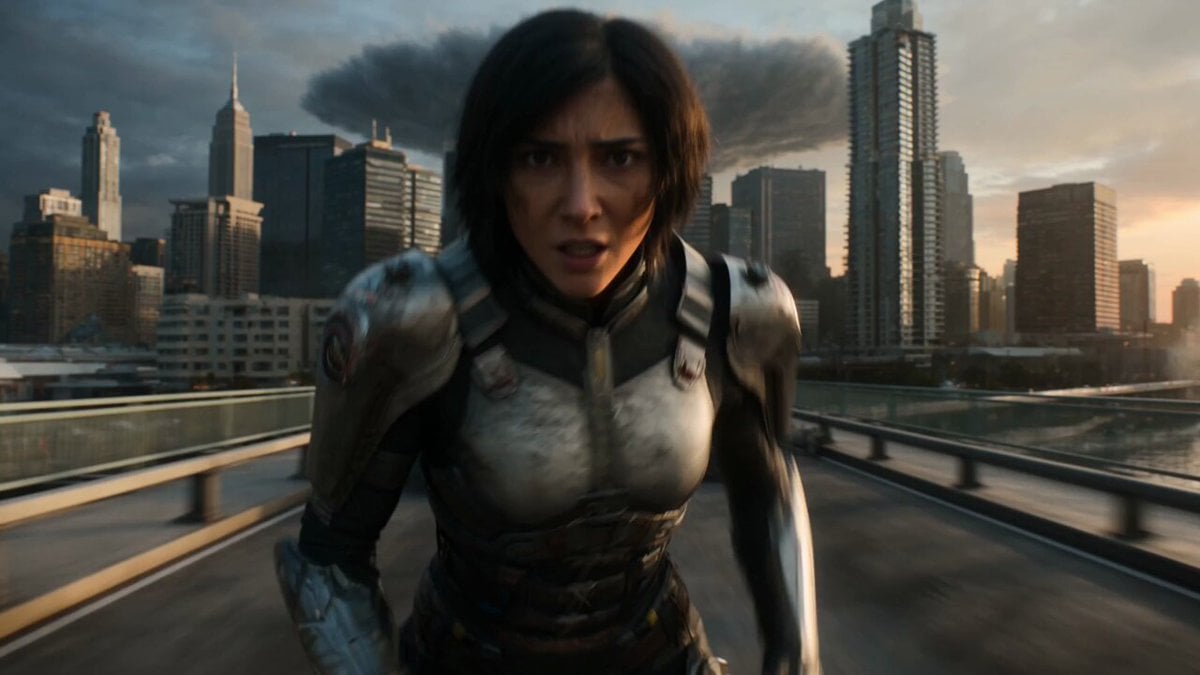
**CAMERA:** Handheld DV 16mm camcorder, filmed entirely as Image 2's selfie/POV footage shaky, off-center, clumsy zooms, occasional partial framing. Camcorder itself never visible. **SCENE:** Night at Gangneung Beach. Image 1 hugs Image 2 from the front, lifting him up, camera shot from his POV in her arms. Image 1: "That confession earlier... real or not? Be honest." Image 2: "Whyyy~~ Can't I joke~~?" Image 1 suddenly sprints into the ocean, still carrying him. Image 2: "Hey! Hey!! Don't!!!" Camera shakes violently as they crash into the water video cuts out. **LOOK:** Soft, blurry tape quality, subtle noise, bloomed highlights, muted low-contrast colors, natural skin tones, mild auto-exposure drift. **AUDIO:** Nighttime waves, tape hiss, camcorder recording noise.
**CAMERA:** Handheld DV 16mm camcorder, filmed entirely as Image 2's selfie/POV footage shaky, off-center, clumsy zooms, occasional partial framing. Camcorder itself never visible. **SCENE:** Night at Gangneung Beach. Image 1 hugs Image 2 from the front, lifting him up, camera shot from his POV in her arms. Image 1: "That confession earlier... real or not? Be honest." Image 2: "Whyyy~~ Can't I joke~~?" Image 1 suddenly sprints into the ocean, still carrying him. Image 2: "Hey! Hey!! Don't!!!" Camera shakes violently as they crash into the water video cuts out. **LOOK:** Soft, blurry tape quality, subtle noise, bloomed highlights, muted low-contrast colors, natural skin tones, mild auto-exposure drift. **AUDIO:** Nighttime waves, tape hiss, camcorder recording noise.
Edit the prompt in the box under the preview — the template's model and format are already selected — and press Generate. Your version appears right on this page.
Yes. You can change the subject, setting, lighting, mood, format, and available model controls before creating your video.
Opening and editing this template is free. Generating uses credits, shown on the Generate button when you are signed in.
Start with Seedance 2.0, which is the model associated with this template. You can compare another compatible model for a different finish.
Follow a topic to a crawlable collection of related PicX Studio templates.