
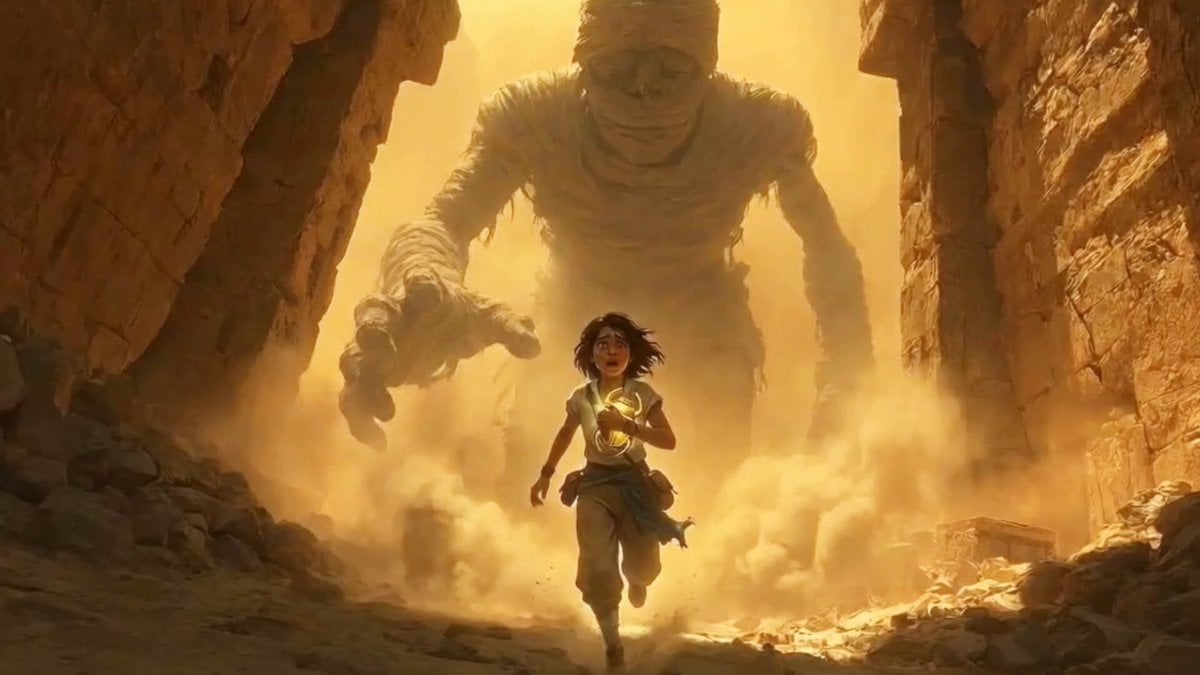
Cinematic Tracking Shot of Explorer Chased by Mummy
A detailed prompt designed for Seedance 2.0, aiming to generate a high-action, cinematic video sequence.
- Prompt included
- Model and format preset
- Premium template
The prompt behind this video
Copy the exact prompt behind Cinematic Tracking Shot of Explorer Chased by Mummy, or open it in the studio and make it yours.
핸드헬드 카메라 움직임과 카메라 흔들림이 있는 영화적이고 혼란스러운 트래킹 샷에서 탐험가가 고대 풍뎅이 유물을 들고 있는 모습이 보입니다. 탐험가는 거대한 미라에게 쫓기고 있습니다. 파편과 먼지 구름이 보입니다. 미라는 고대 벽의 일부를 무너뜨리고 있습니다. 탐험가는 필사적으로 도망치면서 가끔 뒤를 돌아봅니다. 그녀의 거친 숨소리가 들립니다. 미라가 그녀를 거의 잡을 뻔했지만 기둥에 부딪혀 쓰러지면서 간신히 탈출합니다. 탐험가는 계속해서 달려 무덤 입구로 들어갑니다.
How to use Cinematic Tracking Shot of Explorer Chased by Mummy in 3 steps
- 1
Open
The prompt is already in the box next to the preview, with the template's model and format selected.
- 2…a portrait of your subject in softgolden-hour light, 85mm…
Personalize
Edit the subject and creative details for your destination.
- 3Generate
Generate
Press Generate — your video is created in PicX Studio, so you can compare it with the original and refine one variable at a time.
More like this
Templates with the same subject, style or setup. Open one to see its prompt.
FPV Drone Skier Tracking — Kling 3.0 O3 Pro
Lego Explorer Chased by Polar Bear
Underground Temple Escape — Seedance 2.0
Rainforest Thriller — Searching the Unseen
Sci-Fi Explorer Hovercraft Adventure
Dragon Chased by Cows on Drones
Enchanted Forest Explorer Boy
Jungle Temple Explorer Cinematic Video
Dystopian Urban Explorer Underground Chase
Underwater Abyss Deep Sea Explorer
Cinematic Mummy Chase Sequence
Mouse Searching for Food and Being Chased
Make it yours
Cinematic Tracking Shot of Explorer Chased by Mummy works as-is. These are the safest ways to change it without losing the look.
Change one field
Copy a single group, rewrite it, and generate again so you can see what that field is doing.
Keep the frame, change the subject
Hold the composition and light of Cinematic Tracking Shot of Explorer Chased by Mummy, then swap wardrobe, props or the person for a new take.
| If the result… | Why | Fix |
|---|---|---|
| The result drifts from the preview | Too many fields changed at once. | Reuse Cinematic Tracking Shot of Explorer Chased by Mummy as-is first, then change one group — subject, light, or setting. |
| The model over-stylizes the scene | The prose prompt leaves finish and camera underspecified. | Add one camera or lighting sentence and stay on Seedance 2.0. |
More Seedance 2.0 templates
Other prompts made for Seedance 2.0.

Comical Martial Arts Punch Scene

Maglev Train Action Sequence

Martial Arts Fight Sequence

Wuxia Protection and Trust Script

Vintage Korean Arcade MiniDV Vlog

Mercedes 190 SL Luxury Ad

Rainy Night Supernatural Reverse Comedy Video Script

Amazon Civilization Discovery

Futuristic South Asian City Transformation

Cozy Luxury Cafe Commercial
More video prompts
Fresh picks from across the catalog.

Surreal Dark Beauty Portrait

Cinematic Portrait Study 3

Alien Jellyfish Bodycam Attack
Beat-Driven Streetwear Video
Hero Entrance Effect Multi-Shot Prompt

Romantic Dance in a Celestial Setting
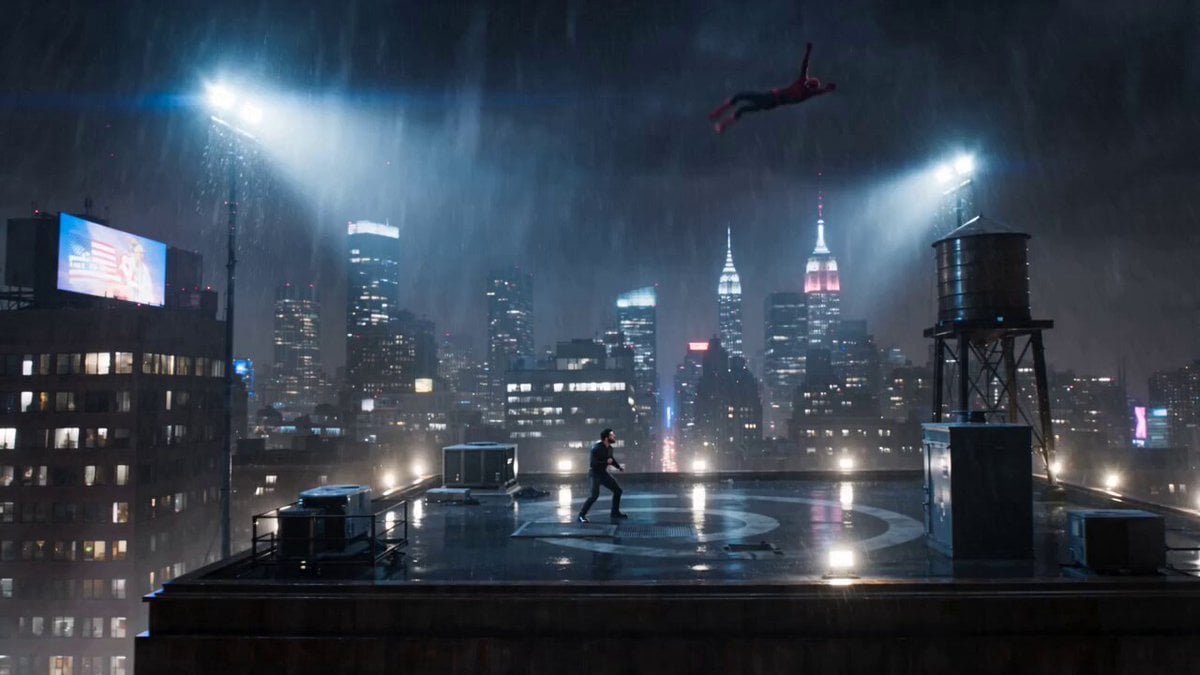
Spider-Man vs Custom Hero Rooftop Battle
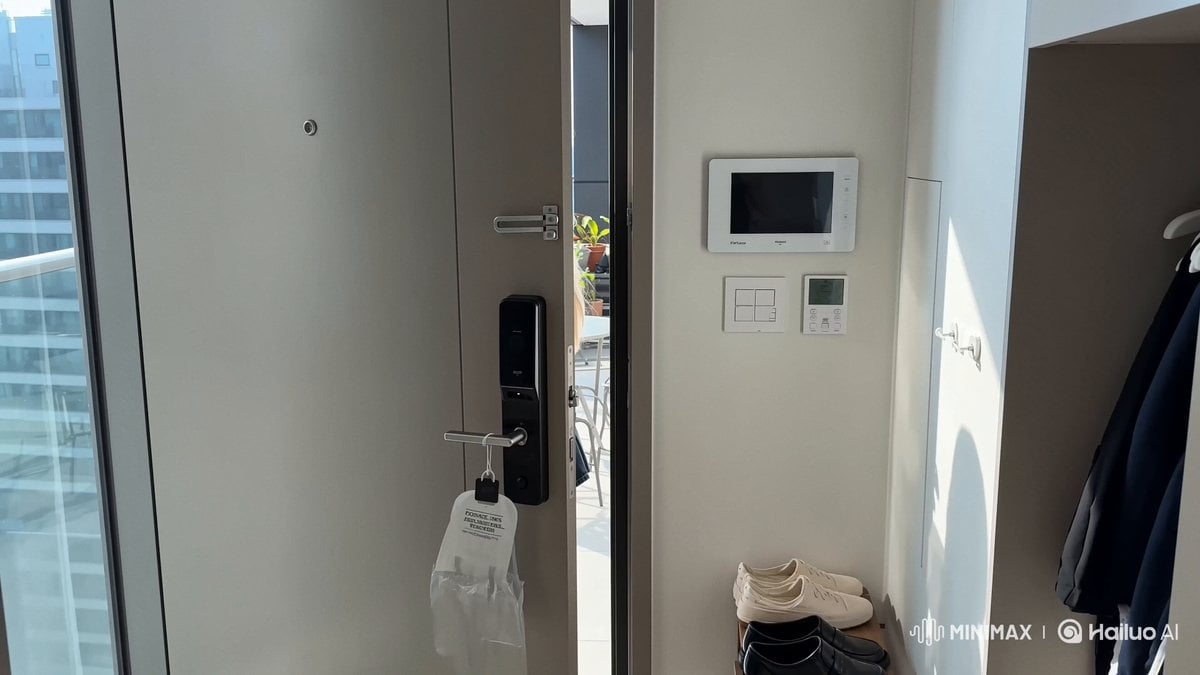
Smartphone Vlog Aesthetic Idol Video
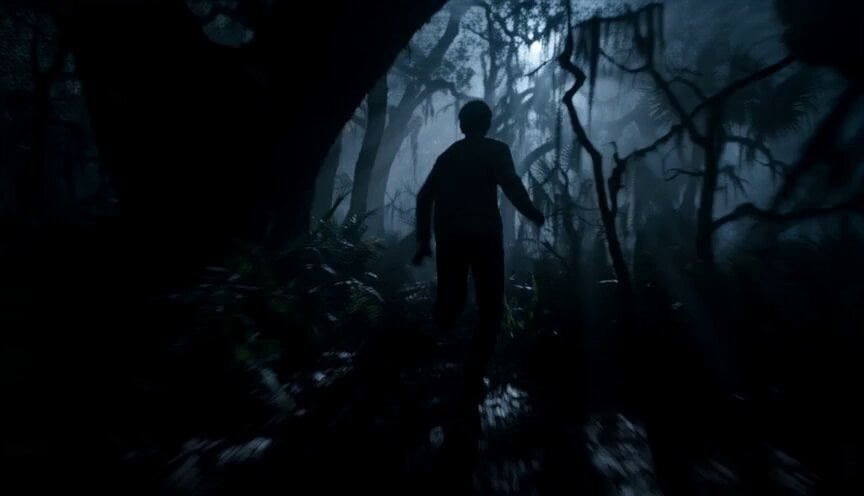
Dreamstate Nightmare Escape

Speed Cooking Cinematic Sequence
Browse template categories
Cinematic Tracking Shot of Explorer Chased by Mummy questions
How do I use the Cinematic Tracking Shot of Explorer Chased by Mummy template?
Add your photo if the template asks for one, edit the prompt if you like — the template's model and format are already selected — and press Generate. Your version opens in PicX Studio.
Can I customize the Cinematic Tracking Shot of Explorer Chased by Mummy template?
Yes. You can change the subject, setting, lighting, mood, format, and available model controls before creating your video.
Is the Cinematic Tracking Shot of Explorer Chased by Mummy template free?
Opening and editing this template is free. Generating uses credits, shown on the Generate button when you are signed in.
Which AI model should I use?
Start with Seedance 2.0, which is the model associated with this template. You can compare another compatible model for a different finish.
Looking for something else? Browse all templates.

Your photo, any look
Thousands of ready templates for every top image and video model, from one credit balance.