
Speed Cooking Cinematic Sequence
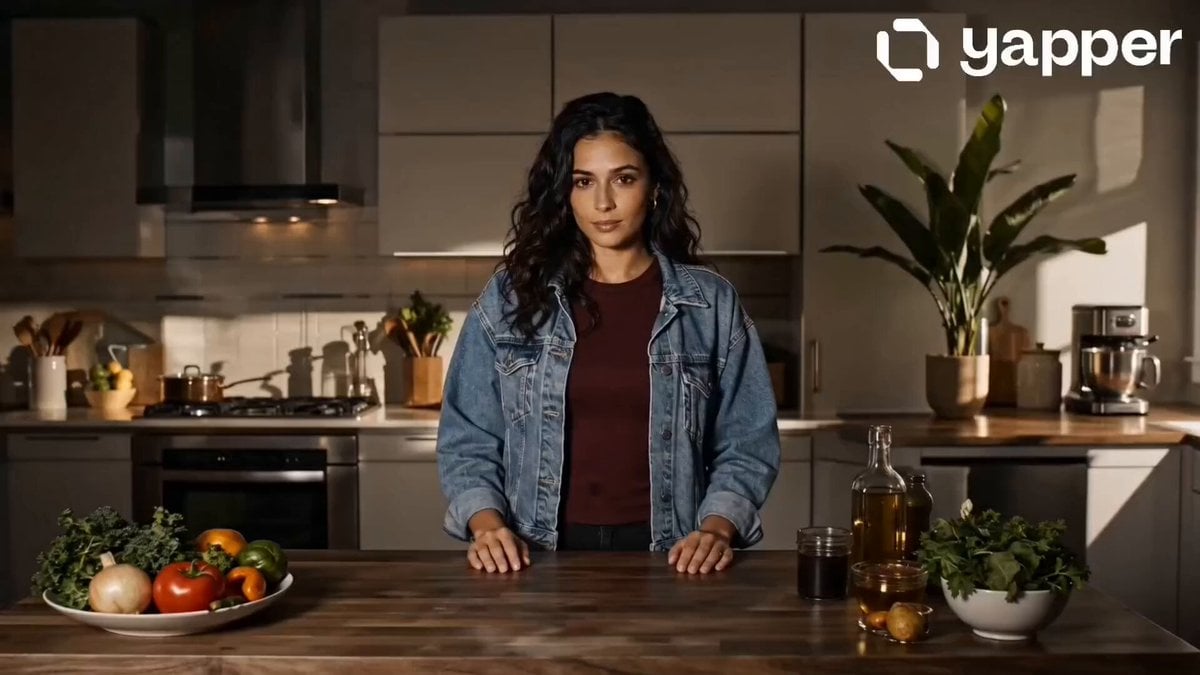
A high-energy prompt for a video showing a woman cooking at superhuman speed with glowing golden energy effects and dynamic camera angles.
- Prompt included
- Model and format preset
- Free template
The prompt behind this video
Copy the exact prompt behind Speed Cooking Cinematic Sequence, or open it in the studio and make it yours.
Scene 1 (0–4s): Awakening Speed\nThe girl stands calmly in a softly lit kitchen. Suddenly, subtle golden lightning sparks begin forming around her hands. Her eyes focus sharply. A faint glowing aura builds around her body. Camera slowly pushes in. Cinematic tension.\n\nScene 2 (4–8s): Chaos Begins\nShe bursts into motion—extreme fast movement across the kitchen. Vegetables chop instantly, pans heat up, ingredients fly mid-air. Bright glowing trails (gold/amber tones) follow her movements. Motion blur enhances speed. Camera switches to dynamic angles.\n\n Scene 3 (8–12s): Peak Speed Cooking\nFull chaos: multiple actions happening simultaneously—stirring, flipping, seasoning. Flames rise dramatically but controlled. Light streaks swirl around her like energy ribbons. Food assembles perfectly mid-air. Ultra-smooth transitions, high-energy pacing.\n\n Scene 4 (12–16s): Calm Perfection\nEverything suddenly stops. Silence. The girl stands composed, slightly smiling. A perfectly plated dish sits on the counter. Soft glow fades away. Final cinematic close-up of her face + dish. Clean, elegant ending.
How to use Speed Cooking Cinematic Sequence in 3 steps
- 1
Open
The prompt is already in the box next to the preview, with the template's model and format selected.
- 2…a portrait of your subject in softgolden-hour light, 85mm…
Personalize
Edit the subject and creative details for your destination.
- 3Generate
Generate
Press Generate — your video is created in PicX Studio, so you can compare it with the original and refine one variable at a time.
More like this
Templates with the same subject, style or setup. Open one to see its prompt.
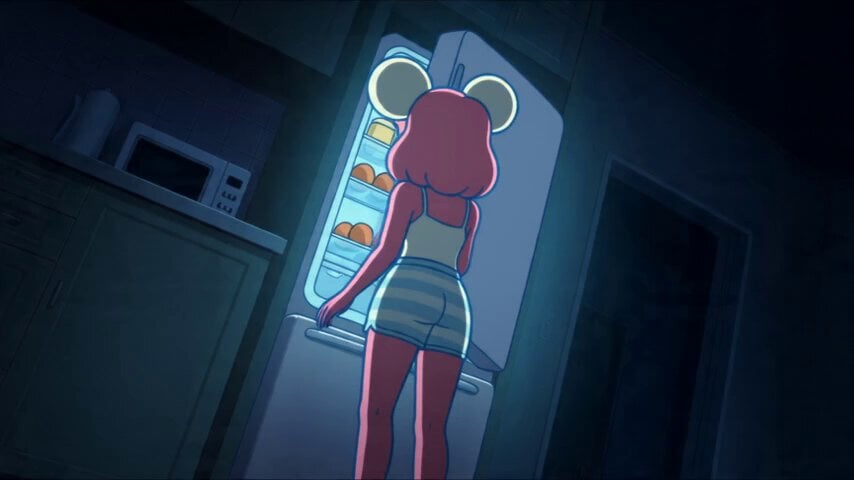
Anime Souffle Pancake Cooking Sequence
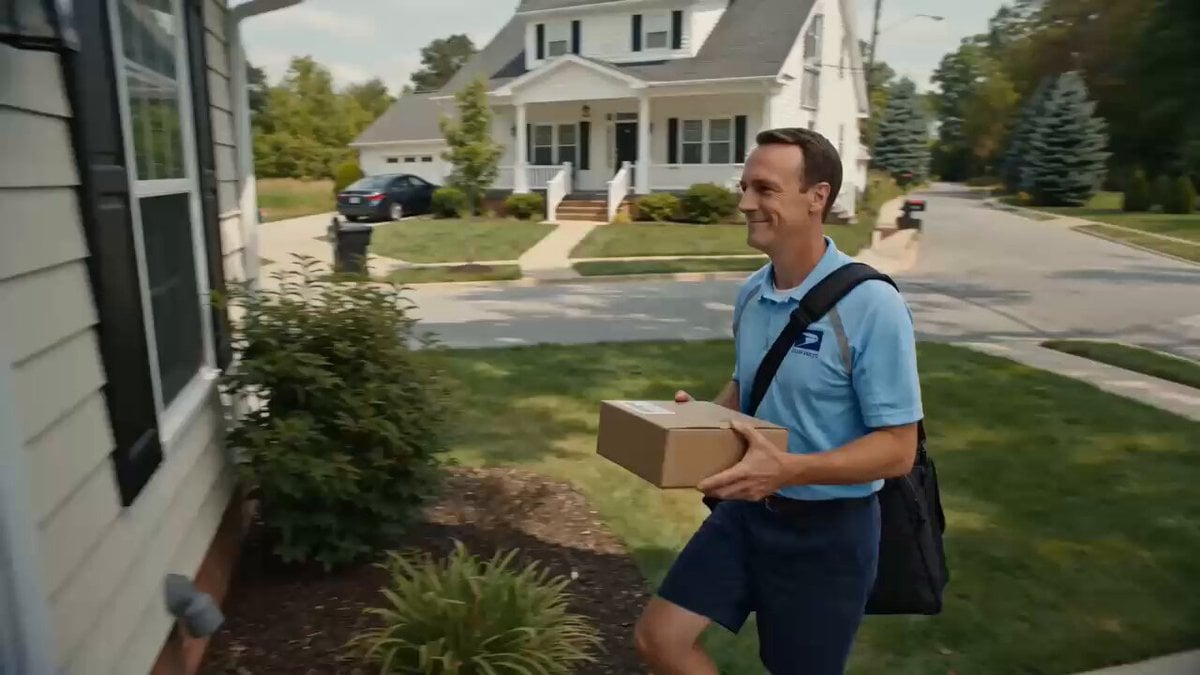
Superhuman Speed Delivery Man Cinematic Sequence
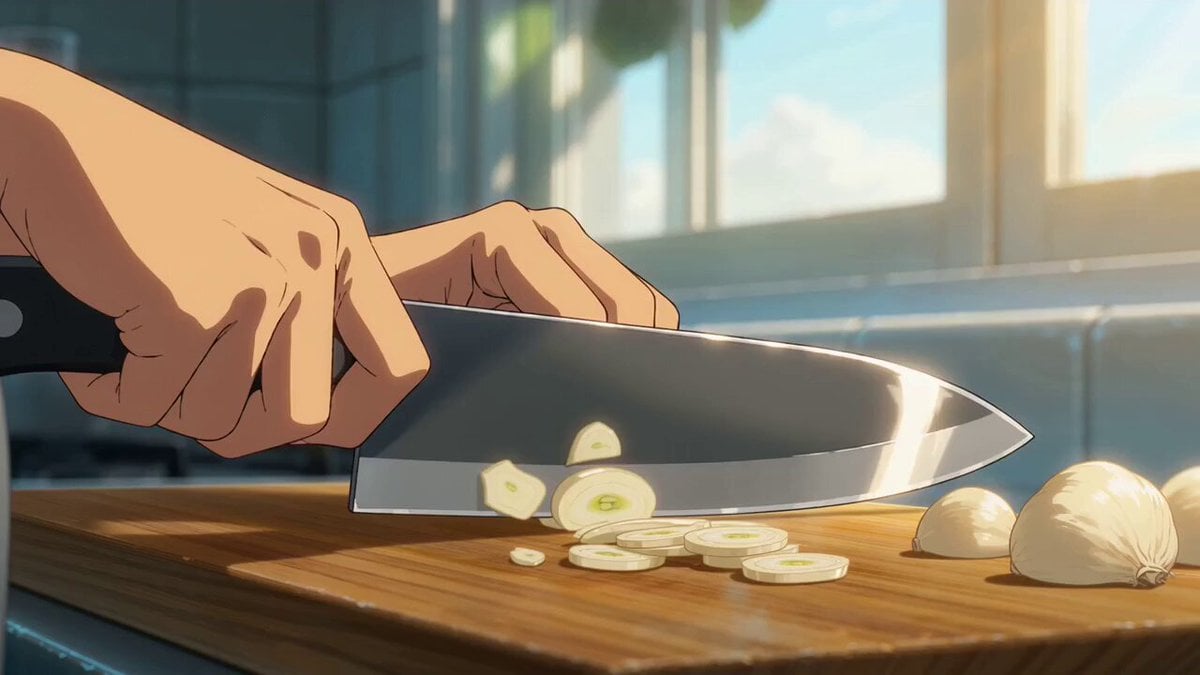
Cinematic Anime Pasta Cooking Sequence
Highway Biker — Aggressive Lane Split (PixVerse C1)
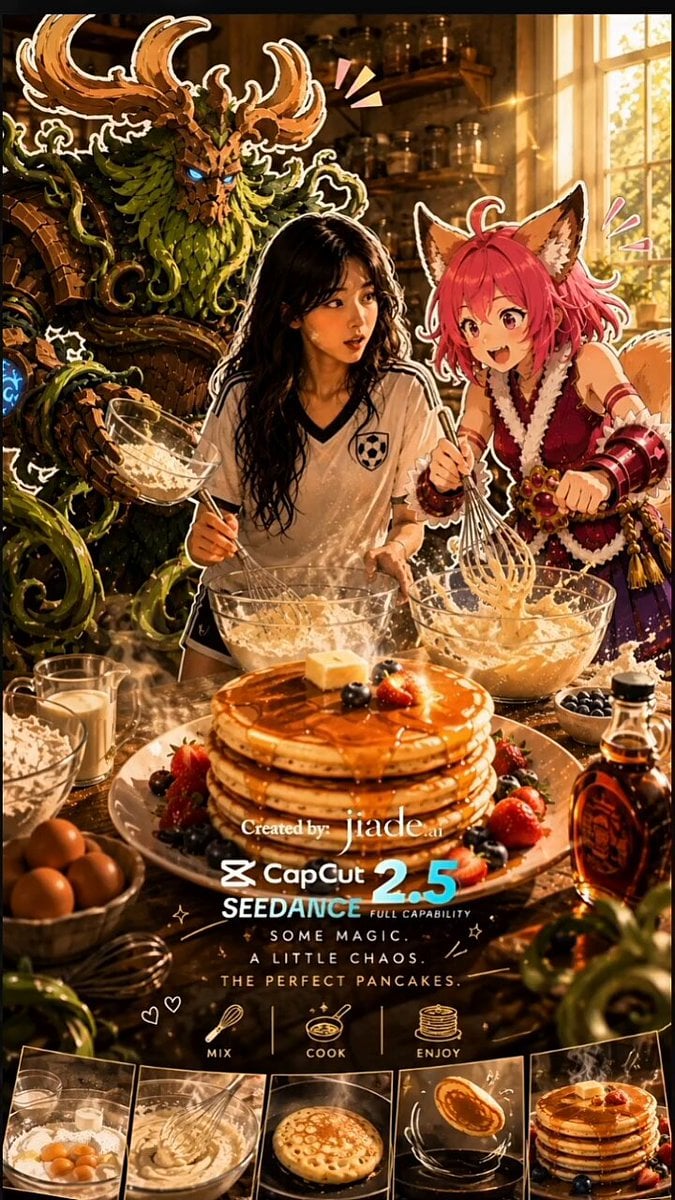
Mixed-Media Kitchen Cooking Animation

Maglev Train Action Sequence

Martial Arts Fight Sequence
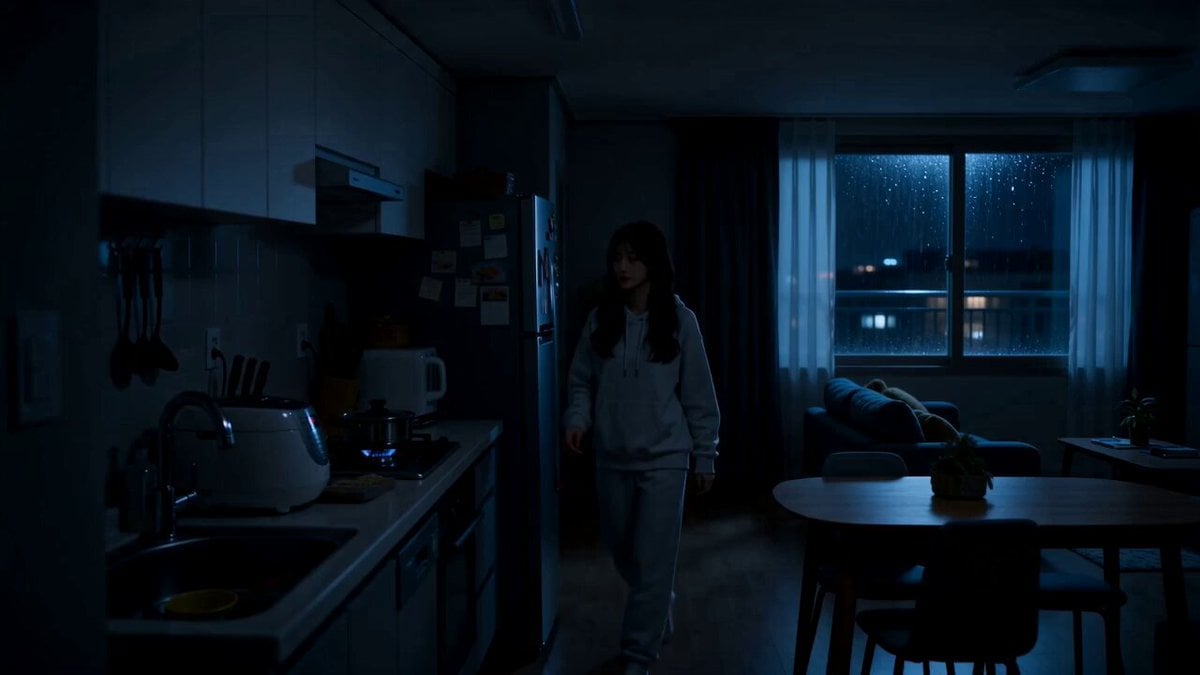
Midnight Apartment Cooking Scene
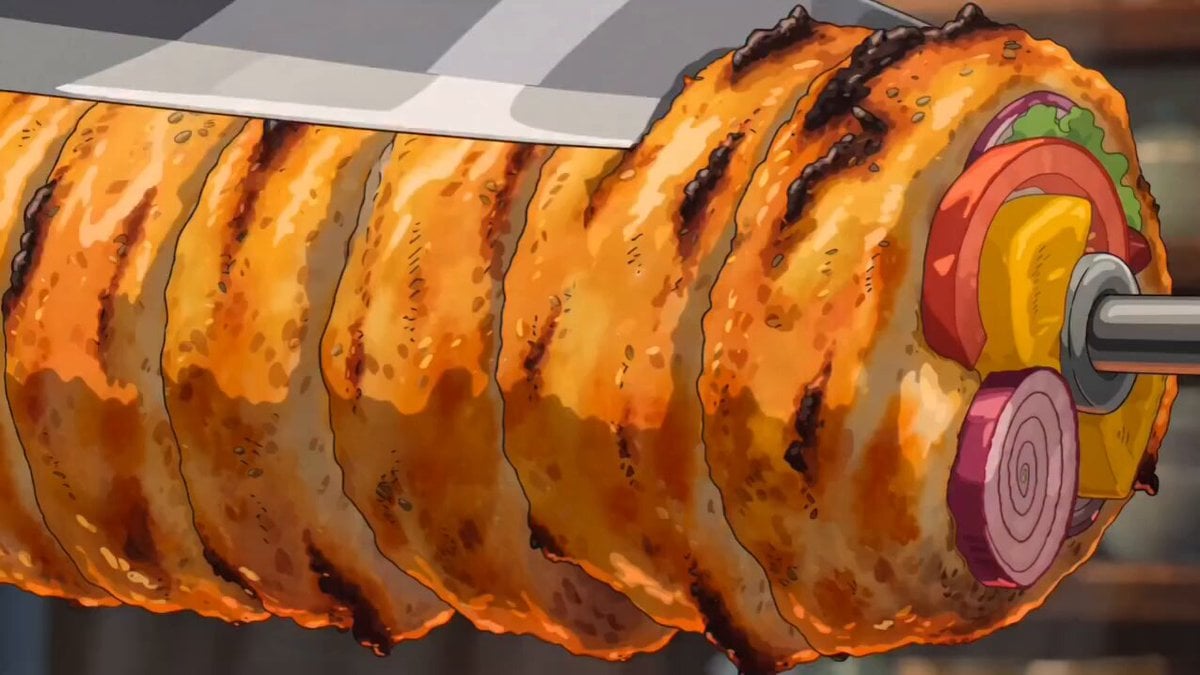
Ghibli Style Shawarma Cooking Animation

Cozy Home Cooking Video
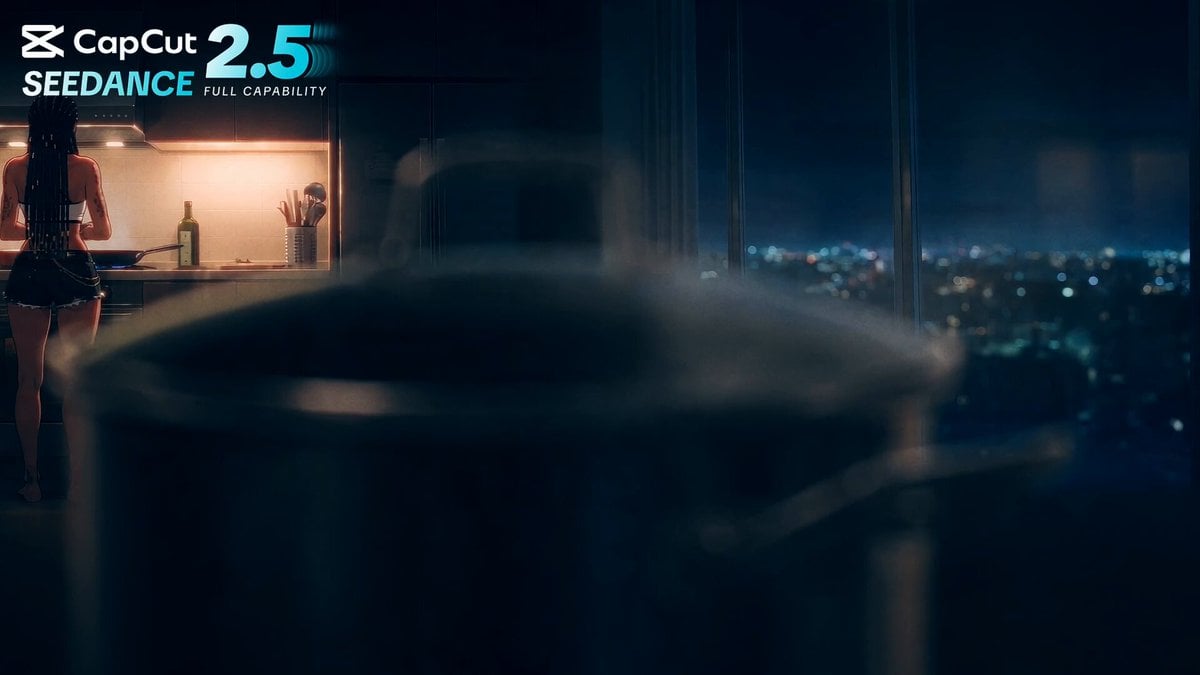
Anime Cooking Vongole Bianco Scene
Cinematic Air Fryer Cooking Commercial
Make it yours
Speed Cooking Cinematic Sequence works as-is. These are the safest ways to change it without losing the look.
Change one field
Copy a single group, rewrite it, and generate again so you can see what that field is doing.
Keep the frame, change the subject
Hold the composition and light of Speed Cooking Cinematic Sequence, then swap wardrobe, props or the person for a new take.
| If the result… | Why | Fix |
|---|---|---|
| The result drifts from the preview | Too many fields changed at once. | Reuse Speed Cooking Cinematic Sequence as-is first, then change one group — subject, light, or setting. |
| The model over-stylizes the scene | The prose prompt leaves finish and camera underspecified. | Add one camera or lighting sentence and stay on Seedance 2.0. |
More Seedance 2.0 templates
Other prompts made for Seedance 2.0.

Comical Martial Arts Punch Scene

Wuxia Protection and Trust Script

Vintage Korean Arcade MiniDV Vlog

Mercedes 190 SL Luxury Ad

Rainy Night Supernatural Reverse Comedy Video Script

Amazon Civilization Discovery

Futuristic South Asian City Transformation

Cozy Luxury Cafe Commercial

Cyber Ronin Nanotech Transformation Video

Desert Courier and Sandstorm Leviathan Chase
More video prompts
Fresh picks from across the catalog.
Cinematic Travel Vlog Lisbon Prompt
Dubai Hypercar Chase Commercial

Reference Linking Syntax for Video Generation
Dramatic School Bathroom Water Fight
Korean Idol Vlog Camcorder

Norse God Warrior Cinematic Video

Korean Neighborhood Golden Hour Walk
Adam and Steve in Eden Parody

1970s Japanese Diet Session Animation
Bullet Train Parkour Action
Browse template categories
Speed Cooking Cinematic Sequence questions
How do I use the Speed Cooking Cinematic Sequence template?
Add your photo if the template asks for one, edit the prompt if you like — the template's model and format are already selected — and press Generate. Your version opens in PicX Studio.
Can I customize the Speed Cooking Cinematic Sequence template?
Yes. You can change the subject, setting, lighting, mood, format, and available model controls before creating your video.
Is the Speed Cooking Cinematic Sequence template free?
Opening and editing this template is free. Generating uses credits, shown on the Generate button when you are signed in.
Which AI model should I use?
Start with Seedance 2.0, which is the model associated with this template. You can compare another compatible model for a different finish.
Looking for something else? Browse all templates.

Your photo, any look
Thousands of ready templates for every top image and video model, from one credit balance.