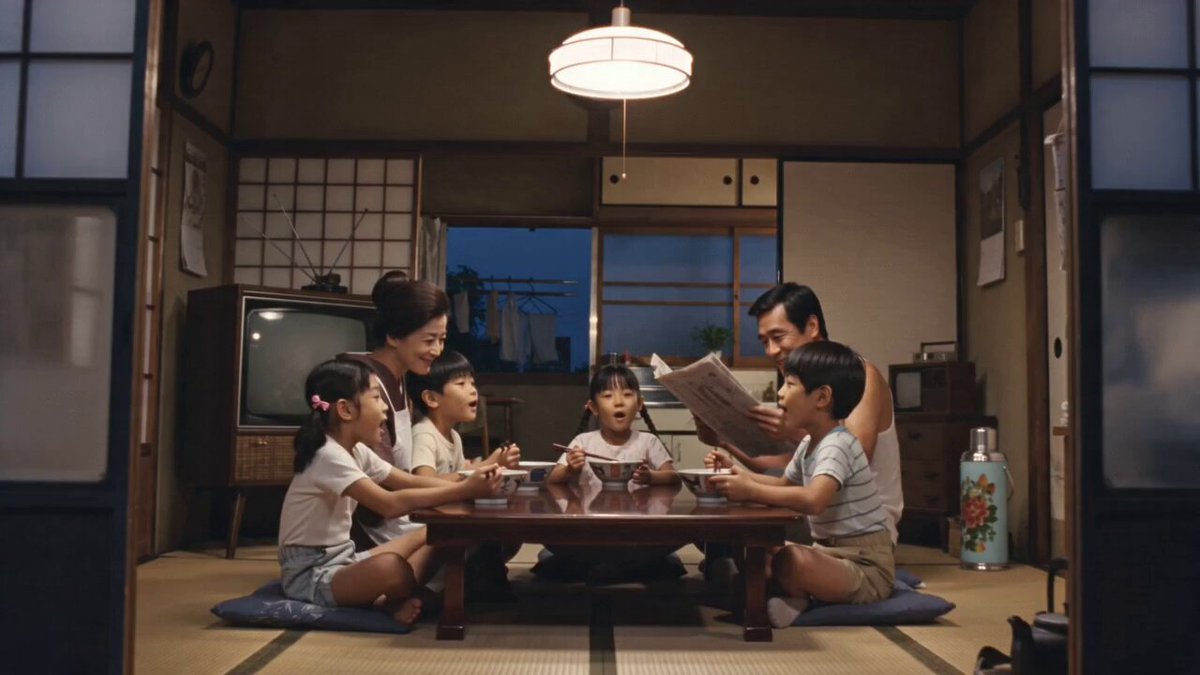
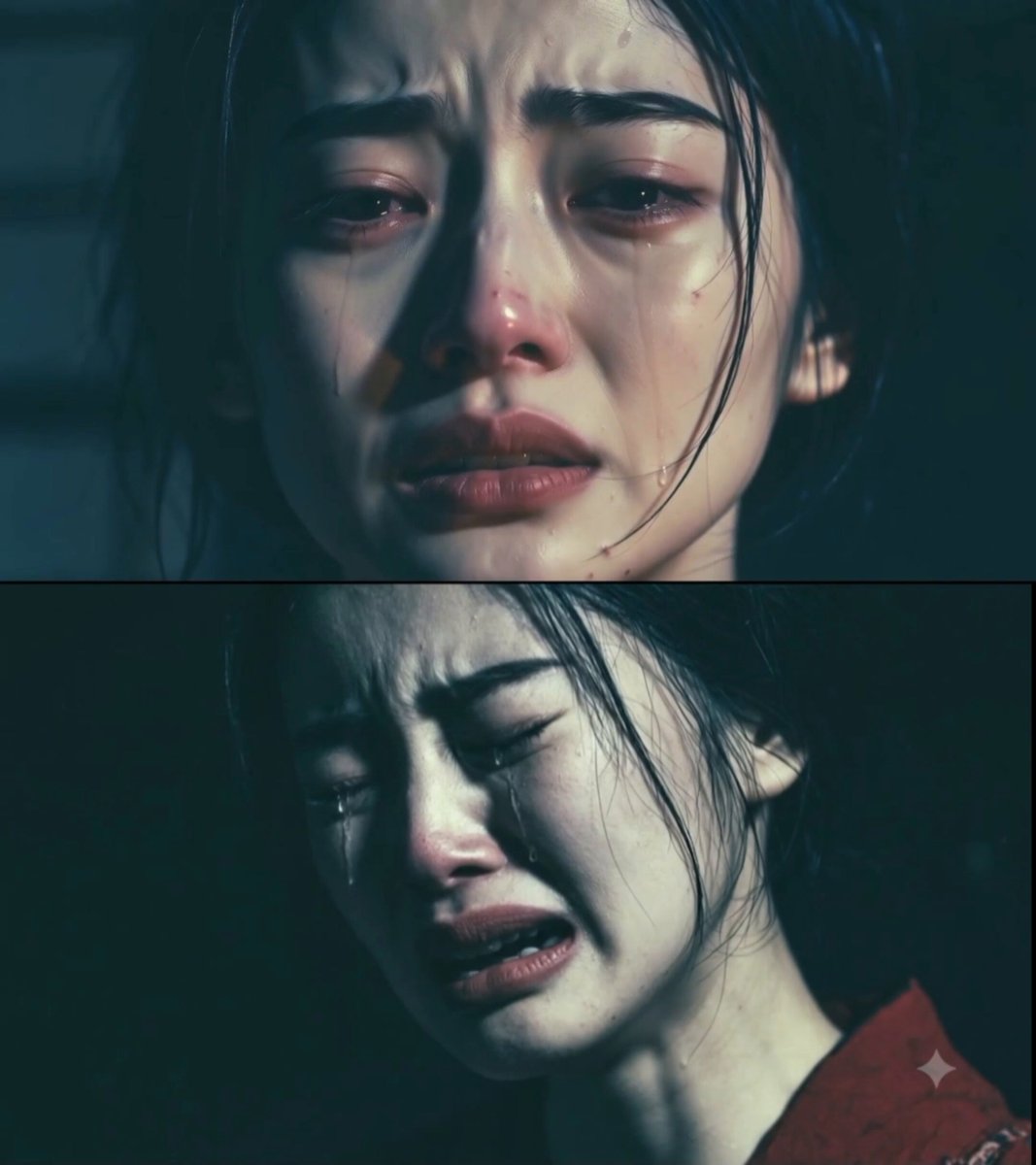
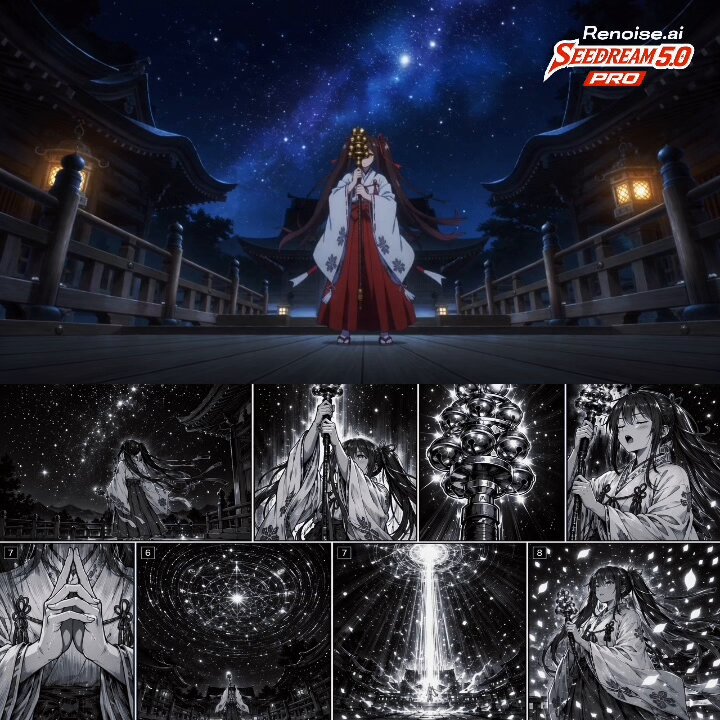
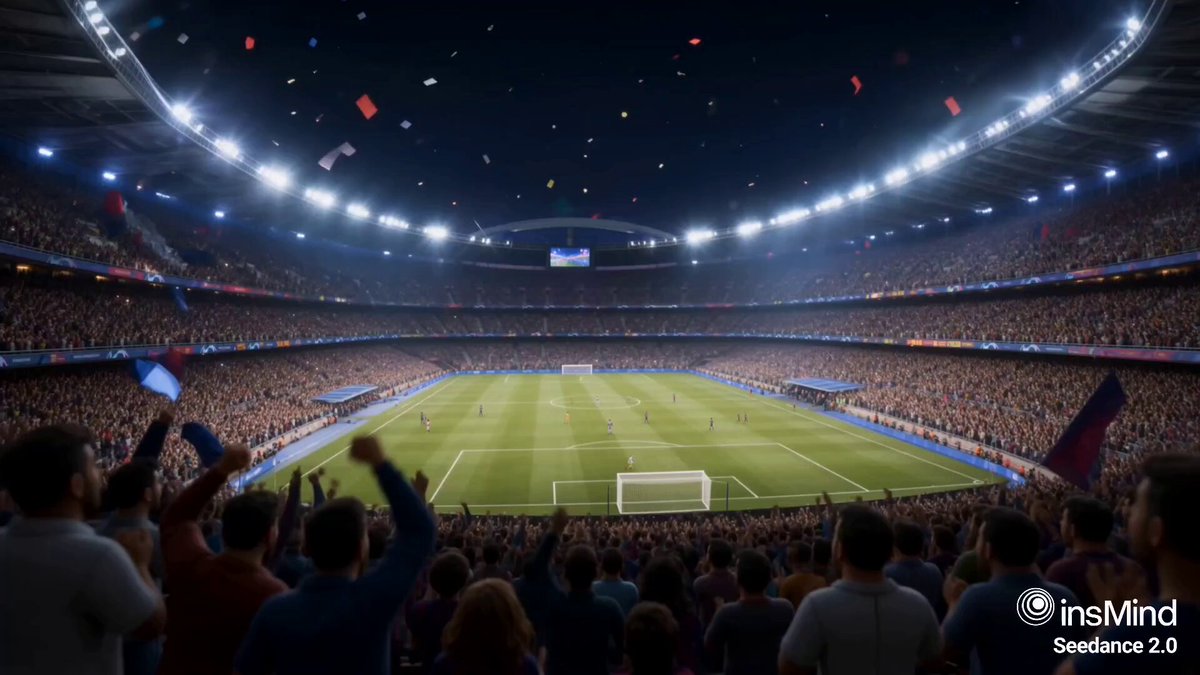
How do I use the 1970s Japanese Diet Session Animation template?
Edit the prompt in the box under the preview — the template's model and format are already selected — and press Generate. Your version appears right on this page.
A comprehensive prompt for recreating a 1970s era Japanese parliamentary speech with authentic period broadcast aesthetics and precise movement instructions.
【シーン設定】 1970年代前半、日本の国会・衆議院本会議場。臨時国会での施政方針演説。 演壇に立つのは60歳前後の内閣総理大臣。グレイヘアを七三に撫でつけ、 濃色のスーツに白いポケットチーフ、襟に議員バッジ。 落ち着いた威厳を持ち、原稿を前に堂々と答弁している。 【リップシンク・セリフ】 日本語・男性・60代・低くゆったりした張りのある声。 昭和の政治家特有の重々しい演説調。語尾を伸ばし、句読点で間を取る。 「国民生活の安定こそが、政治に課せられた最大の使命であります。 政府といたしましては、物価の安定と経済の発展に、 全力を尽くしてまいる所存でございます。」 【動きの指示 — 画面内の全員が常に動き続けること。静止した人物を作らない】 ●総理(話者): ・口の動きをセリフに正確に同期 ・話しながら頭が小さく揺れ、肩が呼吸で上下する ・「最大の使命であります」で右手を持ち上げて振り、強調のジェスチャー ・文の区切りで原稿に視線を落とし、顔を上げて正面を見る ・まばたきを自然な頻度で入れる ●背景の議員たち(全員に個別の動きを割り当てる): ・左の議員:手元の資料をめくり、身を乗り出してメモを取る ・中央奥の議員:うなずきながら隣と小声で言葉を交わし、顔の向きを変える ・右奥の議員:頬杖を外して座り直し、眼鏡に手をやる ・全員が呼吸・まばたき・細かい姿勢の変化を続け、 マネキンのように固まった人物が一人もいない状態を保つ 【カメラ・映像スタイル】 ・正面やや下からのバストショット。完全固定ではなく、 手持ち中継カメラのようなごく僅かなドリフトと揺れを常に入れる ・1970年代のNHK国会中継風:白黒、走査線、フィルムグレイン、 フリッカー、ブラウン管特有の周辺減光 【音声】 ・マイク越しのややこもった音質、議場の残響 ・環境音:ざわめき、紙をめくる音、咳払い ・セリフ終わりに、まばらな「異議なし」の声と拍手が遠くで起こる
【シーン設定】 1970年代前半、日本の国会・衆議院本会議場。臨時国会での施政方針演説。 演壇に立つのは60歳前後の内閣総理大臣。グレイヘアを七三に撫でつけ、 濃色のスーツに白いポケットチーフ、襟に議員バッジ。 落ち着いた威厳を持ち、原稿を前に堂々と答弁している。 【リップシンク・セリフ】 日本語・男性・60代・低くゆったりした張りのある声。 昭和の政治家特有の重々しい演説調。語尾を伸ばし、句読点で間を取る。 「国民生活の安定こそが、政治に課せられた最大の使命であります。 政府といたしましては、物価の安定と経済の発展に、 全力を尽くしてまいる所存でございます。」 【動きの指示 — 画面内の全員が常に動き続けること。静止した人物を作らない】 ●総理(話者): ・口の動きをセリフに正確に同期 ・話しながら頭が小さく揺れ、肩が呼吸で上下する ・「最大の使命であります」で右手を持ち上げて振り、強調のジェスチャー ・文の区切りで原稿に視線を落とし、顔を上げて正面を見る ・まばたきを自然な頻度で入れる ●背景の議員たち(全員に個別の動きを割り当てる): ・左の議員:手元の資料をめくり、身を乗り出してメモを取る ・中央奥の議員:うなずきながら隣と小声で言葉を交わし、顔の向きを変える ・右奥の議員:頬杖を外して座り直し、眼鏡に手をやる ・全員が呼吸・まばたき・細かい姿勢の変化を続け、 マネキンのように固まった人物が一人もいない状態を保つ 【カメラ・映像スタイル】 ・正面やや下からのバストショット。完全固定ではなく、 手持ち中継カメラのようなごく僅かなドリフトと揺れを常に入れる ・1970年代のNHK国会中継風:白黒、走査線、フィルムグレイン、 フリッカー、ブラウン管特有の周辺減光 【音声】 ・マイク越しのややこもった音質、議場の残響 ・環境音:ざわめき、紙をめくる音、咳払い ・セリフ終わりに、まばらな「異議なし」の声と拍手が遠くで起こる
Edit the prompt in the box under the preview — the template's model and format are already selected — and press Generate. Your version appears right on this page.
Yes. You can change the subject, setting, lighting, mood, format, and available model controls before creating your video.
Opening and editing this template is free. Generating uses credits, shown on the Generate button when you are signed in.
Start with Seedance 2.0, which is the model associated with this template. You can compare another compatible model for a different finish.
Follow a topic to a crawlable collection of related PicX Studio templates.