How do I use the 3D Glossy Fairy Animation - Seedance 2.5 template?
Edit the prompt in the box under the preview — the template's model and format are already selected — and press Generate. Your version appears right on this page.
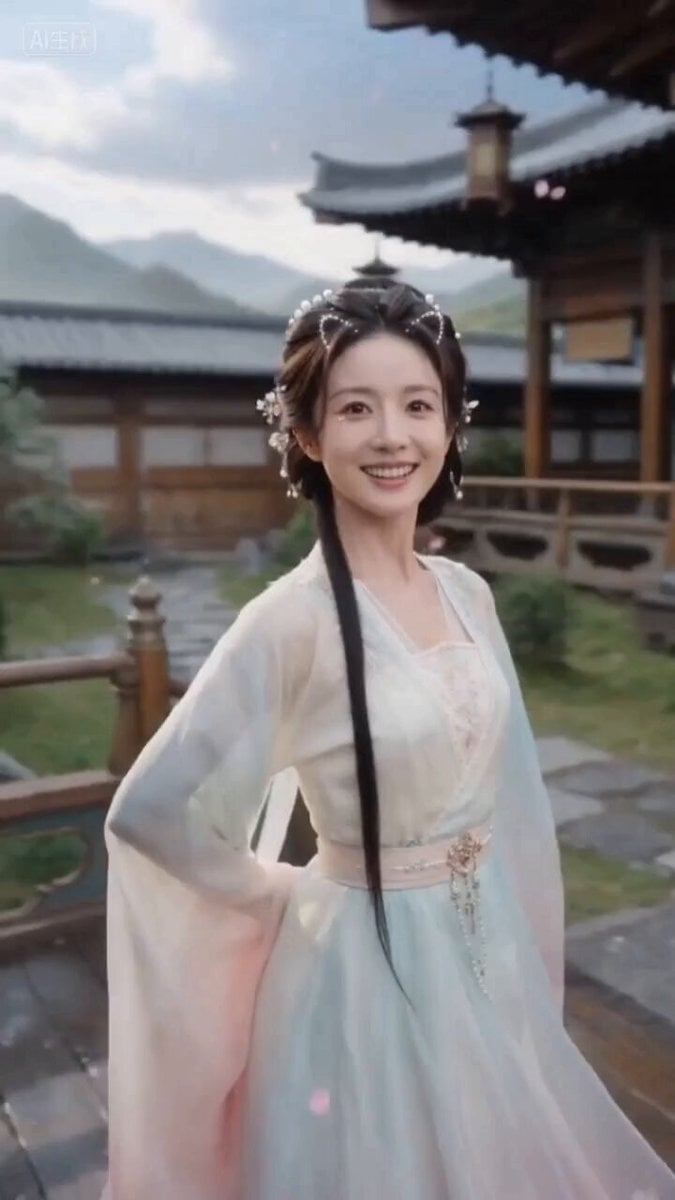
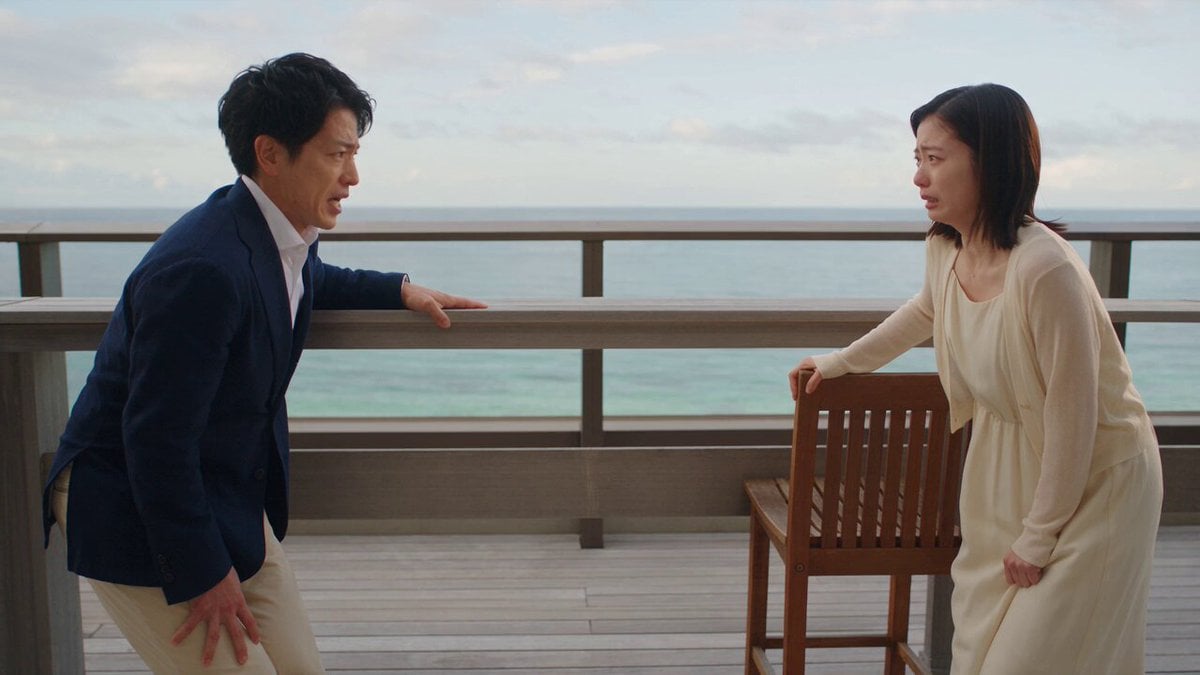
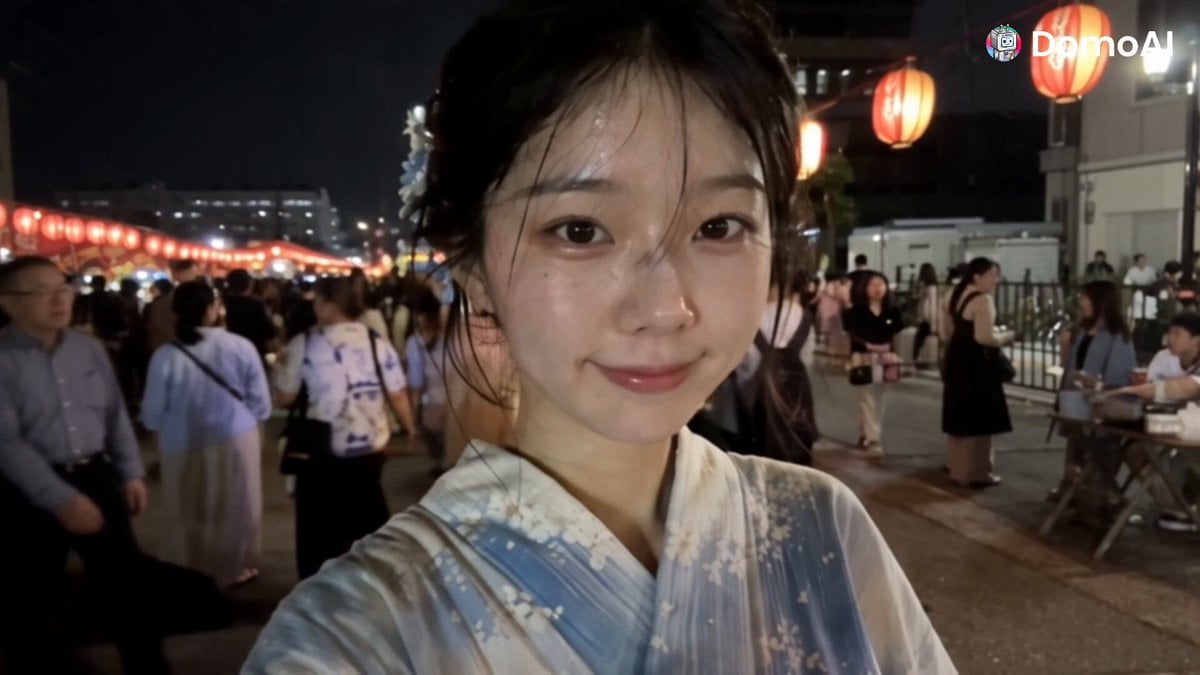
A video generation prompt for creating a glossy 3D fairy that expresses a variety of emotions in rapid succession while speaking Japanese in a cute voice, based on a reference image.
Generate Video with Prompt Before translation A glossy 3D fairy performs emotional expressions in rapid succession. Speaks in Japanese with a cute voice. The composition and lines from the attached stamp images should be used as a reference, but the image quality should be high and clear, converted into a high-quality animation. Generate Video with Prompt 妖!Image 2 @妖精アーヤさんView original Published Aug 12, 2026 Original language JA CategoriesCinematic Scene Showcase3D CartoonPerson / Character Likes 15 Views 1.2K Shares 1 Comments 1 Bookmarks 4 Quotes 0 Share ## Go beyond generating video Collect materials, process them, generate finished work, and distribute it from one AI workspace. !Image 3 Explore YouMind
Generate Video with Prompt Before translation A glossy 3D fairy performs emotional expressions in rapid succession. Speaks in Japanese with a cute voice. The composition and lines from the attached stamp images should be used as a reference, but the image quality should be high and clear, converted into a high-quality animation. Generate Video with Prompt 妖!Image 2 @妖精アーヤさんView original Published Aug 12, 2026 Original language JA CategoriesCinematic Scene Showcase3D CartoonPerson / Character Likes 15 Views 1.2K Shares 1 Comments 1 Bookmarks 4 Quotes 0 Share ## Go beyond generating video Collect materials, process them, generate finished work, and distribute it from one AI workspace. !Image 3 Explore YouMind
Edit the prompt in the box under the preview — the template's model and format are already selected — and press Generate. Your version appears right on this page.
Yes. You can change the subject, setting, lighting, mood, format, and available model controls before creating your video.
Opening and editing this template is free. Generating uses credits, shown on the Generate button when you are signed in.
Start with seedance-2.5, which is the model associated with this template. You can compare another compatible model for a different finish.
Follow a topic to a crawlable collection of related PicX Studio templates.