
Dreamy Forest Photography Session
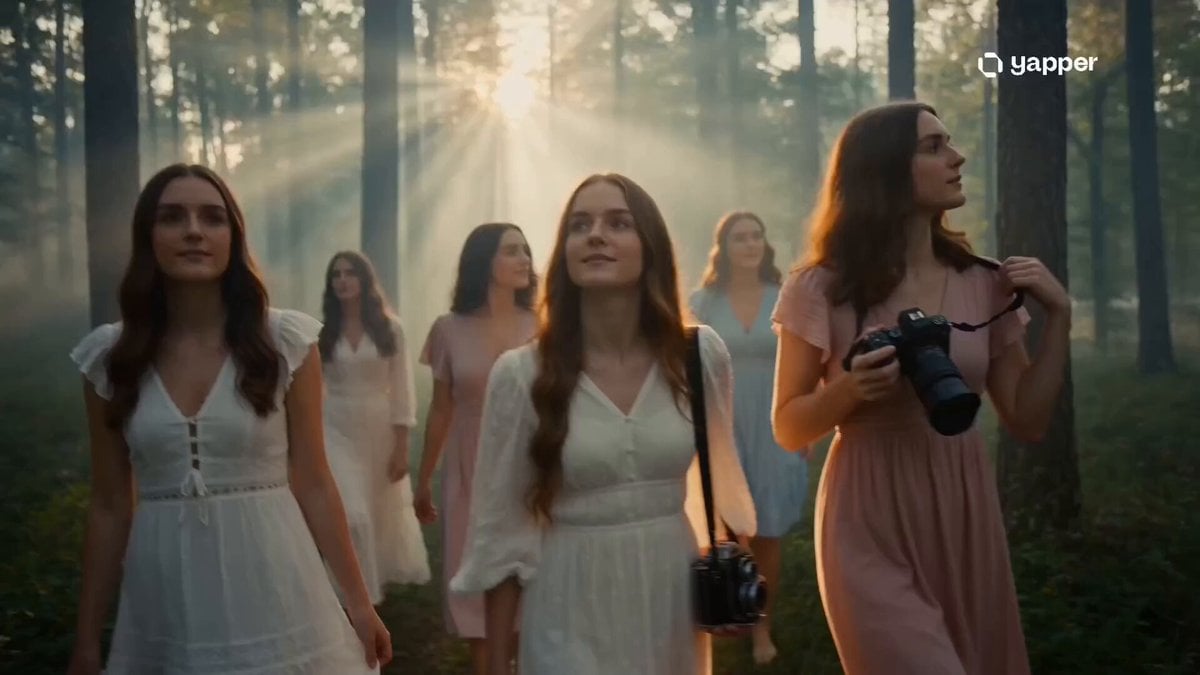
A cinematic forest prompt capturing a group of women during a golden hour photography session with a nostalgic, coming-of-age vibe.
- Prompt included
- Model and format preset
- Free template
The prompt behind this video
Copy the exact prompt behind Dreamy Forest Photography Session, or open it in the studio and make it yours.
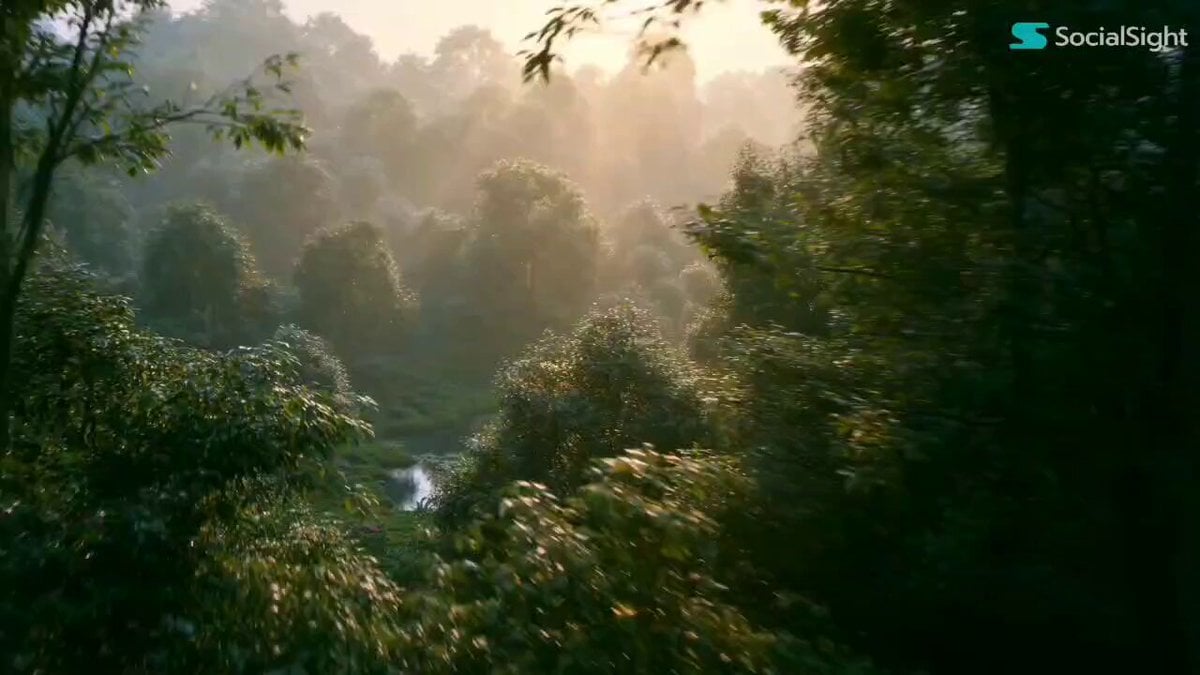
Style: Cinematic realism, dreamy forest atmosphere, golden hour lighting, soft handheld cinematography, shallow depth of field, ultra-detailed foliage, natural color grading, delicate film grain, emotional coming-of-age energy. 0–3s — Arrival in the Forest Wide cinematic shot of a lush forest glowing in warm golden sunlight. A group of young women walk slowly through the trees, soft fog drifting around them. Sun rays pierce through branches while dust particles float in the air. One carries a vintage film camera, another adjusts a DSLR strap as leaves crunch softly beneath their feet. 3–7s — Creative Focus Macro close-ups of camera lenses turning, shutter buttons clicking, and fingers adjusting focus rings. One woman kneels to photograph wildflowers covered in dew while another frames sunlight passing through leaves. Smooth focus transitions create dreamy bokeh between subjects and the forest background. 7–11s — Cinematic Photography Moments Slow-motion sequences of portraits being captured among towering trees. Gentle laughter echoes through the forest. A glowing backlit portrait reveals sunlight flaring through flowing hair. The camera glides around the group in a smooth 360° motion as dresses and leaves move softly in the breeze. 11–15s — Magical Final Shot Wide aerial shot rising upward through the forest canopy. The group gathers together reviewing photos on a camera screen while beams of light cut through drifting fog. The forest glows with surreal warmth and dreamlike atmosphere. Final fade-out timed with a soft vintage shutter click.
How to use Dreamy Forest Photography Session in 3 steps
- 1
Open
The prompt is already in the box next to the preview, with the template's model and format selected.
- 2…a portrait of your subject in softgolden-hour light, 85mm…
Personalize
Edit the subject and creative details for your destination.
- 3Generate
Generate
Press Generate — your video is created in PicX Studio, so you can compare it with the original and refine one variable at a time.
More like this
Templates with the same subject, style or setup. Open one to see its prompt.

Forest Fantasy Girl Short Film
Chiropractic Clinic Treatment Session
Minimalist Photography Studio Golden Hour
Urban Lifestyle Smartphone Photography
Candid Lakeside Photography Vlog
Dreamy Soft Motion and Echoing Water
Dreamy Maiden with Pink Roses
Dreamy Yellow Glass House
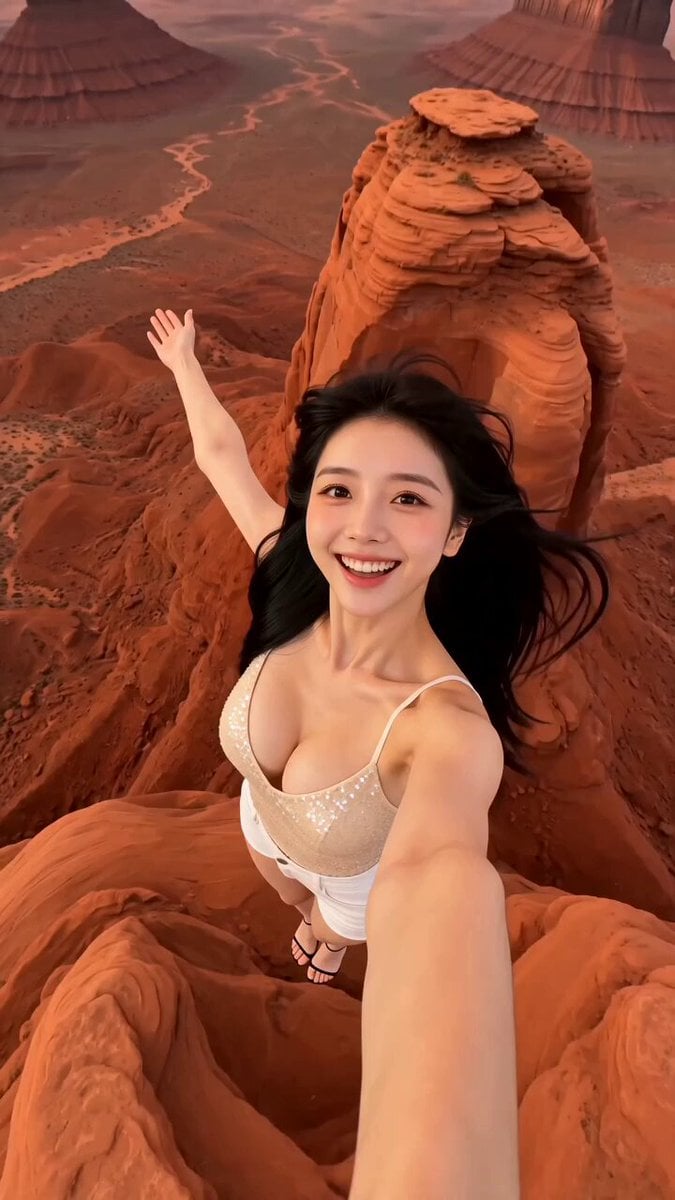
Aerial Portrait Dreamy Travel Video Template

1970s Japanese Diet Session Animation
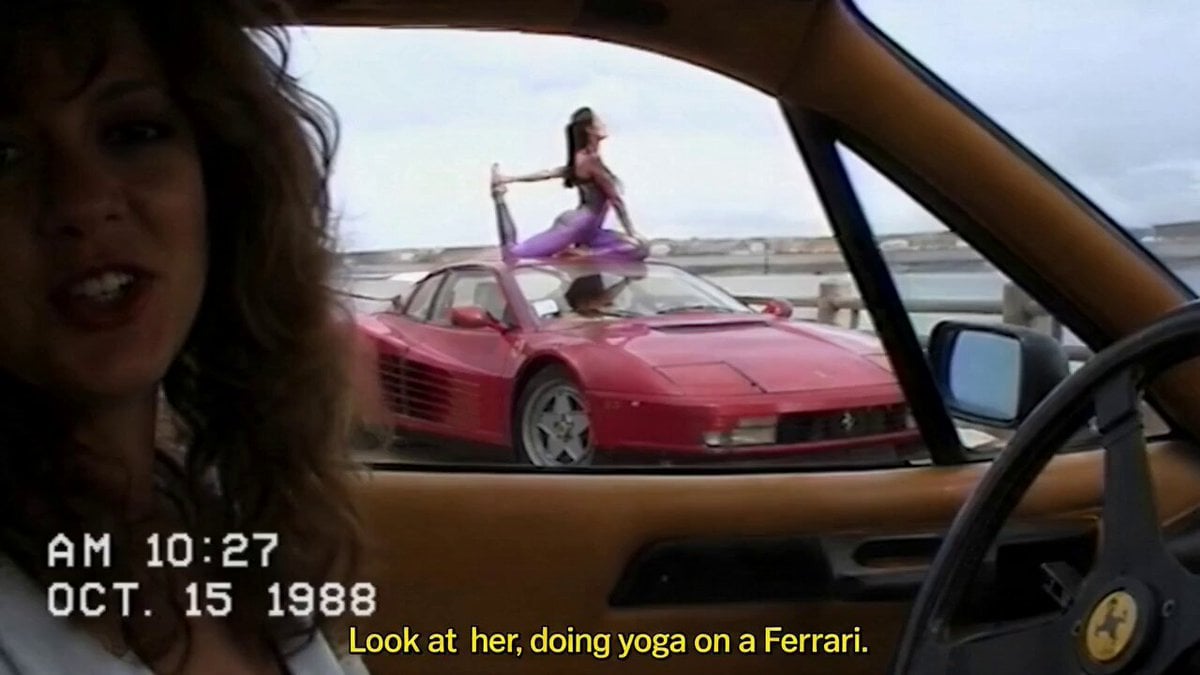
Amateur POV Ferrari Yoga Session
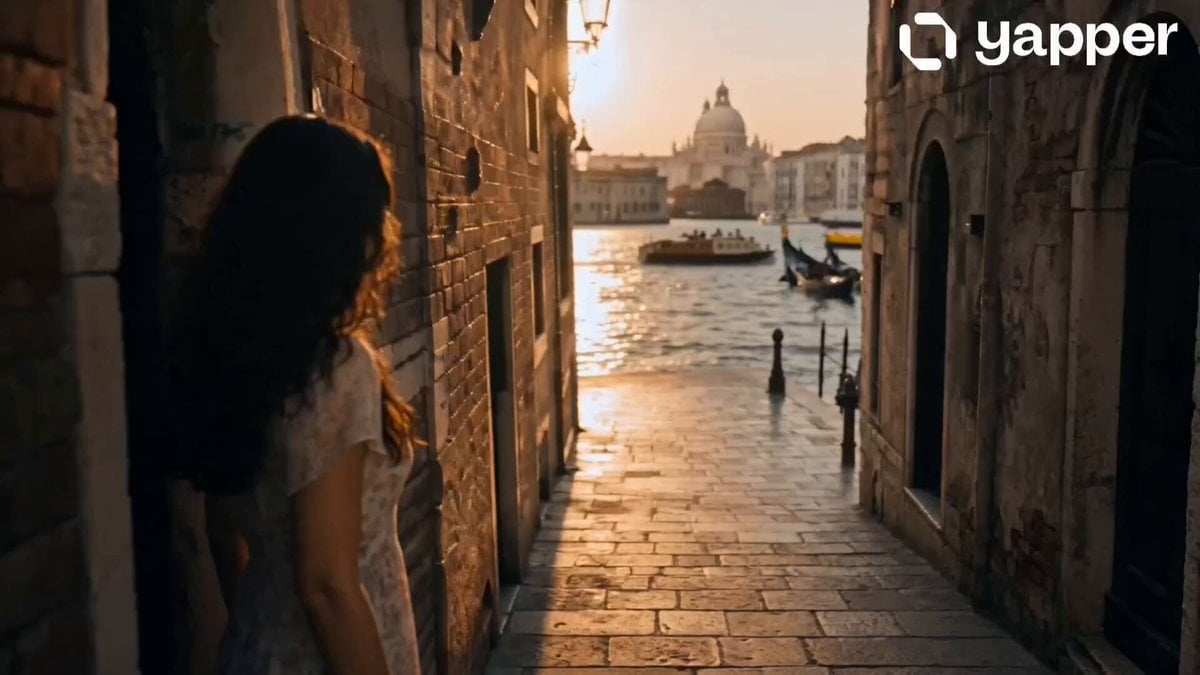
Dreamy Italian Journey
Make it yours
Dreamy Forest Photography Session works as-is. These are the safest ways to change it without losing the look.
Change one field
Copy a single group, rewrite it, and generate again so you can see what that field is doing.
Keep the frame, change the subject
Hold the composition and light of Dreamy Forest Photography Session, then swap wardrobe, props or the person for a new take.
| If the result… | Why | Fix |
|---|---|---|
| The result drifts from the preview | Too many fields changed at once. | Reuse Dreamy Forest Photography Session as-is first, then change one group — subject, light, or setting. |
| The model over-stylizes the scene | The prose prompt leaves finish and camera underspecified. | Add one camera or lighting sentence and stay on Seedance 2.0. |
More Seedance 2.0 templates
Other prompts made for Seedance 2.0.

Comical Martial Arts Punch Scene

Maglev Train Action Sequence

Martial Arts Fight Sequence

Wuxia Protection and Trust Script

Vintage Korean Arcade MiniDV Vlog

Mercedes 190 SL Luxury Ad

Rainy Night Supernatural Reverse Comedy Video Script

Amazon Civilization Discovery

Futuristic South Asian City Transformation

Cozy Luxury Cafe Commercial
More video prompts
Fresh picks from across the catalog.
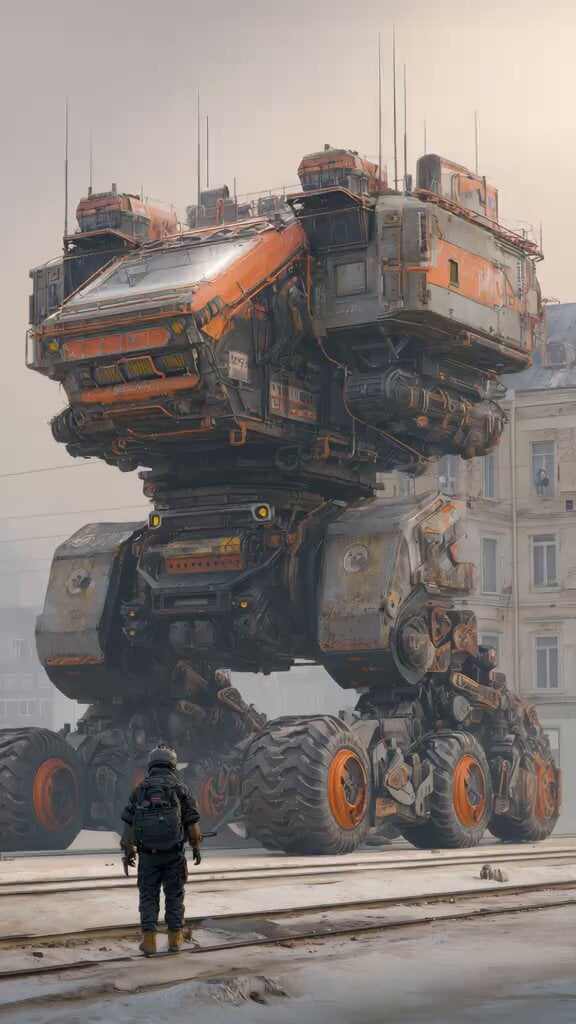
Industrial Mecha Walker Cinematic
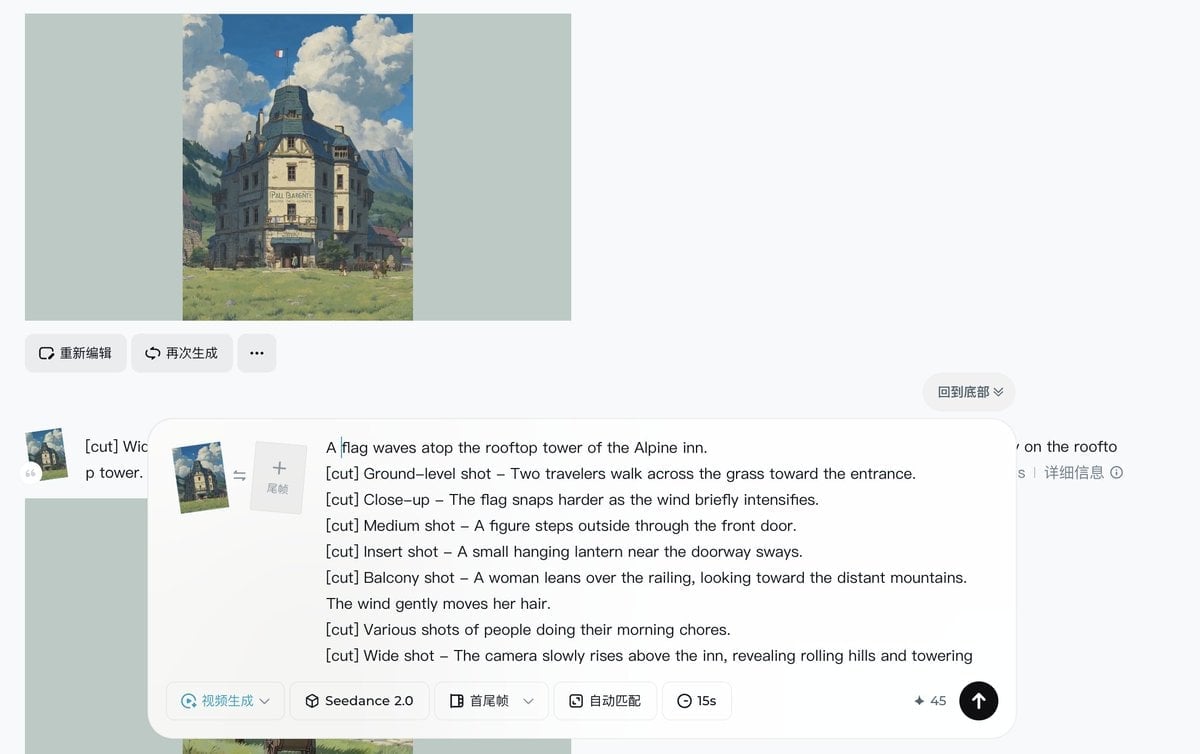
Ghibli-style Alpine inn scene
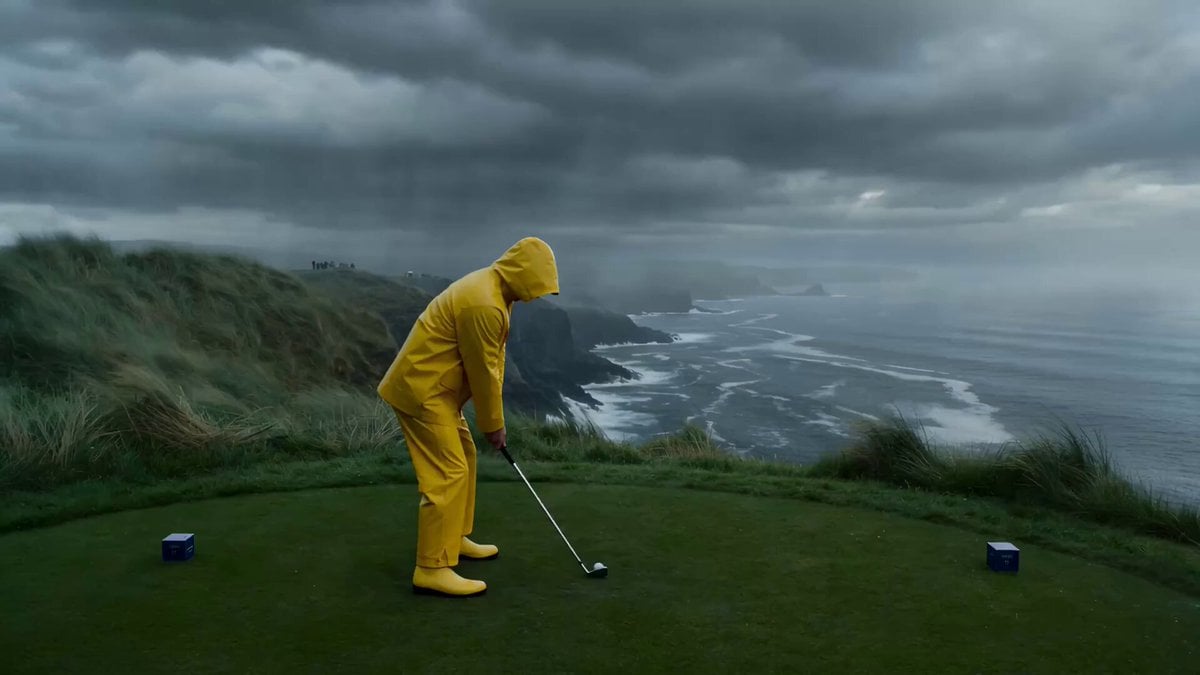
Impossible Golf Shot Tracking in a Rainstorm

Masculine Cowboys with Sparkling Text
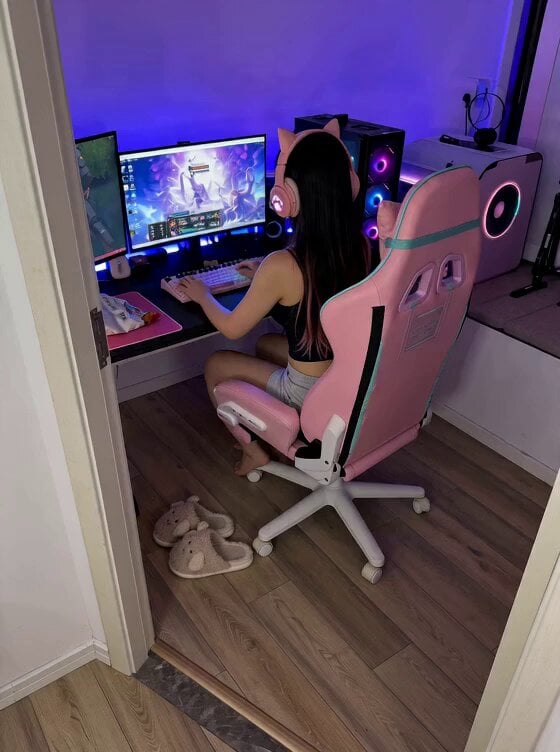
Cute Clingy Girlfriend POV Interaction
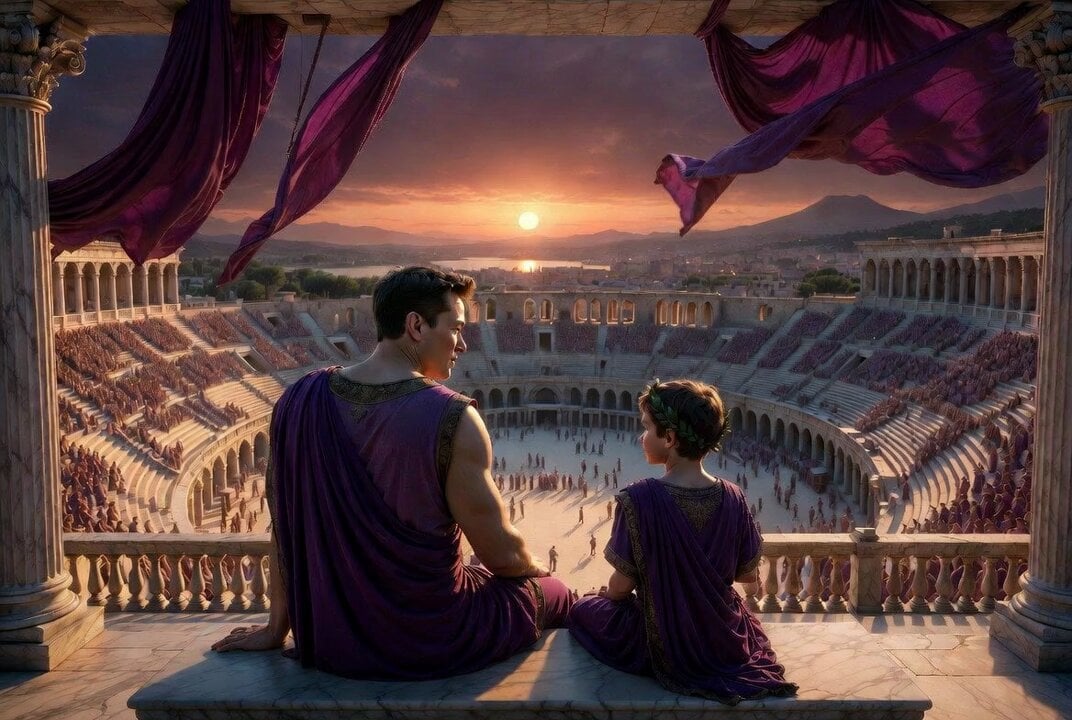
Pompeii Journey for a Child
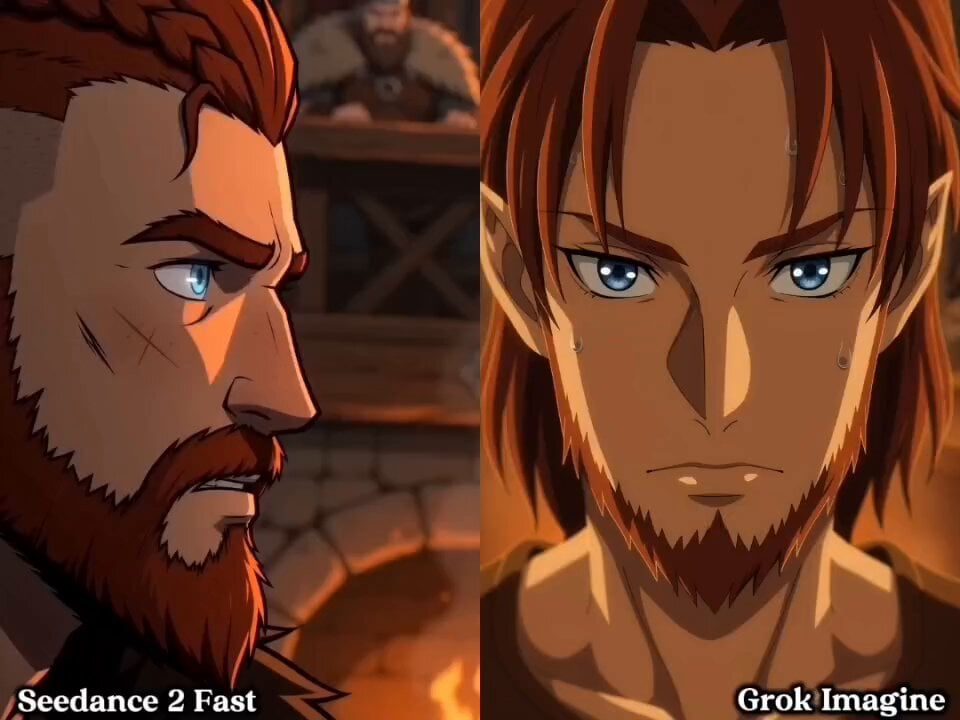
Cinematic Viking Warrior Duel
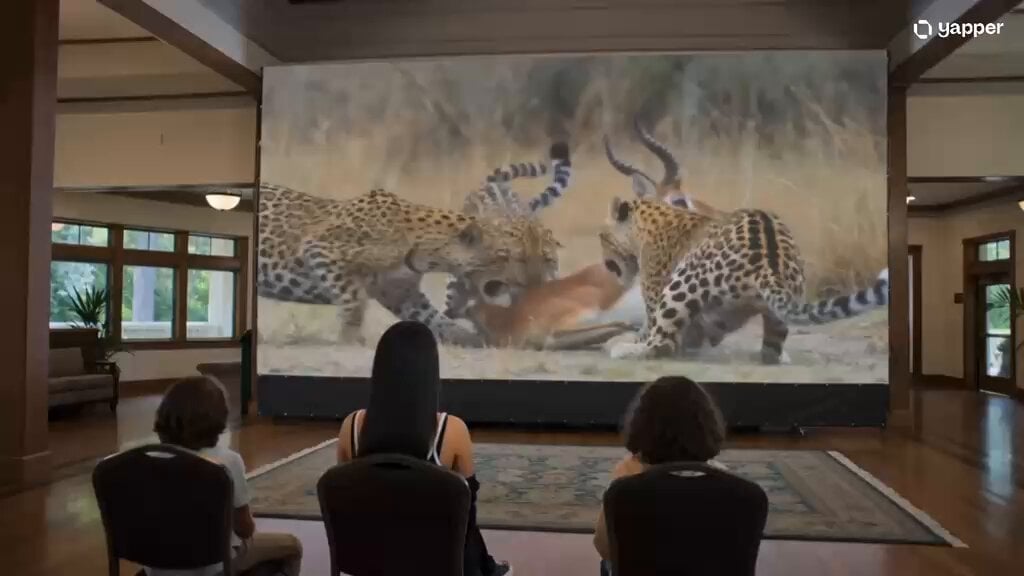
Magical Cinema Hall Deer Rescue
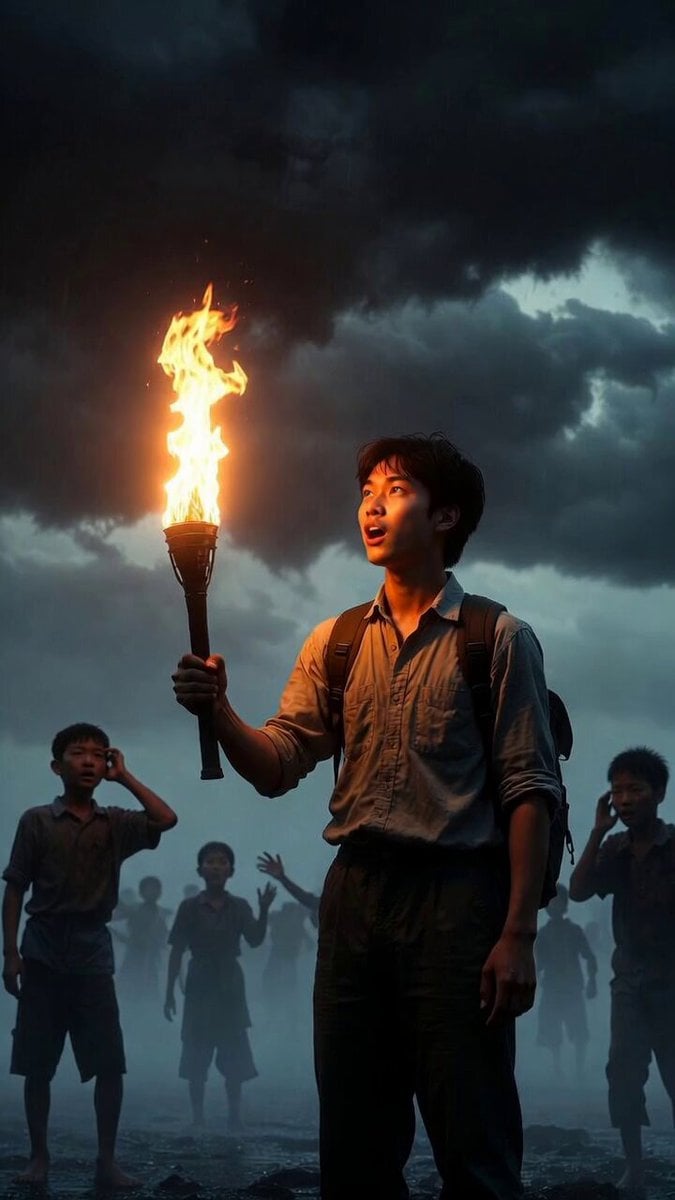
Video prompt about destiny and dreams
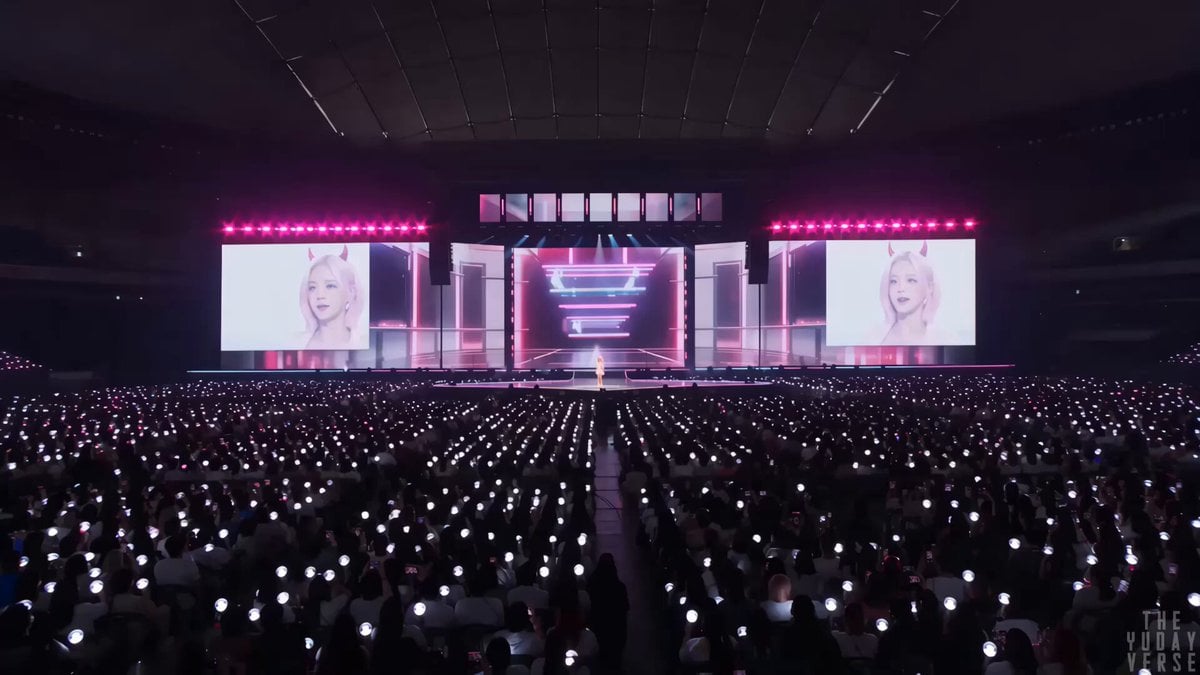
Futuristic K-pop concert spectacle
Browse template categories
Dreamy Forest Photography Session questions
How do I use the Dreamy Forest Photography Session template?
Add your photo if the template asks for one, edit the prompt if you like — the template's model and format are already selected — and press Generate. Your version opens in PicX Studio.
Can I customize the Dreamy Forest Photography Session template?
Yes. You can change the subject, setting, lighting, mood, format, and available model controls before creating your video.
Is the Dreamy Forest Photography Session template free?
Opening and editing this template is free. Generating uses credits, shown on the Generate button when you are signed in.
Which AI model should I use?
Start with Seedance 2.0, which is the model associated with this template. You can compare another compatible model for a different finish.
Looking for something else? Browse all templates.

Your photo, any look
Thousands of ready templates for every top image and video model, from one credit balance.