
Dreamy Italian Journey
A multi-scene prompt following a girl in a floral dress through Venice, the countryside, Florence, and Rome in soft, cinematic light.
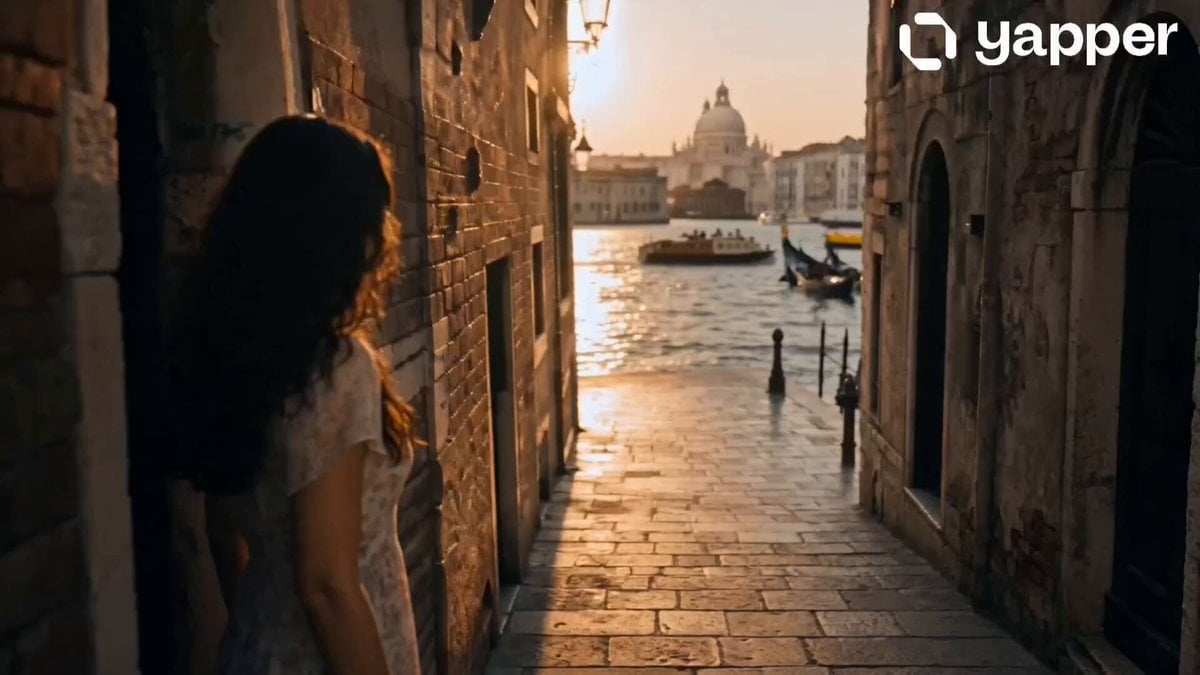
- Prompt included
- Model and format preset
- Free template
The prompt behind this video
Copy the exact prompt behind Dreamy Italian Journey, or open it in the studio and make it yours.
0–4s Soft morning light spills over Venice. A young girl steps out of a narrow alley wearing a pastel cotton floral dress, light and breathable, flowing gently with every step. The canals shimmer as gondolas pass quietly in the background. 4–8s She travels through the Italian countryside by train. In her same pastel floral cotton dress, now layered with a light cardigan, she gazes out the window. Rolling hills and vineyards blur into a warm, dreamy landscape. 8–12s Florence welcomes her with golden light. She walks through historic streets in her soft cotton floral dress, pastel tones blending with the city’s earthy architecture. Her outfit moves naturally with the breeze as she pauses in front of the cathedral. 12–16s At sunset in Rome, she stands near ancient ruins, still in her elegant pastel floral dress. The fabric catches the warm orange glow of the sky. She smiles softly as the city lights begin to glow, creating a peaceful cinematic ending.
How to use Dreamy Italian Journey in 3 steps
- 1
Open
The prompt is already in the box next to the preview, with the template's model and format selected.
- 2…a portrait of your subject in softgolden-hour light, 85mm…
Personalize
Edit the subject and creative details for your destination.
- 3Generate
Generate
Press Generate — your video is created in PicX Studio, so you can compare it with the original and refine one variable at a time.
More like this
Templates with the same subject, style or setup. Open one to see its prompt.
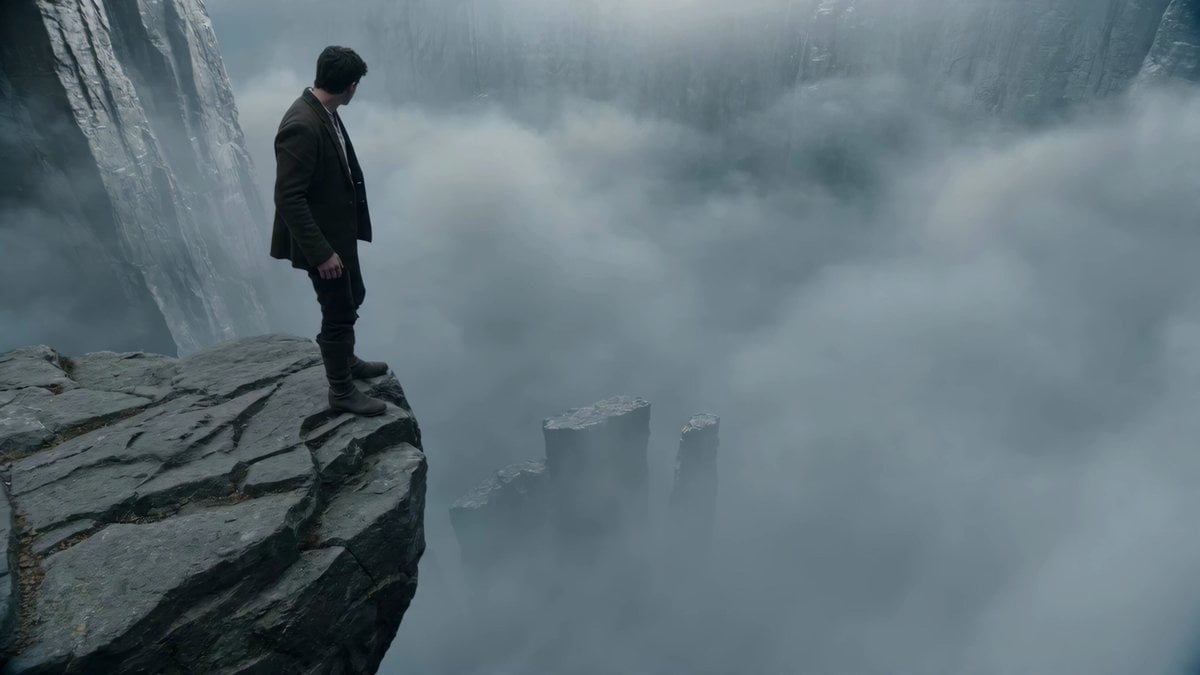
Adventurer Path Creator - Seedance 2
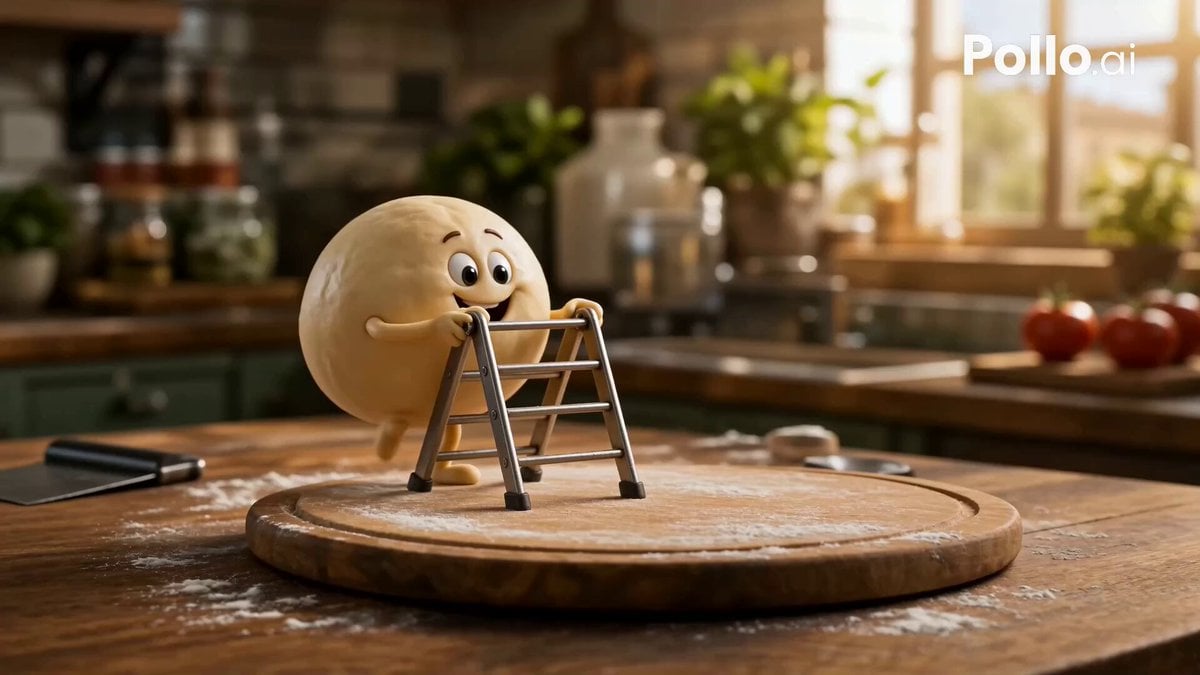
Anthropomorphic Italian Food Pizza Commercial
Italian World Cup Reaction
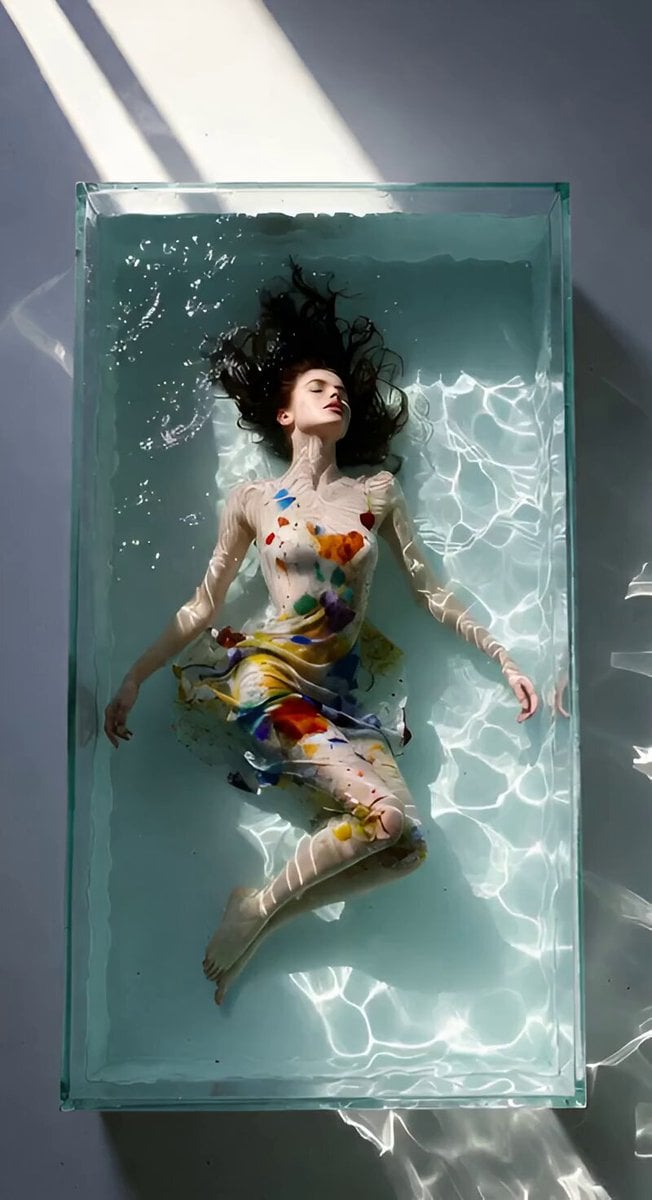
Dreamy Soft Motion and Echoing Water
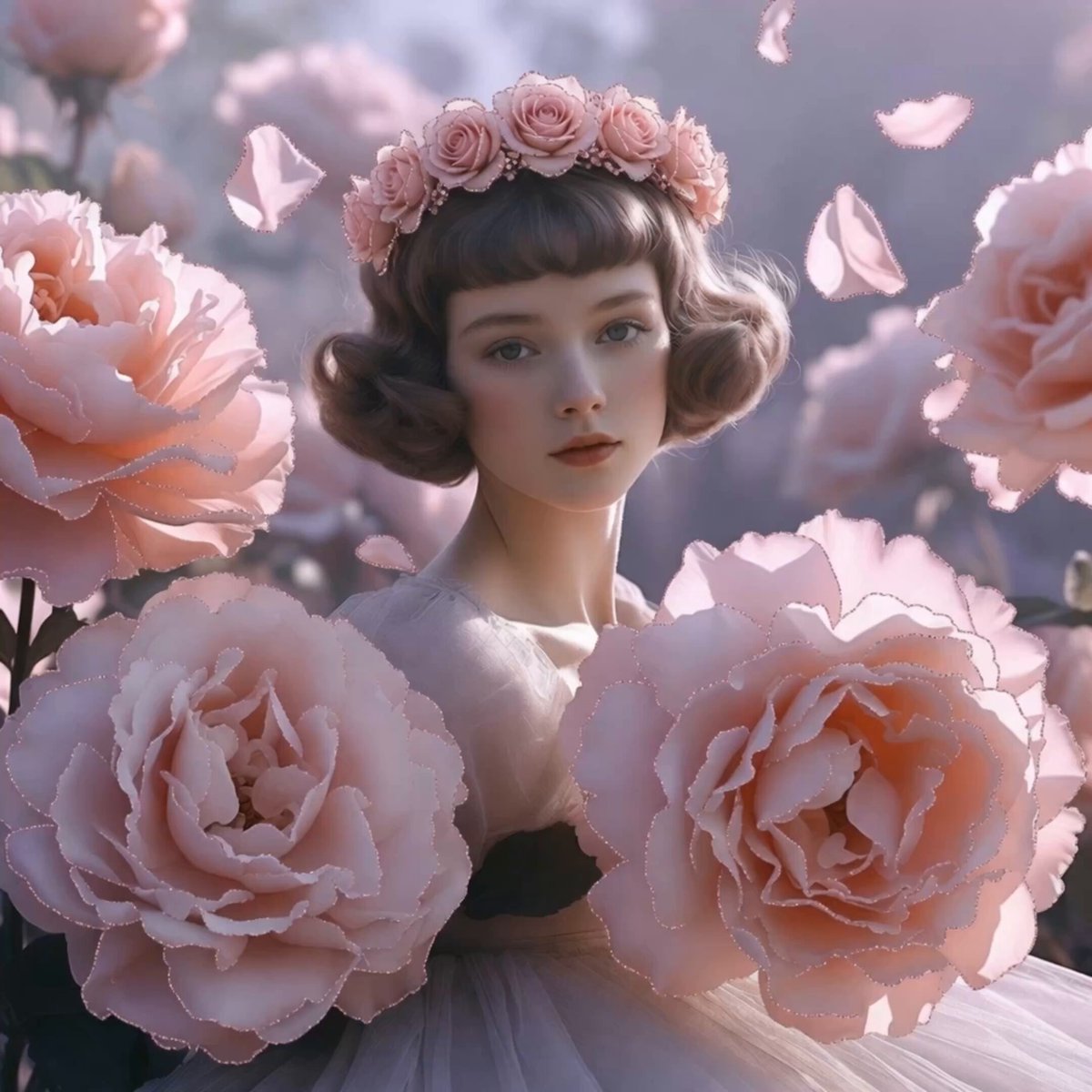
Dreamy Maiden with Pink Roses

Italian Old-Town Time-Freeze Walk
Dreamy Yellow Glass House
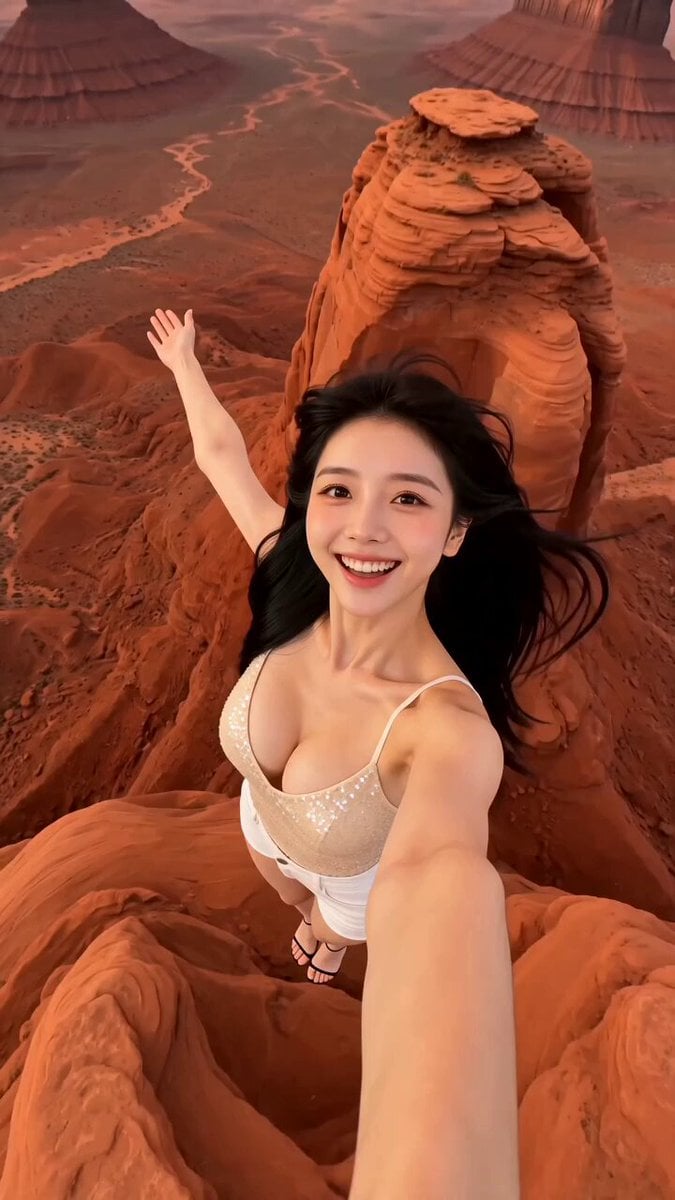
Aerial Portrait Dreamy Travel Video Template

Italian Espresso Coffee Commercial
Dreamy Forest Photography Session
Sunflower spirit ballerina in a dreamy pastel garden video generation
Dreamy Garden with Kitten
Make it yours
Dreamy Italian Journey works as-is. These are the safest ways to change it without losing the look.
Change one field
Copy a single group, rewrite it, and generate again so you can see what that field is doing.
Keep the frame, change the subject
Hold the composition and light of Dreamy Italian Journey, then swap wardrobe, props or the person for a new take.
| If the result… | Why | Fix |
|---|---|---|
| The result drifts from the preview | Too many fields changed at once. | Reuse Dreamy Italian Journey as-is first, then change one group — subject, light, or setting. |
| The model over-stylizes the scene | The prose prompt leaves finish and camera underspecified. | Add one camera or lighting sentence and stay on Seedance 2.0. |
More Seedance 2.0 templates
Other prompts made for Seedance 2.0.

Comical Martial Arts Punch Scene

Maglev Train Action Sequence

Martial Arts Fight Sequence

Wuxia Protection and Trust Script

Vintage Korean Arcade MiniDV Vlog

Mercedes 190 SL Luxury Ad

Rainy Night Supernatural Reverse Comedy Video Script

Amazon Civilization Discovery

Futuristic South Asian City Transformation

Cozy Luxury Cafe Commercial
More video prompts
Fresh picks from across the catalog.
Serene Sunset Beach Scene
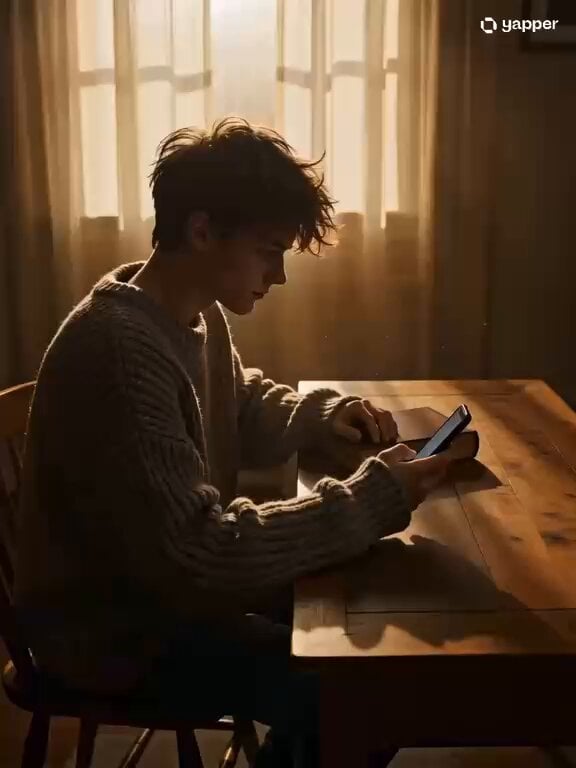
Cozy Indoor Reading Scene
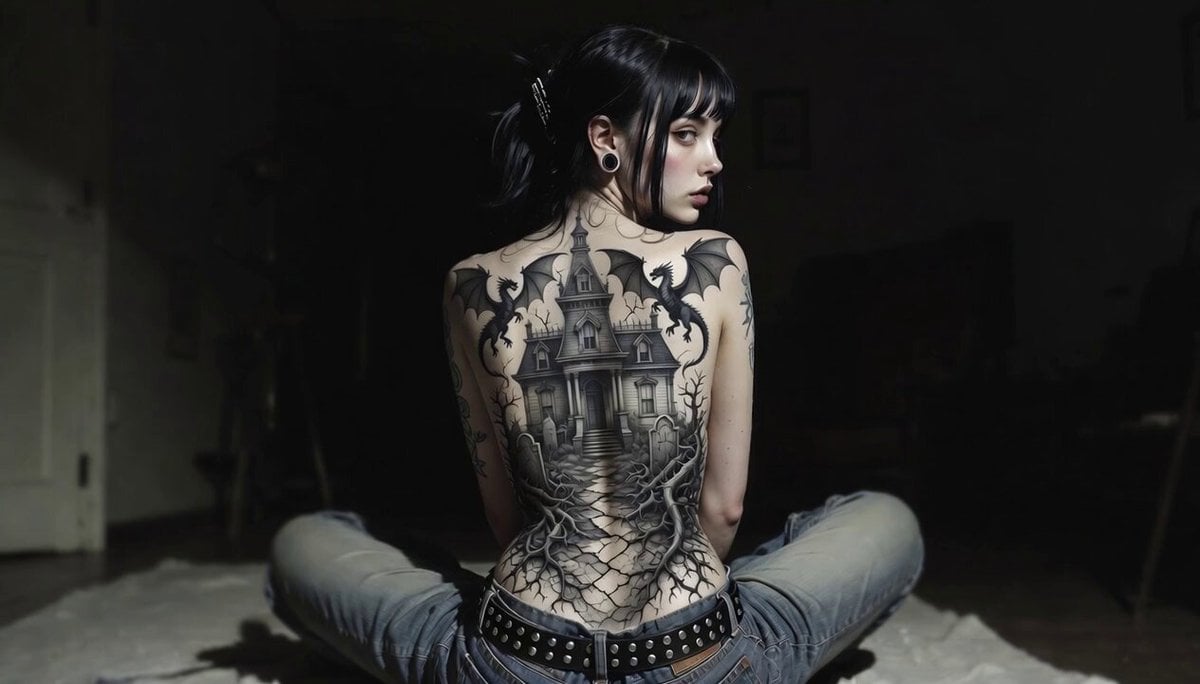
Gothic Mansion Back Tattoo
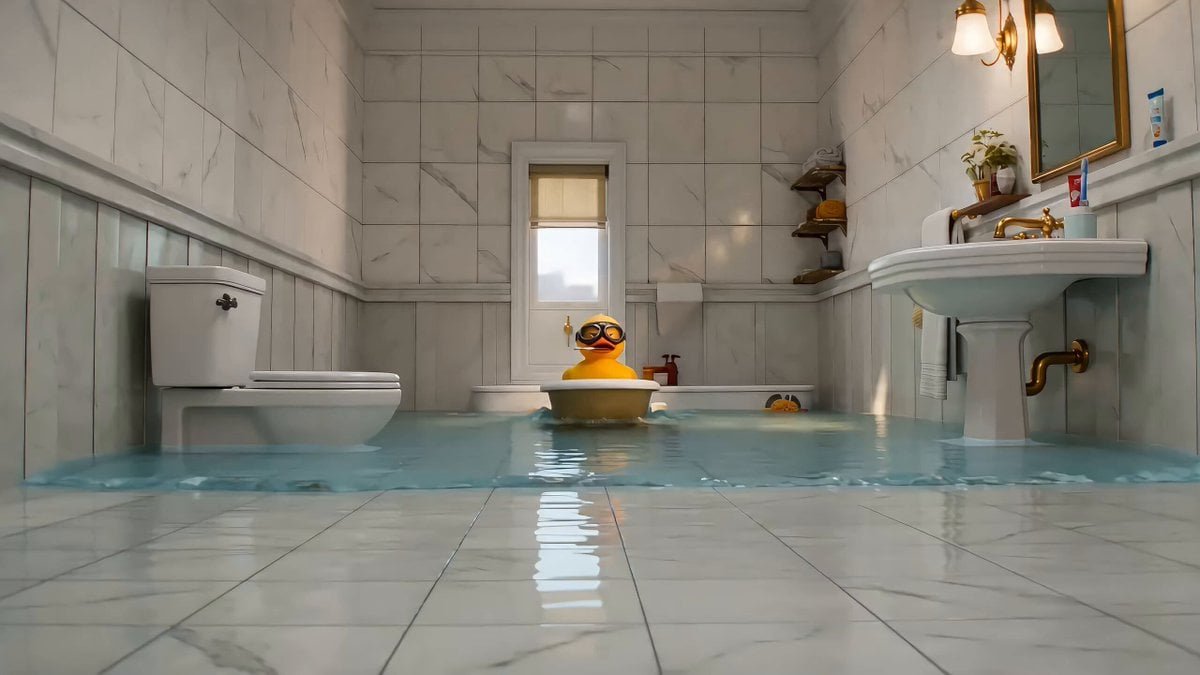
DUCK: Formula Splash
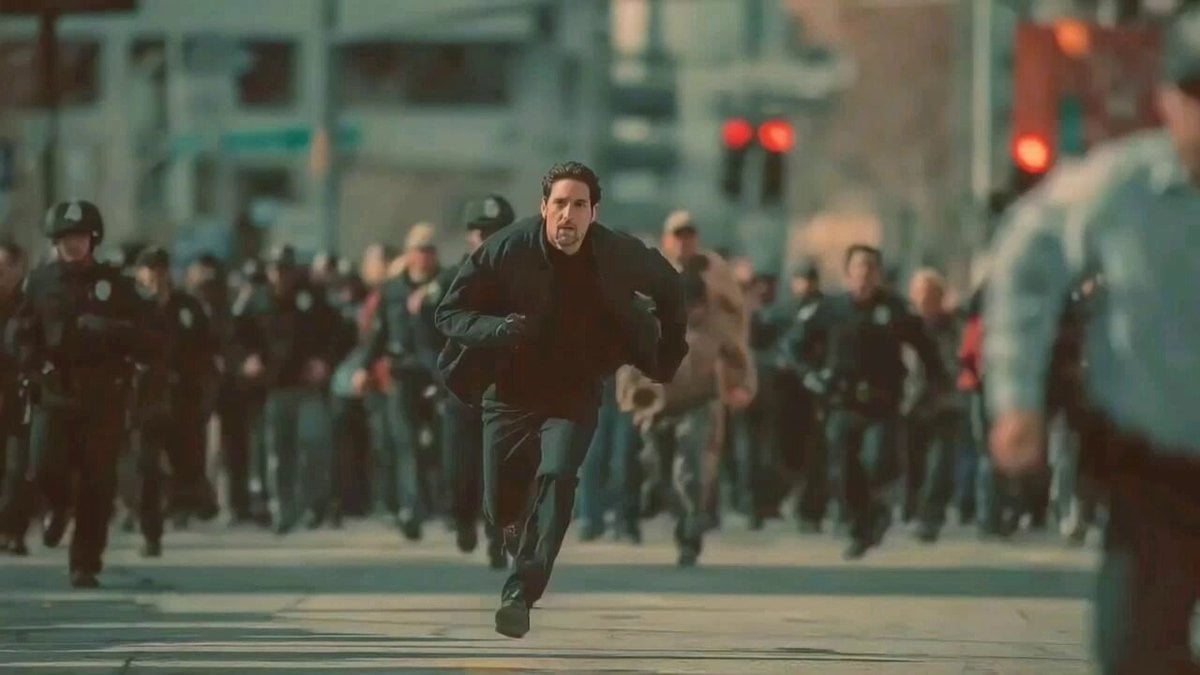
Man Fleeing Police in Urban Chase Scene
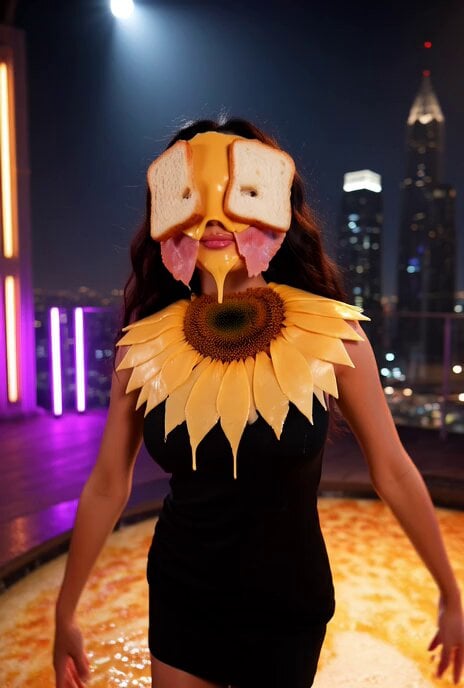
Abstract fashion model made of lunch meat video prompt (truncated)
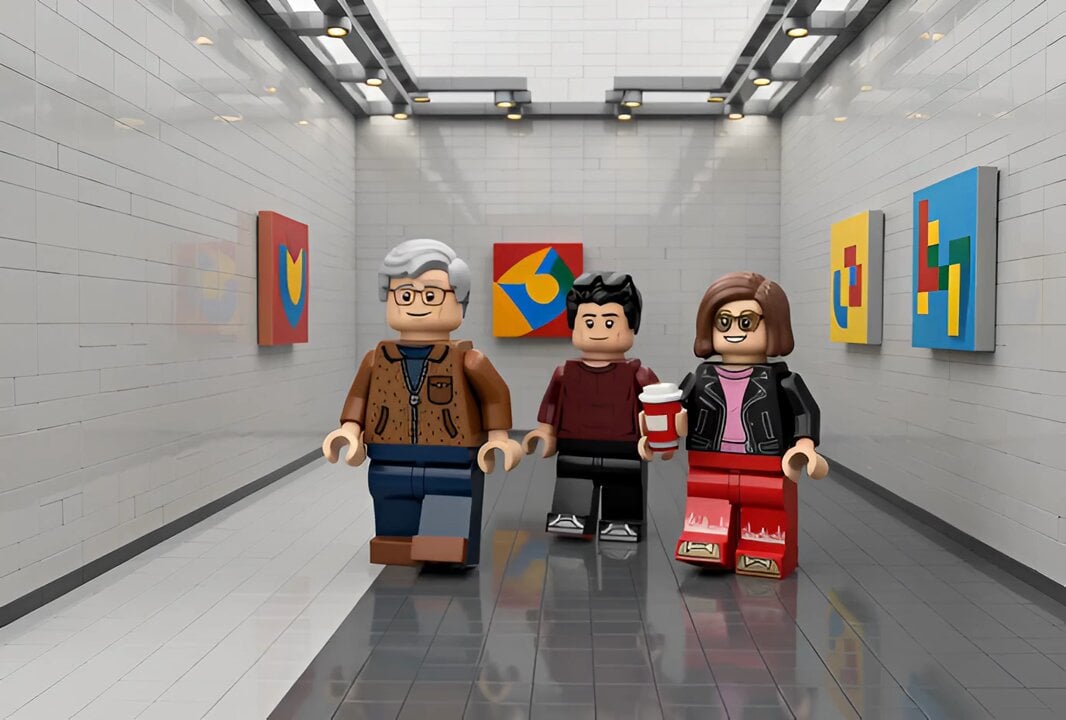
Lego Video Generation
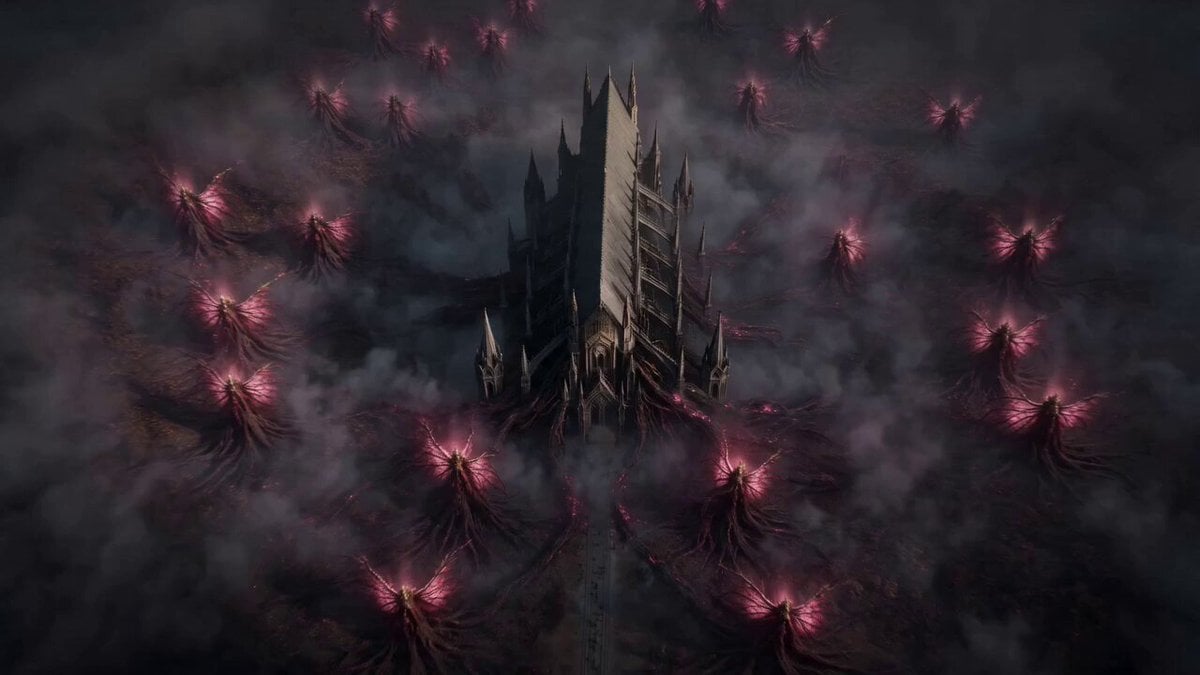
Vespira the Pestilent Empress Cinematic Sequence
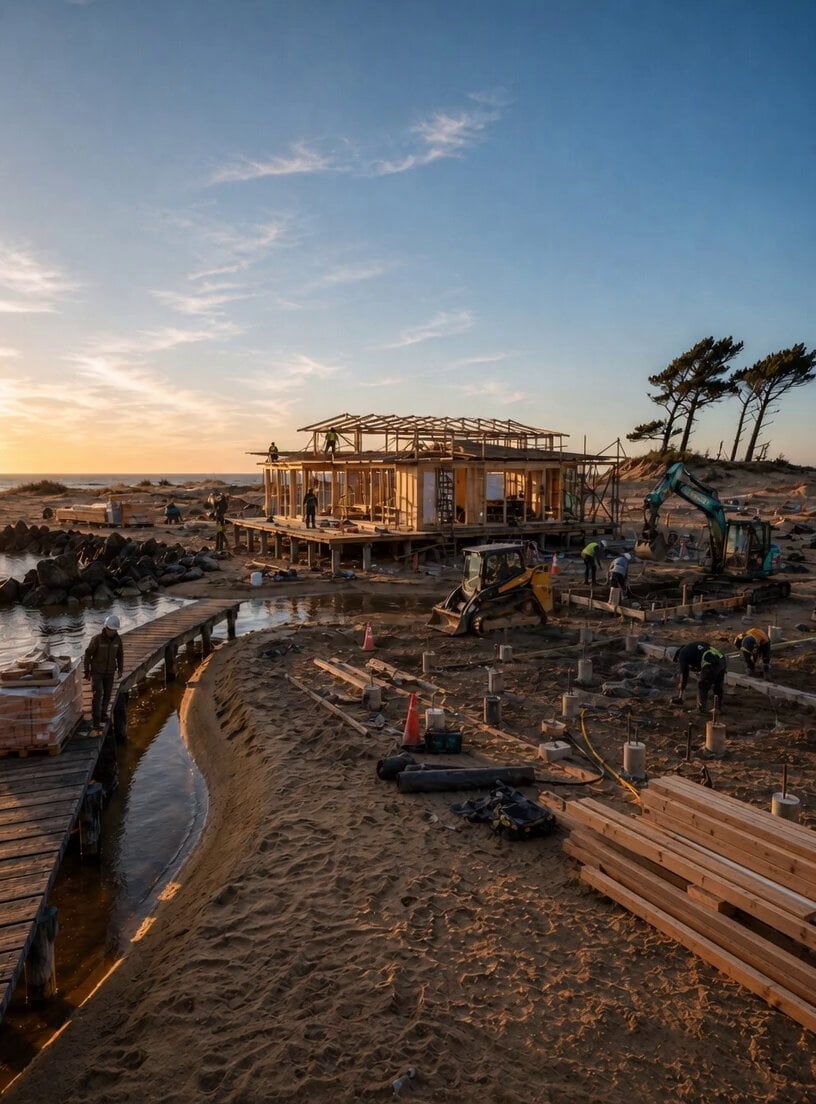
Shore-side Scene Lock Technical Prompt
Super Moon Ocean Ripples
Browse template categories
Dreamy Italian Journey questions
How do I use the Dreamy Italian Journey template?
Add your photo if the template asks for one, edit the prompt if you like — the template's model and format are already selected — and press Generate. Your version opens in PicX Studio.
Can I customize the Dreamy Italian Journey template?
Yes. You can change the subject, setting, lighting, mood, format, and available model controls before creating your video.
Is the Dreamy Italian Journey template free?
Opening and editing this template is free. Generating uses credits, shown on the Generate button when you are signed in.
Which AI model should I use?
Start with Seedance 2.0, which is the model associated with this template. You can compare another compatible model for a different finish.
Looking for something else? Browse all templates.

Your photo, any look
Thousands of ready templates for every top image and video model, from one credit balance.