How do I use the Gothic Mansion Back Tattoo template?
Edit the prompt in the box under the preview — the template's model and format are already selected — and press Generate. Your version appears right on this page.
A cinematic and dark aesthetic prompt describing a woman with a highly detailed gothic mansion tattoo on her back in a 90s setting.
Female sitting crossed legged on the floor with her back facing the camera with her head subtly turned back to view the camera, her whole back is exposed to show off her full back tattoo piece, she is wearing baggy jeans with a studded black belt. She has long black hair pulled up in a clip, wispy bangs, dark brown eyes, thin eyebrows, full lips, light skin with natural texture and pores to her skin, she has black small gauges. Her back tattoo is a large gothic Victorian era style mansion with ornate detailing with a dragon flying with filler type tattooing around the main piece, black, grey, and white ink, highly detailed scene of the tattoo. Dark minimalist 1990s room, low light, realistic rendering, shallow depth of field, low color saturation.
Female sitting crossed legged on the floor with her back facing the camera with her head subtly turned back to view the camera, her whole back is exposed to show off her full back tattoo piece, she is wearing baggy jeans with a studded black belt. She has long black hair pulled up in a clip, wispy bangs, dark brown eyes, thin eyebrows, full lips, light skin with natural texture and pores to her skin, she has black small gauges. Her back tattoo is a large gothic Victorian era style mansion with ornate detailing with a dragon flying with filler type tattooing around the main piece, black, grey, and white ink, highly detailed scene of the tattoo. Dark minimalist 1990s room, low light, realistic rendering, shallow depth of field, low color saturation.
Edit the prompt in the box under the preview — the template's model and format are already selected — and press Generate. Your version appears right on this page.
Yes. You can change the subject, setting, lighting, mood, format, and available model controls before creating your video.
Opening and editing this template is free. Generating uses credits, shown on the Generate button when you are signed in.
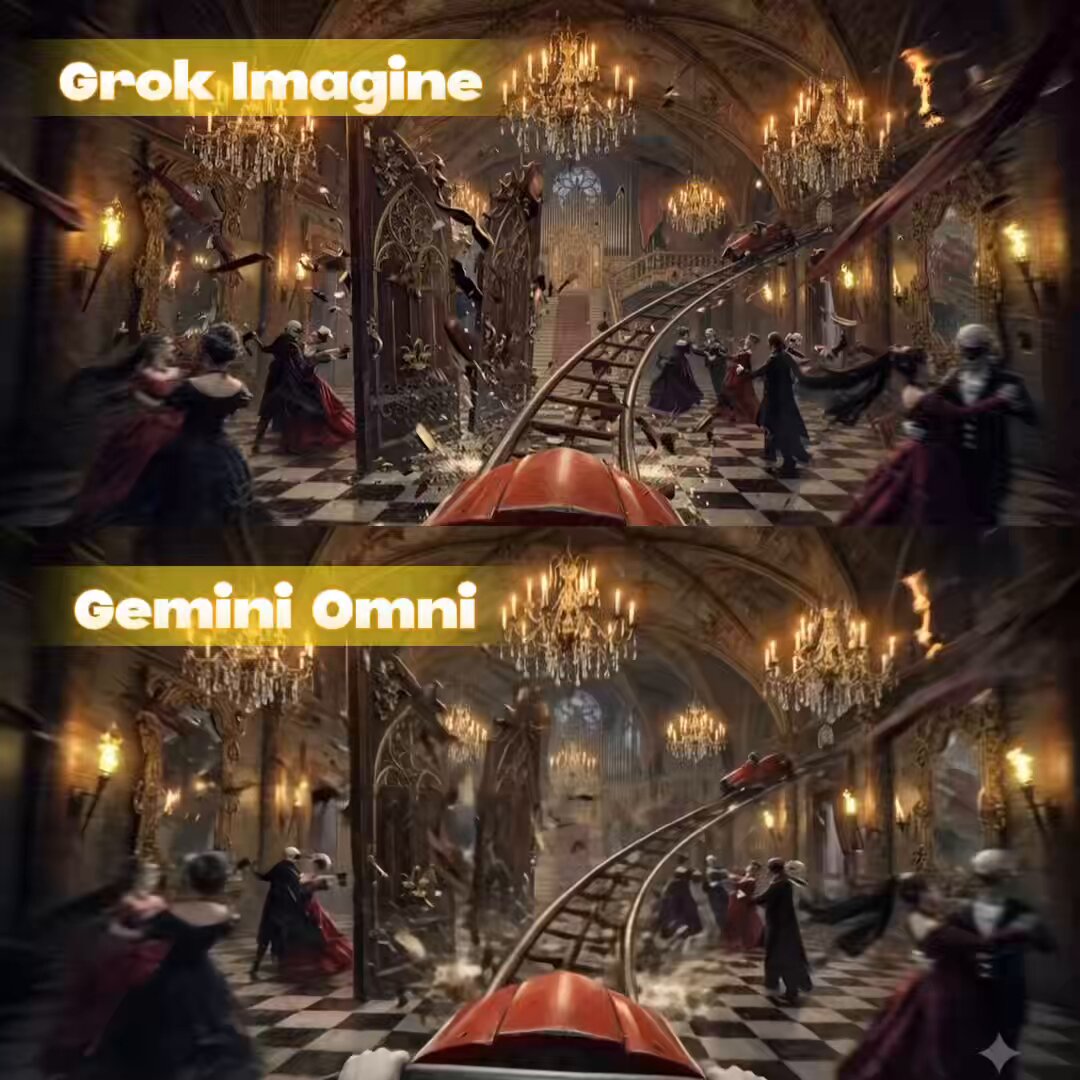
Start with Grok Imagine, which is the model associated with this template. You can compare another compatible model for a different finish.
Follow a topic to a crawlable collection of related PicX Studio templates.