How do I use the Female Operative Facility Infiltration Action template?
Edit the prompt in the box under the preview — the template's model and format are already selected — and press Generate. Your version appears right on this page.
An action thriller prompt for Seedance 2.0 depicting a female operative infiltrating an industrial facility to retrieve a data chip, including character descriptions and two detailed shot sequences.
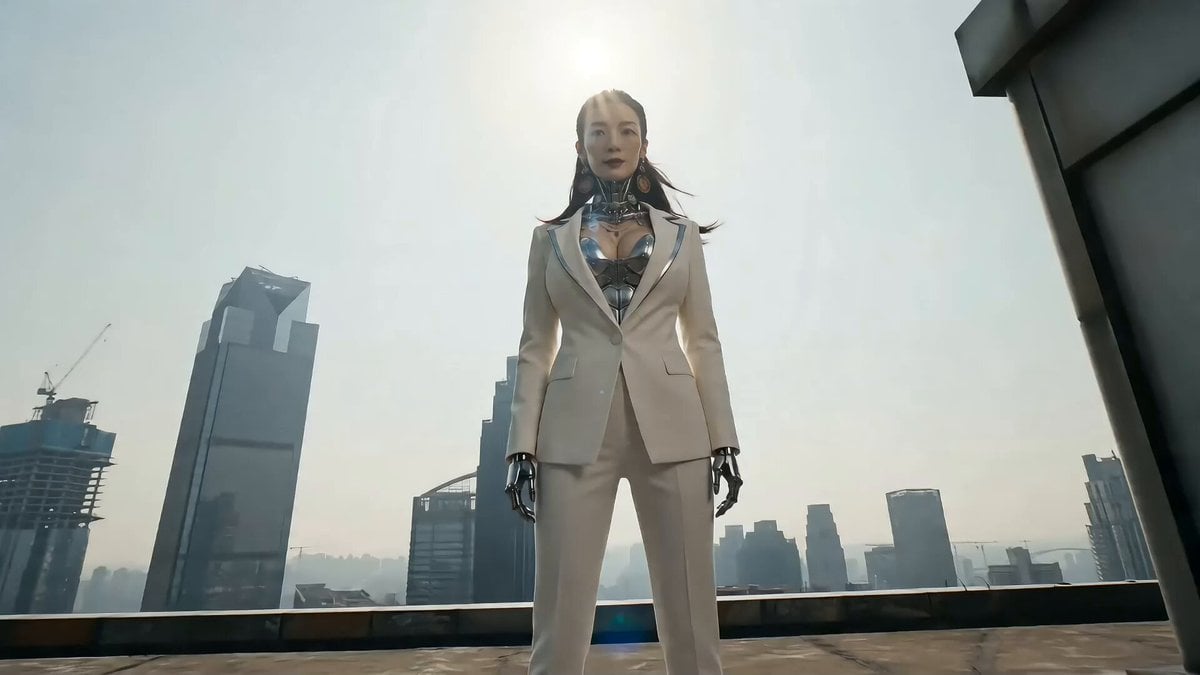
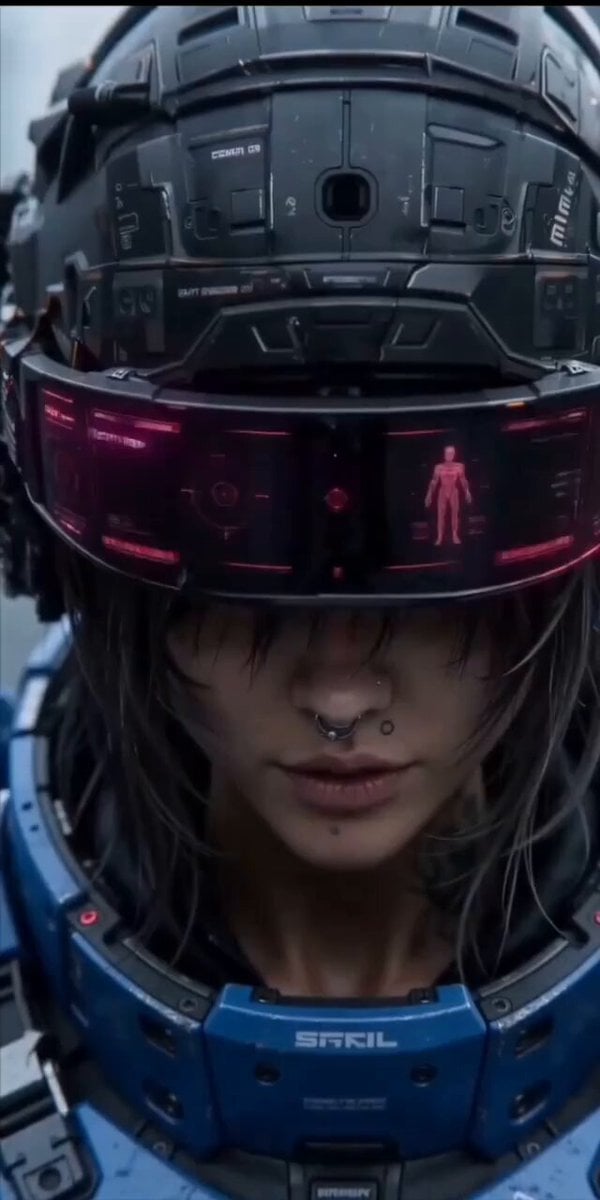
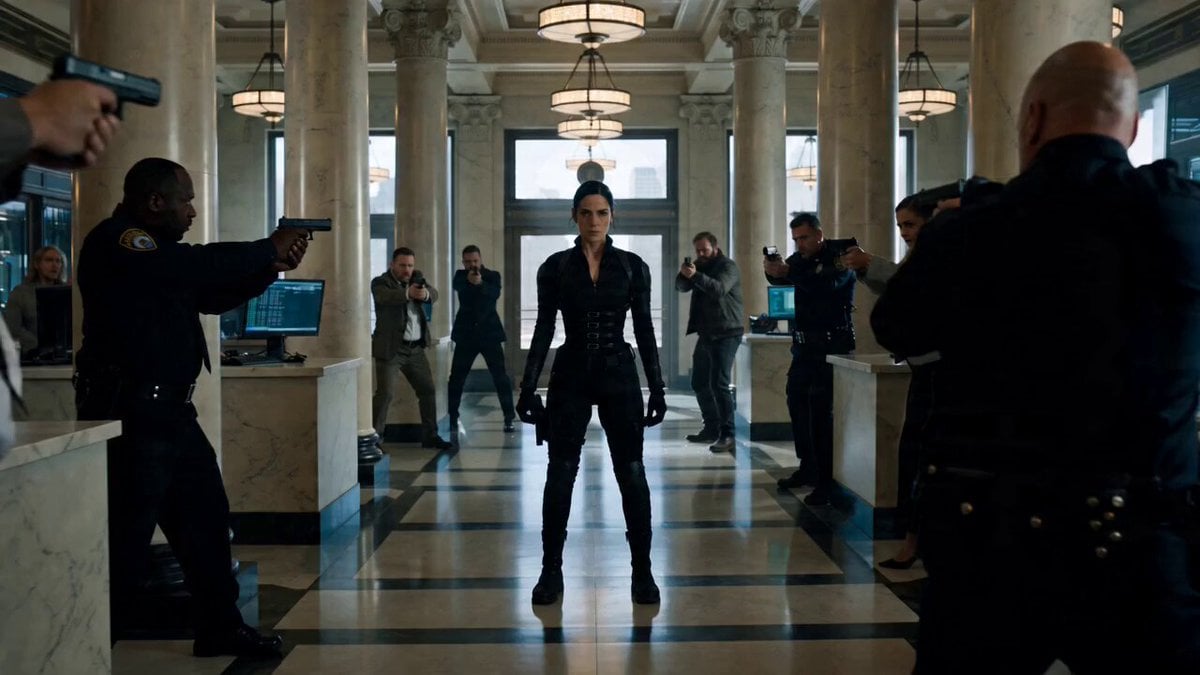
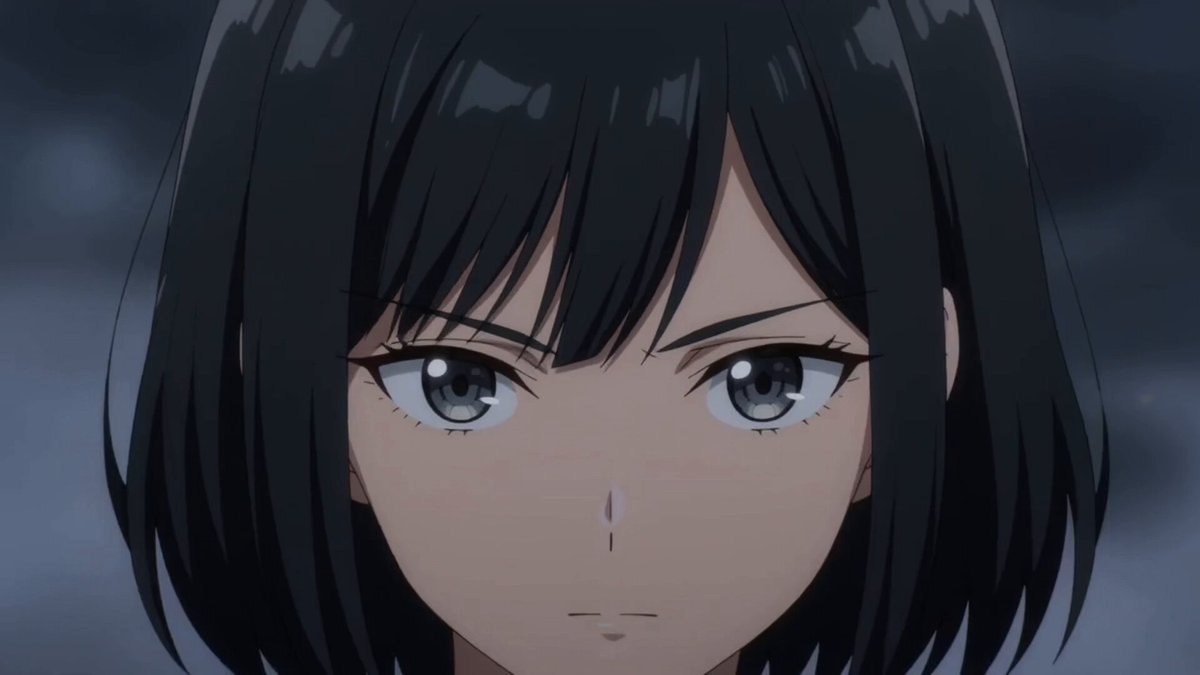
Concept: img1, a skilled female operative, infiltrates a hostile industrial facility to retrieve a data chip. She is discovered and fights her way out, ending in a clean escape with mission success. CHARACTER Highly trained female operative, athletic but realistic build. Practical tactical outfit (dark, worn, dusted) Messy tied hair, subtle sweat, minor scars Alert eyes, controlled breathing, always scanning Moves with precision and efficiency, no exaggerated actions SHOT 1 — “AMBUSH” Dim industrial corridor, flickering lights, cables, dust. She advances cautiously Senses threat → sharp pause, alert focus Enemy ambush from shadows Instant block → fast close combat (elbow, knee, wall use) Grabs metal pipe → clean takedown Enters control room → picks glowing data chip End beat:Alarm triggers, red lights flood, enemies approaching. SHOT 2 — “ESCAPE” Enemies rush in, chaos begins She fights through tightly (sidesteps, sweeps, counters) Spots exit hatch → climbs under pressure Kicks off last attacker Breaks through exit into bright light Final:She lands outside, breathing steadies, looks at data chip. Mission complete. Tension resolved.
Concept: img1, a skilled female operative, infiltrates a hostile industrial facility to retrieve a data chip. She is discovered and fights her way out, ending in a clean escape with mission success. CHARACTER Highly trained female operative, athletic but realistic build. Practical tactical outfit (dark, worn, dusted) Messy tied hair, subtle sweat, minor scars Alert eyes, controlled breathing, always scanning Moves with precision and efficiency, no exaggerated actions SHOT 1 — “AMBUSH” Dim industrial corridor, flickering lights, cables, dust. She advances cautiously Senses threat → sharp pause, alert focus Enemy ambush from shadows Instant block → fast close combat (elbow, knee, wall use) Grabs metal pipe → clean takedown Enters control room → picks glowing data chip End beat:Alarm triggers, red lights flood, enemies approaching. SHOT 2 — “ESCAPE” Enemies rush in, chaos begins She fights through tightly (sidesteps, sweeps, counters) Spots exit hatch → climbs under pressure Kicks off last attacker Breaks through exit into bright light Final:She lands outside, breathing steadies, looks at data chip. Mission complete. Tension resolved.
Edit the prompt in the box under the preview — the template's model and format are already selected — and press Generate. Your version appears right on this page.
Yes. You can change the subject, setting, lighting, mood, format, and available model controls before creating your video.
Opening and editing this template is free. Generating uses credits, shown on the Generate button when you are signed in.
Start with Seedance 2.0, which is the model associated with this template. You can compare another compatible model for a different finish.
Follow a topic to a crawlable collection of related PicX Studio templates.