How do I use the Ice Cream Trickster Showdown Video Prompt template?
Edit the prompt in the box under the preview — the template's model and format are already selected — and press Generate. Your version appears right on this page.
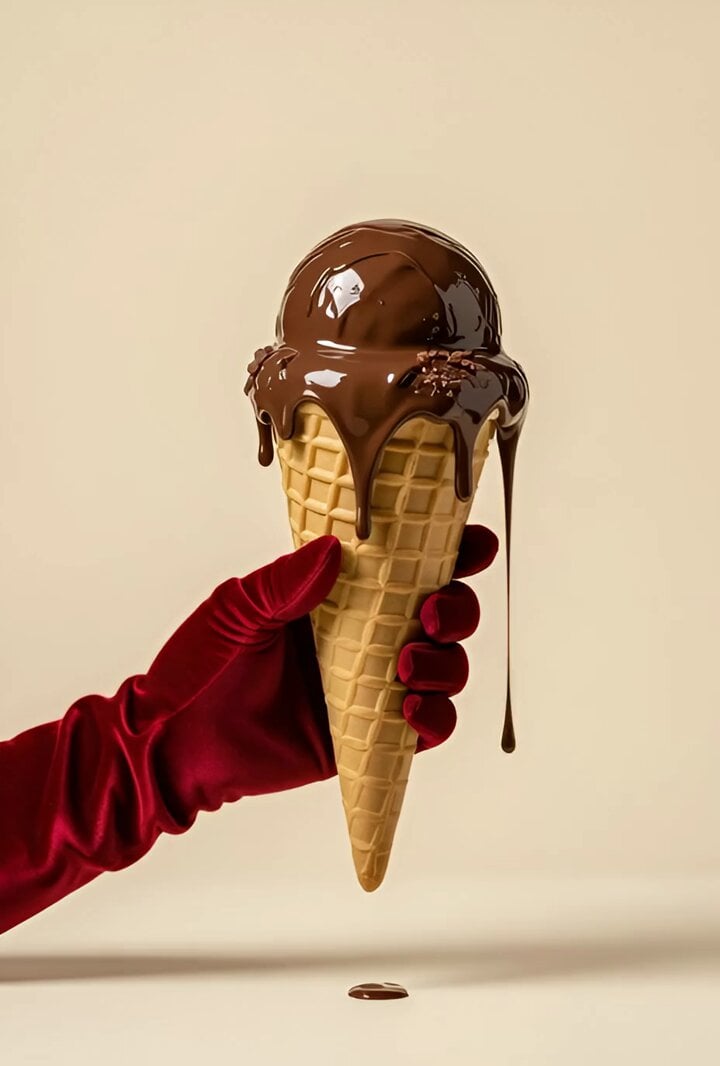
A detailed, structured prompt for Seedance 2.0 designed to generate a cinematic comedy chase video featuring an ice cream vendor and a child trickster, specifying style, mood, characters, environment, and a precise…
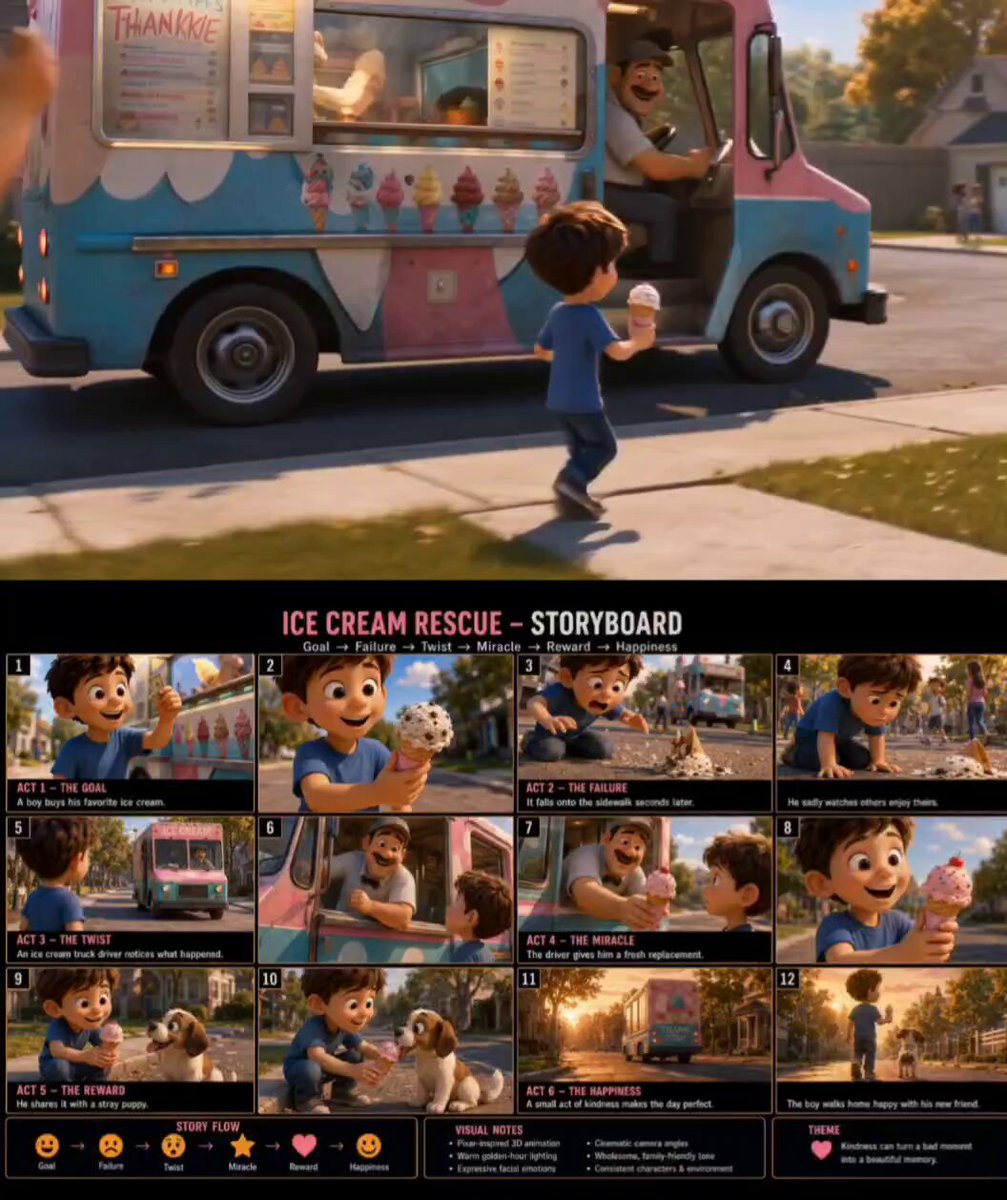
{ "style": "stylized 3D animation, hyperreal pop, squash-and-stretch", "mood": "fast slapstick mischief with fake wins and payoff", "characters": { "child": "round-faced, huge eyes, copper-red pigtails, yellow polka-dot dress", "vendor": "tall man, curled mustache, crimson vest, tilted cap, brass ice cream paddle" }, "environment": { "location": "sunlit stone courtyard in hillside town", "details": "flower archways, mosaic fountain, brass cart, cobblestones, warm late-afternoon light" }, "timeline": [ { "time": "0:00-0:04", "action": "Ice cream trick reveals fake outs; cone appears and disappears, quick miss gag", "sfx": "gasp, whoosh, chuckle, bell" }, { "time": "0:04-0:09", "action": "Switch trick, scramble chase, fake victory then cone removed", "sfx": "swish, skid, laughter, chime cut" }, { "time": "0:09-0:15", "action": "Public tease, then real cone given; calm payoff and taste moment", "sfx": "crowd laugh, bell, soft chime, applause" } ] }
Edit the prompt in the box under the preview — the template's model and format are already selected — and press Generate. Your version appears right on this page.
Yes. You can change the subject, setting, lighting, mood, format, and available model controls before creating your video.
Opening and editing this template is free. Generating uses credits, shown on the Generate button when you are signed in.
Start with Seedance 2.0, which is the model associated with this template. You can compare another compatible model for a different finish.
Follow a topic to a crawlable collection of related PicX Studio templates.