
Miniature Sprite Can House Construction
A highly detailed cinematic prompt for a commercial-style video showing miniature workers building a house shaped like a Sprite soda can.
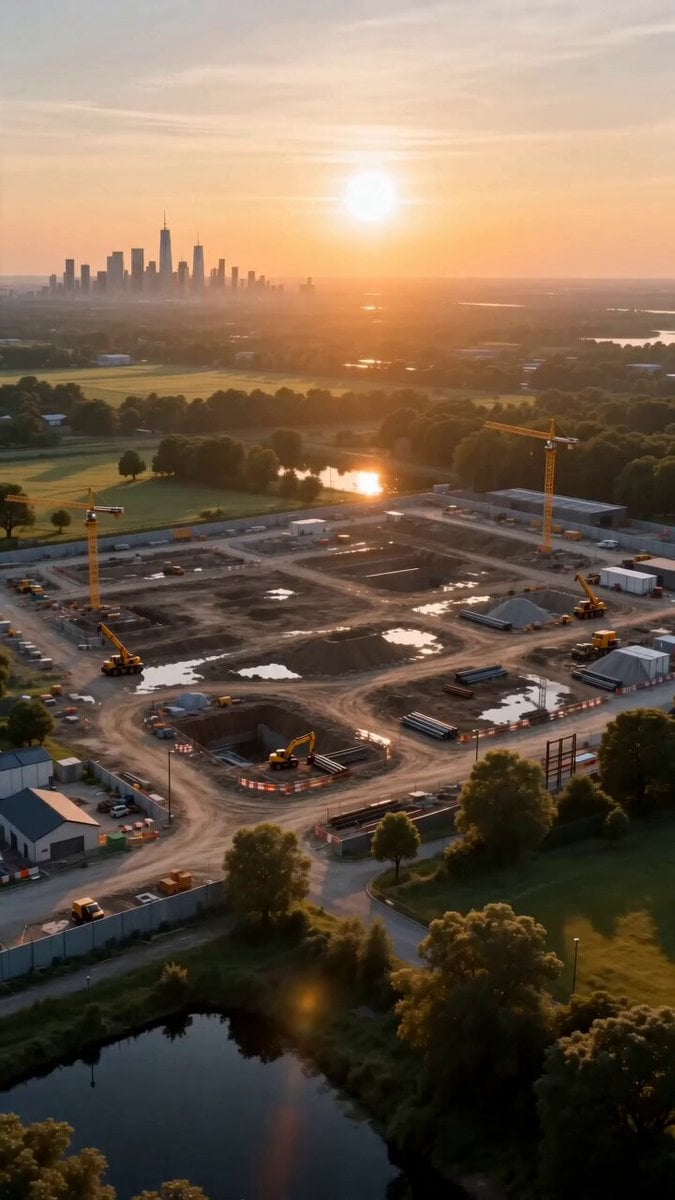
- Prompt included
- Model and format preset
- Premium template
The prompt behind this video
Copy the exact prompt behind Miniature Sprite Can House Construction, or open it in the studio and make it yours.
Ultra cinematic commercial video of miniature construction workers building a gigantic house shaped entirely like a Sprite soda can from absolute scratch in a realistic world. The video begins on an empty construction site at sunrise, tiny workers arriving with cranes, trucks, welding machines and scaffolding. Massive metallic green Sprite can pieces are transported like giant architectural materials. Workers cut steel, pour glowing foundations, install curved aluminum walls, weld the Sprite logo into the structure, attach transparent glass windows inside the can body, build neon interiors, elevators and glowing rooms. Middle phase shows fast paced cinematic timelapse construction, sparks flying from welding tools, drones carrying materials, forklifts moving giant can panels, workers climbing ropes, rain falling during night shifts, realistic machinery sounds, dynamic camera movements, macro lens shots, close ups of tiny workers operating gigantic tools, emotional teamwork atmosphere. Final reveal shows the completed Sprite can house glowing beautifully at night with neon green ambient lighting, smoke from chimneys, futuristic rooftop garden, cinematic reflections after rain, crowds admiring the structure, ultra premium advertising aesthetic, highly realistic textures, impossible detail, volumetric lighting, movie level composition, hyper realistic commercial quality, Seedance 2.0 style, 8k cinematic realism. Background Music: energetic cinematic electronic soundtrack mixed with uplifting orchestral beats, futuristic commercial vibe, deep bass impacts during construction scenes, emotional synth melodies during final reveal, immersive sound design, realistic construction ambience, metallic sounds, sparks, machinery, subtle crowd atmosphere. Camera Style: drone shots, cinematic crane shots, macro timelapses, slow motion sparks, ultra smooth transitions, dynamic perspective changes, hollywood commercial cinematography.
How to use Miniature Sprite Can House Construction in 3 steps
- 1
Open
The prompt is already in the box next to the preview, with the template's model and format selected.
- 2…a portrait of your subject in softgolden-hour light, 85mm…
Personalize
Edit the subject and creative details for your destination.
- 3Generate
Generate
Press Generate — your video is created in PicX Studio, so you can compare it with the original and refine one variable at a time.
More like this
Templates with the same subject, style or setup. Open one to see its prompt.
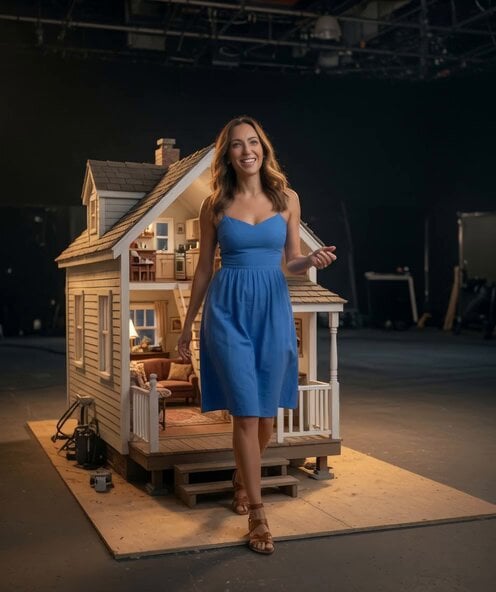
Miniature Dollhouse Walkthrough
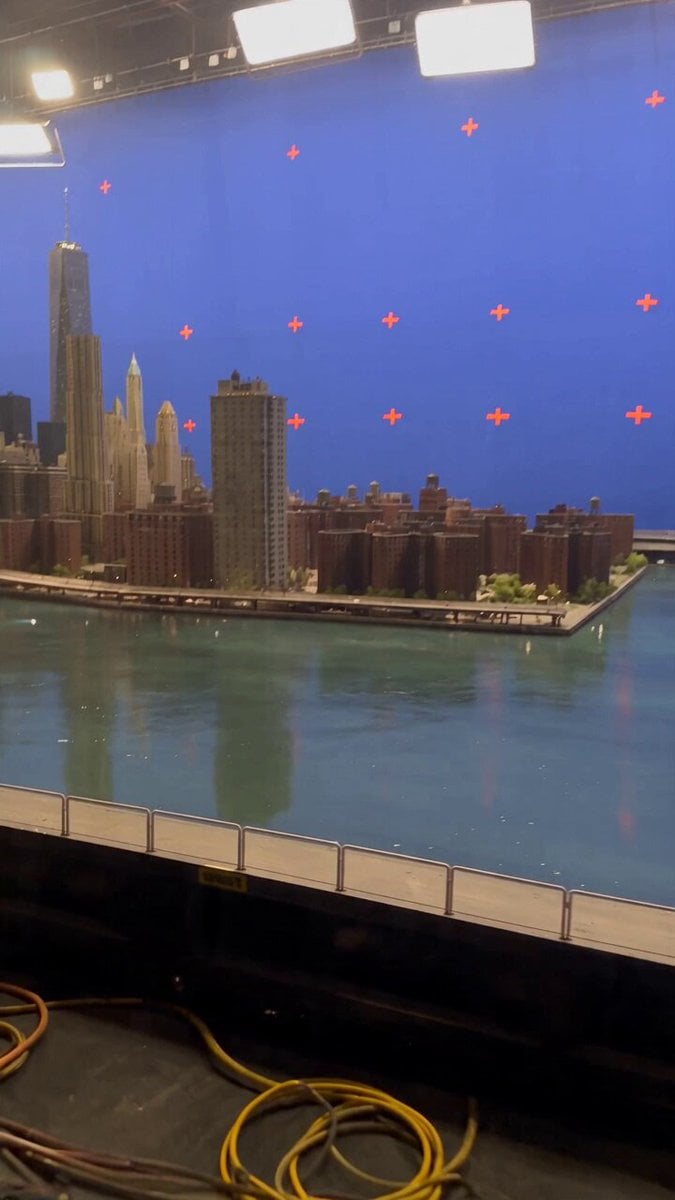
Miniature City Flood Soundstage
Miniature City Flood Soundstage
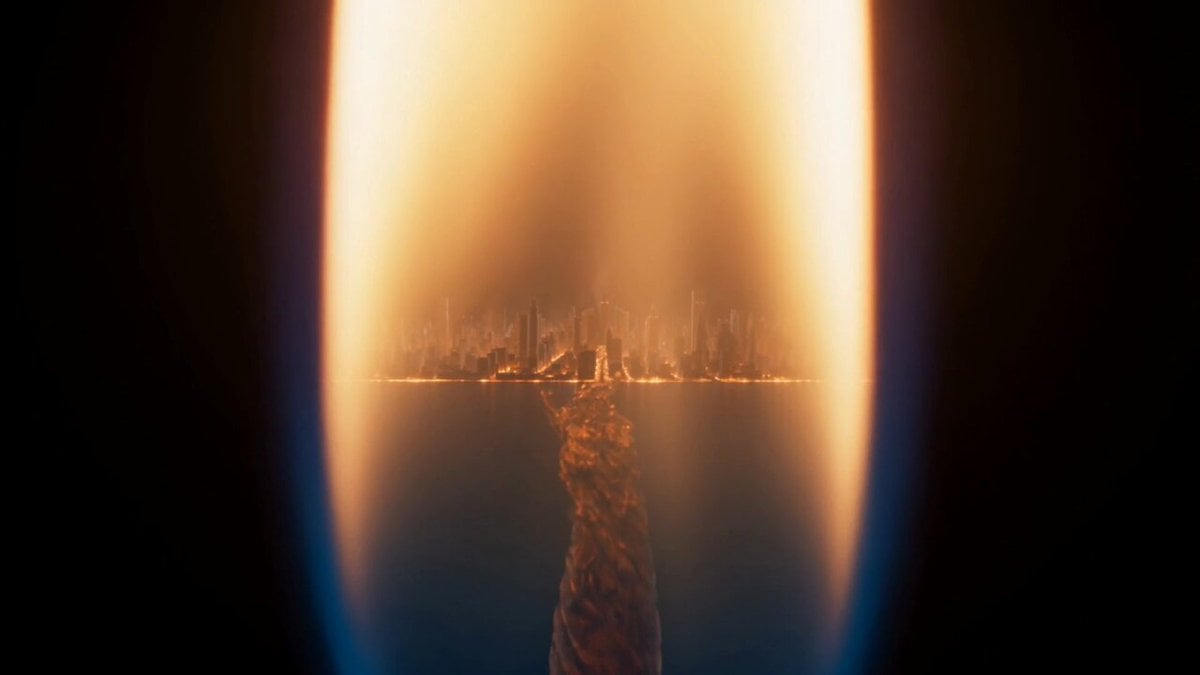
Macro Candle Flame Miniature City
Miniature Harbour Island Construction
Miniature Ice Cream Construction Sequence
Modern House Construction Time Lapse
City Timelapse Growth — Seedance 2.0
Future House Dance Performance
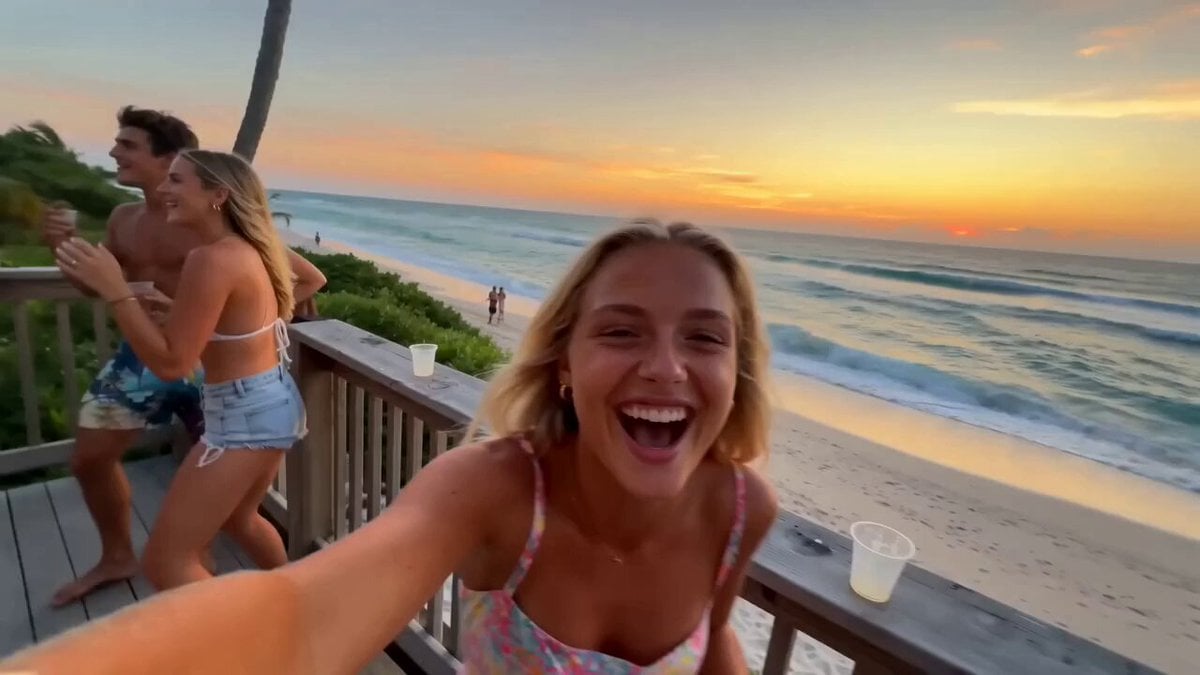
Miami Beach House Party Smartphone Video
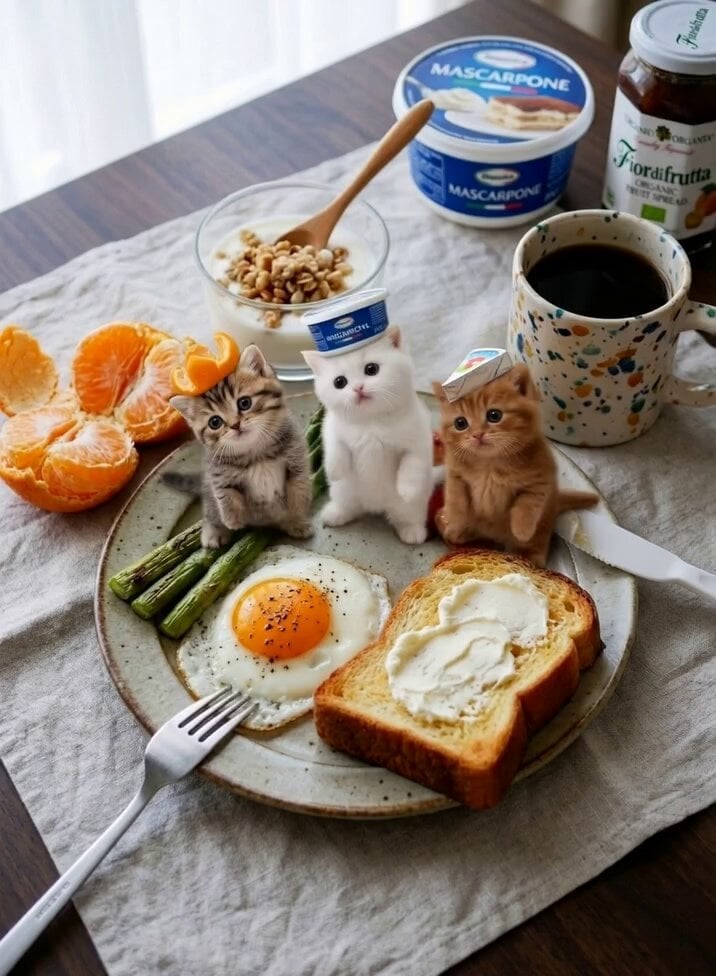
Miniature Kittens Breakfast Table Dance

Water Slide to Haunted House Surprise
Make it yours
Miniature Sprite Can House Construction works as-is. These are the safest ways to change it without losing the look.
Change one field
Copy a single group, rewrite it, and generate again so you can see what that field is doing.
Keep the frame, change the subject
Hold the composition and light of Miniature Sprite Can House Construction, then swap wardrobe, props or the person for a new take.
| If the result… | Why | Fix |
|---|---|---|
| The result drifts from the preview | Too many fields changed at once. | Reuse Miniature Sprite Can House Construction as-is first, then change one group — subject, light, or setting. |
| The model over-stylizes the scene | The prose prompt leaves finish and camera underspecified. | Add one camera or lighting sentence and stay on Seedance 2.0. |
More Seedance 2.0 templates
Other prompts made for Seedance 2.0.

Comical Martial Arts Punch Scene

Maglev Train Action Sequence

Martial Arts Fight Sequence

Wuxia Protection and Trust Script

Vintage Korean Arcade MiniDV Vlog

Mercedes 190 SL Luxury Ad

Rainy Night Supernatural Reverse Comedy Video Script

Amazon Civilization Discovery

Futuristic South Asian City Transformation

Cozy Luxury Cafe Commercial
More video prompts
Fresh picks from across the catalog.

Artistic dancer on Starship V3 video

Mythic Forest Fairy War
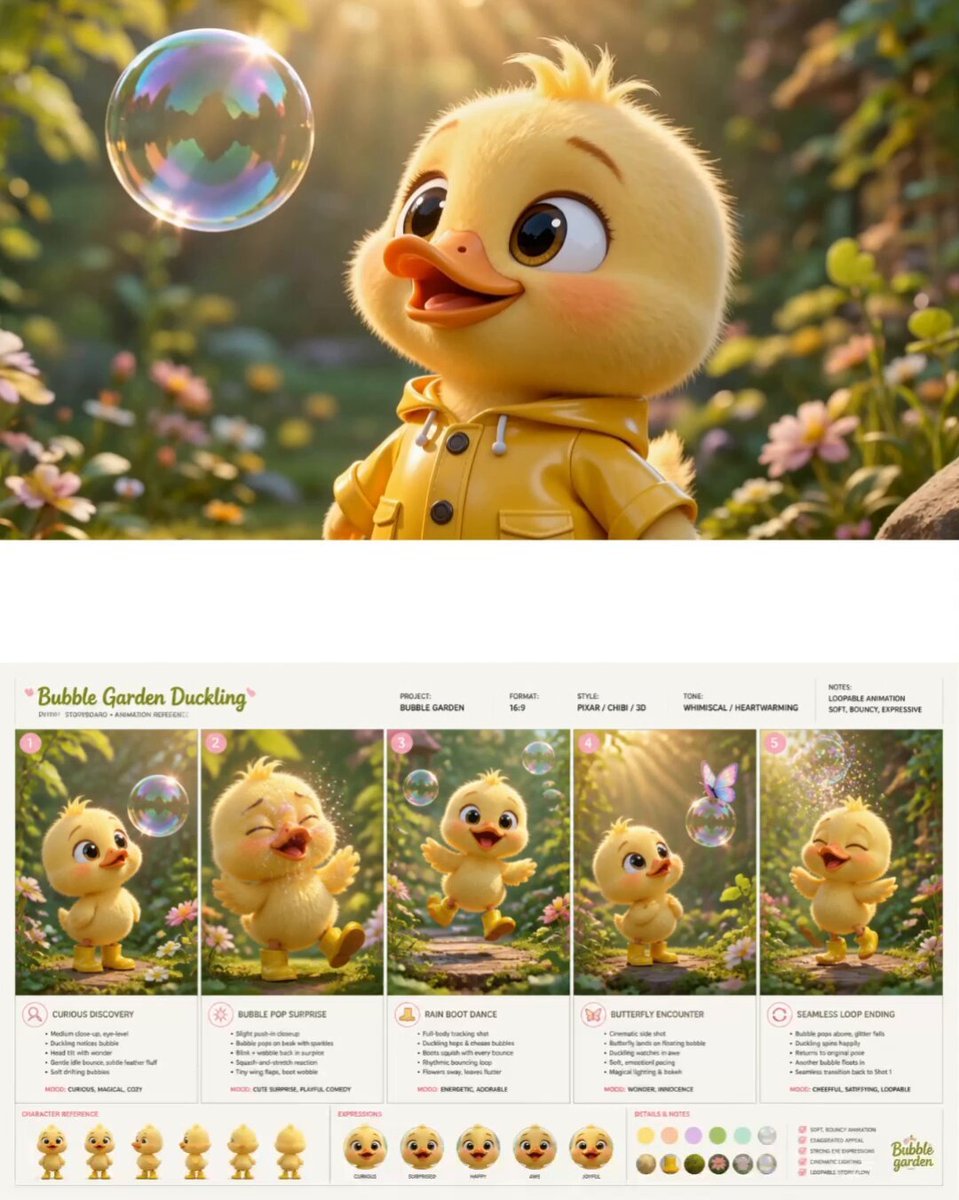
Pixar Style Chibi Duckling Garden Animation
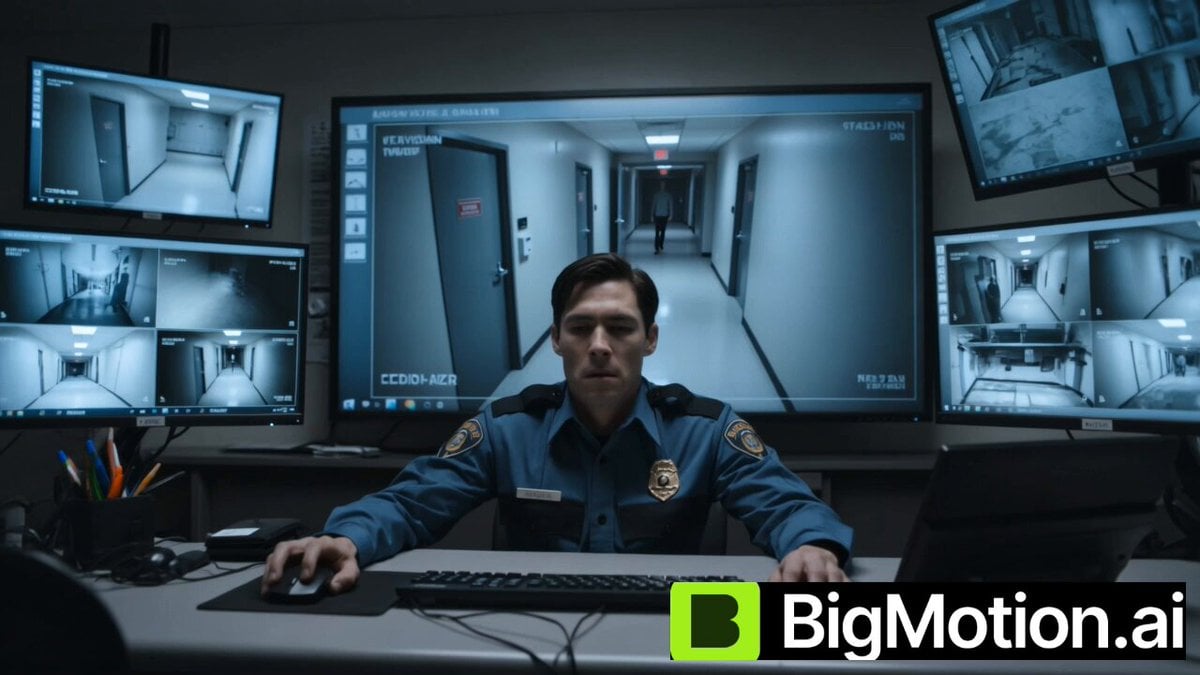
Blink and Move Mannequin Horror
Professional TikTok Video Director Instruction

Seedance 2.0 KTV Scene Prompt

Xianxia Comedy Time Reversal Video

3D Anime Character Scenario Template

Seedance 2.0 K-pop Dance Video Prompt
Action movie end credits sequence
Browse template categories
Miniature Sprite Can House Construction questions
How do I use the Miniature Sprite Can House Construction template?
Add your photo if the template asks for one, edit the prompt if you like — the template's model and format are already selected — and press Generate. Your version opens in PicX Studio.
Can I customize the Miniature Sprite Can House Construction template?
Yes. You can change the subject, setting, lighting, mood, format, and available model controls before creating your video.
Is the Miniature Sprite Can House Construction template free?
Opening and editing this template is free. Generating uses credits, shown on the Generate button when you are signed in.
Which AI model should I use?
Start with Seedance 2.0, which is the model associated with this template. You can compare another compatible model for a different finish.
Looking for something else? Browse all templates.

Your photo, any look
Thousands of ready templates for every top image and video model, from one credit balance.