
Xianxia Comedy Time Reversal Video
A high-quality multi-shot Seedance 2.0 prompt creating a comedic Xianxia-style scene where a swordswoman uses time reversal to hide her repeated failures at releasing a paper messenger bird into the wind.
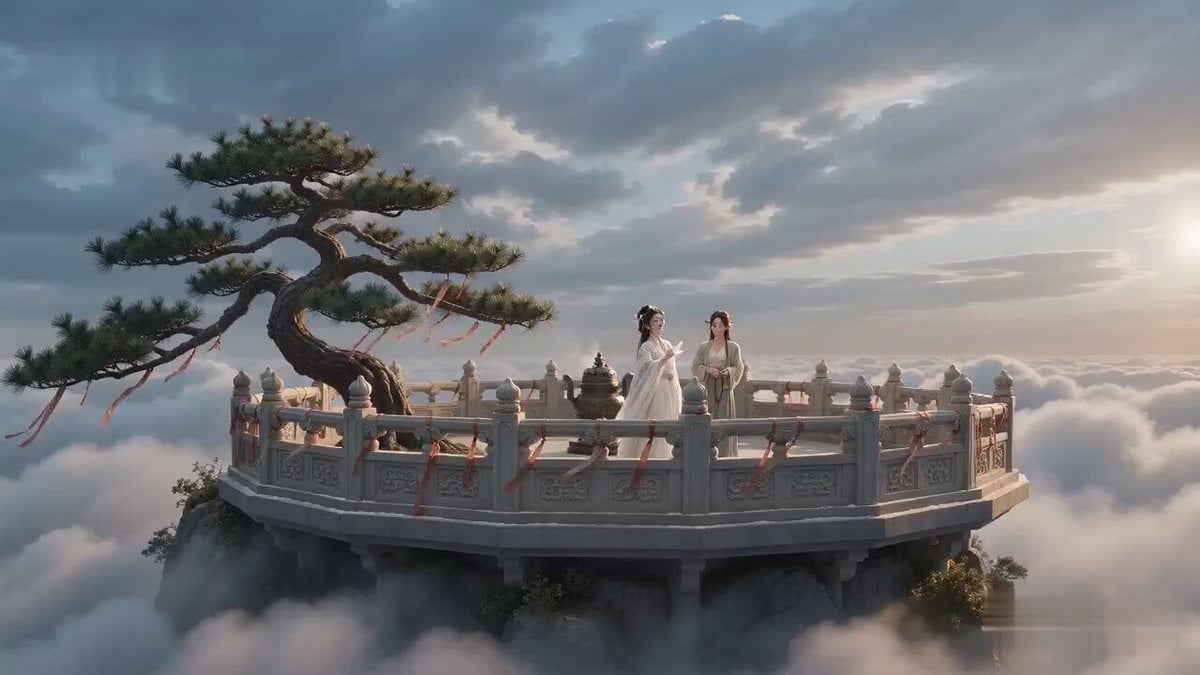
- Prompt included
- Model and format preset
- Free template
The prompt behind this video
Copy the exact prompt behind Xianxia Comedy Time Reversal Video, or open it in the studio and make it yours.
【生成模式】 Seedance 2.0 Fast 【视频规格】 严格生成 15 秒视频,16:9 横屏,三个干净清晰的镜头。 【整体风格】 诗意仙侠循环式反转喜剧,真实电影高清质感,采用古典中国留白构图、克制的冷面表演、清晨柔光、清冷云蓝与温暖象牙白色调、细腻胶片颗粒和精准的倒放动作调度;通过三次递进节拍,表现一位剑仙为了掩饰一个微小失误而反复逆转时间,针对 Seedance 2.0 的参考图一致性、连贯多镜头规划、复杂时间运动和原生音画同步进行优化。 【角色】 角色 ID A|剑仙师姐 剑仙师姐 @图片1,25–30岁的东亚女性,椭圆脸,白皙自然肤色,深色杏眼,黑色长发半挽,以白玉簪固定,身材高挑纤细,穿白色刺绣真丝汉服、半透明分层宽袖、银色腰封、玉佩 and 白色布靴。 角色 ID B|小师妹 小师妹 @图片2,20–25岁的东亚女性,圆润灵动的脸,黑发编辫,身形娇小,穿青绿色亚麻汉服、深色布腰带、木簪 and 黑色布鞋,手中握着一串深色木质念珠。 【核心道具】 始终只出现唯一一只发光纸制传信鸟。 【镜头 1|0-5s|全景或远景】 云海之上的高山宗门传信台,古松、雕花石栏、青铜香炉、随风飘动的祈福布条、远处瓦顶殿宇,以及从左向右持续吹动的强烈山风,共同建立清楚稳定的空间关系。 同一个穿白色刺绣真丝汉服的剑仙师姐自信地将唯一一只发光纸制传信鸟迎着风放出;纸鸟立刻被吹回,平整地贴在她的额头上。 【镜头 2|5-10s|中景或牛仔景】 同一个穿白色刺绣真丝汉服的剑仙师姐转眼看向同一个小师妹,暗中转动两根手指,让刚才的动作完整倒放——同一只纸鸟、香炉烟雾、祈福布条、衣袖 and 长发都以自然连贯的方式逆向运动,直到同一只纸鸟重新回到她的掌心。 她再次用力放出纸鸟;纸鸟在空中绕行一圈,又贴回同一个额头。 同一个小师妹保持沉默,只轻轻拨动一颗念珠。 背景始终保持同一座强风中的传信台。 【镜头 3|10-15s|特写或极近特写】 在剑仙师姐第二次逆转时间之前,同一个小师妹伸手将同一只纸鸟调转方向,让它面向顺风方向,平静说道:“师姐,传书要顺风。” 同一个剑仙师姐再次放出纸鸟;纸鸟终于平稳滑向远方。 她若无其事地回答:“我是在考你。” 极近特写:同一个小师妹又缓慢拨动两颗念珠,面无表情地说道:“嗯,已经考三次了。” 剑仙师姐努力维持的微笑瞬间凝固,一侧眉毛轻轻抽动。 【技术要求】 必须使用 Seedance 2.0 Fast 生成严格 15 秒视频。 16:9横屏,三个干净清晰的镜头,原生普通话对白,山风与倒放声音具有明确空间层次,人物面部 and 服装稳定,纸张、真丝衣料、头发、香烟与时间逆转运动真实自然,不生成画面字幕,始终只出现两名可见角色 and 一只纸鸟。 【负面词】 blurry, bad quality, low quality, low resolution, noisy, jpeg artifacts, watermark, text, error; deformed, mutated, bad anatomy, poorly drawn hands, bad composition, out of frame, disfigured; inconsistent character, changing clothes, face morphing, background shift, glitching cuts, disappearing props
How to use Xianxia Comedy Time Reversal Video in 3 steps
- 1
Open
The prompt is already in the box next to the preview, with the template's model and format selected.
- 2…a portrait of your subject in softgolden-hour light, 85mm…
Personalize
Edit the subject and creative details for your destination.
- 3Generate
Generate
Press Generate — your video is created in PicX Studio, so you can compare it with the original and refine one variable at a time.
More like this
Templates with the same subject, style or setup. Open one to see its prompt.
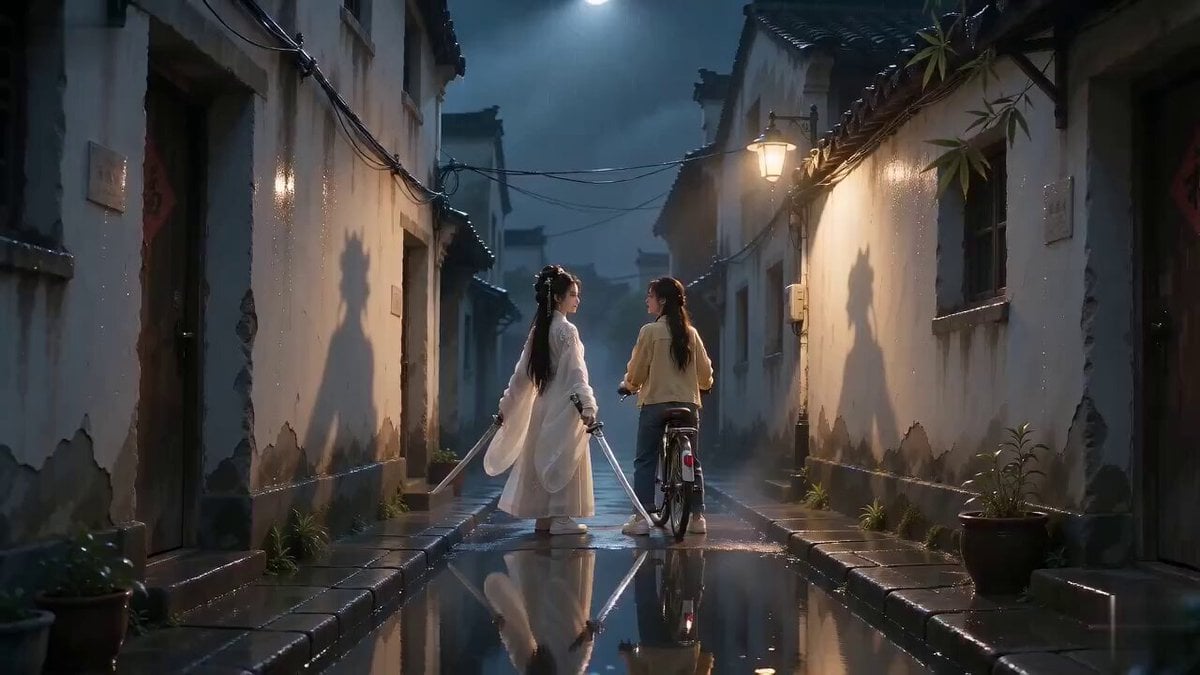
Urban Xianxia Shadow Play Comedy
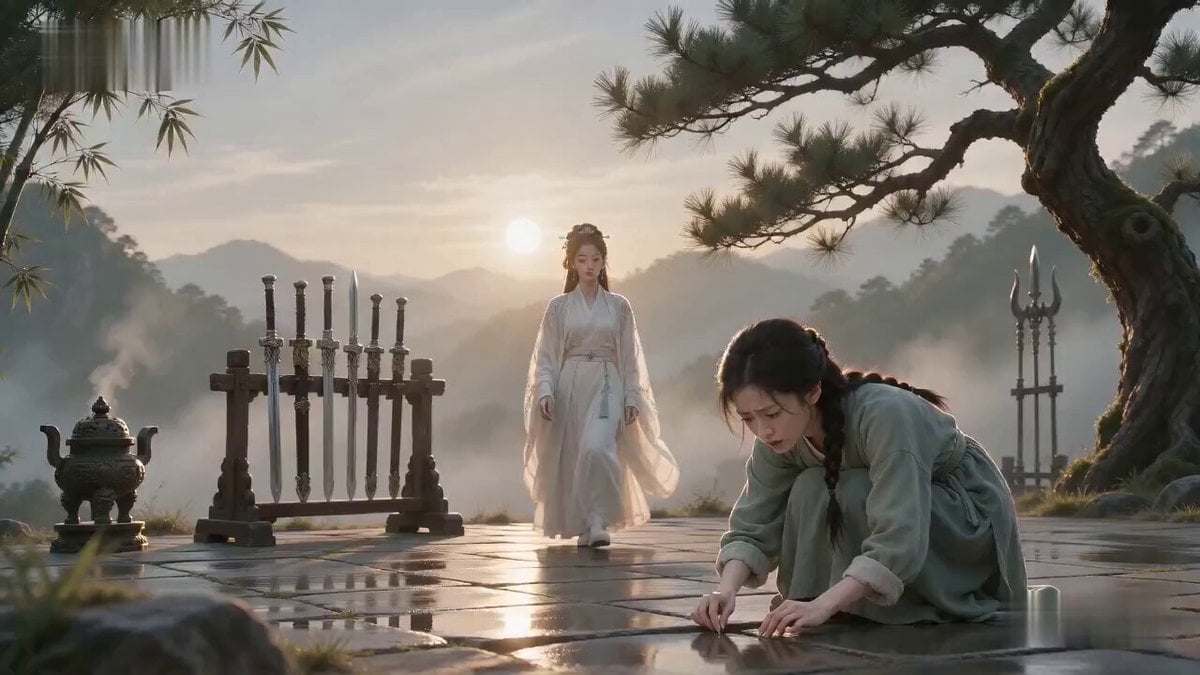
Xianxia Comedy Needle Search Magic
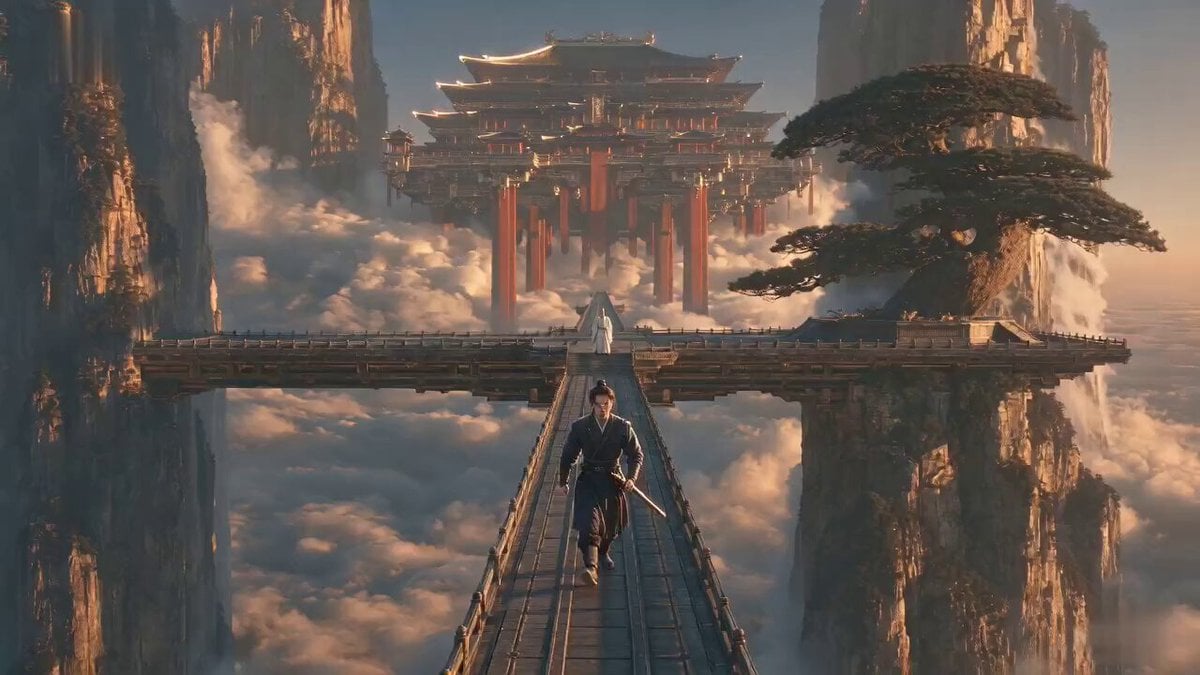
Xianxia Cold Comedy Short Film
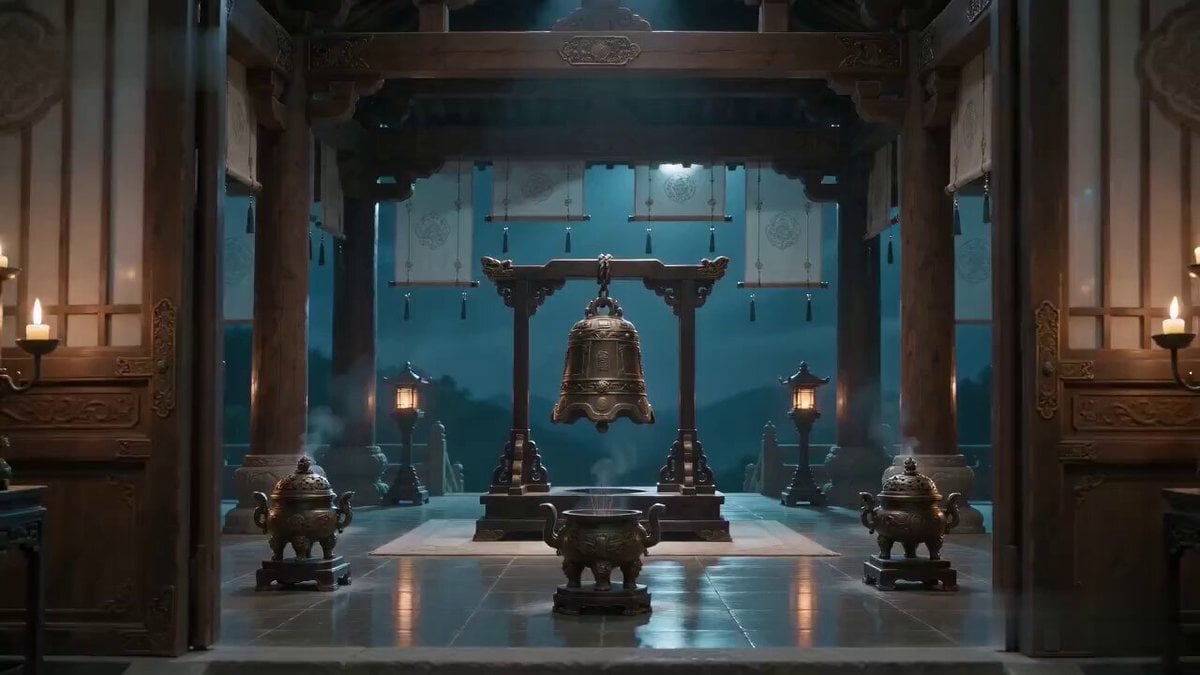
Xianxia Truth Bell Comedy Scene
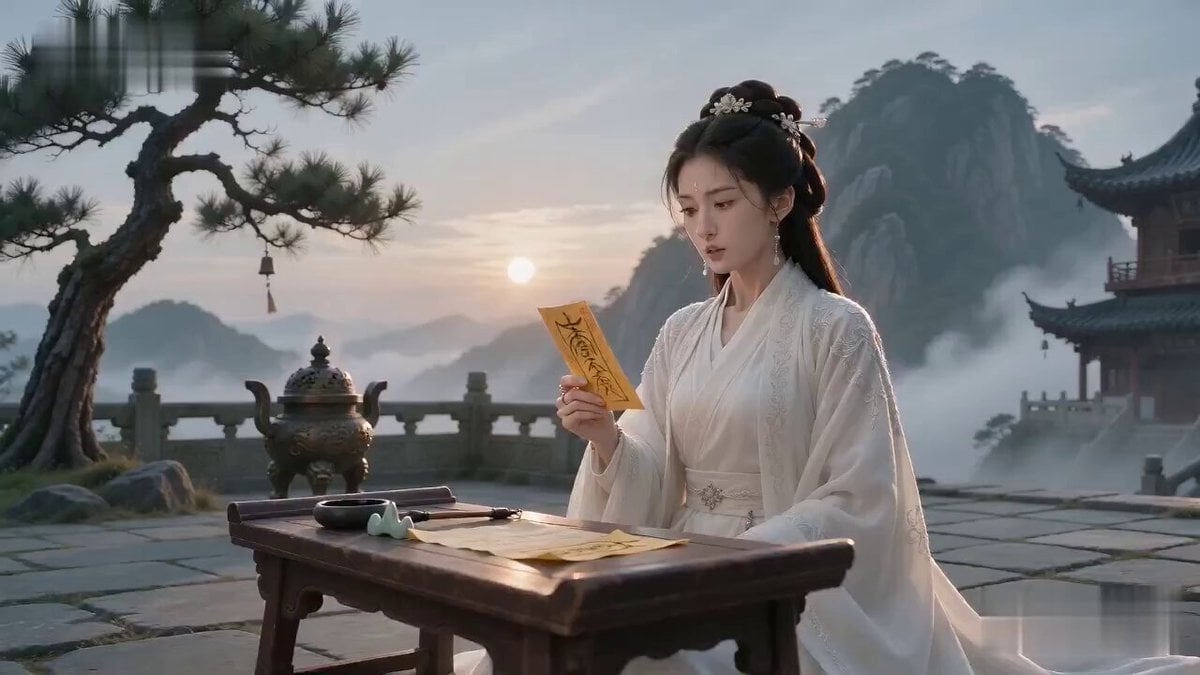
Cinematic Wuxia Identity Reversal Comedy
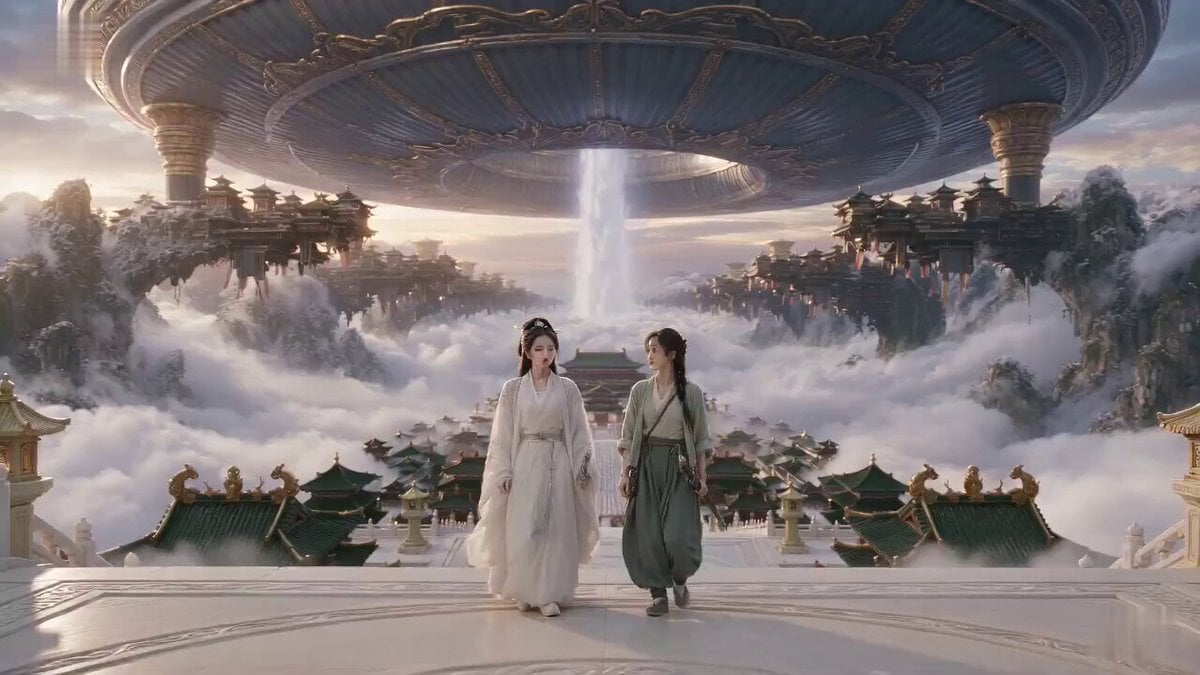
Xianxia Misunderstanding Comedy
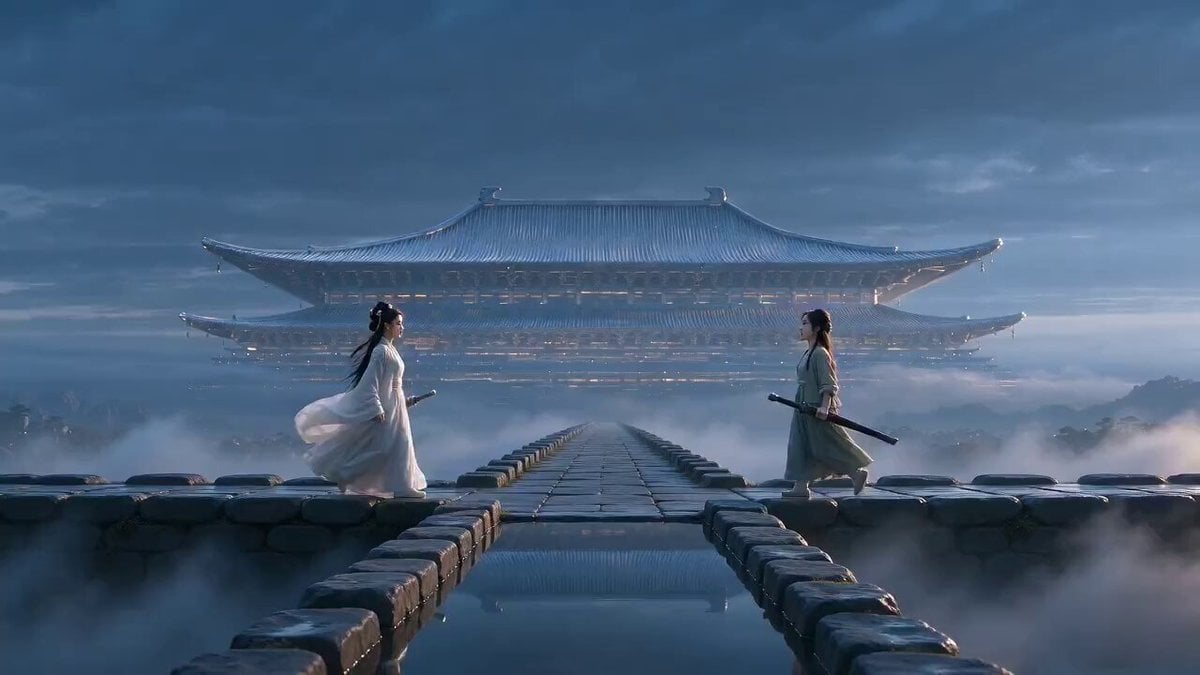
Xianxia Polite Loop Comedy
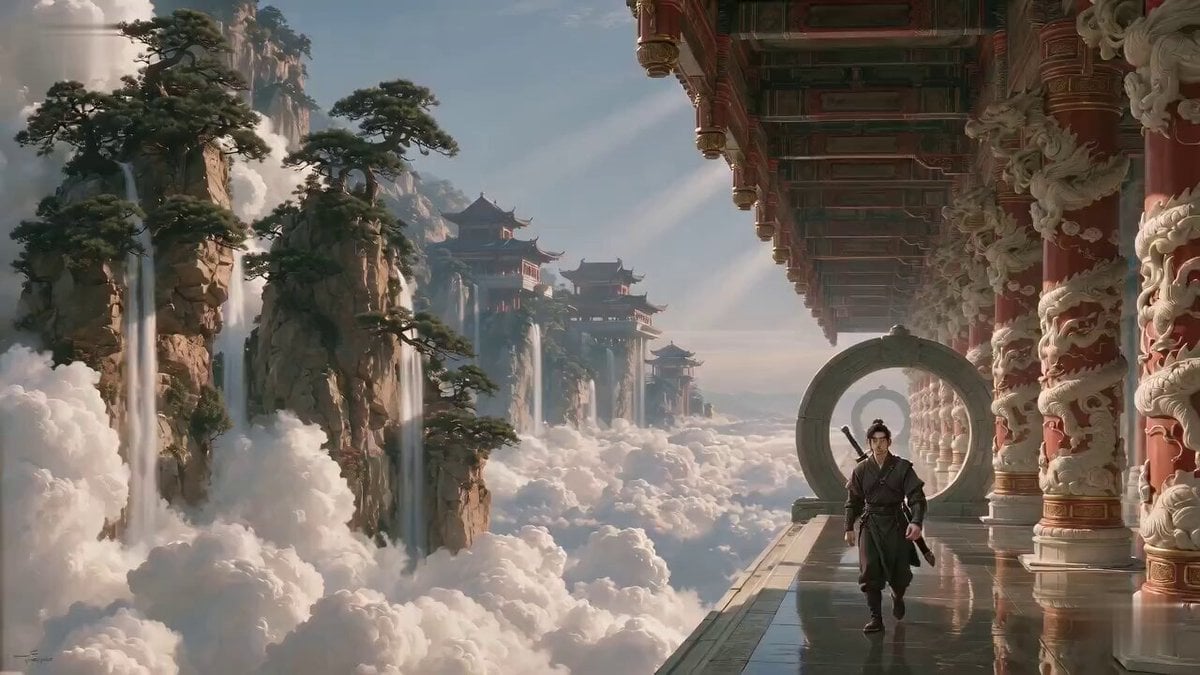
Xianxia Salary Increase Challenge Comedy
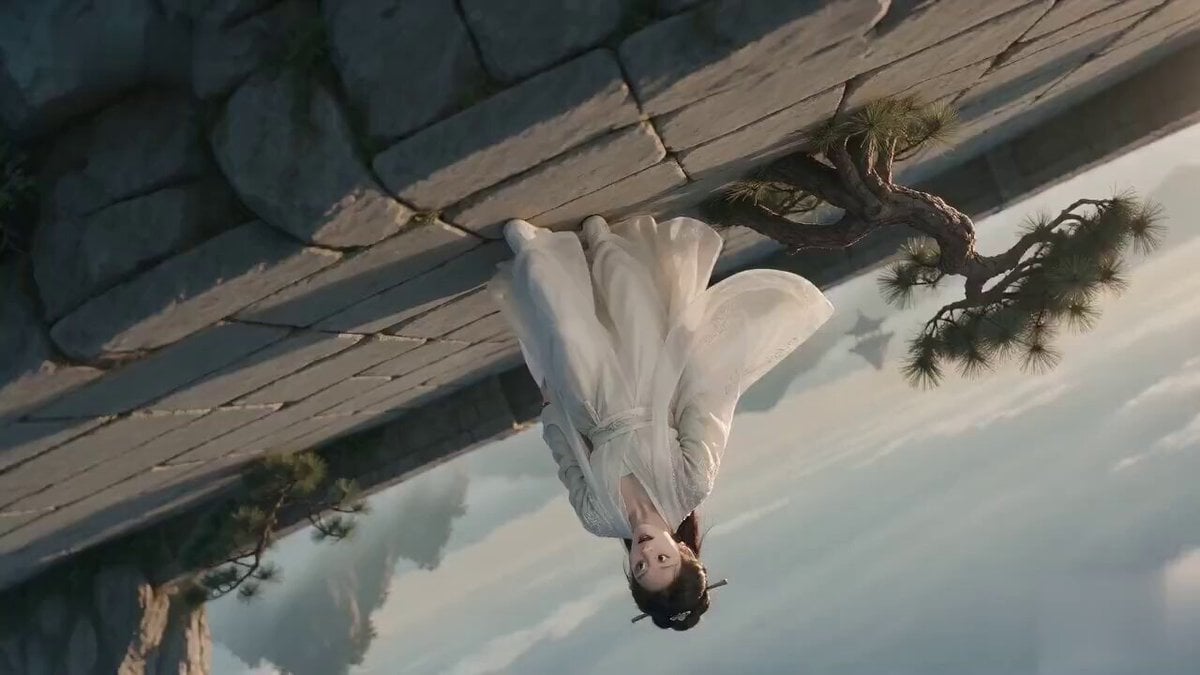
Poetic Xianxia Visual Illusion Comedy Video
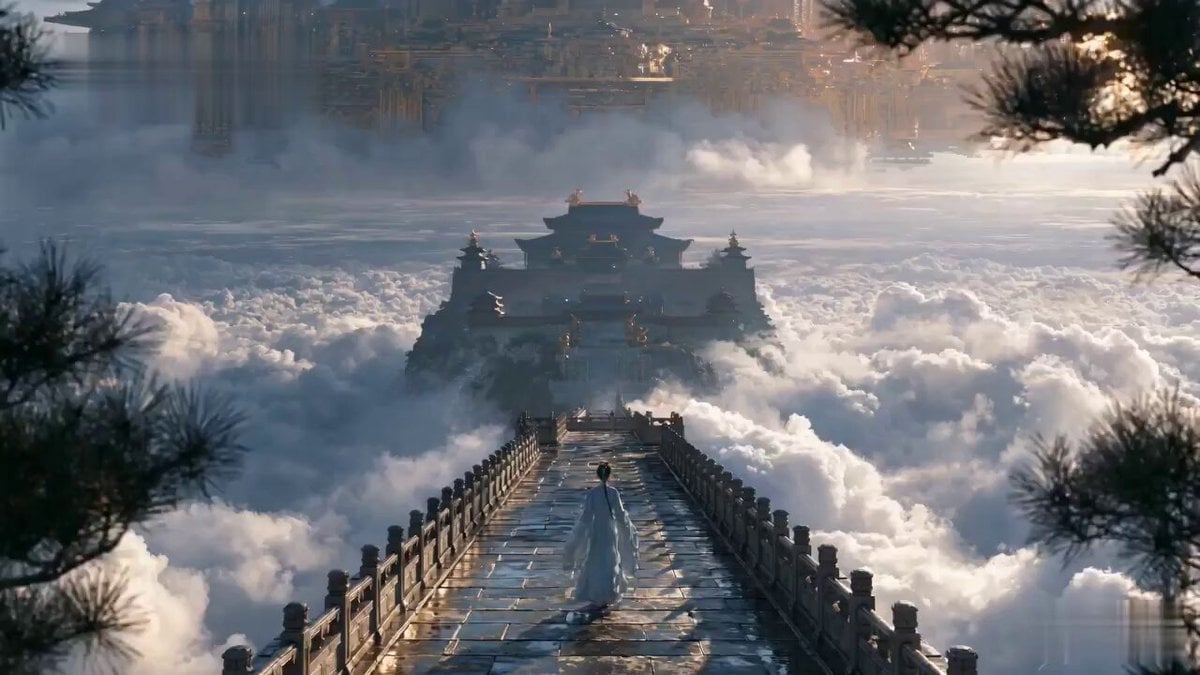
Chinese Xianxia Cold Comedy Action Video
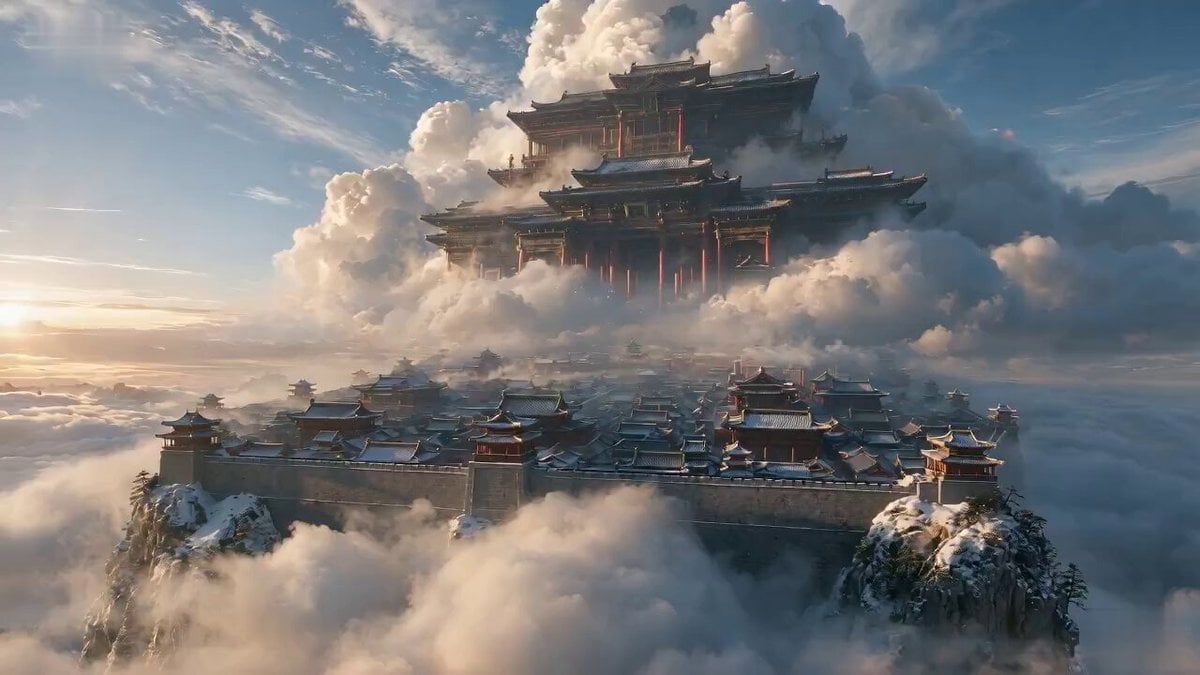
Wuxia Hostage Reversal Action Comedy
Viking in Modern America Comedy - Seedance 2.5
Make it yours
Xianxia Comedy Time Reversal Video works as-is. These are the safest ways to change it without losing the look.
Change one field
Copy a single group, rewrite it, and generate again so you can see what that field is doing.
Keep the frame, change the subject
Hold the composition and light of Xianxia Comedy Time Reversal Video, then swap wardrobe, props or the person for a new take.
| If the result… | Why | Fix |
|---|---|---|
| The result drifts from the preview | Too many fields changed at once. | Reuse Xianxia Comedy Time Reversal Video as-is first, then change one group — subject, light, or setting. |
| The model over-stylizes the scene | The prose prompt leaves finish and camera underspecified. | Add one camera or lighting sentence and stay on Seedance 2.0. |
More Seedance 2.0 templates
Other prompts made for Seedance 2.0.

Comical Martial Arts Punch Scene

Maglev Train Action Sequence

Martial Arts Fight Sequence

Wuxia Protection and Trust Script

Vintage Korean Arcade MiniDV Vlog

Mercedes 190 SL Luxury Ad

Rainy Night Supernatural Reverse Comedy Video Script

Amazon Civilization Discovery

Futuristic South Asian City Transformation

Cozy Luxury Cafe Commercial
More video prompts
Fresh picks from across the catalog.
Industrial Mecha Walker Cinematic
Seedance 2.0 Prompt: Surreal Art Sci-Fi Martial Arts Dance
Woman and Cat Interaction Punch Video
Mystical Dragons Playful Walk
Mariana Trench Submersible Descent
Chaotic Pizza Delivery Animated Short
Arctic Motorcycle Ice Racing Thriller
Paper Cutout Hero Shadow Comedy
Elegant Red Dress Romantic Date Scene
Chaotic Food Fight Scene
Browse template categories
Xianxia Comedy Time Reversal Video questions
How do I use the Xianxia Comedy Time Reversal Video template?
Add your photo if the template asks for one, edit the prompt if you like — the template's model and format are already selected — and press Generate. Your version opens in PicX Studio.
Can I customize the Xianxia Comedy Time Reversal Video template?
Yes. You can change the subject, setting, lighting, mood, format, and available model controls before creating your video.
Is the Xianxia Comedy Time Reversal Video template free?
Opening and editing this template is free. Generating uses credits, shown on the Generate button when you are signed in.
Which AI model should I use?
Start with Seedance 2.0, which is the model associated with this template. You can compare another compatible model for a different finish.
Looking for something else? Browse all templates.

Your photo, any look
Thousands of ready templates for every top image and video model, from one credit balance.