
Industrial Mecha Walker Cinematic
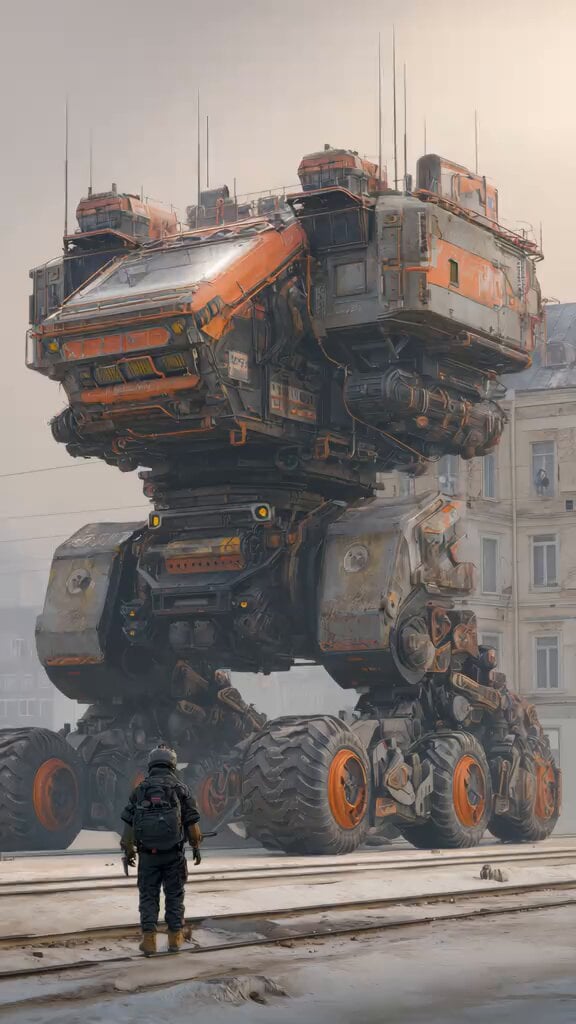
An extensive technical prompt for a photorealistic 8K video of a colossal military mech walking through a foggy European city.
- Prompt included
- Model and format preset
- Free template
The prompt behind this video
Copy the exact prompt behind Industrial Mecha Walker Cinematic, or open it in the studio and make it yours.
Cinematic 10-second vertical 9:16 or horizontal 16:9 video, ultra-realistic photorealistic style, masterpiece, best quality, 8K.\n\nA colossal 40-meter-tall industrial military bipedal mecha walker named "S-9000" slowly walks forward with heavy, powerful steps on old wet train tracks in a foggy European city square. The giant mech has a weathered orange-and-dark-gray color scheme with heavy rust, battle damage, exposed pipes, cables, hydraulic lines, rivets, warning labels, and glowing yellow cockpit lights. Its upper body is a massive armored command module with antennas and satellite dishes. Its legs are enormous, heavily articulated with multiple huge black off-road tires with bright orange rims and thick treads.\n\nIn the foreground, a lone soldier in full black tactical gear, helmet, backpack and rifle stands motionless on the tracks with his back to camera, looking up in awe at the towering machine. Dramatic low-angle camera shot that emphasizes the insane scale difference between the tiny human and the gigantic mech.\n\nAtmosphere is thick, cold, misty/foggy, overcast sky, soft diffused cinematic lighting, subtle god rays, volumetric fog, slight motion blur on moving mechanical parts, realistic physics on every joint and piston. The mech takes slow, deliberate steps — right leg lifts and plants, then left leg, heavy body shifts and sways, arms swing slightly for balance, pistons hiss and steam vents.\n\nHighly detailed textures, intricate mechanical details, realistic metal reflections, cinematic color grading, moody and epic sci-fi atmosphere, in the style of concept art by Jakub Rozalski and Syd Mead, photorealistic rendering, 8K, ultra-detailed, masterpiece.
How to use Industrial Mecha Walker Cinematic in 3 steps
- 1
Open
The prompt is already in the box next to the preview, with the template's model and format selected.
- 2…a portrait of your subject in softgolden-hour light, 85mm…
Personalize
Edit the subject and creative details for your destination.
- 3Generate
Generate
Press Generate — your video is created in PicX Studio, so you can compare it with the original and refine one variable at a time.
More like this
Templates with the same subject, style or setup. Open one to see its prompt.
Industrial Mecha Battle

High Fashion Industrial Warehouse Scene
Industrial Park Reception Walkthrough

Mecha Runway Tap Dance Video Prompt

Tightrope Walker with Fairies and Aliens Video Prompt

Pelicans and Beach Walkers Video Prompt
Badass tracking shot of a van speeding through an industrial complex
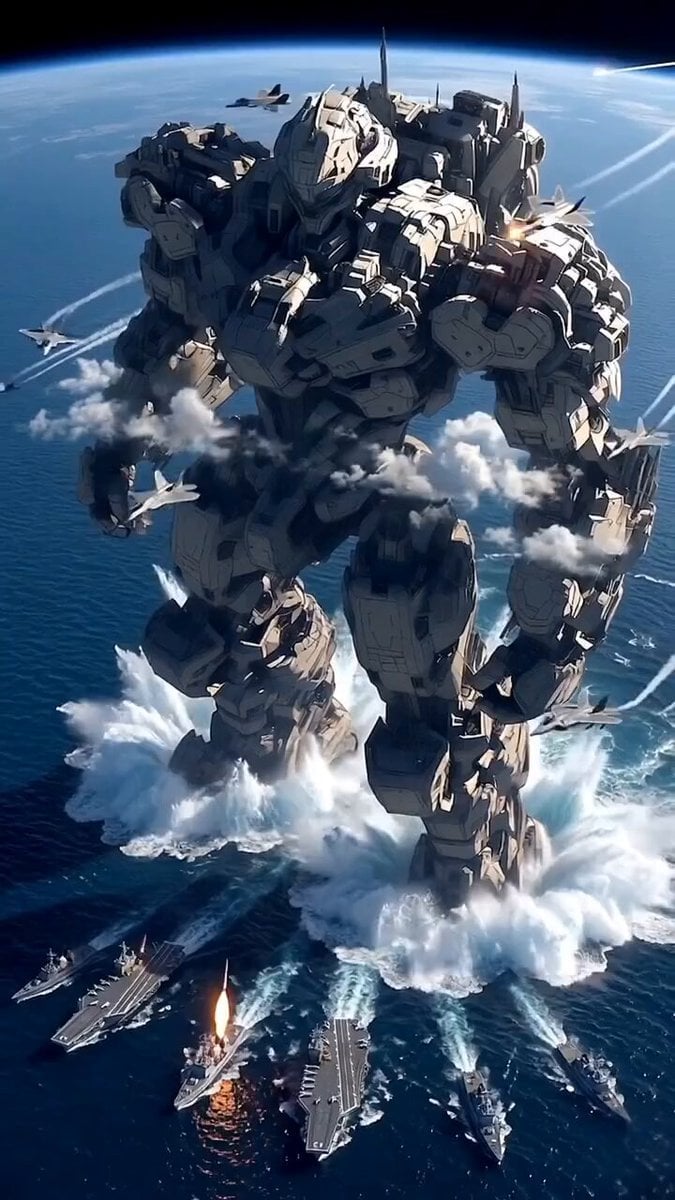
Giant Mecha Naval Battle
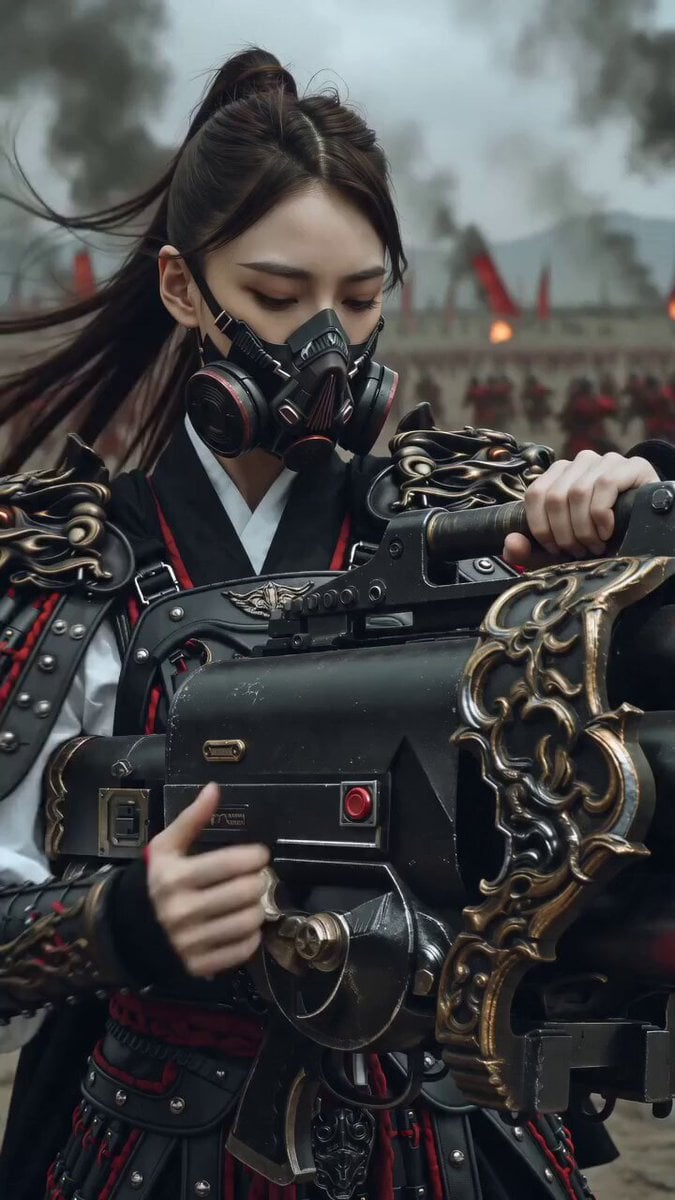
East Asian Female Warrior Mecha Transformation

Imperial Dragon Mecha Warrior

Cyberpunk Mecha Action Scene
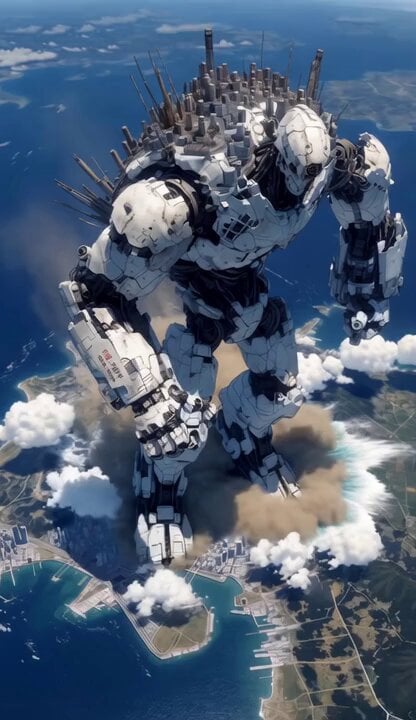
Mecha City Transformers Cinematic Video
Make it yours
Industrial Mecha Walker Cinematic works as-is. These are the safest ways to change it without losing the look.
Change one field
Copy a single group, rewrite it, and generate again so you can see what that field is doing.
Keep the frame, change the subject
Hold the composition and light of Industrial Mecha Walker Cinematic, then swap wardrobe, props or the person for a new take.
| If the result… | Why | Fix |
|---|---|---|
| The result drifts from the preview | Too many fields changed at once. | Reuse Industrial Mecha Walker Cinematic as-is first, then change one group — subject, light, or setting. |
| The model over-stylizes the scene | The prose prompt leaves finish and camera underspecified. | Add one camera or lighting sentence and stay on Grok Imagine. |
More Grok Imagine templates
Other prompts made for Grok Imagine.

Psychedelic Purple Disc World Video

Quantum Inventor in Sonoran Desert

Emotional Angry Couple Drama

Train Zooming in Star Field Video Prompt

Cyberpunk Guerrilla Girl Video Generation

Detailed multi-part video prompt

Interior View Video Generation Prompt

GTA 6 never came out in 1 million years

Bitcoin liferaft video prompt

Woman floating down, opening eyes and looking deeply into the viewer's eyes
More video prompts
Fresh picks from across the catalog.

Sci-Fi Journey to Methane Sea
Storyboard to Cinematic 3D Animation
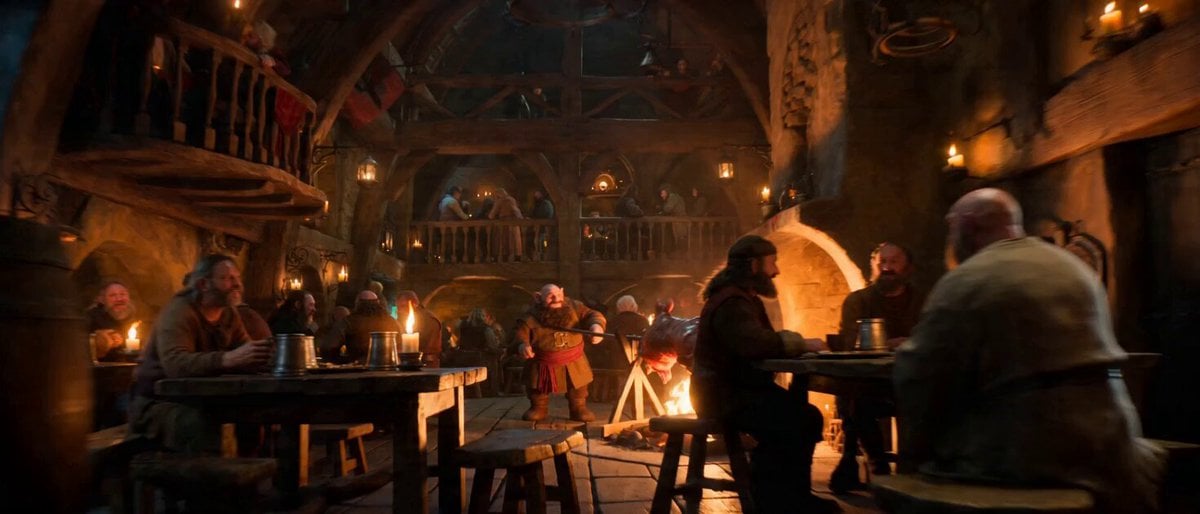
Impossible Single-Take Medieval Tavern Tour
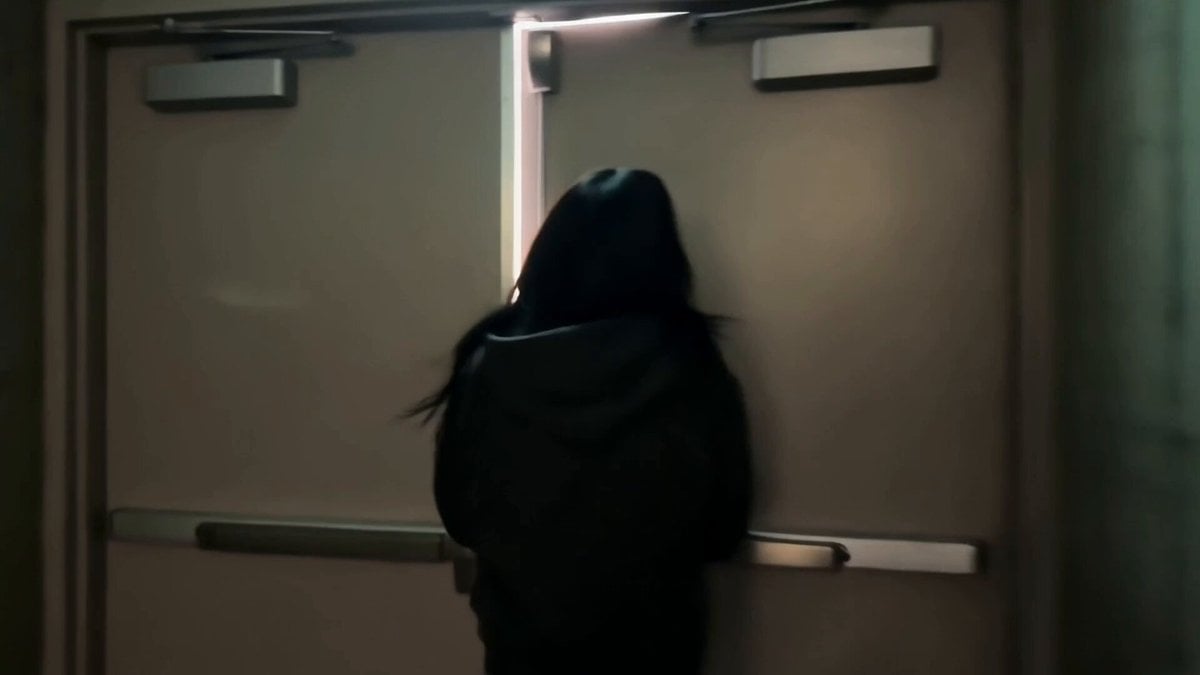
Korean Idol Backstage Vlog
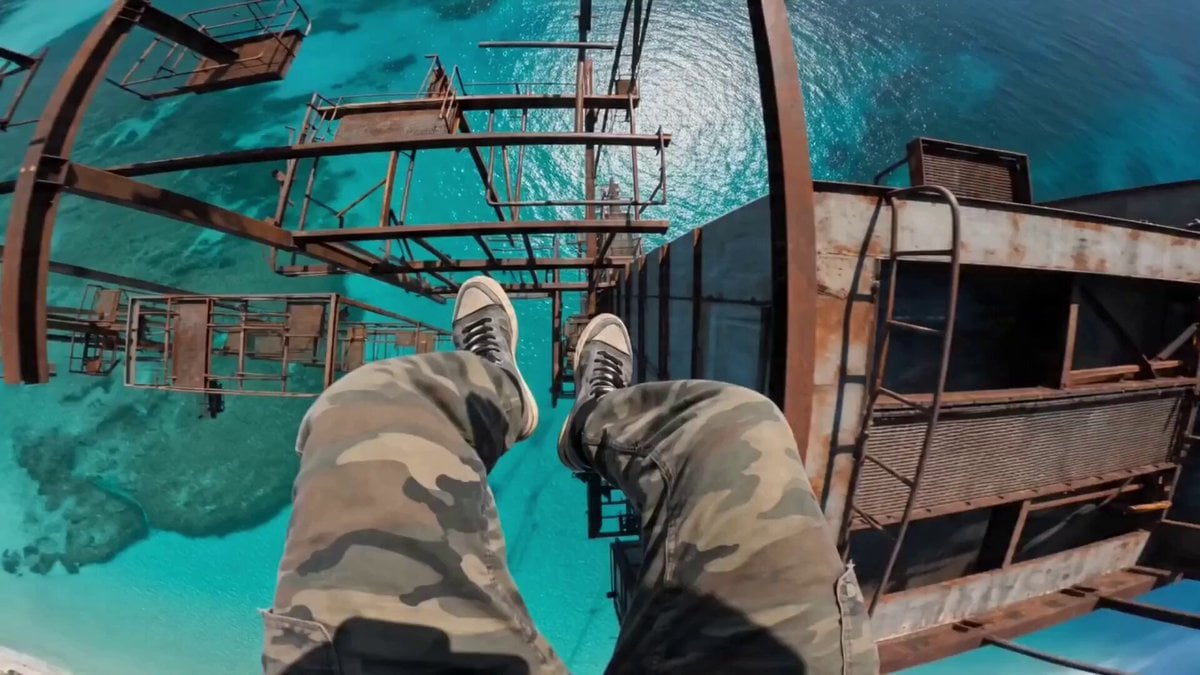
Hyper-Realistic Parkour POV Sequence Prompt

Zero Gravity Apartment Cinematic
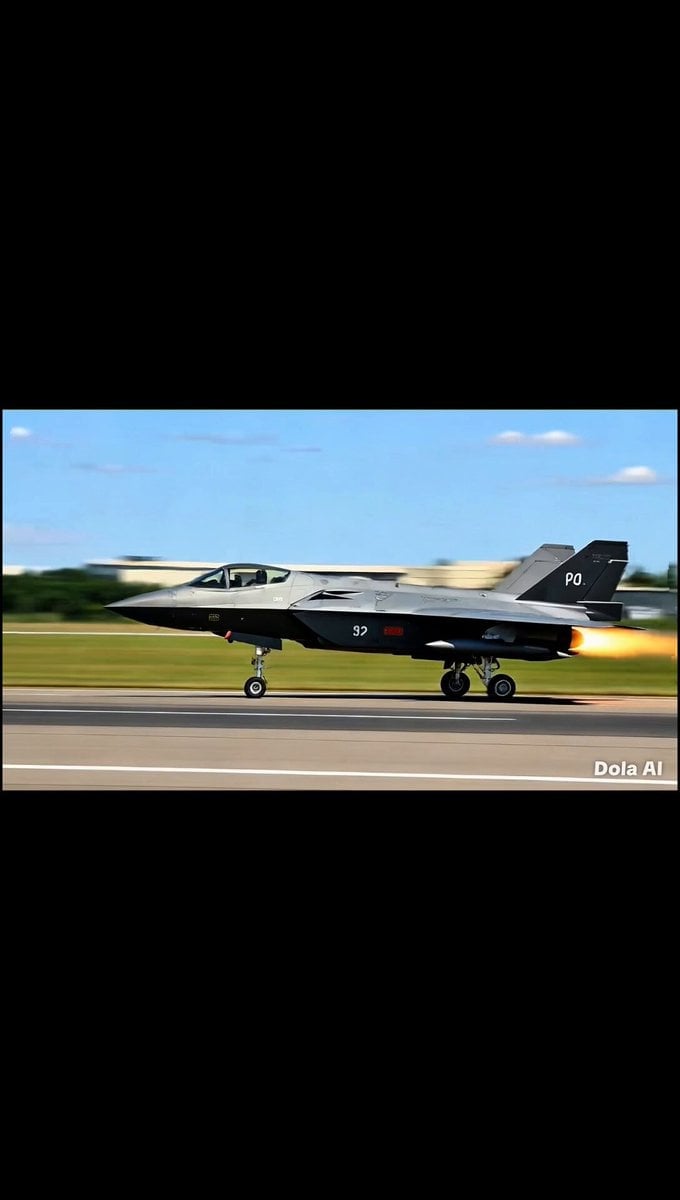
Fighter Jet Combat Strike Mission

Surreal Monocle and Orange Blossoms Scene Prompt

Picasso Imitating Van Gogh
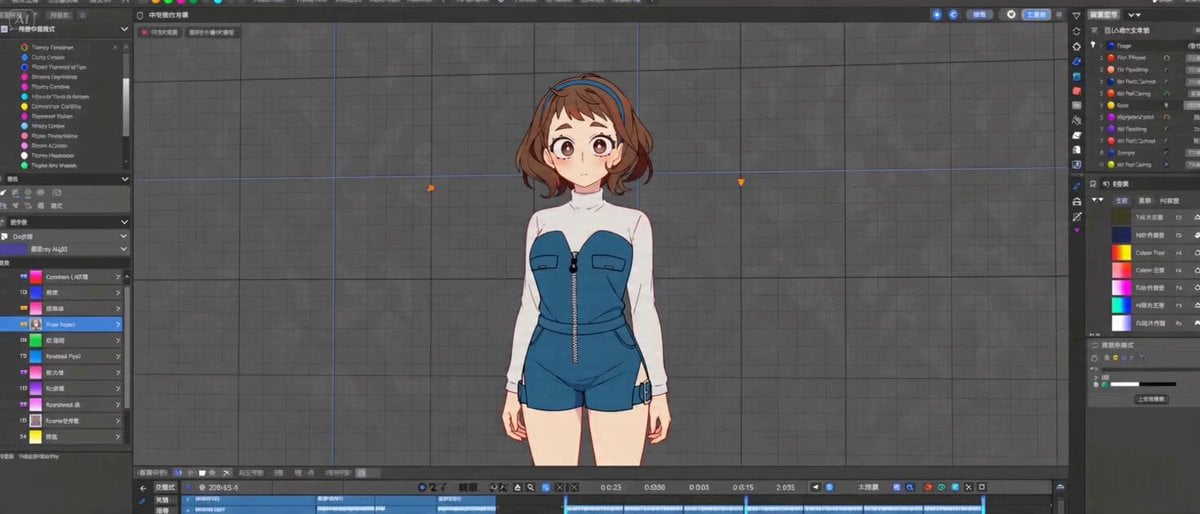
Cinematic 2D Anime Scene Prompt
Browse template categories
Industrial Mecha Walker Cinematic questions
How do I use the Industrial Mecha Walker Cinematic template?
Add your photo if the template asks for one, edit the prompt if you like — the template's model and format are already selected — and press Generate. Your version opens in PicX Studio.
Can I customize the Industrial Mecha Walker Cinematic template?
Yes. You can change the subject, setting, lighting, mood, format, and available model controls before creating your video.
Is the Industrial Mecha Walker Cinematic template free?
Opening and editing this template is free. Generating uses credits, shown on the Generate button when you are signed in.
Which AI model should I use?
Start with Grok Imagine, which is the model associated with this template. You can compare another compatible model for a different finish.
Looking for something else? Browse all templates.

Your photo, any look
Thousands of ready templates for every top image and video model, from one credit balance.