
Industrial Mecha Battle
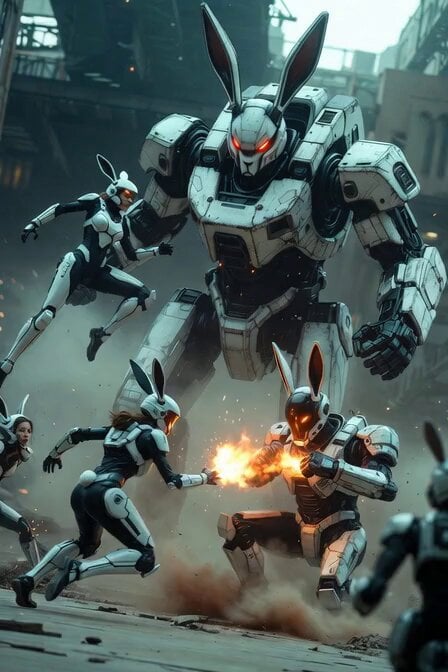
A comprehensive prompt for a massive bunny-mecha fighting human-sized warriors in a dusty wasteland.
- Prompt included
- Model and format preset
- Premium template
The prompt behind this video
Copy the exact prompt behind Industrial Mecha Battle, or open it in the studio and make it yours.
Cinematic epic battle in a dystopian industrial wasteland at dusk, heavy smoke and dust in the air. A massive 40-foot tall white-and-black mecha rabbit robot with glowing red-orange eyes, long mechanical bunny ears, heavy armor plating, and powerful limbs is furiously fighting two agile human-sized bunny-eared warriors in sleek futuristic white-and-black bodysuits with helmets and glowing visors.\n\nDynamic action sequence: \n- One bunny warrior leaps high in the air delivering powerful kicks and energy punches to the giant mech's head and chest, creating bright orange sparks and explosions.\n- The second bunny warrior stays low, sliding and attacking the mech's legs and feet with blazing energy blasts and kicks, causing fire and molten sparks on the concrete ground.\n- The giant bunny mech swings its huge arms, punches the ground creating shockwaves and debris, tries to grab and smash the smaller warriors, its eyes flaring brightly with every impact.\n\nIntense sparks, flying debris, ground explosions, thick smoke billowing, dramatic orange fire glow reflecting on metallic surfaces, cinematic lighting, epic wide shots and dynamic low-angle camera work, ultra-realistic CGI, photorealistic details, dramatic atmosphere, high contrast, 8K, masterpiece, best quality, highly detailed, motion blur on fast movements.
How to use Industrial Mecha Battle in 3 steps
- 1
Open
The prompt is already in the box next to the preview, with the template's model and format selected.
- 2…a portrait of your subject in softgolden-hour light, 85mm…
Personalize
Edit the subject and creative details for your destination.
- 3Generate
Generate
Press Generate — your video is created in PicX Studio, so you can compare it with the original and refine one variable at a time.
More like this
Templates with the same subject, style or setup. Open one to see its prompt.
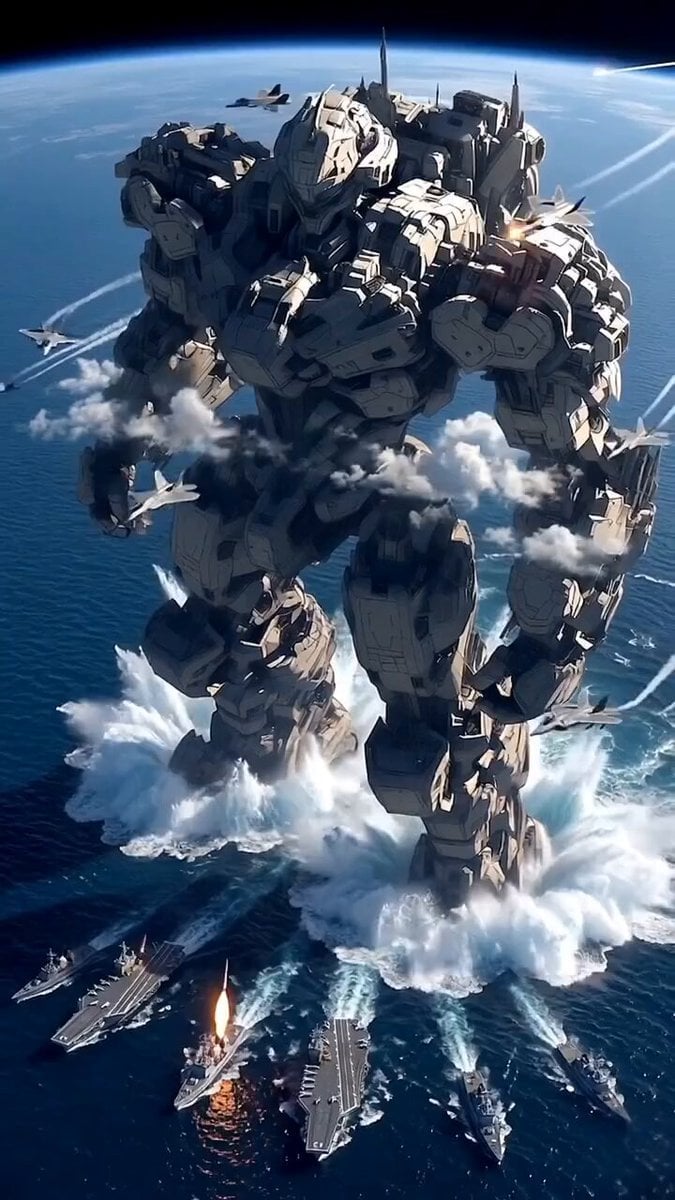
Giant Mecha Naval Battle
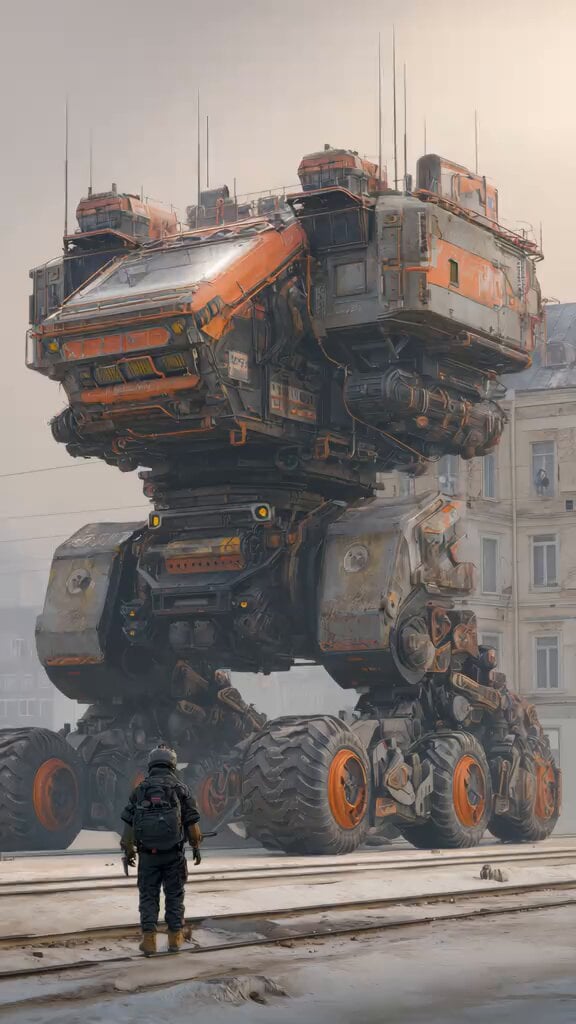
Industrial Mecha Walker Cinematic
Mecha Transformation vs Kaiju — 4-Scene Epic

High Fashion Industrial Warehouse Scene
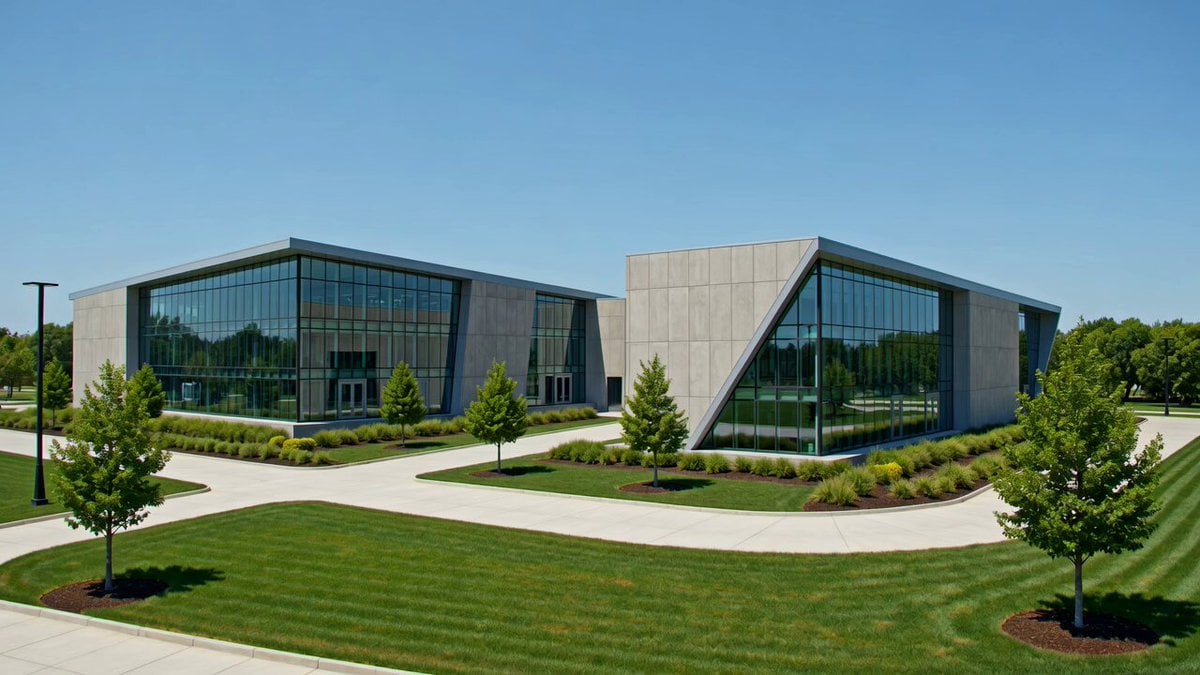
Industrial Park Reception Walkthrough

Mecha Runway Tap Dance Video Prompt
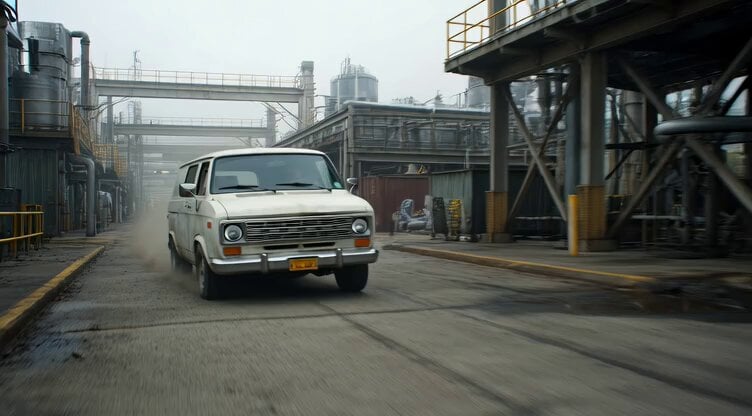
Badass tracking shot of a van speeding through an industrial complex
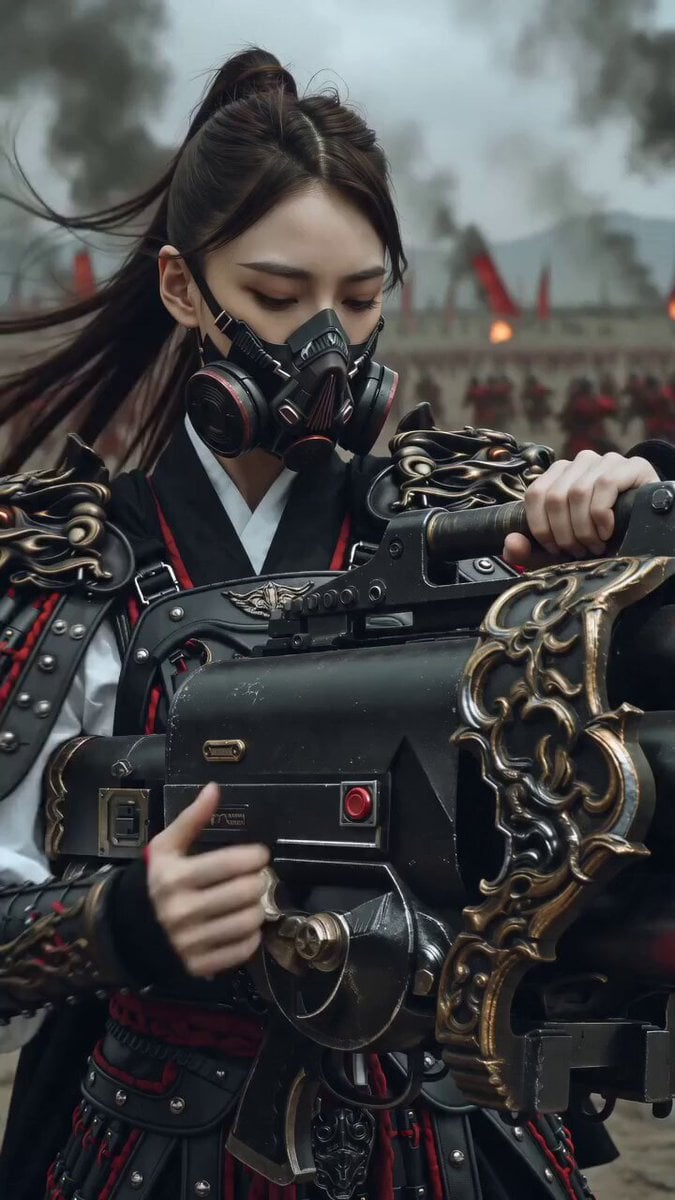
East Asian Female Warrior Mecha Transformation
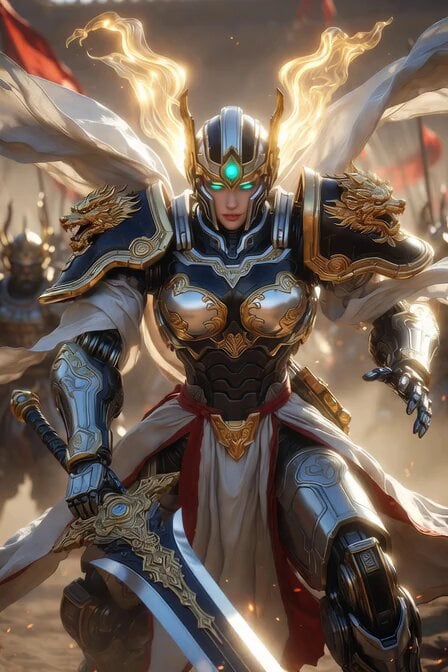
Imperial Dragon Mecha Warrior
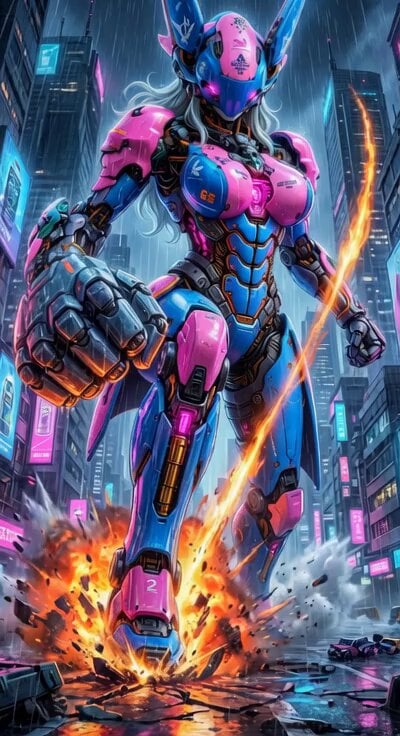
Cyberpunk Mecha Action Scene
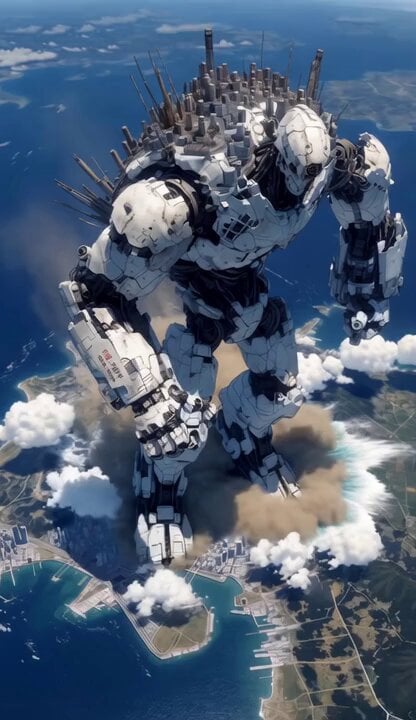
Mecha City Transformers Cinematic Video
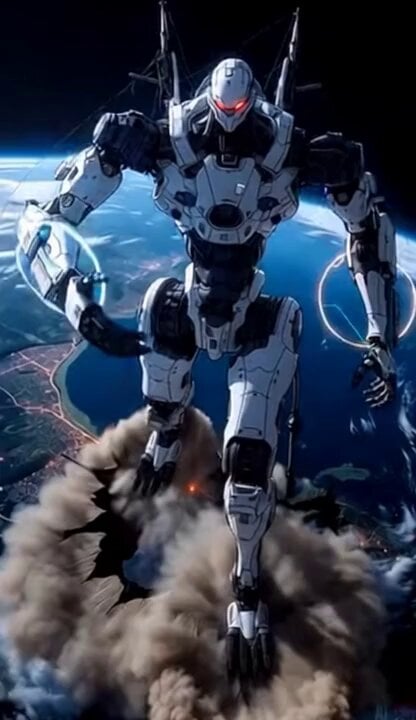
Giant Mecha Orbital Landing
Make it yours
Industrial Mecha Battle works as-is. These are the safest ways to change it without losing the look.
Change one field
Copy a single group, rewrite it, and generate again so you can see what that field is doing.
Keep the frame, change the subject
Hold the composition and light of Industrial Mecha Battle, then swap wardrobe, props or the person for a new take.
| If the result… | Why | Fix |
|---|---|---|
| The result drifts from the preview | Too many fields changed at once. | Reuse Industrial Mecha Battle as-is first, then change one group — subject, light, or setting. |
| The model over-stylizes the scene | The prose prompt leaves finish and camera underspecified. | Add one camera or lighting sentence and stay on Grok Imagine. |
More Grok Imagine templates
Other prompts made for Grok Imagine.

Psychedelic Purple Disc World Video
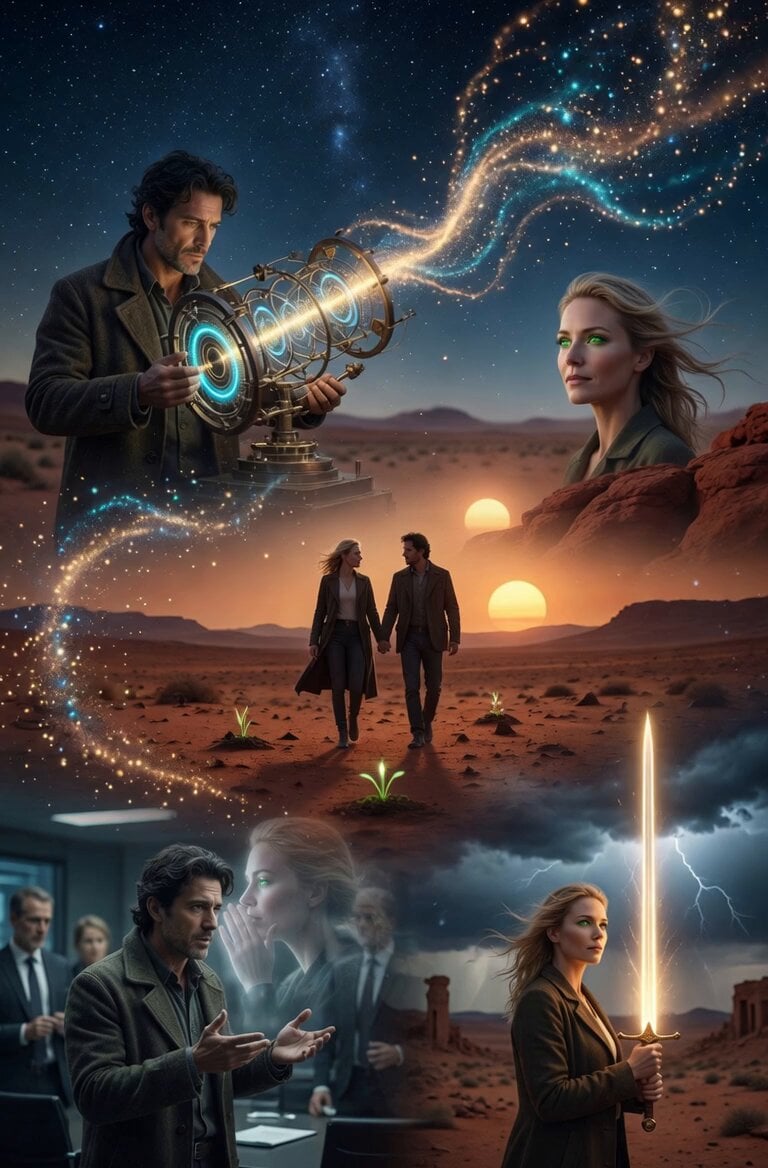
Quantum Inventor in Sonoran Desert

Emotional Angry Couple Drama
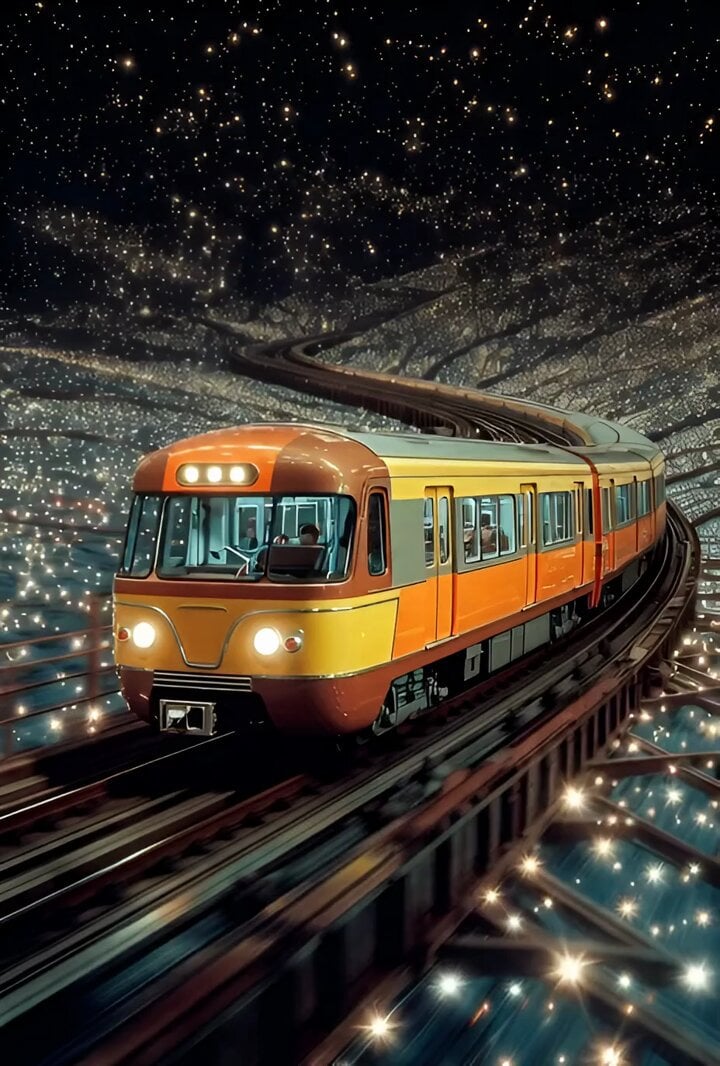
Train Zooming in Star Field Video Prompt

Cyberpunk Guerrilla Girl Video Generation

Detailed multi-part video prompt
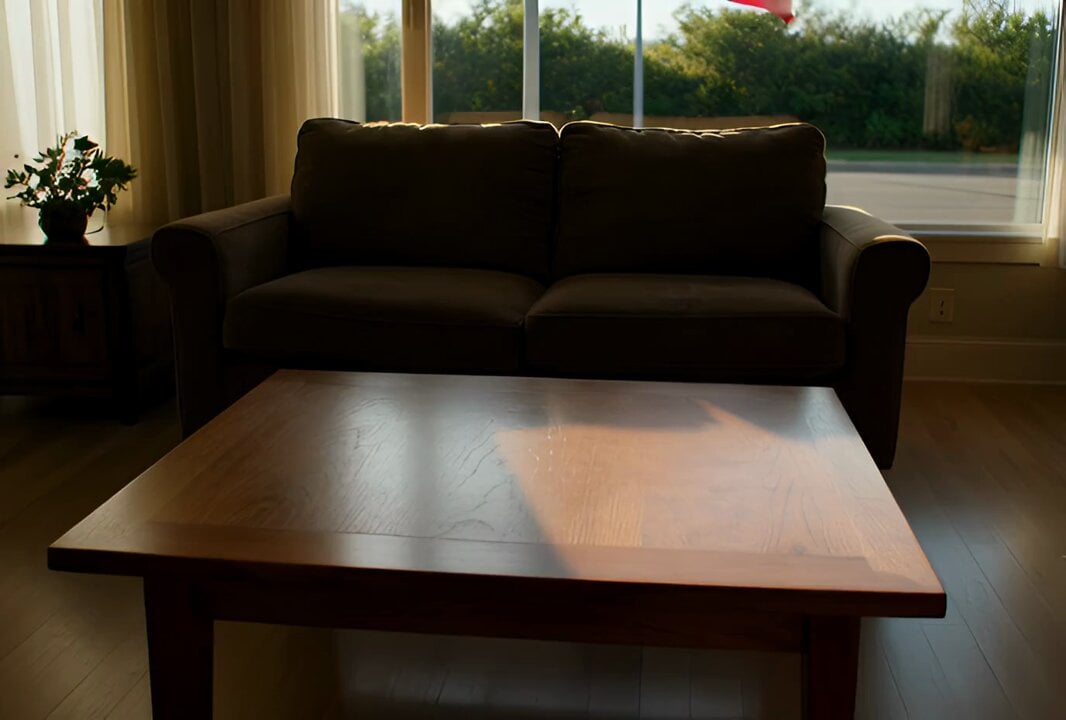
Interior View Video Generation Prompt
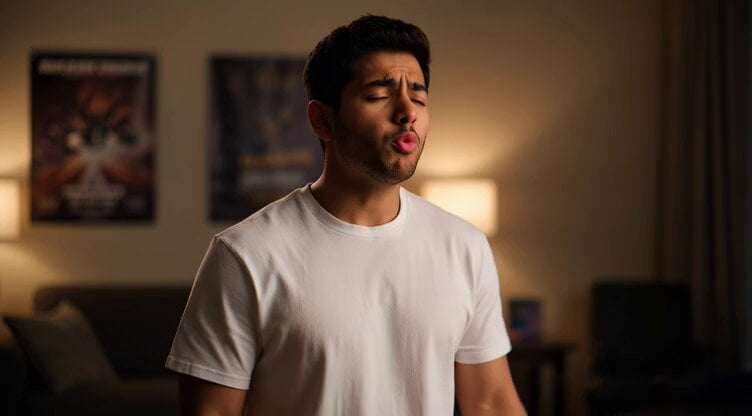
GTA 6 never came out in 1 million years

Bitcoin liferaft video prompt

Woman floating down, opening eyes and looking deeply into the viewer's eyes
More video prompts
Fresh picks from across the catalog.

Kira Fuwa Ending Animation Template
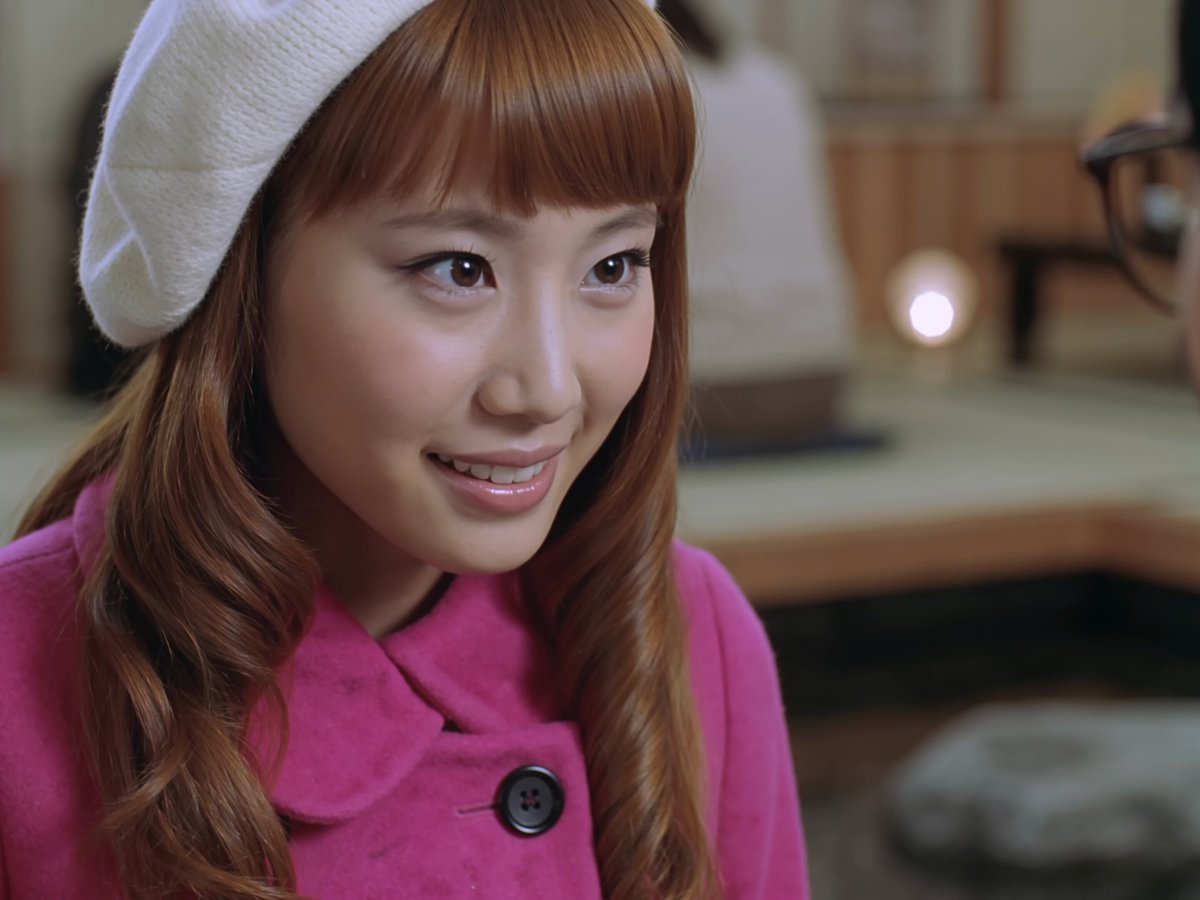
Early 2000s Asian Drama Hair Toss
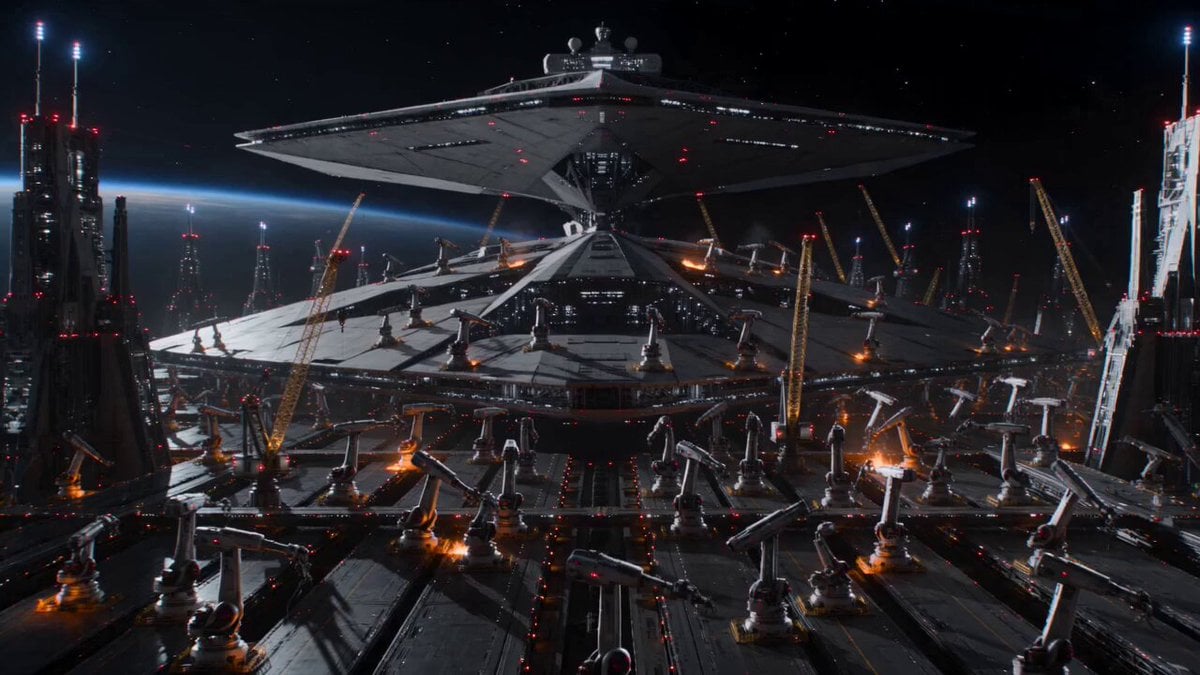
Cinematic Star Cruiser Orbital Shipyard
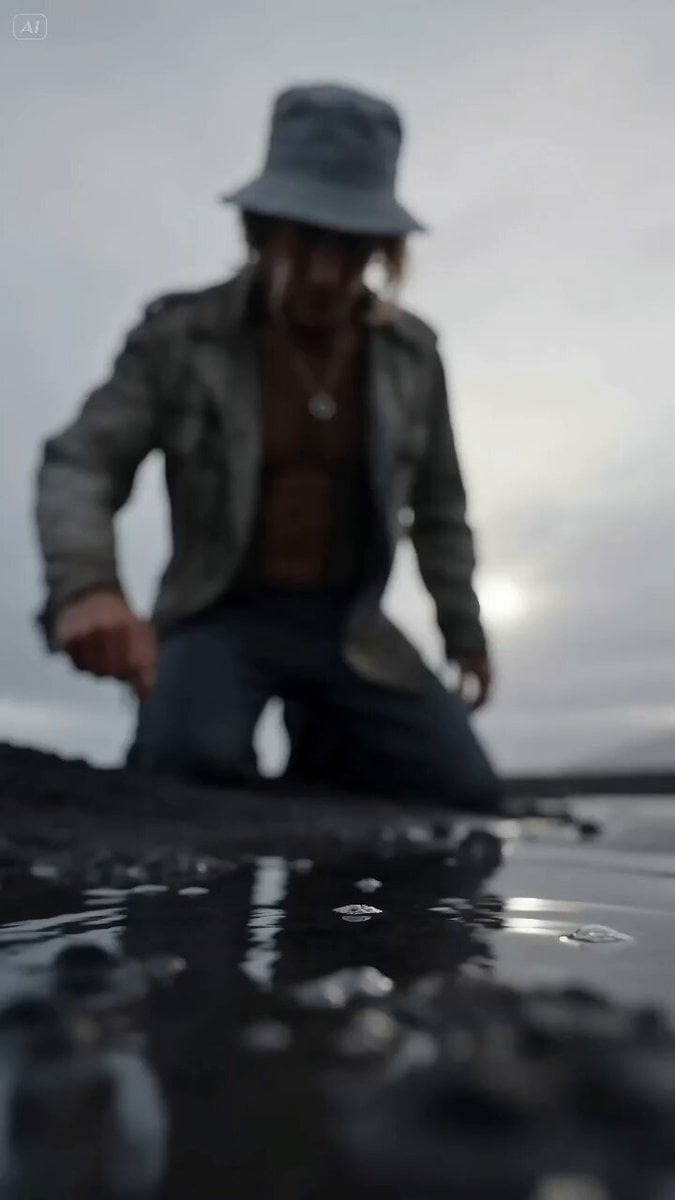
Epic Widescreen Combat Transformation
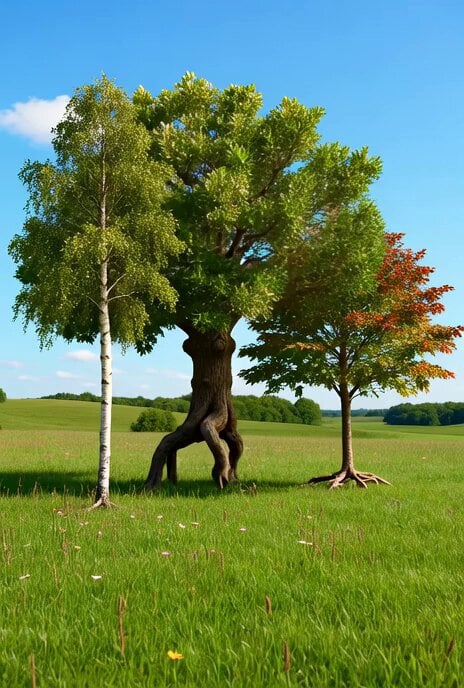
Surreal Free Range Trees Video
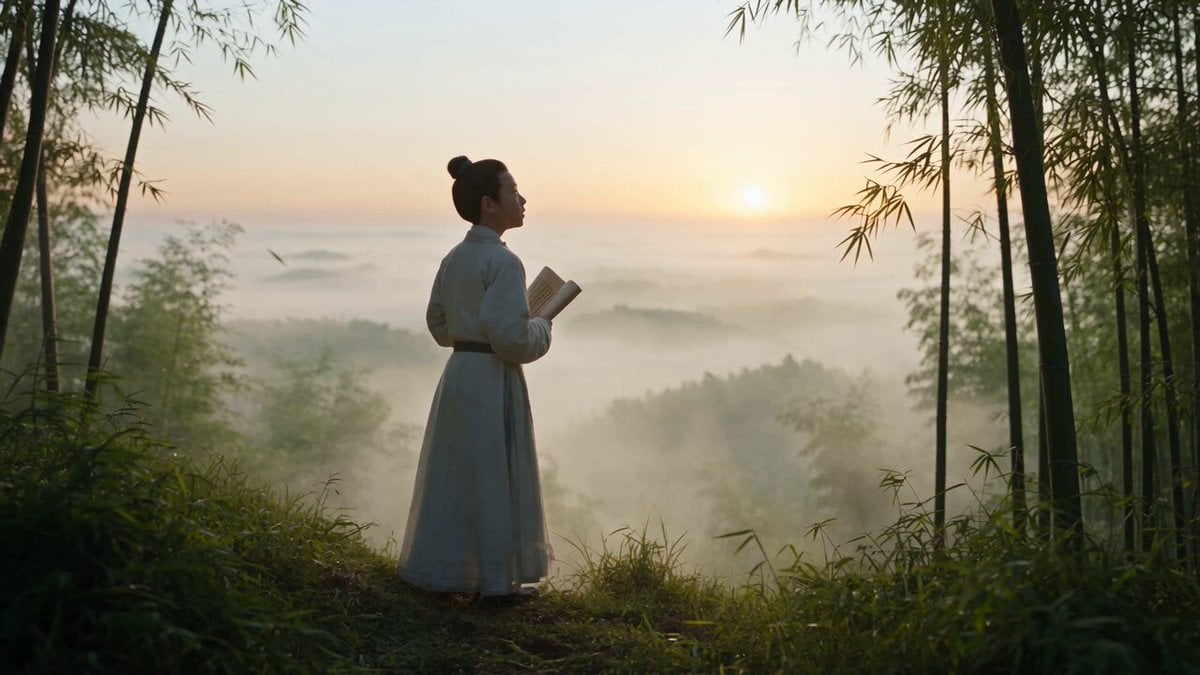
Cinematic One-Shot Biography of Su Shi
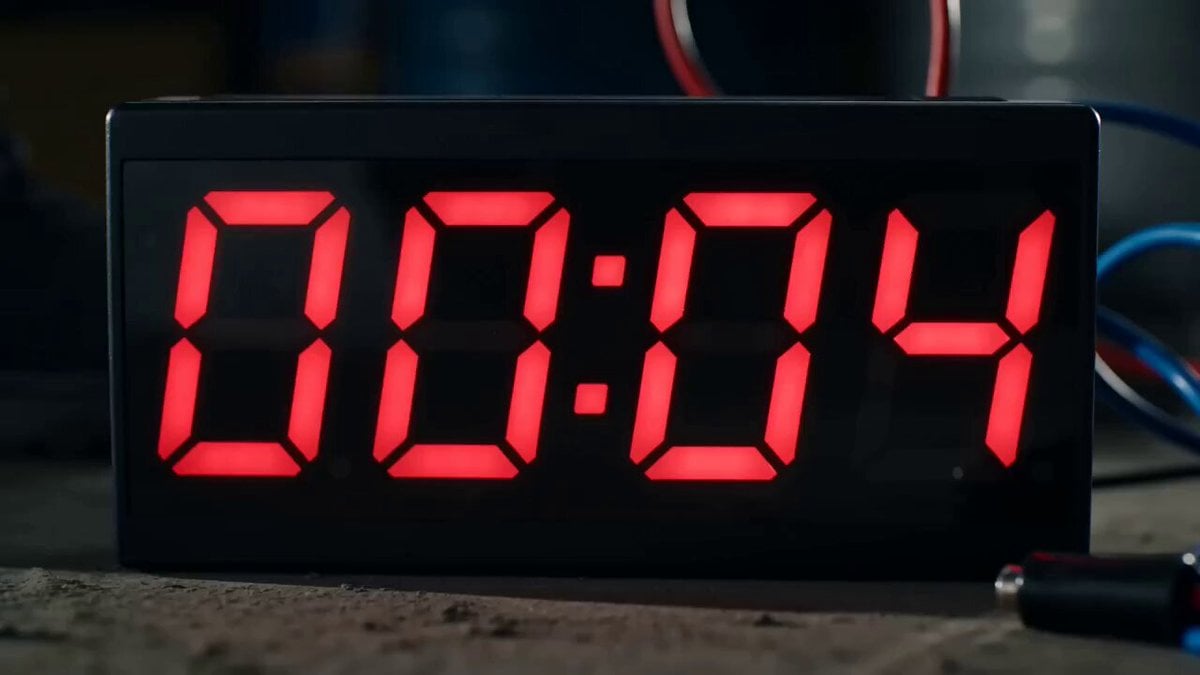
Thai Style Comedy Twist Commercial

Vintage Shaw Brothers Wuxia Style
Man's Over-the-Top Reaction to a Spider
Gothic Vampire Lord Video Prompt
Browse template categories
Industrial Mecha Battle questions
How do I use the Industrial Mecha Battle template?
Add your photo if the template asks for one, edit the prompt if you like — the template's model and format are already selected — and press Generate. Your version opens in PicX Studio.
Can I customize the Industrial Mecha Battle template?
Yes. You can change the subject, setting, lighting, mood, format, and available model controls before creating your video.
Is the Industrial Mecha Battle template free?
Opening and editing this template is free. Generating uses credits, shown on the Generate button when you are signed in.
Which AI model should I use?
Start with Grok Imagine, which is the model associated with this template. You can compare another compatible model for a different finish.
Looking for something else? Browse all templates.

Your photo, any look
Thousands of ready templates for every top image and video model, from one credit balance.