
Cinematic Star Cruiser Orbital Shipyard
A cinematic video prompt for Seedance 2.0 featuring an orbital shipyard disaster where a robotic factory malfunctions during the forging of a star cruiser.
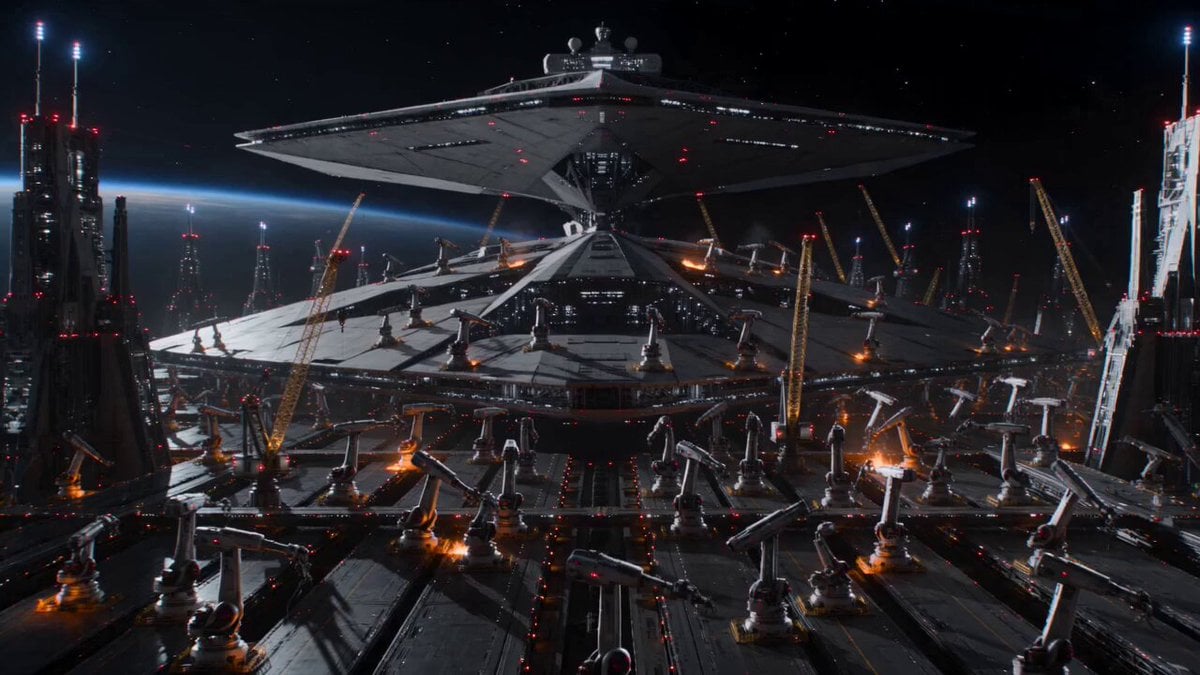
- Prompt included
- Model and format preset
- Free template
The prompt behind this video
Copy the exact prompt behind Cinematic Star Cruiser Orbital Shipyard, or open it in the studio and make it yours.
Ultra-realistic, molten metal effects, realistic physics, cinematic lighting, no visible face. Inside a gigantic orbital shipyard. A star cruiser is being forged. Thousands of robotic construction arms move with perfect precision. Then the central AI crashes. Every construction arm suddenly moves at once. Massive cranes swing unpredictably. Molten metal pours through open channels. Gigantic hull sections rotate without warning. The pilot races through the living factory as machines the size of skyscrapers narrowly miss the aircraft. A newly forged battleship hull swings across the exit. The interceptor slips beneath it with centimeters to spare.
How to use Cinematic Star Cruiser Orbital Shipyard in 3 steps
- 1
Open
The prompt is already in the box next to the preview, with the template's model and format selected.
- 2…a portrait of your subject in softgolden-hour light, 85mm…
Personalize
Edit the subject and creative details for your destination.
- 3Generate
Generate
Press Generate — your video is created in PicX Studio, so you can compare it with the original and refine one variable at a time.
More like this
Templates with the same subject, style or setup. Open one to see its prompt.
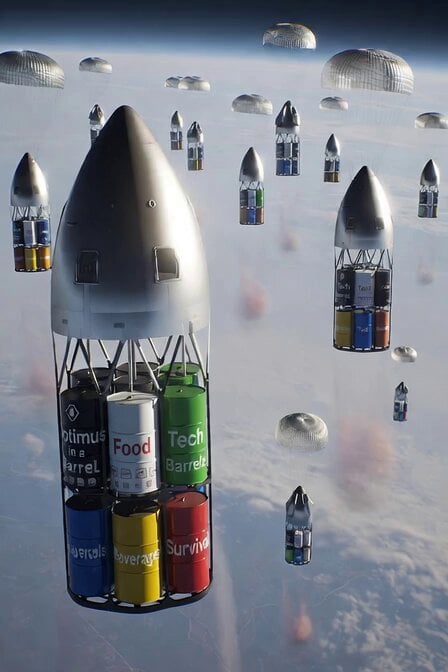
SpaceX Starship Orbital Drop Pods
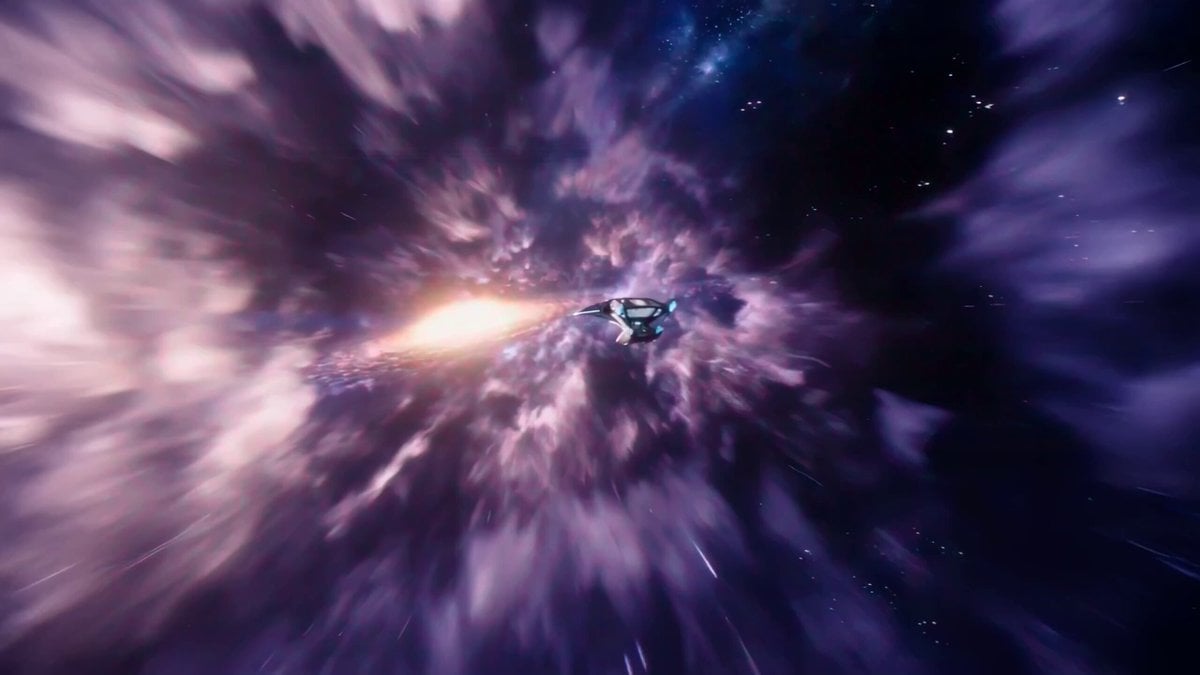
Interstellar Star-Cruiser Chase and Zero-Gravity Interior Scene
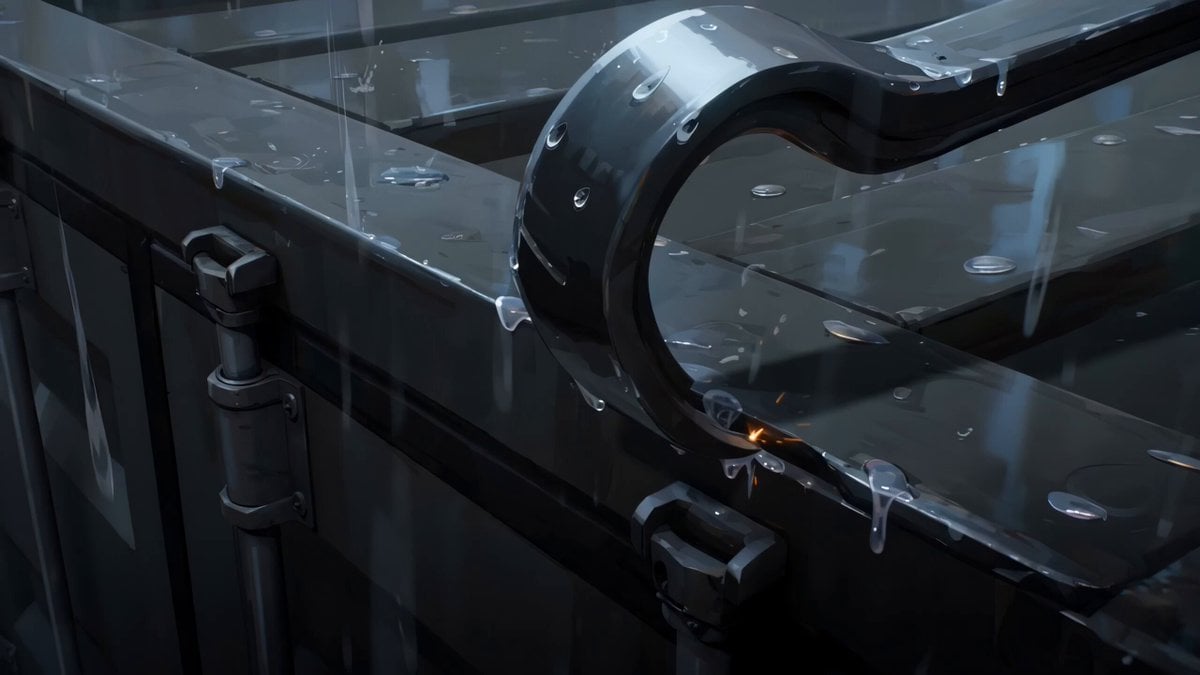
Rainy Midnight Shipyard Video Scene
Orbital Drone Stadium Shot
Orbital Camera Dusk Couple Scene
Orbital Elevator Combat Sequence
Orbital Rescue Pilot Sci-Fi Cinematic
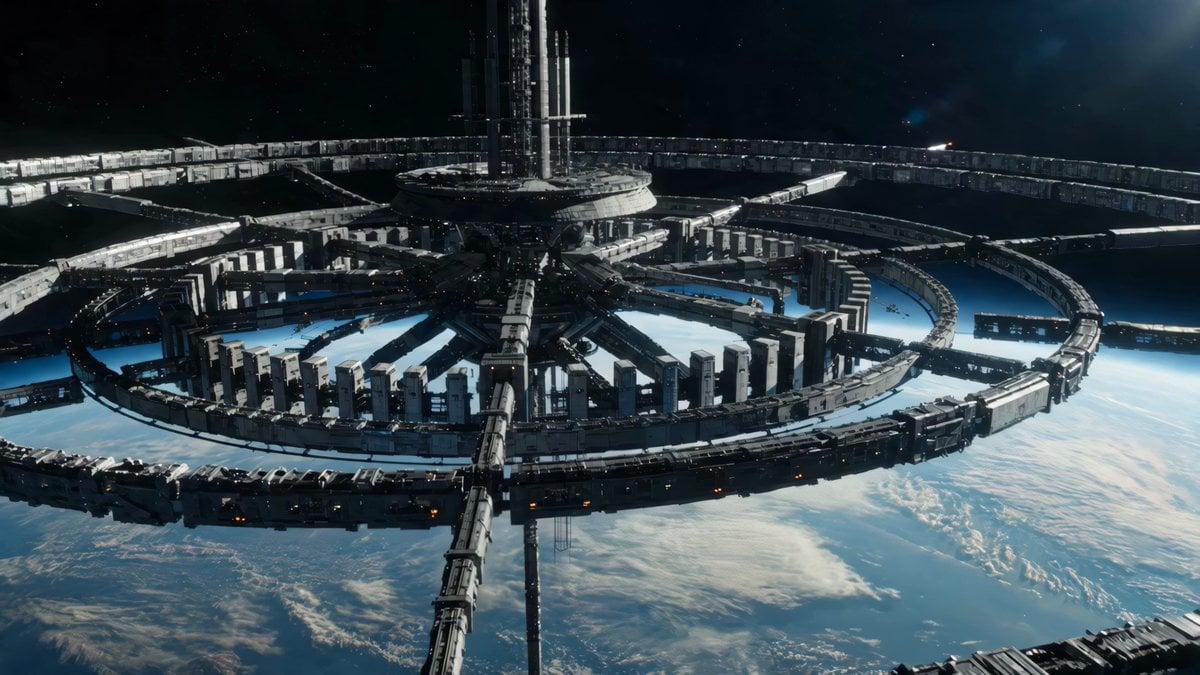
Sci-Fi Orbital Construction Collapse
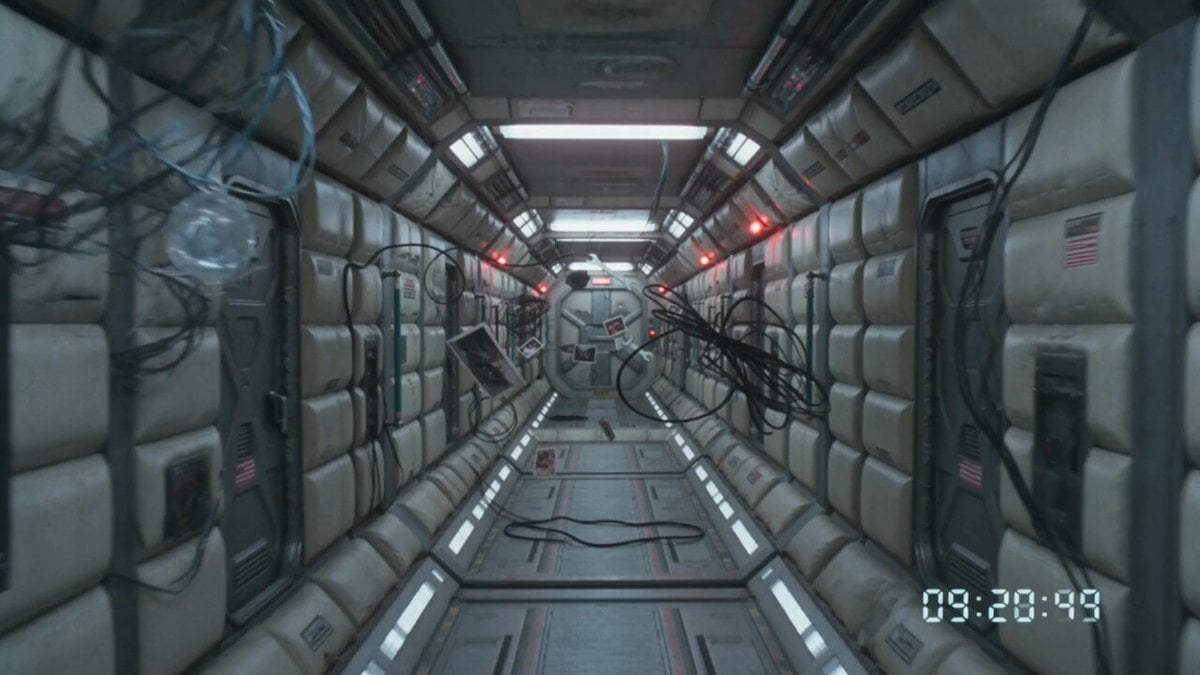
80s VHS Orbital Station Horror
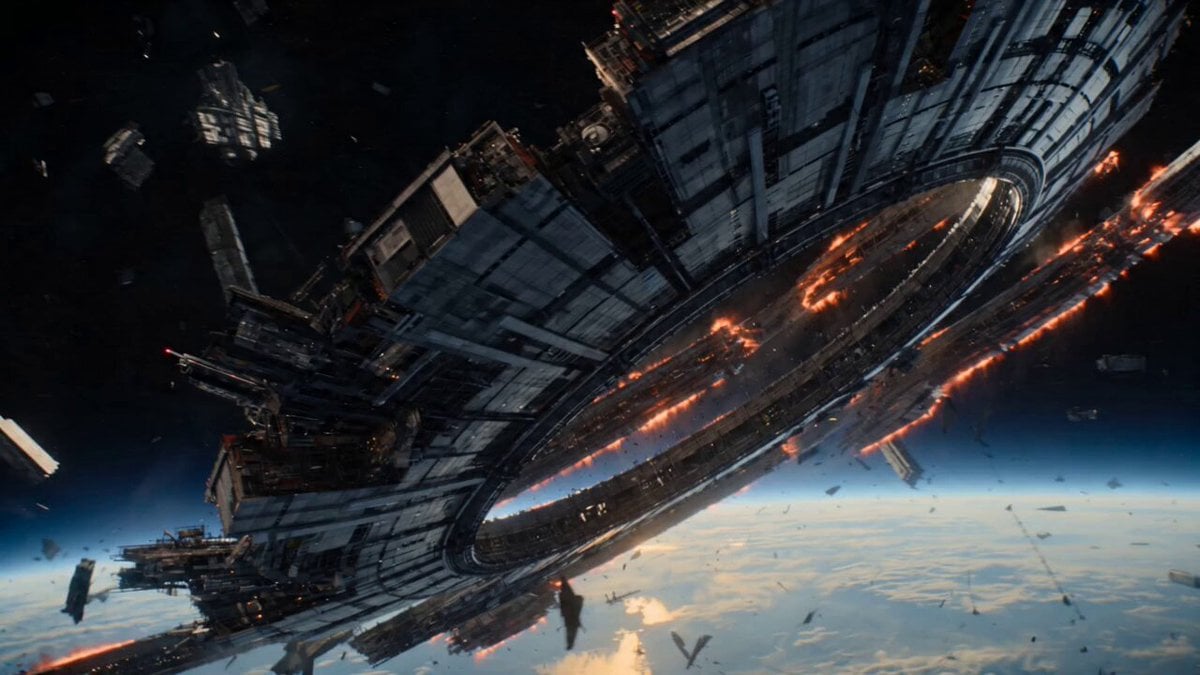
Futuristic Collapsing Orbital Ring Chase
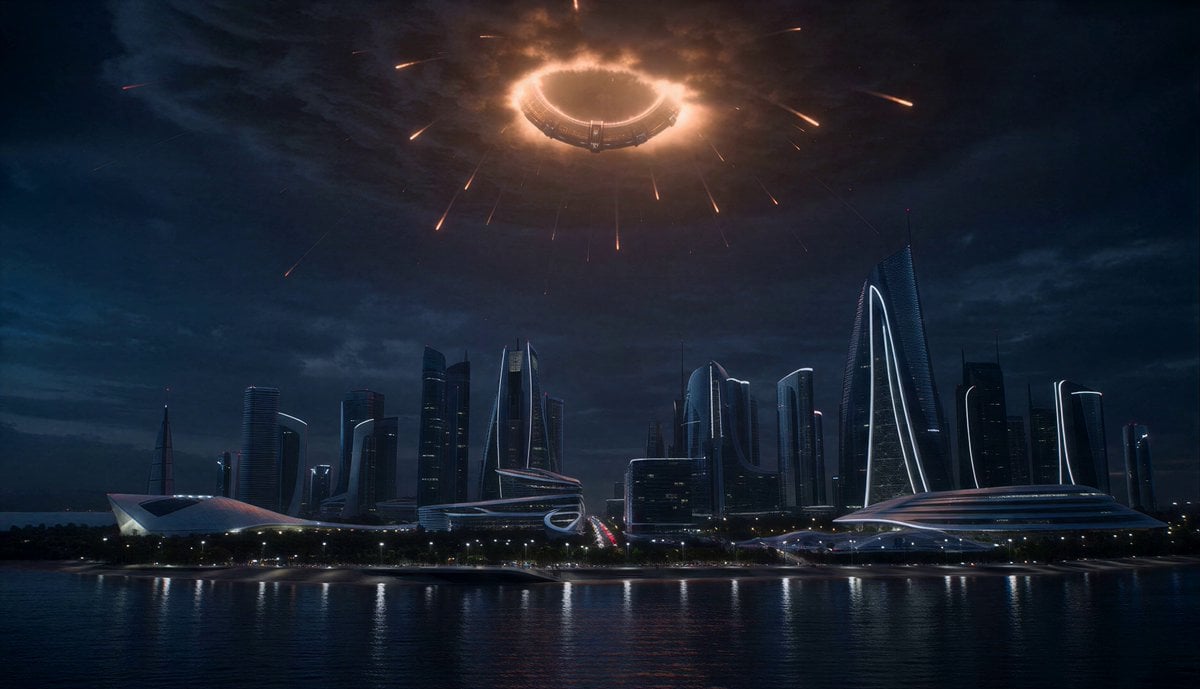
Orbital Ring Disaster Sequence
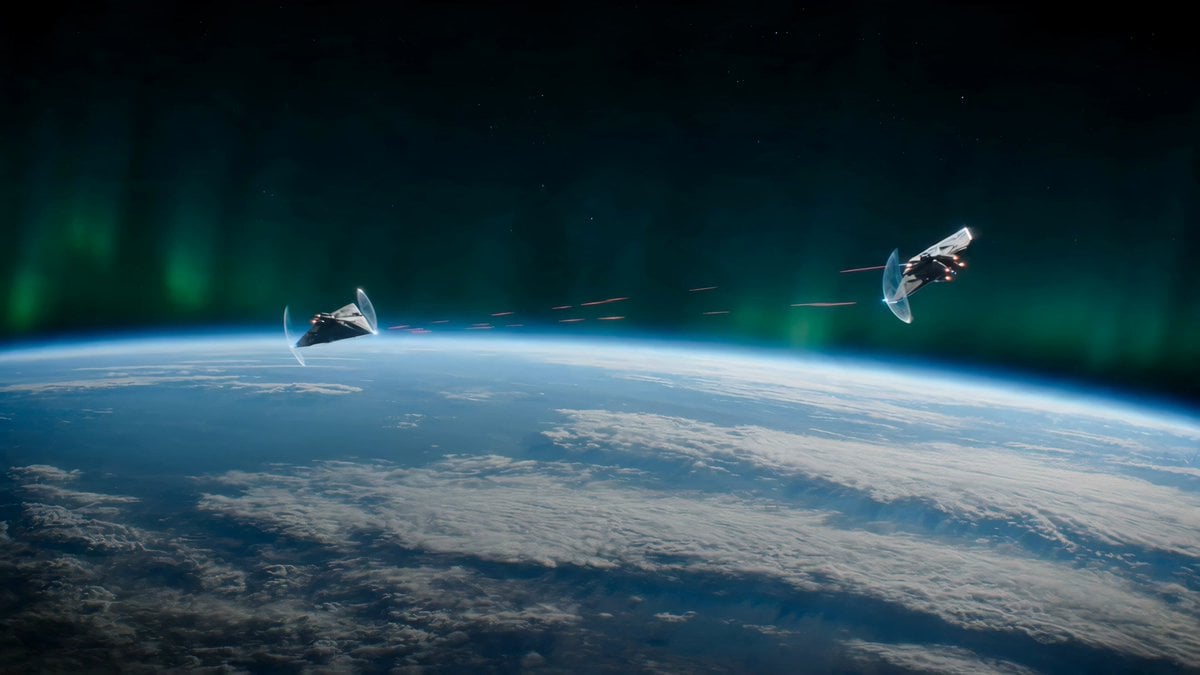
Alien Spacecraft Orbital Duel
Make it yours
Cinematic Star Cruiser Orbital Shipyard works as-is. These are the safest ways to change it without losing the look.
Change one field
Copy a single group, rewrite it, and generate again so you can see what that field is doing.
Keep the frame, change the subject
Hold the composition and light of Cinematic Star Cruiser Orbital Shipyard, then swap wardrobe, props or the person for a new take.
| If the result… | Why | Fix |
|---|---|---|
| The result drifts from the preview | Too many fields changed at once. | Reuse Cinematic Star Cruiser Orbital Shipyard as-is first, then change one group — subject, light, or setting. |
| The model over-stylizes the scene | The prose prompt leaves finish and camera underspecified. | Add one camera or lighting sentence and stay on Seedance 2.0. |
More Seedance 2.0 templates
Other prompts made for Seedance 2.0.

Comical Martial Arts Punch Scene

Maglev Train Action Sequence

Martial Arts Fight Sequence

Wuxia Protection and Trust Script

Vintage Korean Arcade MiniDV Vlog

Mercedes 190 SL Luxury Ad

Rainy Night Supernatural Reverse Comedy Video Script

Amazon Civilization Discovery

Futuristic South Asian City Transformation

Cozy Luxury Cafe Commercial
More video prompts
Fresh picks from across the catalog.

Slow Head Tilt and Camera Zoom
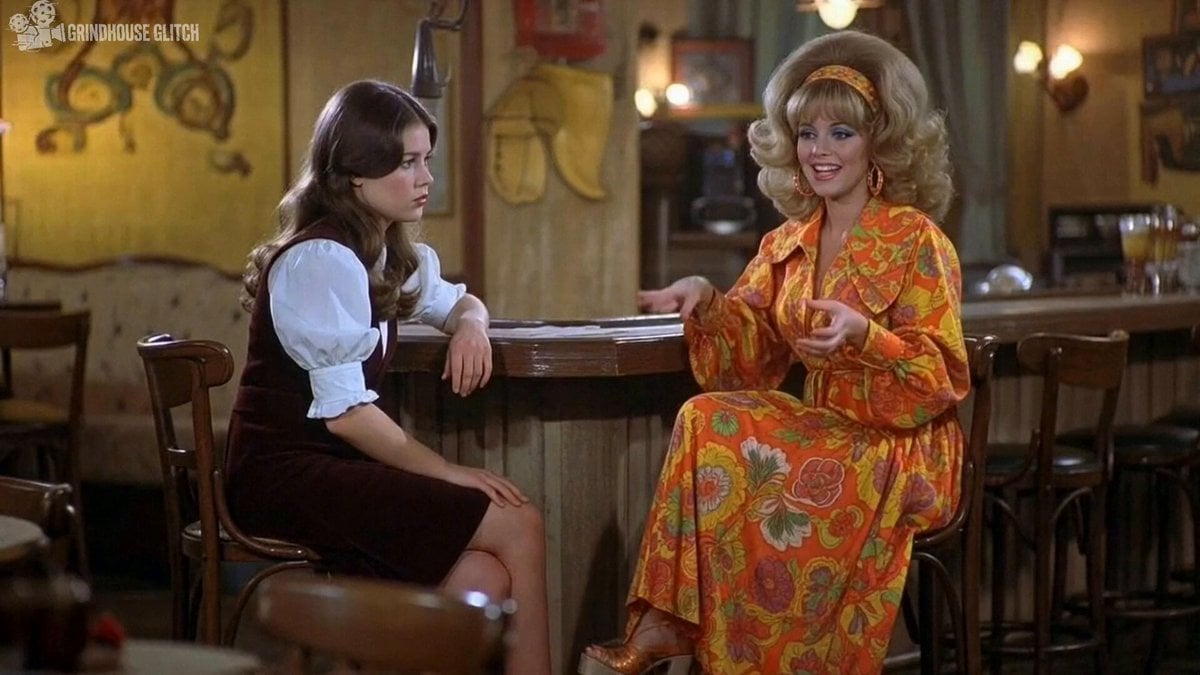
2000s-era 1970s-style American sitcom scene

🌟Prompt: storyboard: Create a crisp, clean infogr

Orion Warrior Woman Sci-Fi Portrait

Wireless Earbuds Product Review
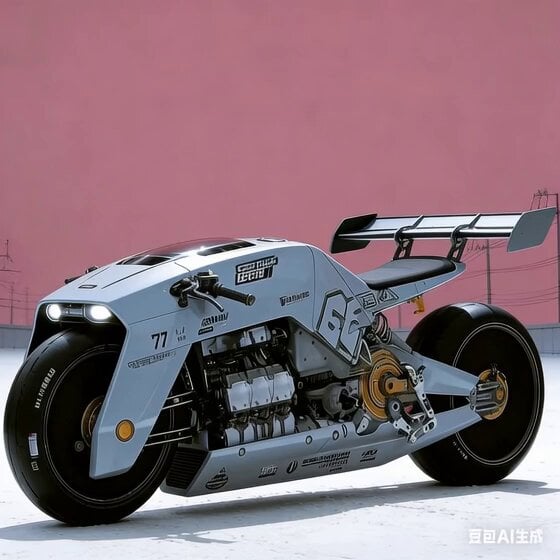
Future Industrial Sci-Fi Motorcycle Video Generation

Celestial Dragon Mythology Transformation
Transform subject into stylized 3D animated character
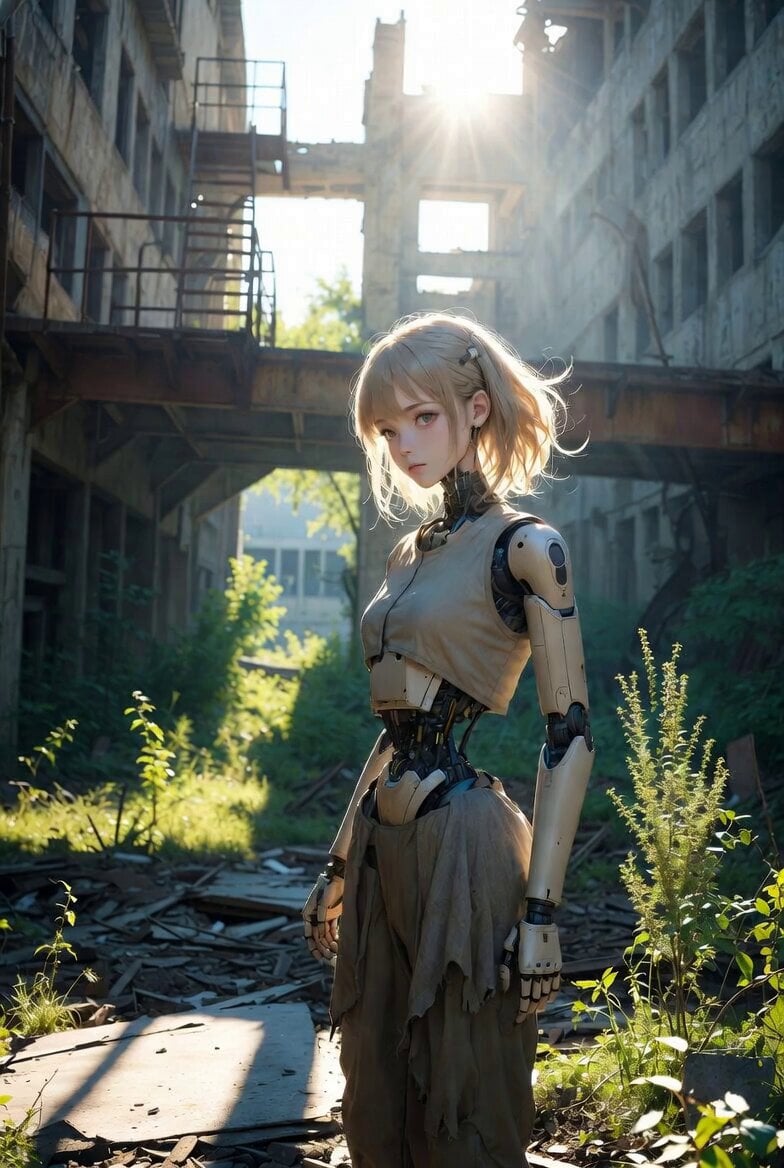
Post-Apocalyptic Girl and Android Guardians

Dune Sand Worm Movement
Browse template categories
Cinematic Star Cruiser Orbital Shipyard questions
How do I use the Cinematic Star Cruiser Orbital Shipyard template?
Add your photo if the template asks for one, edit the prompt if you like — the template's model and format are already selected — and press Generate. Your version opens in PicX Studio.
Can I customize the Cinematic Star Cruiser Orbital Shipyard template?
Yes. You can change the subject, setting, lighting, mood, format, and available model controls before creating your video.
Is the Cinematic Star Cruiser Orbital Shipyard template free?
Opening and editing this template is free. Generating uses credits, shown on the Generate button when you are signed in.
Which AI model should I use?
Start with Seedance 2.0, which is the model associated with this template. You can compare another compatible model for a different finish.
Looking for something else? Browse all templates.

Your photo, any look
Thousands of ready templates for every top image and video model, from one credit balance.