How do I use the Orbital Elevator Combat Sequence template?
Edit the prompt in the box under the preview — the template's model and format are already selected — and press Generate. Your version appears right on this page.
A complex action prompt for a space elevator maintenance rail fight, featuring anti-gravity boots and cinematic atmospheric destruction.
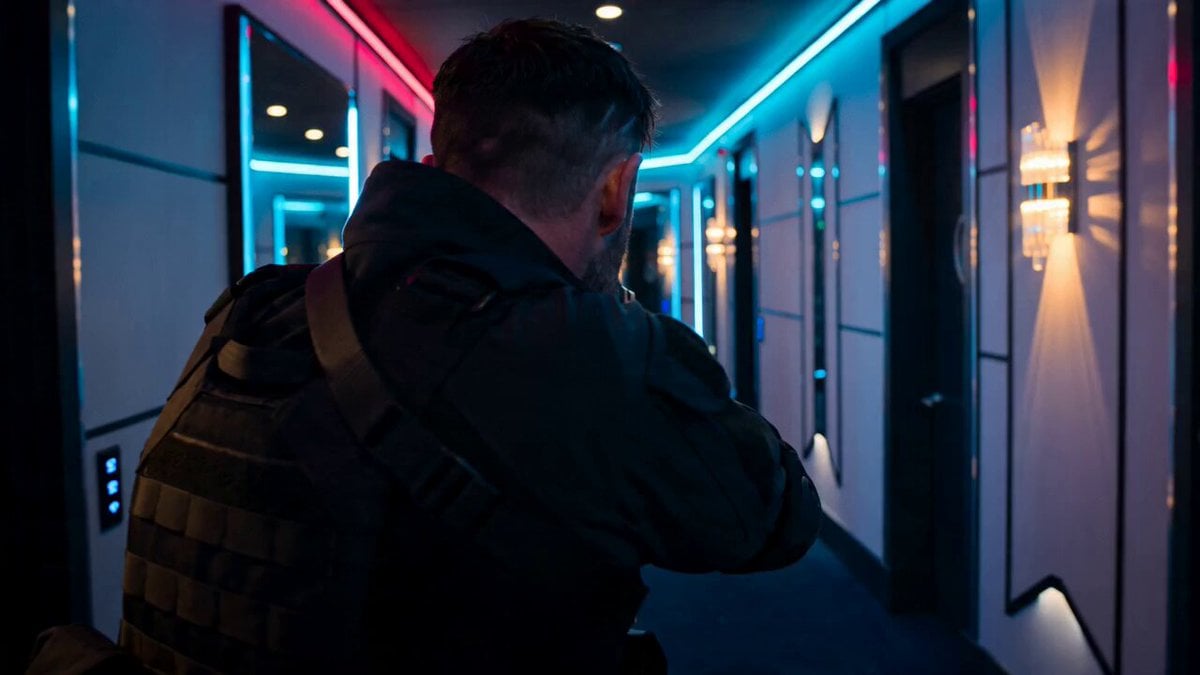
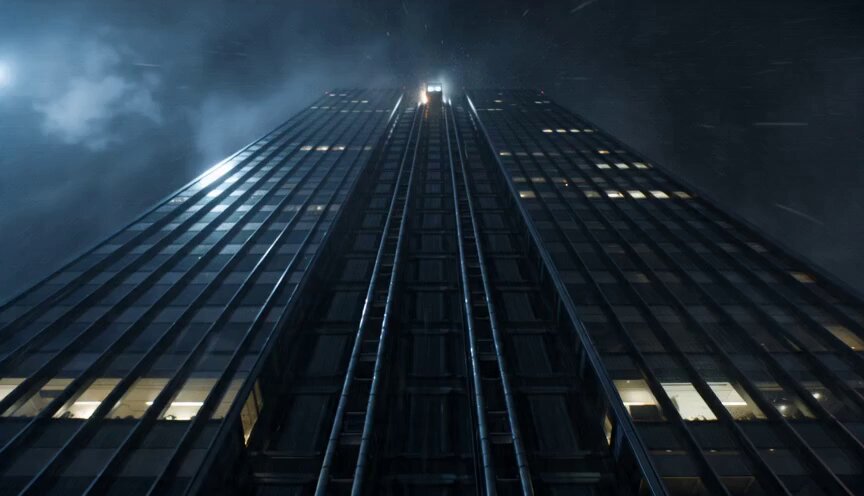
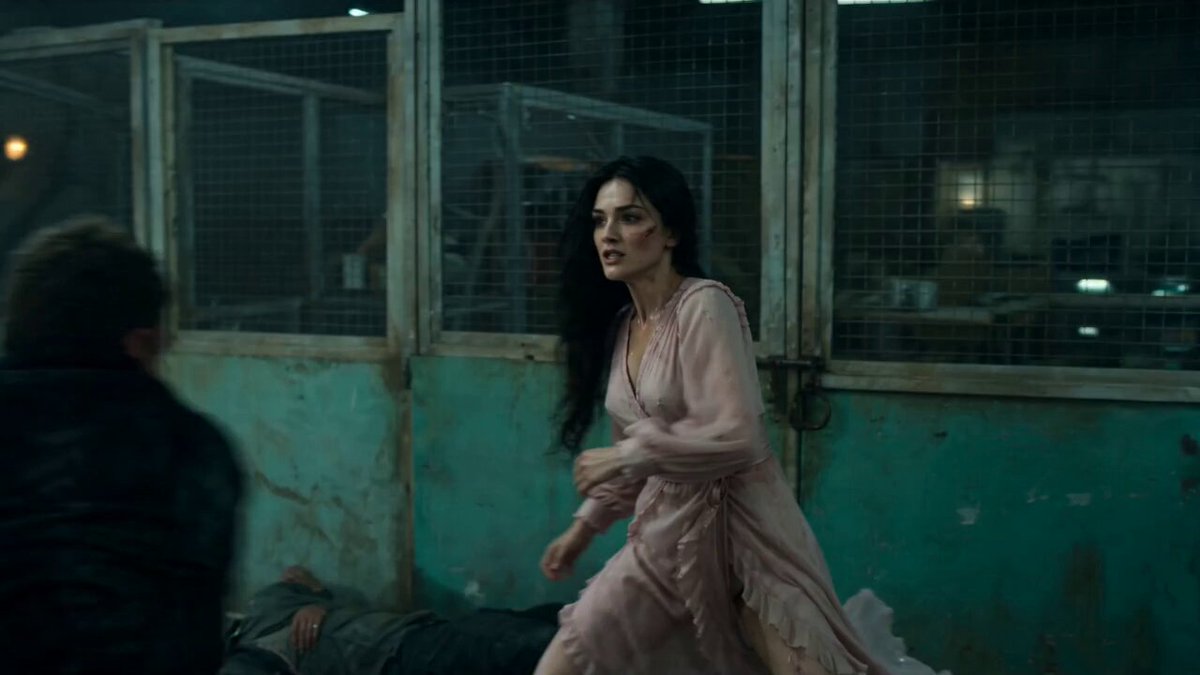
15-second cinematic action sequence on the exterior maintenance rails of a colossal orbital elevator stretching into the clouds, burning debris falling from the upper atmosphere, emergency lights flashing through storm clouds. Camera dives vertically down the elevator structure as a female gravity operative slides along magnetic rails using anti-gravity boots, sparks trailing behind her. A heavily armored mercenary descends from above attached to mechanical cables, smashing through maintenance drones while closing distance rapidly. Mid-air collision on a narrow exterior platform suspended thousands of meters above the planet. Slow-motion debris and lightning swirl around the locked combatants. Handheld combat along collapsing maintenance rails while massive chunks of burning wreckage fall past camera into the clouds below. Huge pull-back reveals the orbital elevator piercing through the atmosphere as explosions ripple upward along its surface.
15-second cinematic action sequence on the exterior maintenance rails of a colossal orbital elevator stretching into the clouds, burning debris falling from the upper atmosphere, emergency lights flashing through storm clouds. Camera dives vertically down the elevator structure as a female gravity operative slides along magnetic rails using anti-gravity boots, sparks trailing behind her. A heavily armored mercenary descends from above attached to mechanical cables, smashing through maintenance drones while closing distance rapidly. Mid-air collision on a narrow exterior platform suspended thousands of meters above the planet. Slow-motion debris and lightning swirl around the locked combatants. Handheld combat along collapsing maintenance rails while massive chunks of burning wreckage fall past camera into the clouds below. Huge pull-back reveals the orbital elevator piercing through the atmosphere as explosions ripple upward along its surface.
Edit the prompt in the box under the preview — the template's model and format are already selected — and press Generate. Your version appears right on this page.
Yes. You can change the subject, setting, lighting, mood, format, and available model controls before creating your video.
Opening and editing this template is free. Generating uses credits, shown on the Generate button when you are signed in.
Start with Seedance 2.0, which is the model associated with this template. You can compare another compatible model for a different finish.
Follow a topic to a crawlable collection of related PicX Studio templates.