
Candid Lakeside Photography Vlog
A video prompt for Seedance 2.0 creating a realistic behind-the-scenes moment of a girl being photographed by a lake, focusing on natural transitions from posing to relaxing.
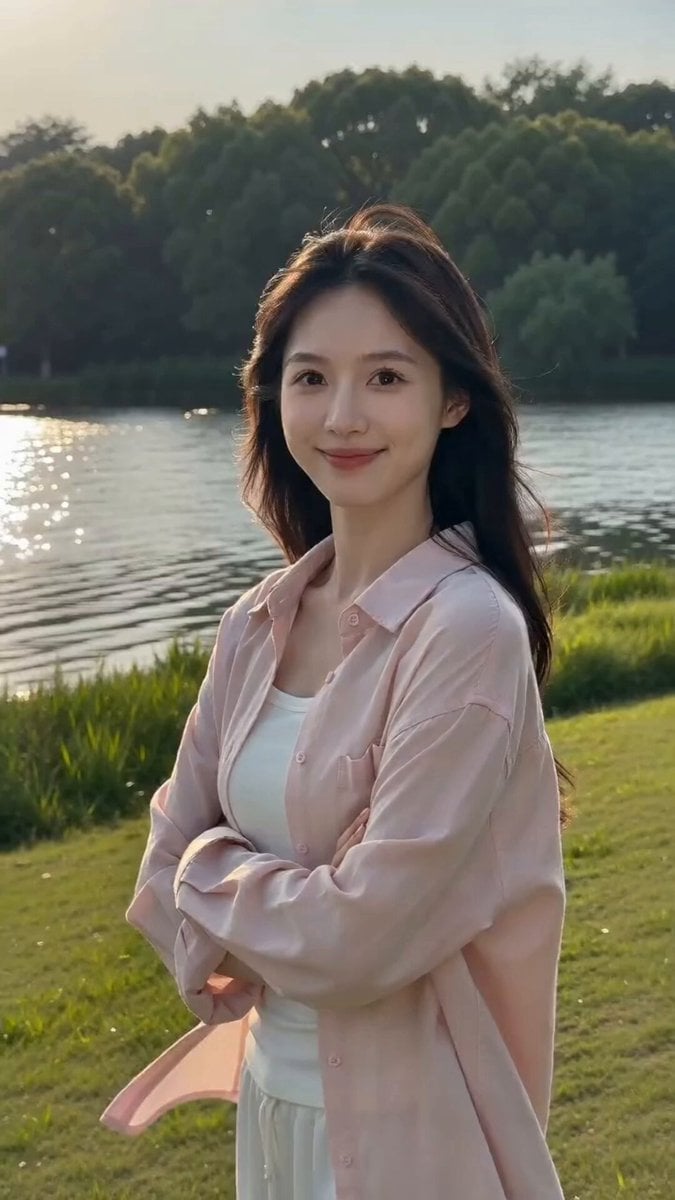
- Prompt included
- Model and format preset
- Free template
The prompt behind this video
Copy the exact prompt behind Candid Lakeside Photography Vlog, or open it in the studio and make it yours.
以上传图片作为唯一人物参考,严格保持人物五官、脸型、发型、服装、身材比例、湖边草地背景和整体光线一致,不换脸,不改变人物身份。时长8秒,一镜到底,真实朋友拍照花絮感。0-2秒:女生保持原图中的拍照姿势,双臂自然交叉,身体微微侧着,脸上维持漂亮但克制的拍照微笑,目光看向镜头附近。湖边有轻风,长发和粉色衬衫衣角自然摆动。2-4秒:她维持姿势一会儿后,眼神开始有一点询问感,笑容稍微松下来,轻轻歪头看向摄影者,自然开口问:“好了吗?”4-5秒:她问完后没有立刻动,依然保持原来的拍照姿势,安静等对方回答,眼睛看着镜头,带一点期待感。画外摄影者自然回复:“好了。”5-8秒:听到“好了”之后,她才明显确认拍摄结束,整个人瞬间松弛下来。肩膀轻轻垮下,原本交叉的双臂自然松开,脸上的营业式微笑消失,换成真实放松的笑。她轻轻呼出一口气,身体稍微晃一下,视线移向旁边,然后忍不住笑出来,像终于不用继续摆姿势了。重点:一定表现出“听到好了之后才放松”的因果关系。“好了”之前人物始终保持拍照姿态,不提前放松。前半段是精致拍照状态,后半段是非常真实的生活状态,形成明显但自然的反差。要求:人物脸部始终稳定,保持上传图五官一致;“好了吗?”中文口型自然准确;画外音“好了”来自摄影者,不要让女生自己说;不要夸张表演;不要大幅度走动;头发随风自然运动;保留真实皮肤质感;镜头有轻微手持感;整体像朋友帮她拍照时顺手录下的一段真实花絮。
How to use Candid Lakeside Photography Vlog in 3 steps
- 1
Open
The prompt is already in the box next to the preview, with the template's model and format selected.
- 2…a portrait of your subject in softgolden-hour light, 85mm…
Personalize
Edit the subject and creative details for your destination.
- 3Generate
Generate
Press Generate — your video is created in PicX Studio, so you can compare it with the original and refine one variable at a time.
More like this
Templates with the same subject, style or setup. Open one to see its prompt.
Mediterranean Coffee Run Vlog - Seedance 2.5

Mysterious Home Exploration Vlog - Seedance 2.5
Realistic Morning Routine Lifestyle Vlog - Seedance 2.5

Handheld Tokyo Travel Vlog - Seedance 2.5
Nostalgic MiniDV Convenience Store Vlog - Seedance 2.5
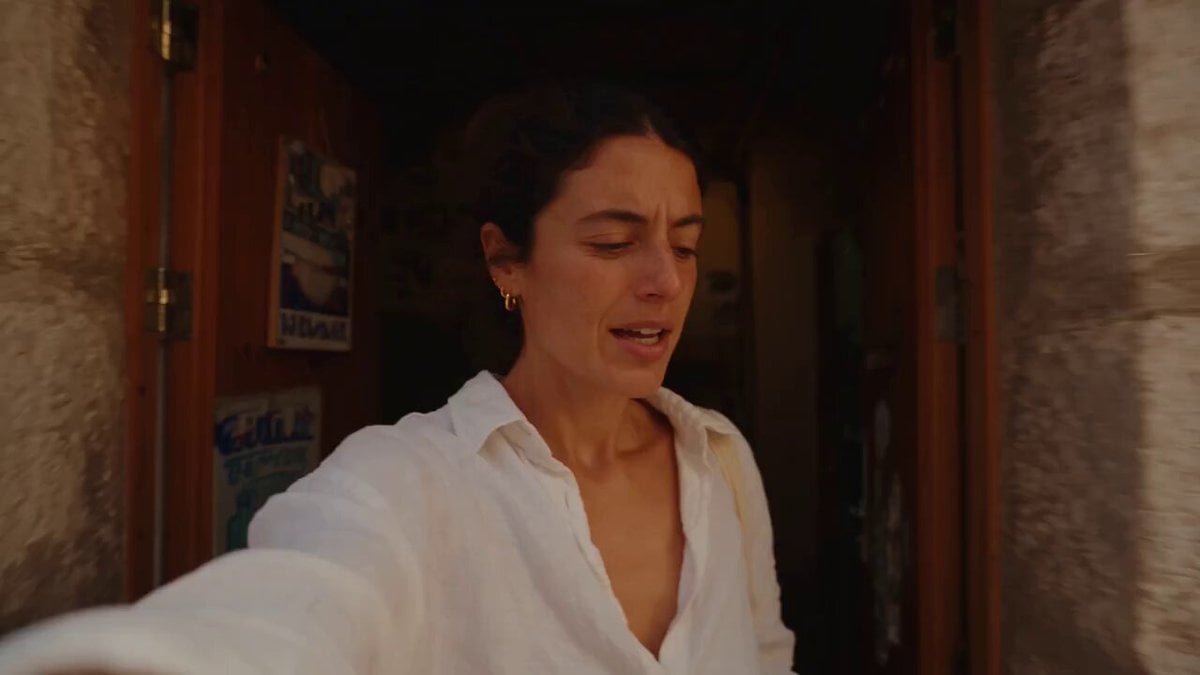
Mediterranean Morning Coffee Run Vlog (Seedance 2.5)

Luxury Lifestyle Day Vlog

Luxury Airport Travel Vlog
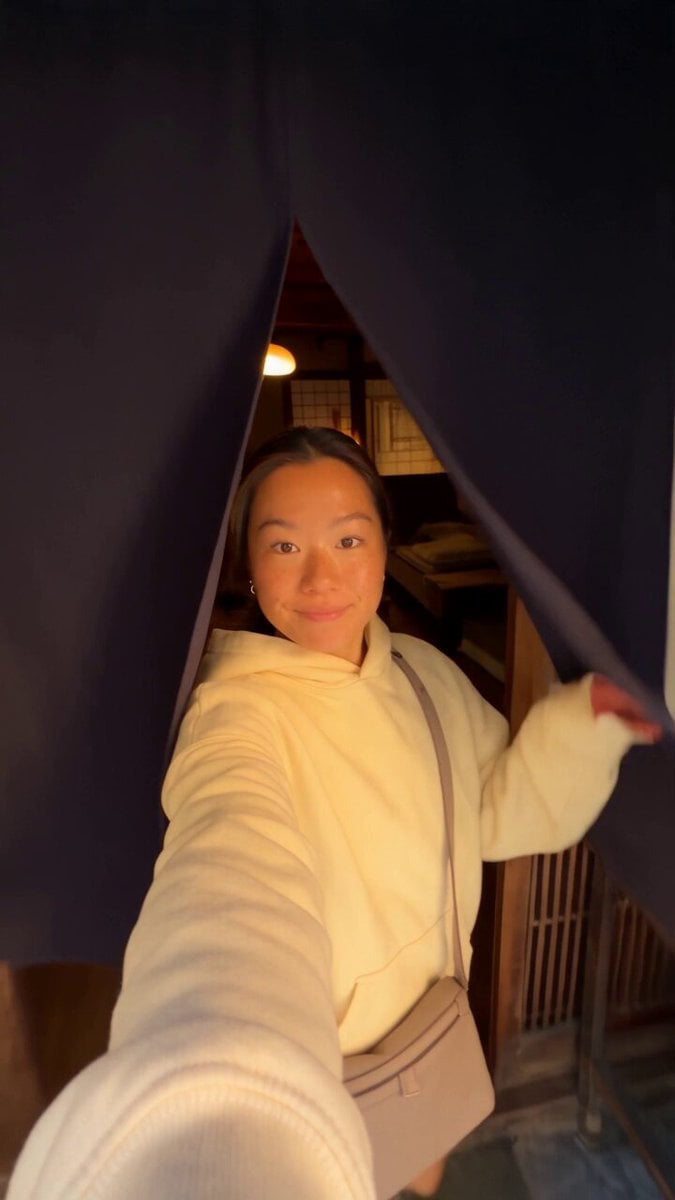
Kyoto Morning Selfie Vlog
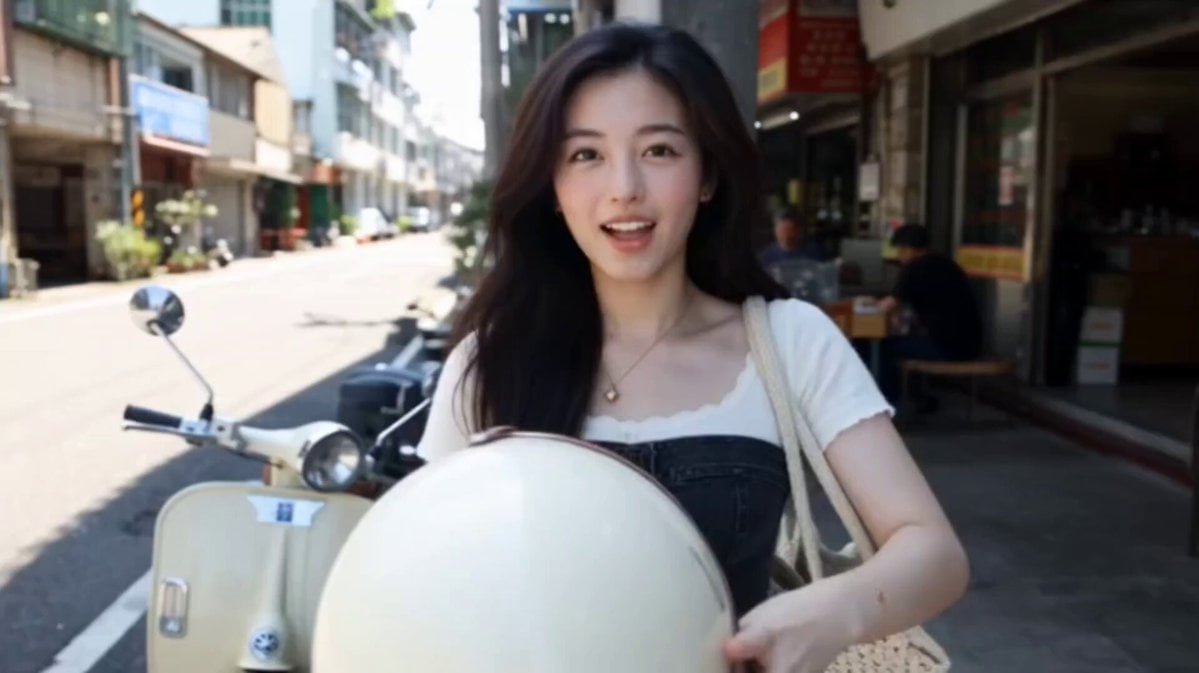
Kenting Lifestyle Travel Vlog
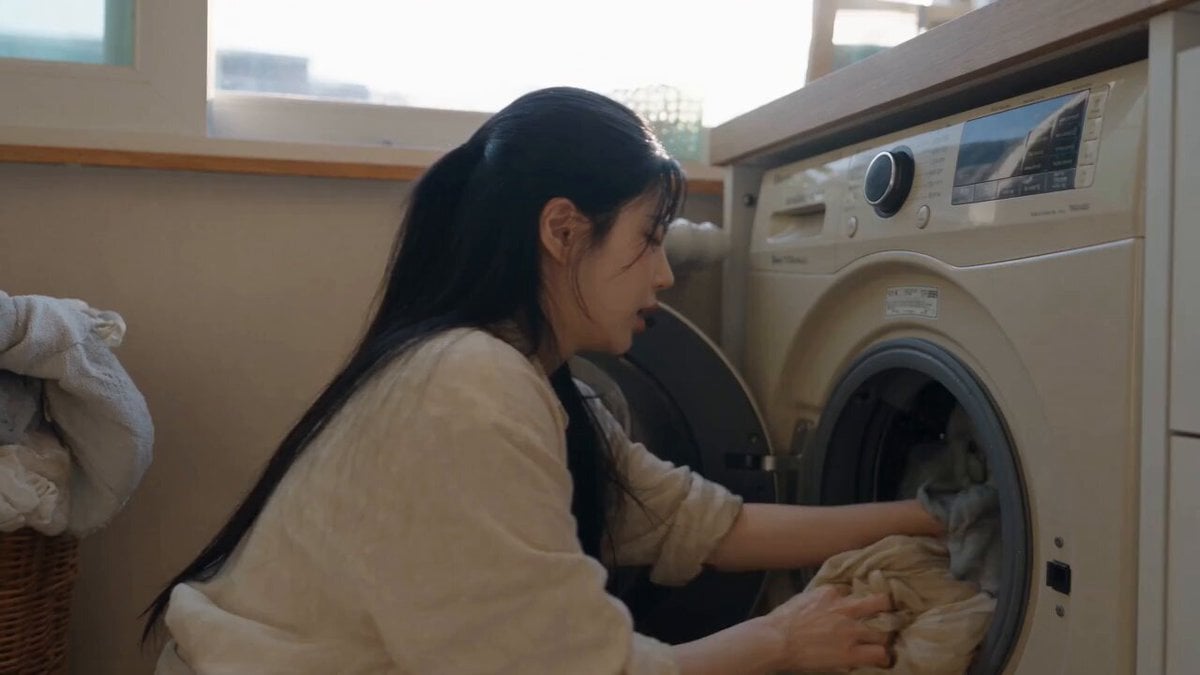
Sunny Morning Laundry Vlog
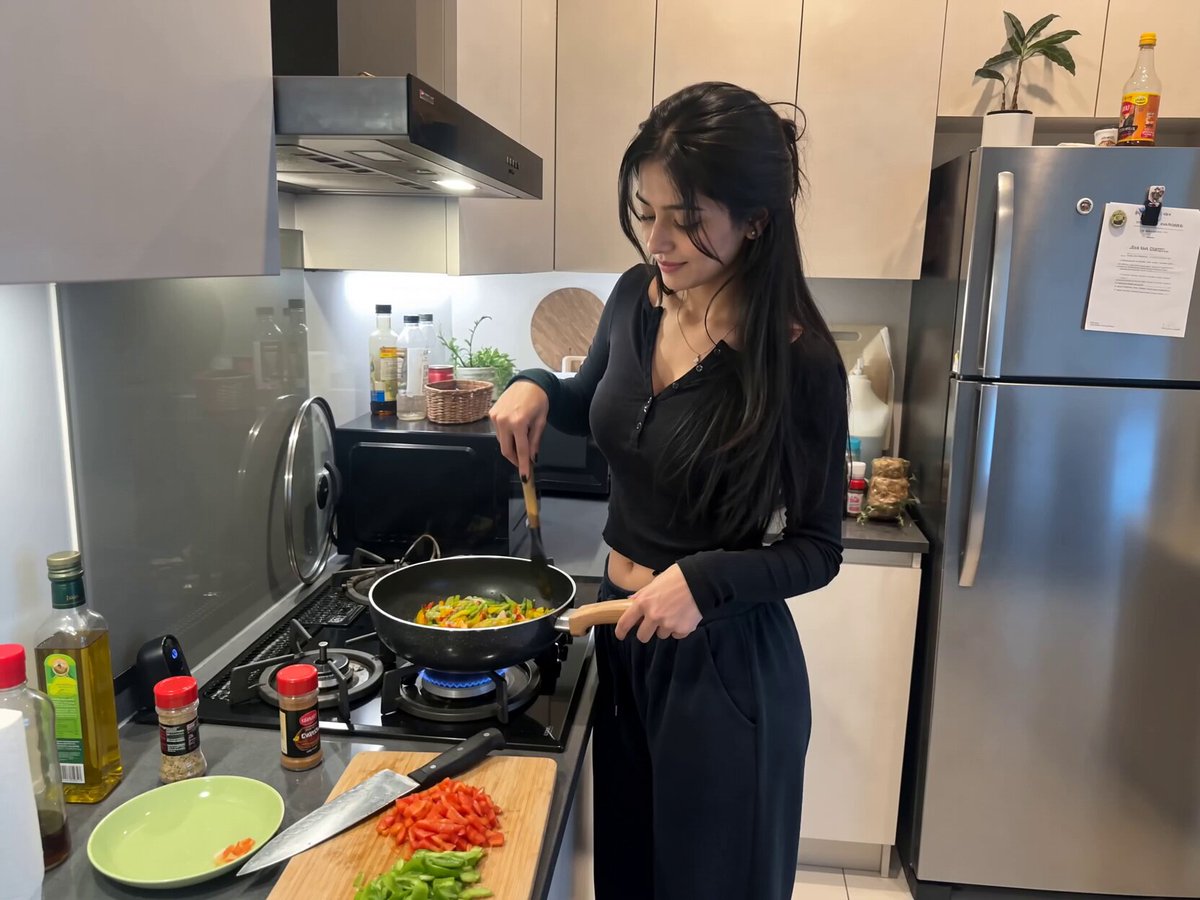
Candid Kitchen Cooking Vlog
Make it yours
Candid Lakeside Photography Vlog works as-is. These are the safest ways to change it without losing the look.
Change one field
Copy a single group, rewrite it, and generate again so you can see what that field is doing.
Keep the frame, change the subject
Hold the composition and light of Candid Lakeside Photography Vlog, then swap wardrobe, props or the person for a new take.
| If the result… | Why | Fix |
|---|---|---|
| The result drifts from the preview | Too many fields changed at once. | Reuse Candid Lakeside Photography Vlog as-is first, then change one group — subject, light, or setting. |
| The model over-stylizes the scene | The prose prompt leaves finish and camera underspecified. | Add one camera or lighting sentence and stay on Seedance 2.0. |
More Seedance 2.0 templates
Other prompts made for Seedance 2.0.

Comical Martial Arts Punch Scene

Maglev Train Action Sequence

Martial Arts Fight Sequence

Wuxia Protection and Trust Script

Vintage Korean Arcade MiniDV Vlog

Mercedes 190 SL Luxury Ad

Rainy Night Supernatural Reverse Comedy Video Script

Amazon Civilization Discovery

Futuristic South Asian City Transformation

Cozy Luxury Cafe Commercial
More video prompts
Fresh picks from across the catalog.

Chibi Royal Couple in Baroque Gothic Palace (30s Continuous Video)

Motivational Work Ethic Video
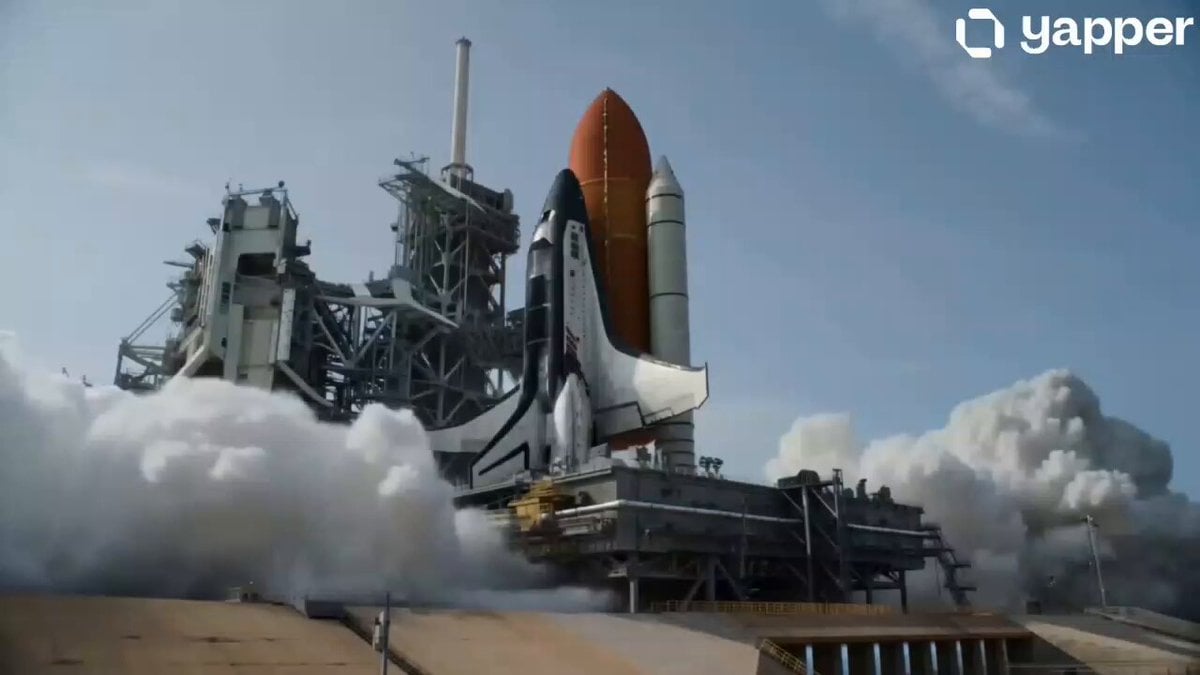
Spaceship Moon Mission Sequence
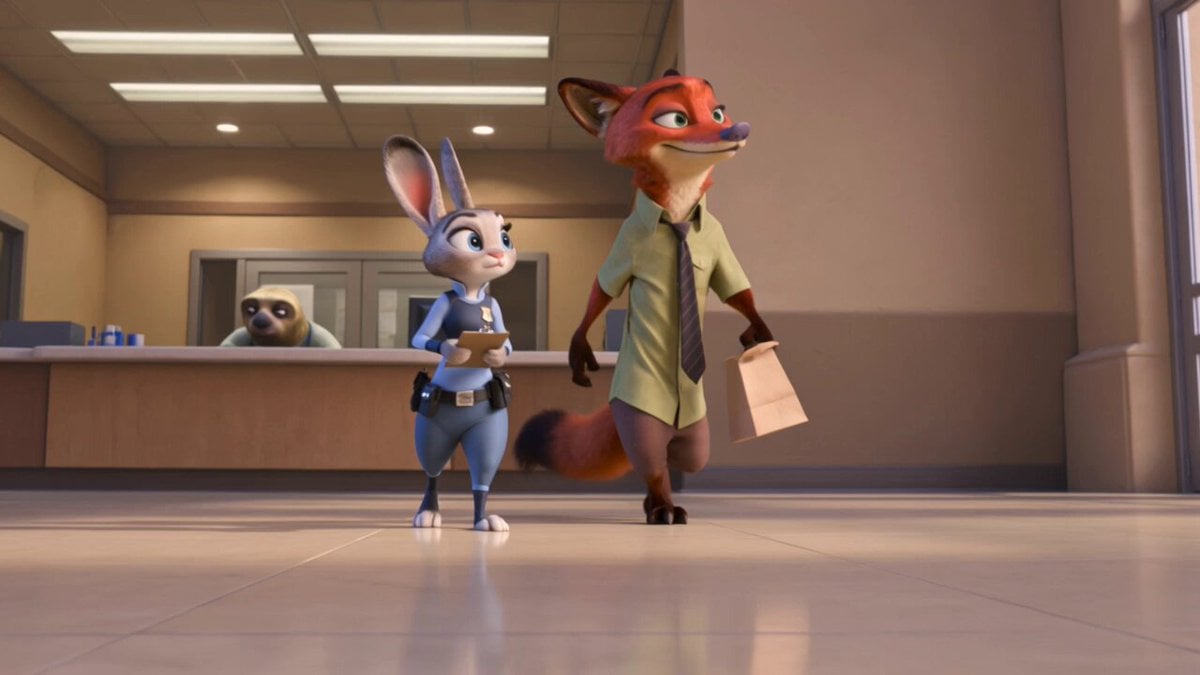
Zootopia Comedic Donut Chase Short

Soulslike Boss Introduction Cinematic
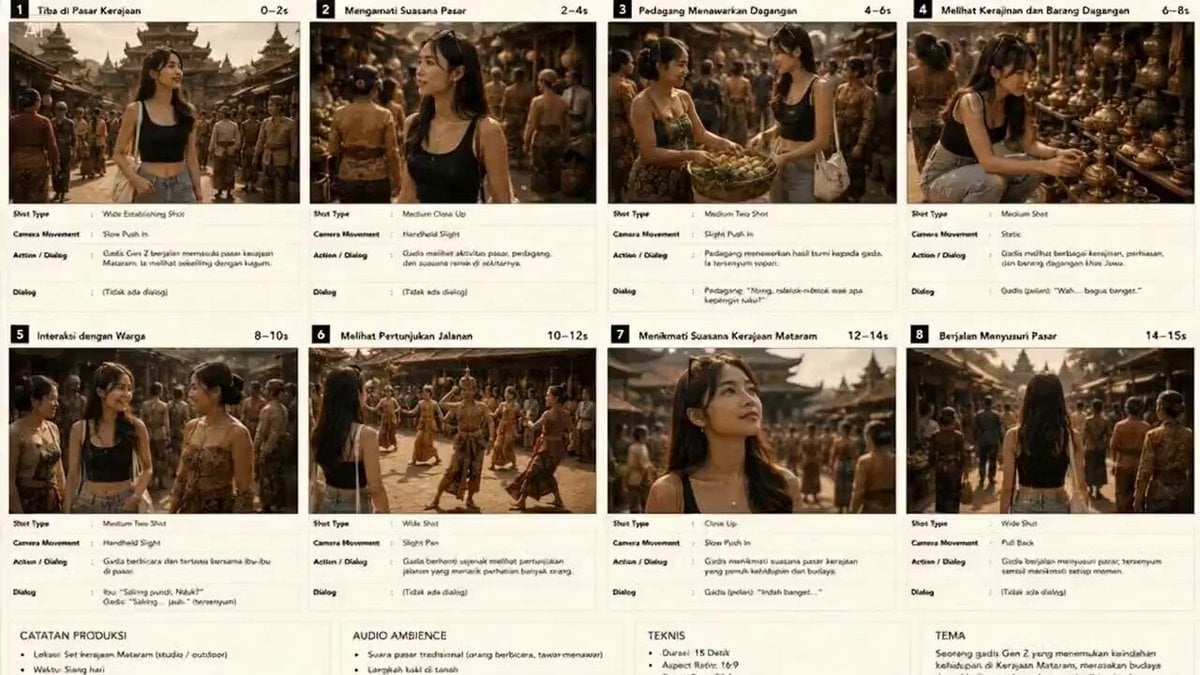
Consistent Female Character Animation

3D rendering of Acts 9:3
Nostalgic DV Camcorder Fairground Video

Firefly Jar Release Image-to-Video prompt

Futuristic Palace Architectural Tour
Browse template categories
Candid Lakeside Photography Vlog questions
How do I use the Candid Lakeside Photography Vlog template?
Add your photo if the template asks for one, edit the prompt if you like — the template's model and format are already selected — and press Generate. Your version opens in PicX Studio.
Can I customize the Candid Lakeside Photography Vlog template?
Yes. You can change the subject, setting, lighting, mood, format, and available model controls before creating your video.
Is the Candid Lakeside Photography Vlog template free?
Opening and editing this template is free. Generating uses credits, shown on the Generate button when you are signed in.
Which AI model should I use?
Start with Seedance 2.0, which is the model associated with this template. You can compare another compatible model for a different finish.
Looking for something else? Browse all templates.

Your photo, any look
Thousands of ready templates for every top image and video model, from one credit balance.