How do I use the Firefly Jar Release Image-to-Video prompt template?
Edit the prompt in the box under the preview — the template's model and format are already selected — and press Generate. Your version appears right on this page.
A two-part prompt for Seedance 2.0's Image-to-Video mode.
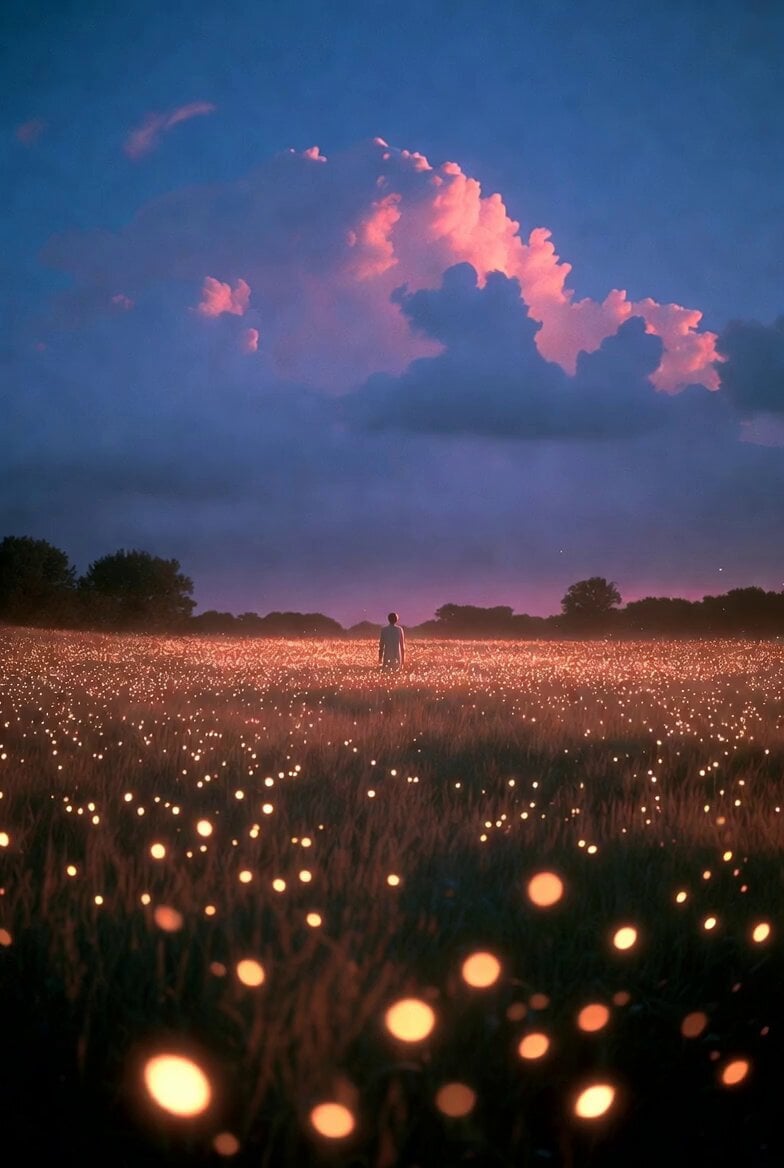
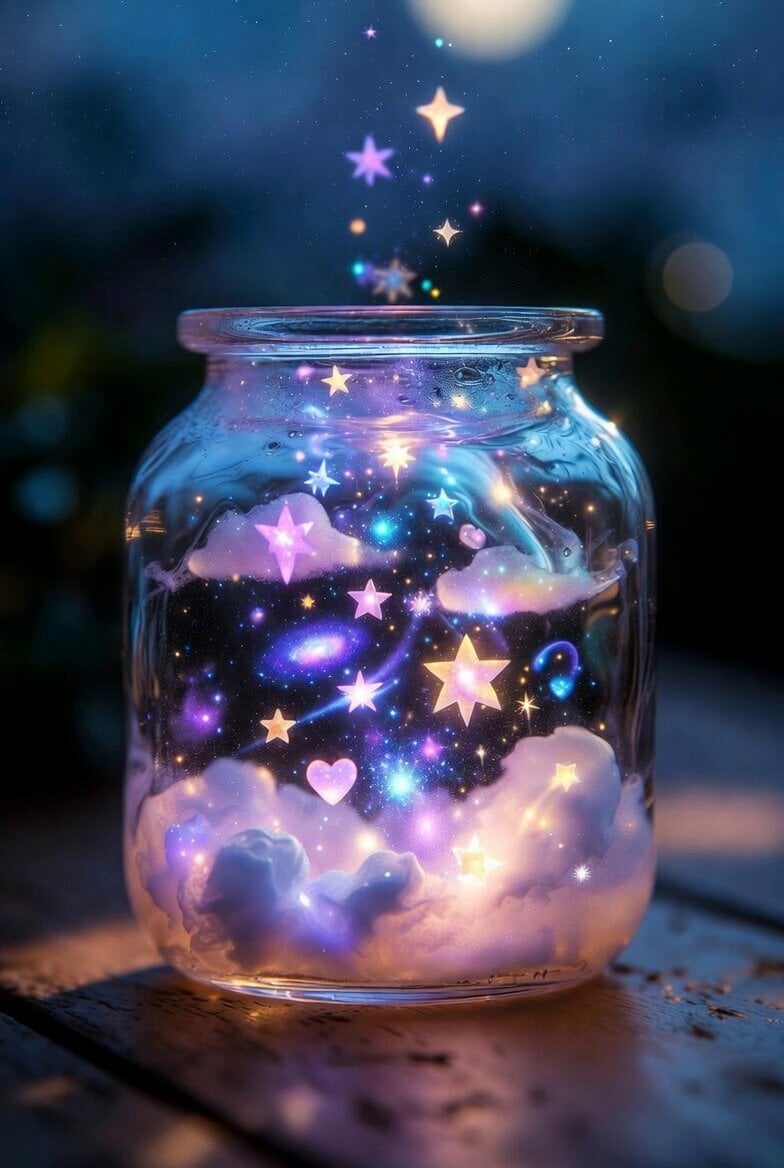
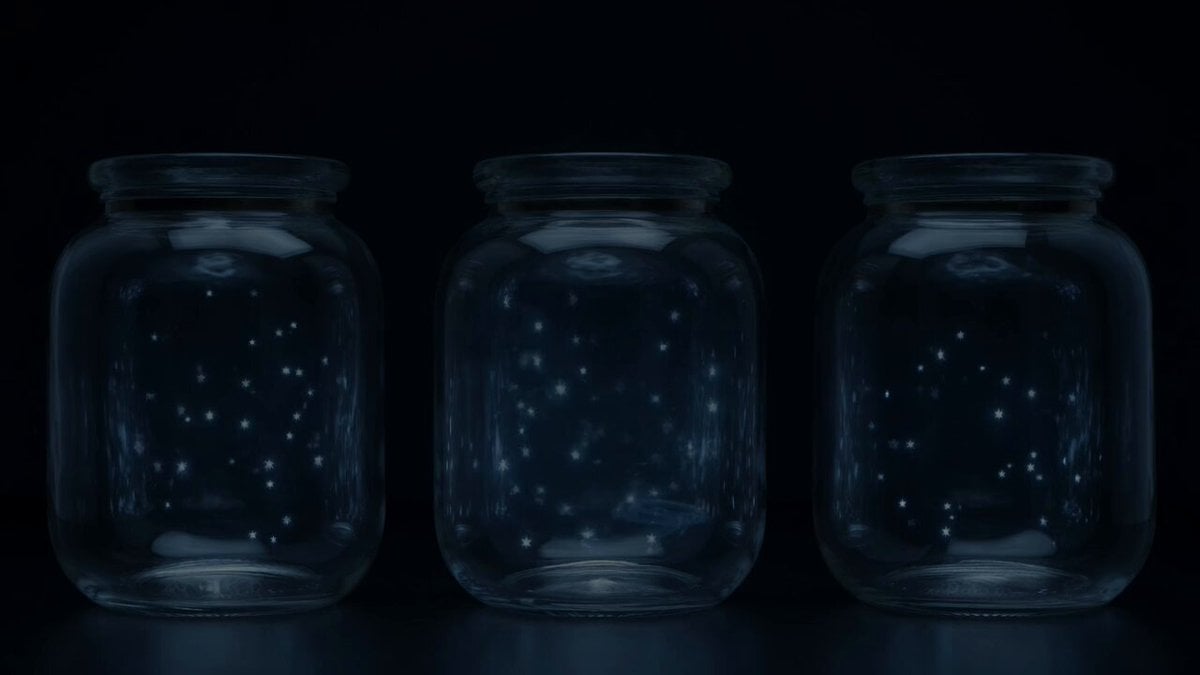
First Frame Image Prompt: A cozy children's picture book lies open on a wooden table, showing a detailed illustration of a glass mason jar filled with glowing cartoon fireflies, a metal lid on top. A realistic human hand enters from the right, fingers gripping the edge of the illustrated lid as if about to twist it open. Close-up shot, dim warm evening atmosphere, magical golden glow, photorealistic style, 4K. Image-to-Video Prompt: The hand twists and lifts the lid off the page. Dozens of tiny three-dimensional glowing fireflies burst upward from the illustrated jar, drifting and blinking with warm golden light above the open book. Their glow reflects softly onto the surrounding pages as they scatter slowly into the air. Camera pulls back gently to capture the full swarm, smooth motion, 6 seconds.
First Frame Image Prompt: A cozy children's picture book lies open on a wooden table, showing a detailed illustration of a glass mason jar filled with glowing cartoon fireflies, a metal lid on top. A realistic human hand enters from the right, fingers gripping the edge of the illustrated lid as if about to twist it open. Close-up shot, dim warm evening atmosphere, magical golden glow, photorealistic style, 4K. Image-to-Video Prompt: The hand twists and lifts the lid off the page. Dozens of tiny three-dimensional glowing fireflies burst upward from the illustrated jar, drifting and blinking with warm golden light above the open book. Their glow reflects softly onto the surrounding pages as they scatter slowly into the air. Camera pulls back gently to capture the full swarm, smooth motion, 6 seconds.
Edit the prompt in the box under the preview — the template's model and format are already selected — and press Generate. Your version appears right on this page.
Yes. You can change the subject, setting, lighting, mood, format, and available model controls before creating your video.
Opening and editing this template is free. Generating uses credits, shown on the Generate button when you are signed in.
Start with Seedance 2.0, which is the model associated with this template. You can compare another compatible model for a different finish.
Follow a topic to a crawlable collection of related PicX Studio templates.