
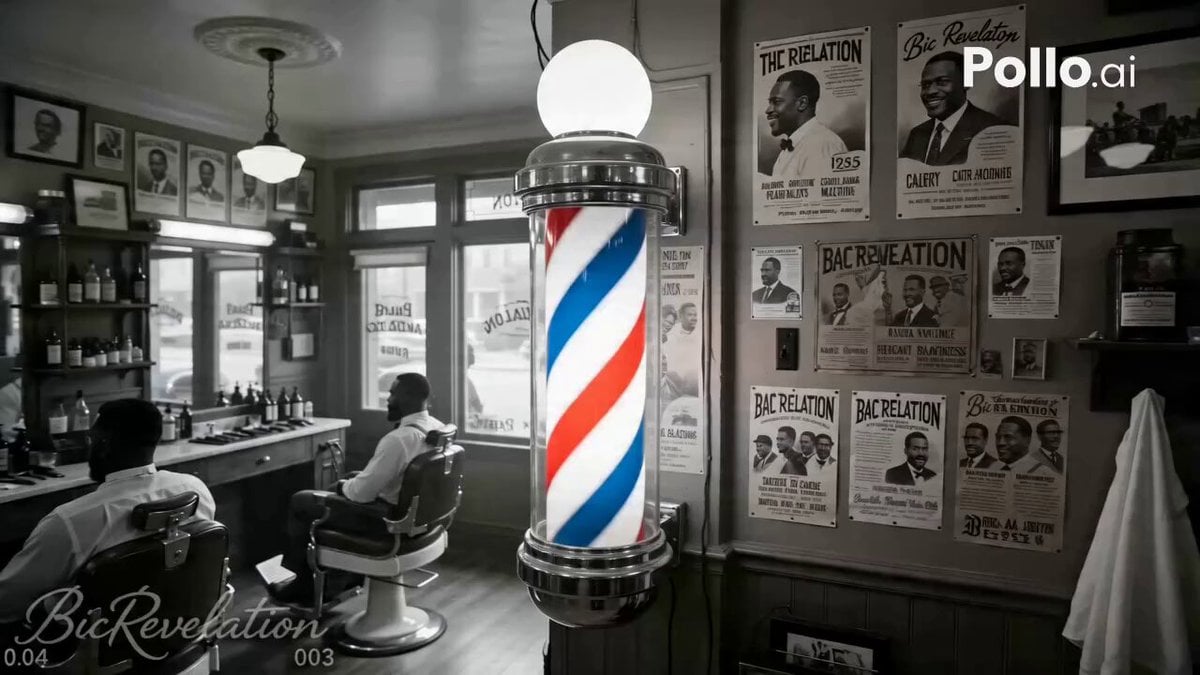
Classic 1920s Harlem Barbershop Scene with Color-Popping Barber Pole
A detailed text-to-video prompt for Seedance 2.0, aiming to generate a cinematic scene of a 1920s Harlem barbershop.
- Prompt included
- Model and format preset
- Free template
The prompt behind this video
Copy the exact prompt behind Classic 1920s Harlem Barbershop Scene with Color-Popping Barber Pole, or open it in the studio and make it yours.
Classic 1920s Harlem barbershop interior scene in full black-and-white / sepia tone except for the vibrant spinning barber pole (bright red, white, and blue stripes with glowing motion blur) which is the ONLY thing in full color. At least three dapper barbers in vintage aprons and white shirts actively cutting hair with scissors and clippers, chatting and laughing animatedly with customers in the classic leather chairs, mirrors reflecting the busy shop, vintage posters and tools on the walls, warm wooden floors, soft natural window light, highly detailed cinematic AI art, elegant semi-transparent calligraphy watermark "BicRevelation" in the lower-left corner at golden-ratio offset 0.04 from left and 0.03 from bottom, height exactly 0.02 of image height, semi-transparent and unobtrusive.
How to use Classic 1920s Harlem Barbershop Scene with Color-Popping Barber Pole in 3 steps
- 1
Open
The prompt is already in the box next to the preview, with the template's model and format selected.
- 2…a portrait of your subject in softgolden-hour light, 85mm…
Personalize
Edit the subject and creative details for your destination.
- 3Generate
Generate
Press Generate — your video is created in PicX Studio, so you can compare it with the original and refine one variable at a time.
More like this
Templates with the same subject, style or setup. Open one to see its prompt.
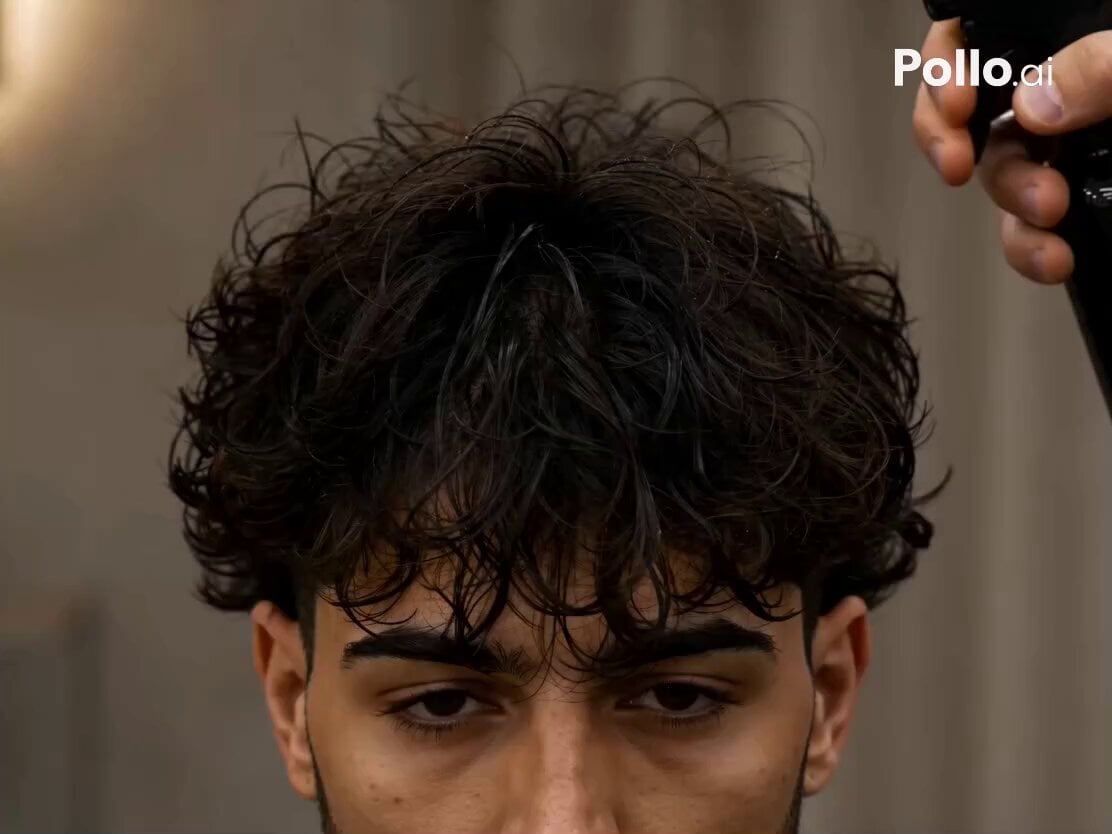
Vertical Barbershop Haircut Storyboard
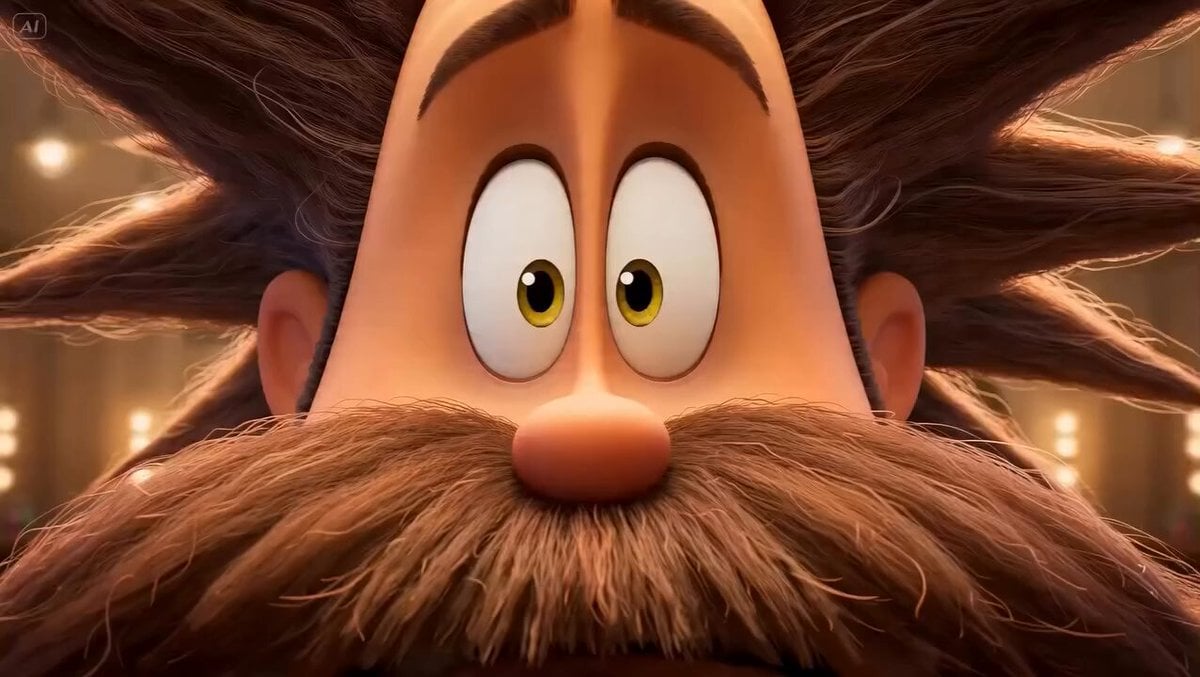
Stylized 3D Barbershop Transformation Sequence
Mujeeb Matrix Bullet Time
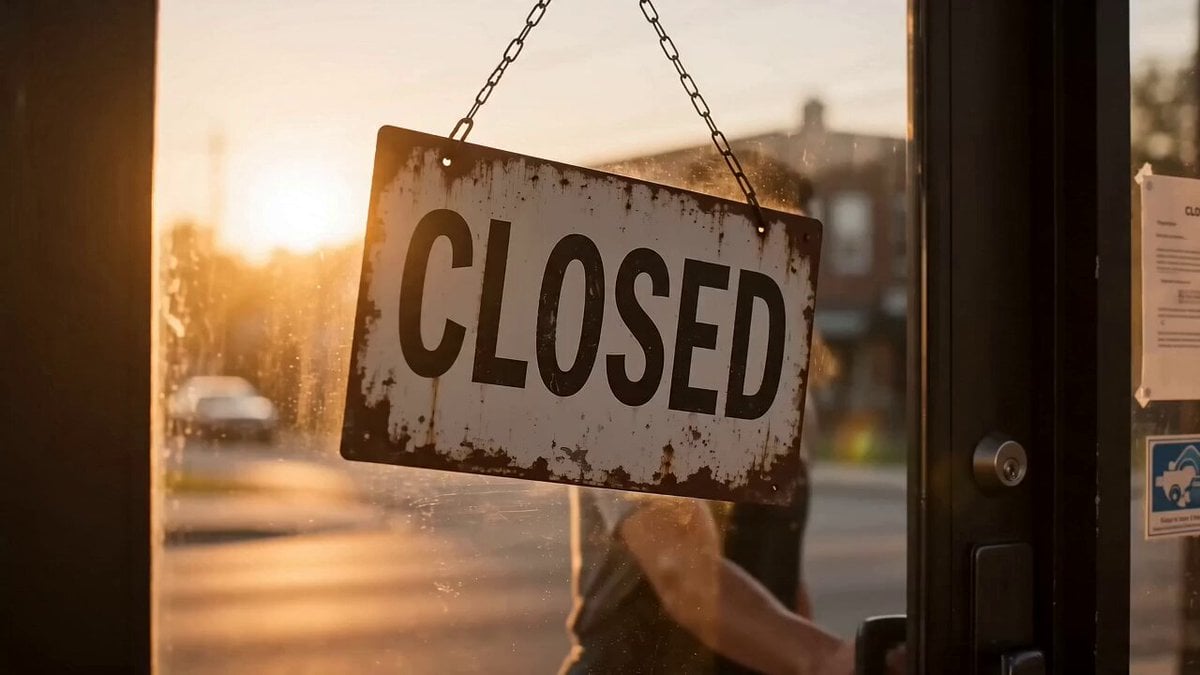
The Street Barber Emotional Story
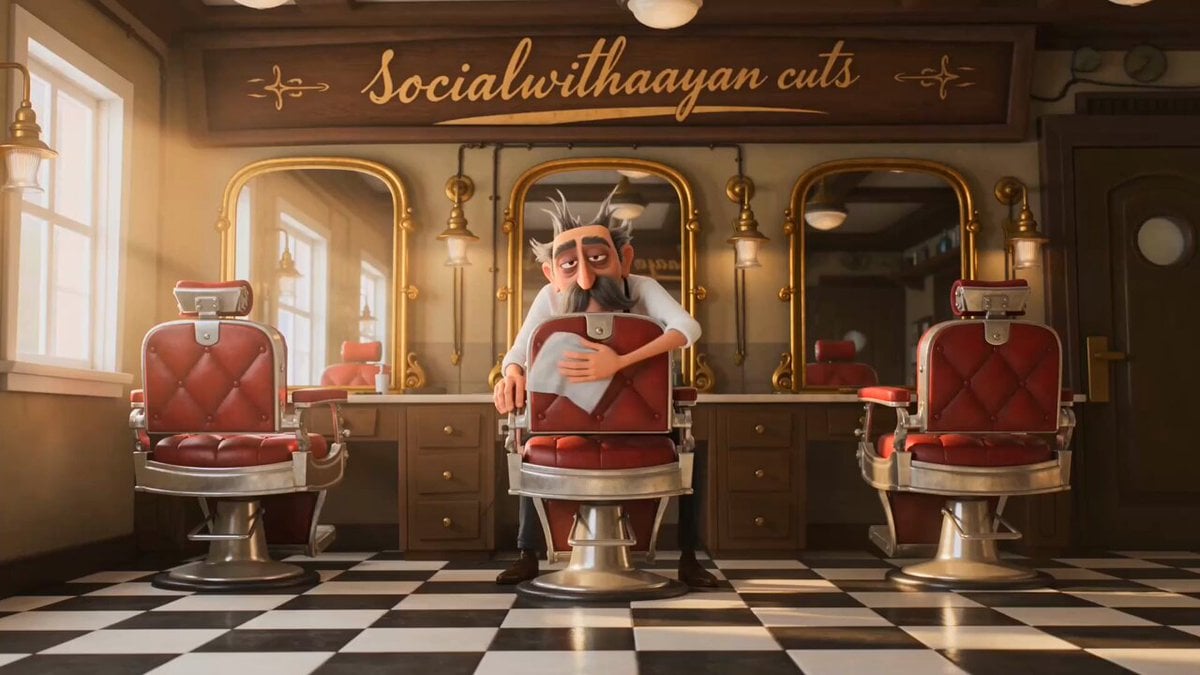
Pixar Style Barber Shop Animation

Classic 90s Disney Style Tiger Animation
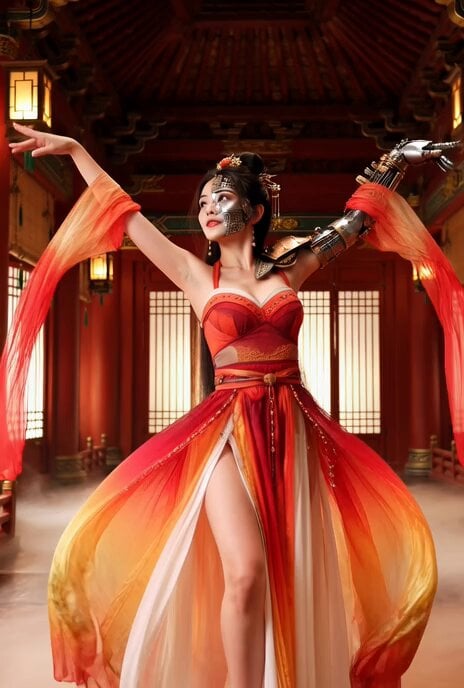
Better Version: Half-Cyberpunk Chinese Dancer in Classical Palace
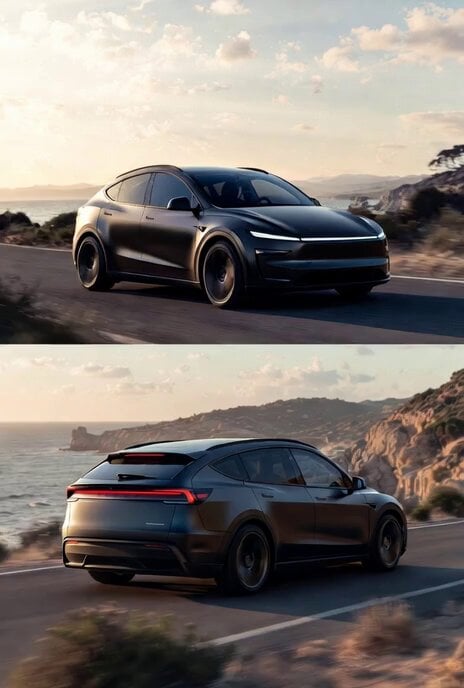
Photorealistic rendering of a Tesla Model Y as a classic European station wagon
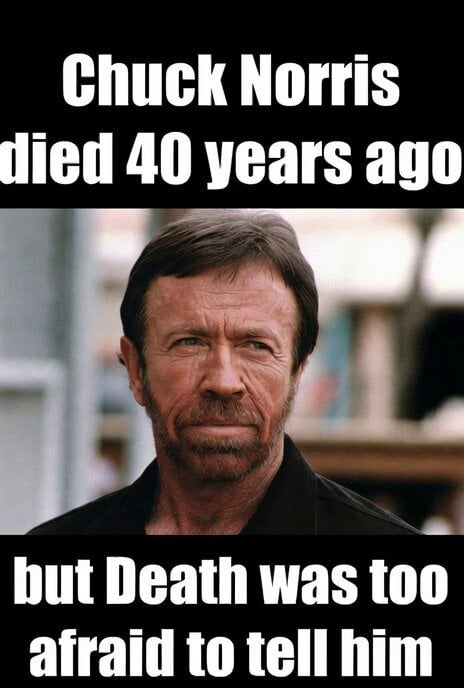
Classic Chuck Norris meme video
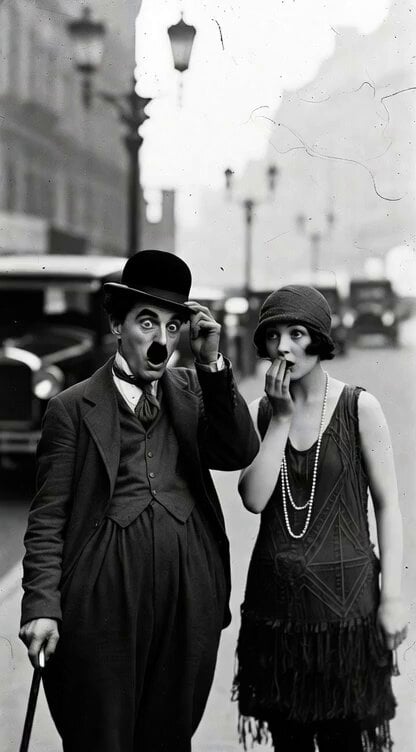
1920s Silent Film Still
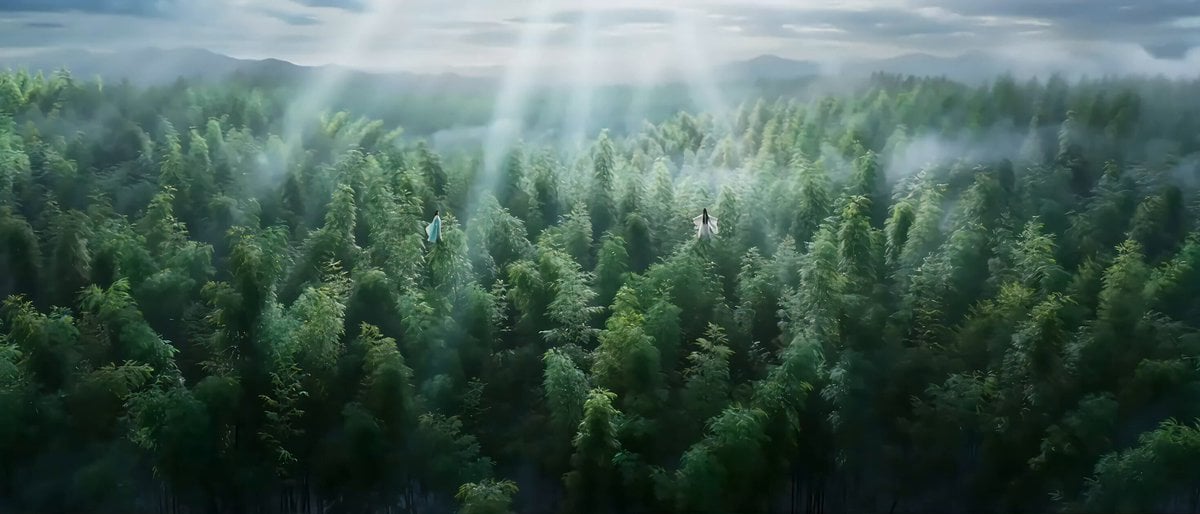
Classical Wuxia Duel in Bamboo Forest

Eastern Classical Immortal Heroine Video Prompt
Make it yours
Classic 1920s Harlem Barbershop Scene with Color-Popping Barber Pole works as-is. These are the safest ways to change it without losing the look.
Change one field
Copy a single group, rewrite it, and generate again so you can see what that field is doing.
Keep the frame, change the subject
Hold the composition and light of Classic 1920s Harlem Barbershop Scene with Color-Popping Barber Pole, then swap wardrobe, props or the person for a new take.
| If the result… | Why | Fix |
|---|---|---|
| The result drifts from the preview | Too many fields changed at once. | Reuse Classic 1920s Harlem Barbershop Scene with Color-Popping Barber Pole as-is first, then change one group — subject, light, or setting. |
| The model over-stylizes the scene | The prose prompt leaves finish and camera underspecified. | Add one camera or lighting sentence and stay on Seedance 2.0. |
More Seedance 2.0 templates
Other prompts made for Seedance 2.0.

Comical Martial Arts Punch Scene

Maglev Train Action Sequence

Martial Arts Fight Sequence

Wuxia Protection and Trust Script

Vintage Korean Arcade MiniDV Vlog

Mercedes 190 SL Luxury Ad

Rainy Night Supernatural Reverse Comedy Video Script

Amazon Civilization Discovery

Futuristic South Asian City Transformation

Cozy Luxury Cafe Commercial
More video prompts
Fresh picks from across the catalog.

Samurai vs Ninjas Action Video
Korean Idol Gym Vlog

Valkyrie Descending on Undead Battlefield
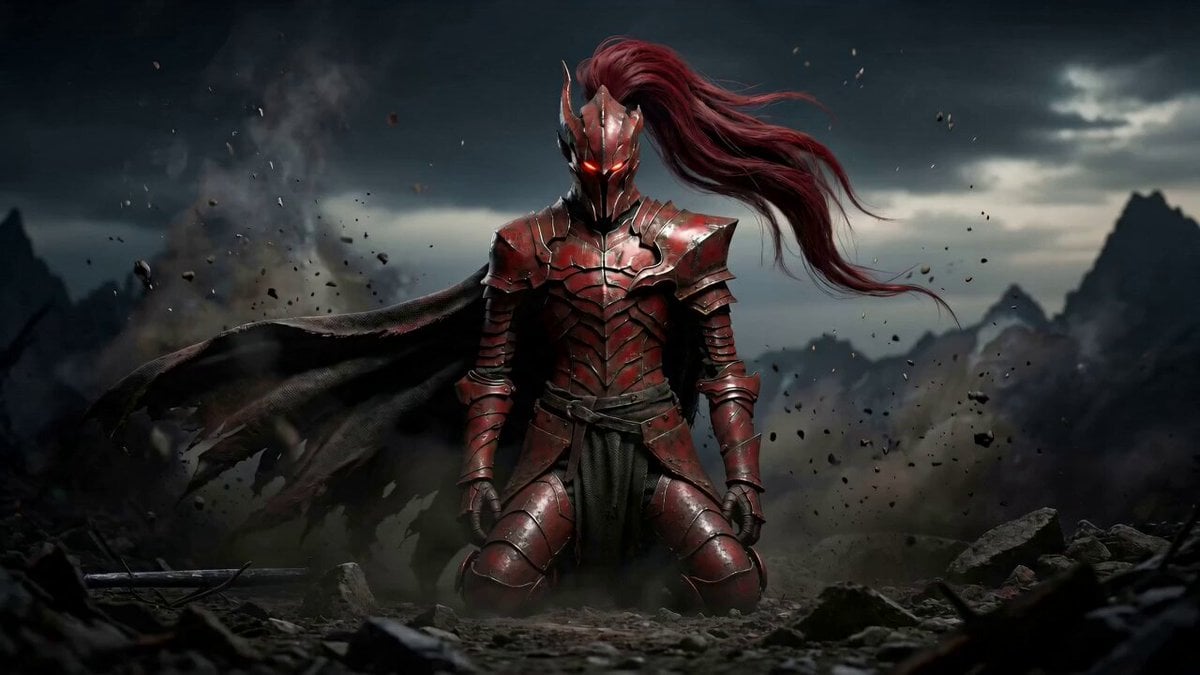
Dark Fantasy Duel: Shadow Monarch vs Knight
Cinematic Oreo Baking Tutorial
Supernatural Woman Lake Transformation
Luxury Perfume Cinematic Action
Scary Water Creature Emergence

Seedance 2.5 - @oggii_0 - 307648
Cinematic Dragon Bond Fantasy Story
Browse template categories
Classic 1920s Harlem Barbershop Scene with Color-Popping Barber Pole questions
How do I use the Classic 1920s Harlem Barbershop Scene with Color-Popping Barber Pole template?
Add your photo if the template asks for one, edit the prompt if you like — the template's model and format are already selected — and press Generate. Your version opens in PicX Studio.
Can I customize the Classic 1920s Harlem Barbershop Scene with Color-Popping Barber Pole template?
Yes. You can change the subject, setting, lighting, mood, format, and available model controls before creating your video.
Is the Classic 1920s Harlem Barbershop Scene with Color-Popping Barber Pole template free?
Opening and editing this template is free. Generating uses credits, shown on the Generate button when you are signed in.
Which AI model should I use?
Start with Seedance 2.0, which is the model associated with this template. You can compare another compatible model for a different finish.
Looking for something else? Browse all templates.

Your photo, any look
Thousands of ready templates for every top image and video model, from one credit balance.