
1920s Silent Film Still
A detailed video generation prompt for Grok Imagine describing a scene in the style of a 1920s silent film still, featuring a Chaplin-like character and a flapper woman on a busy city sidewalk.
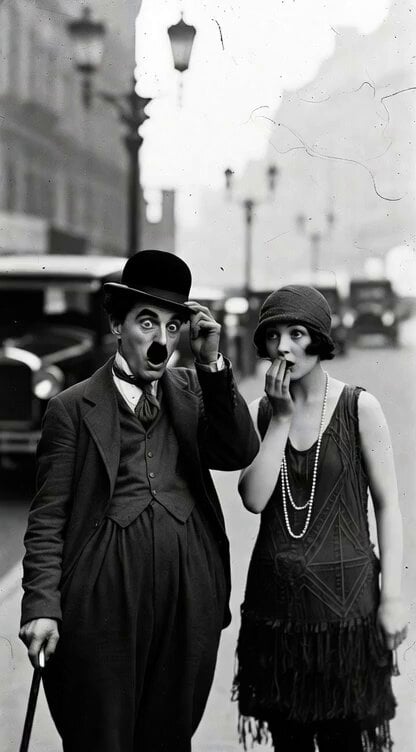
- Prompt included
- Model and format preset
- Premium template
The prompt behind this video
Copy the exact prompt behind 1920s Silent Film Still, or open it in the studio and make it yours.
A 1920s silent film still in stark black and white, grainy 35mm film stock, high contrast. A small Chaplin like character with bowler hat, toothbrush mustache, cane, and oversized baggy clothes tips his hat to a stylish flapper woman with short bobbed hair, cloche hat, fringed drop-waist dress, and long pearl beads. They stand on a busy city sidewalk with vintage Model T cars and lampposts in the background. Exaggerated surprised expressions, soft cinematic lighting, old film scratches and dust marks, silent movie atmosphere.
How to use 1920s Silent Film Still in 3 steps
- 1
Open
The prompt is already in the box next to the preview, with the template's model and format selected.
- 2…a portrait of your subject in softgolden-hour light, 85mm…
Personalize
Edit the subject and creative details for your destination.
- 3Generate
Generate
Press Generate — your video is created in PicX Studio, so you can compare it with the original and refine one variable at a time.
More like this
Templates with the same subject, style or setup. Open one to see its prompt.
Global Flower Thank-You Film
Oceanic Civilization Epic Sci-Fi Film
Window-to-Eye Concept Film
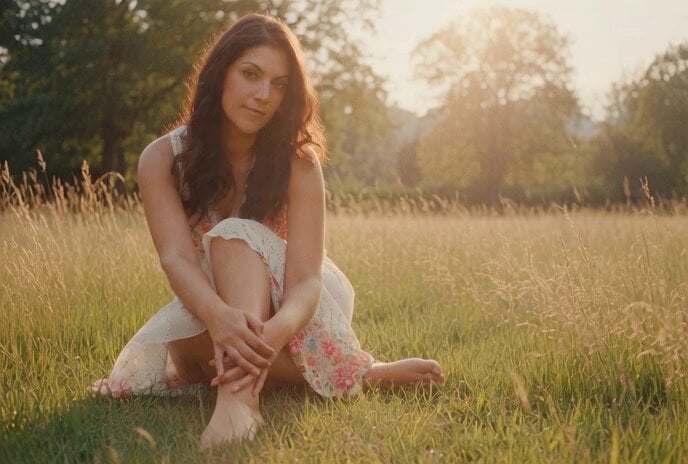
Grok Imagine prompt: Warm, nostalgic 35mm film still aesthetic
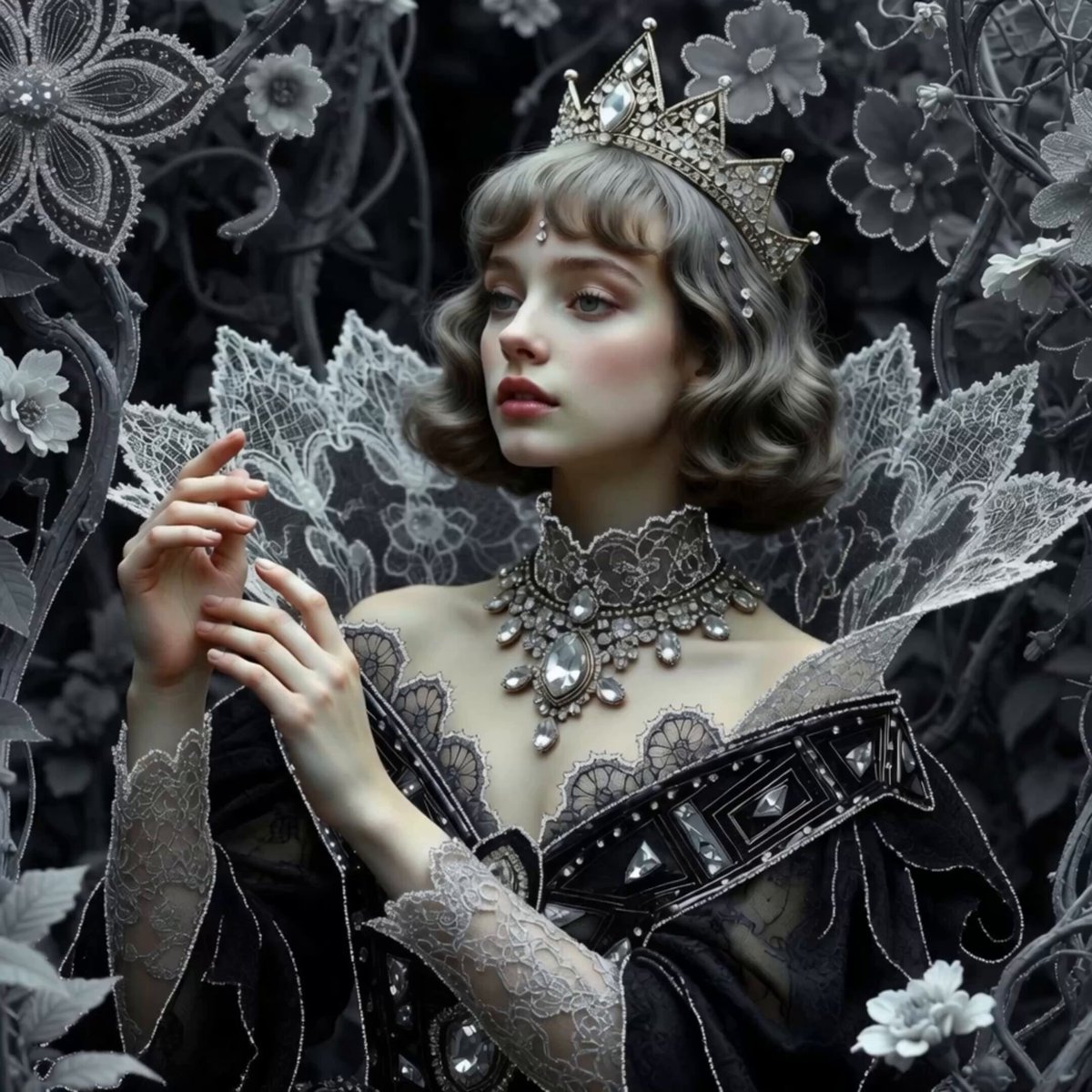
Silver Lace Queen in Silent Garden
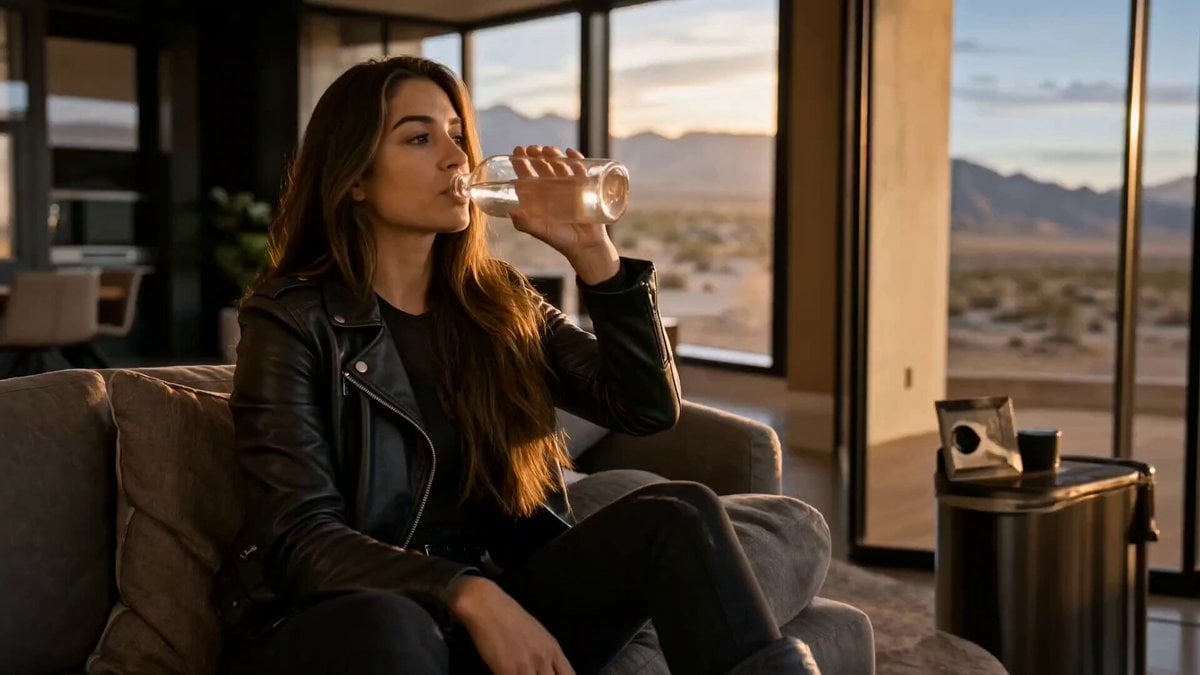
Cinematic Short Film Scene 2

Cinematic Short Film Scene
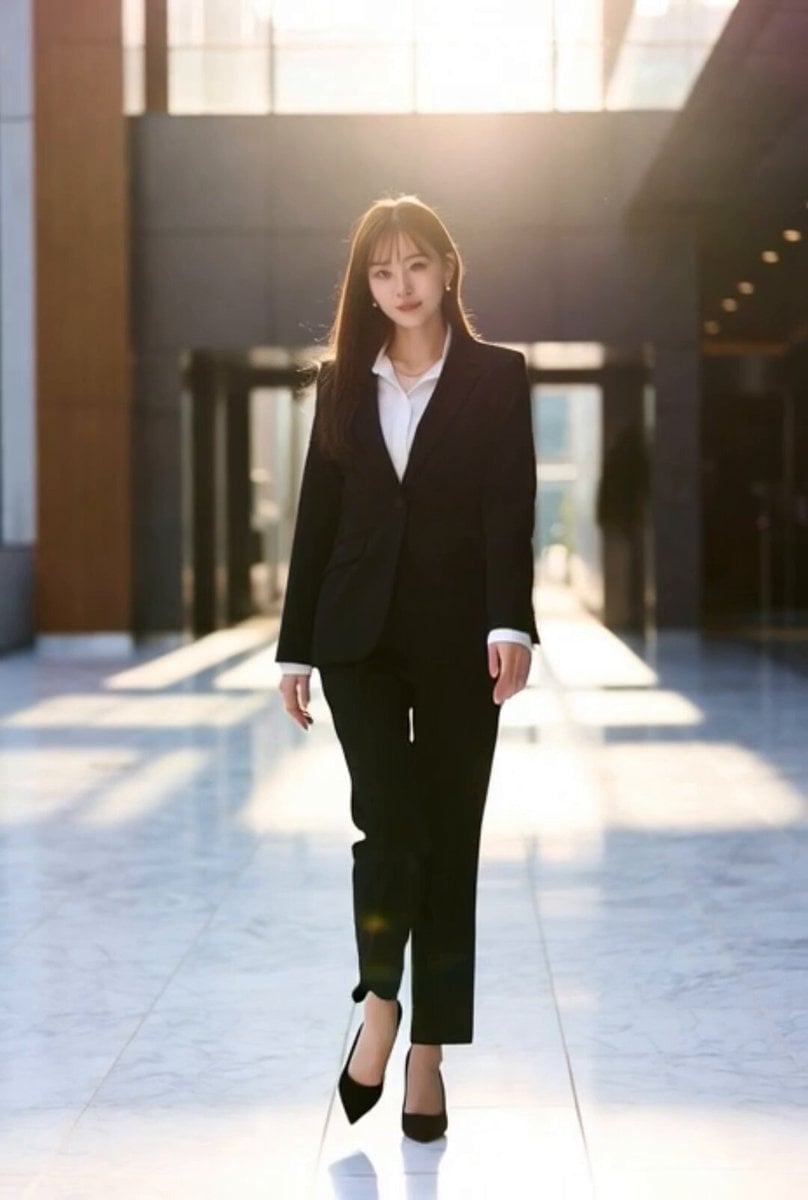
Cinematic motion video generation from a still image
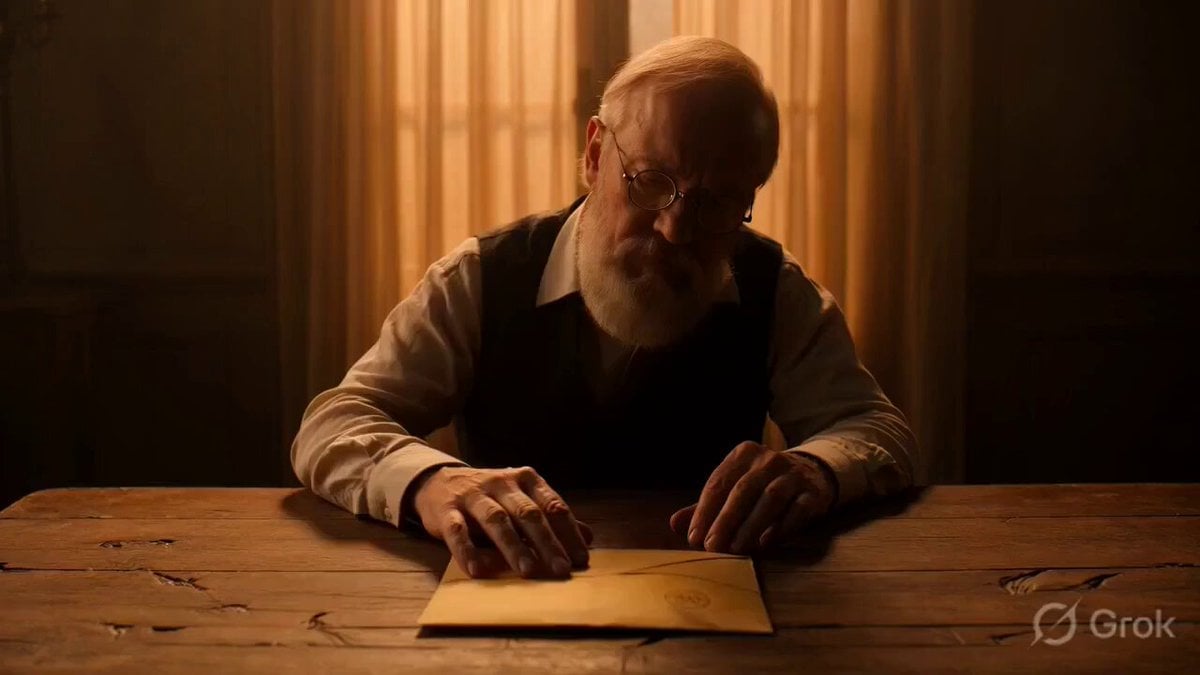
Multi-scene video prompt for a short film about a letter and a memory
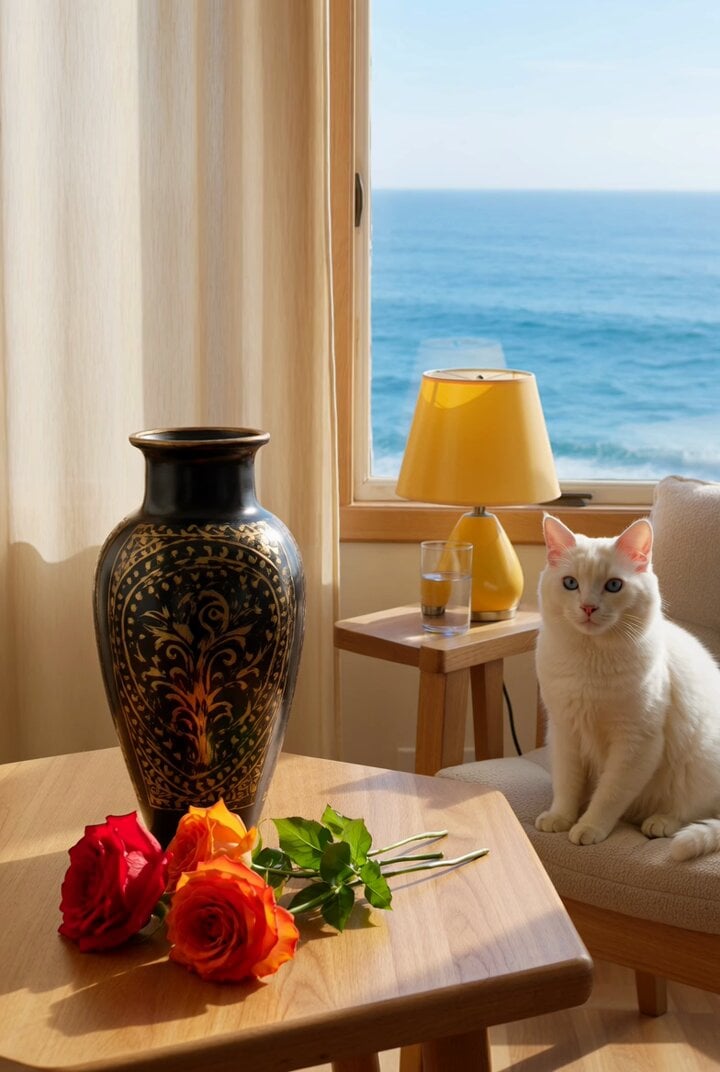
Vase and roses still life
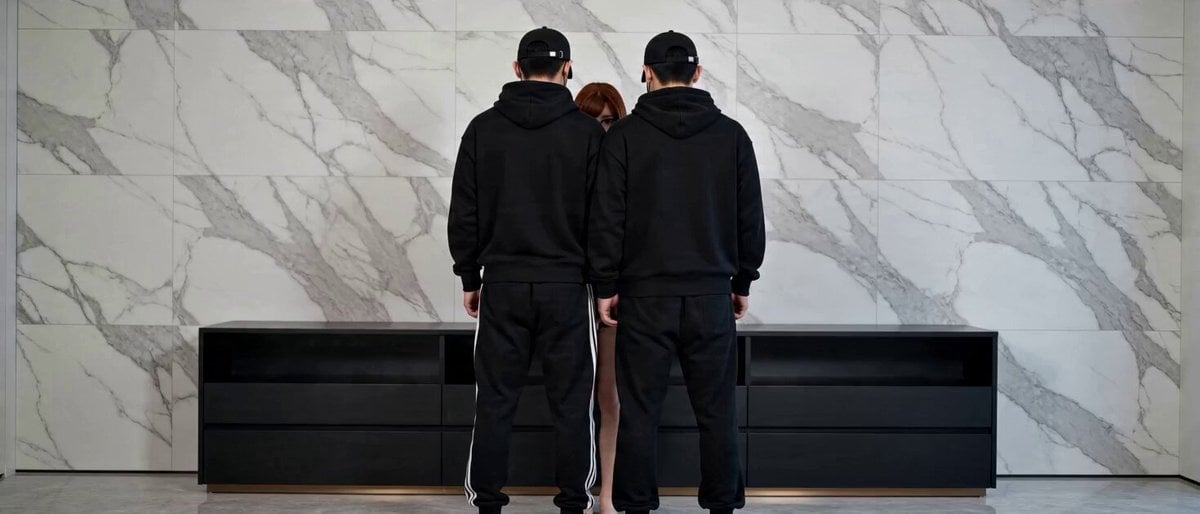
Seamless Transformation Video: Modern Office to 1920s Gangster Film

Kaleidoscopic Cosmic Dolphin Video
Make it yours
1920s Silent Film Still works as-is. These are the safest ways to change it without losing the look.
Change one field
Copy a single group, rewrite it, and generate again so you can see what that field is doing.
Keep the frame, change the subject
Hold the composition and light of 1920s Silent Film Still, then swap wardrobe, props or the person for a new take.
| If the result… | Why | Fix |
|---|---|---|
| The result drifts from the preview | Too many fields changed at once. | Reuse 1920s Silent Film Still as-is first, then change one group — subject, light, or setting. |
| The model over-stylizes the scene | The prose prompt leaves finish and camera underspecified. | Add one camera or lighting sentence and stay on Grok Imagine. |
More Grok Imagine templates
Other prompts made for Grok Imagine.

Mecha Runway Tap Dance Video Prompt

Emotional Angry Couple Drama

Train Zooming in Star Field Video Prompt

Cyberpunk Guerrilla Girl Video Generation

Detailed multi-part video prompt

Interior View Video Generation Prompt
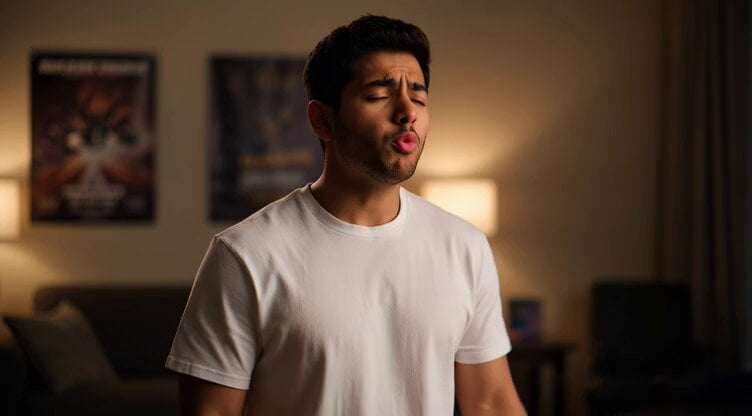
GTA 6 never came out in 1 million years

Bitcoin liferaft video prompt

Woman floating down, opening eyes and looking deeply into the viewer's eyes
Utopian World of Harmony and Peace
More video prompts
Fresh picks from across the catalog.
Romantic Moonlit Encounter

Wingsuit Flying Extreme Sports Video Prompt

Evolution of an Empire Timeline
Retro Skate Video Strawberry Shake Ad
Pastel Beach Anime MV
Istanbul Photographer Lifestyle Vlog
Daily Routine Split-Screen Comparison

Pencil Sketch Woman Holding a Vivid Moon
Cliffside Ritual and Island Landscape Reveal

Spaceship Moon Mission Sequence
Browse template categories
1920s Silent Film Still questions
How do I use the 1920s Silent Film Still template?
Add your photo if the template asks for one, edit the prompt if you like — the template's model and format are already selected — and press Generate. Your version opens in PicX Studio.
Can I customize the 1920s Silent Film Still template?
Yes. You can change the subject, setting, lighting, mood, format, and available model controls before creating your video.
Is the 1920s Silent Film Still template free?
Opening and editing this template is free. Generating uses credits, shown on the Generate button when you are signed in.
Which AI model should I use?
Start with Grok Imagine, which is the model associated with this template. You can compare another compatible model for a different finish.
Looking for something else? Browse all templates.

Your photo, any look
Thousands of ready templates for every top image and video model, from one credit balance.