
Cliffside Ritual and Island Landscape Reveal
A cinematic shot featuring a cliffside ritual with cloaked figures followed by a dramatic camera acceleration to reveal the island's landscape.
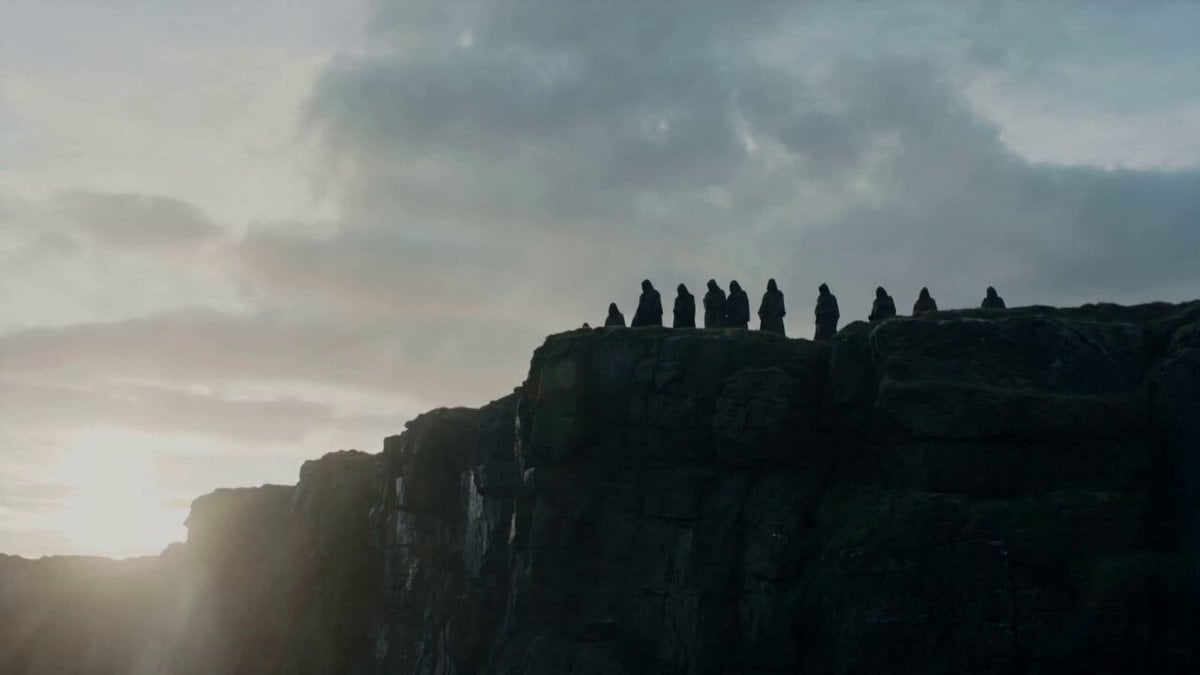
- Prompt included
- Model and format preset
- Premium template
The prompt behind this video
Copy the exact prompt behind Cliffside Ritual and Island Landscape Reveal, or open it in the studio and make it yours.
The shot opens tight on a row of cloaked figures standing along the cliff edge, all facing the sea in silence, their silhouettes striking against the wind and spray. One figure slowly steps out from the line and moves to the very tip of the precipice. The camera sweeps past the figures and tips down over the cliff, revealing the crashing ocean far below and the immense vertical scale of the rock face. Then the camera explodes upward at extreme velocity, climbing high above them and still accelerating, pulling several kilometers away into a giant orbiting sweep toward the directly opposite end of the island. The full terrain reveals itself in one fluid dramatic motion — jagged cliffs, lonely plateaus, surf lines, hidden coves, vast sea. On the far side, another reflected flash answers back, making the ritual on the cliff essential to the shot and giving the landscape reveal a clear cinematic payoff.
How to use Cliffside Ritual and Island Landscape Reveal in 3 steps
- 1
Open
The prompt is already in the box next to the preview, with the template's model and format selected.
- 2…a portrait of your subject in softgolden-hour light, 85mm…
Personalize
Edit the subject and creative details for your destination.
- 3Generate
Generate
Press Generate — your video is created in PicX Studio, so you can compare it with the original and refine one variable at a time.
More like this
Templates with the same subject, style or setup. Open one to see its prompt.
FPV Multilingual Landscape Flight
Cinematic Cliffside Ocean Reveal
Rainforest Thriller — Searching the Unseen
Stone Colossus Desert Riders — Golden Fire Reveal
Korean Folk Horror Ritual
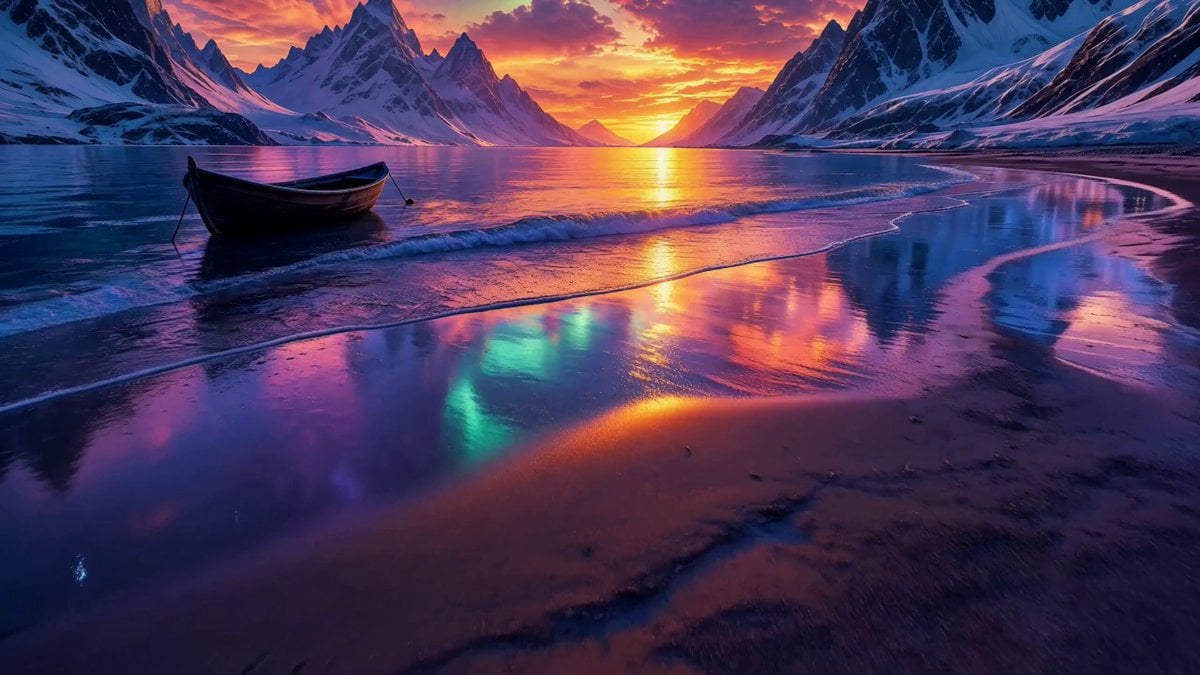
Arctic Aurora Cinematic Landscape

Jack-in-the-Box Horror Reveal

Migrating Living Mountains Landscape
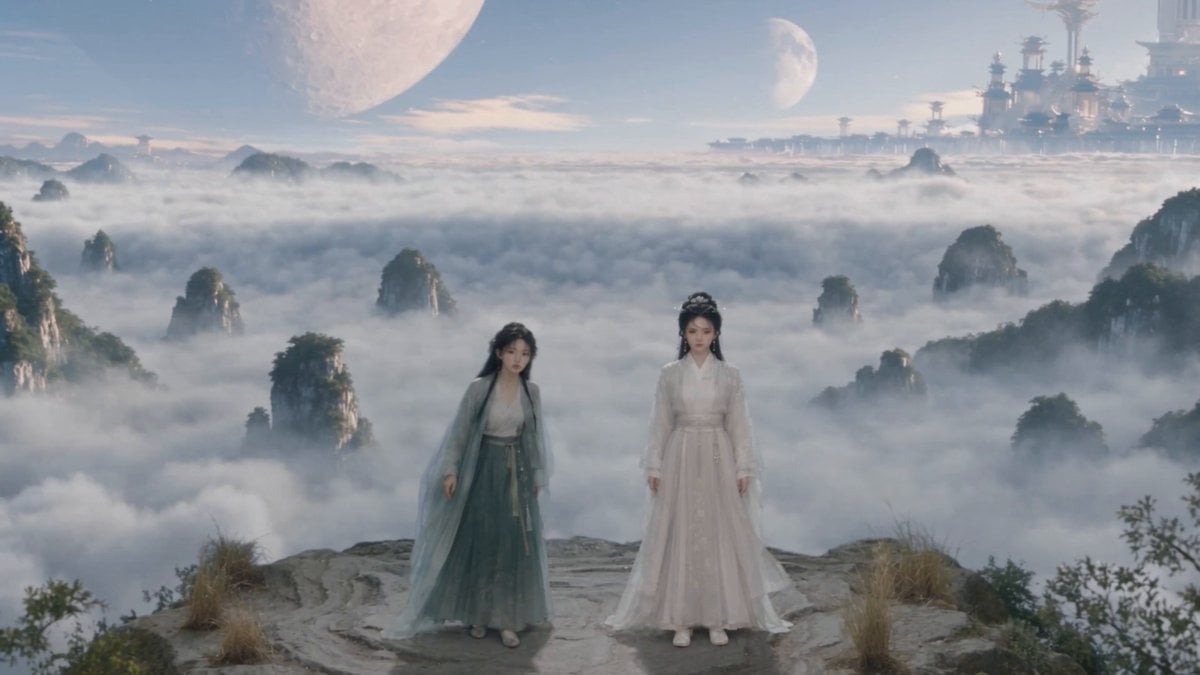
Wuxia Environmental Narrative Landscape
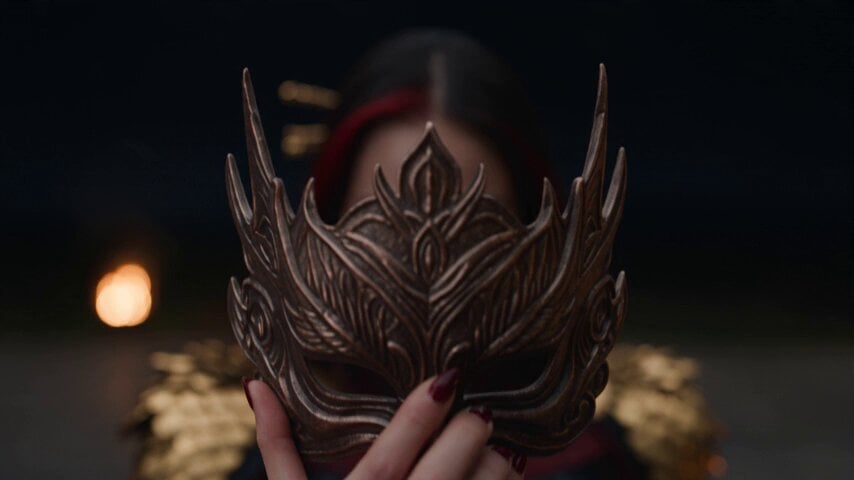
Dark Fantasy Fire Phoenix Ritual
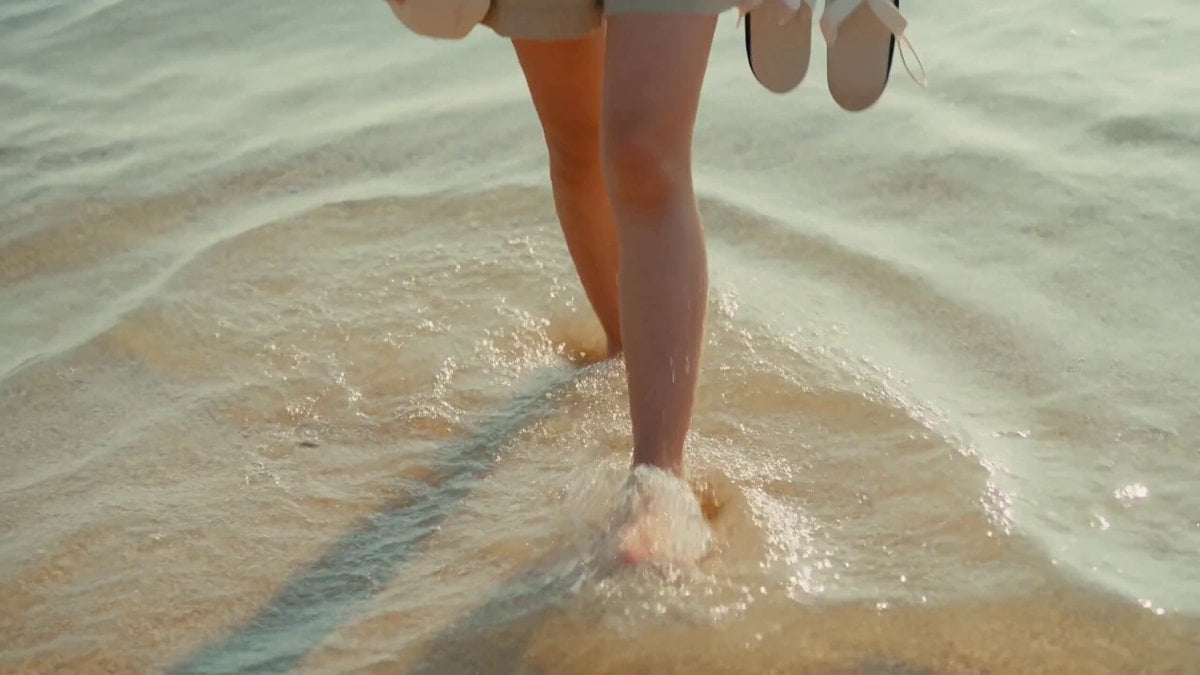
2000s MiniDV Jeju Island Beach Walk
Fantasy Dragon River Reveal
Make it yours
Cliffside Ritual and Island Landscape Reveal works as-is. These are the safest ways to change it without losing the look.
Change one field
Copy a single group, rewrite it, and generate again so you can see what that field is doing.
Keep the frame, change the subject
Hold the composition and light of Cliffside Ritual and Island Landscape Reveal, then swap wardrobe, props or the person for a new take.
| If the result… | Why | Fix |
|---|---|---|
| The result drifts from the preview | Too many fields changed at once. | Reuse Cliffside Ritual and Island Landscape Reveal as-is first, then change one group — subject, light, or setting. |
| The model over-stylizes the scene | The prose prompt leaves finish and camera underspecified. | Add one camera or lighting sentence and stay on Seedance 2.0. |
More Seedance 2.0 templates
Other prompts made for Seedance 2.0.

Comical Martial Arts Punch Scene

Maglev Train Action Sequence

Martial Arts Fight Sequence

Wuxia Protection and Trust Script

Vintage Korean Arcade MiniDV Vlog

Mercedes 190 SL Luxury Ad

Rainy Night Supernatural Reverse Comedy Video Script

Amazon Civilization Discovery

Futuristic South Asian City Transformation

Cozy Luxury Cafe Commercial
More video prompts
Fresh picks from across the catalog.

Adorable 3D Animated Kitten Rescue Story
Industrial Elevator Combat Scene
Seamless Transformation: Bicycle to Horse, Boy to Cowgirl
Volcanic Rally Stunt Ejection
3D Rotating Earth in Space
Epic Dragon Battle Video Prompt for Seedance 2.0
The Black Blight City Sealing
Formula 1 Night Rain Pit Stop
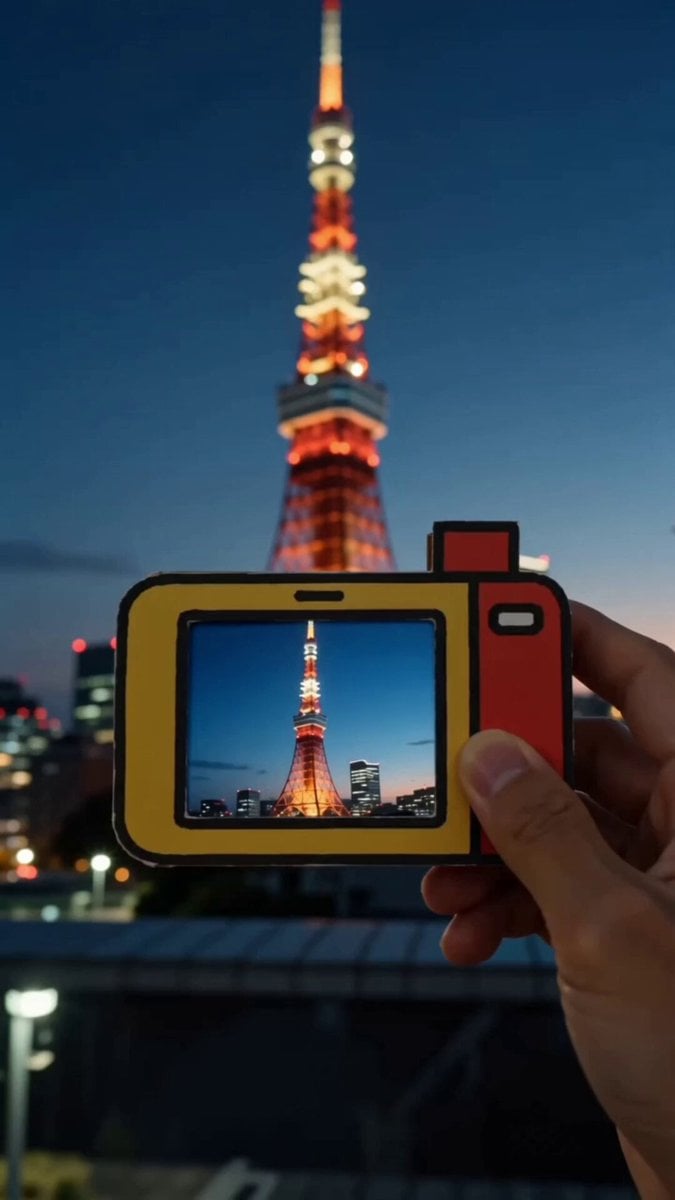
POV Paper Camera Effect
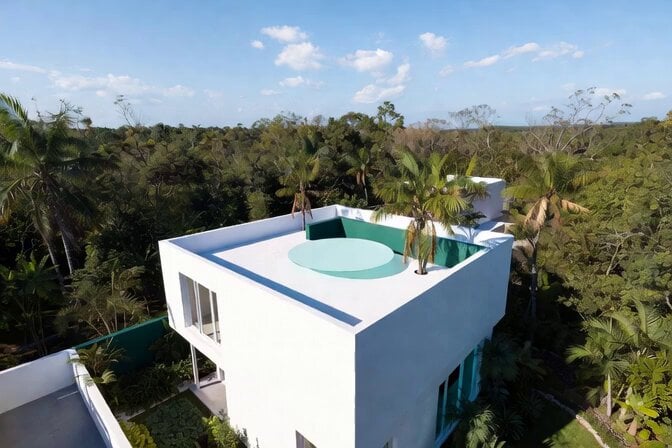
Futuristic Water Landing Platform
Browse template categories
Cliffside Ritual and Island Landscape Reveal questions
How do I use the Cliffside Ritual and Island Landscape Reveal template?
Add your photo if the template asks for one, edit the prompt if you like — the template's model and format are already selected — and press Generate. Your version opens in PicX Studio.
Can I customize the Cliffside Ritual and Island Landscape Reveal template?
Yes. You can change the subject, setting, lighting, mood, format, and available model controls before creating your video.
Is the Cliffside Ritual and Island Landscape Reveal template free?
Opening and editing this template is free. Generating uses credits, shown on the Generate button when you are signed in.
Which AI model should I use?
Start with Seedance 2.0, which is the model associated with this template. You can compare another compatible model for a different finish.
Looking for something else? Browse all templates.

Your photo, any look
Thousands of ready templates for every top image and video model, from one credit balance.