
Korean Folk Horror Ritual
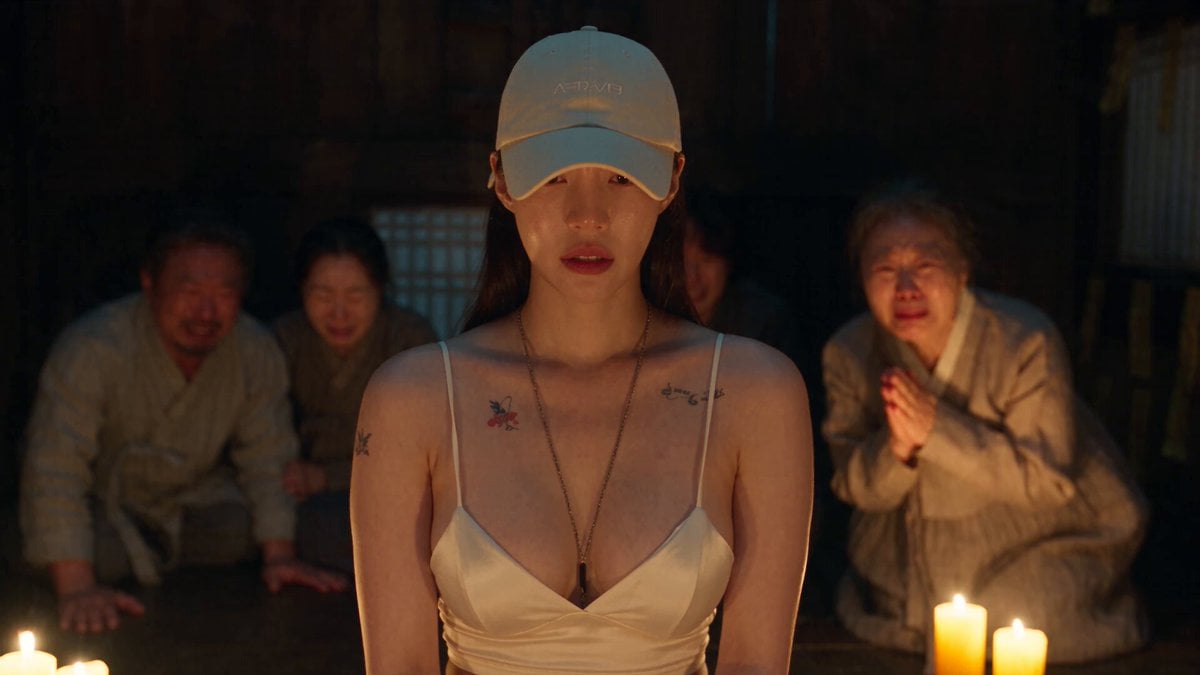
A 30-second cinematic Korean folk-horror prompt involving a dark ritual with candles, talismans, and an unnatural possession.
- Prompt included
- Model and format preset
- Free template
The prompt behind this video
Copy the exact prompt behind Korean Folk Horror Ritual, or open it in the studio and make it yours.
30-sec cinematic Korean folk-horror ritual. Keep the Word character’s face and outfit consistent throughout. 1. 0–4s: Word character kneels pale and weak in a dim traditional Korean house; worried family, candles, incense, shaman preparing the ritual. 2. 4–8s: Salt circle and talismans surround her; candlelight flickers as her eyes twitch and fingers convulse. 3. 8–12s: Her head snaps unnaturally; guttural inhuman voice, dark veins spreading, body twisting as the ritual intensifies. 4. 12–16s: Eyes turn black; shaman chants frantically and throws rice/salt; her body convulses violently. 5. 16–20s: She rises unnaturally; shaman presses a burning talisman to her forehead as wind tears through the closed room. 6. 20–24s: Talisman burns, flames surge, she collapses and becomes completely still. 7. 24–27s: Her eyes reopen human; family rushes to her in relief while the exhausted shaman watches. 8. 27–30s: Wide aftermath: scattered salt, burnt talismans, melted candles. One intact talisman emits faint dark smoke, leaving an unsettling unresolved ending. Style: cinematic Korean folk horror, dark wooden interior, warm candlelight, deep shadows, tense atmosphere, realistic, unsettling, dramatic camera movement.
How to use Korean Folk Horror Ritual in 3 steps
- 1
Open
The prompt is already in the box next to the preview, with the template's model and format selected.
- 2…a portrait of your subject in softgolden-hour light, 85mm…
Personalize
Edit the subject and creative details for your destination.
- 3Generate
Generate
Press Generate — your video is created in PicX Studio, so you can compare it with the original and refine one variable at a time.
More like this
Templates with the same subject, style or setup. Open one to see its prompt.
Korean Night Market Bullet-Time Scene - Seedance 2.5
Dark Folk Horror Forest

Silk Road Pomegranate Folk Animation

Iced Coffee Dog Good-News Montage
Sunny Morning Laundry Vlog
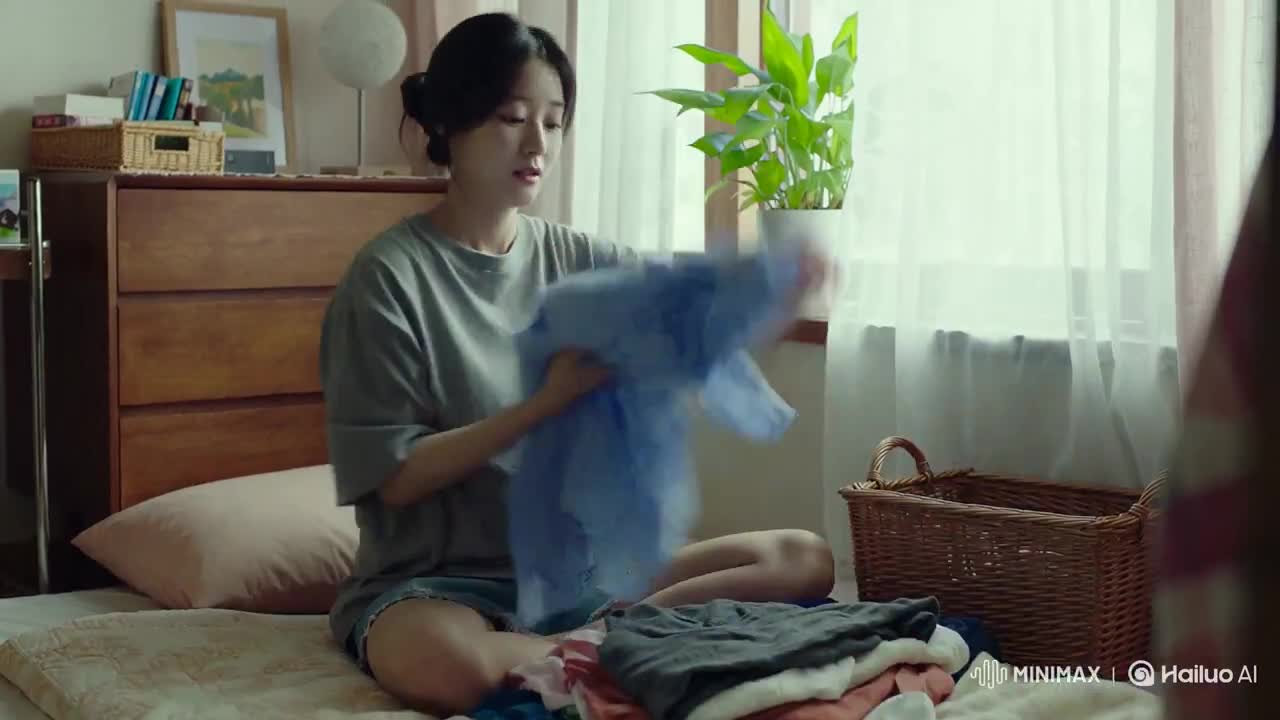
Korean Woman Laundry Folding DV Camcorder Morning
Rainforest Thriller — Searching the Unseen
Chibi Cave Adventure — He Doesn't Know What's Coming

Vintage Korean Arcade MiniDV Vlog
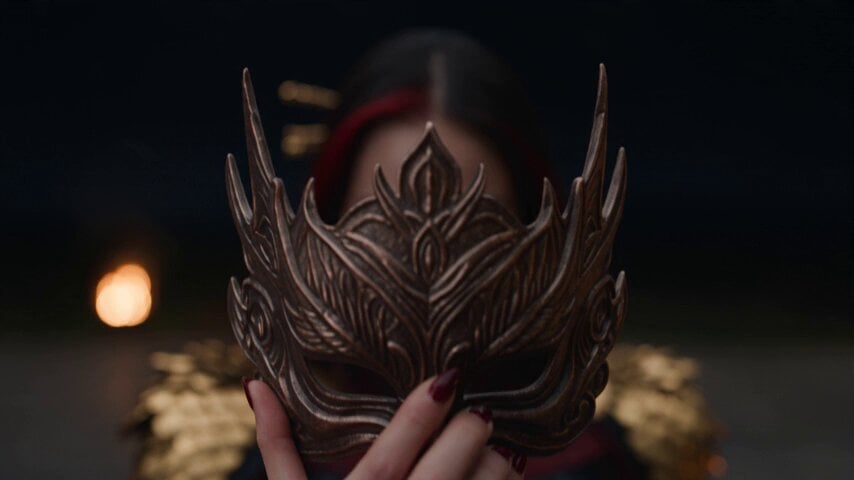
Dark Fantasy Fire Phoenix Ritual
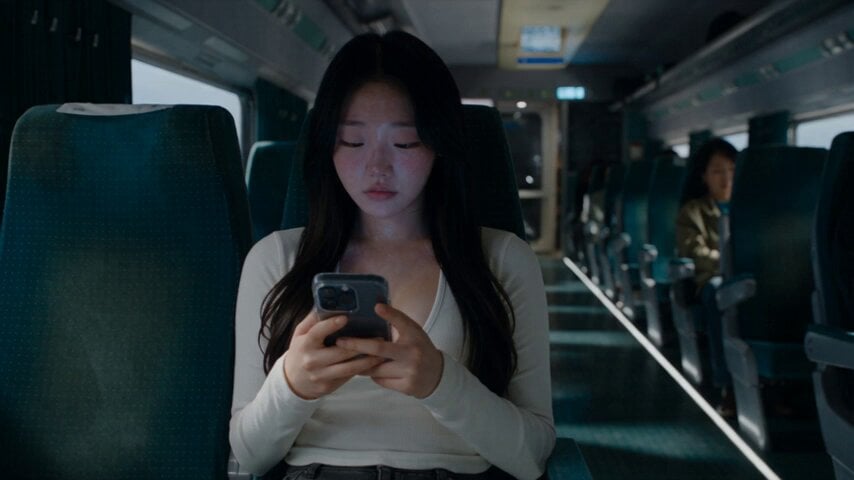
Last Ride Train Outbreak Horror
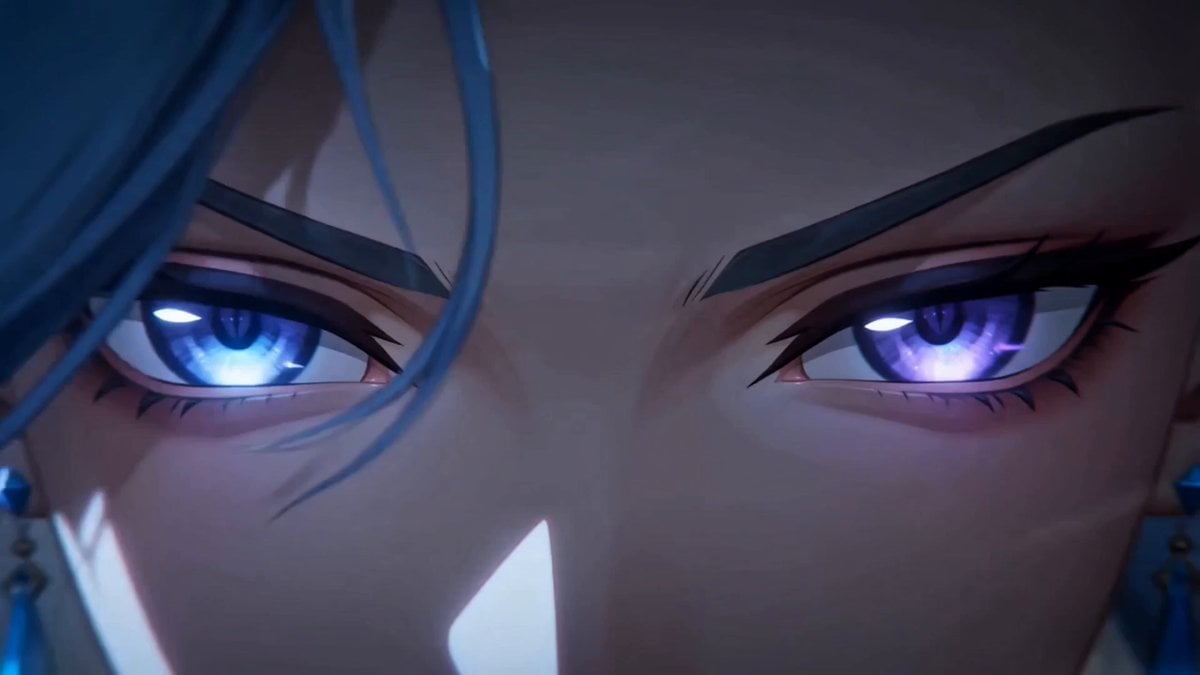
Dark Fantasy Anime Summoning Ritual
Make it yours
Korean Folk Horror Ritual works as-is. These are the safest ways to change it without losing the look.
Change one field
Copy a single group, rewrite it, and generate again so you can see what that field is doing.
Keep the frame, change the subject
Hold the composition and light of Korean Folk Horror Ritual, then swap wardrobe, props or the person for a new take.
| If the result… | Why | Fix |
|---|---|---|
| The result drifts from the preview | Too many fields changed at once. | Reuse Korean Folk Horror Ritual as-is first, then change one group — subject, light, or setting. |
| The model over-stylizes the scene | The prose prompt leaves finish and camera underspecified. | Add one camera or lighting sentence and stay on Seedance 2.0. |
More Seedance 2.0 templates
Other prompts made for Seedance 2.0.

Comical Martial Arts Punch Scene

Maglev Train Action Sequence

Martial Arts Fight Sequence

Wuxia Protection and Trust Script

Mercedes 190 SL Luxury Ad

Rainy Night Supernatural Reverse Comedy Video Script

Amazon Civilization Discovery

Futuristic South Asian City Transformation

Cozy Luxury Cafe Commercial

Cyber Ronin Nanotech Transformation Video
More video prompts
Fresh picks from across the catalog.
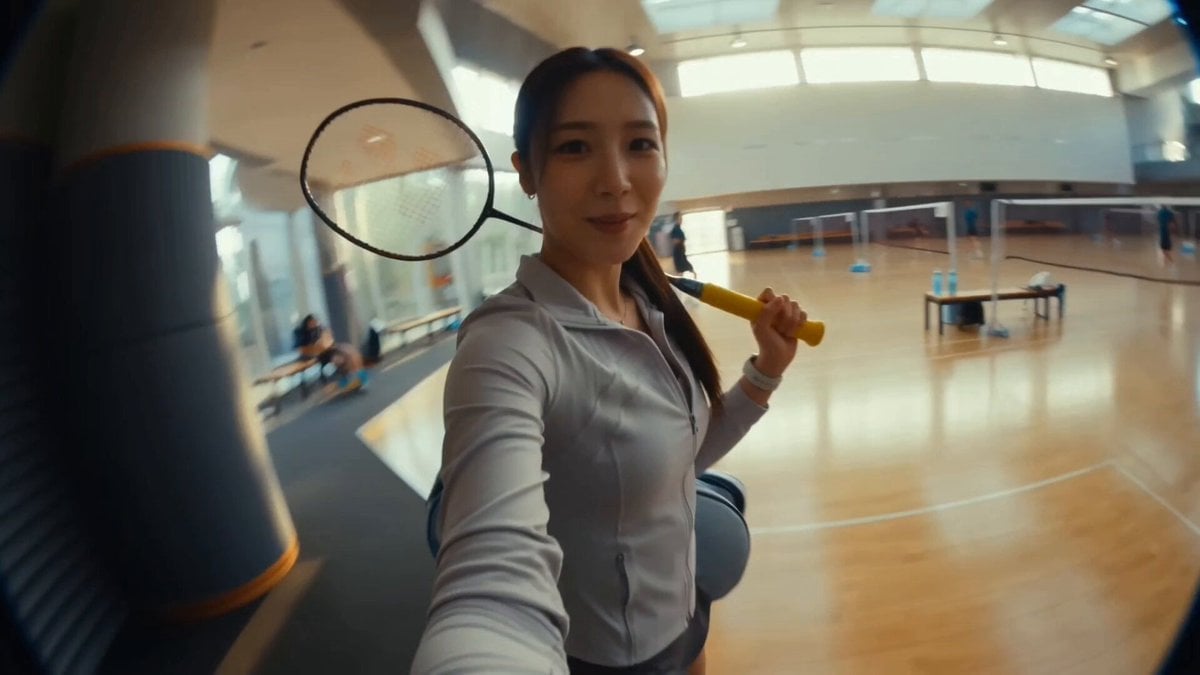
Korean Idol Morning Badminton Vlog
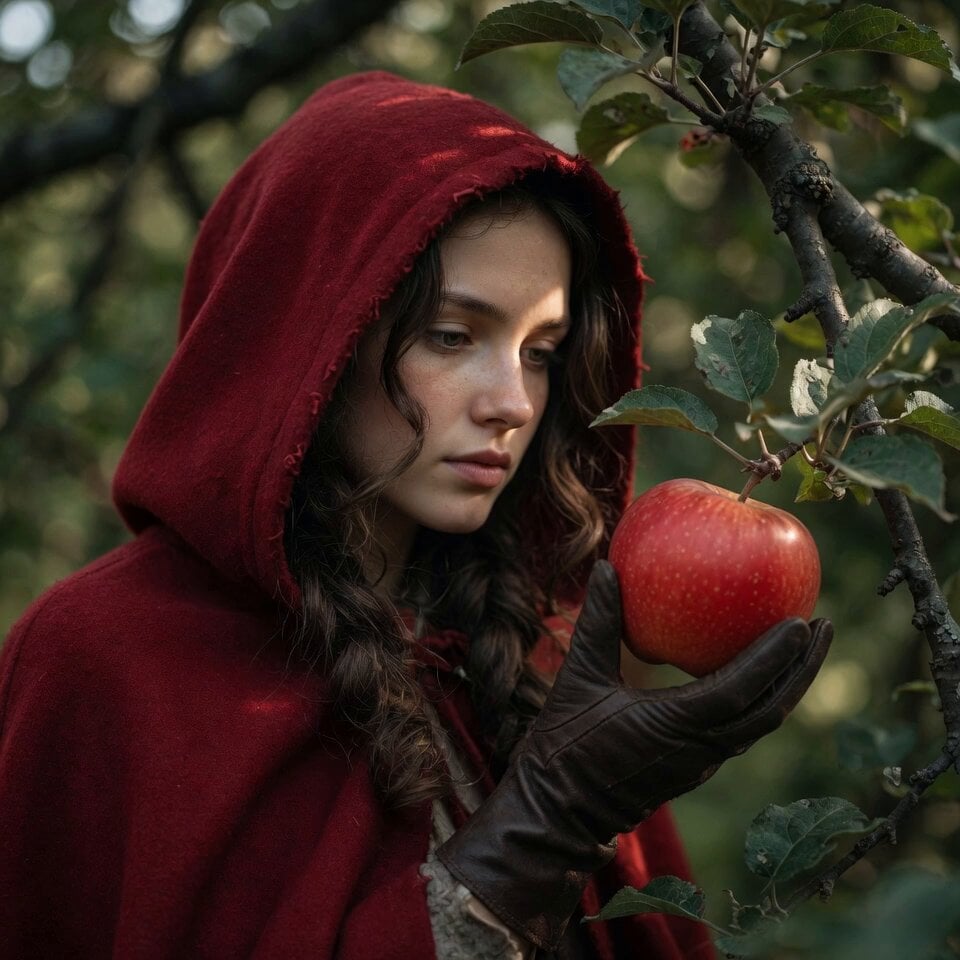
Woman in Red Hood with Apple

Skin Hydration Magic Ad
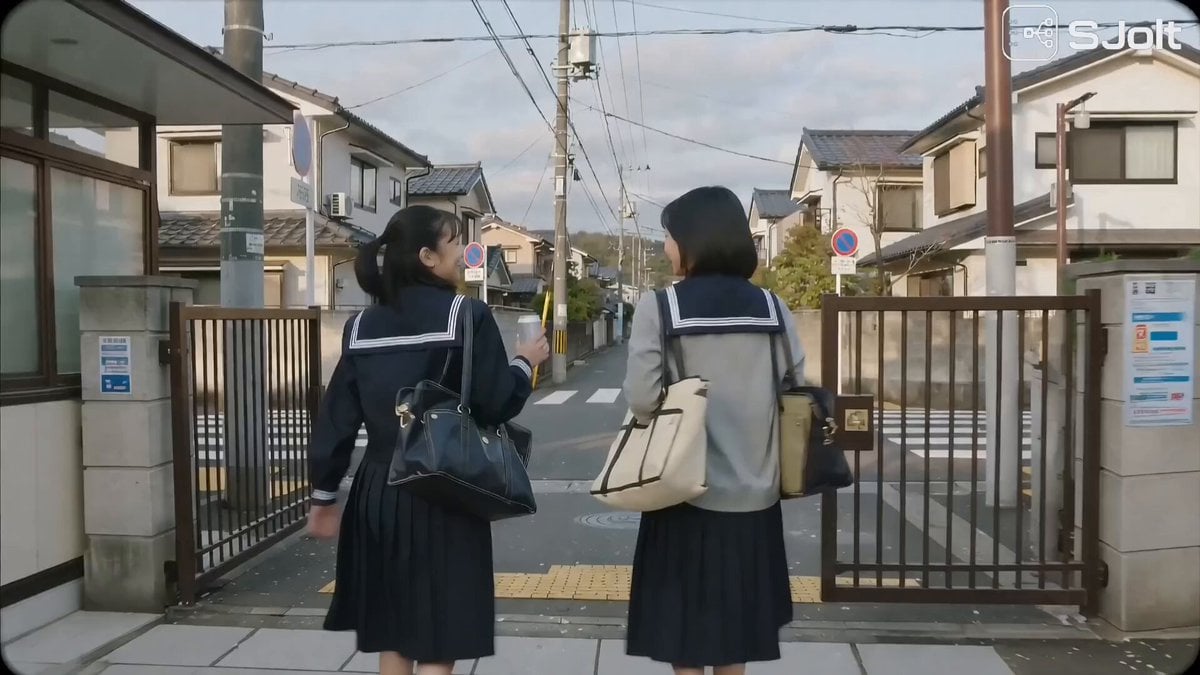
Japanese High School Golden Hour Walk
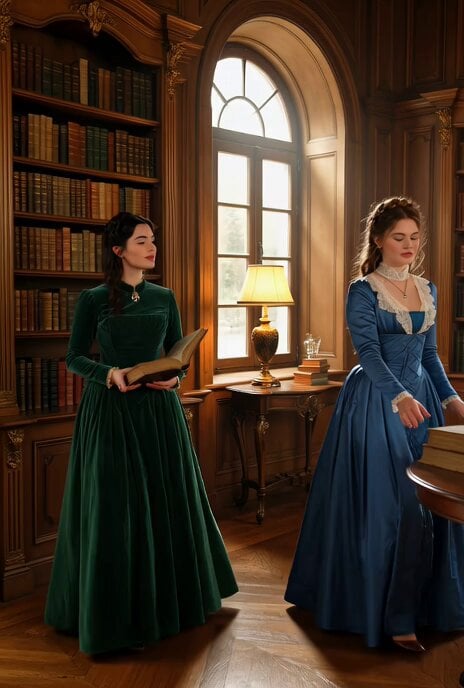
Victorian woman surrounded by books coming to life
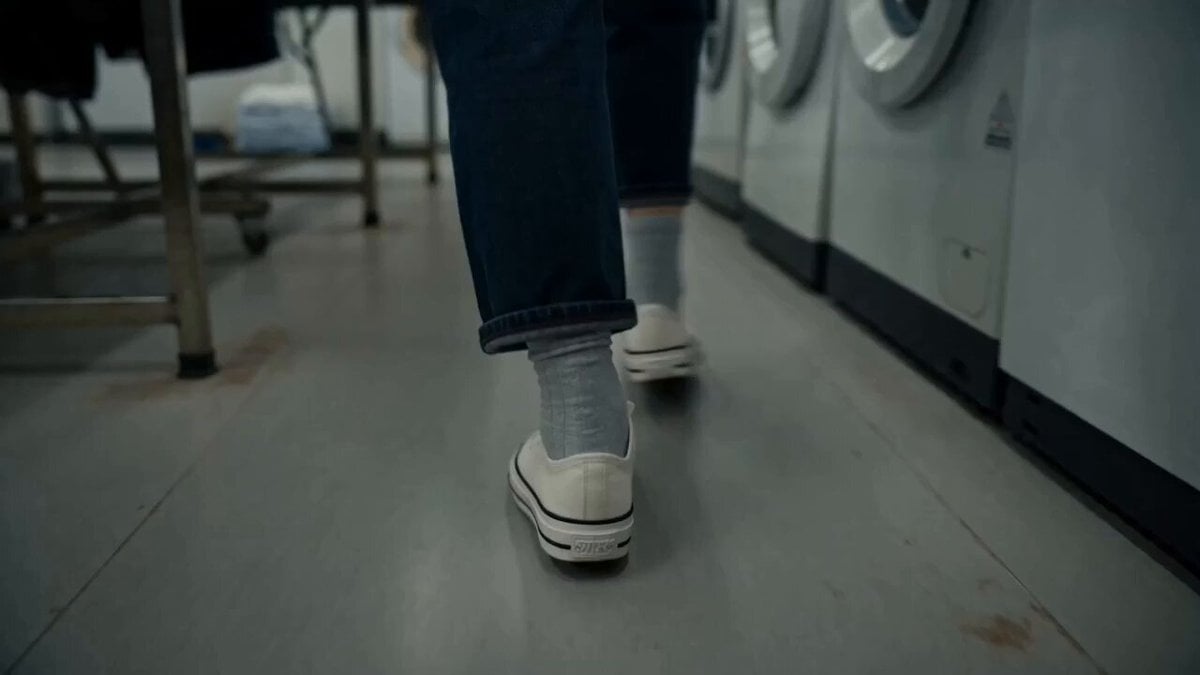
MiniDV Laundromat Life Moment
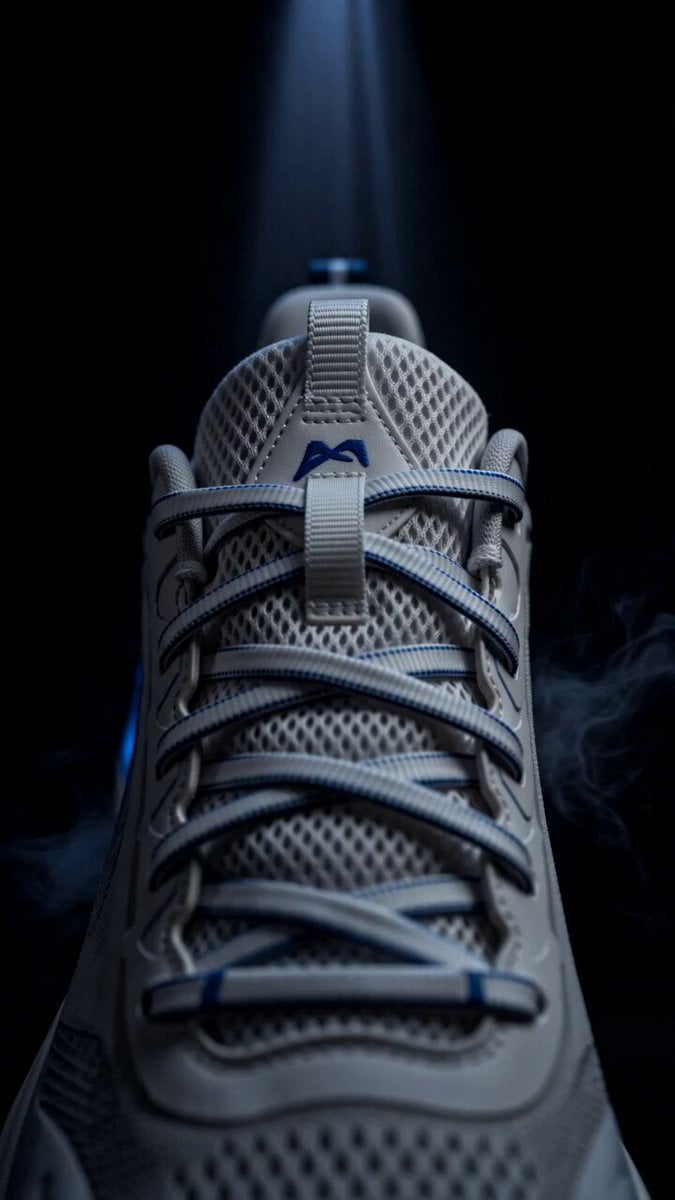
Blue Sports Shoe Product Commercial Shots
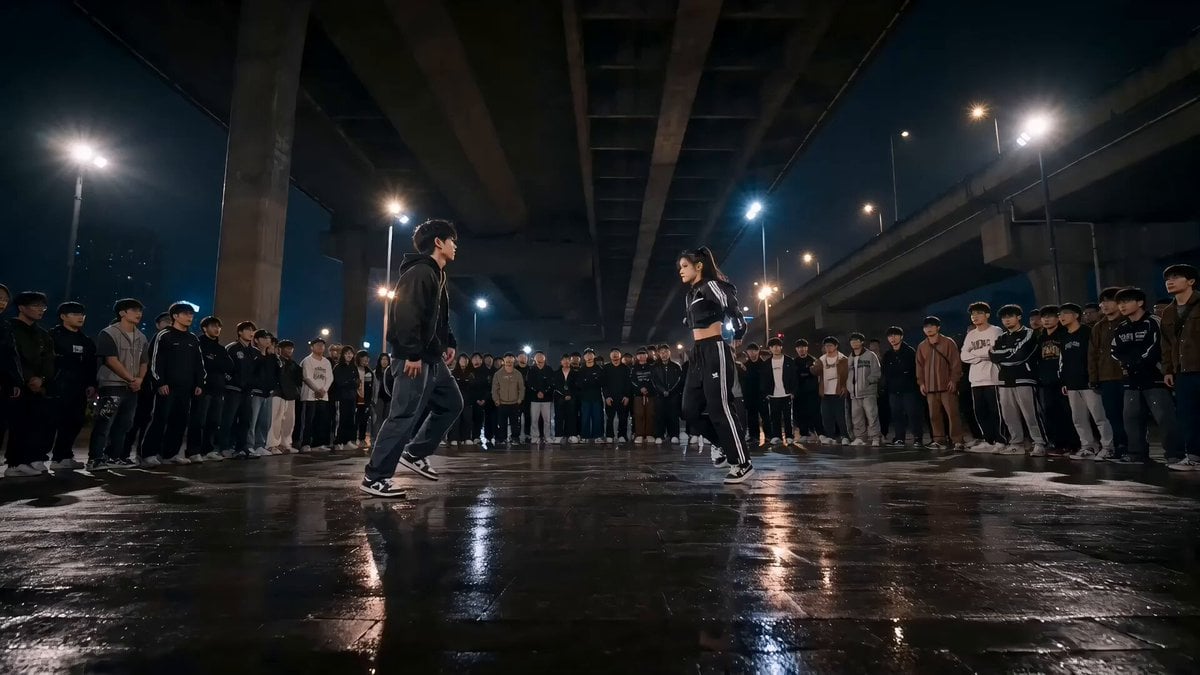
Street Dance Battle Highlights
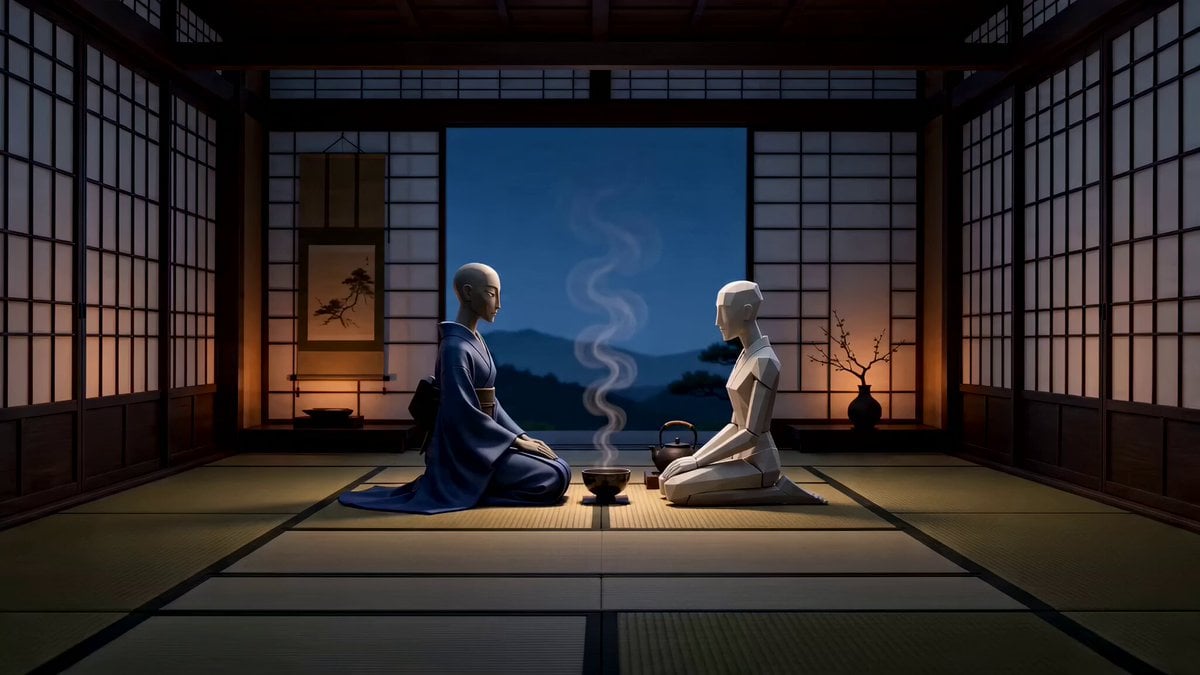
Stylized 3D Tea Ceremony Video Prompt
Pompeii Journey for a Child
Browse template categories
Korean Folk Horror Ritual questions
How do I use the Korean Folk Horror Ritual template?
Add your photo if the template asks for one, edit the prompt if you like — the template's model and format are already selected — and press Generate. Your version opens in PicX Studio.
Can I customize the Korean Folk Horror Ritual template?
Yes. You can change the subject, setting, lighting, mood, format, and available model controls before creating your video.
Is the Korean Folk Horror Ritual template free?
Opening and editing this template is free. Generating uses credits, shown on the Generate button when you are signed in.
Which AI model should I use?
Start with Seedance 2.0, which is the model associated with this template. You can compare another compatible model for a different finish.
Looking for something else? Browse all templates.

Your photo, any look
Thousands of ready templates for every top image and video model, from one credit balance.