
Retro Skate Video Strawberry Shake Ad
A 12-frame storyboard prompt for an early 2000s retro energy drink advertisement featuring skateboarding culture.
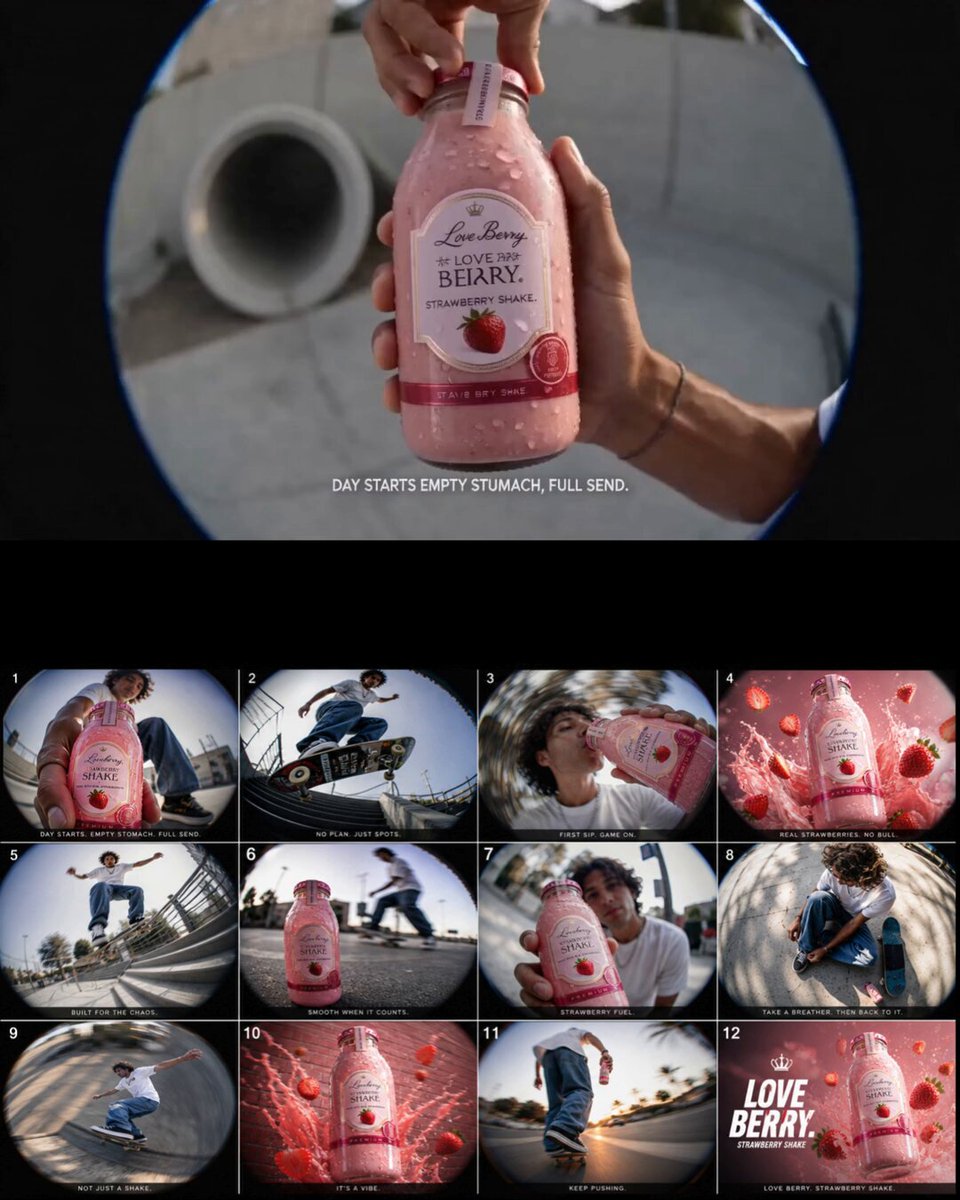
- Prompt included
- Model and format preset
- Premium template
The prompt behind this video
Copy the exact prompt behind Retro Skate Video Strawberry Shake Ad, or open it in the studio and make it yours.
Visual style & vibe: early 2000s skate video meets retro milkshake commercial energy. Raw, gritty, fast-paced. Fish-eye lenses, motion blur, high contrast, slightly faded nostalgic colors with warm pink-red strawberry tones. Use product image as the exact strawberry shake bottle/cup reference throughout every frame for perfect consistency. Create a 12-frame storyboard ad. Each frame should vary in shot type and together tell one cohesive story starring stylish western young adults. Frame ideas and energy: Fast skateboard push through a sunny suburban street while holding the strawberry shake. Close-up of condensation dripping from the cold shake in someone’s hand. Group of western friends laughing outside a diner parking lot at golden hour. Fish-eye low angle of a girl jumping off a skate ramp with the shake in frame. Messy whipped cream mustache moment inside a retro car. Slow-motion strawberry shake splash transition. Extreme close-up of strawberries blending into the shake. Friends passing the shake around at a late-night gas station stop. Motion blur running shot through a basketball court. Retro camcorder-style cheers shot with multiple shakes clinking together. Hero shot on asphalt with sunlight reflections and crushed ice around the product. Final cinematic freeze-frame of the main character drinking the strawberry shake while the group skates away in the background. Cinematic details: authentic western fashion, oversized hoodies, denim, skate shoes, crop tops, baggy jeans, silver jewelry, messy natural movement, candid expressions, imperfect camera framing, energetic youth culture atmosphere, commercial-quality realism.
How to use Retro Skate Video Strawberry Shake Ad in 3 steps
- 1
Open
The prompt is already in the box next to the preview, with the template's model and format selected.
- 2…a portrait of your subject in softgolden-hour light, 85mm…
Personalize
Edit the subject and creative details for your destination.
- 3Generate
Generate
Press Generate — your video is created in PicX Studio, so you can compare it with the original and refine one variable at a time.
More like this
Templates with the same subject, style or setup. Open one to see its prompt.
Chaotic City Skateboarding Action
90s Independent Skate Video Film

Blonde Woman Under Strawberry Moon
Serene Strawberry Moon Goddess
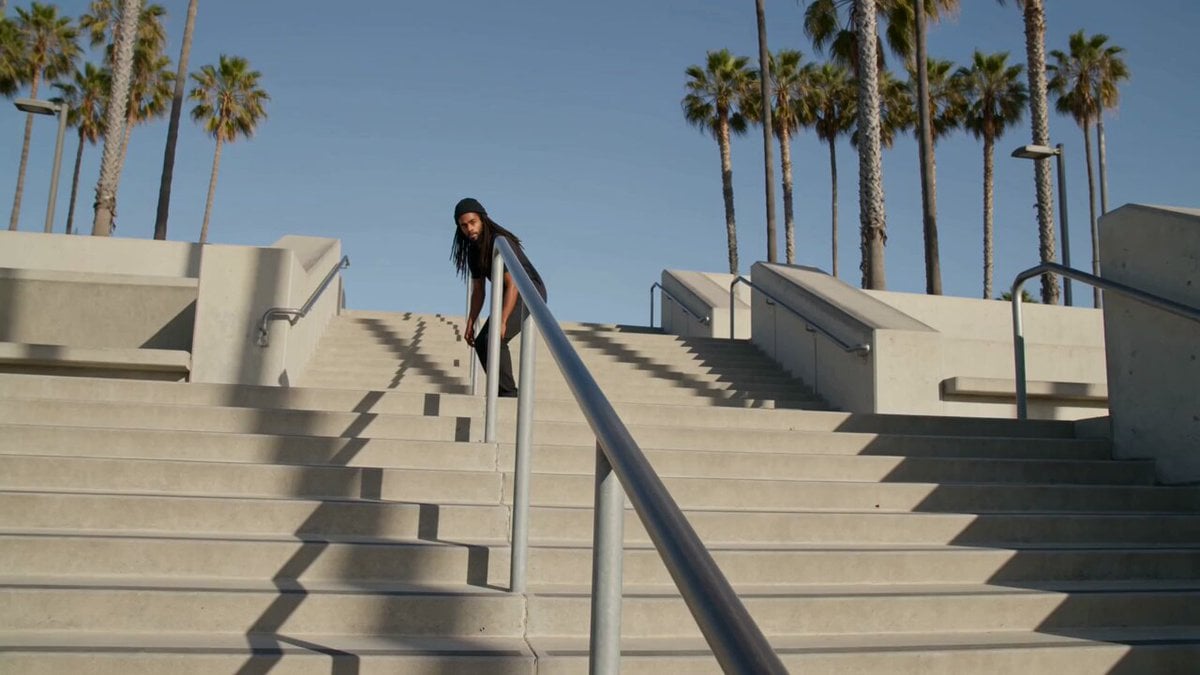
Realistic Skateboard Trick at Plaza
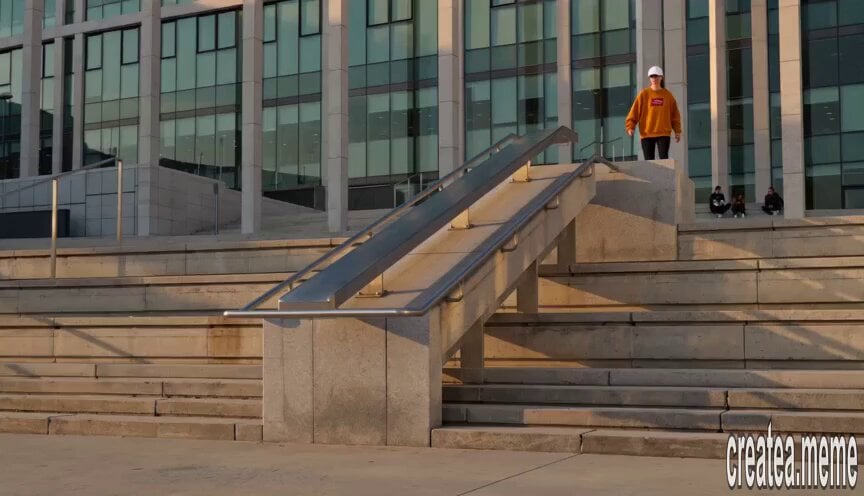
Roller Skater Handrail Stunt
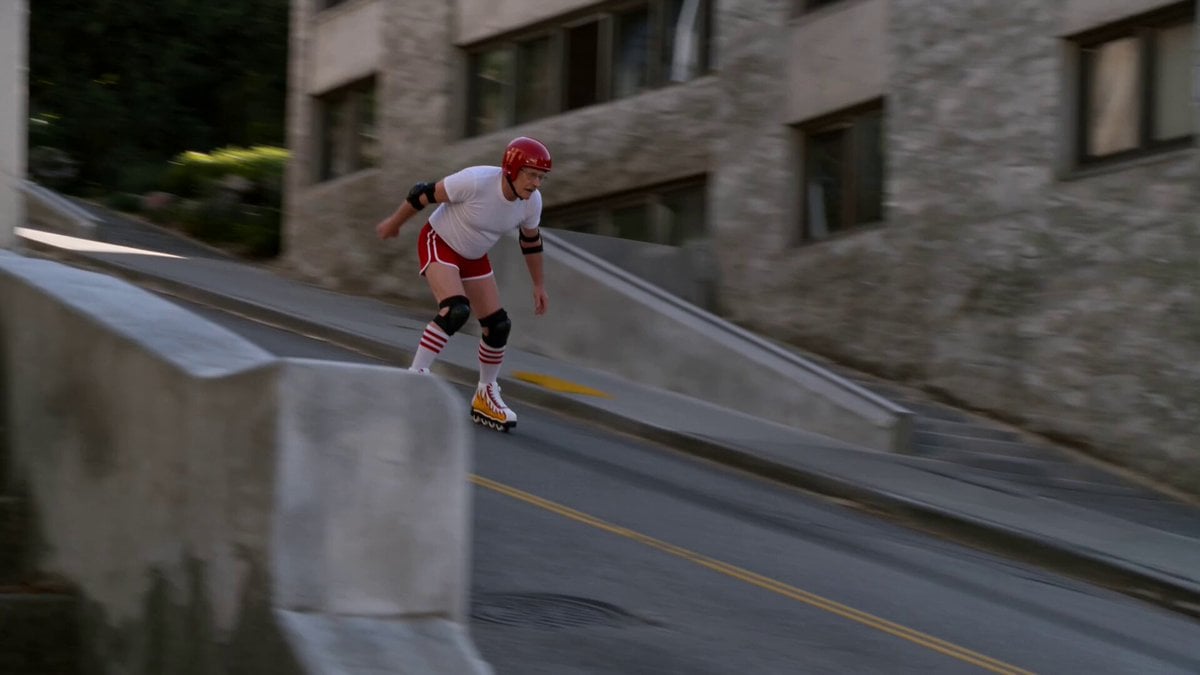
IMAX 8K Realistic Skater Fall
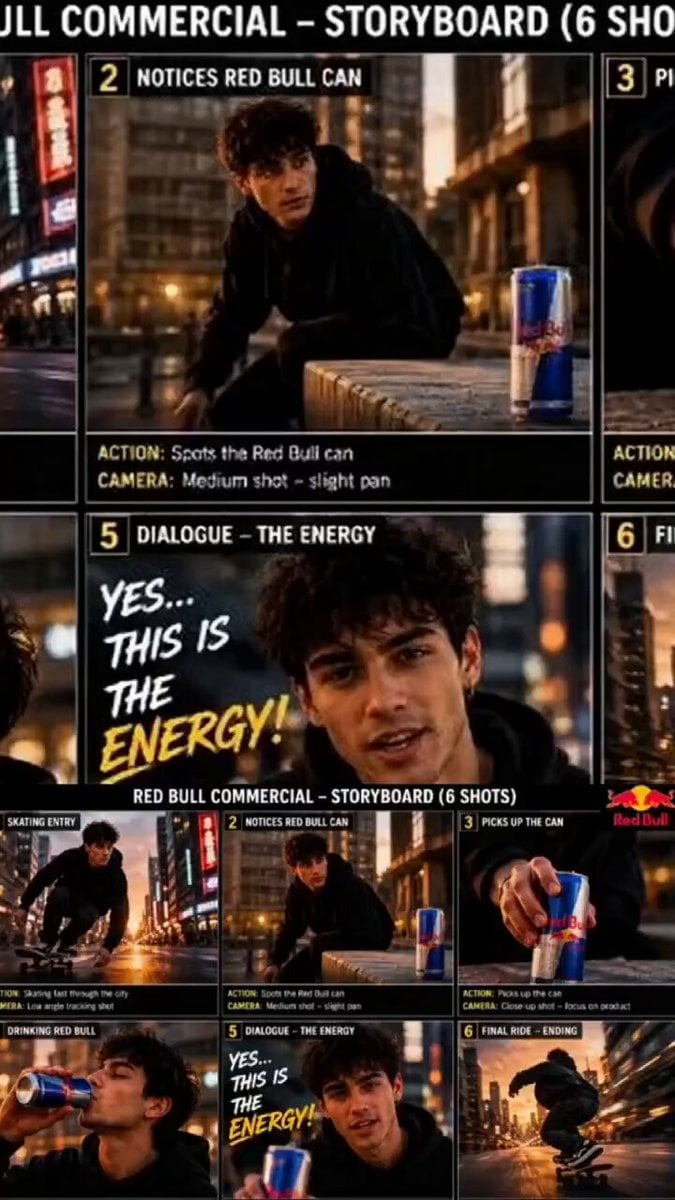
Red Bull Skateboarder Commercial
Cinematic NYC Street Skateboarding
Cyber-City Skateboard Dog Animation
Miniature Skateboard Comedy Chase
80s OVA Skate Run Storyboard
Make it yours
Retro Skate Video Strawberry Shake Ad works as-is. These are the safest ways to change it without losing the look.
Change one field
Copy a single group, rewrite it, and generate again so you can see what that field is doing.
Keep the frame, change the subject
Hold the composition and light of Retro Skate Video Strawberry Shake Ad, then swap wardrobe, props or the person for a new take.
| If the result… | Why | Fix |
|---|---|---|
| The result drifts from the preview | Too many fields changed at once. | Reuse Retro Skate Video Strawberry Shake Ad as-is first, then change one group — subject, light, or setting. |
| The model over-stylizes the scene | The prose prompt leaves finish and camera underspecified. | Add one camera or lighting sentence and stay on Seedance 2.0. |
More Seedance 2.0 templates
Other prompts made for Seedance 2.0.

Comical Martial Arts Punch Scene

Maglev Train Action Sequence

Martial Arts Fight Sequence

Wuxia Protection and Trust Script

Vintage Korean Arcade MiniDV Vlog

Mercedes 190 SL Luxury Ad

Rainy Night Supernatural Reverse Comedy Video Script

Amazon Civilization Discovery

Futuristic South Asian City Transformation

Cozy Luxury Cafe Commercial
More video prompts
Fresh picks from across the catalog.
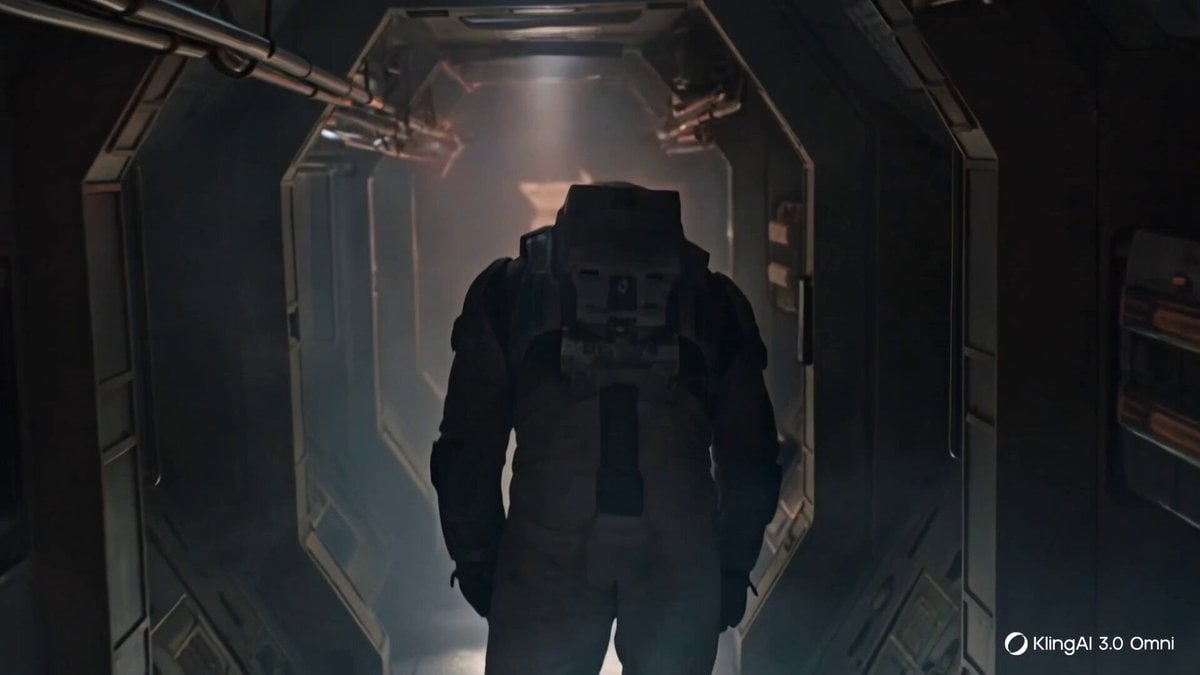
Cinematic Prompting Structure Example
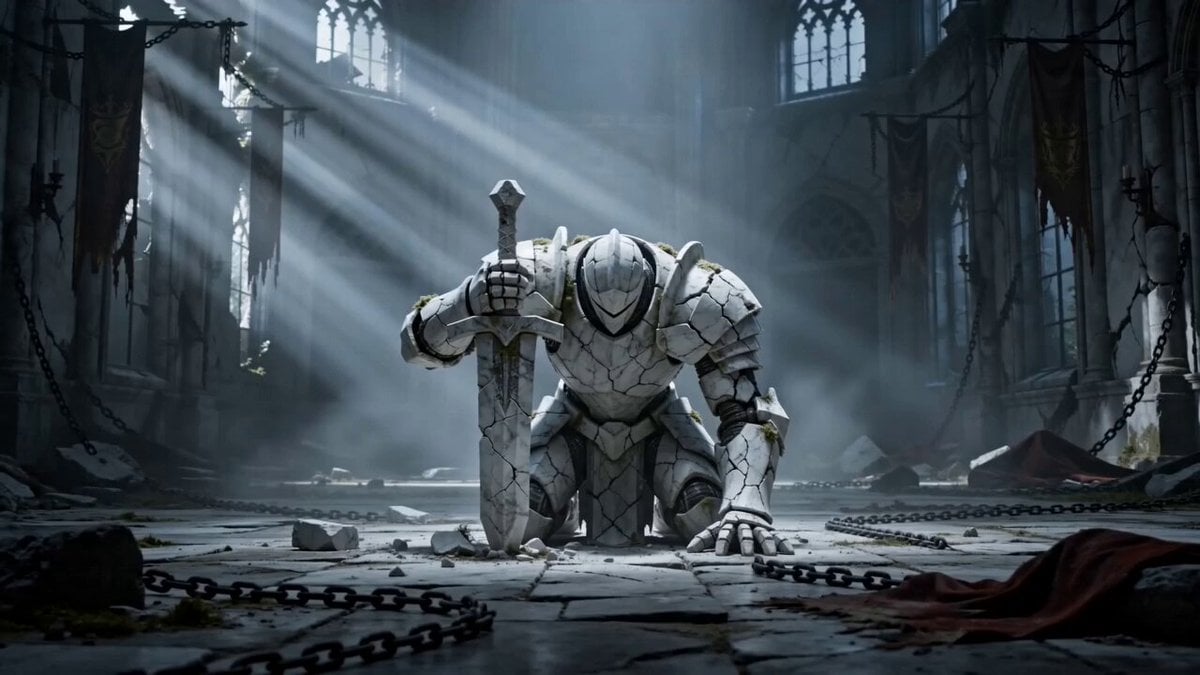
Awakening Marble Knight Prompt
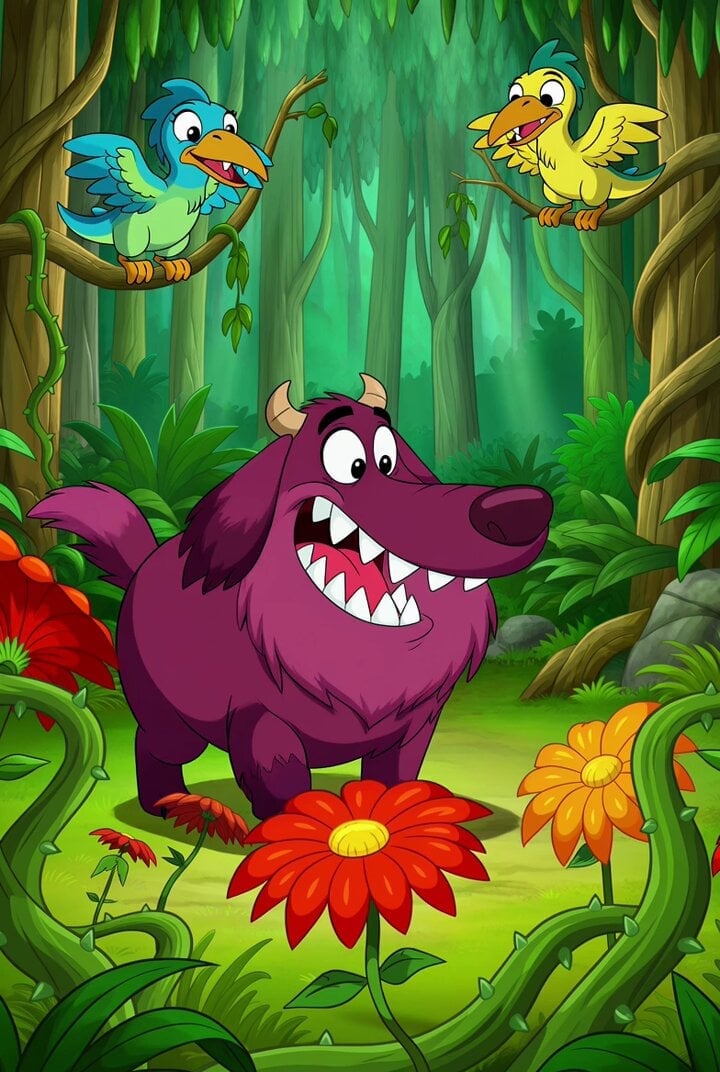
Cartoon Monster Dog in Jungle Prompt
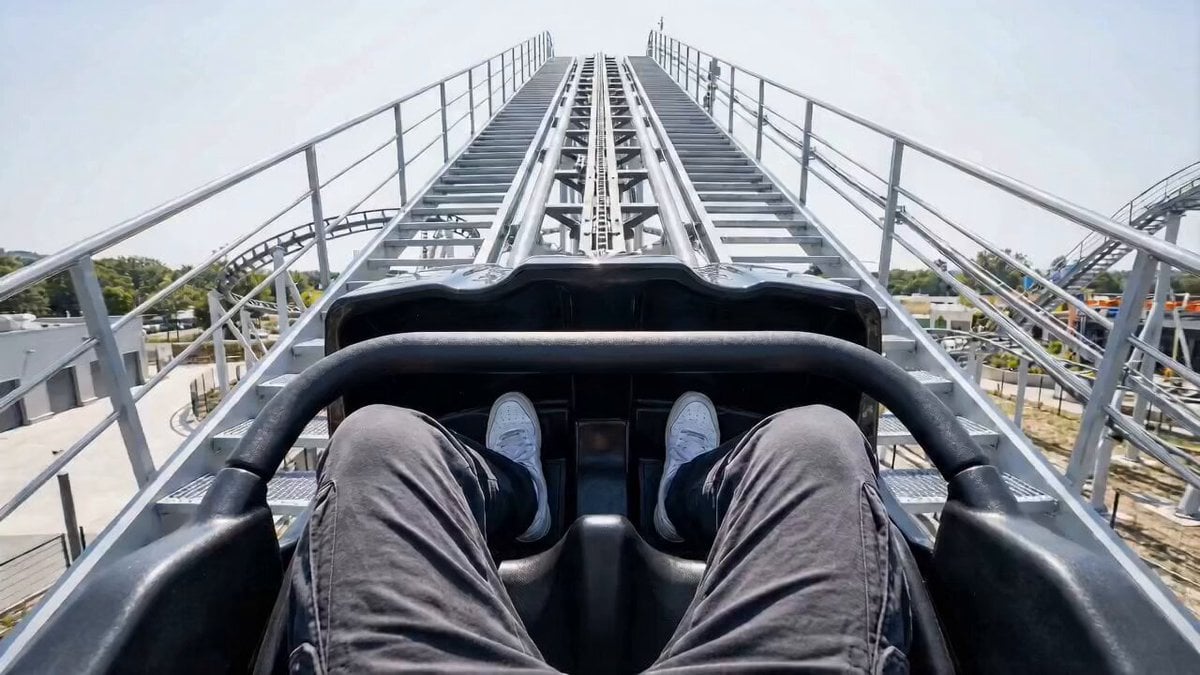
First-Person Roller Coaster with Seasonal Transitions
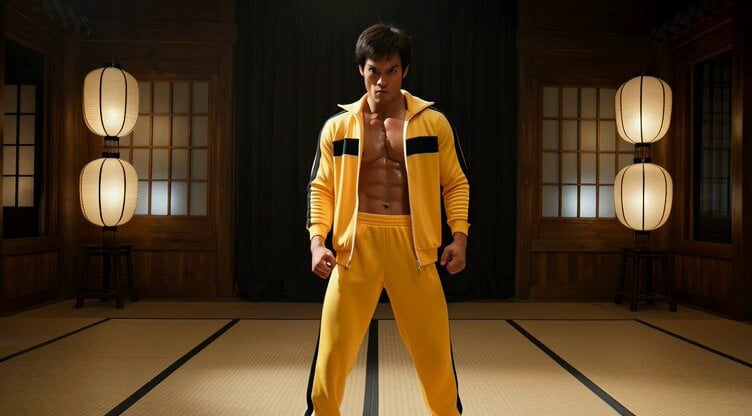
Cinematic Bruce Lee Martial Artist Video Prompt
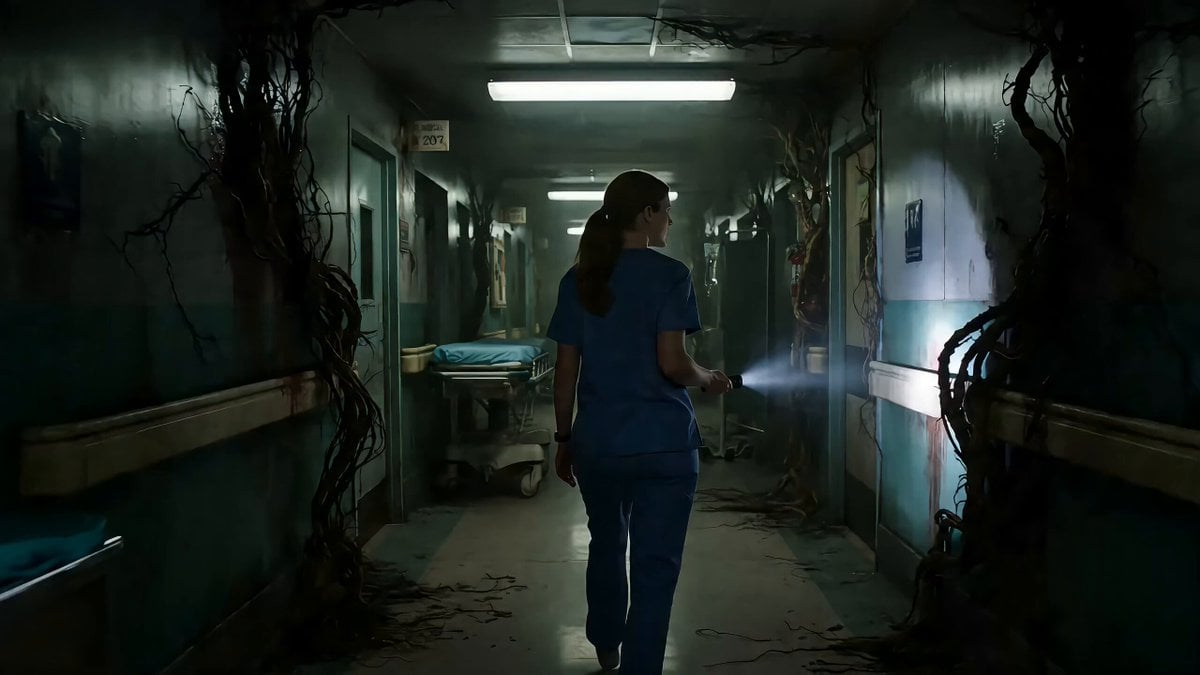
Abandoned Hospital Dream Infection Video
Ancient Indian Kingdom FPV Video
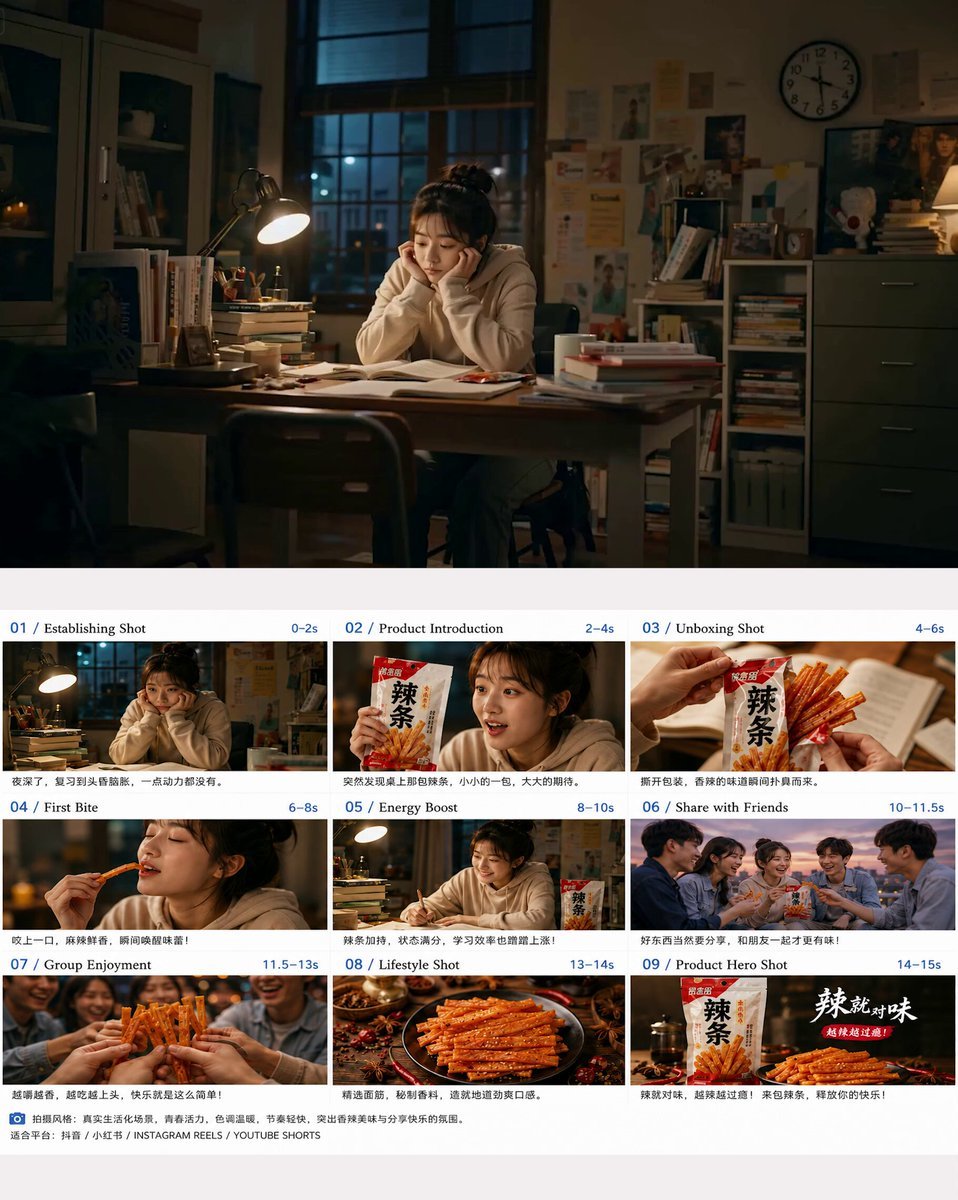
Photorealistic Chinese Latiao Commercial
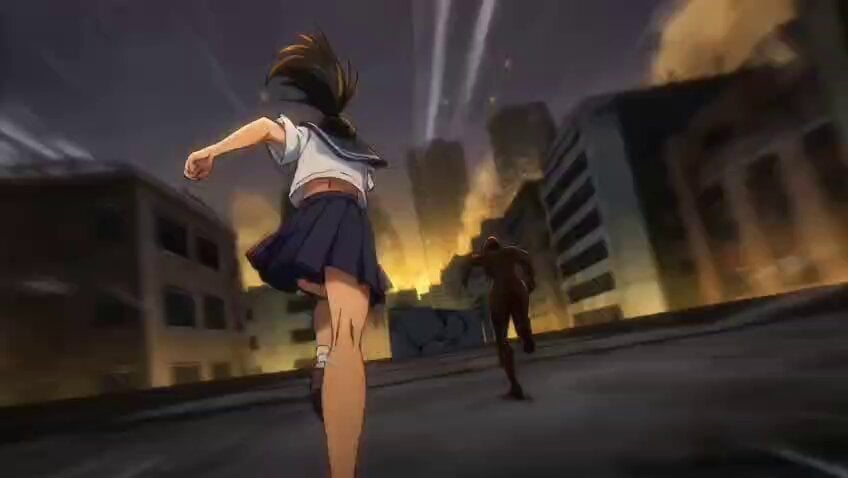
Anime Sakuga Fight Scene Prompt 1
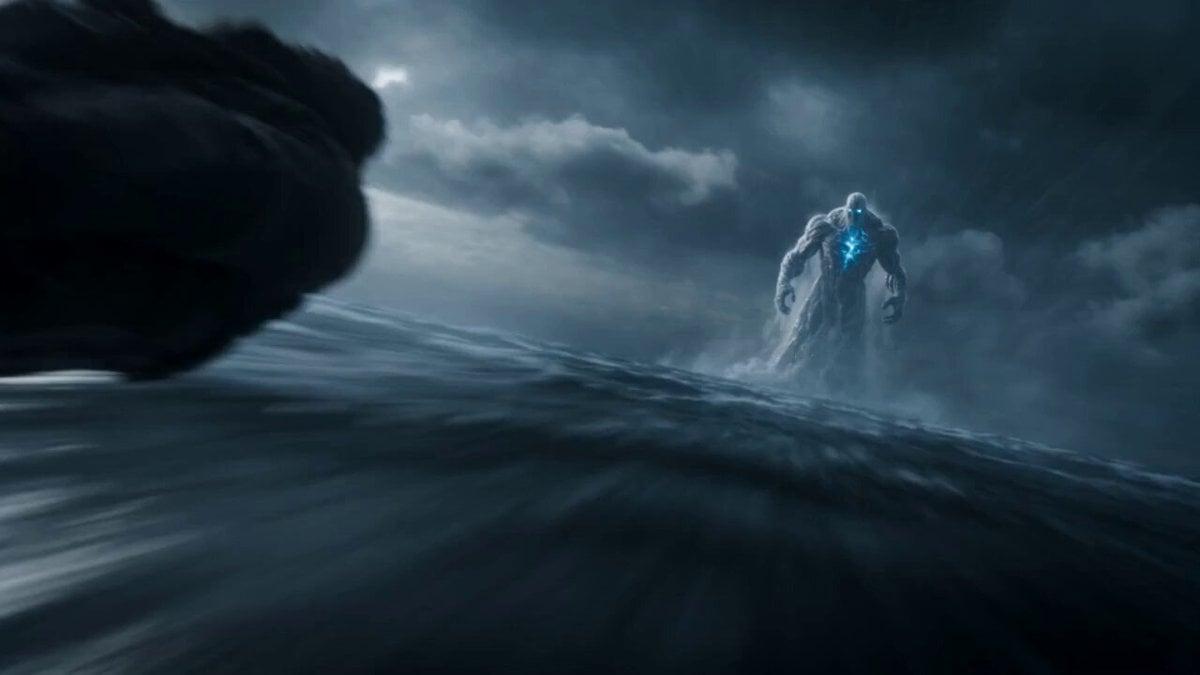
Leviathan Protocol Ocean Battle
Browse template categories
Retro Skate Video Strawberry Shake Ad questions
How do I use the Retro Skate Video Strawberry Shake Ad template?
Add your photo if the template asks for one, edit the prompt if you like — the template's model and format are already selected — and press Generate. Your version opens in PicX Studio.
Can I customize the Retro Skate Video Strawberry Shake Ad template?
Yes. You can change the subject, setting, lighting, mood, format, and available model controls before creating your video.
Is the Retro Skate Video Strawberry Shake Ad template free?
Opening and editing this template is free. Generating uses credits, shown on the Generate button when you are signed in.
Which AI model should I use?
Start with Seedance 2.0, which is the model associated with this template. You can compare another compatible model for a different finish.
Looking for something else? Browse all templates.

Your photo, any look
Thousands of ready templates for every top image and video model, from one credit balance.