
Chaotic City Skateboarding Action
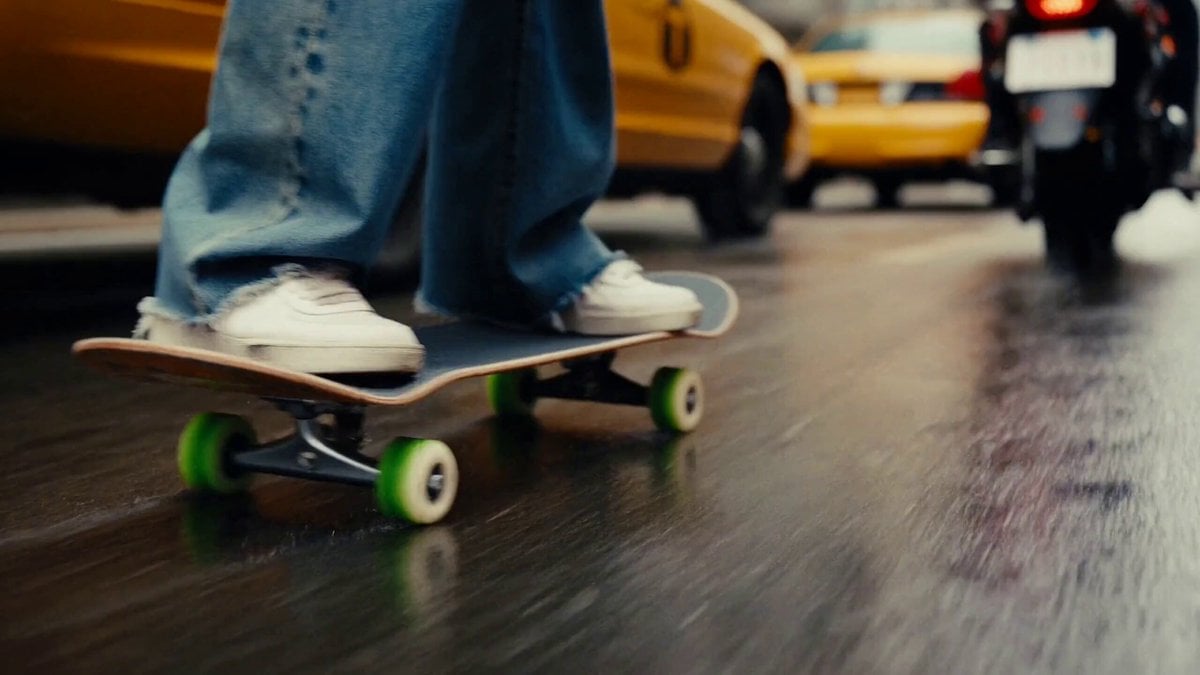
A hyper-realistic action prompt for a skateboarding sequence in a busy city, featuring dynamic tracking shots and trick transitions.
- Prompt included
- Model and format preset
- Free template
The prompt behind this video
Copy the exact prompt behind Chaotic City Skateboarding Action, or open it in the studio and make it yours.
Create a 15-second hyper-realistic cinematic video of a stylish young woman skateboarding through a chaotic, crowded modern city during daytime. 0–3 sec: Start with a low-angle close-up of her skateboard wheels rapidly rolling over wet asphalt. Cars, motorcycles, buses, and pedestrians rush past in the background. Natural handheld camera movement. 3–7 sec: Pull back to reveal the girl confidently weaving through a busy city street on her skateboard, narrowly passing between moving vehicles while maintaining perfect balance. Her hair and oversized jacket move naturally with the wind. 7–11 sec: Dynamic tracking shot from the side as she accelerates, jumps onto a low roadside ramp, performs a smooth 180° aerial trick, and lands cleanly. Vehicles continue moving around her, creating controlled chaos. 11–15 sec: Camera swings to the front and moves backward as she skates directly toward the lens through the crowded street. She gives a subtle confident smile, then sharply turns around a car and disappears into the busy city. Visual style: photorealistic, cinematic urban atmosphere, realistic physics, natural skin and hair movement, detailed traffic, motion blur, dramatic depth of field, dynamic camera work, realistic lighting, high-end commercial cinematography, 4K, smooth continuous motion. Important: Keep the girl’s face, hairstyle, clothing, skateboard, and physical appearance consistent throughout the entire 15 seconds. No sudden morphing, duplicate people, distorted limbs, floating objects, or unrealistic vehicle movement.
How to use Chaotic City Skateboarding Action in 3 steps
- 1
Open
The prompt is already in the box next to the preview, with the template's model and format selected.
- 2…a portrait of your subject in softgolden-hour light, 85mm…
Personalize
Edit the subject and creative details for your destination.
- 3Generate
Generate
Press Generate — your video is created in PicX Studio, so you can compare it with the original and refine one variable at a time.
More like this
Templates with the same subject, style or setup. Open one to see its prompt.
Stone Colossus Desert Riders — Golden Fire Reveal
Time Freeze — Snap Shockwave Scene Seedance
Subway Flood — Epic Tunnel Chaos
Vertical City — São Paulo Parkour at Sunset
Speeder Chase Across a Cliff City

Realistic City Street Story Cinematic Video - Seedance

Luxury Lifestyle Day Vlog

NYC Wingsuit Hot Dog Landing

Luxury Airport Travel Vlog

Iced Coffee Dog Good-News Montage

Italian Old-Town Time-Freeze Walk

Walking Factory with Rebel on Hoverbike - Wasteland
Make it yours
Chaotic City Skateboarding Action works as-is. These are the safest ways to change it without losing the look.
Change one field
Copy a single group, rewrite it, and generate again so you can see what that field is doing.
Keep the frame, change the subject
Hold the composition and light of Chaotic City Skateboarding Action, then swap wardrobe, props or the person for a new take.
| If the result… | Why | Fix |
|---|---|---|
| The result drifts from the preview | Too many fields changed at once. | Reuse Chaotic City Skateboarding Action as-is first, then change one group — subject, light, or setting. |
| The model over-stylizes the scene | The prose prompt leaves finish and camera underspecified. | Add one camera or lighting sentence and stay on Seedance 2.0. |
More Seedance 2.0 templates
Other prompts made for Seedance 2.0.

Comical Martial Arts Punch Scene

Maglev Train Action Sequence

Martial Arts Fight Sequence

Wuxia Protection and Trust Script

Vintage Korean Arcade MiniDV Vlog

Mercedes 190 SL Luxury Ad

Rainy Night Supernatural Reverse Comedy Video Script

Amazon Civilization Discovery

Futuristic South Asian City Transformation

Cozy Luxury Cafe Commercial
More video prompts
Fresh picks from across the catalog.
Epic Fantasy Awakening Video Prompt (Aerial Version)
Pepe the Frog Speedcubing Animation Prompt
Realistic UGC Product Review Video
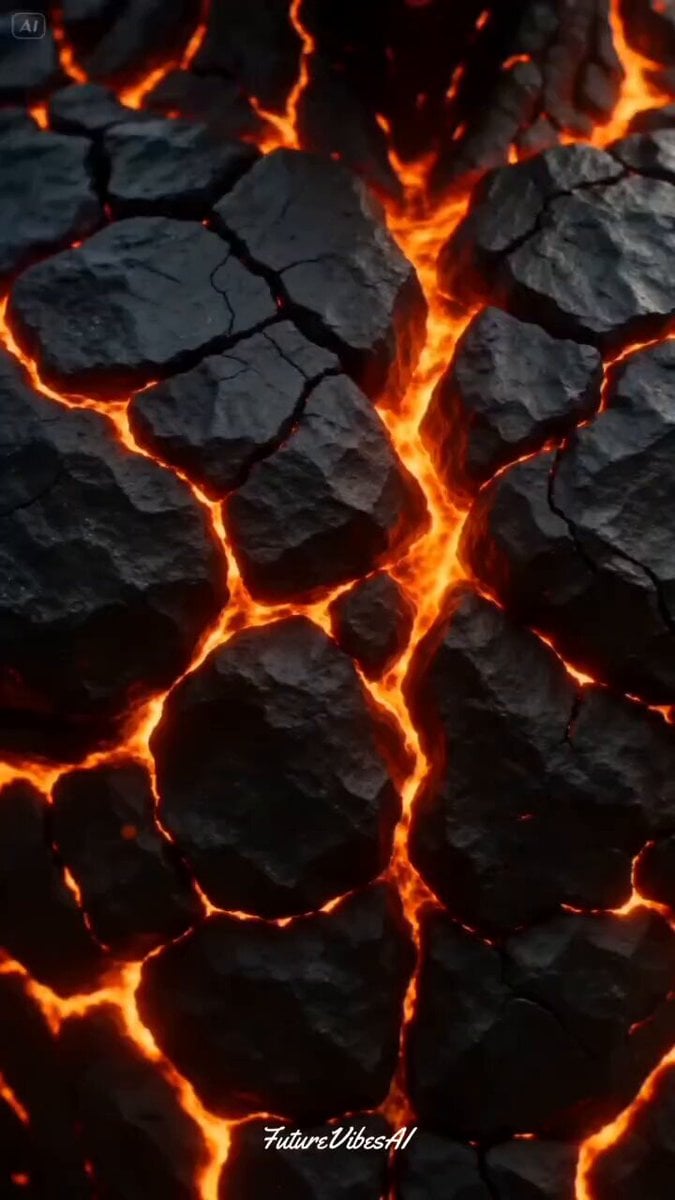
Bio-Engineered Demon Knight Cinematic
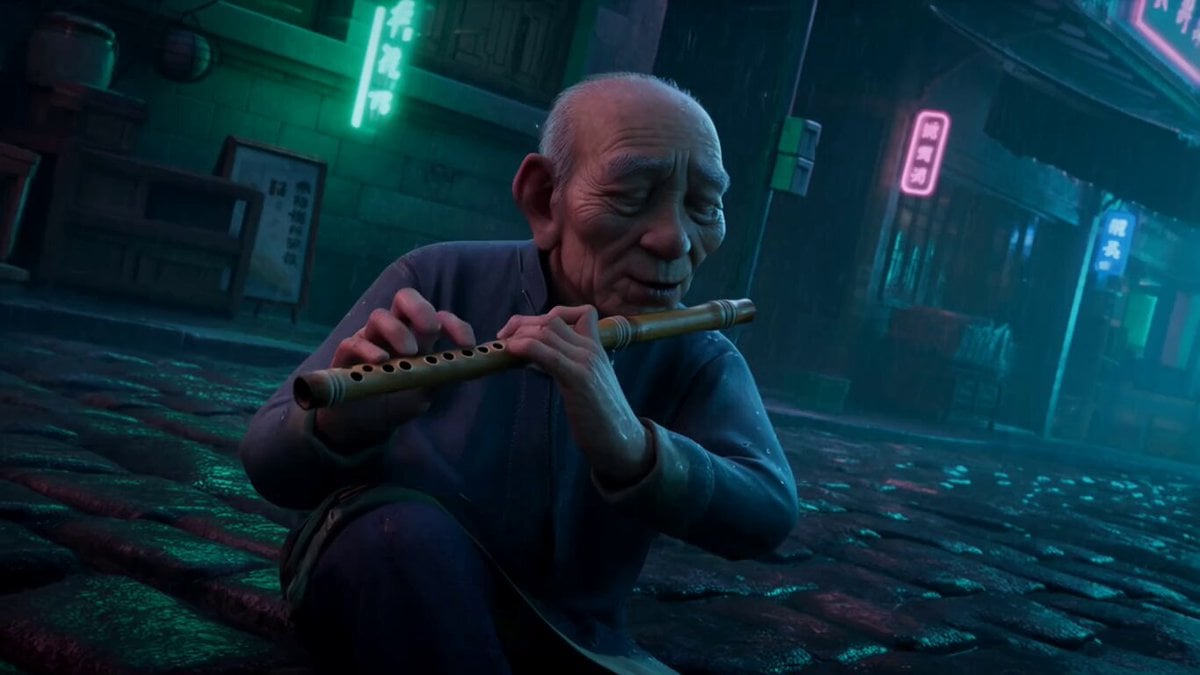
Cultural Contrast: Flute Player in Cyberpunk Alley

Pink Lipstick 3D Product Commercial
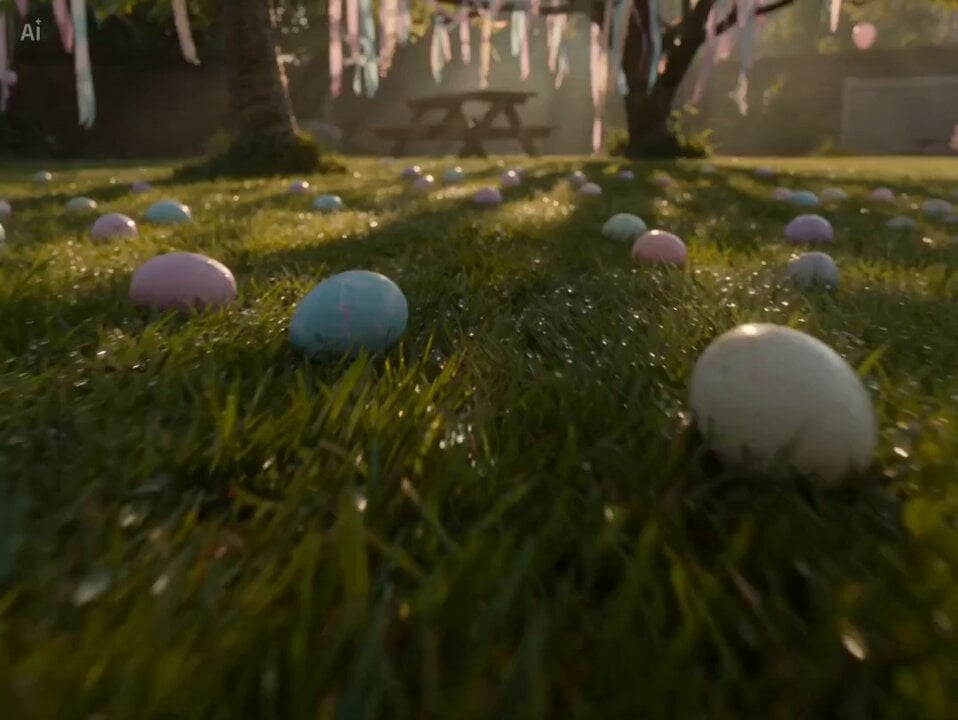
Continuous Easter Sunrise Aerial Shot
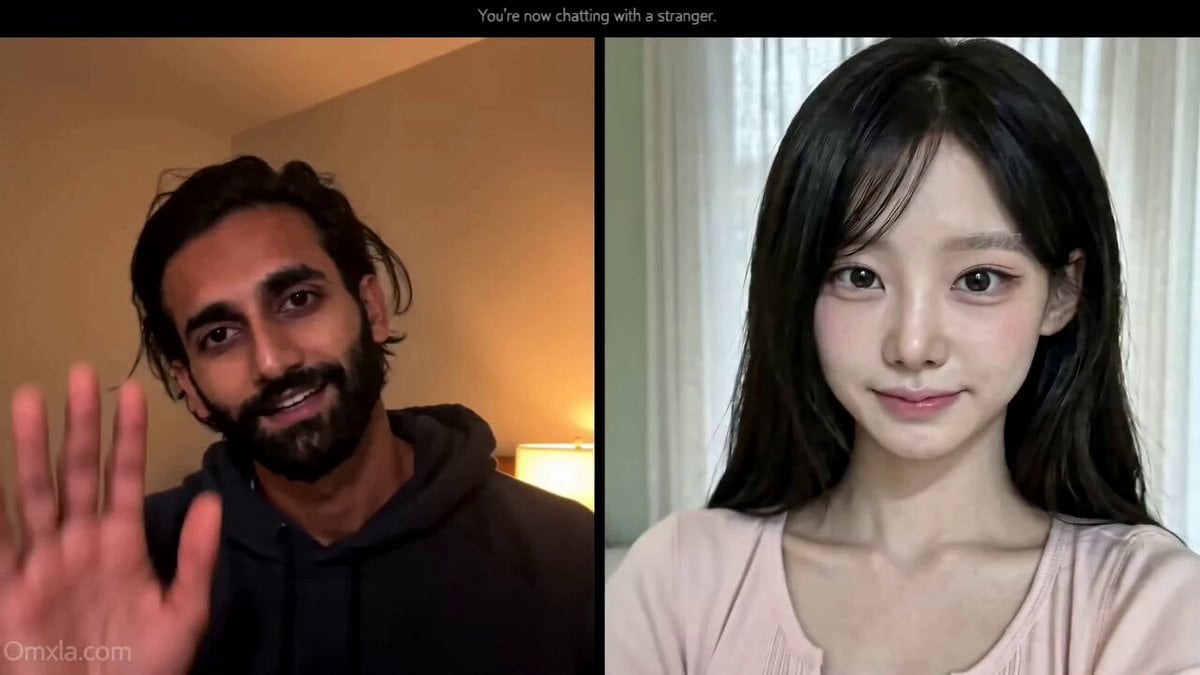
Omegle Conversation Reveal
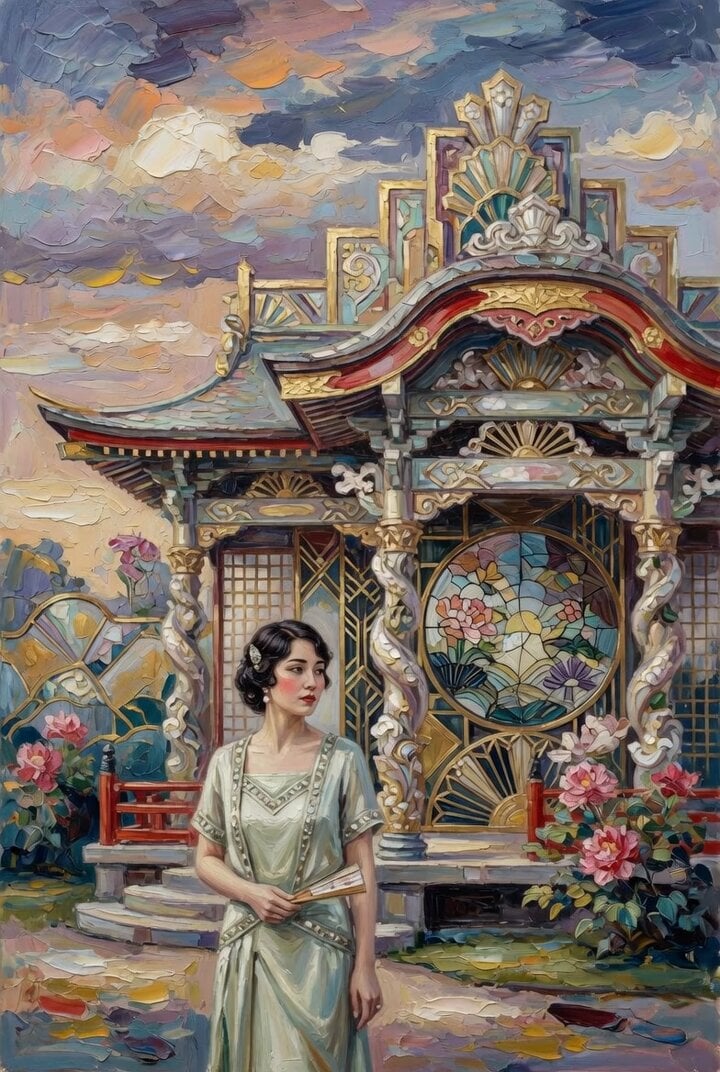
Woman at Abstract Pavilion Oil Painting Video
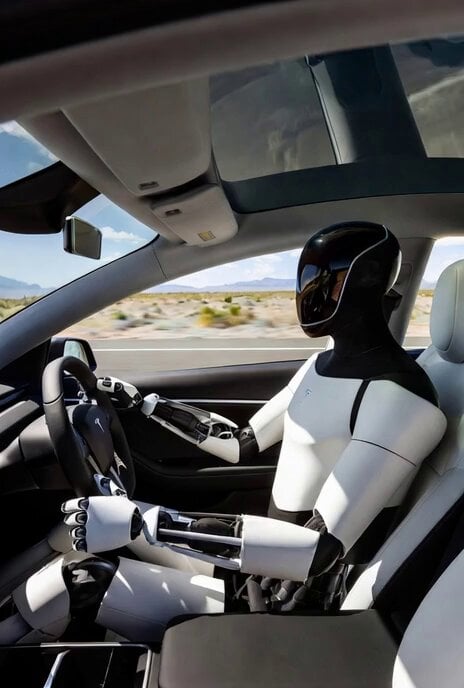
Grok Imagine Prompt: Tesla Optimus Driving in Desert
Browse template categories
Chaotic City Skateboarding Action questions
How do I use the Chaotic City Skateboarding Action template?
Add your photo if the template asks for one, edit the prompt if you like — the template's model and format are already selected — and press Generate. Your version opens in PicX Studio.
Can I customize the Chaotic City Skateboarding Action template?
Yes. You can change the subject, setting, lighting, mood, format, and available model controls before creating your video.
Is the Chaotic City Skateboarding Action template free?
Opening and editing this template is free. Generating uses credits, shown on the Generate button when you are signed in.
Which AI model should I use?
Start with Seedance 2.0, which is the model associated with this template. You can compare another compatible model for a different finish.
Looking for something else? Browse all templates.

Your photo, any look
Thousands of ready templates for every top image and video model, from one credit balance.