
Realistic UGC Product Review Video
A highly detailed storyboard prompt for creating a realistic influencer-style product review video using a smartphone aesthetic, natural lighting, and authentic creator movements.
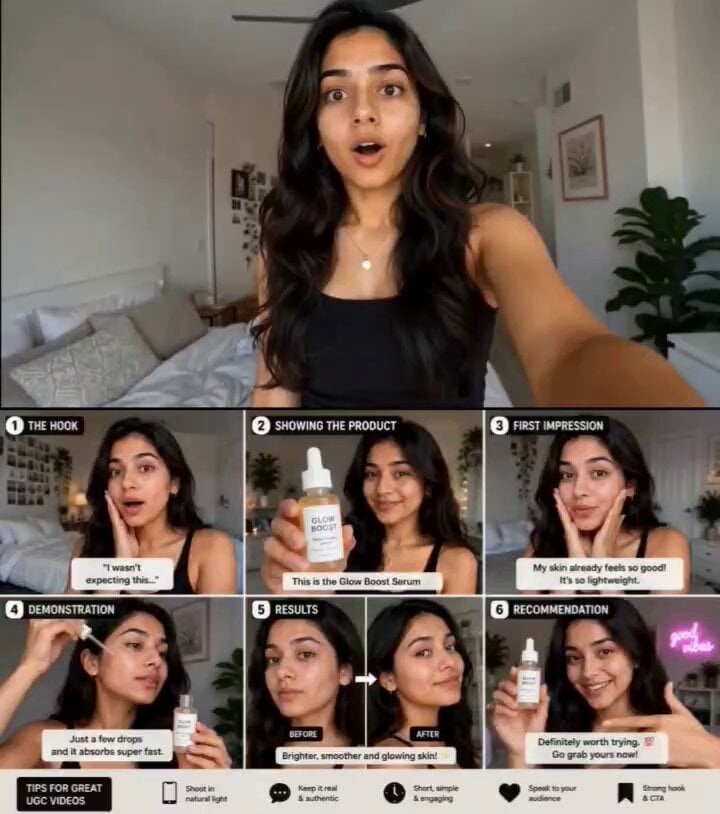
- Prompt included
- Model and format preset
- Free template
The prompt behind this video
Copy the exact prompt behind Realistic UGC Product Review Video, or open it in the studio and make it yours.
Use the storyboard image as the exact scene reference. Create a realistic UGC-style product review video filmed on a smartphone by a young female creator in her bedroom. Natural lighting, authentic influencer content, casual and relatable energy. Scene 1: She looks directly at the camera with a surprised expression and says, "Okay, I wasn't expecting this." Selfie-style framing, natural room background. Scene 2: She holds the product close to the camera and introduces it. Slow handheld movement, product clearly visible, friendly smile. Scene 3: Close-up reaction shot. She examines the product after first use and says, "My skin already feels so good." Genuine surprise and excitement. Scene 4: Product demonstration. She applies the product while explaining its texture and feel. Macro close-ups, beauty-commercial quality details, smooth application shots. Scene 5: Results reveal. Show natural before-and-after comparison, glowing skin, confident smile, bright lighting. She turns toward the camera to show the result from different angles. Scene 6: Final recommendation. She holds the product beside her face and says, "Definitely worth trying." Points at the product, smiles, and gives a thumbs-up. Camera Style: Handheld smartphone vlog, TikTok UGC aesthetic, authentic creator content, natural facial expressions, realistic movements, subtle camera shake, shallow depth of field, social-media ad style. Visual Style: Modern influencer content, clean bedroom setup, warm daylight, lifestyle photography, realistic skin texture, premium UGC commercial quality, vertical 9: 6, 4K HDR, highly engaging social media advertisement.
How to use Realistic UGC Product Review Video in 3 steps
- 1
Open
The prompt is already in the box next to the preview, with the template's model and format selected.
- 2…a portrait of your subject in softgolden-hour light, 85mm…
Personalize
Edit the subject and creative details for your destination.
- 3Generate
Generate
Press Generate — your video is created in PicX Studio, so you can compare it with the original and refine one variable at a time.
More like this
Templates with the same subject, style or setup. Open one to see its prompt.
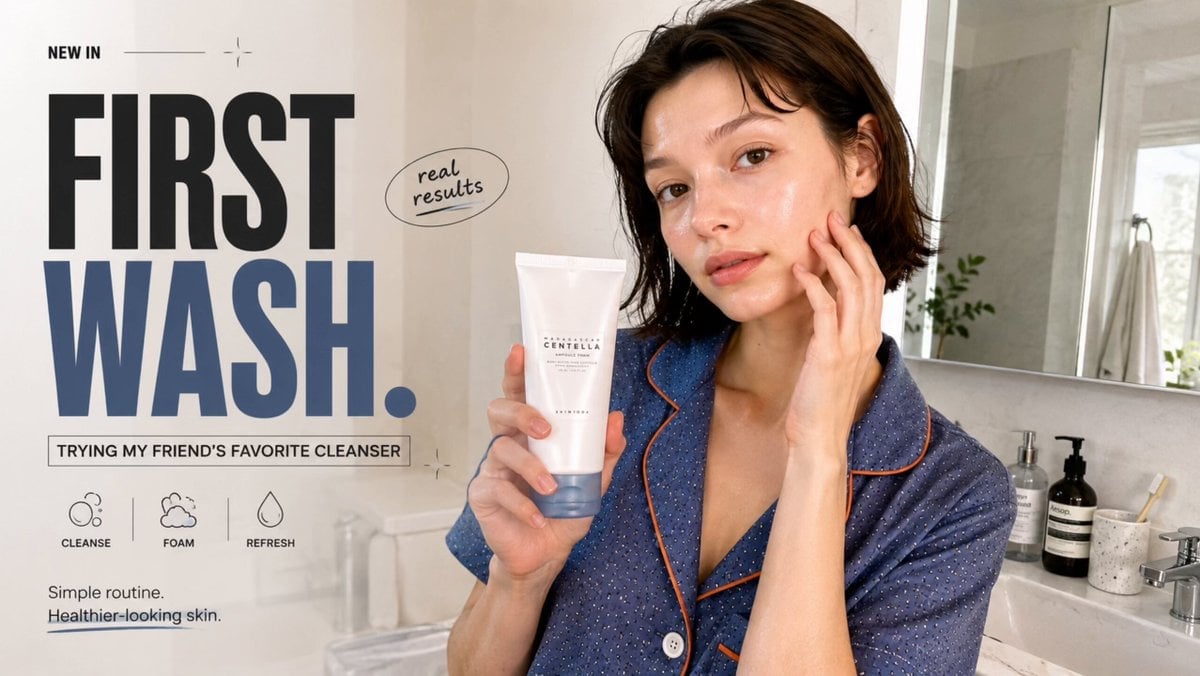
Realistic UGC Cleanser Review - Seedance 2.5

Product UGC Commercial
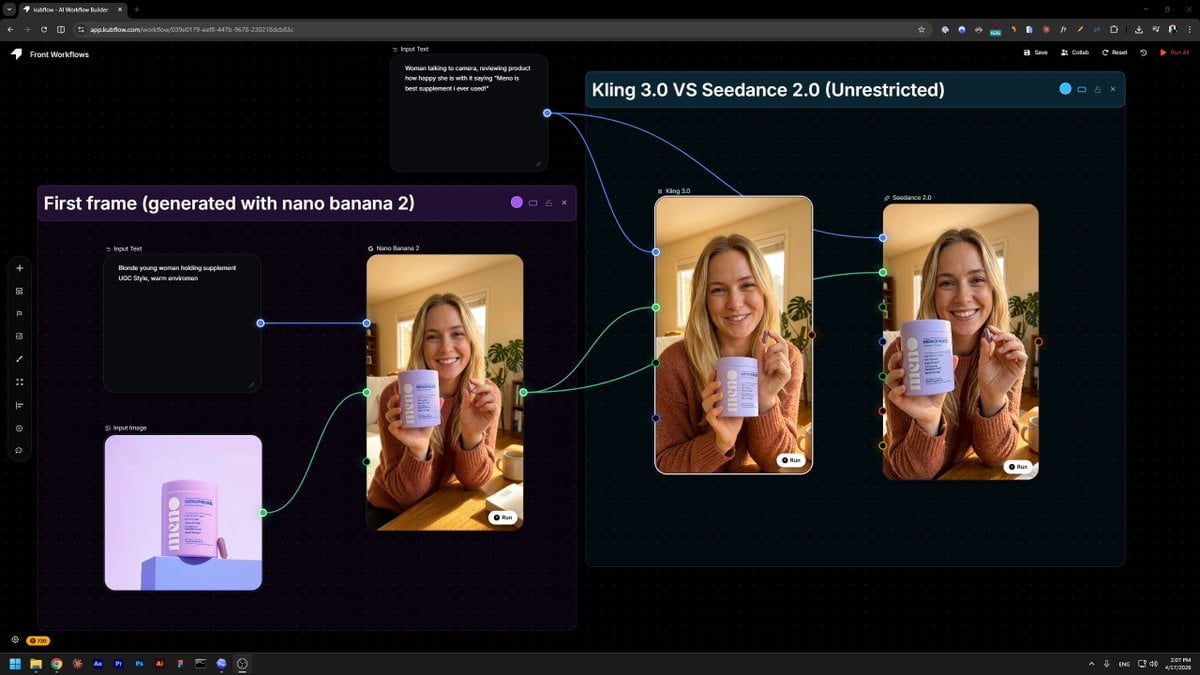
Product Review UGC Prompt

Definitive Anti-Slop AI Video Protocol — Qwen / Nano Banana / Grok

Sneaker Product Commercial
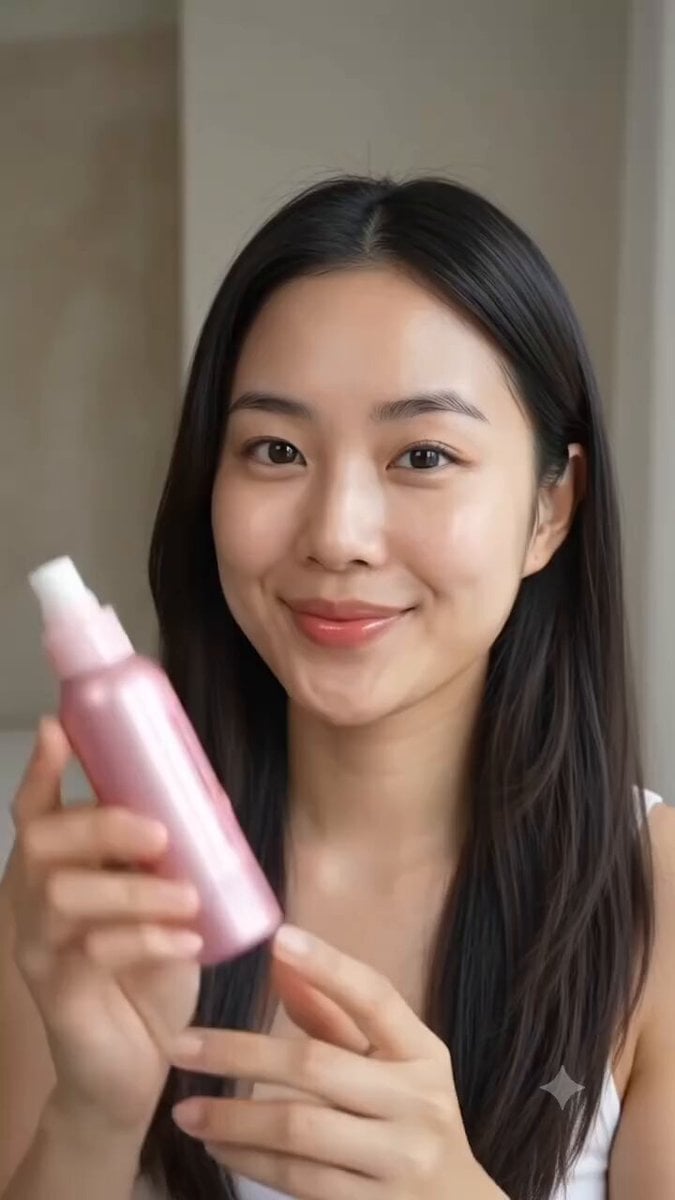
Multi Panel Storyboard Sheet

Skincare Product Commercial 3

Cinematic Portrait Study 3

Cinematic Portrait Study

Iced Coffee Dog Good-News Montage
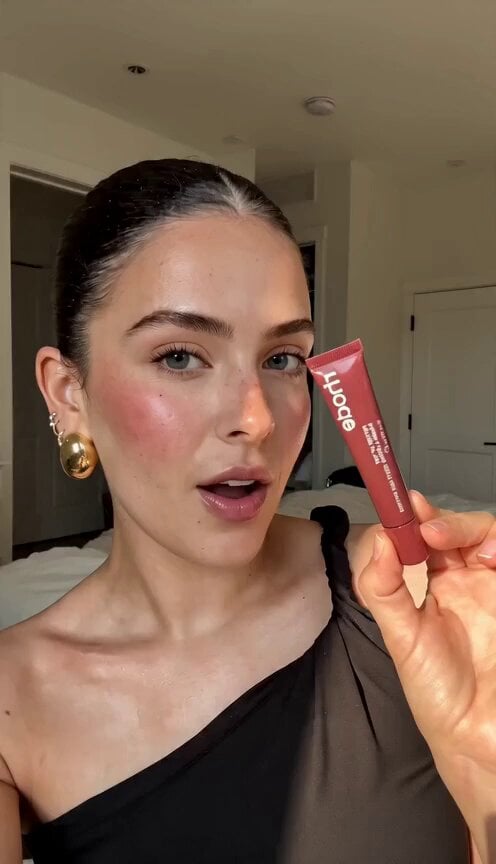
Realistic UGC Lipstick Review Video

UGC Burger Review Animation
Make it yours
Realistic UGC Product Review Video works as-is. These are the safest ways to change it without losing the look.
Change one field
Copy a single group, rewrite it, and generate again so you can see what that field is doing.
Keep the frame, change the subject
Hold the composition and light of Realistic UGC Product Review Video, then swap wardrobe, props or the person for a new take.
| If the result… | Why | Fix |
|---|---|---|
| The result drifts from the preview | Too many fields changed at once. | Reuse Realistic UGC Product Review Video as-is first, then change one group — subject, light, or setting. |
| The model over-stylizes the scene | The prose prompt leaves finish and camera underspecified. | Add one camera or lighting sentence and stay on Seedance 2.0. |
More Seedance 2.0 templates
Other prompts made for Seedance 2.0.

Comical Martial Arts Punch Scene

Maglev Train Action Sequence

Martial Arts Fight Sequence

Wuxia Protection and Trust Script

Vintage Korean Arcade MiniDV Vlog

Mercedes 190 SL Luxury Ad

Rainy Night Supernatural Reverse Comedy Video Script

Amazon Civilization Discovery

Futuristic South Asian City Transformation

Cozy Luxury Cafe Commercial
More video prompts
Fresh picks from across the catalog.

Military Thriller Typography Animation
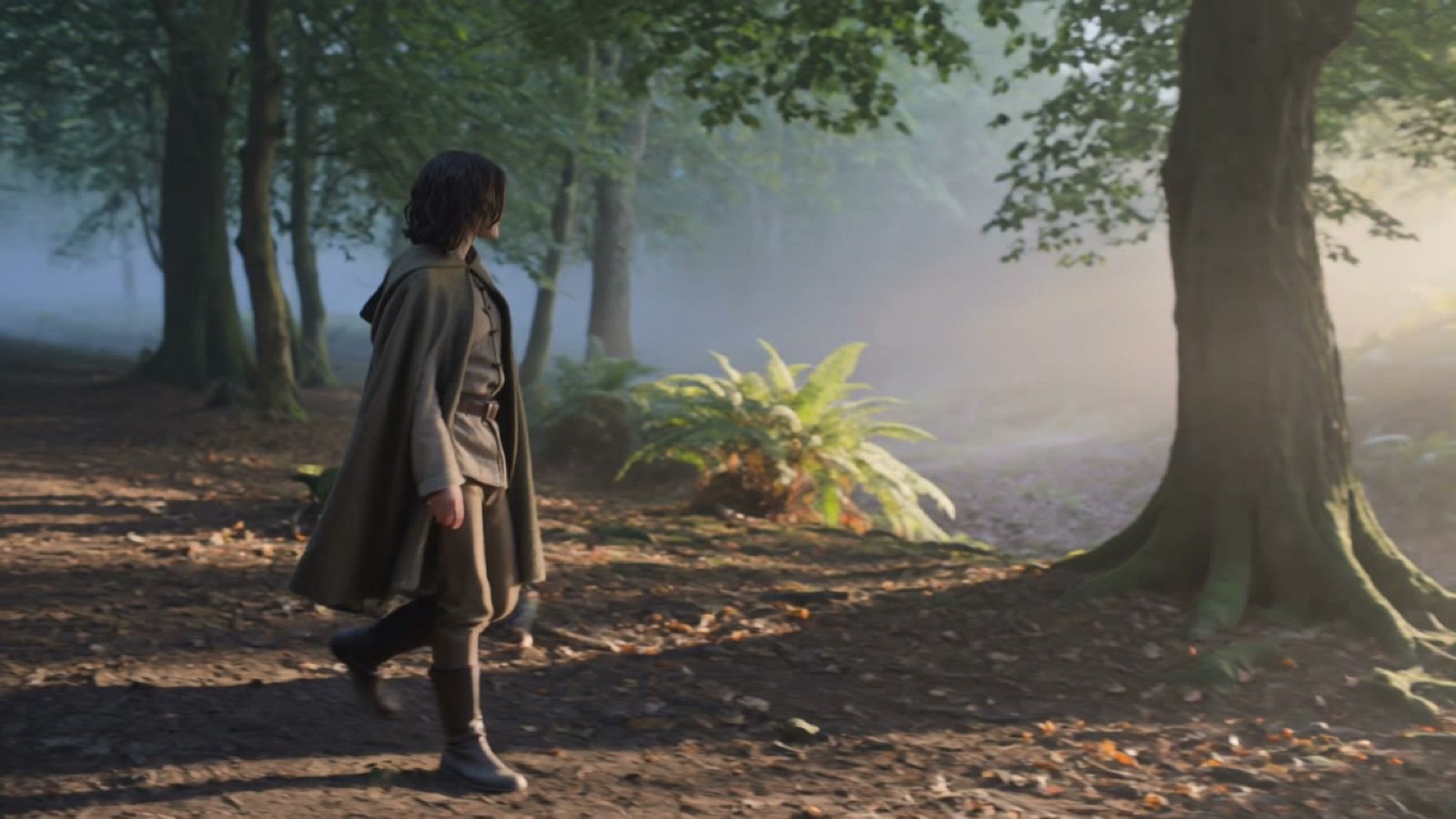
Quiet Forest Traveler
Urban Time-Freeze Sequence
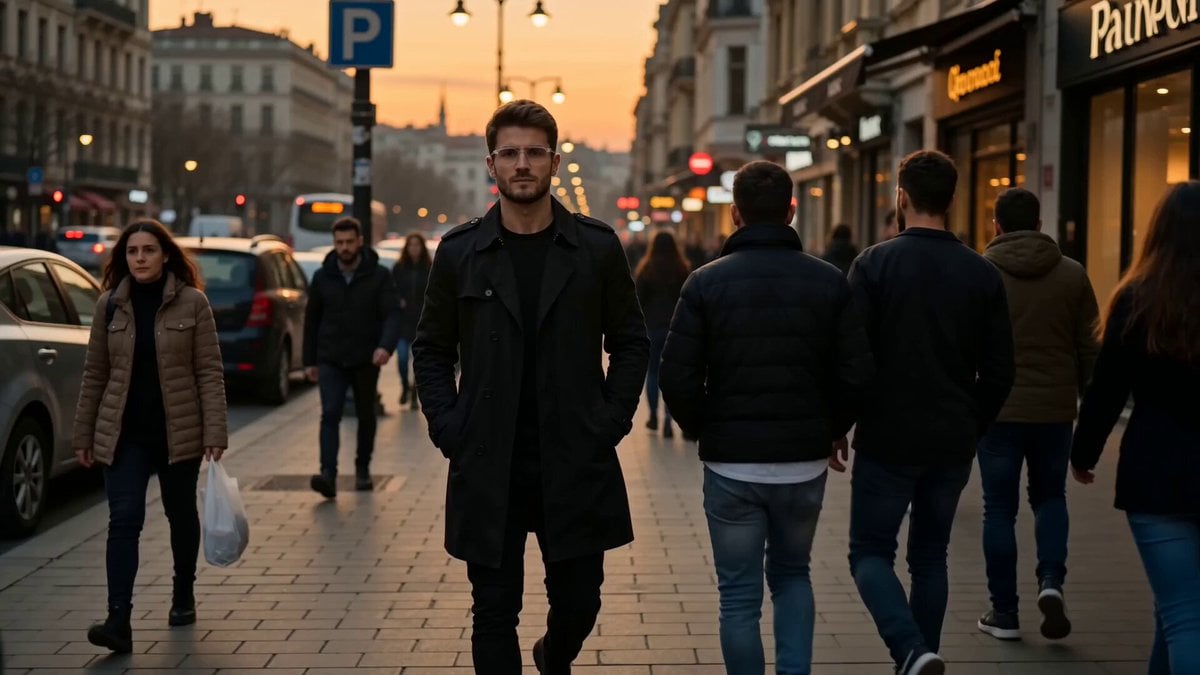
Istanbul sidewalk time-stealing sequence

Fairy and Puppy Macro Perspective Structured Prompt

Seedance 2.5 - @AIwithkhan - 901550

Building Dancing with Fireworks

Coffee Shop Cinematic Aerial Descent

Seedance 2.0 KTV Scene Prompt (Boyfriend POV)

Image-to-Video Character Animation
Browse template categories
Realistic UGC Product Review Video questions
How do I use the Realistic UGC Product Review Video template?
Add your photo if the template asks for one, edit the prompt if you like — the template's model and format are already selected — and press Generate. Your version opens in PicX Studio.
Can I customize the Realistic UGC Product Review Video template?
Yes. You can change the subject, setting, lighting, mood, format, and available model controls before creating your video.
Is the Realistic UGC Product Review Video template free?
Opening and editing this template is free. Generating uses credits, shown on the Generate button when you are signed in.
Which AI model should I use?
Start with Seedance 2.0, which is the model associated with this template. You can compare another compatible model for a different finish.
Looking for something else? Browse all templates.

Your photo, any look
Thousands of ready templates for every top image and video model, from one credit balance.