
Military Thriller Typography Animation
A precise prompt for generating Hollywood-style military thriller text animation with signal distortions and HUD graphics on a black background.
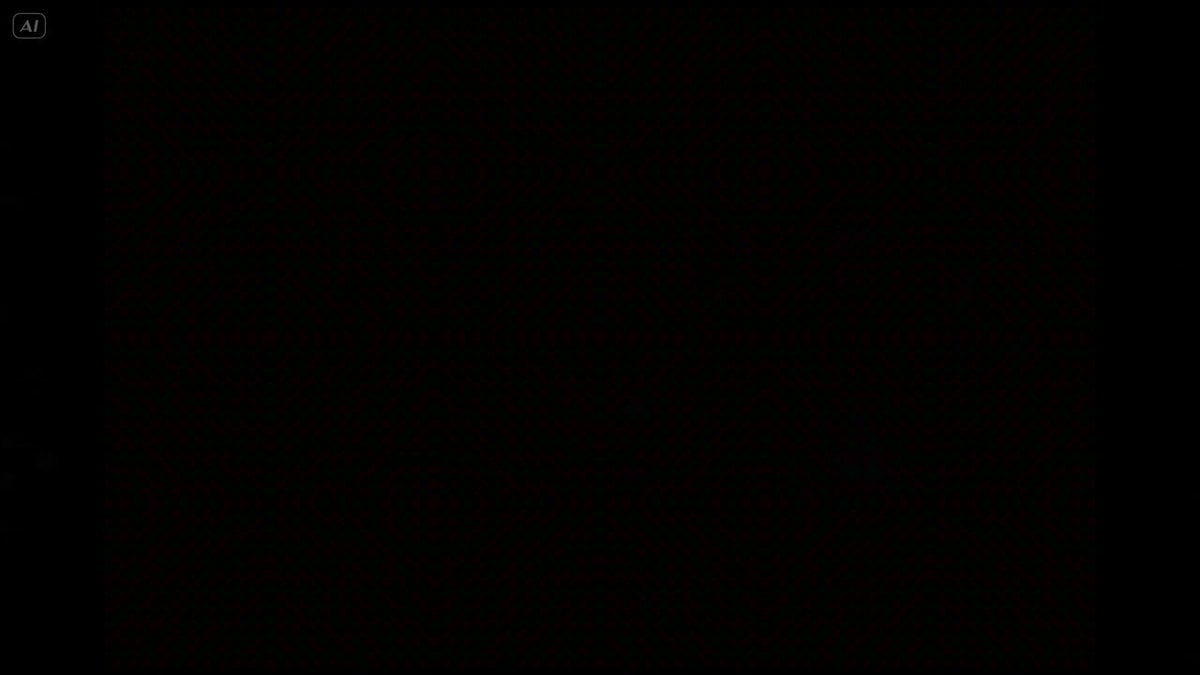
- Prompt included
- Model and format preset
- Premium template
The prompt behind this video
Copy the exact prompt behind Military Thriller Typography Animation, or open it in the studio and make it yours.
Ultra-clean Hollywood military thriller typography animation on black background. The text: SECTOR 14 Animation style: Distorted Frequency Reveal mixed with Classified HUD motion graphics. The text should NOT appear instantly. Start with: faint signal interference fragmented waveform distortions subtle digital frequency noise low-opacity fragmented symbols soft corrupted scan lines Then: individual letter fragments slowly begin assembling through signal distortion. Letters briefly glitch and warp as if affected by an unstable transmission frequency. A thin horizontal scanning line passes through the center of the text while it stabilizes. Typography style: thin modern military font cinematic typography cold white text with extremely subtle red interference accents restrained animation Motion behavior: smooth cinematic easing synchronized to deep bass pulses subtle digital instability Background: pure black. Sound design: deep atmospheric bass pulse, dark cinematic drone, The sound and animation must synchronize precisely together like a high-end movie trailer title card.
How to use Military Thriller Typography Animation in 3 steps
- 1
Open
The prompt is already in the box next to the preview, with the template's model and format selected.
- 2…a portrait of your subject in softgolden-hour light, 85mm…
Personalize
Edit the subject and creative details for your destination.
- 3Generate
Generate
Press Generate — your video is created in PicX Studio, so you can compare it with the original and refine one variable at a time.
More like this
Templates with the same subject, style or setup. Open one to see its prompt.

Multilingual Creative Typography Loop

3D Glossy Fairy Animation - Seedance 2.5

Silk Road Pomegranate Folk Animation

Walking Factory with Rebel on Hoverbike - Wasteland
Cartoon Bullfight Arena — Girl vs Bull (Seedance)
Rainforest Thriller — Searching the Unseen
Dim Sum Chase — Shrimp Dumpling Monster
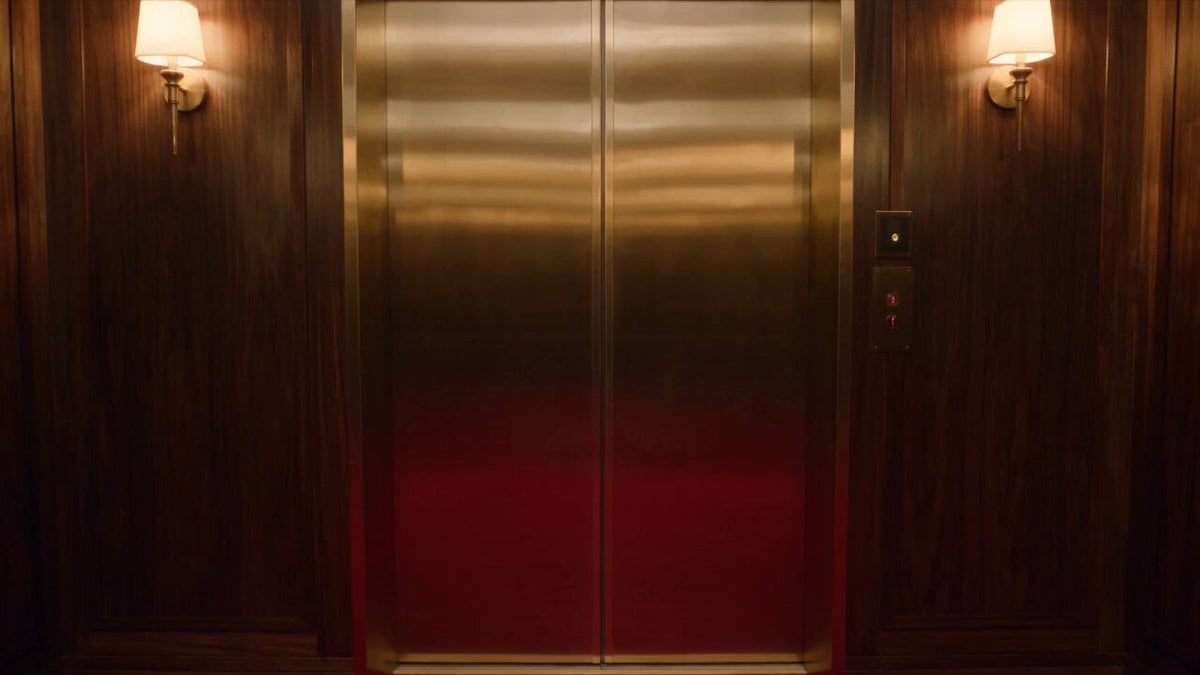
Luxury Hotel Thriller Sequence
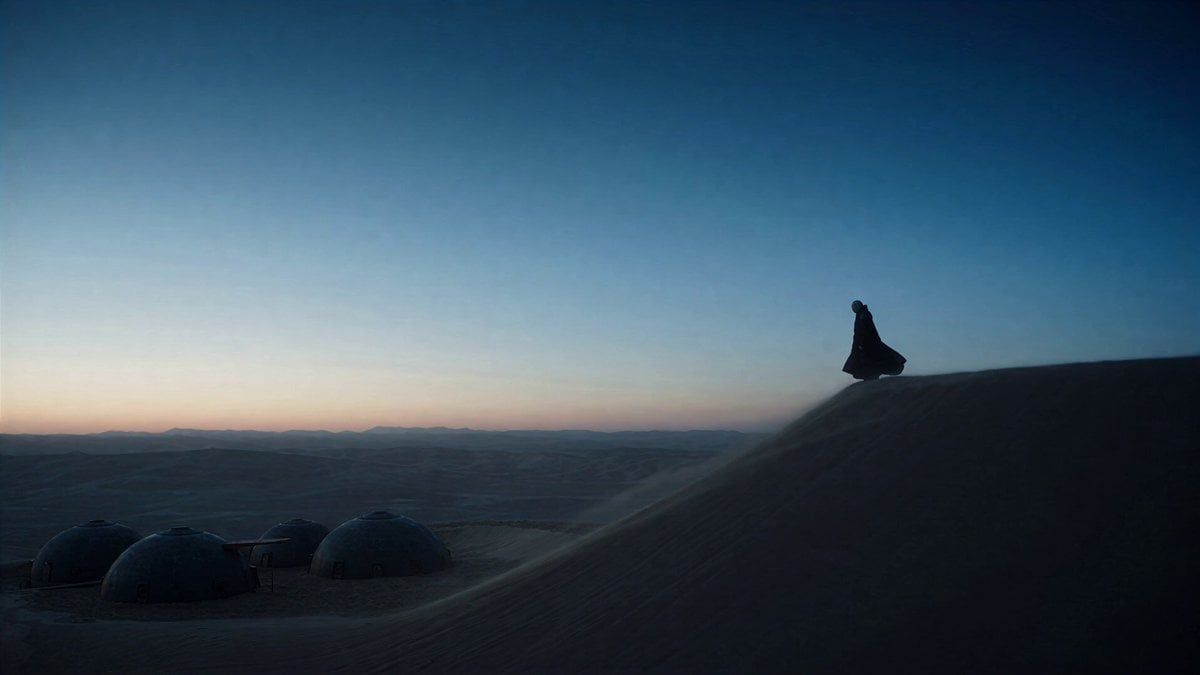
Dune Ridge Military Base Sequence
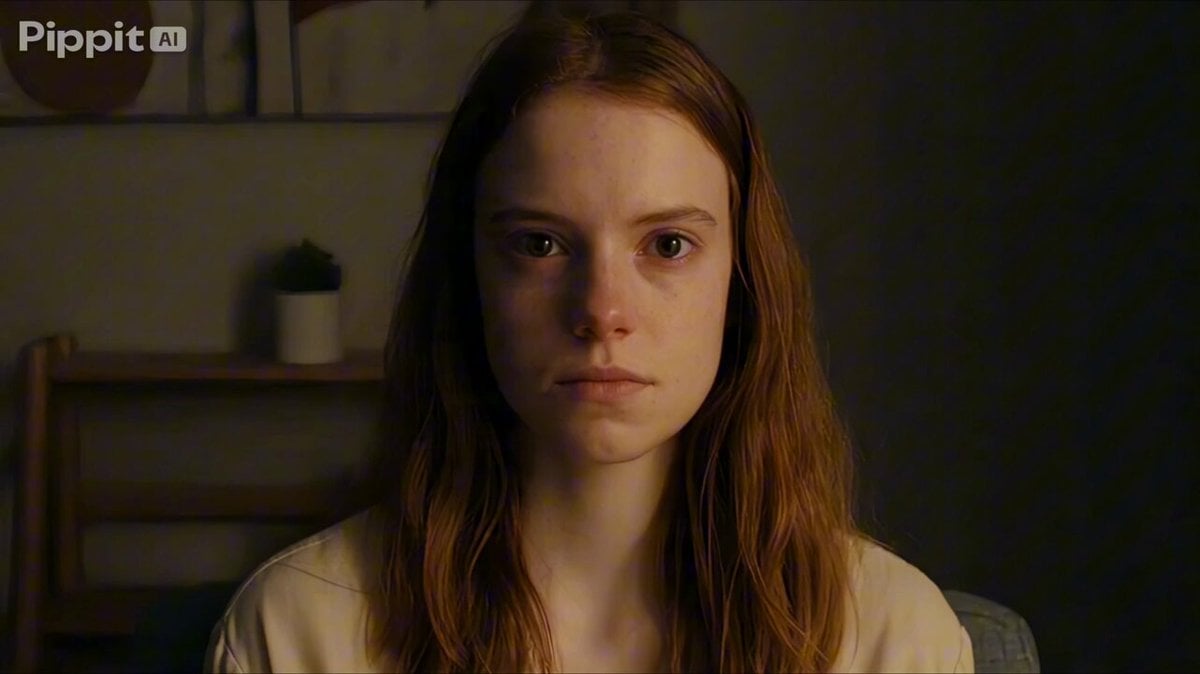
Psychological Thriller Performance Study
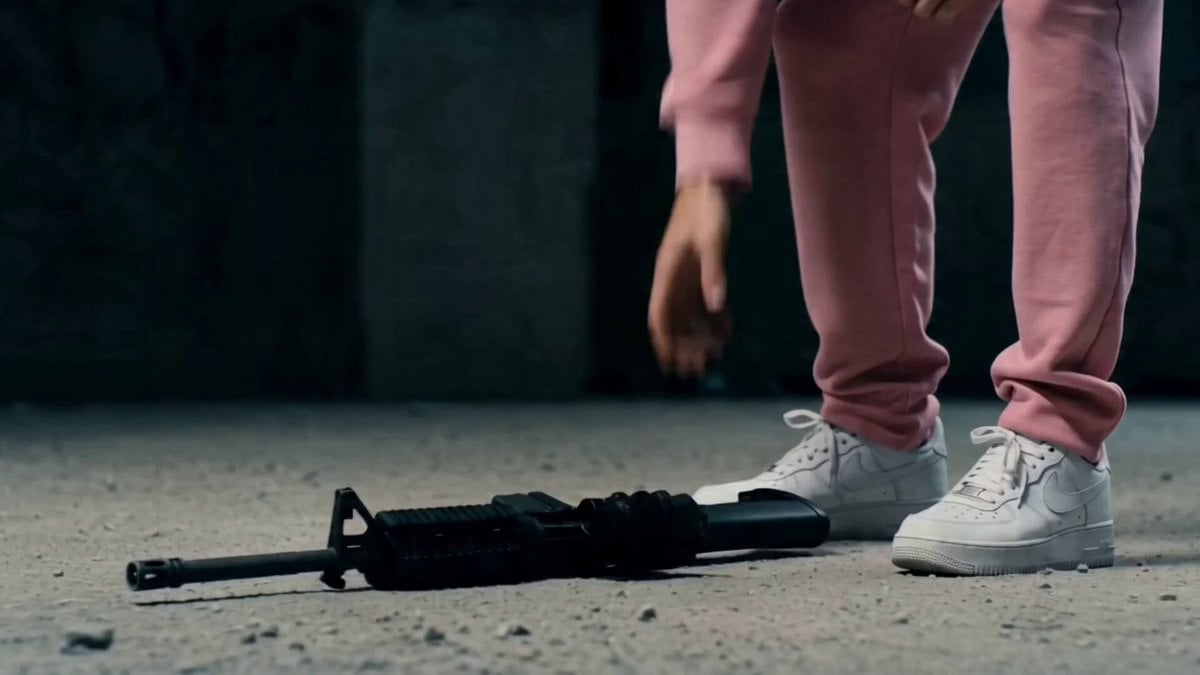
Post-Apocalyptic Survival Thriller Prompt
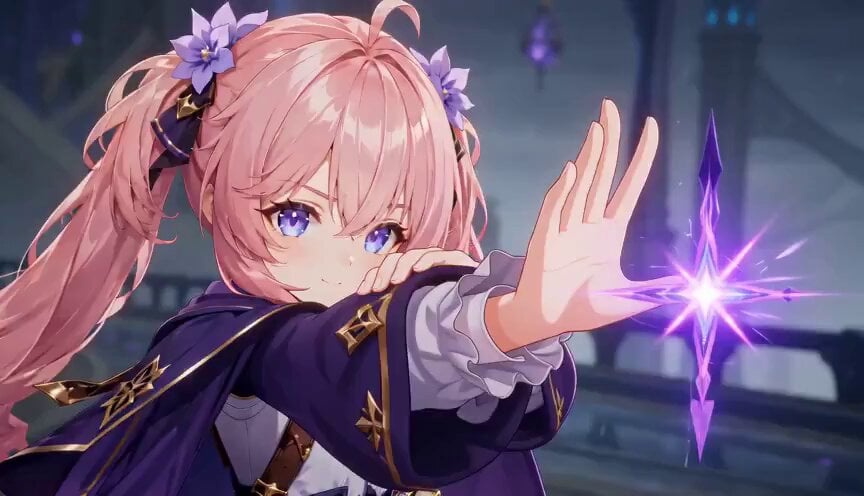
Magic City Fantasy Battle Animation
Make it yours
Military Thriller Typography Animation works as-is. These are the safest ways to change it without losing the look.
Change one field
Copy a single group, rewrite it, and generate again so you can see what that field is doing.
Keep the frame, change the subject
Hold the composition and light of Military Thriller Typography Animation, then swap wardrobe, props or the person for a new take.
| If the result… | Why | Fix |
|---|---|---|
| The result drifts from the preview | Too many fields changed at once. | Reuse Military Thriller Typography Animation as-is first, then change one group — subject, light, or setting. |
| The model over-stylizes the scene | The prose prompt leaves finish and camera underspecified. | Add one camera or lighting sentence and stay on Seedance 2.0. |
More Seedance 2.0 templates
Other prompts made for Seedance 2.0.

Comical Martial Arts Punch Scene

Maglev Train Action Sequence

Martial Arts Fight Sequence

Wuxia Protection and Trust Script

Vintage Korean Arcade MiniDV Vlog

Mercedes 190 SL Luxury Ad

Rainy Night Supernatural Reverse Comedy Video Script

Amazon Civilization Discovery

Futuristic South Asian City Transformation

Cozy Luxury Cafe Commercial
More video prompts
Fresh picks from across the catalog.
Luxury Product Showcase Transition
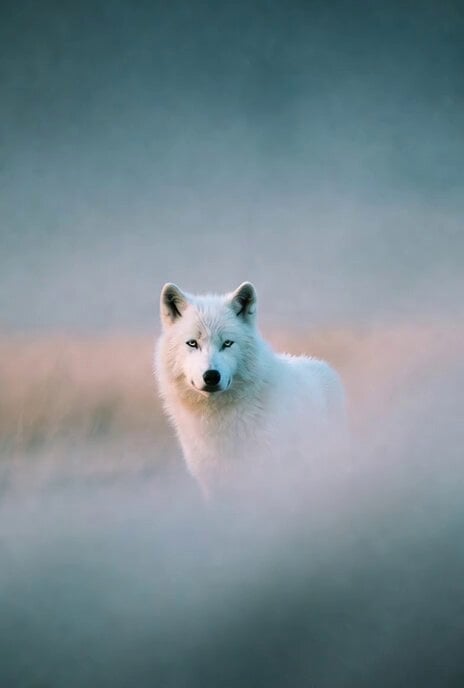
Foggy Character Head Movement
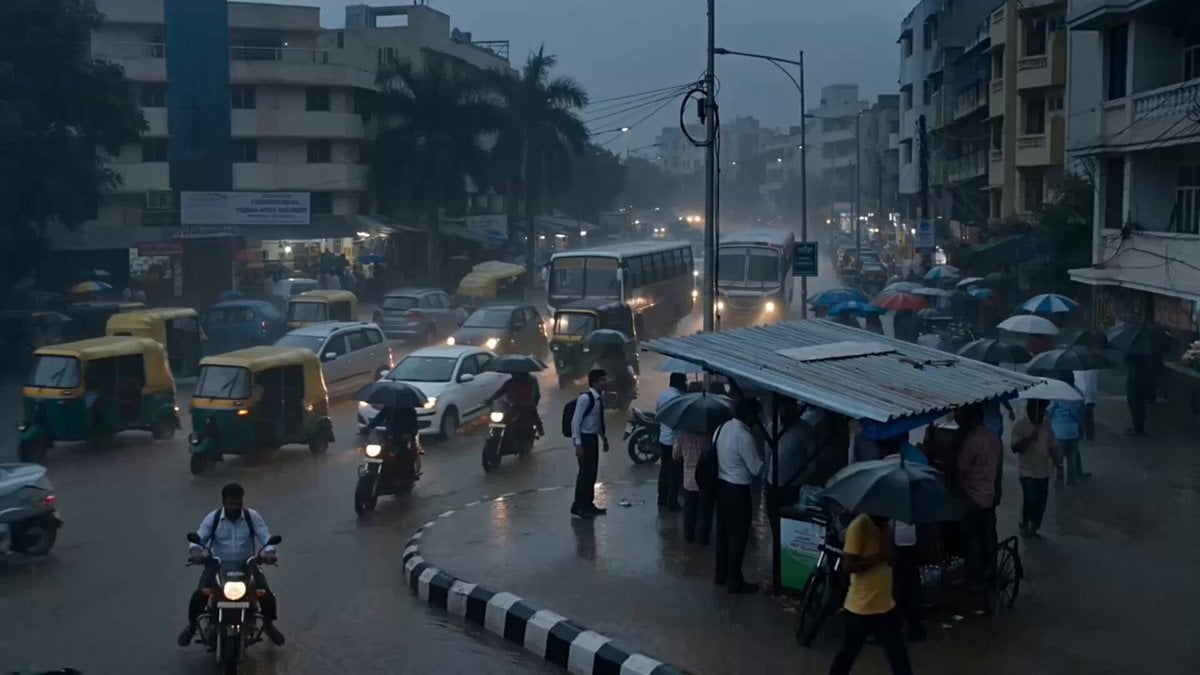
Seedance 2.5 - @Diplomeme - 446818
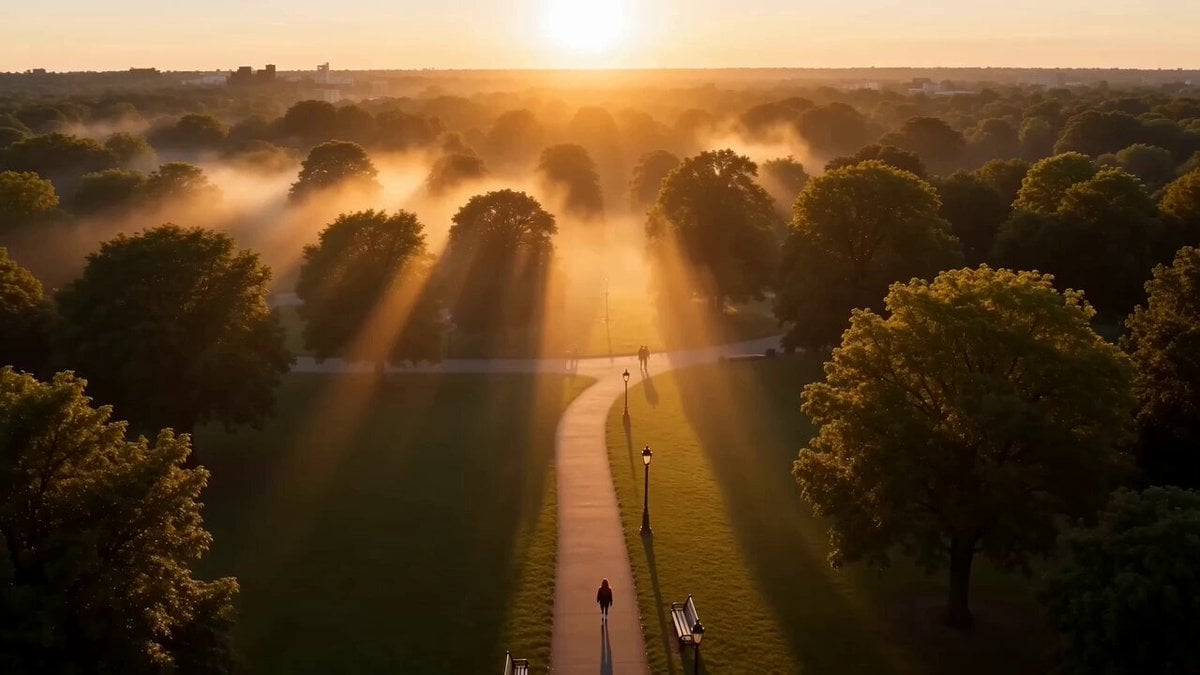
Cinematic Street Justice Action Scene
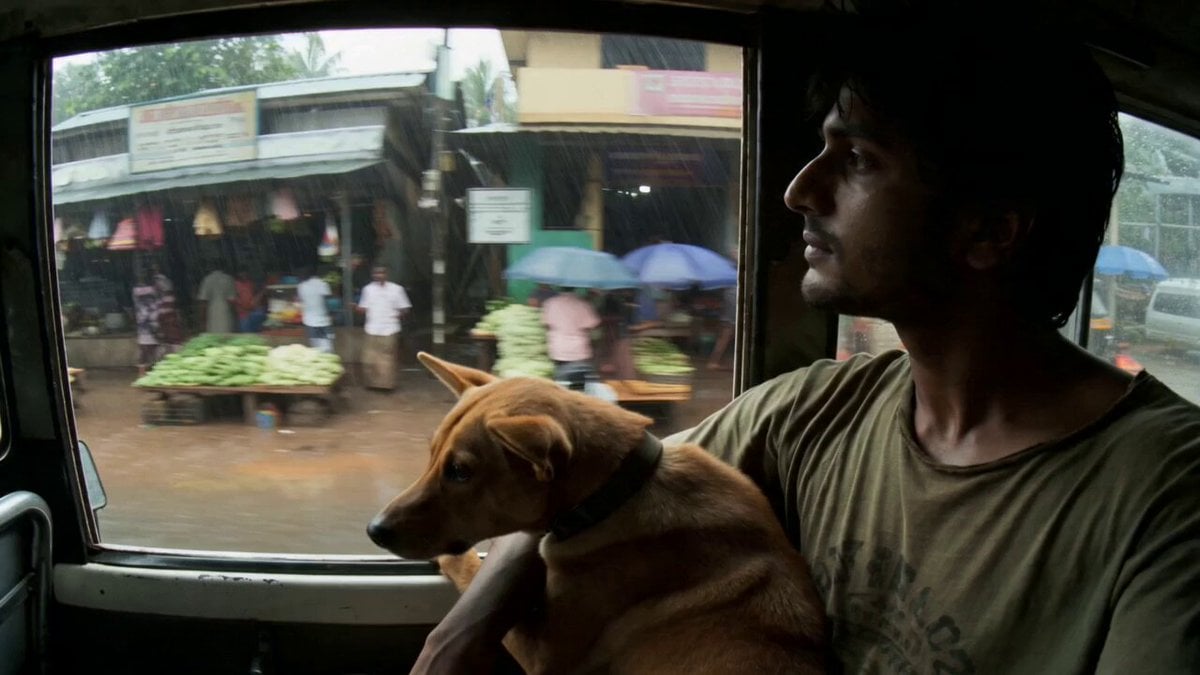
Rural Kerala Monsoon Journey
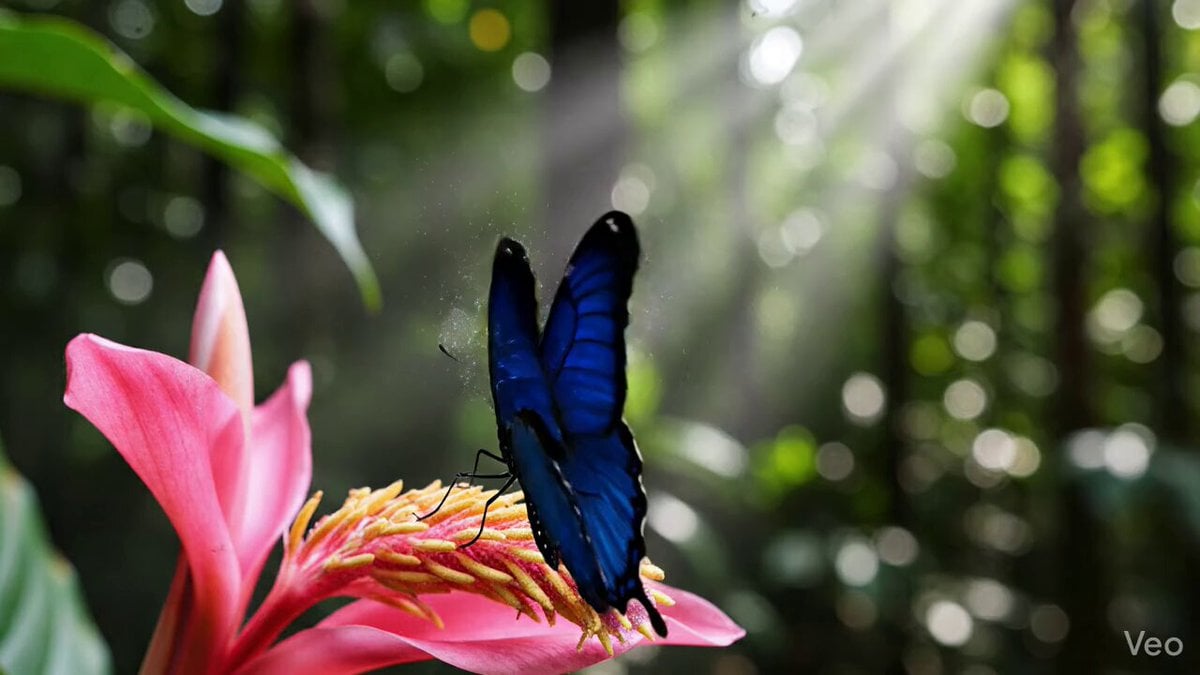
Morpho Butterfly Wing Simulation
Found-Footage City Anomaly
Basketball Dribbling Social Media Video Prompt
Second UGC Makeup Tutorial Script
Lego Character Self-Animation
Browse template categories
Military Thriller Typography Animation questions
How do I use the Military Thriller Typography Animation template?
Add your photo if the template asks for one, edit the prompt if you like — the template's model and format are already selected — and press Generate. Your version opens in PicX Studio.
Can I customize the Military Thriller Typography Animation template?
Yes. You can change the subject, setting, lighting, mood, format, and available model controls before creating your video.
Is the Military Thriller Typography Animation template free?
Opening and editing this template is free. Generating uses credits, shown on the Generate button when you are signed in.
Which AI model should I use?
Start with Seedance 2.0, which is the model associated with this template. You can compare another compatible model for a different finish.
Looking for something else? Browse all templates.

Your photo, any look
Thousands of ready templates for every top image and video model, from one credit balance.