
Cinematic Street Justice Action Scene
An action-packed video prompt featuring a young woman in black streetwear intervening to recover a child's stolen money, with martial arts and dynamic camera movement.
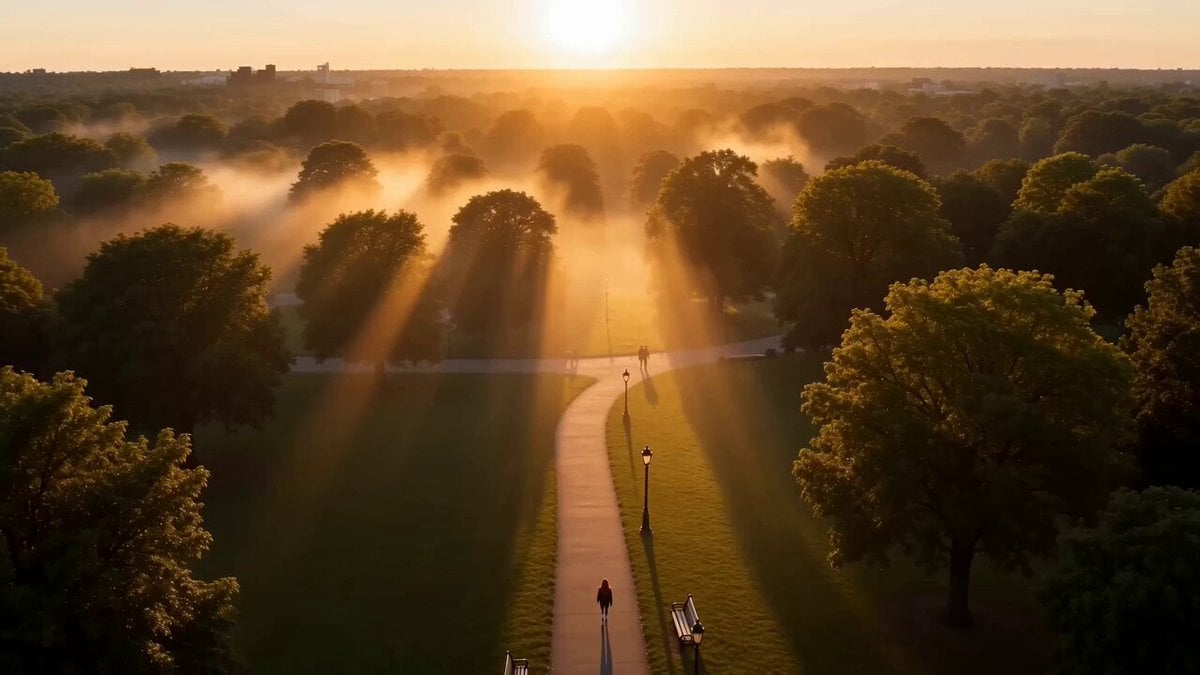
- Prompt included
- Model and format preset
- Free template
The prompt behind this video
Copy the exact prompt behind Cinematic Street Justice Action Scene, or open it in the studio and make it yours.
Style: Ultra-realistic, cinematic influencer aesthetic, fast-paced action, luxury streetwear fashion, dynamic handheld camera, speed ramps, whip pan transitions, dramatic golden-hour lighting, shallow depth of field, high energy editing, Hollywood action choreography, 16:9 , 4K. --- Scene 1 (0–3s) A beautiful public park during golden hour. A young boy (around 8 years old) happily buys an ice cream while holding a small envelope filled with his piggy bank savings. As he turns away, the envelope slips from his hands, scattering cash across the walkway. He kneels down in a panic, trying to gather the bills before the wind carries them away. Fast push-in camera, cinematic slow motion on the falling money, emotional atmosphere. --- Scene 2 (3–6s) Three stylish teenage girls in trendy streetwear quickly surround the boy. Smirking, they snatch the scattered money from the ground despite the child's protests. They laugh confidently and begin walking away while counting the cash. The boy stands frozen, upset and helpless. Dynamic handheld tracking, quick close-ups, rapid cuts, cinematic tension. --- Scene 3 (6–12s) A confident "baddie" girl wearing premium black streetwear, oversized jacket, cargo pants, sneakers, sunglasses, and subtle gold accessories steps into frame. She calmly removes her sunglasses and blocks the girls' path. A fast-paced, highly choreographed fight begins with stylish martial arts, precise dodges, clean blocks, spinning kicks, sweeps, and disarms. No blood or graphic injuries only cinematic, athletic action. Speed ramps, whip pans, slow-motion impact moments, dust particles, dramatic camera movement, high-energy editing synchronized to the music. --- Scene 4 (12–15s) The three girls are left sitting on the grass, embarrassed after being outmatched. The heroine calmly picks up the recovered cash and kneels to hand it back to the smiling boy. He gratefully hugs the envelope while holding his ice cream. Without saying a word, she smiles slightly and walks away in slow motion as the sun shines behind her. The camera follows from behind before tilting upward. Final cinematic text overlay: "Wrong kid. Wrong day."
How to use Cinematic Street Justice Action Scene in 3 steps
- 1
Open
The prompt is already in the box next to the preview, with the template's model and format selected.
- 2…a portrait of your subject in softgolden-hour light, 85mm…
Personalize
Edit the subject and creative details for your destination.
- 3Generate
Generate
Press Generate — your video is created in PicX Studio, so you can compare it with the original and refine one variable at a time.
More like this
Templates with the same subject, style or setup. Open one to see its prompt.
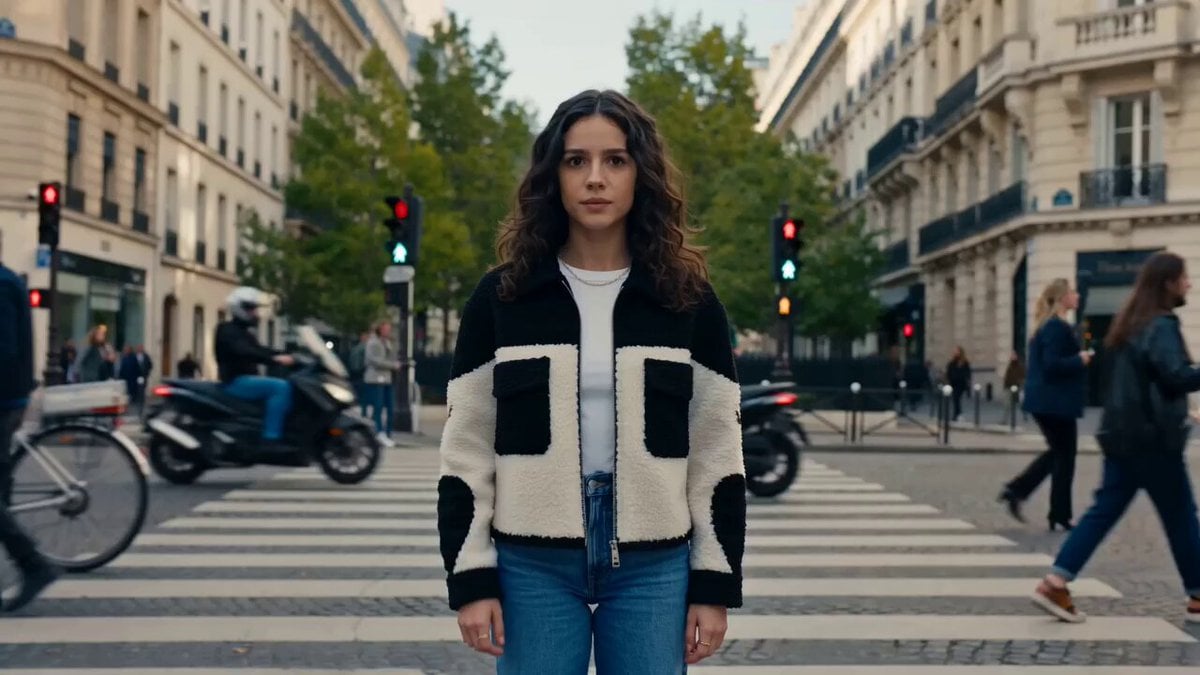
Nano Banana Seedance Time Control Streets
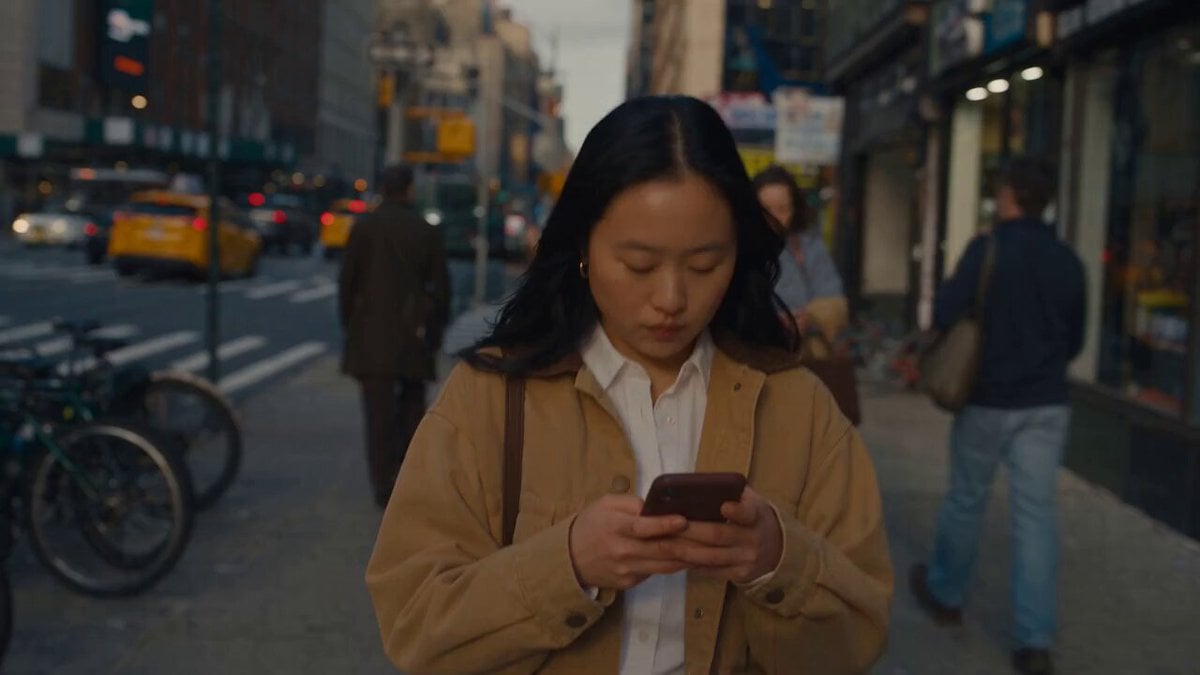
Realistic City Street Story Cinematic Video - Seedance
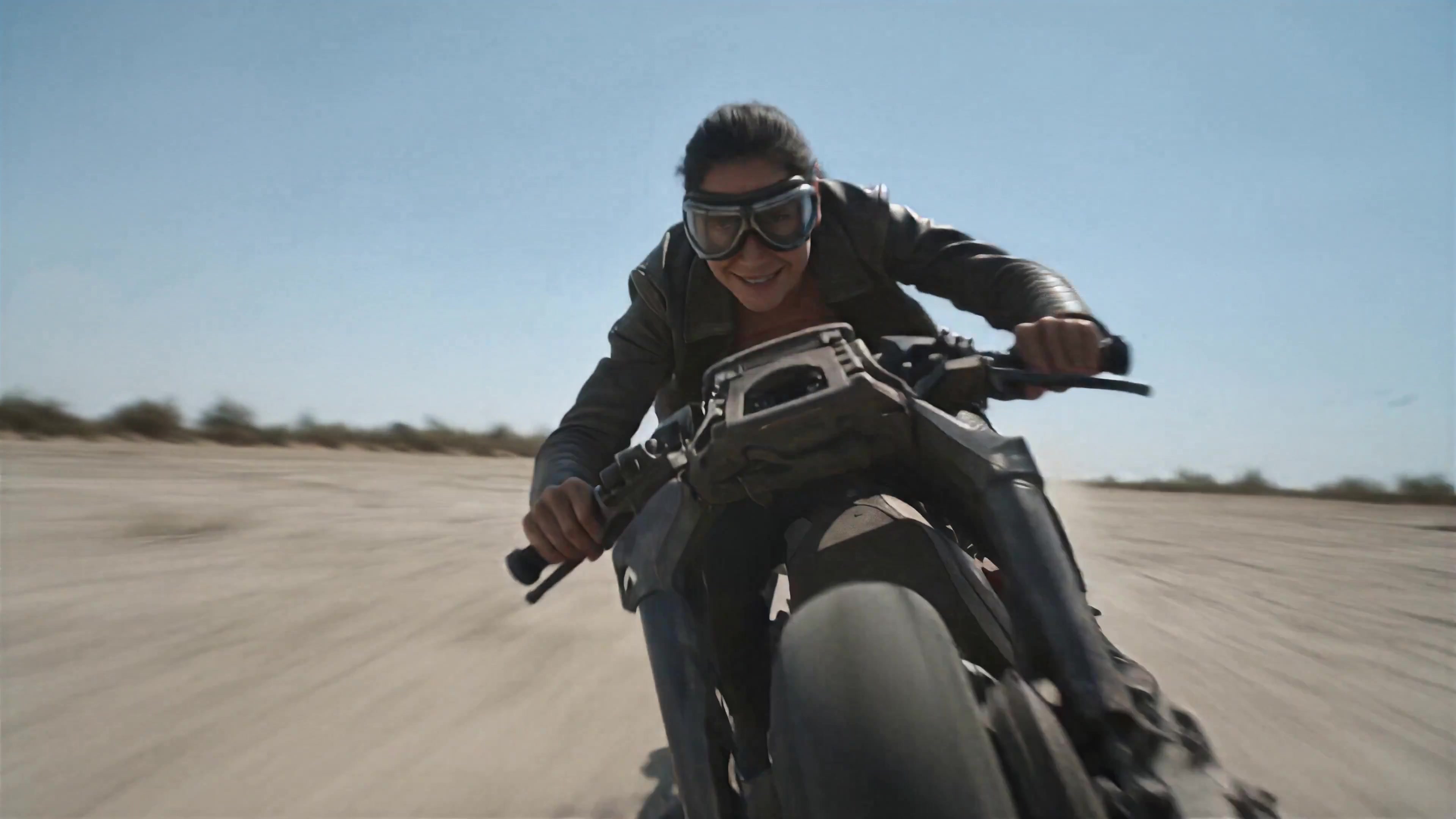
Walking Factory with Rebel on Hoverbike - Wasteland
Thornmaw Monarch — Crimson Glass Desert Beast
Warhorse Sprint on Cliff Aqueduct
Parametric Fight Scenes Seedance
Colossal Sea Creature — Stormy Shore Charge (Seedance)
Skybridge Rescue — Supertall Tower Collapse (Seedance)
Highway Biker — Aggressive Lane Split (PixVerse C1)
Bullet Time Selfie — Modular Parameter Template (Seedance)
Dragon Rescue — Volcanic Kingdom Collapse (Seedance)
Swordsman vs Shadow Monster — Bamboo Forest Battle
Make it yours
Cinematic Street Justice Action Scene works as-is. These are the safest ways to change it without losing the look.
Change one field
Copy a single group, rewrite it, and generate again so you can see what that field is doing.
Keep the frame, change the subject
Hold the composition and light of Cinematic Street Justice Action Scene, then swap wardrobe, props or the person for a new take.
| If the result… | Why | Fix |
|---|---|---|
| The result drifts from the preview | Too many fields changed at once. | Reuse Cinematic Street Justice Action Scene as-is first, then change one group — subject, light, or setting. |
| The model over-stylizes the scene | The prose prompt leaves finish and camera underspecified. | Add one camera or lighting sentence and stay on Seedance 2.0. |
More Seedance 2.0 templates
Other prompts made for Seedance 2.0.

Comical Martial Arts Punch Scene

Martial Arts Fight Sequence

Wuxia Protection and Trust Script

Vintage Korean Arcade MiniDV Vlog

Mercedes 190 SL Luxury Ad

Rainy Night Supernatural Reverse Comedy Video Script

Amazon Civilization Discovery

Futuristic South Asian City Transformation

Cozy Luxury Cafe Commercial
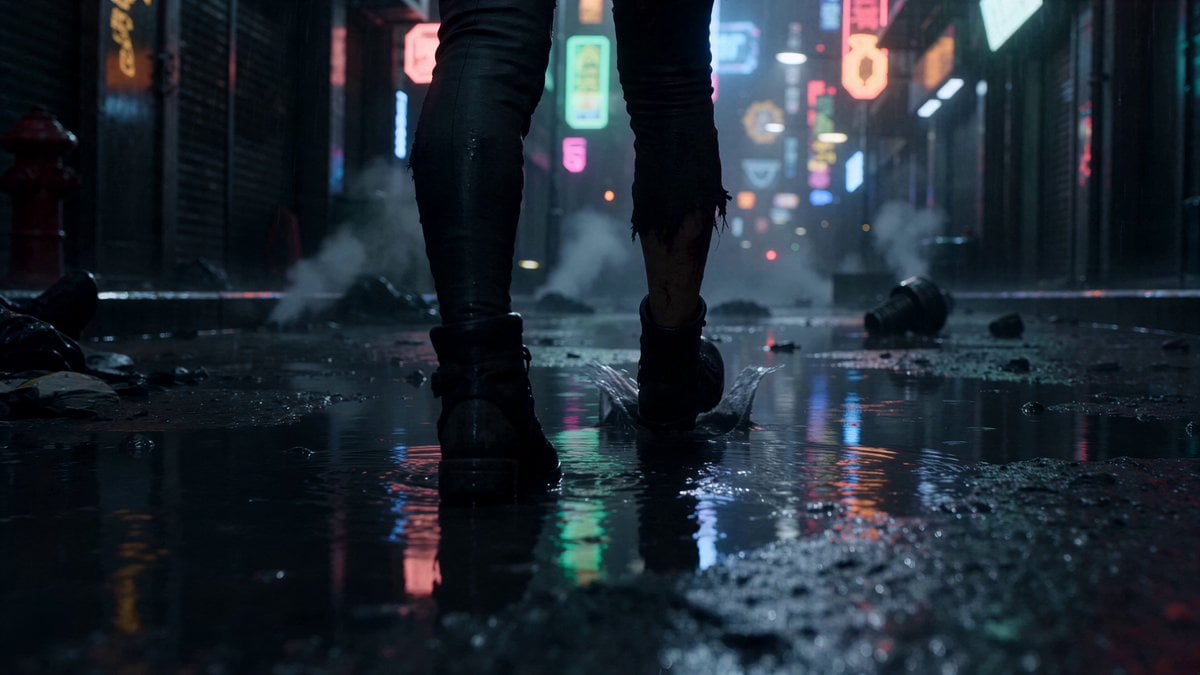
Cyber Ronin Nanotech Transformation Video
More video prompts
Fresh picks from across the catalog.
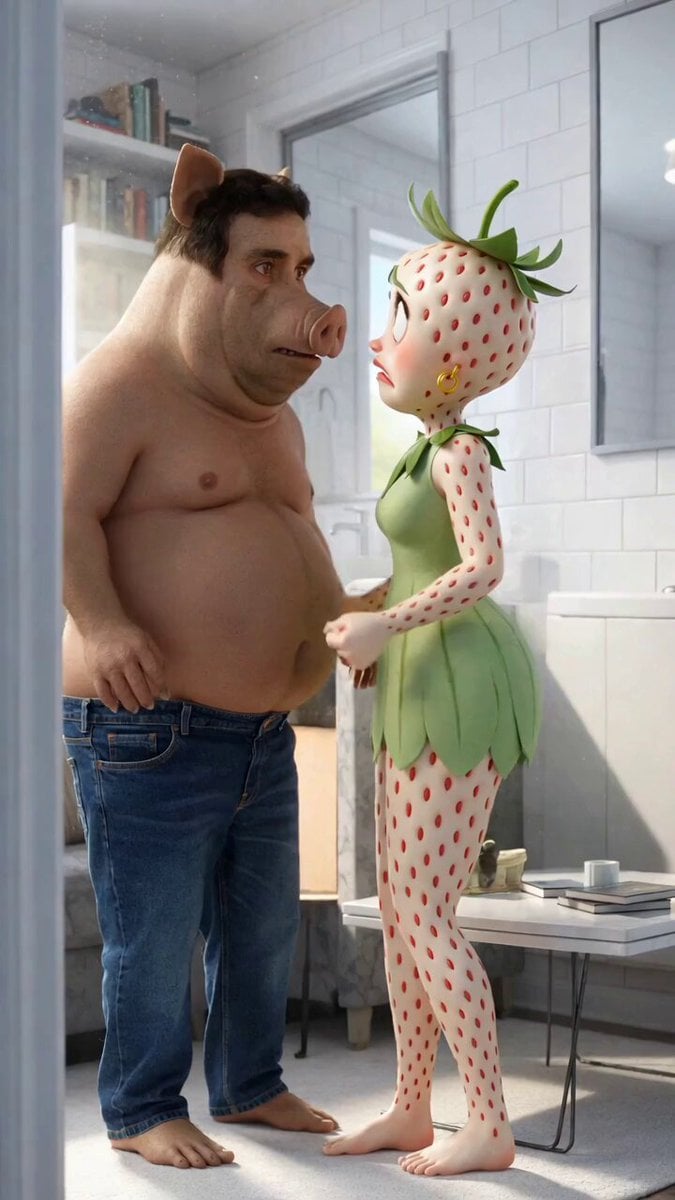
Nikita Boar and the Eggplant Child Video
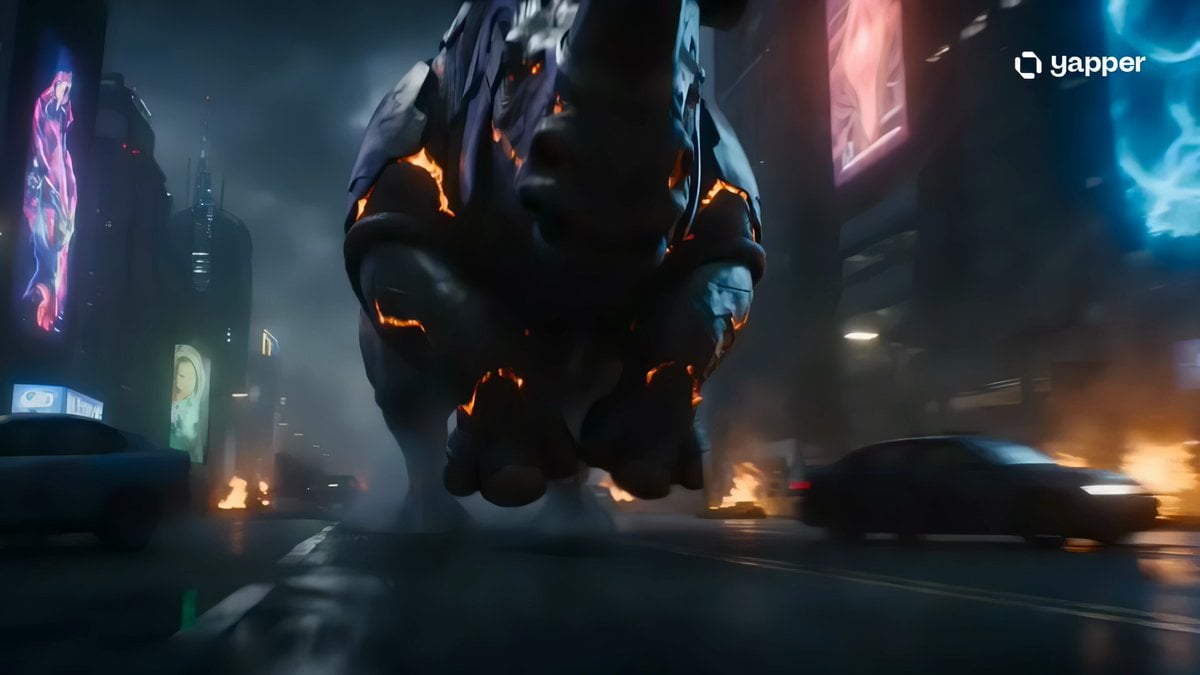
Colossal Armored Rhino Rampage

Seedance 2.0 Multi-Clip Video Prompt: Immortal Apprentice

Black Hole Event Horizon Video Prompt

Venusian Woman Paradise Planet

Structured Chibi Character Animation Prompt

Cute Bear Swimming and Diving

Rainbow Waves on the Moon

Alien Creature Highway Bridge Attack
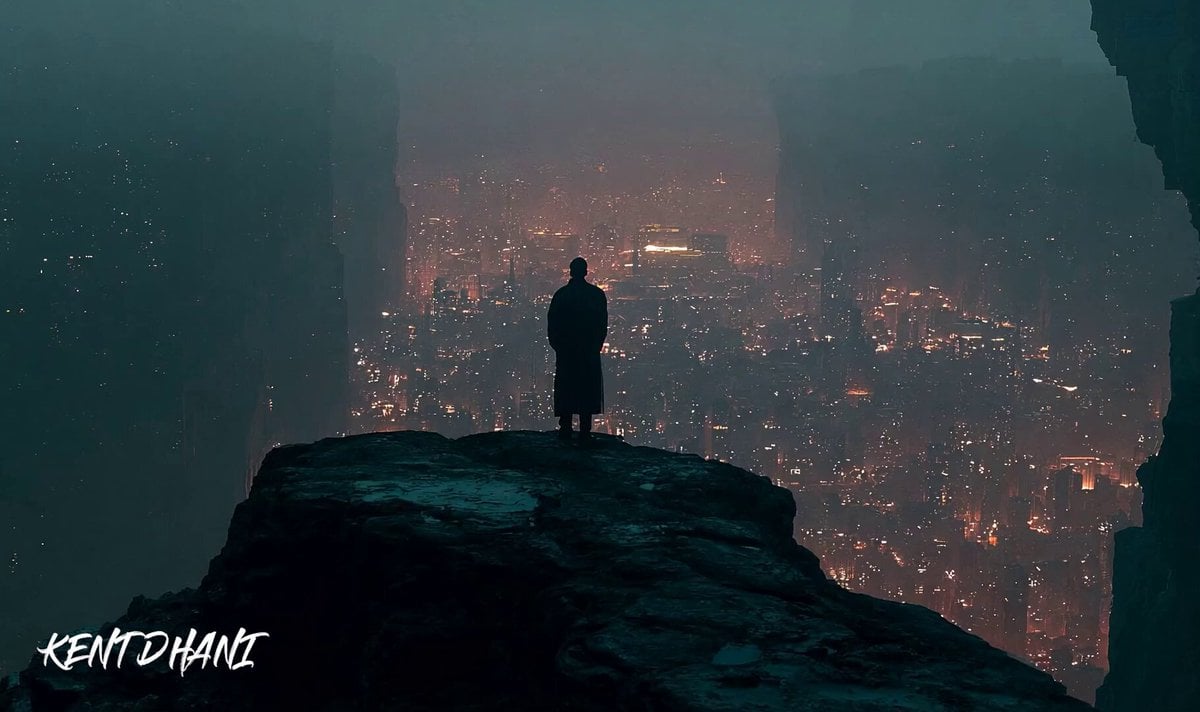
Cinematic Apocalypse Meteor Shower
Browse template categories
Cinematic Street Justice Action Scene questions
How do I use the Cinematic Street Justice Action Scene template?
Add your photo if the template asks for one, edit the prompt if you like — the template's model and format are already selected — and press Generate. Your version opens in PicX Studio.
Can I customize the Cinematic Street Justice Action Scene template?
Yes. You can change the subject, setting, lighting, mood, format, and available model controls before creating your video.
Is the Cinematic Street Justice Action Scene template free?
Opening and editing this template is free. Generating uses credits, shown on the Generate button when you are signed in.
Which AI model should I use?
Start with Seedance 2.0, which is the model associated with this template. You can compare another compatible model for a different finish.
Looking for something else? Browse all templates.

Your photo, any look
Thousands of ready templates for every top image and video model, from one credit balance.