How do I use the Structured Chibi Character Animation Prompt template?
Edit the prompt in the box under the preview — the template's model and format are already selected — and press Generate. Your version appears right on this page.
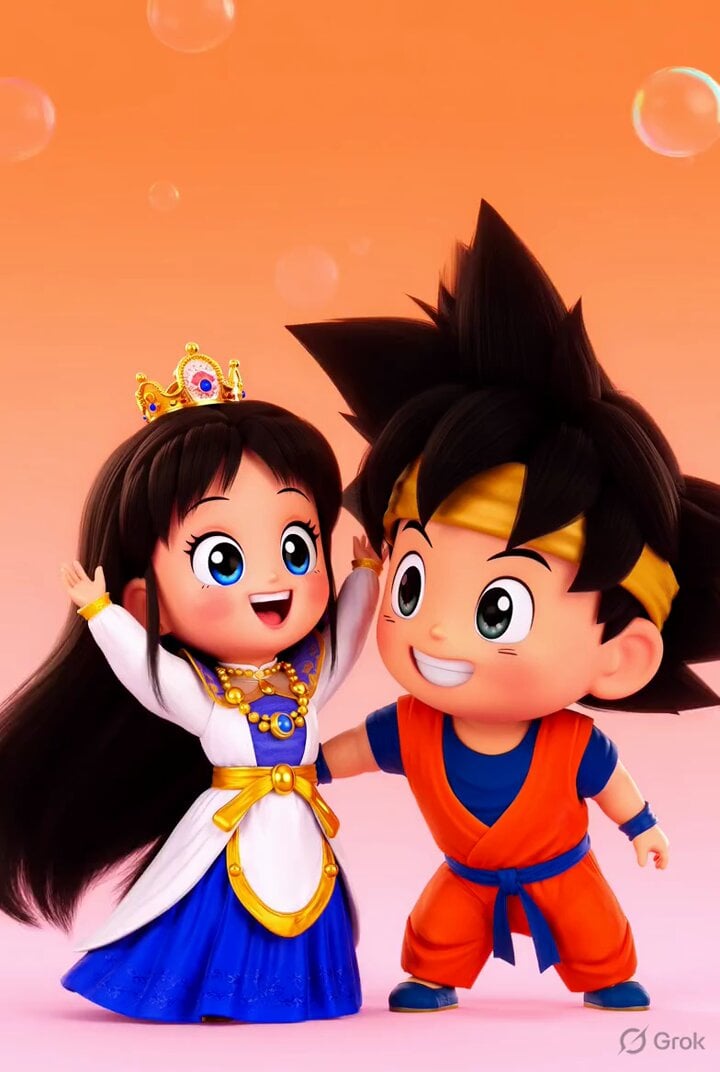
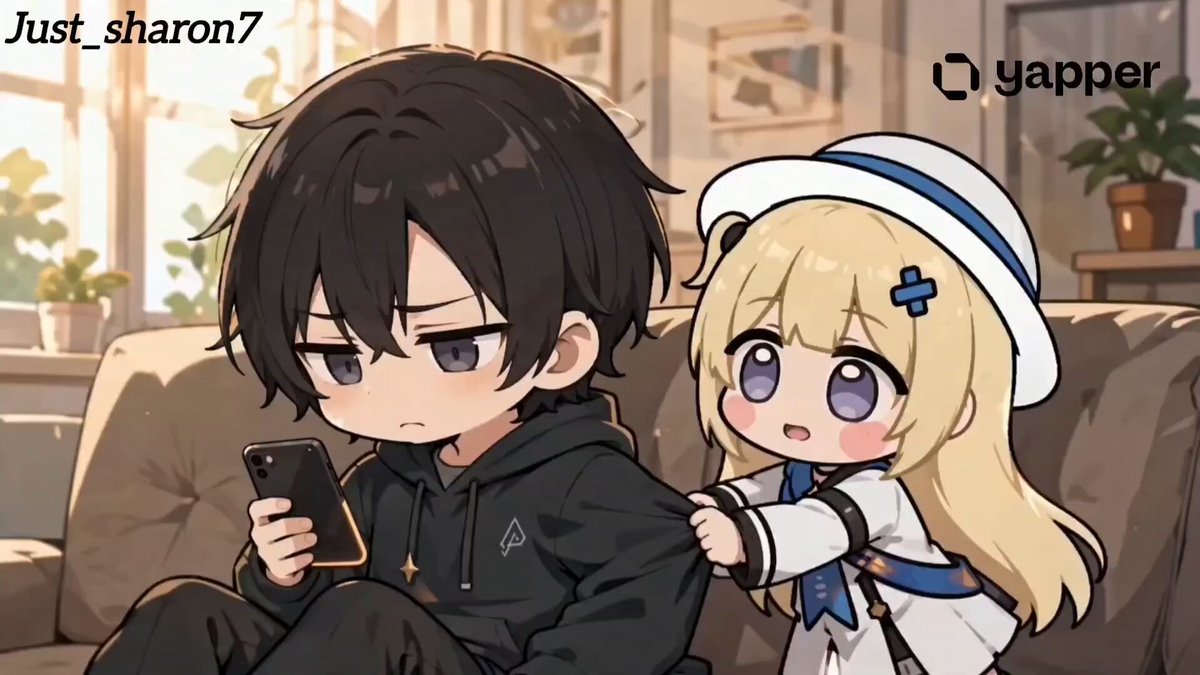
A highly structured JSON prompt for Seedance 2.0 detailing four scenes of a chibi character animation, including descriptions, style, transitions, and output specifications.
{ "video_generation_prompt": { "scenes": [ { "scene_name": "Intro Jump", "description": "Chibi character pops up from bottom of screen, big sparkling eyes, tiny hands waving, oversized head, cheerful smile, colorful outfit with cute accessories, soft pastel gradient background, short jump animation, cinematic soft lighting, adorable expression, 2 seconds" }, { "scene_name": "Magic Sparkle", "description": "Chibi character casts tiny sparkles from hands, sparkles float around, eyes wide with excitement, dynamic movement, outfit shimmering, pastel-colored magical effect, playful bouncing motion, 3 seconds" }, { "scene_name": "Happy Dance", "description": "Chibi character does a cute spin and small dance step, waving tiny hands, bouncing slightly, big smile, bright pastel background, soft shading and highlights, 3 seconds" }, { "scene_name": "Cute Wave Goodbye", "description": "Chibi character waves goodbye, jumps slightly and lands, eyes sparkling, happy expression, background soft pink gradient, end of video loop, 2 seconds" } ], "style": "Ultra-cute chibi, anime-inspired, large sparkling eyes, tiny round body, oversized head, soft pastel color palette, highly detailed cartoon textures, cinematic lighting, smooth fluid animation, 1080x1080 resolution, energetic, playful, kawaii mood", "transitions": "Quick cute fade between cut scenes, smooth movement, 0.5 second each", "output": { "format": "mp4", "frame_rate": 24, "duration": "total 10 seconds", "loop": false } } }
Edit the prompt in the box under the preview — the template's model and format are already selected — and press Generate. Your version appears right on this page.
Yes. You can change the subject, setting, lighting, mood, format, and available model controls before creating your video.
Opening and editing this template is free. Generating uses credits, shown on the Generate button when you are signed in.
Start with Seedance 2.0, which is the model associated with this template. You can compare another compatible model for a different finish.
Follow a topic to a crawlable collection of related PicX Studio templates.