
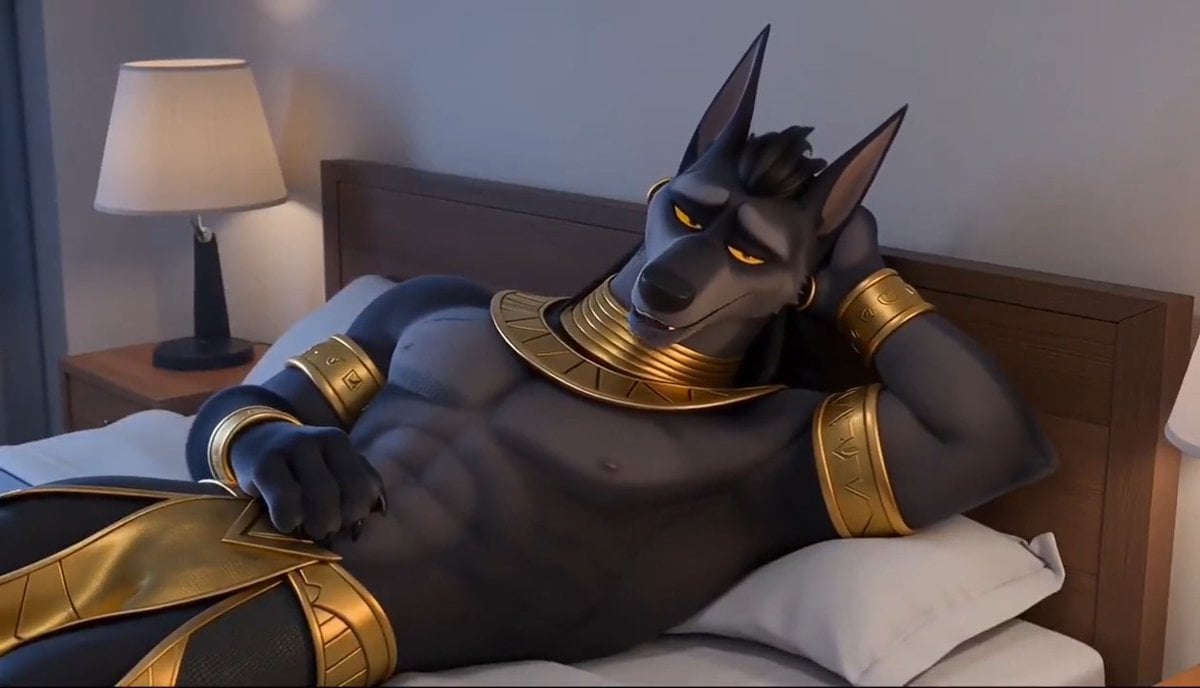
3D Chinese Animation Anubis Comedy
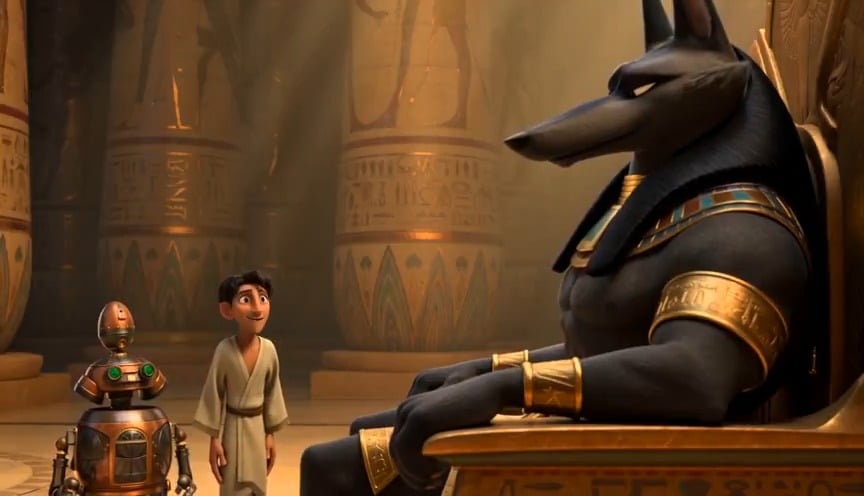
A detailed multi-scene prompt for a 3D Chinese animation featuring a comedic interaction between the jackal god Anubis and a human inventor with a mechanical tickle arm.
- Prompt included
- Model and format preset
- Free template
The prompt behind this video
Copy the exact prompt behind 3D Chinese Animation Anubis Comedy, or open it in the studio and make it yours.
现代3D中国动画风格。场景一:在埃及宫殿的中央,威严的胡狼神阿努比斯悠闲地坐在宝座上,双腿舒展,他的人类顾问正在纸上做笔记。一位人类发明家带着一个小型机甲机器人走向阿努比斯,阿努比斯漫不经心地看着他们,略带不耐烦地说:“说吧,仆人。”发明家带着渴望而恭敬的态度低下头说:“我的主人,我向你们展示我的最新发明。”阿努比斯好奇地看着机甲,但又有些困惑。场景二:发明家拿出遥控器,按下一个按钮。话音刚落,两只戴着白手套的机械臂从机甲中伸出,伸向阿努比斯。阿努比斯只是看着它们,略感困惑和恼怒,但并未反抗。场景三:第一只机械臂抓住他的手腕,轻轻地将他的双臂举过头顶。阿努比斯感到困惑和些许不安,但并未反抗。第二只机械臂伸向阿努比斯举起的手臂的腋窝,用手指轻柔地挠着他的腋下,动作轻柔流畅。阿努比斯的表情瞬间变得灿烂起来,他闭着眼睛,努力忍住笑。但仅仅一秒后,阿努比斯闭着眼睛咯咯地笑了起来,戴着手套的手用手指轻柔流畅地挠着他的腋窝,而人类发明家则在一旁观看。场景4:第二只机械臂继续挠阿努比斯的腋窝,第一只机械臂则将阿努比斯的手臂举过头顶,腋窝敞开着。阿努比斯笑得前仰后合,上半身也因为大笑而微微扭动,但第一只机械臂仍然牢牢地固定着他的手臂。阿努比斯笑着说:“哎呀,别挠了!”然后又继续大笑起来。场景5:发明家按下遥控器上的另一个按钮。戴着手套的机械手立刻停止了挠痒,另一只戴着手套的机械手也松开了阿努比斯的手腕。两只机械臂都从他身上移开了。阿努比斯笑得有些疲惫,放松地瘫坐在王座上,四肢舒展,发出几声绵长的轻笑。恢复严肃后,他恼怒地看向发明家,说道:“真是荒谬。”阿努比斯是一位肌肉发达、体态丰满的胡狼神,手臂和脖子上都戴着环。他的声音浑厚有力,与神祇的身份相符。语音为英文。
How to use 3D Chinese Animation Anubis Comedy in 3 steps
- 1
Open
The prompt is already in the box next to the preview, with the template's model and format selected.
- 2…a portrait of your subject in softgolden-hour light, 85mm…
Personalize
Edit the subject and creative details for your destination.
- 3Generate
Generate
Press Generate — your video is created in PicX Studio, so you can compare it with the original and refine one variable at a time.
More like this
Templates with the same subject, style or setup. Open one to see its prompt.
Dim Sum Chase — Shrimp Dumpling Monster

Chinese Xianxia Cold Comedy Action Video
Chinese Deadpan Comedy Short Drama
Viking in Modern America Comedy - Seedance 2.5

3D Glossy Fairy Animation - Seedance 2.5
Comedy Coke Bottle Prank Reel — Kling 3.0 O3 Pro

Silk Road Pomegranate Folk Animation

Multilingual Creative Typography Loop
Chinese Shan Shui Ink Wash Animation
Miniature 3D Animation Snowfield Comedy

Cartoon Donut Heist Bakery Chase
3D Animation: Anubis Tickle Story
Make it yours
3D Chinese Animation Anubis Comedy works as-is. These are the safest ways to change it without losing the look.
Change one field
Copy a single group, rewrite it, and generate again so you can see what that field is doing.
Keep the frame, change the subject
Hold the composition and light of 3D Chinese Animation Anubis Comedy, then swap wardrobe, props or the person for a new take.
| If the result… | Why | Fix |
|---|---|---|
| The result drifts from the preview | Too many fields changed at once. | Reuse 3D Chinese Animation Anubis Comedy as-is first, then change one group — subject, light, or setting. |
| The model over-stylizes the scene | The prose prompt leaves finish and camera underspecified. | Add one camera or lighting sentence and stay on Seedance 2.0. |
More Seedance 2.0 templates
Other prompts made for Seedance 2.0.

Comical Martial Arts Punch Scene

Maglev Train Action Sequence

Martial Arts Fight Sequence

Wuxia Protection and Trust Script

Vintage Korean Arcade MiniDV Vlog

Mercedes 190 SL Luxury Ad

Rainy Night Supernatural Reverse Comedy Video Script

Amazon Civilization Discovery

Futuristic South Asian City Transformation

Cozy Luxury Cafe Commercial
More video prompts
Fresh picks from across the catalog.
Viral Creator Raining Money Vlog

America 250th Anniversary Celebration
Lion and woman with shining crystal
Live Action DBZ Battle Prompt
Korean Countryside Slow Living Film
Futuristic Yacht Tracking Shot
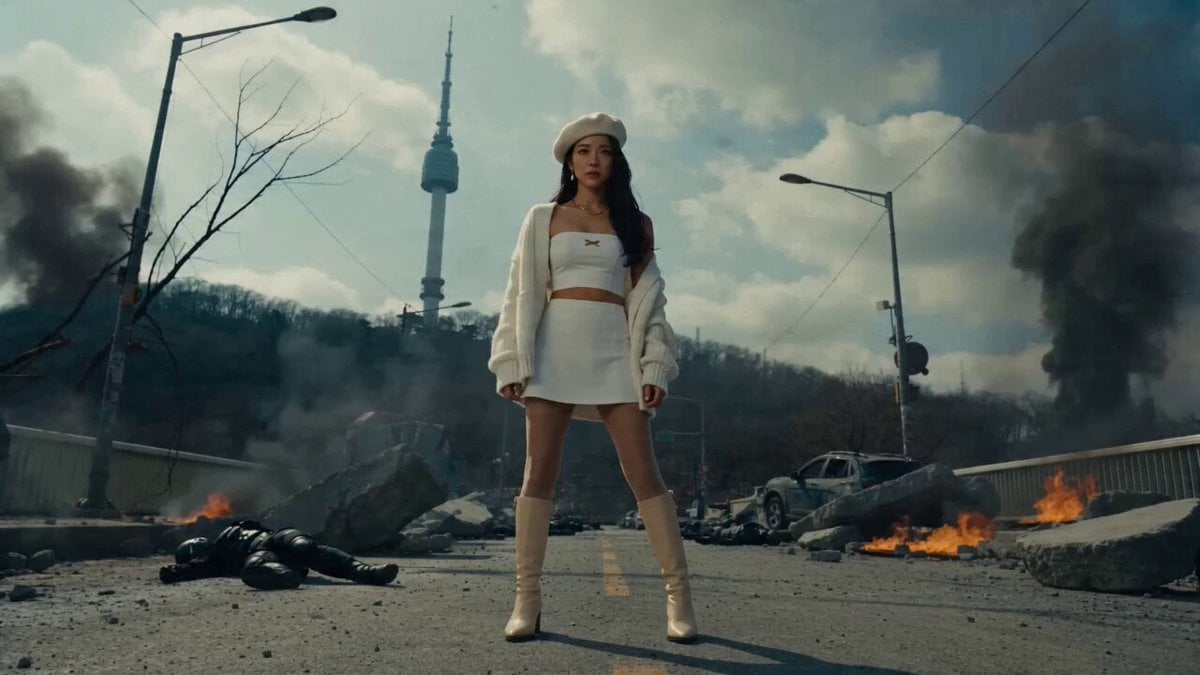
Futuristic Seoul Action Cinematic
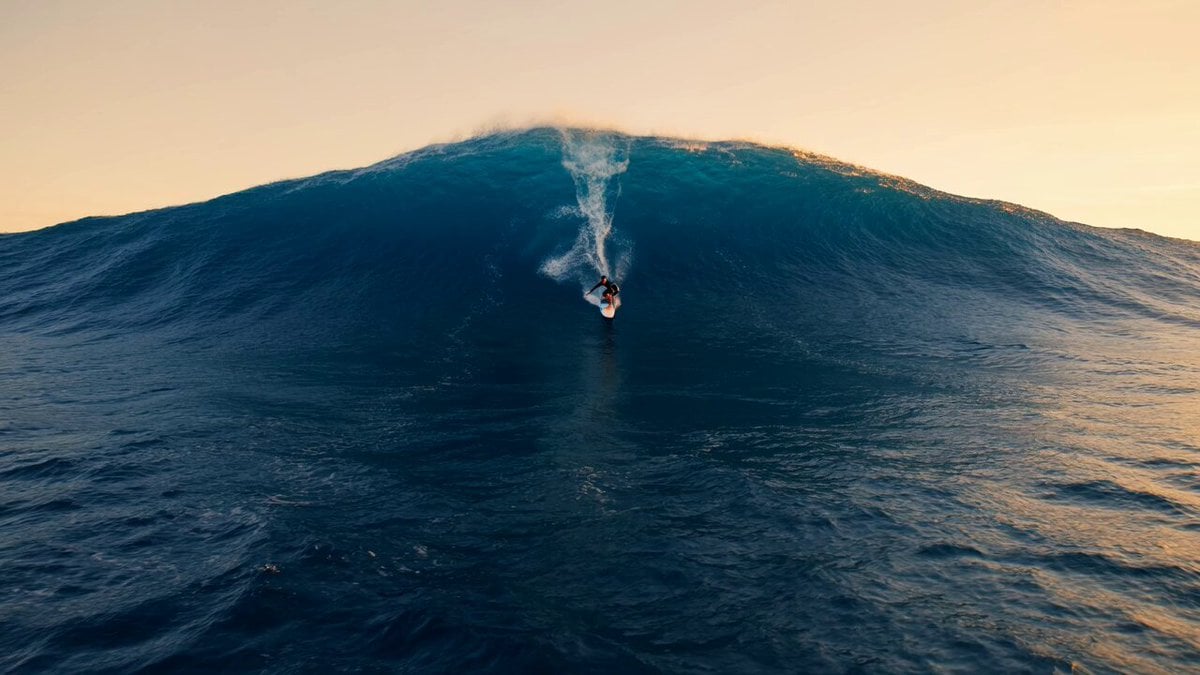
Professional Surfer Aerial Drone Shot
Duttasomrat Time Freeze Viral

Luxury Iced Latte Commercial
Browse template categories
3D Chinese Animation Anubis Comedy questions
How do I use the 3D Chinese Animation Anubis Comedy template?
Add your photo if the template asks for one, edit the prompt if you like — the template's model and format are already selected — and press Generate. Your version opens in PicX Studio.
Can I customize the 3D Chinese Animation Anubis Comedy template?
Yes. You can change the subject, setting, lighting, mood, format, and available model controls before creating your video.
Is the 3D Chinese Animation Anubis Comedy template free?
Opening and editing this template is free. Generating uses credits, shown on the Generate button when you are signed in.
Which AI model should I use?
Start with Seedance 2.0, which is the model associated with this template. You can compare another compatible model for a different finish.
Looking for something else? Browse all templates.

Your photo, any look
Thousands of ready templates for every top image and video model, from one credit balance.