How do I use the Professional Surfer Aerial Drone Shot template?
Edit the prompt in the box under the preview — the template's model and format are already selected — and press Generate. Your version appears right on this page.
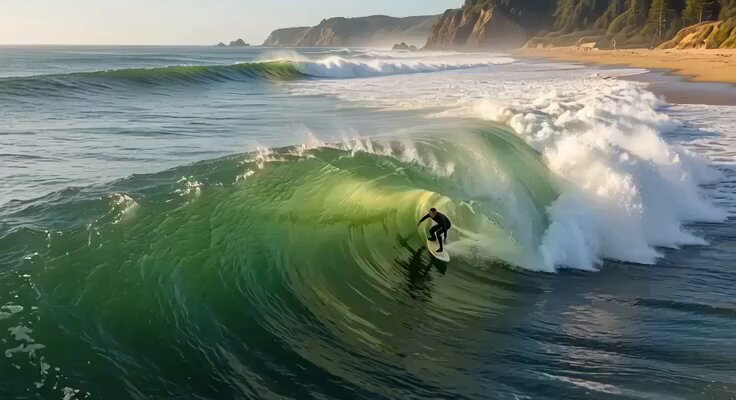
A comprehensive, high-quality cinematic prompt for a surfing video with complex camera transitions and lighting.
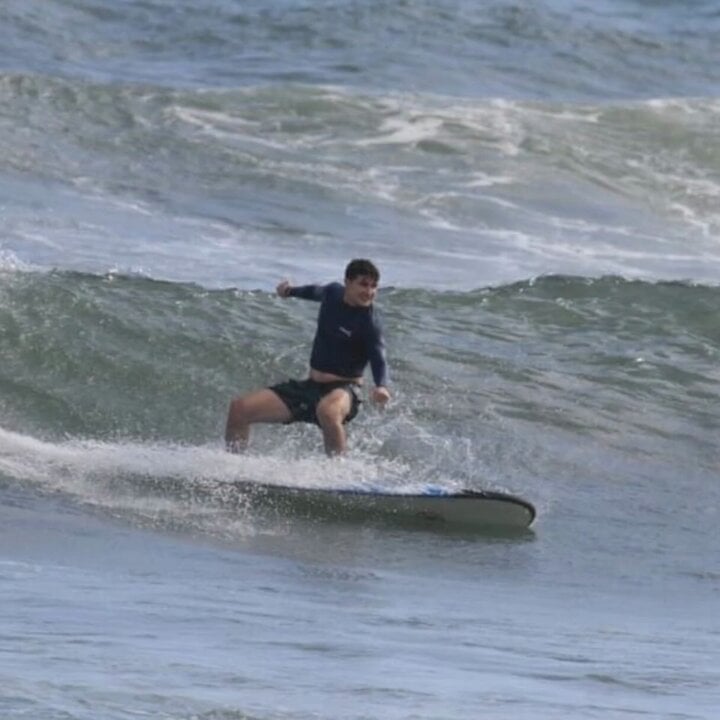
A professional surfer drops into a towering wave at sunset, body low and perfectly balanced on the board, opening on a wide aerial drone shot revealing the massive scale of the wave curling like a moving mountain, then the camera dives behind the surfer into a tight FPV tracking shot as he carves down the face, water spraying violently into the lens, transitioning into a dramatic barrel shot from inside the wave with sunlight refracting through the translucent water walls, followed by a rotating as he performs a sharp cutback, ending in slow motion as the wave crashes, mist, and golden light, ultra-realistic water physics, cinematic and adrenaline-filled atmosphere.
A professional surfer drops into a towering wave at sunset, body low and perfectly balanced on the board, opening on a wide aerial drone shot revealing the massive scale of the wave curling like a moving mountain, then the camera dives behind the surfer into a tight FPV tracking shot as he carves down the face, water spraying violently into the lens, transitioning into a dramatic barrel shot from inside the wave with sunlight refracting through the translucent water walls, followed by a rotating as he performs a sharp cutback, ending in slow motion as the wave crashes, mist, and golden light, ultra-realistic water physics, cinematic and adrenaline-filled atmosphere.
Edit the prompt in the box under the preview — the template's model and format are already selected — and press Generate. Your version appears right on this page.
Yes. You can change the subject, setting, lighting, mood, format, and available model controls before creating your video.
Opening and editing this template is free. Generating uses credits, shown on the Generate button when you are signed in.
Start with Grok Imagine, which is the model associated with this template. You can compare another compatible model for a different finish.
Follow a topic to a crawlable collection of related PicX Studio templates.