
Meteor Tsunami Disaster Scene
An intense handheld disaster movie prompt of a meteor crashing into the ocean and creating a colossal tsunami.
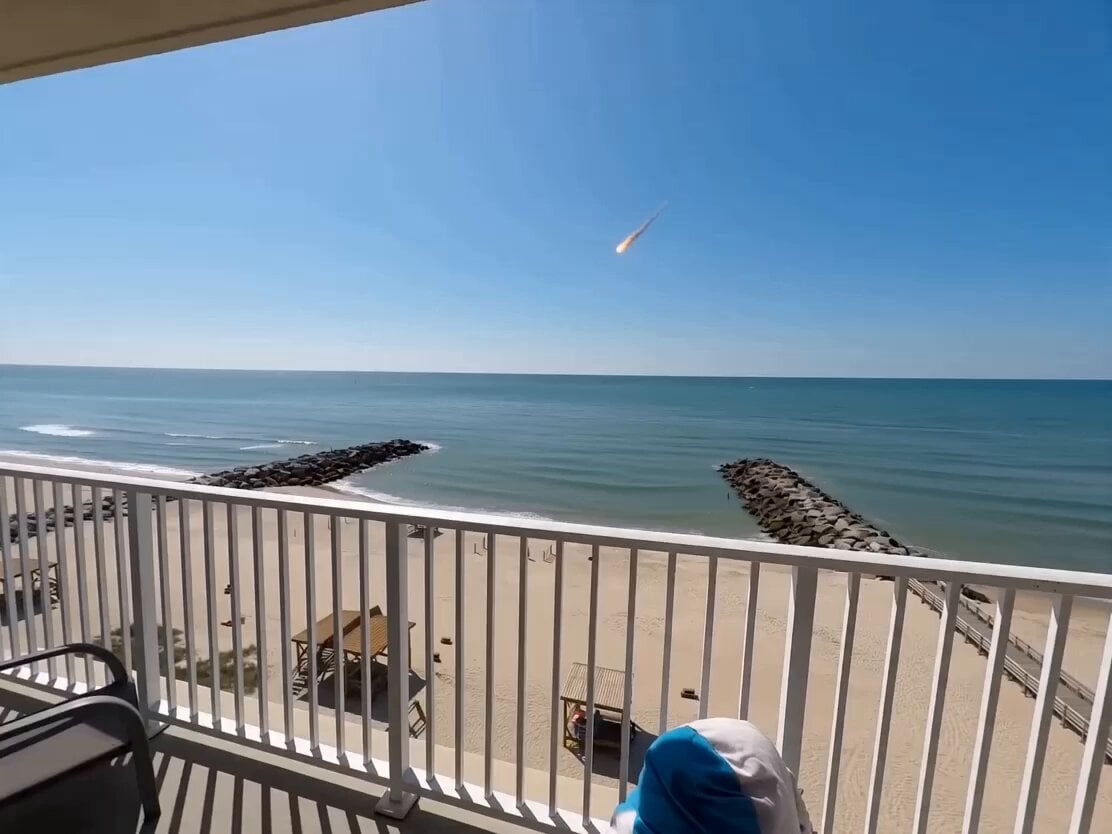
- Prompt included
- Model and format preset
- Premium template
The prompt behind this video
Copy the exact prompt behind Meteor Tsunami Disaster Scene, or open it in the studio and make it yours.
A shaky, panicked handheld recording from the balcony of a sea-facing hotel during the day. The person filming suddenly spots something in the distance, does a jerky zoom-in, then quickly refocuses as a massive giant meteor streaks across the sky and crashes into the ocean with enormous force. The impact creates a colossal tsunami that rushes toward the shore. The wave violently annihilates the beach, shacks, and entire coastline in a brutal display of nature’s power. The person filming is in complete panic — camera extremely shaky, breathing heavy. Water surges dramatically, rising rapidly until it reaches just a few floors below the balcony. A water droplet splashes onto the camera lens. The building rocks and shakes violently from the shockwave. In the background, people are screaming in terror while emergency sirens blare with back-and-forth intensity. Cinematic, hyper-realistic, intense documentary-style footage, natural daylight, high tension, raw and chaotic energy.
How to use Meteor Tsunami Disaster Scene in 3 steps
- 1
Open
The prompt is already in the box next to the preview, with the template's model and format selected.
- 2…a portrait of your subject in softgolden-hour light, 85mm…
Personalize
Edit the subject and creative details for your destination.
- 3Generate
Generate
Press Generate — your video is created in PicX Studio, so you can compare it with the original and refine one variable at a time.
More like this
Templates with the same subject, style or setup. Open one to see its prompt.

Sci-Fi Disaster Movie Scene - Seedance 2.5
Subway Flood — Epic Tunnel Chaos
Asteroid Impact City Destruction
Cinematic Tsunami Disaster Video Prompt
Cinematic Coastal Disaster Tsunami Prompt
Massive Coastal Tsunami Disaster
Tokyo Tsunami Disaster Scene
Mumbai Tsunami Emergency Smartphone Vlog

Apocalyptic Meteor Penguin Breakup
Meteor Wish Stardust Video
Anime Girl Meteor Magic Transformation
Cinematic Apocalypse Meteor Shower
Make it yours
Meteor Tsunami Disaster Scene works as-is. These are the safest ways to change it without losing the look.
Change one field
Copy a single group, rewrite it, and generate again so you can see what that field is doing.
Keep the frame, change the subject
Hold the composition and light of Meteor Tsunami Disaster Scene, then swap wardrobe, props or the person for a new take.
| If the result… | Why | Fix |
|---|---|---|
| The result drifts from the preview | Too many fields changed at once. | Reuse Meteor Tsunami Disaster Scene as-is first, then change one group — subject, light, or setting. |
| The model over-stylizes the scene | The prose prompt leaves finish and camera underspecified. | Add one camera or lighting sentence and stay on Seedance 2.0. |
More Seedance 2.0 templates
Other prompts made for Seedance 2.0.

Comical Martial Arts Punch Scene

Maglev Train Action Sequence

Martial Arts Fight Sequence

Wuxia Protection and Trust Script

Vintage Korean Arcade MiniDV Vlog

Mercedes 190 SL Luxury Ad

Rainy Night Supernatural Reverse Comedy Video Script

Amazon Civilization Discovery

Futuristic South Asian City Transformation

Cozy Luxury Cafe Commercial
More video prompts
Fresh picks from across the catalog.
Steampunk Momotaro Live Action Video
Cosmic Sand Woman Transformation
Ocean Trench to Surface Transition
Gym Vlog Continuous Dialogue
Futuristic Space Station Transformation Video
90s Indonesian Drama Rain Scene
Ice Beast VFX Transformation
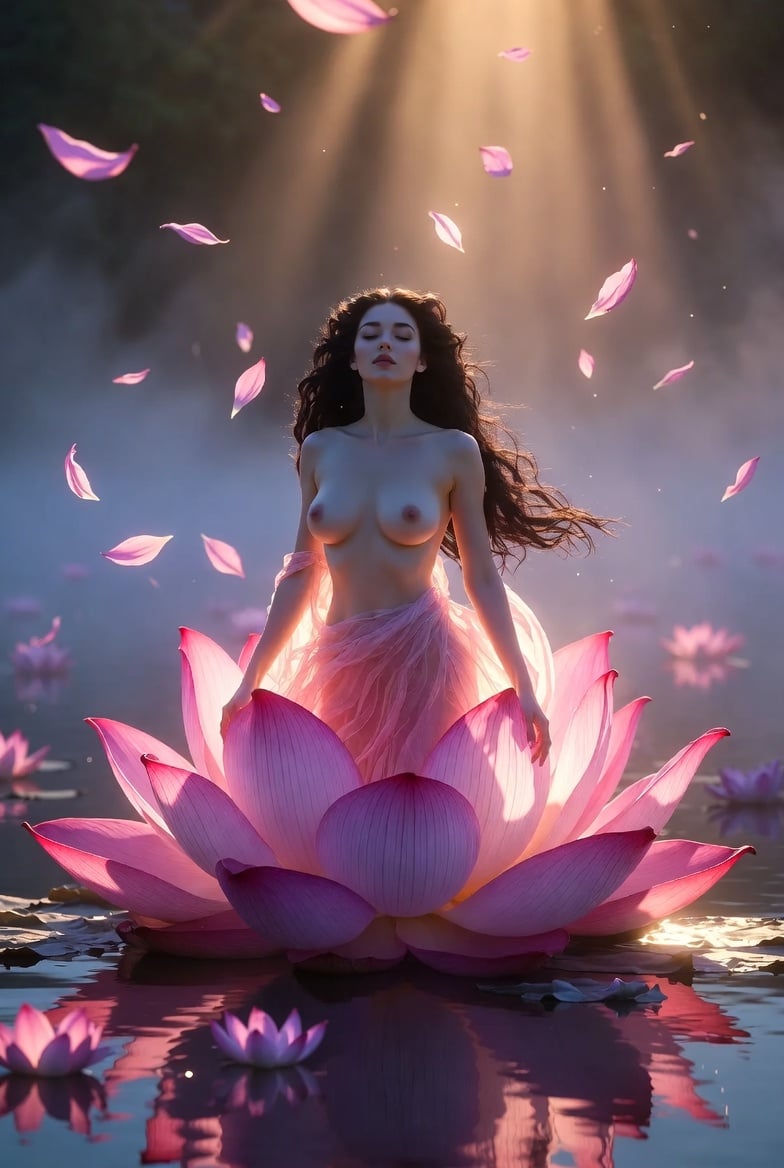
Grok Imagine Video Prompt: Goddess Rises from a Pink Lotus at Sunset

Frozen Time Handycam Diorama
Character Consistent Video Generation
Browse template categories
Meteor Tsunami Disaster Scene questions
How do I use the Meteor Tsunami Disaster Scene template?
Add your photo if the template asks for one, edit the prompt if you like — the template's model and format are already selected — and press Generate. Your version opens in PicX Studio.
Can I customize the Meteor Tsunami Disaster Scene template?
Yes. You can change the subject, setting, lighting, mood, format, and available model controls before creating your video.
Is the Meteor Tsunami Disaster Scene template free?
Opening and editing this template is free. Generating uses credits, shown on the Generate button when you are signed in.
Which AI model should I use?
Start with Seedance 2.0, which is the model associated with this template. You can compare another compatible model for a different finish.
Looking for something else? Browse all templates.

Your photo, any look
Thousands of ready templates for every top image and video model, from one credit balance.