
Gym Vlog Continuous Dialogue
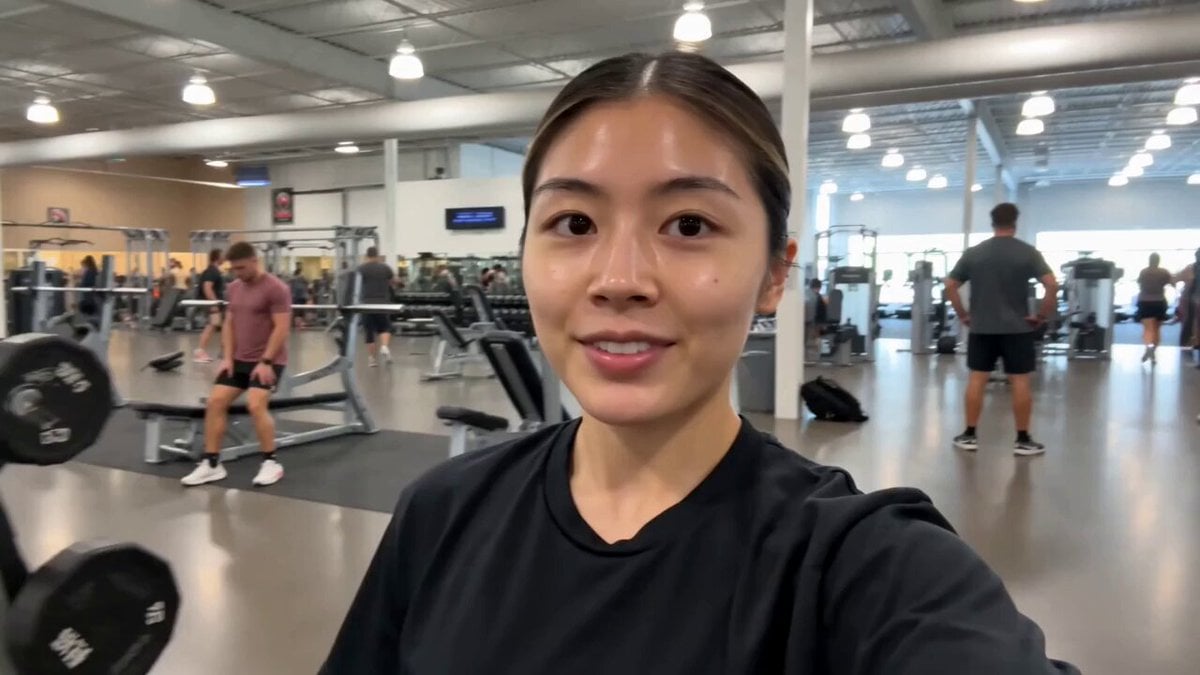
A selfie-vlog style prompt designed for continuous talking and consistent character movement in a gym setting.
- Prompt included
- Model and format preset
- Free template
The prompt behind this video
Copy the exact prompt behind Gym Vlog Continuous Dialogue, or open it in the studio and make it yours.
15-Second Gym Vlog — Continuous Dialogue Character: The same young adult woman throughout the entire video, wearing a black T-shirt and sporty gym pants. Keep her face, hairstyle, outfit, and appearance consistent from beginning to end. Scene: A realistic modern gym vlog. From the very first frame, the woman is already talking directly to the camera while walking through the gym. She keeps speaking continuously throughout the entire 15-second video—no silent moments and no voice-over. 0–5 sec: She walks toward the camera in selfie-vlog style, smiling naturally and talking directly to the viewer. Gym equipment and people working out are visible in the background. Dialogue: "Hey guys! I'm at the gym today, and I'm going to show you a little bit of my workout." 5–10 sec: While continuing to talk, she reaches the dumbbell area, picks up a moderate-sized dumbbell with one hand, briefly lifts it in a natural demonstration, and keeps speaking to the camera. Dialogue: "I usually start with some simple exercises like this, just to get warmed up." 10–15 sec: Still holding the dumbbell briefly, she looks at the camera and continues talking with a friendly smile, then places it back naturally. Dialogue: "Alright, let's get started and make this workout a good one!" Important: Continuous talking from start to finish, natural lip-sync matching every word, no narration, no sudden cuts, no change of character or clothing. The same reference character must remain consistent throughout. Realistic gym environment, natural body movement, handheld smartphone vlog style, cinematic 4K quality.
How to use Gym Vlog Continuous Dialogue in 3 steps
- 1
Open
The prompt is already in the box next to the preview, with the template's model and format selected.
- 2…a portrait of your subject in softgolden-hour light, 85mm…
Personalize
Edit the subject and creative details for your destination.
- 3Generate
Generate
Press Generate — your video is created in PicX Studio, so you can compare it with the original and refine one variable at a time.
More like this
Templates with the same subject, style or setup. Open one to see its prompt.

DV Tape Camcorder Gym Vlog
Analog Fitness Vlog Gym Diary
Mediterranean Coffee Run Vlog - Seedance 2.5

Mysterious Home Exploration Vlog - Seedance 2.5
Realistic Morning Routine Lifestyle Vlog - Seedance 2.5

Handheld Tokyo Travel Vlog - Seedance 2.5
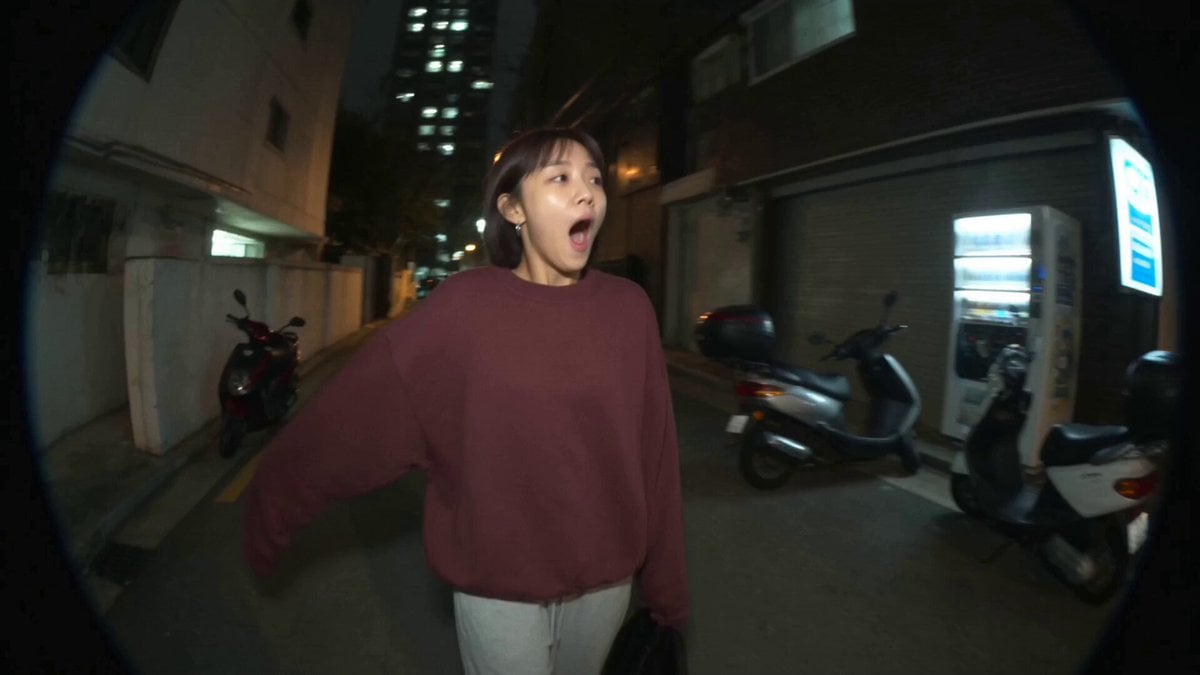
Nostalgic MiniDV Convenience Store Vlog - Seedance 2.5
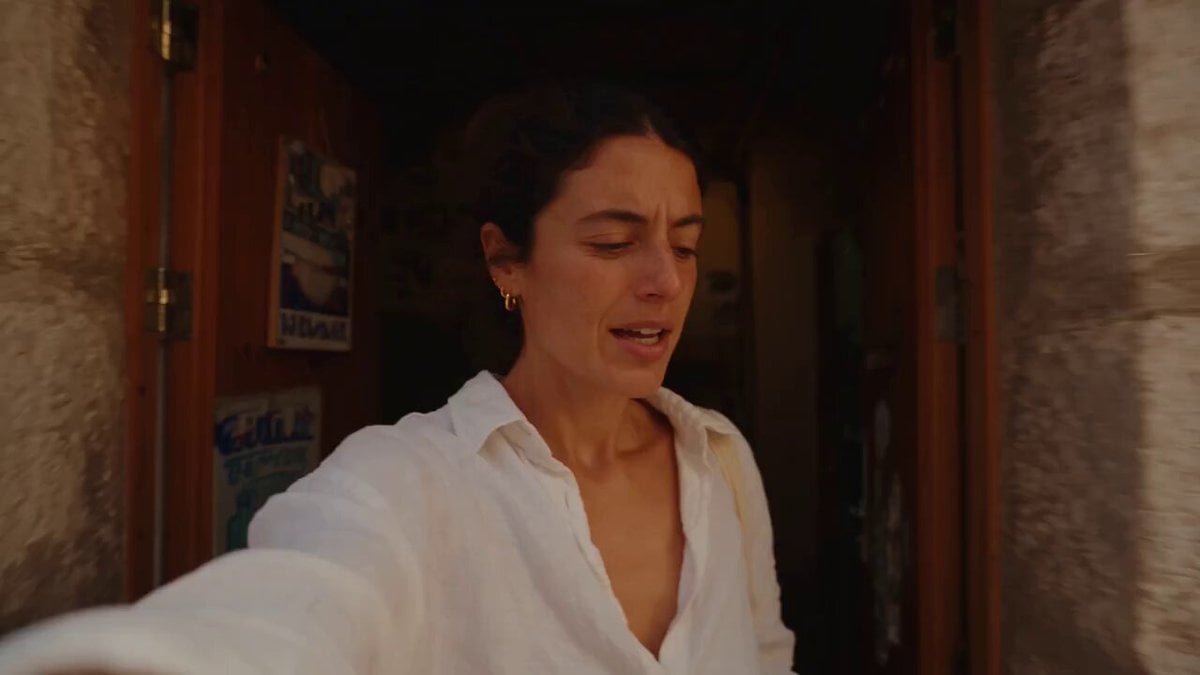
Mediterranean Morning Coffee Run Vlog (Seedance 2.5)
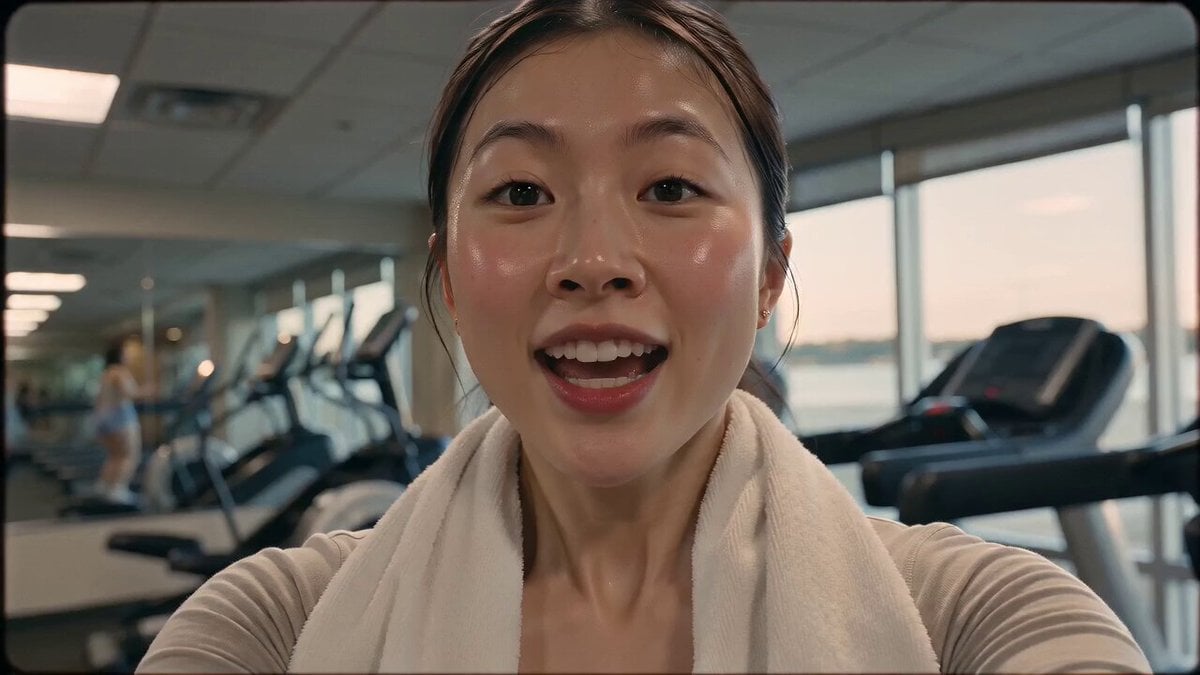
Vintage 16mm Gym Cardio Vlog
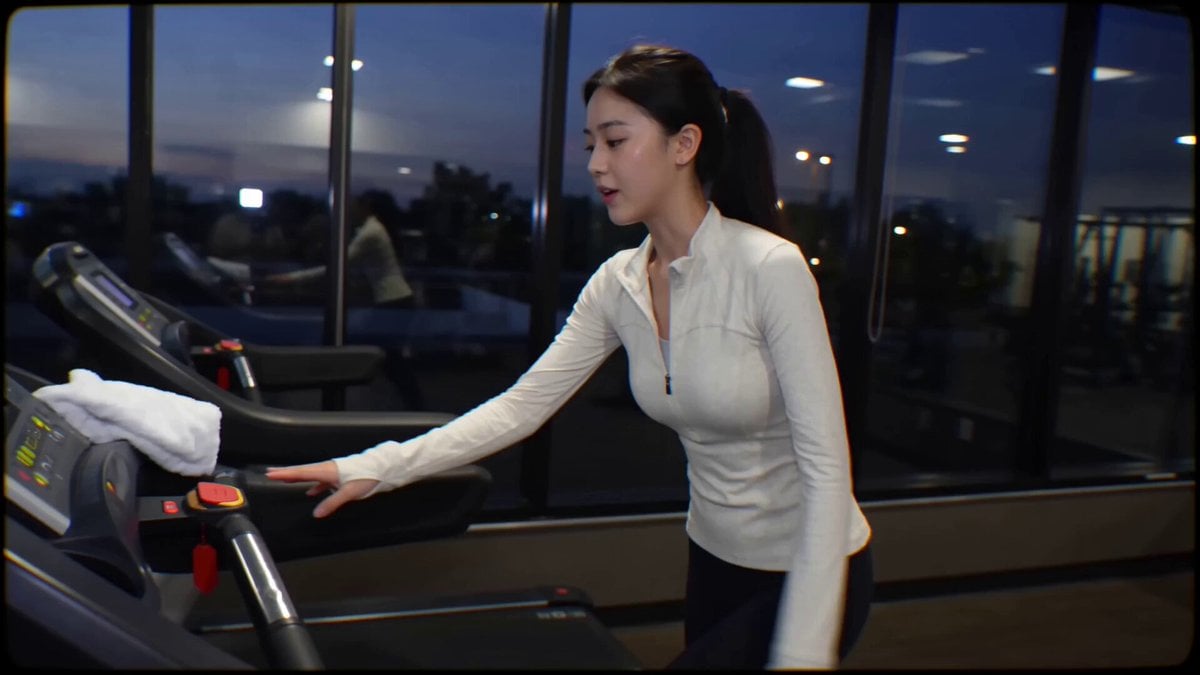
Handheld Gym Cardio Vlog
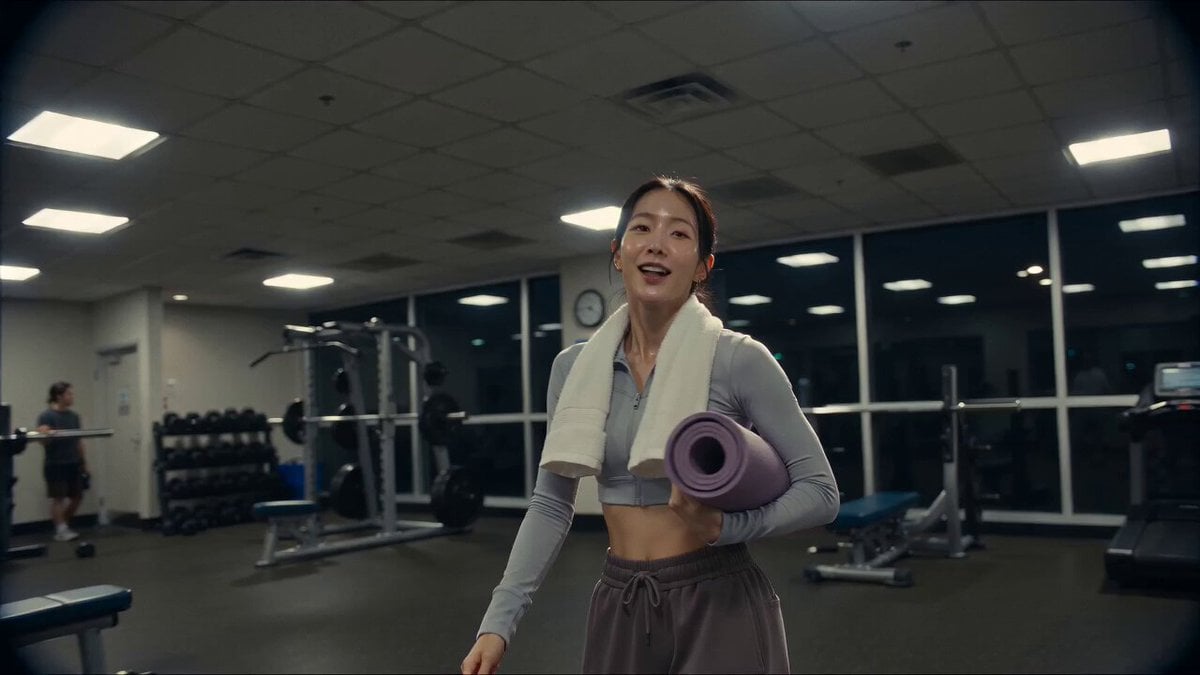
Vintage Camcorder Gym Vlog
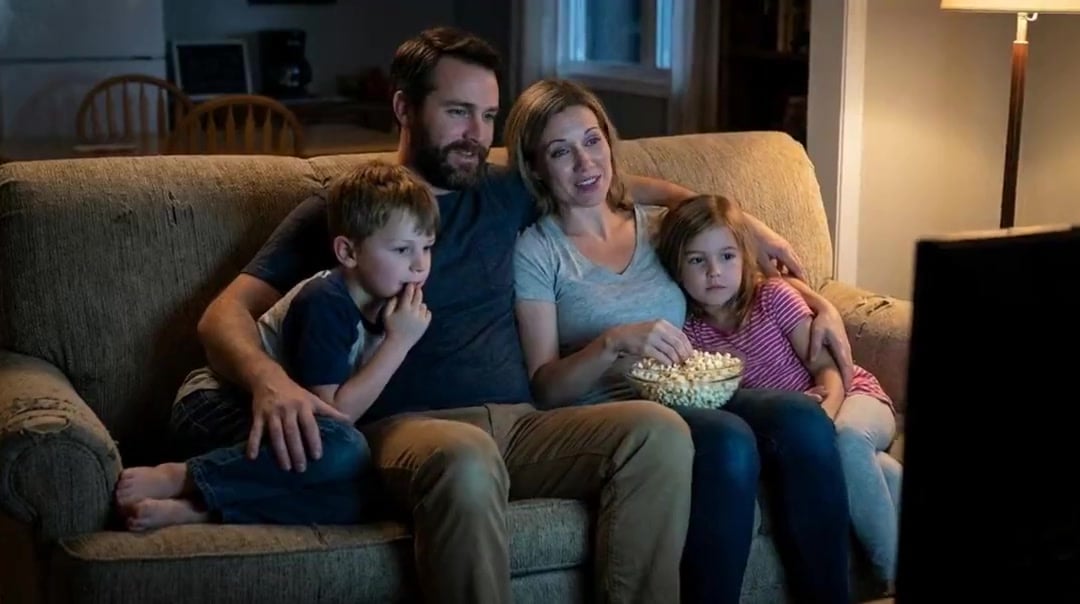
Family Dialogue 4 Characters — Kling 3.0 O3 Pro
Make it yours
Gym Vlog Continuous Dialogue works as-is. These are the safest ways to change it without losing the look.
Change one field
Copy a single group, rewrite it, and generate again so you can see what that field is doing.
Keep the frame, change the subject
Hold the composition and light of Gym Vlog Continuous Dialogue, then swap wardrobe, props or the person for a new take.
| If the result… | Why | Fix |
|---|---|---|
| The result drifts from the preview | Too many fields changed at once. | Reuse Gym Vlog Continuous Dialogue as-is first, then change one group — subject, light, or setting. |
| The model over-stylizes the scene | The prose prompt leaves finish and camera underspecified. | Add one camera or lighting sentence and stay on Seedance 2.0. |
More Seedance 2.0 templates
Other prompts made for Seedance 2.0.

Comical Martial Arts Punch Scene

Maglev Train Action Sequence

Martial Arts Fight Sequence

Wuxia Protection and Trust Script

Vintage Korean Arcade MiniDV Vlog

Mercedes 190 SL Luxury Ad

Rainy Night Supernatural Reverse Comedy Video Script

Amazon Civilization Discovery

Futuristic South Asian City Transformation

Cozy Luxury Cafe Commercial
More video prompts
Fresh picks from across the catalog.
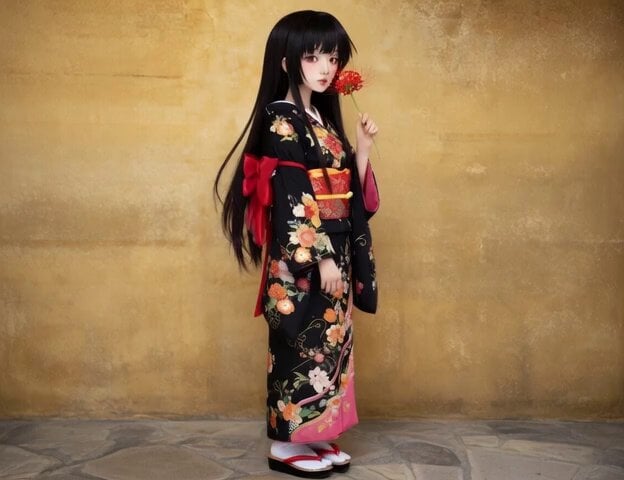
Michael Jackson Moonwalk video
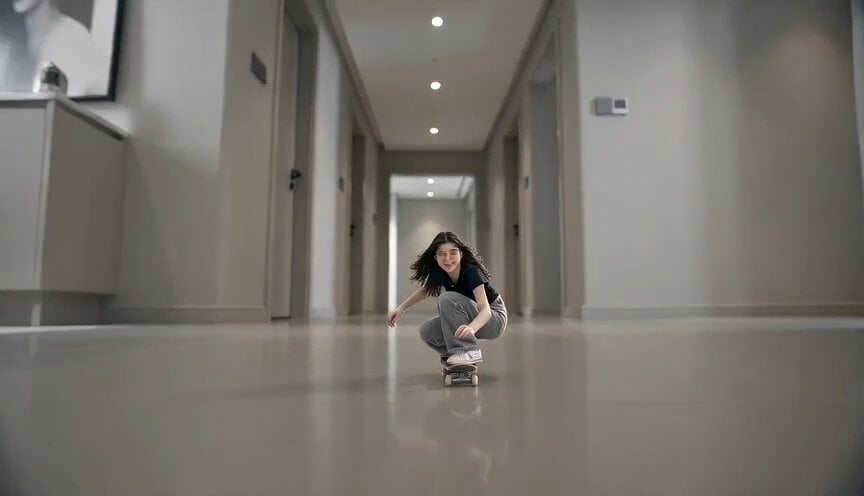
Miniature Skateboarder Bedroom Chase
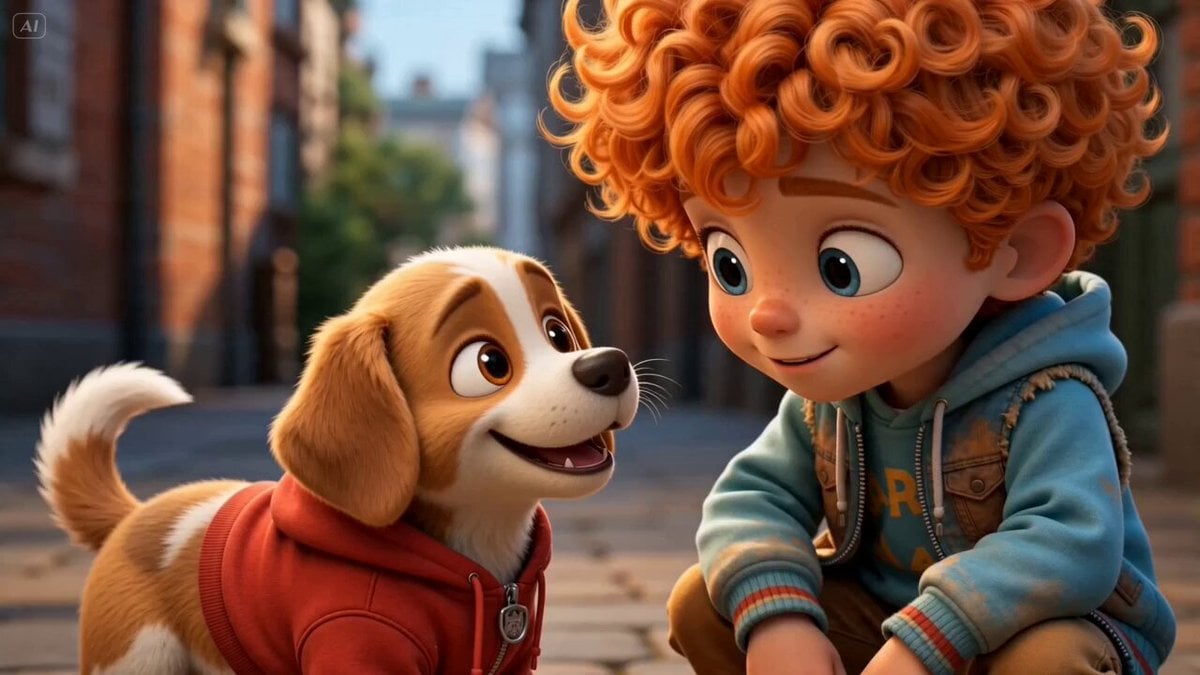
Storyboard to Scene Generation

Whimsical Fantasy Candy Workshop Animation
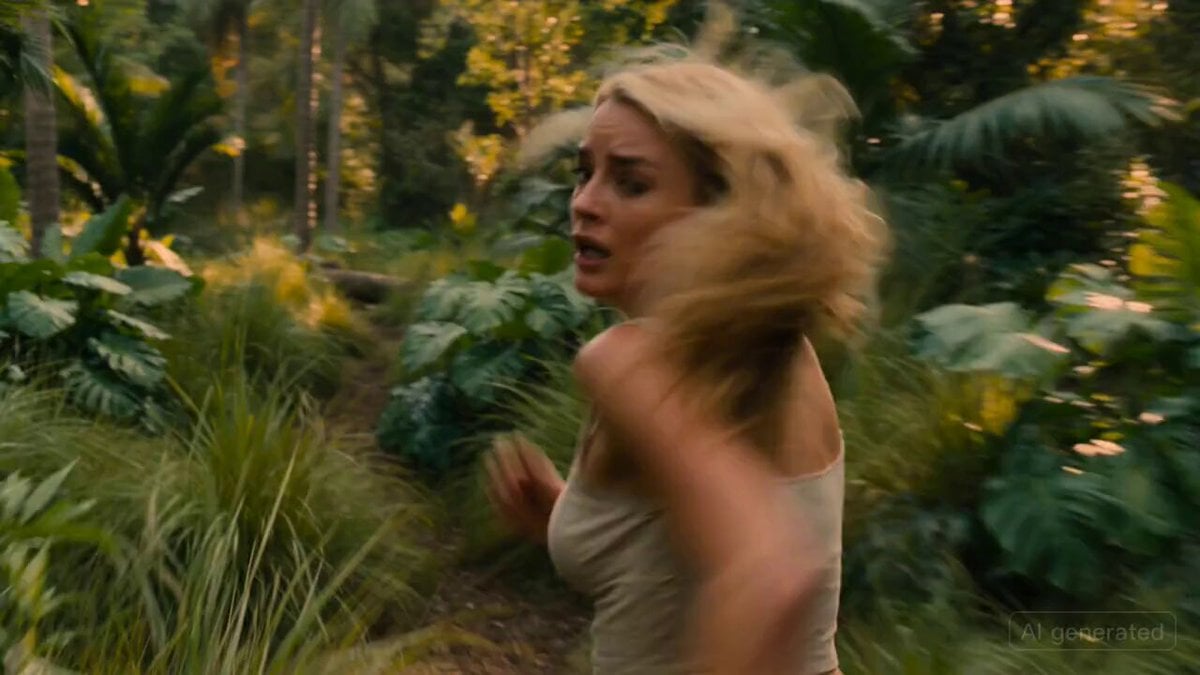
Cinematic Scene: Woman Running from a Lion in the Tropics
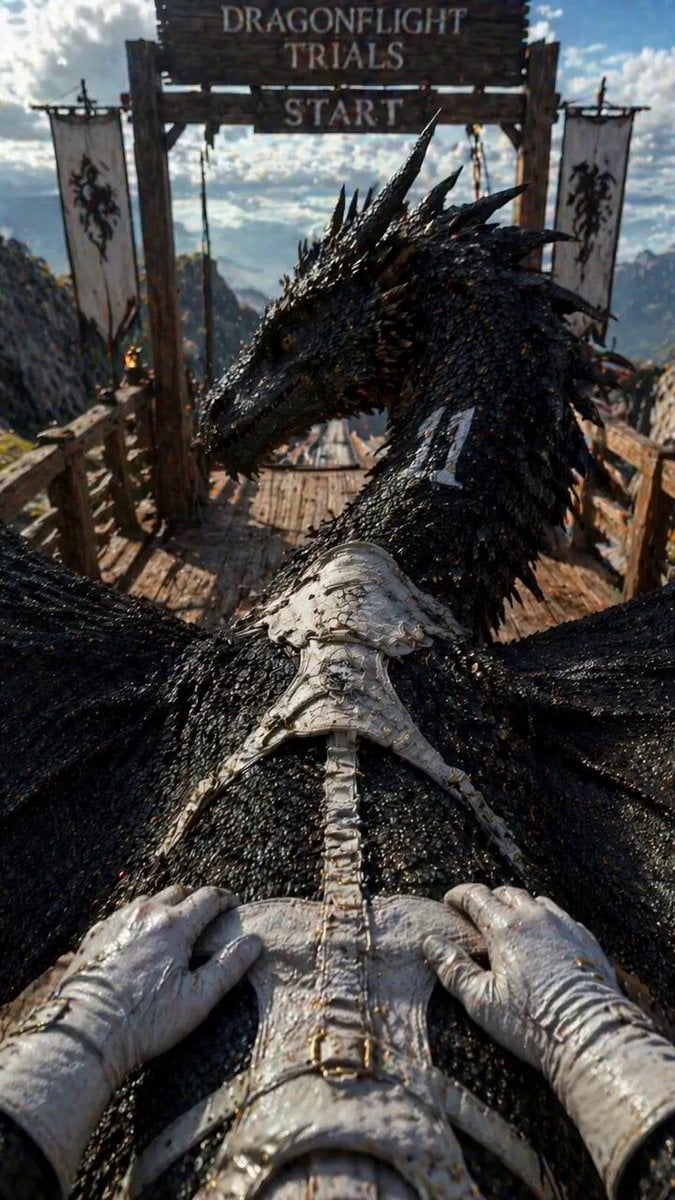
Dragonflight Trials POV
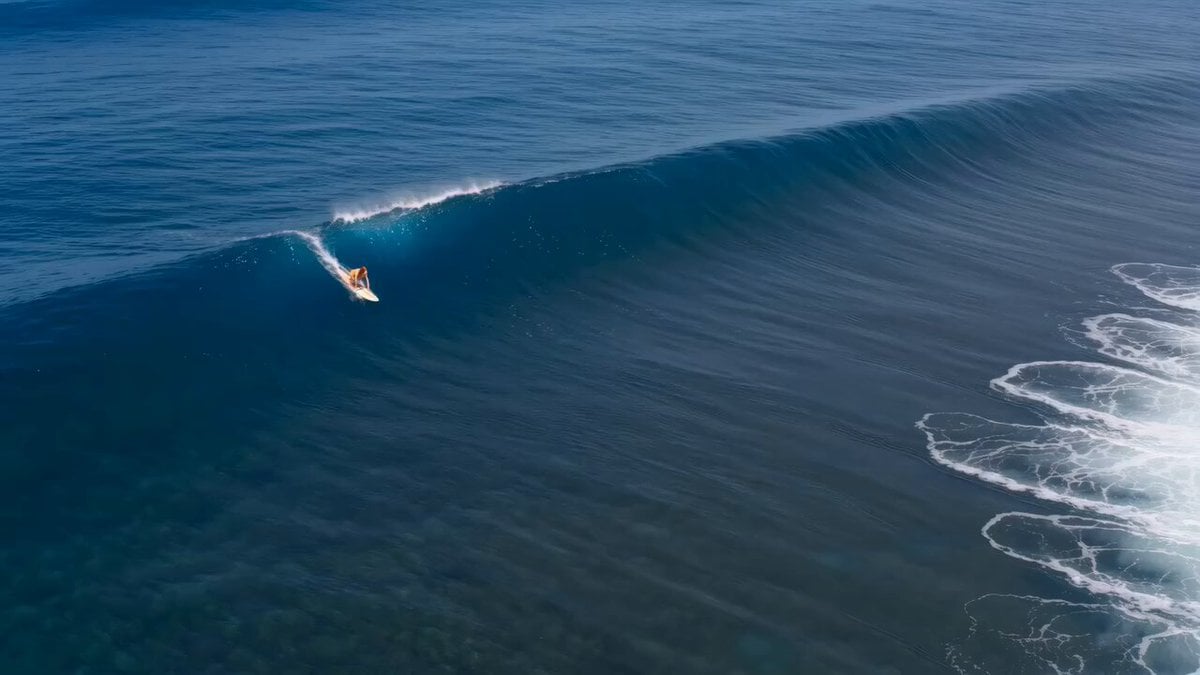
Red Haired Surfer Commercial Shot
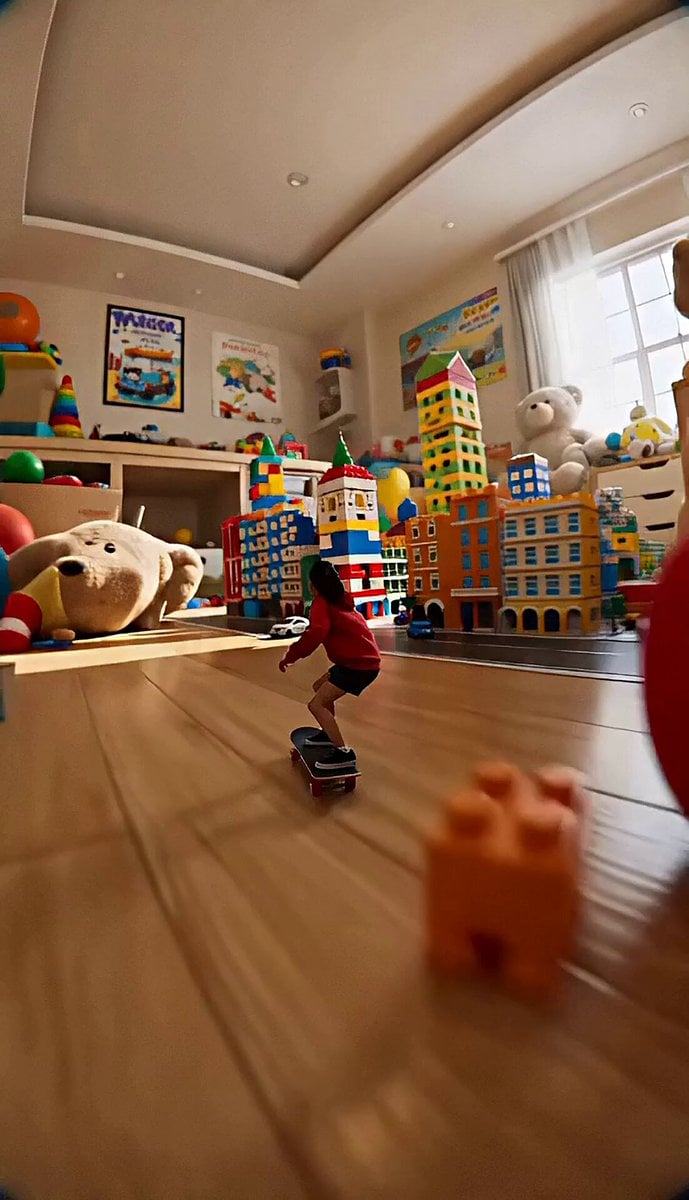
Miniature Skateboard Chase Scene
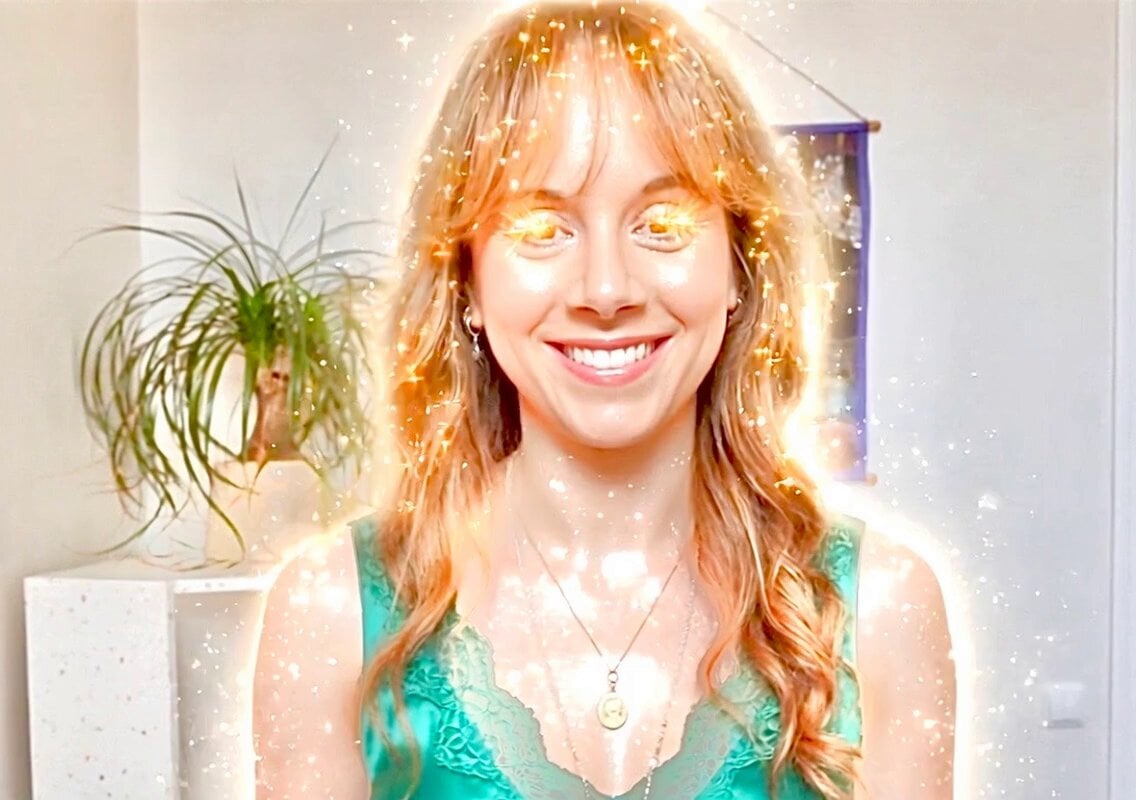
Mocking Smile Video Prompt
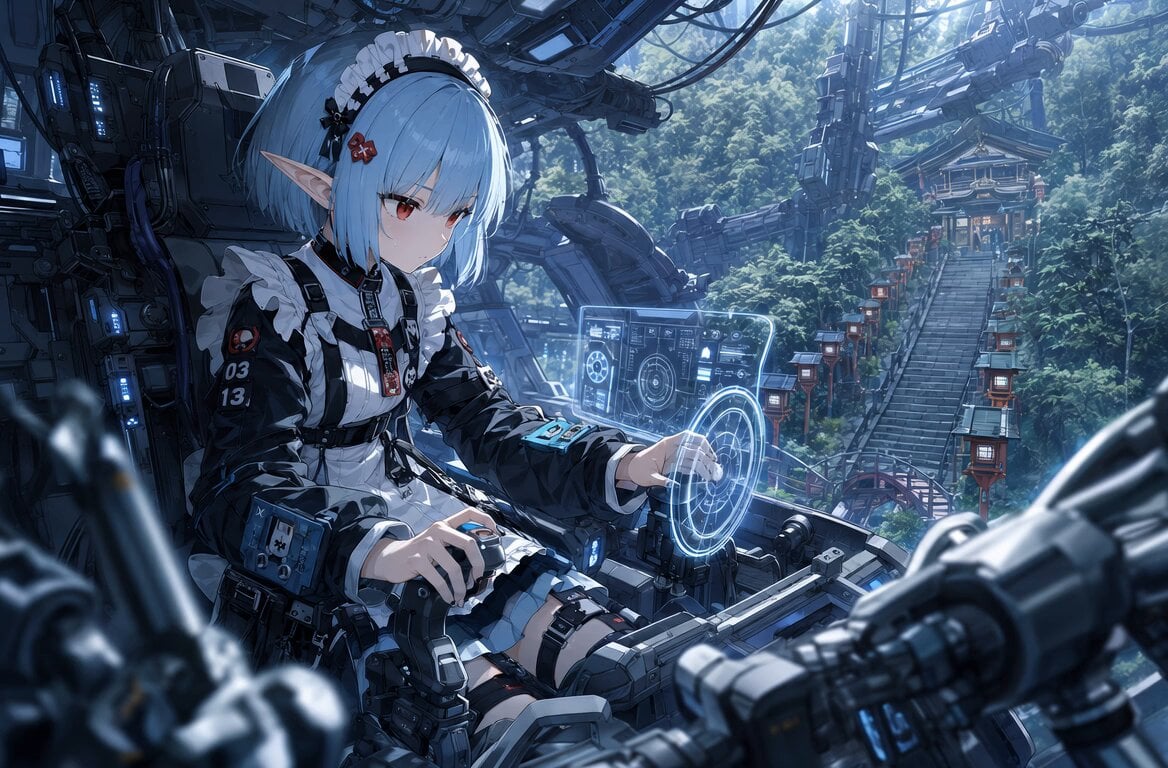
Sci-Fi Cockpit Cinematic One-Shot
Browse template categories
Gym Vlog Continuous Dialogue questions
How do I use the Gym Vlog Continuous Dialogue template?
Add your photo if the template asks for one, edit the prompt if you like — the template's model and format are already selected — and press Generate. Your version opens in PicX Studio.
Can I customize the Gym Vlog Continuous Dialogue template?
Yes. You can change the subject, setting, lighting, mood, format, and available model controls before creating your video.
Is the Gym Vlog Continuous Dialogue template free?
Opening and editing this template is free. Generating uses credits, shown on the Generate button when you are signed in.
Which AI model should I use?
Start with Seedance 2.0, which is the model associated with this template. You can compare another compatible model for a different finish.
Looking for something else? Browse all templates.

Your photo, any look
Thousands of ready templates for every top image and video model, from one credit balance.