
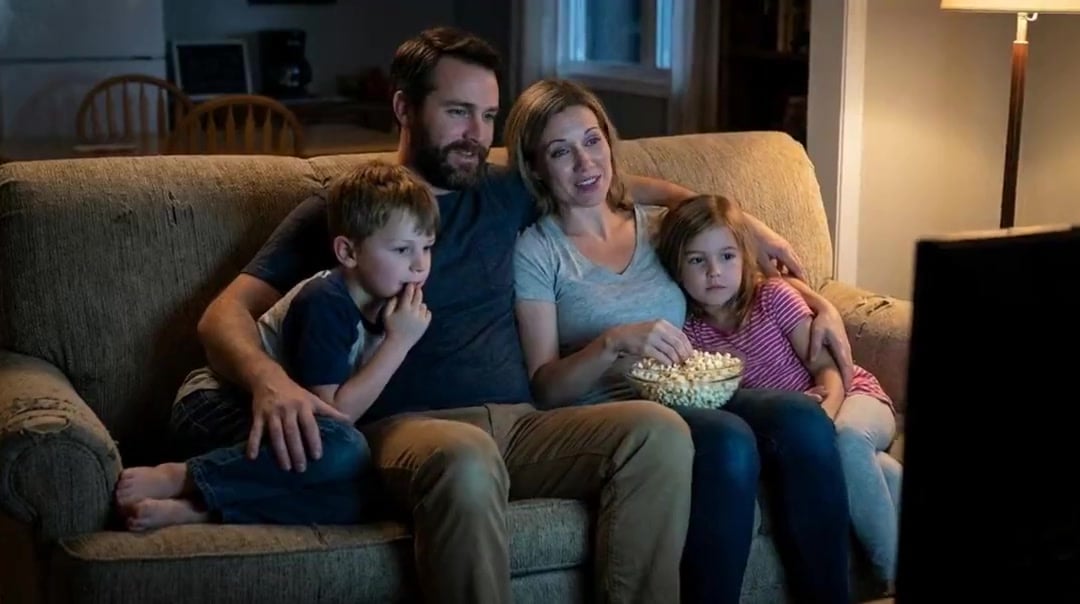
Family Dialogue 4 Characters — Kling 3.0 O3 Pro
From 1LittleCoder's '12 Kling 3.0 Prompts That Actually Work' article (Feb 11, 2026).
- Prompt included
- Model and format preset
- Free template
The prompt behind this video
Copy the exact prompt behind Family Dialogue 4 Characters — Kling 3.0 O3 Pro, or open it in the studio and make it yours.
Evening Home setting with a faint hum of the living room air conditioner in the background for a realistic daily vibe. Mom (softly, in a surprised tone): 'Wow, I didn't expect this plot at all'. Dad (in a low voice, agreeing, in a calm tone): 'Yeah, it's totally unexpected. Never thought that would happen'. Son (in an excited tone): 'It's the best twist ever!' And finally the Girl daughter (nodding along, in an enthusiastic tone): 'This is so boring daddy'
How to use Family Dialogue 4 Characters — Kling 3.0 O3 Pro in 3 steps
- 1
Open
The prompt is already in the box next to the preview, with the template's model and format selected.
- 2…a portrait of your subject in softgolden-hour light, 85mm…
Personalize
Edit the subject and creative details for your destination.
- 3Generate
Generate
Press Generate — your video is created in PicX Studio, so you can compare it with the original and refine one variable at a time.
More like this
Templates with the same subject, style or setup. Open one to see its prompt.

3x3 Grid Storyboard Racing — Kling 3.0 O3 Pro
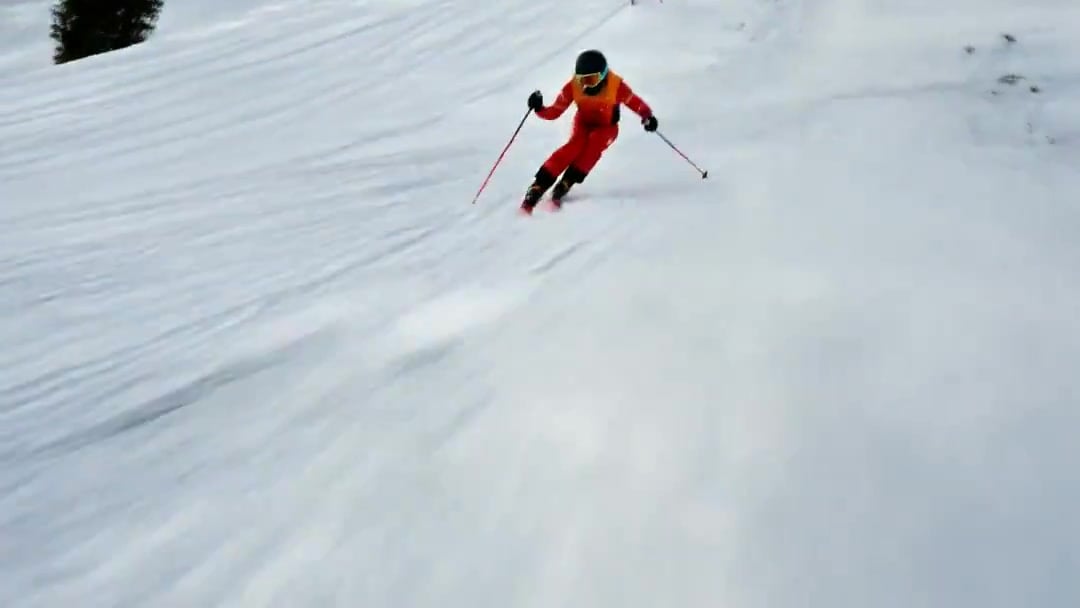
FPV Drone Skier Tracking — Kling 3.0 O3 Pro

Vid2Vid Watercolor Style Transfer — Kling 3.0 O3 Pro
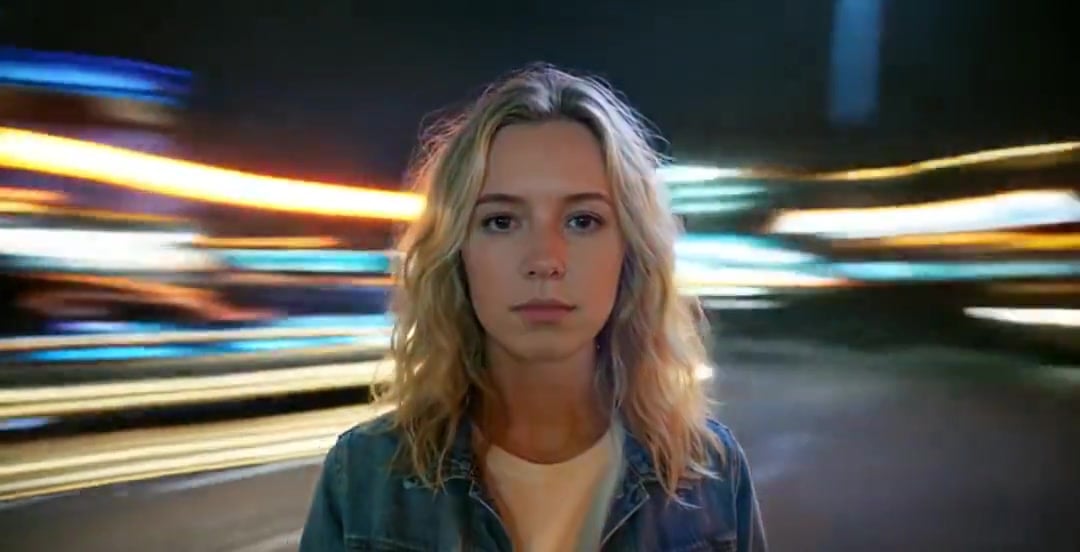
Handheld Neon Chaos Motion Blur — Kling 3.0 v3 Pro
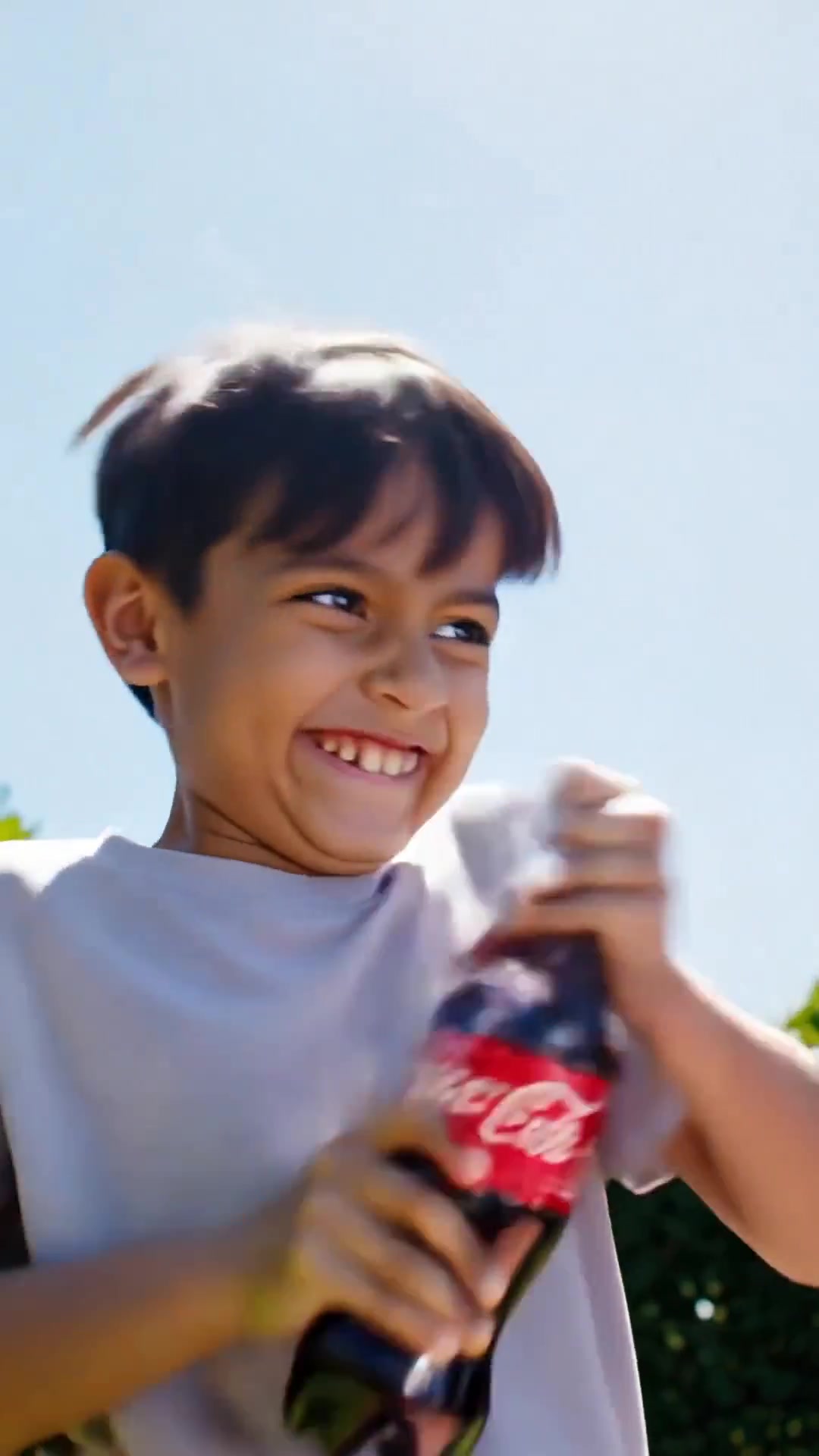
Comedy Coke Bottle Prank Reel — Kling 3.0 O3 Pro
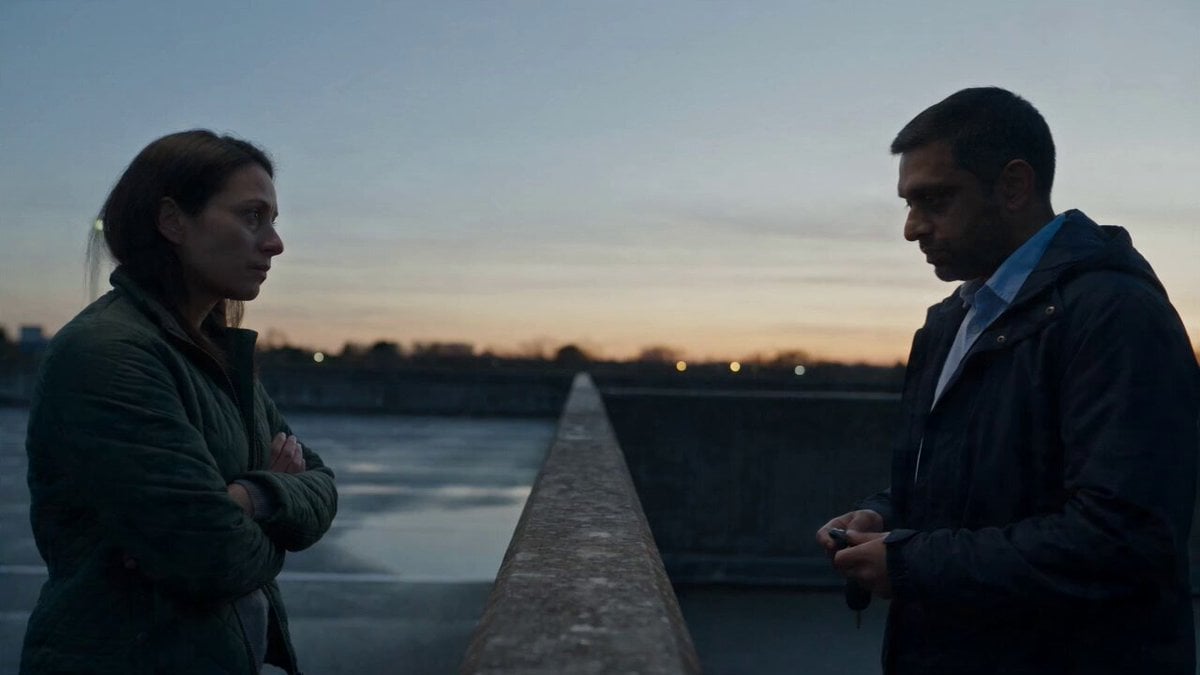
Hospital Car Park Dialogue Lip Sync
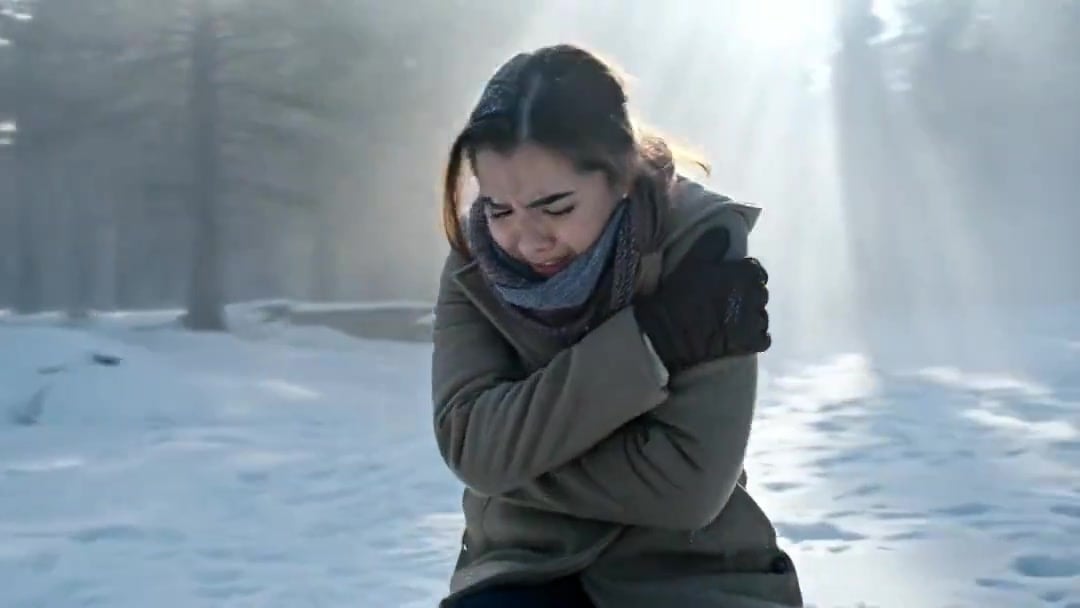
Arc Shot Frozen Woman Snow — Kling 3.0 v3 Pro
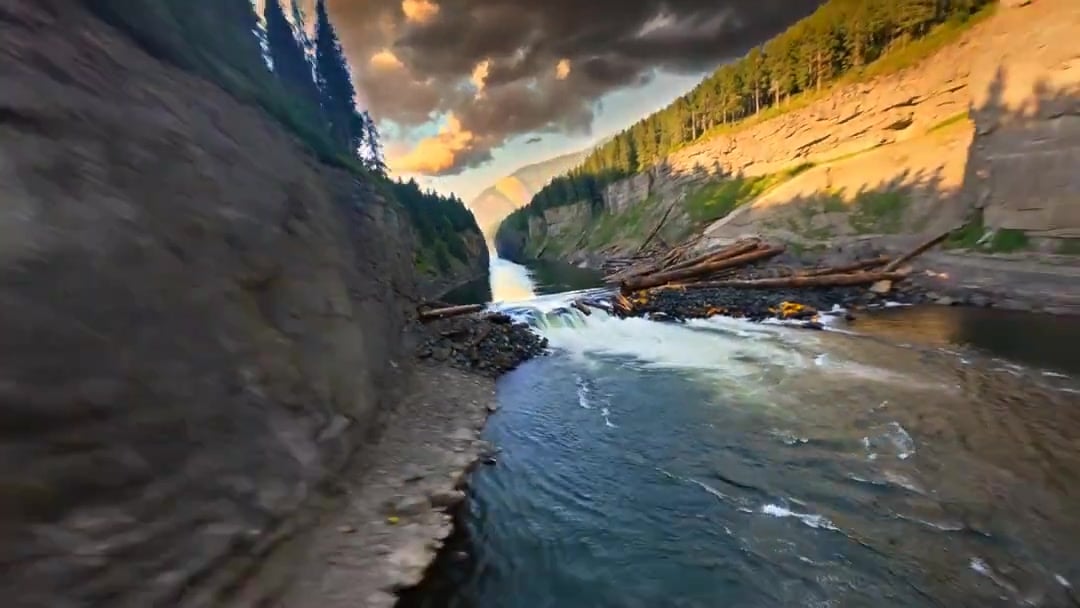
Cinematic Drone Specs Canyon — Kling 3.0 v3 Pro
Arc Shot Frozen Woman Snow — Kling 3.0 v3 Pro
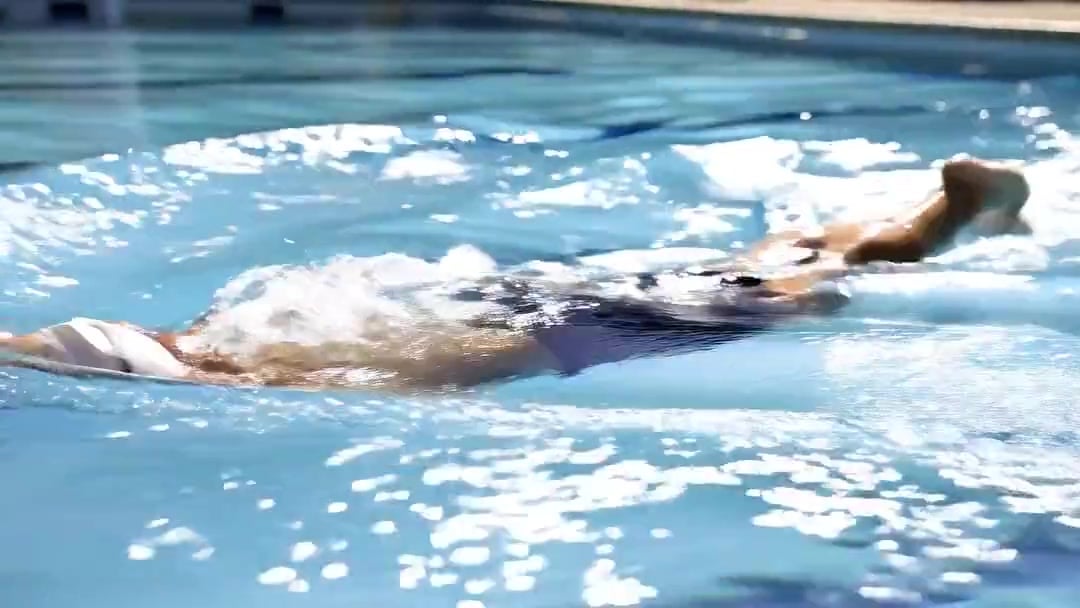
Swimming Physics Butterfly Stroke — Kling 3.0 v3 Standard
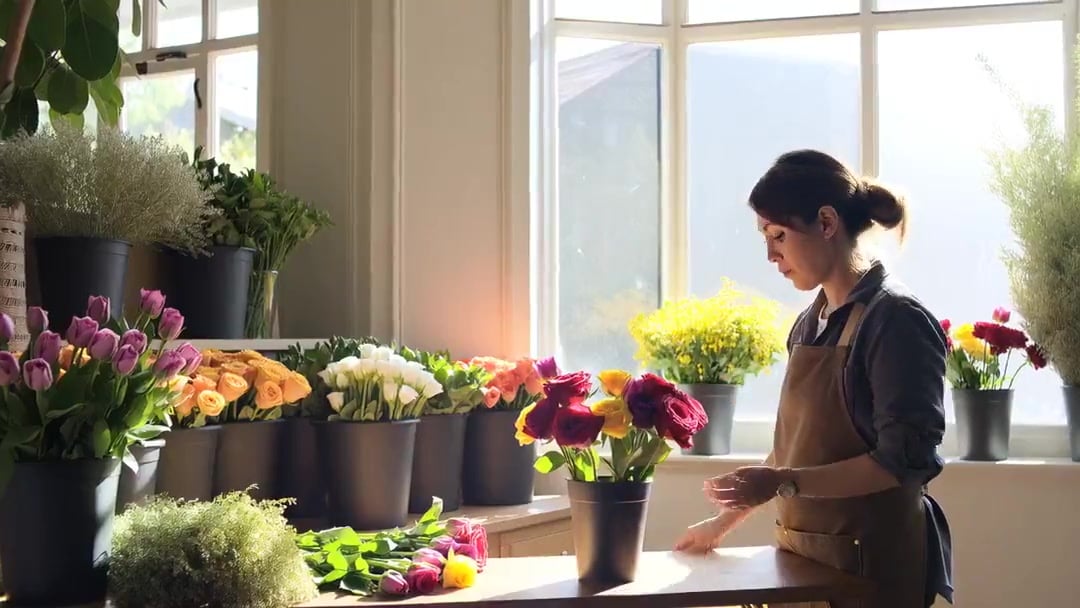
Florist Shop Bouquet — Kling 3.0 v3 Standard
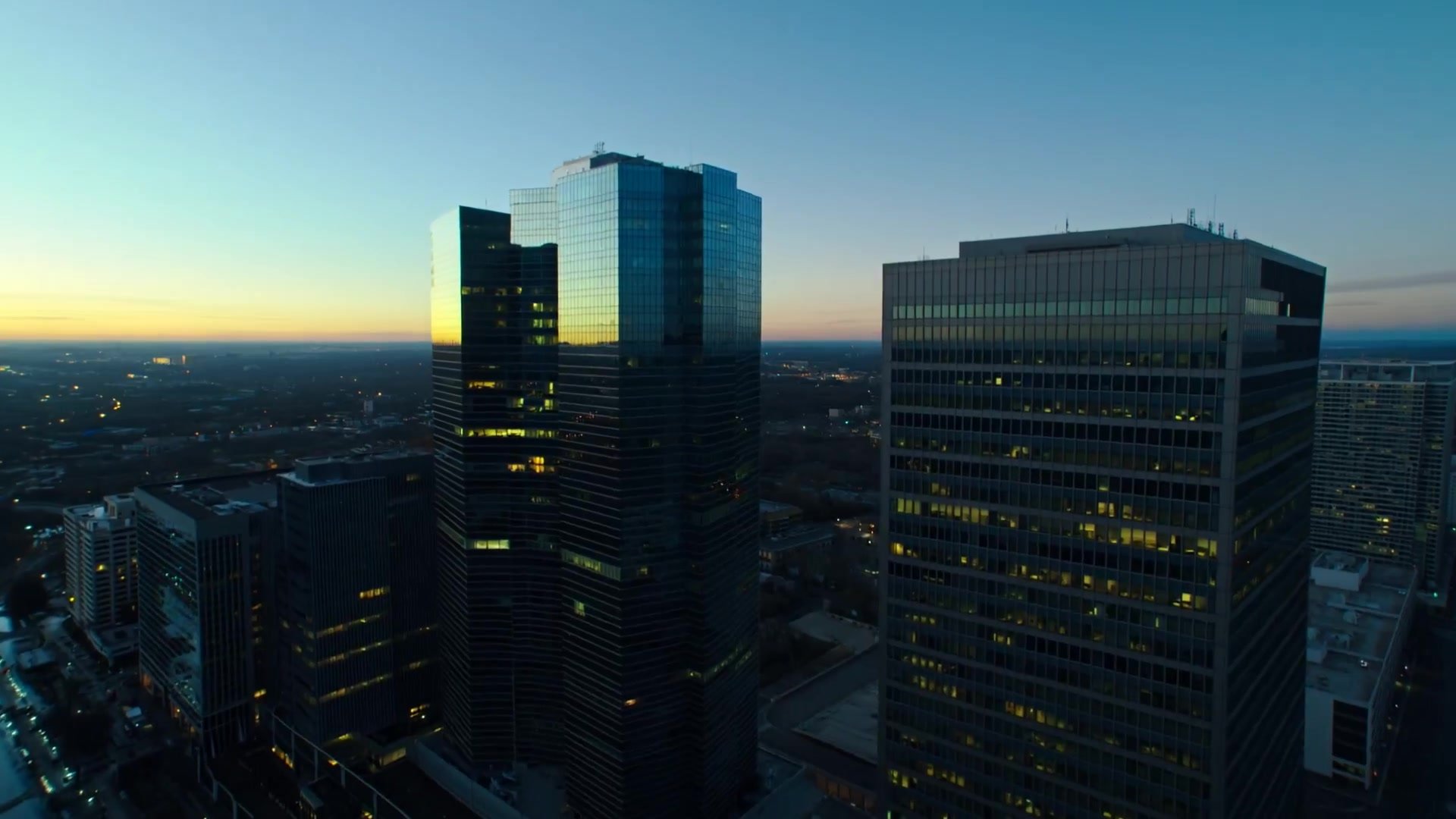
Multi-Shot Heist Sequence — Kling 3.0 O3 Pro
Make it yours
Family Dialogue 4 Characters — Kling 3.0 O3 Pro works as-is. These are the safest ways to change it without losing the look.
Change one field
Copy a single group, rewrite it, and generate again so you can see what that field is doing.
Keep the frame, change the subject
Hold the composition and light of Family Dialogue 4 Characters — Kling 3.0 O3 Pro, then swap wardrobe, props or the person for a new take.
| If the result… | Why | Fix |
|---|---|---|
| The result drifts from the preview | Too many fields changed at once. | Reuse Family Dialogue 4 Characters — Kling 3.0 O3 Pro as-is first, then change one group — subject, light, or setting. |
| The model over-stylizes the scene | The prose prompt leaves finish and camera underspecified. | Add one camera or lighting sentence and stay on Kling 3.0. |
More video prompts
Fresh picks from across the catalog.
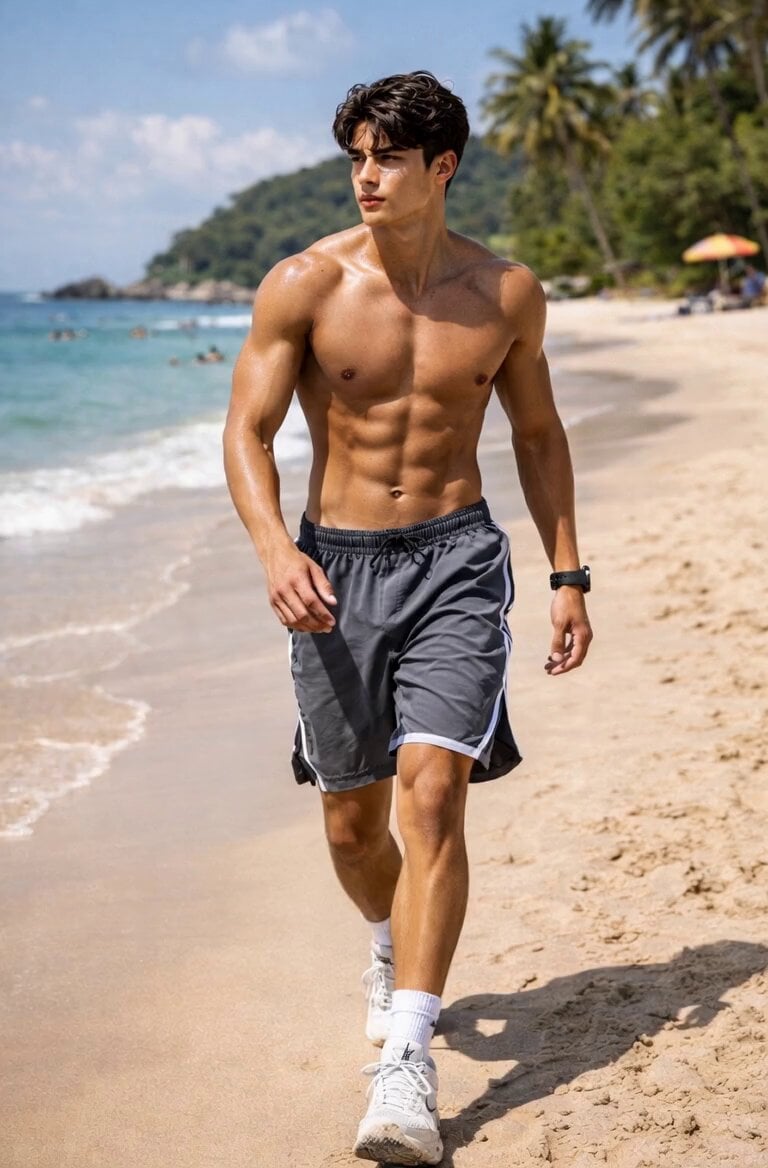
Man Stumbling on Beach
Monster Energy Industrial Commercial
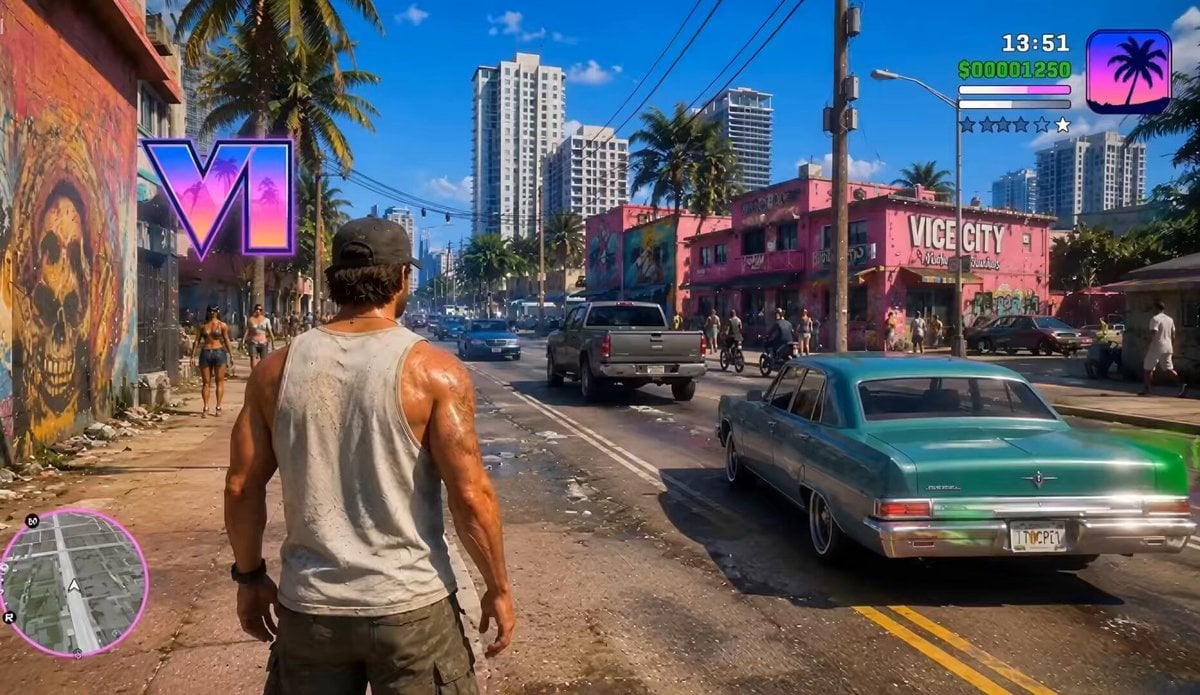
GTA VI Style Gameplay Concept
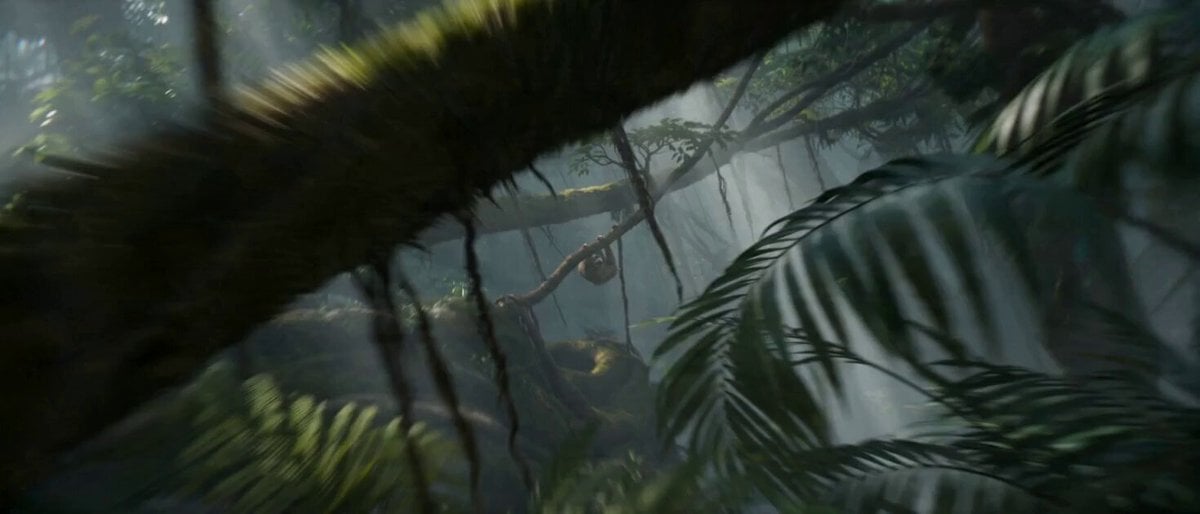
Impossible Camera Moves in Amazon Rainforest
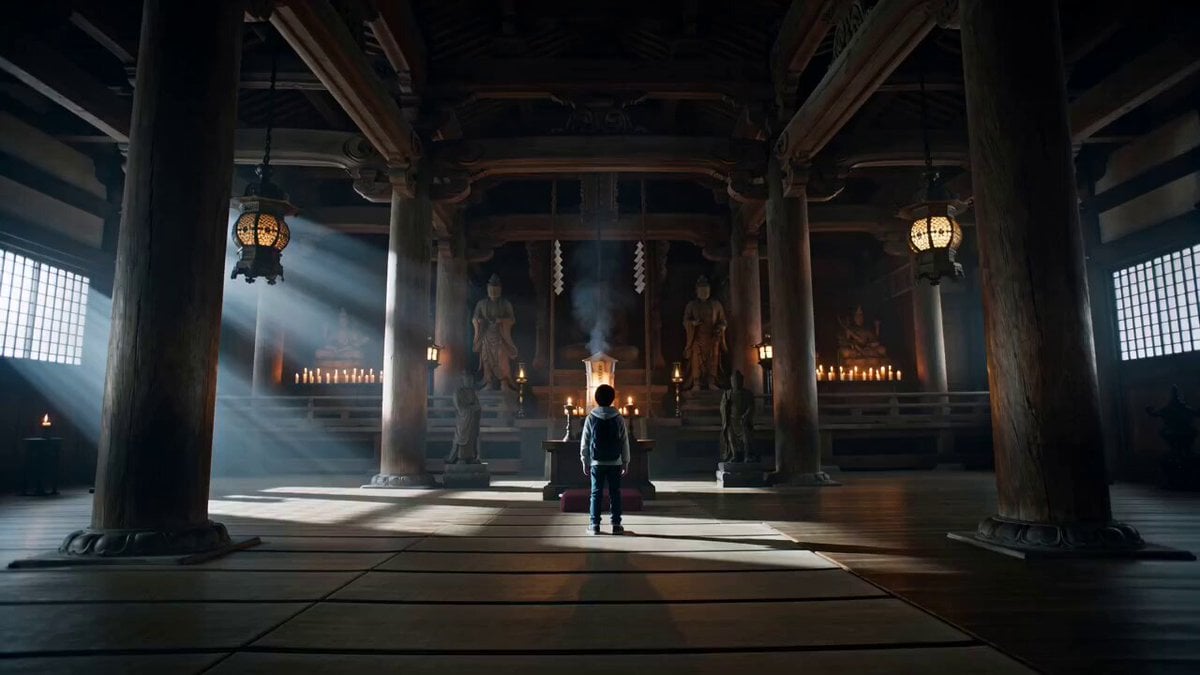
Japanese Boy Transforms into Samurai Guardian Hero
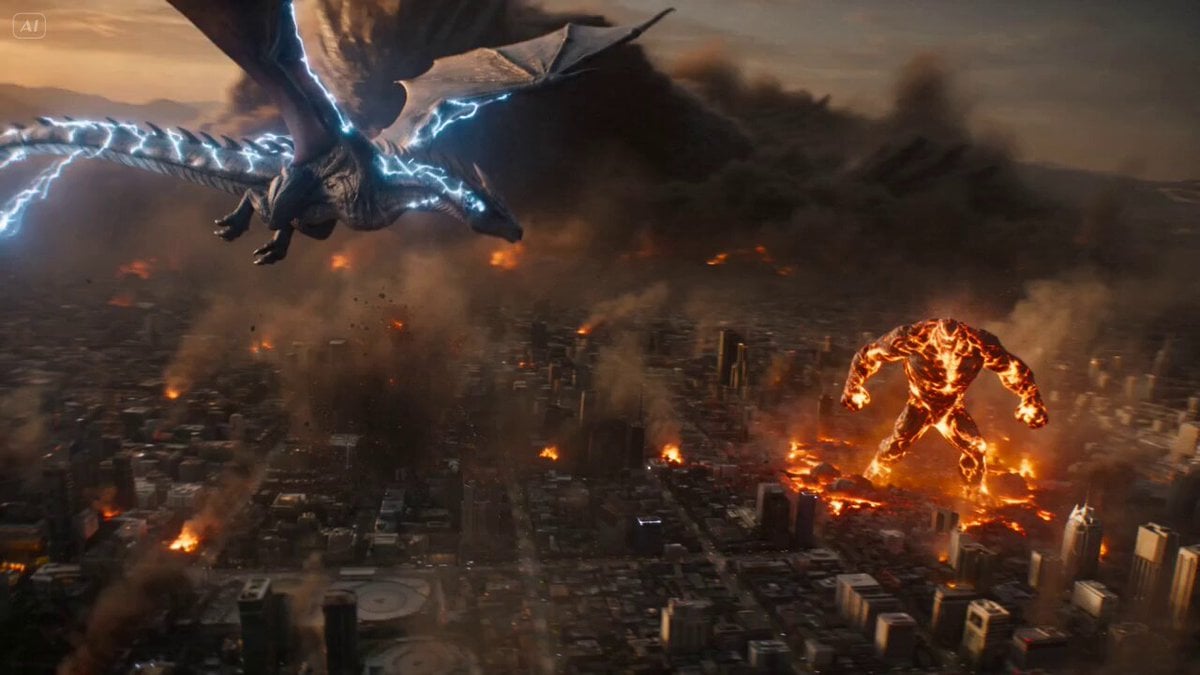
Colossal Creatures City Invasion
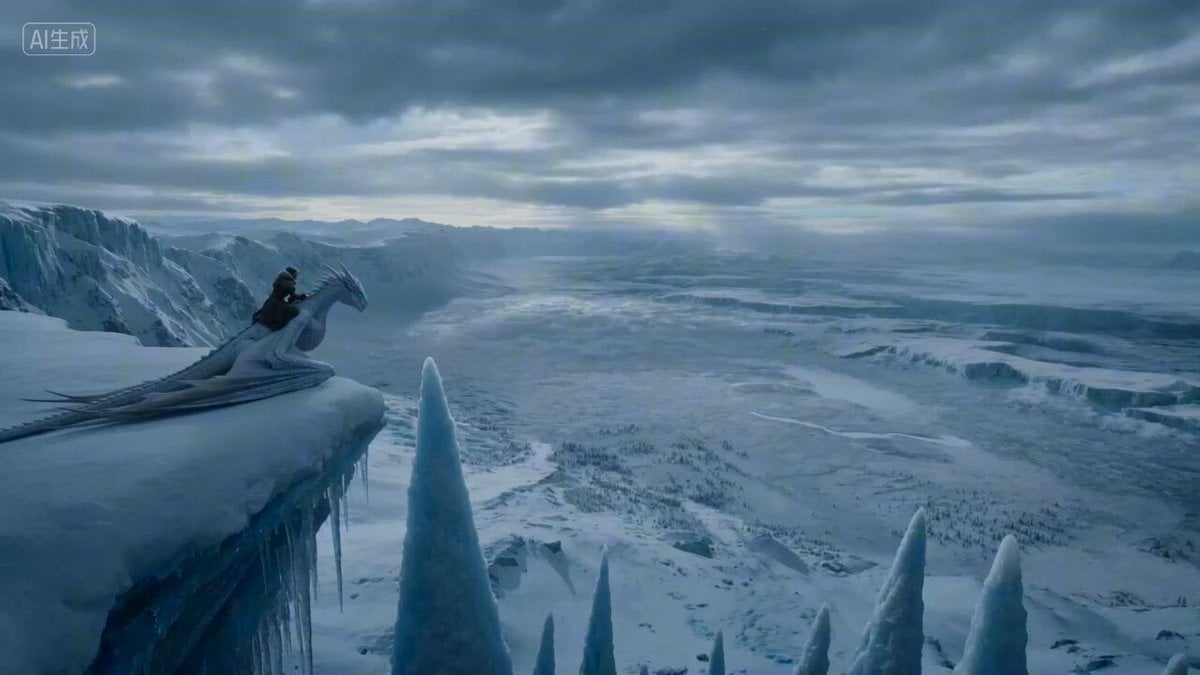
Frozen Canyon Dragon Flight
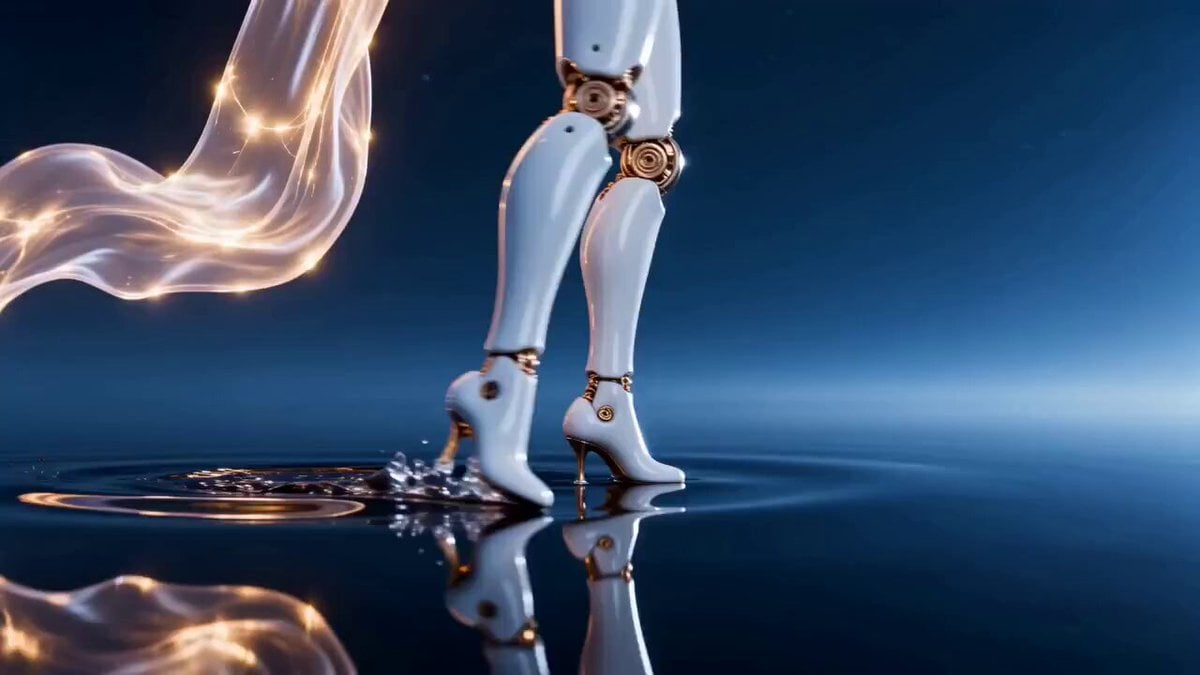
Seedance 2.0 Prompt: Surreal Art Sci-Fi Martial Arts Dance
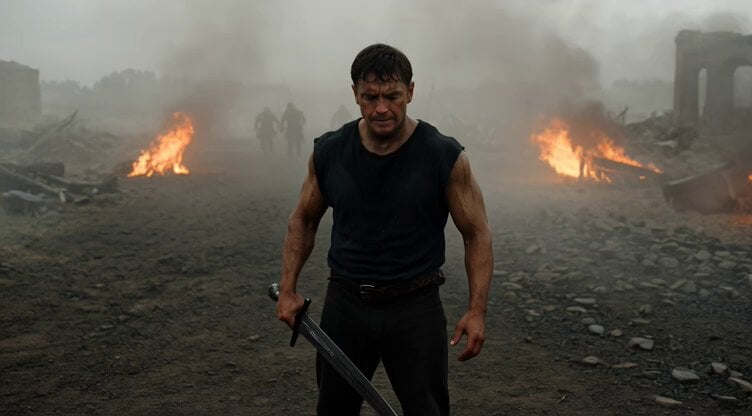
Cinematic Battle Scene Video Prompt
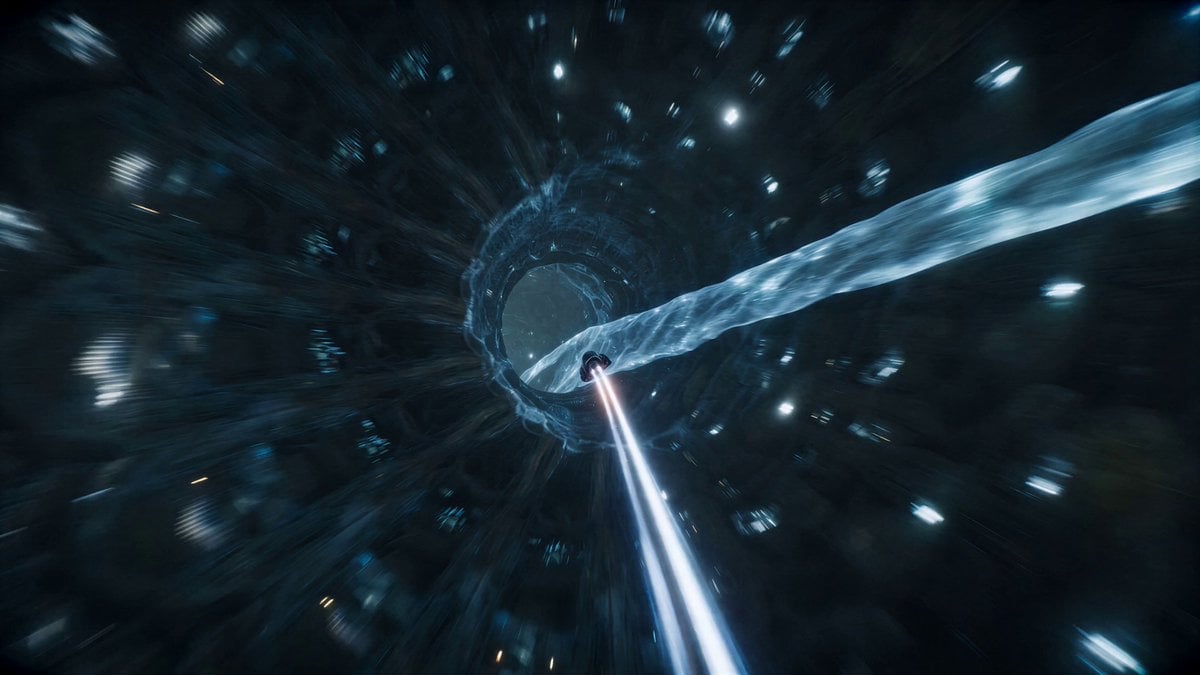
Sci-Fi Nano Capsule FPV Flight
Browse template categories
Family Dialogue 4 Characters — Kling 3.0 O3 Pro questions
How do I use the Family Dialogue 4 Characters — Kling 3.0 O3 Pro template?
Add your photo if the template asks for one, edit the prompt if you like — the template's model and format are already selected — and press Generate. Your version opens in PicX Studio.
Can I customize the Family Dialogue 4 Characters — Kling 3.0 O3 Pro template?
Yes. You can change the subject, setting, lighting, mood, format, and available model controls before creating your video.
Is the Family Dialogue 4 Characters — Kling 3.0 O3 Pro template free?
Opening and editing this template is free. Generating uses credits, shown on the Generate button when you are signed in.
Which AI model should I use?
Start with Kling 3.0, which is the model associated with this template. You can compare another compatible model for a different finish.
Looking for something else? Browse all templates.

Your photo, any look
Thousands of ready templates for every top image and video model, from one credit balance.