How do I use the Cinematic Battle Scene Video Prompt template?
Edit the prompt in the box under the preview — the template's model and format are already selected — and press Generate. Your version appears right on this page.
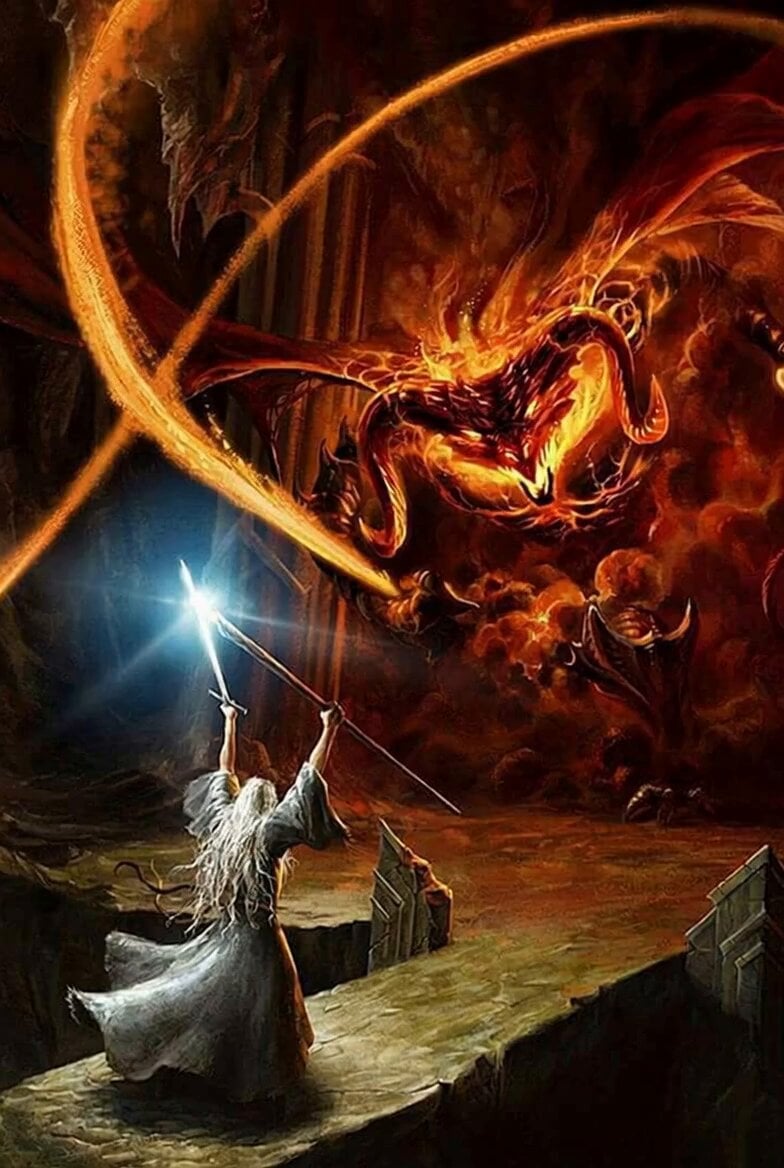
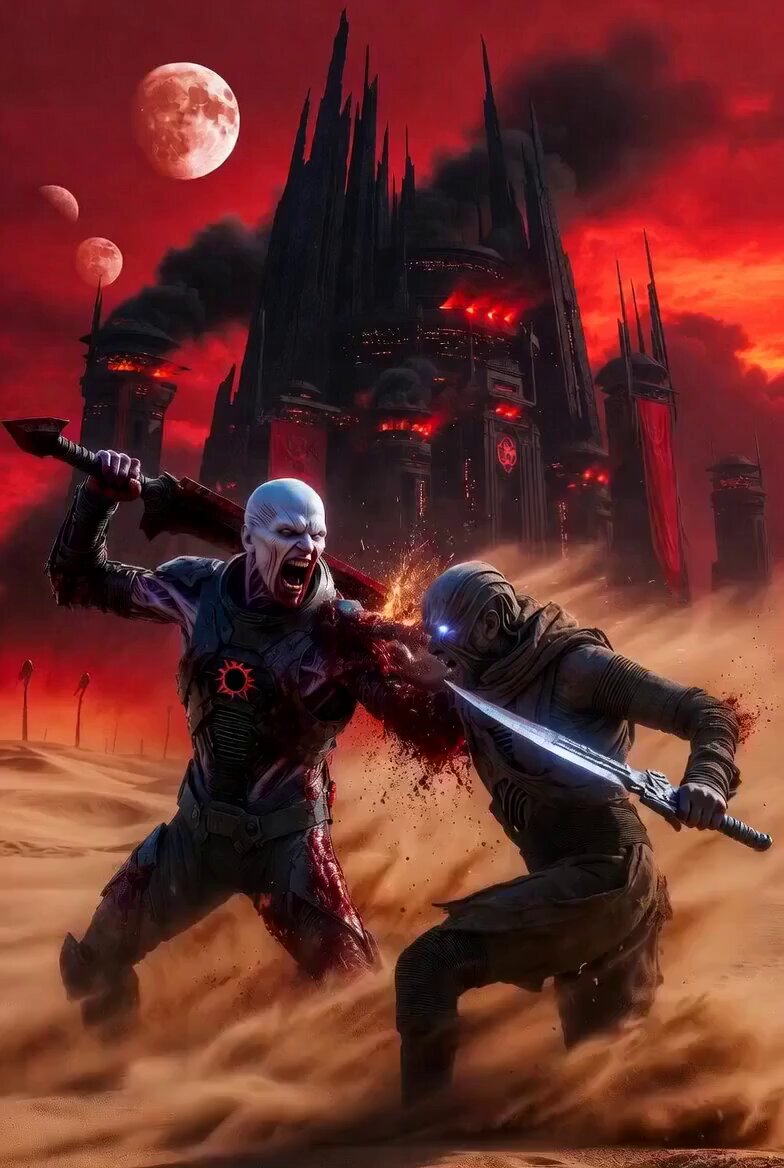
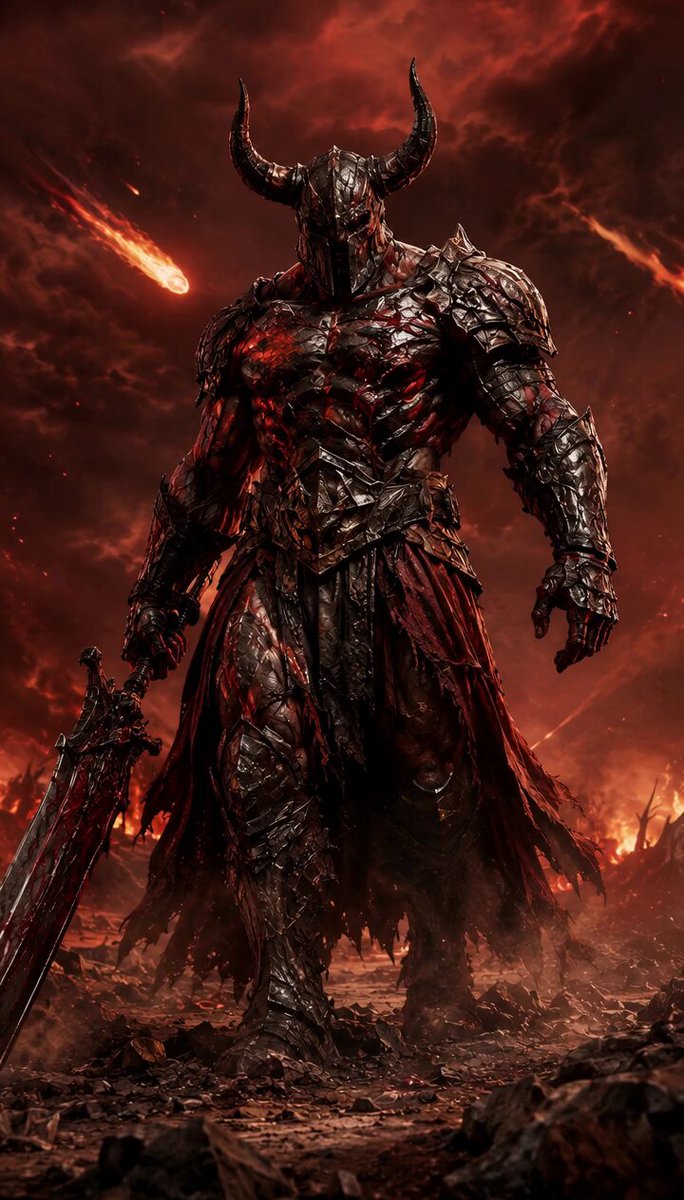
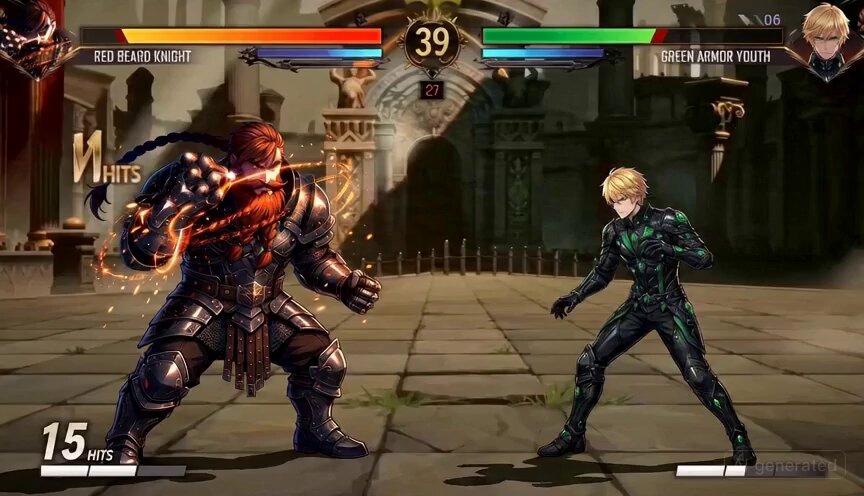
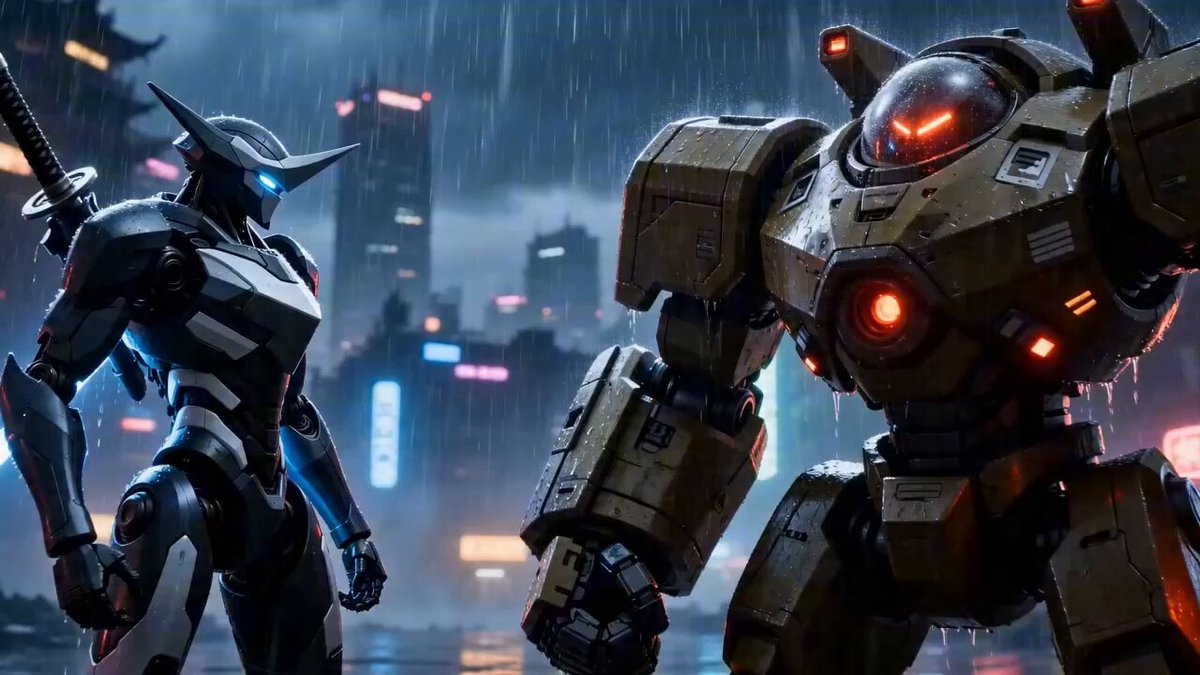
A detailed video prompt for Grok Imagine describing a cinematic battle scene featuring a lone, exhausted fighter who suddenly charges forward.
A lone fighter standing still, exhausted, holding a weapon loosely, breathing heavy + Looks up, then charges forward at the last second. Ruined battlefield with fire burning in the background, smoke drifting across the scene. Slow push-in toward his face building tension, sudden speed ramp as he charges, explosion igniting behind him lighting the frame, cinematic contrast between stillness and violent release.
A lone fighter standing still, exhausted, holding a weapon loosely, breathing heavy + Looks up, then charges forward at the last second. Ruined battlefield with fire burning in the background, smoke drifting across the scene. Slow push-in toward his face building tension, sudden speed ramp as he charges, explosion igniting behind him lighting the frame, cinematic contrast between stillness and violent release.
Edit the prompt in the box under the preview — the template's model and format are already selected — and press Generate. Your version appears right on this page.
Yes. You can change the subject, setting, lighting, mood, format, and available model controls before creating your video.
Opening and editing this template is free. Generating uses credits, shown on the Generate button when you are signed in.
Start with Grok Imagine, which is the model associated with this template. You can compare another compatible model for a different finish.
Follow a topic to a crawlable collection of related PicX Studio templates.