
Pearl and Diamond Empress
An opulent and highly detailed video prompt featuring a luxurious fashion scene with floating diamonds and glowing backgrounds.
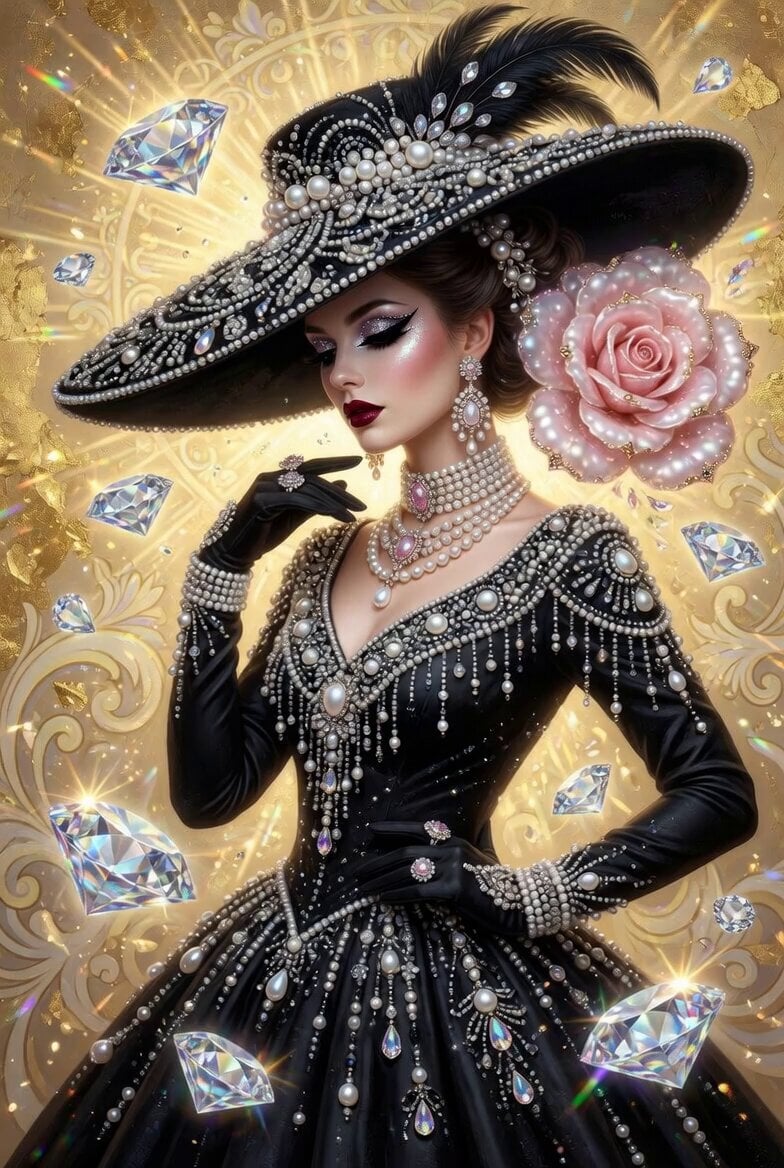
- Prompt included
- Model and format preset
- Premium template
The prompt behind this video
Copy the exact prompt behind Pearl and Diamond Empress, or open it in the studio and make it yours.
Elegant beautiful woman in luxurious black gown and huge wide-brimmed hat, both heavily covered with sparkling pearls, beads and crystals, dramatic makeup, graceful pose, surrounded by floating large diamonds and a giant pink pearl rose, opulent sparkling jewelry fashion, golden glowing background, ultra-detailed, dazzling light. Inspired by: Anna Dittmann, Greg Rutkowski, Alphonse Mucha, haute couture jewelry art
How to use Pearl and Diamond Empress in 3 steps
- 1
Open
The prompt is already in the box next to the preview, with the template's model and format selected.
- 2…a portrait of your subject in softgolden-hour light, 85mm…
Personalize
Edit the subject and creative details for your destination.
- 3Generate
Generate
Press Generate — your video is created in PicX Studio, so you can compare it with the original and refine one variable at a time.
More like this
Templates with the same subject, style or setup. Open one to see its prompt.

Mermaid Empress and Octopus Guardian
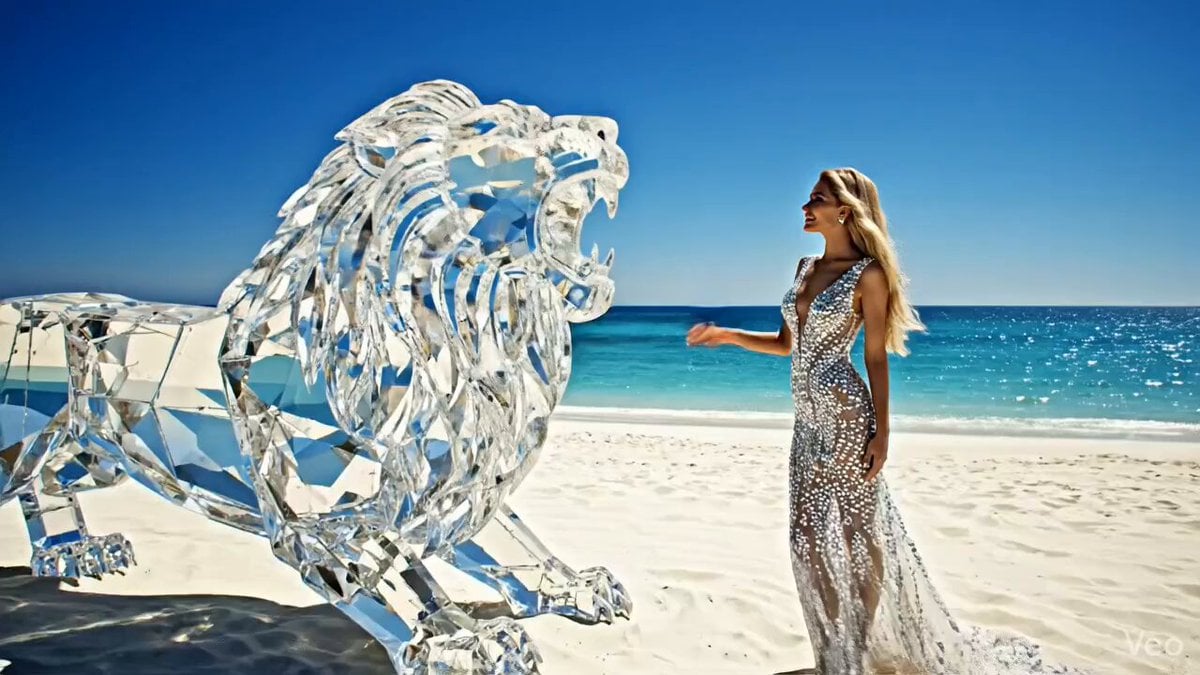
Huge diamond-like lion roaring on a white beach with an elegant woman
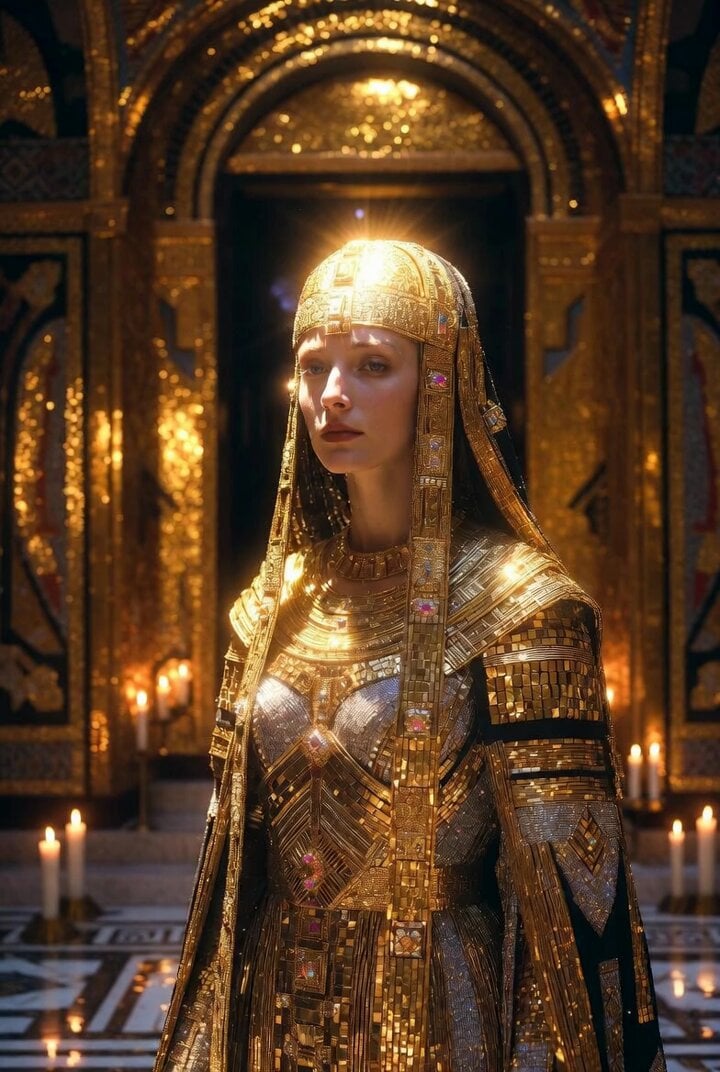
Byzantine Art Deco Fusion Empress
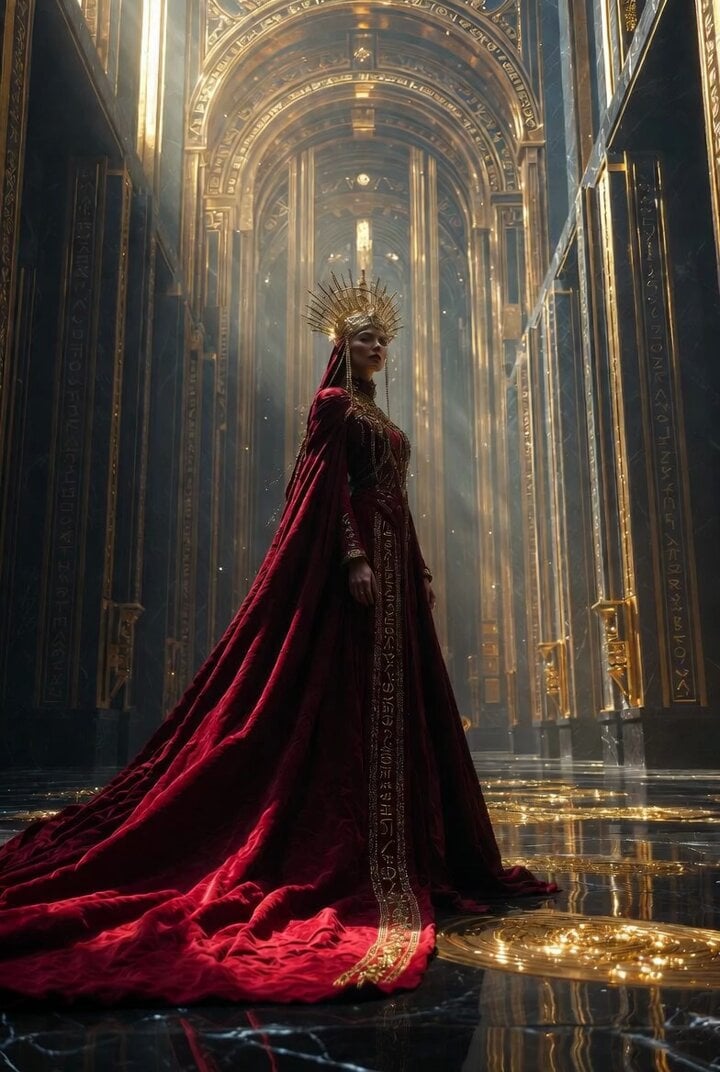
Cinematic Divine Empress in Ancient Palace
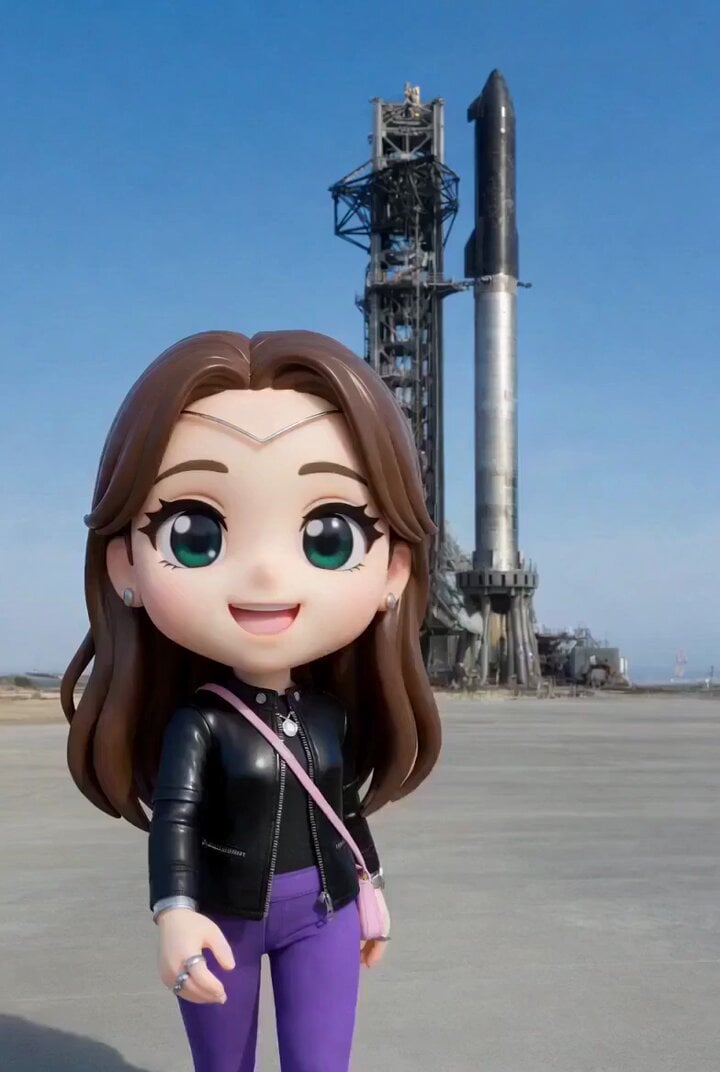
Empress Heavy Mars Vacation Chibi Prompt
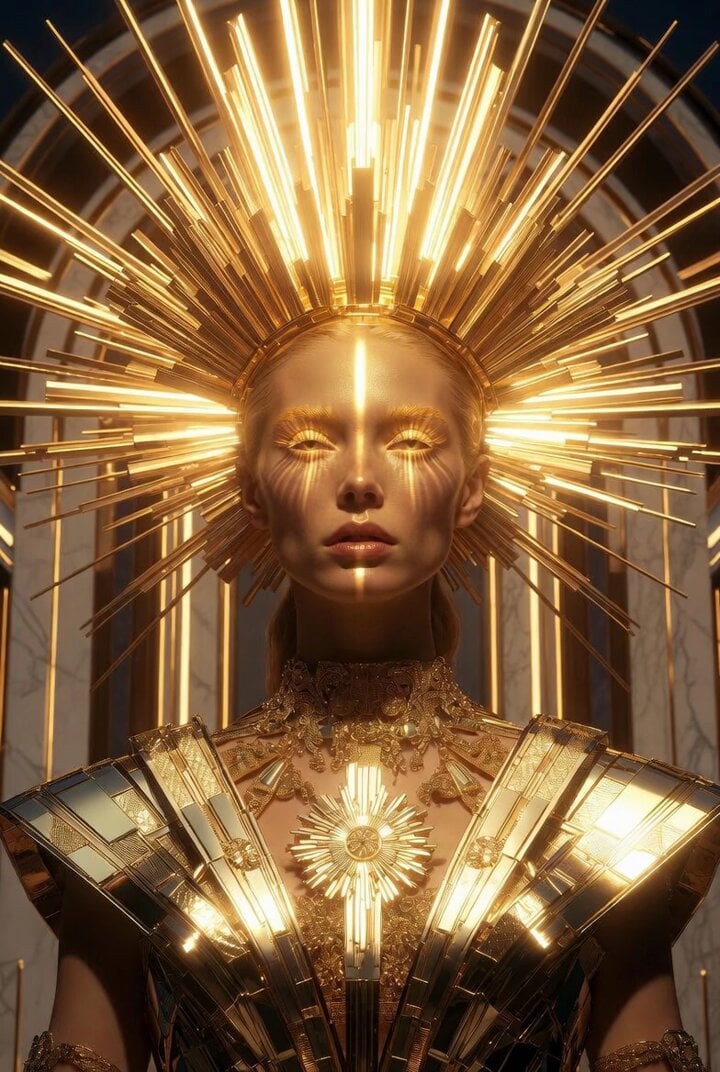
Ultra Detailed Solar Empress Portrait in Art Deco and Rococo Style
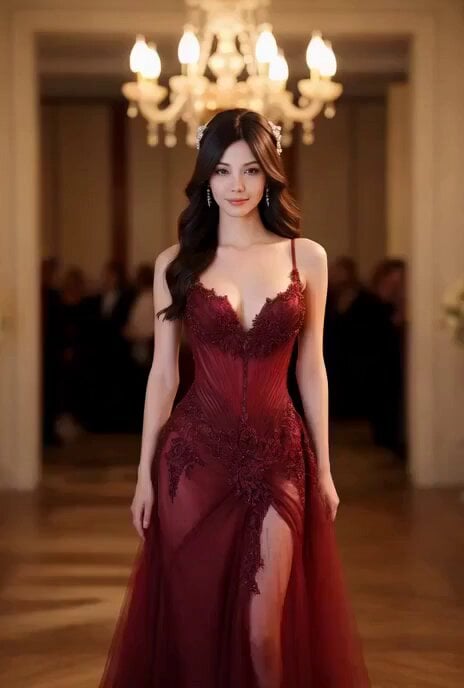
Dress Transformation to Red Glitter or Diamond
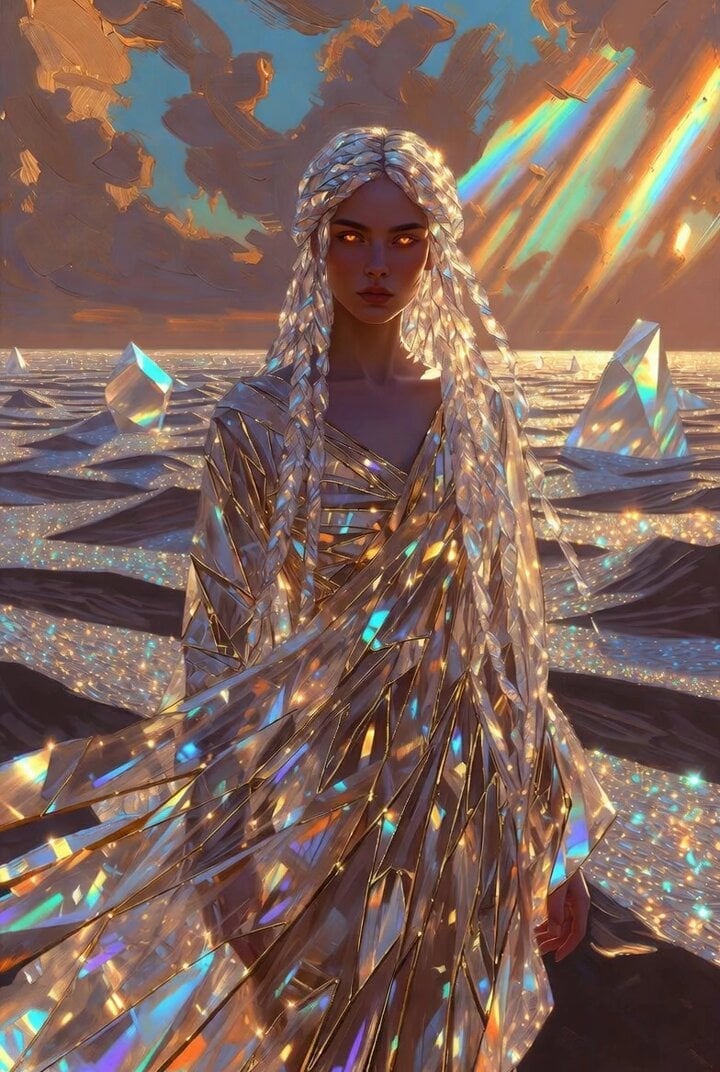
Crystal Desert Empress
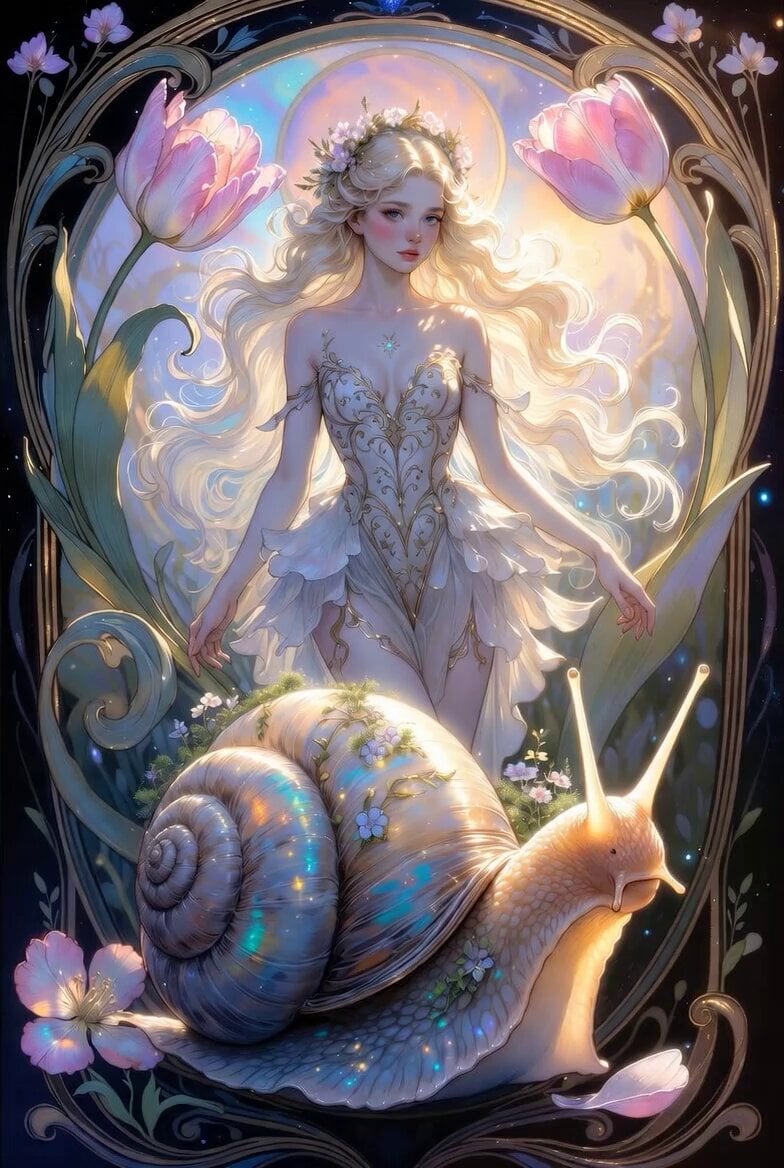
Tulip Empress & Snail Guardian Video Prompt
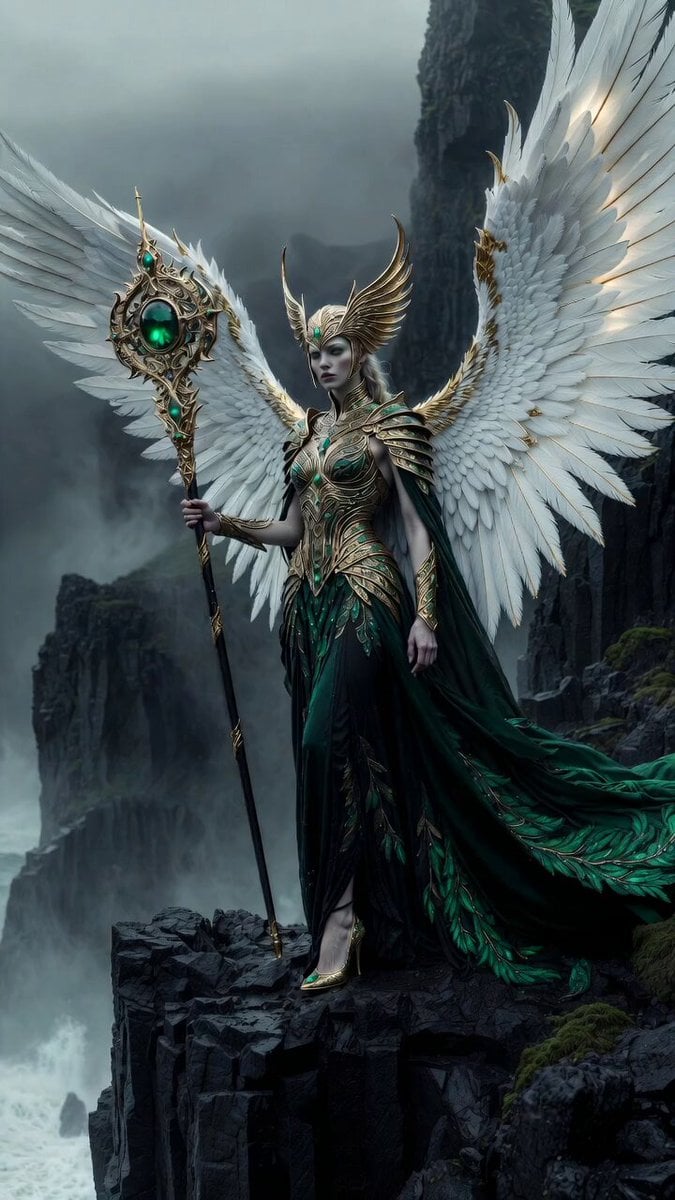
Celestial Phoenix Elven Empress

Kaleidoscopic Cosmic Dolphin Video

Horror Daffy Duck Video Transition
Make it yours
Pearl and Diamond Empress works as-is. These are the safest ways to change it without losing the look.
Change one field
Copy a single group, rewrite it, and generate again so you can see what that field is doing.
Keep the frame, change the subject
Hold the composition and light of Pearl and Diamond Empress, then swap wardrobe, props or the person for a new take.
| If the result… | Why | Fix |
|---|---|---|
| The result drifts from the preview | Too many fields changed at once. | Reuse Pearl and Diamond Empress as-is first, then change one group — subject, light, or setting. |
| The model over-stylizes the scene | The prose prompt leaves finish and camera underspecified. | Add one camera or lighting sentence and stay on Grok Imagine. |
More Grok Imagine templates
Other prompts made for Grok Imagine.

Mecha Runway Tap Dance Video Prompt

Emotional Angry Couple Drama

Detailed multi-part video prompt
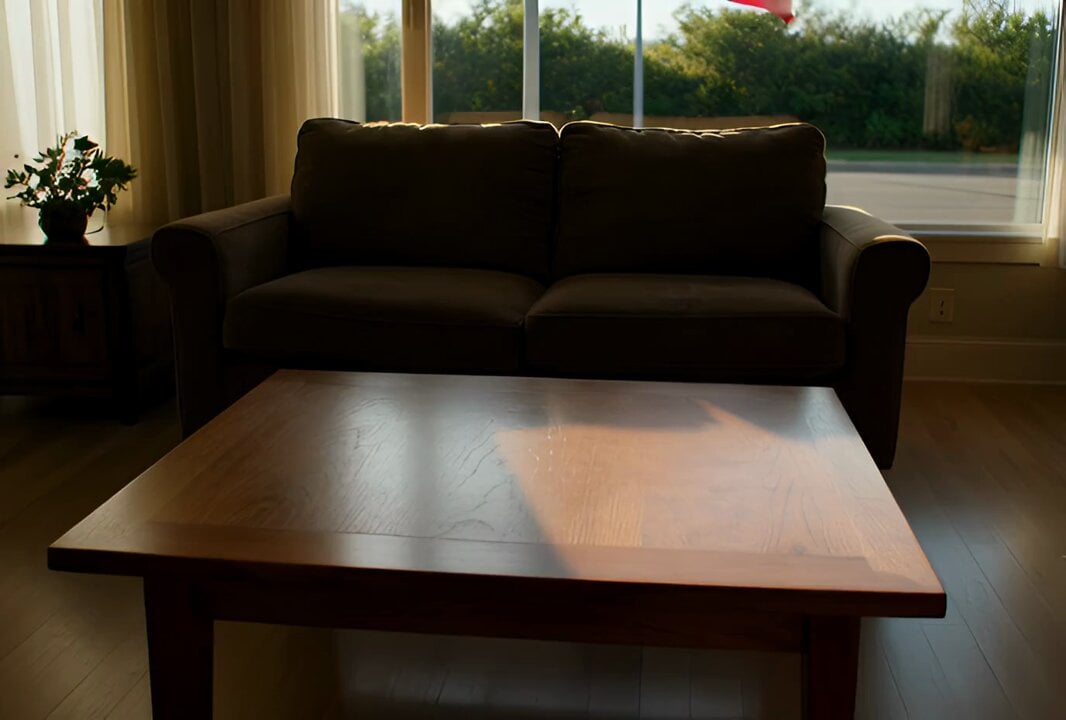
Interior View Video Generation Prompt
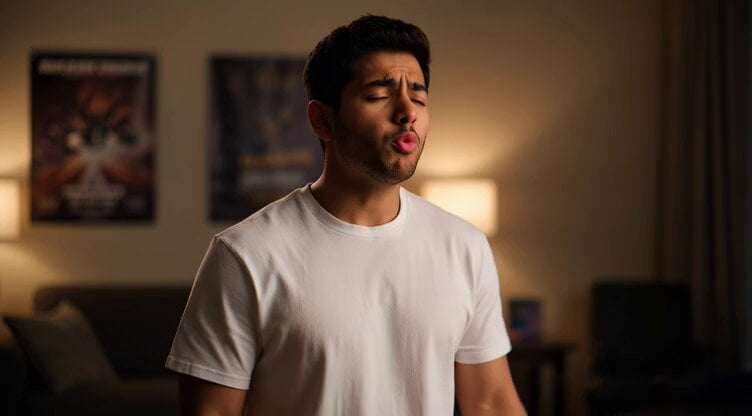
GTA 6 never came out in 1 million years

Bitcoin liferaft video prompt

Woman floating down, opening eyes and looking deeply into the viewer's eyes
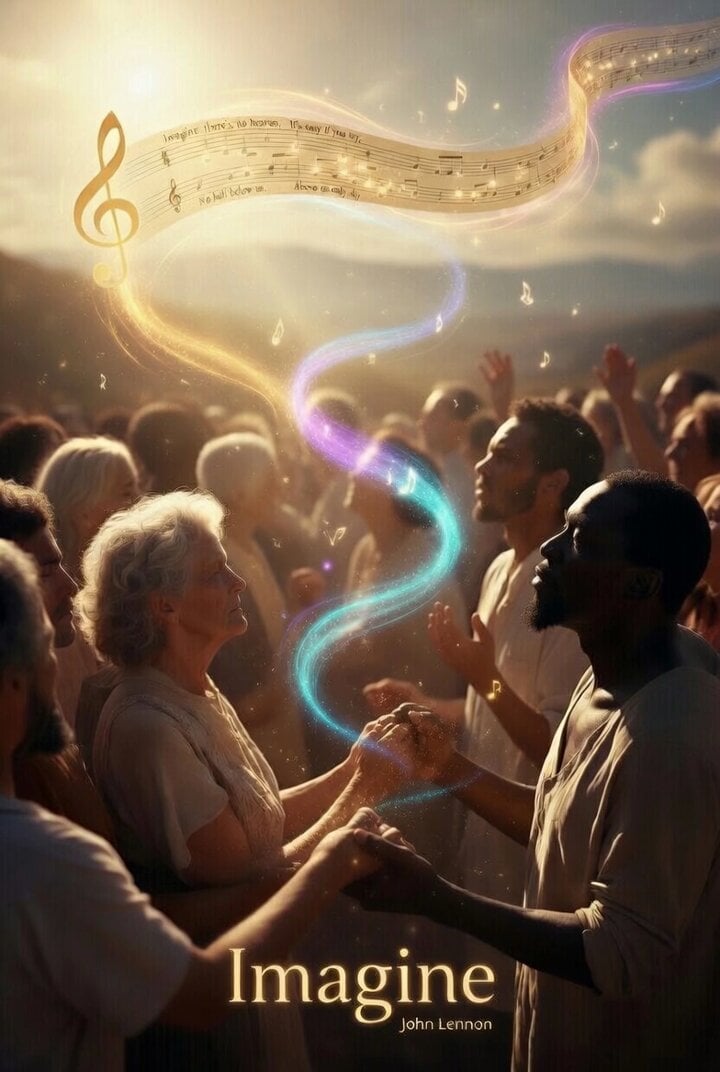
Utopian World of Harmony and Peace
Runner with BE 2060 i inscription passing through sequential doors video prompt
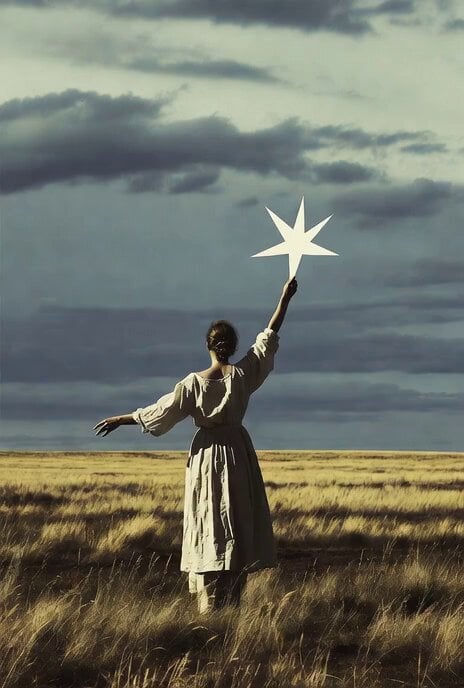
Wind Blows Paper, Camera Follows
More video prompts
Fresh picks from across the catalog.
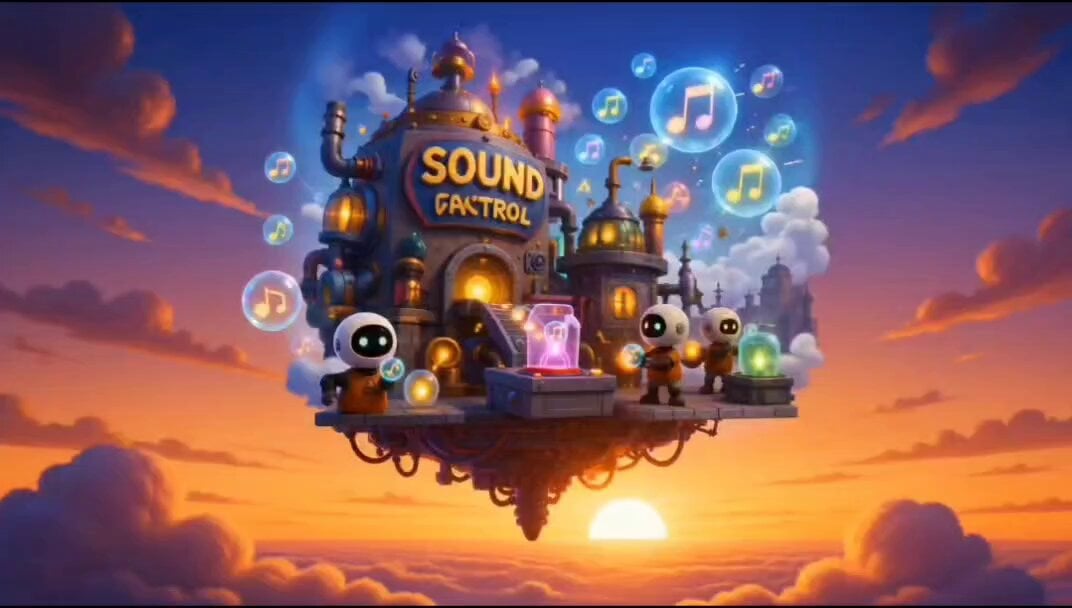
The Missing Sound Button Animation
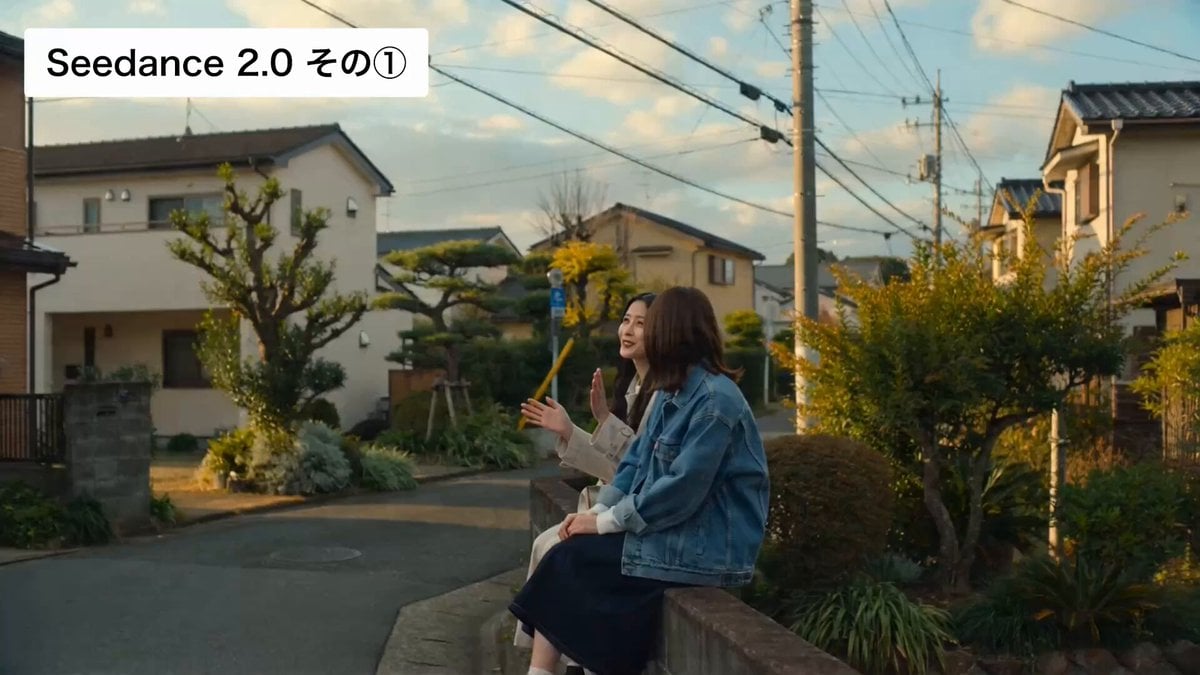
Cinematic Japanese Slice-of-Life Scene with Lip-Synced Dialogue
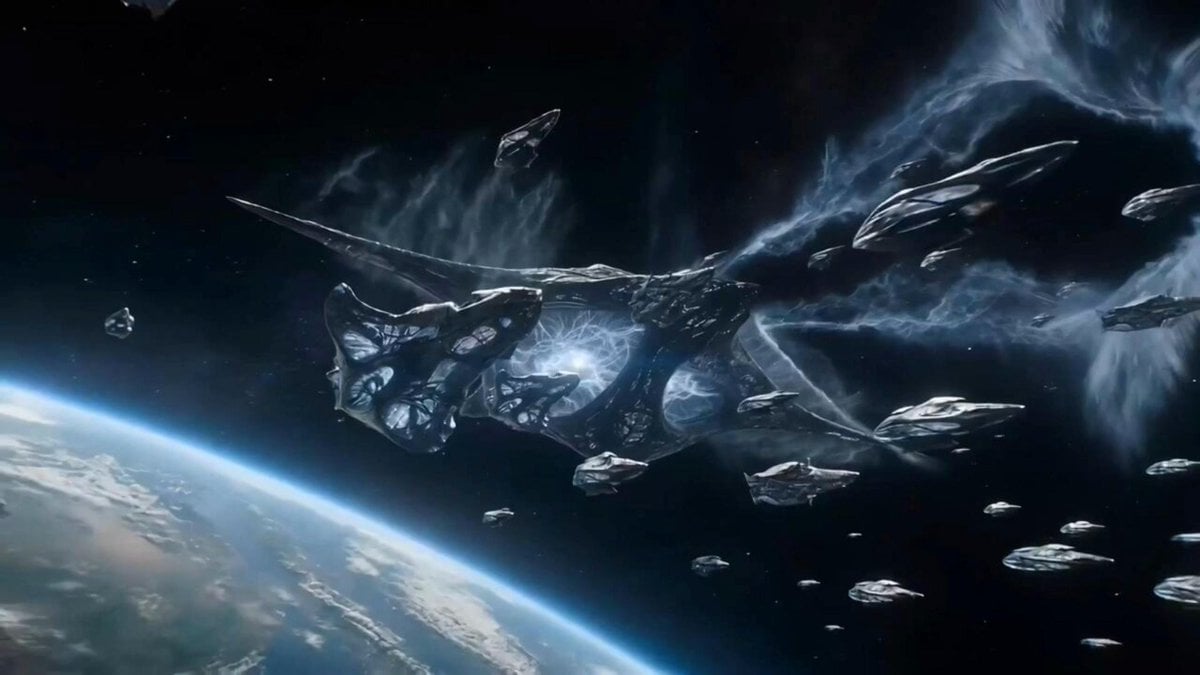
Seedance 2.0 Test: Celestial Invasion
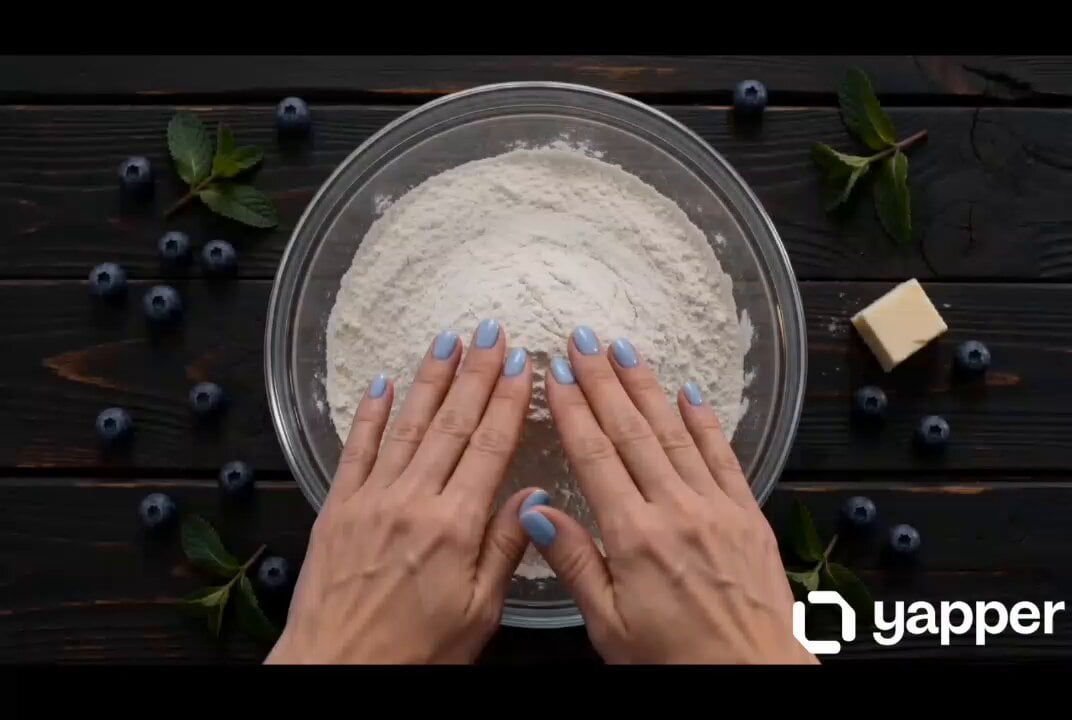
Blueberry Pie Baking Storyboard

Modern Soldier vs. Ancient Samurai in Foggy Forest
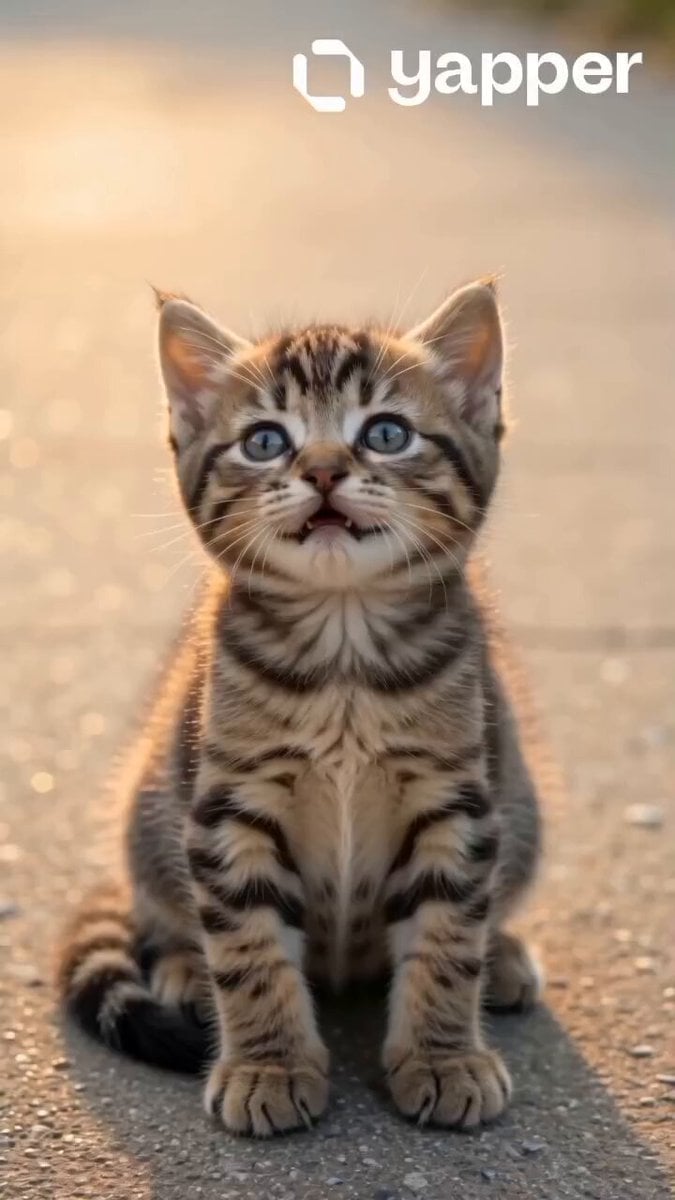
Emotional Kitten Rescue Scene
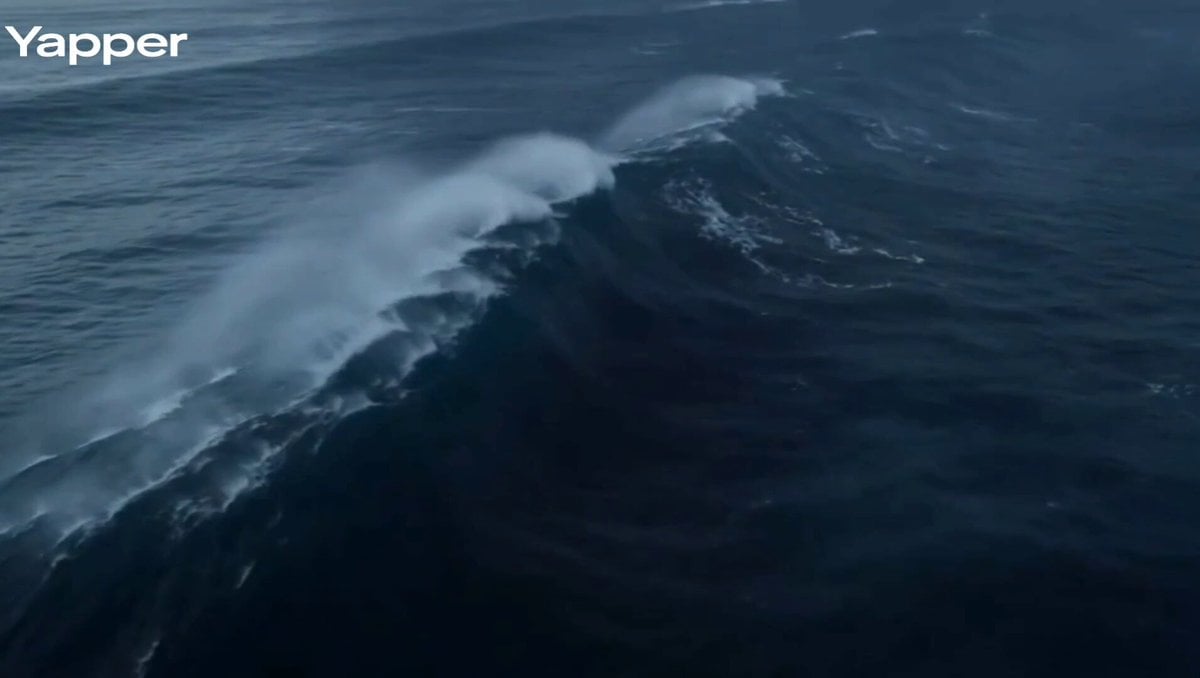
Massive Ancient Sea Dragon Emerging from the Ocean
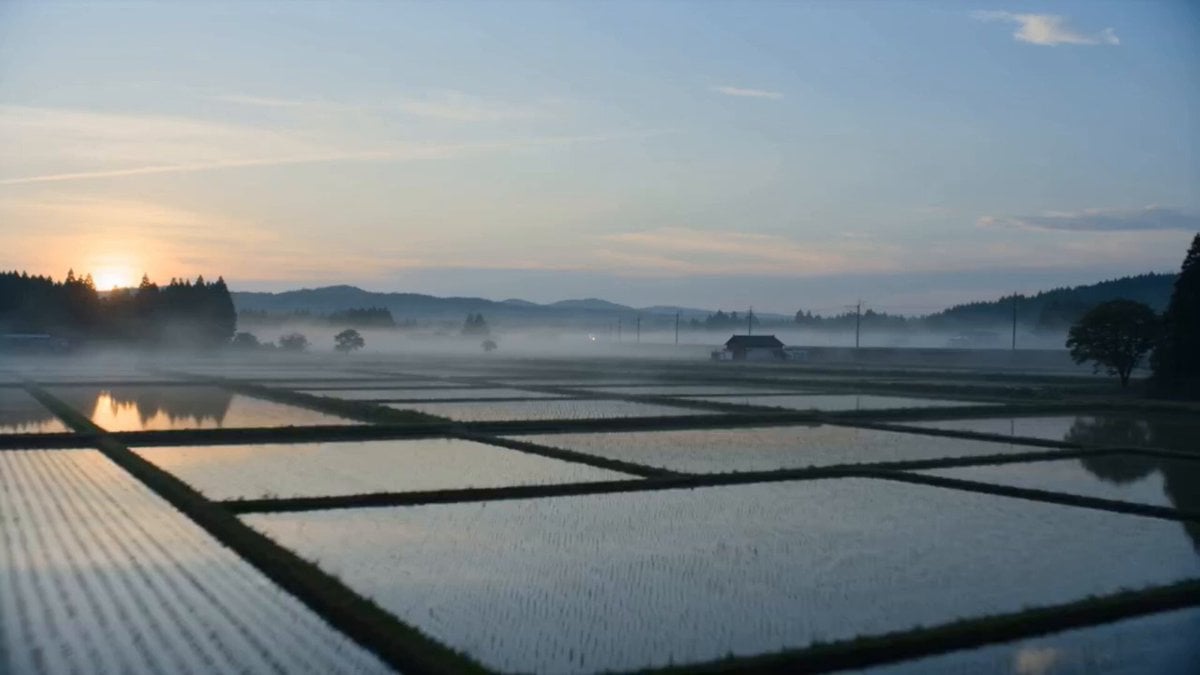
Cinematic Scene Prompt: Bullet Train Race
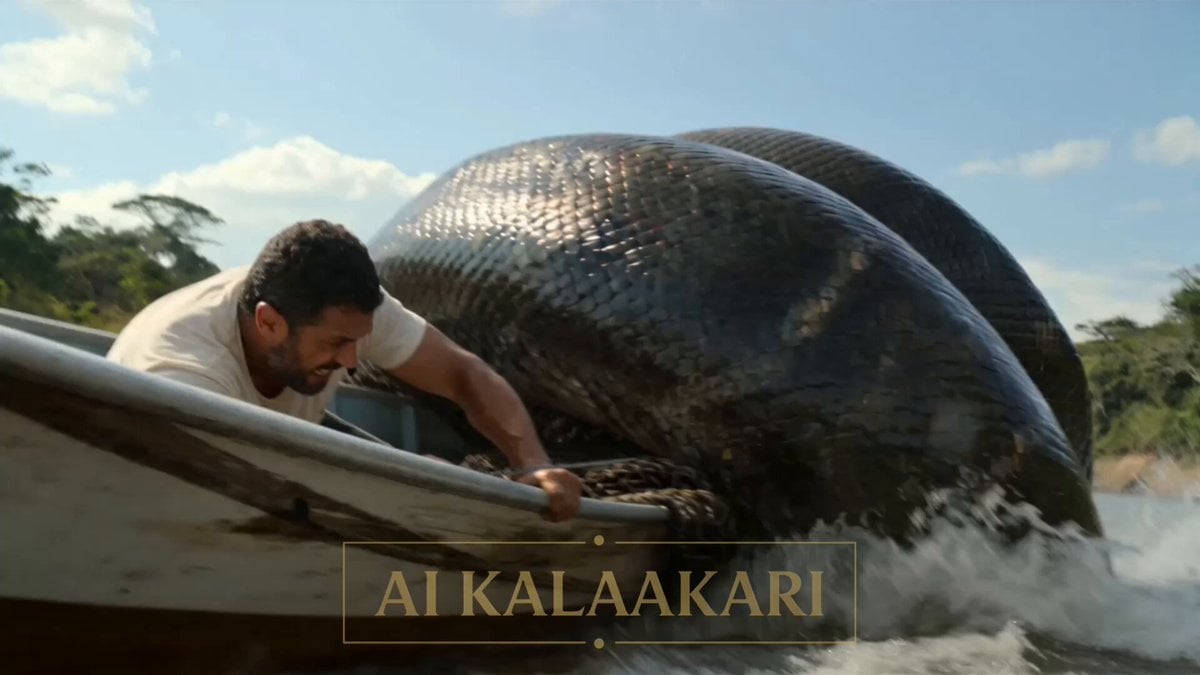
B-Movie Giant Snake Action Scene
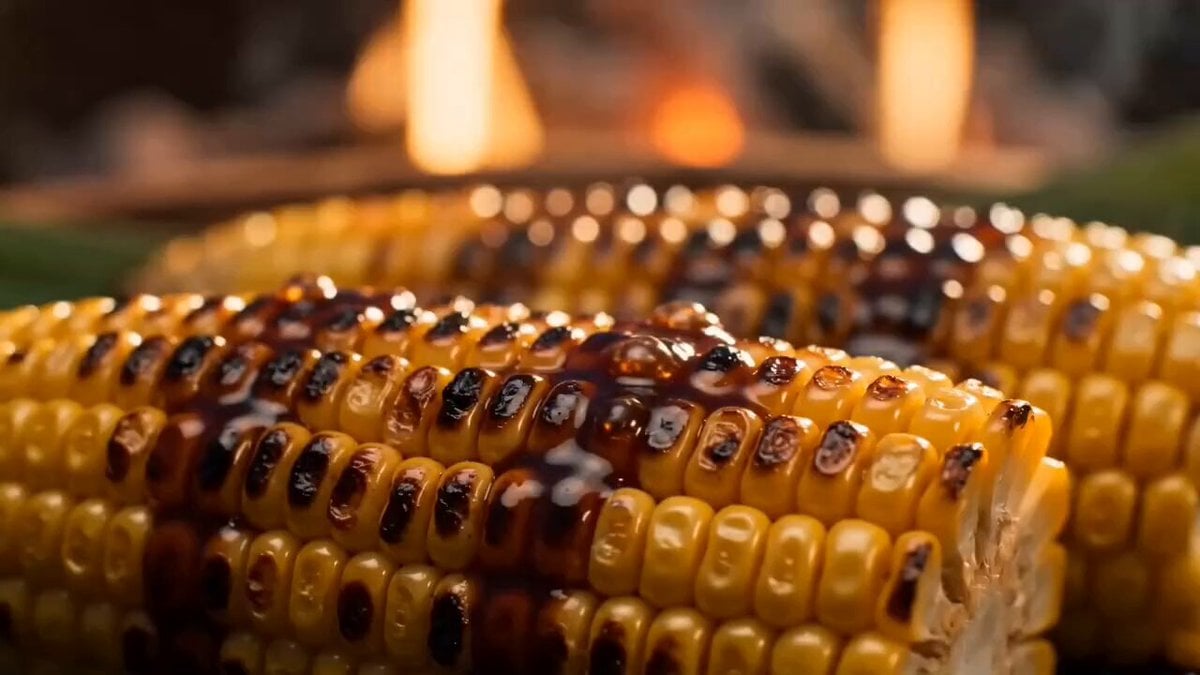
Indonesian Rooftop Grill Food Commercial
Browse template categories
Pearl and Diamond Empress questions
How do I use the Pearl and Diamond Empress template?
Add your photo if the template asks for one, edit the prompt if you like — the template's model and format are already selected — and press Generate. Your version opens in PicX Studio.
Can I customize the Pearl and Diamond Empress template?
Yes. You can change the subject, setting, lighting, mood, format, and available model controls before creating your video.
Is the Pearl and Diamond Empress template free?
Opening and editing this template is free. Generating uses credits, shown on the Generate button when you are signed in.
Which AI model should I use?
Start with Grok Imagine, which is the model associated with this template. You can compare another compatible model for a different finish.
Looking for something else? Browse all templates.

Your photo, any look
Thousands of ready templates for every top image and video model, from one credit balance.