
Cinematic Divine Empress in Ancient Palace
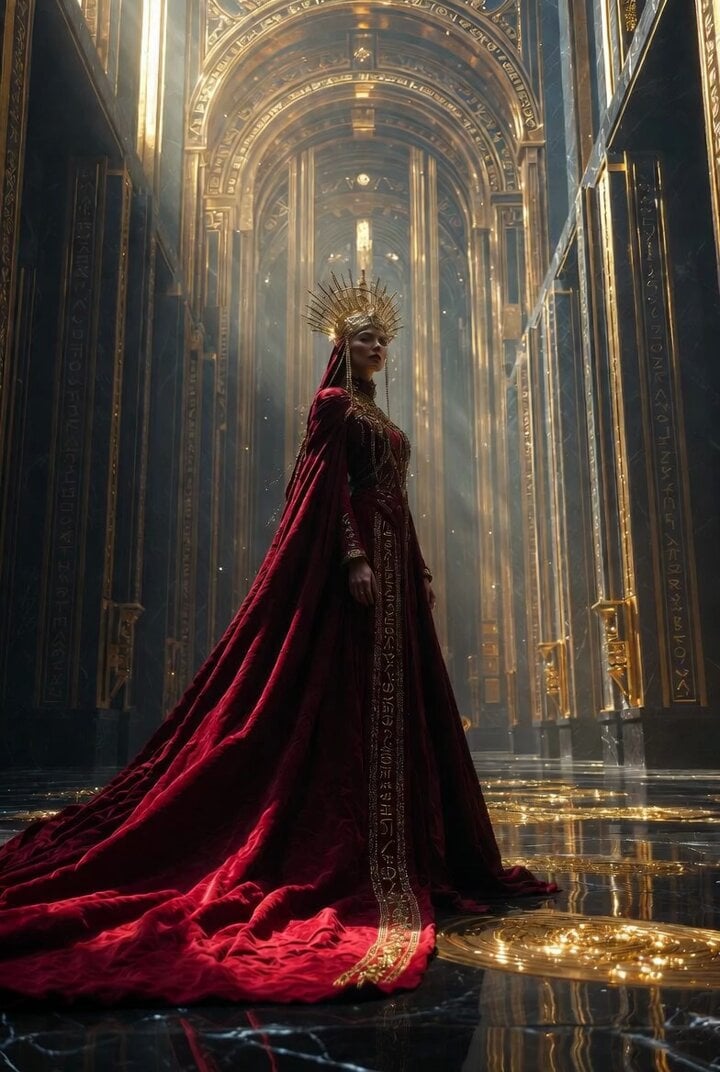
A highly detailed, cinematic prompt for Grok Imagine, describing a divine empress in a colossal ancient palace with mixed architectural styles (Byzantine, Art Deco, futuristic sacred geometry), focusing on lighting…
- Prompt included
- Model and format preset
- Premium template
The prompt behind this video
Copy the exact prompt behind Cinematic Divine Empress in Ancient Palace, or open it in the studio and make it yours.
Ultra cinematic scene of a divine empress standing inside a colossal ancient empire palace, architecture blending Byzantine, Art Deco, and futuristic sacred geometry, towering golden arches engraved with celestial symbols, massive cathedral scale environment, a deep crimson velvet gown flowing like liquid silk, embroidered with gold filigree and ancient runes, long royal cape trailing across polished black marble floors reflecting golden light, intricate crown resembling a halo of carved gold and ivory, delicate chains casting shadows across her face, her expression calm, powerful, untouchable camera slowly orbiting around her in 360 degrees, ultra slow motion, 85mm lens, shallow depth of field, hyper realistic skin texture, golden dust particles floating in the air, light beams piercing through tall windows, volumetric lighting, dramatic shadows sculpting her face background endless symmetrical pillars, distant glowing symbols slowly pulsing, ancient empire awakening energy.
How to use Cinematic Divine Empress in Ancient Palace in 3 steps
- 1
Open
The prompt is already in the box next to the preview, with the template's model and format selected.
- 2…a portrait of your subject in softgolden-hour light, 85mm…
Personalize
Edit the subject and creative details for your destination.
- 3Generate
Generate
Press Generate — your video is created in PicX Studio, so you can compare it with the original and refine one variable at a time.
More like this
Templates with the same subject, style or setup. Open one to see its prompt.

Mermaid Empress and Octopus Guardian
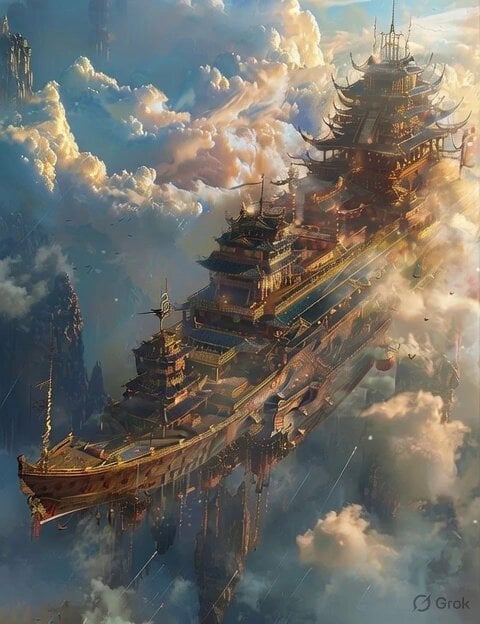
Floating Chinese Palace Ship
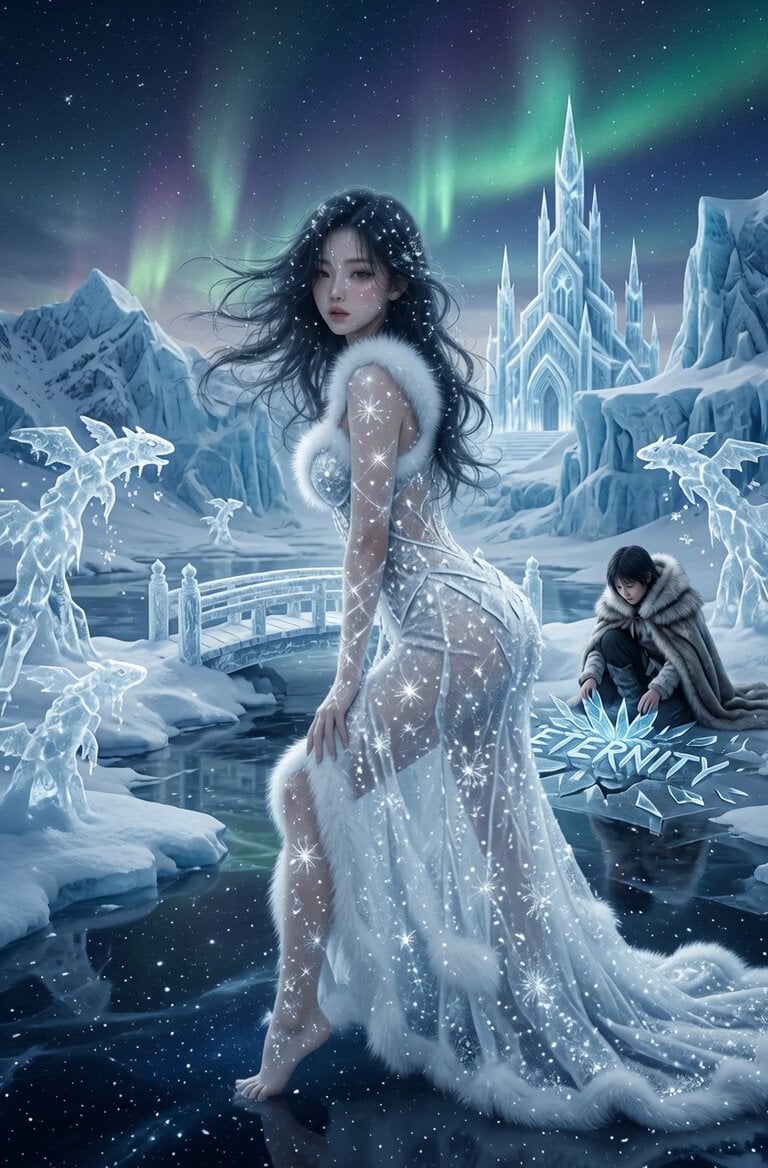
Snow Queen Permafrost Palace Video
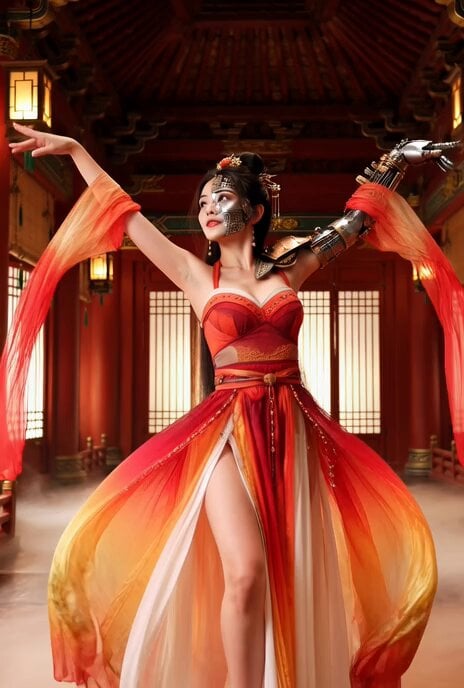
Better Version: Half-Cyberpunk Chinese Dancer in Classical Palace
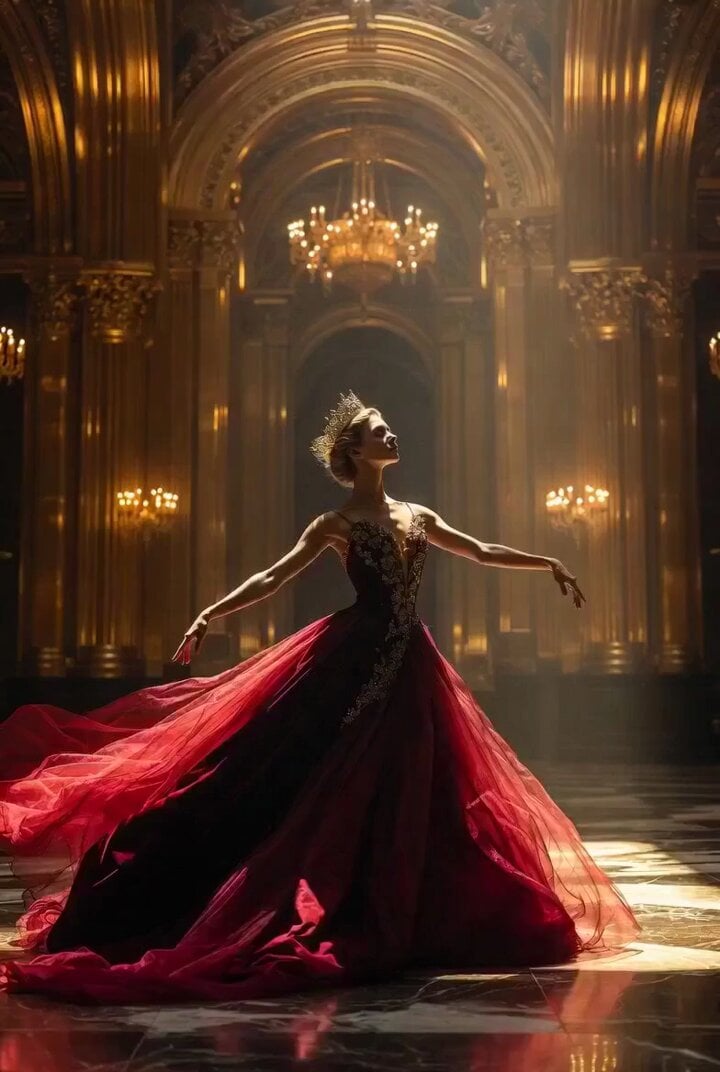
Ultra Cinematic Portrait of a Divine Imperial Ballerina
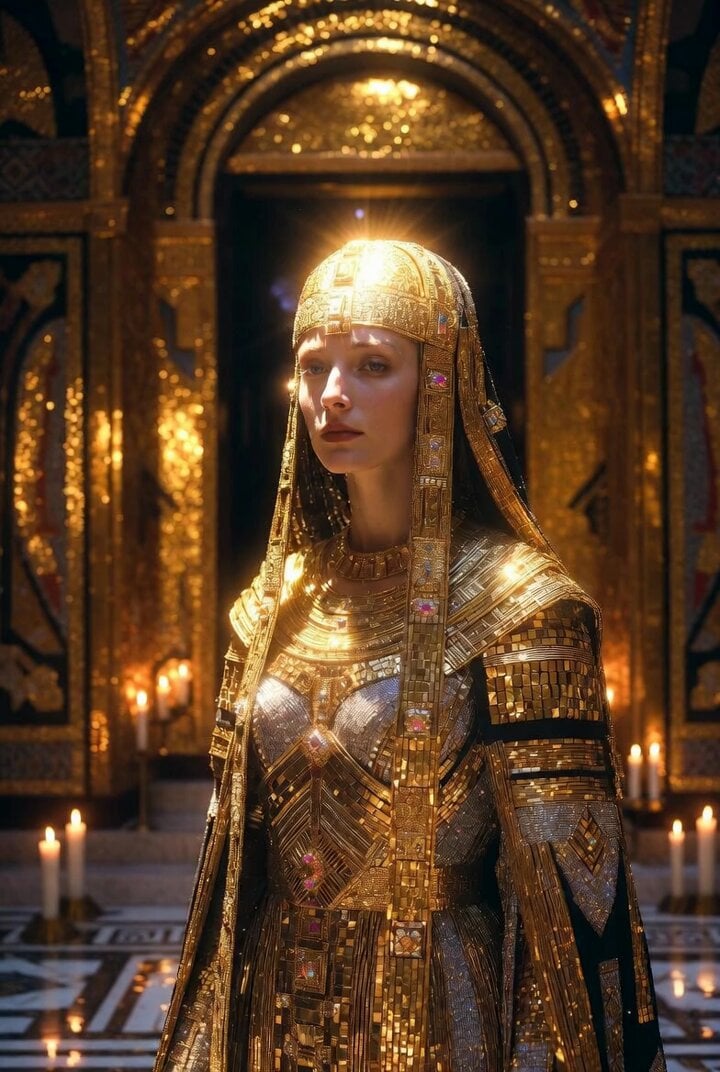
Byzantine Art Deco Fusion Empress
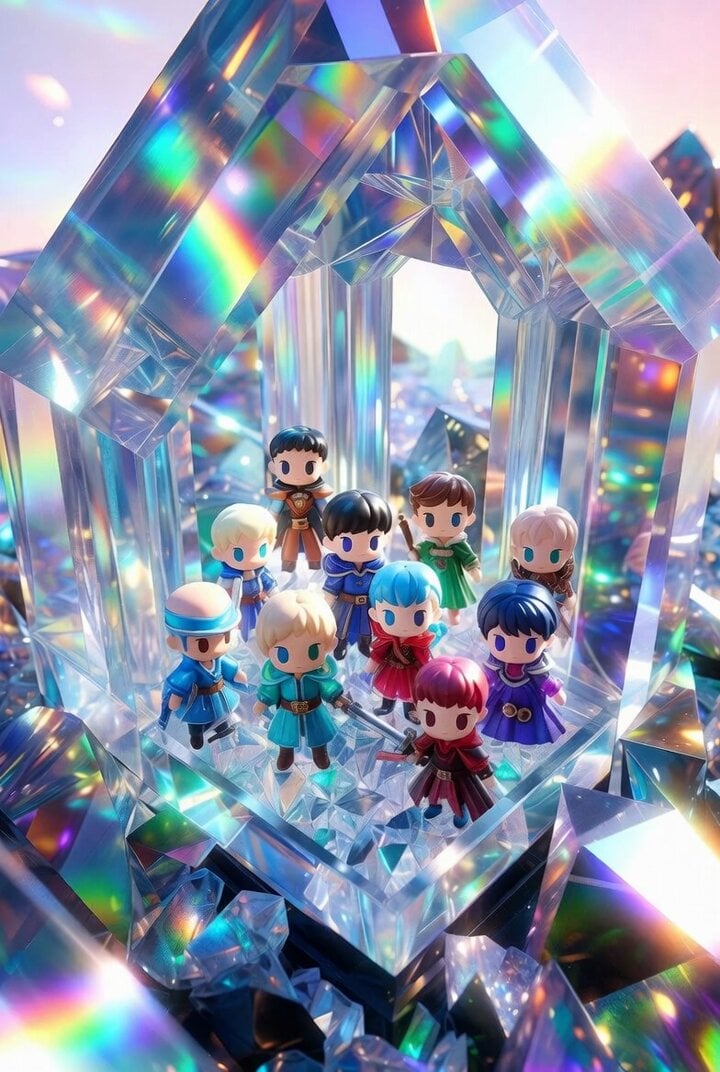
Chibi Heroes in Crystal Palace

Chibi Royal Couple in Baroque Gothic Palace (30s Continuous Video)
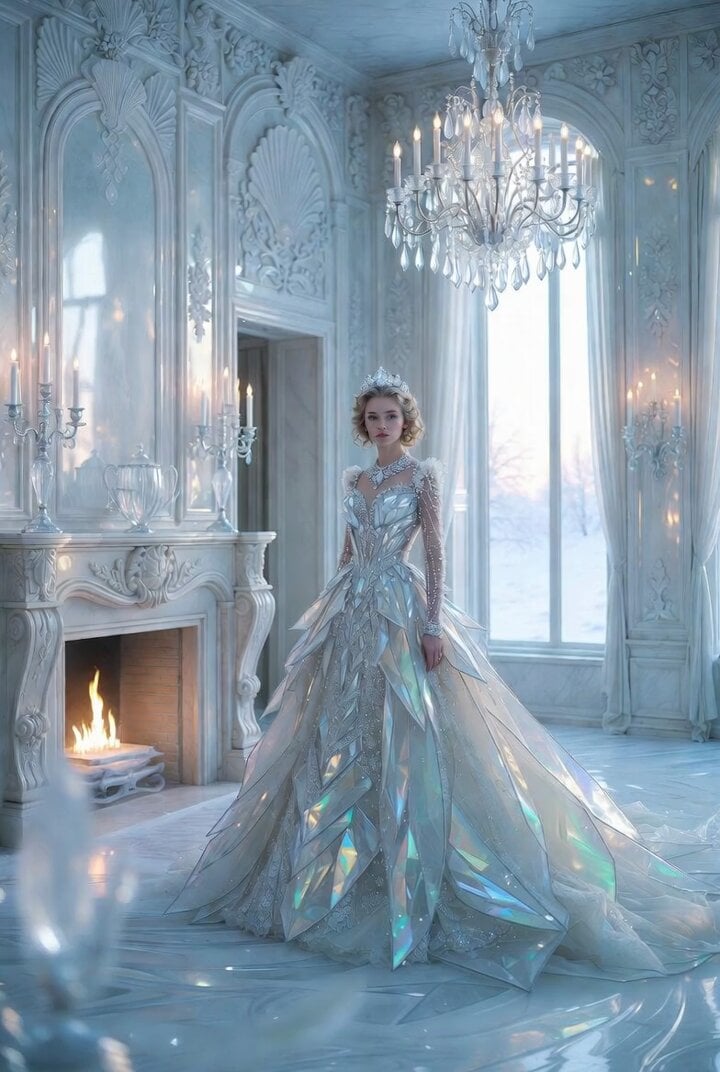
Impossible Winter Palace Salon Video Prompt
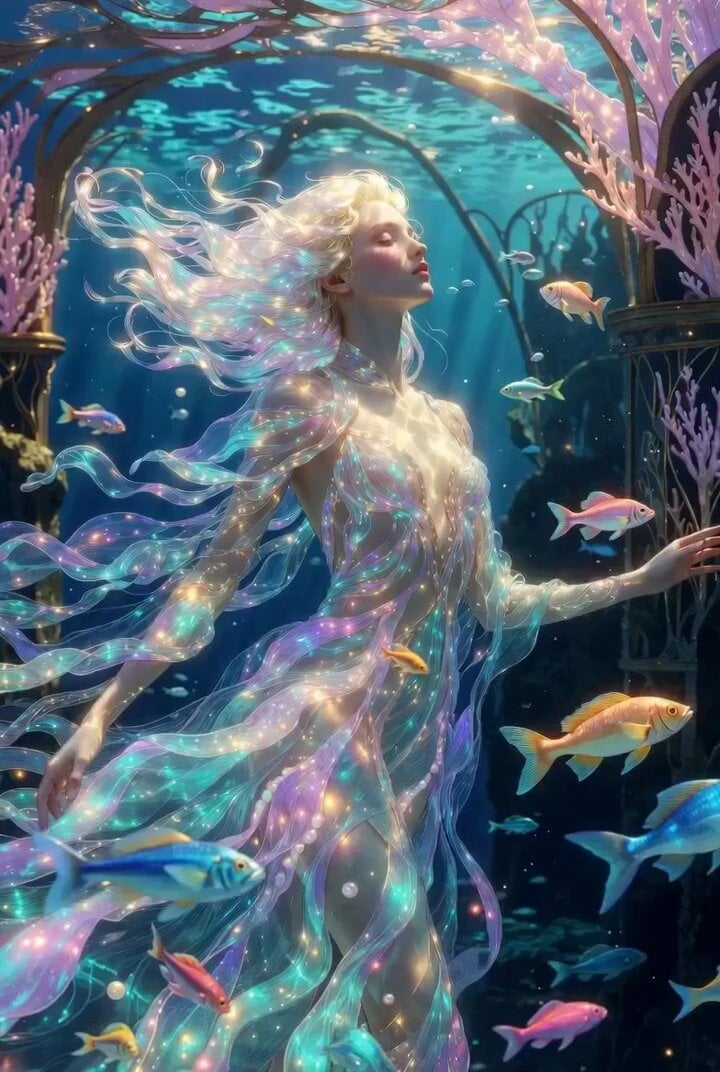
Ultra elegant underwater princess in Art Nouveau palace

Empress Heavy Mars Vacation Chibi Prompt
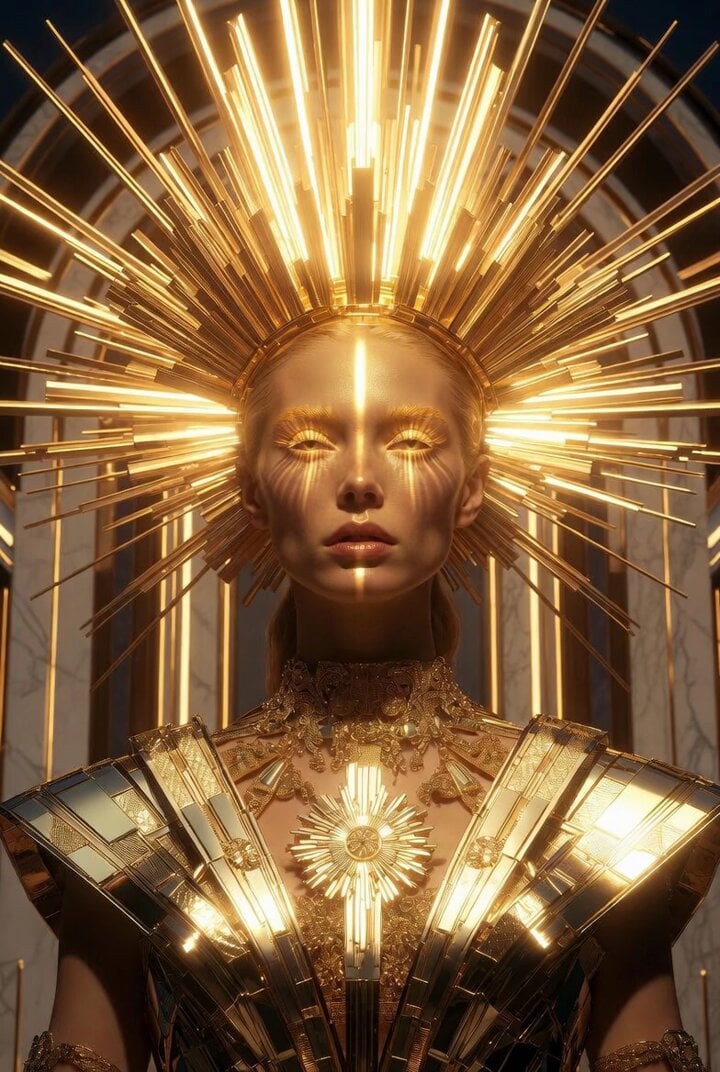
Ultra Detailed Solar Empress Portrait in Art Deco and Rococo Style
Make it yours
Cinematic Divine Empress in Ancient Palace works as-is. These are the safest ways to change it without losing the look.
Change one field
Copy a single group, rewrite it, and generate again so you can see what that field is doing.
Keep the frame, change the subject
Hold the composition and light of Cinematic Divine Empress in Ancient Palace, then swap wardrobe, props or the person for a new take.
| If the result… | Why | Fix |
|---|---|---|
| The result drifts from the preview | Too many fields changed at once. | Reuse Cinematic Divine Empress in Ancient Palace as-is first, then change one group — subject, light, or setting. |
| The model over-stylizes the scene | The prose prompt leaves finish and camera underspecified. | Add one camera or lighting sentence and stay on Grok Imagine. |
More Grok Imagine templates
Other prompts made for Grok Imagine.

Coffee Cup Interaction Motion

Voice Controlled Water Animation

Pterodactyl Transformation Journey

Candle Mandala Mirror Video

Psychedelic Purple Disc World Video

Mecha Runway Tap Dance Video Prompt

Quantum Inventor in Sonoran Desert

Emotional Angry Couple Drama

Train Zooming in Star Field Video Prompt

Cyberpunk Guerrilla Girl Video Generation
More video prompts
Fresh picks from across the catalog.
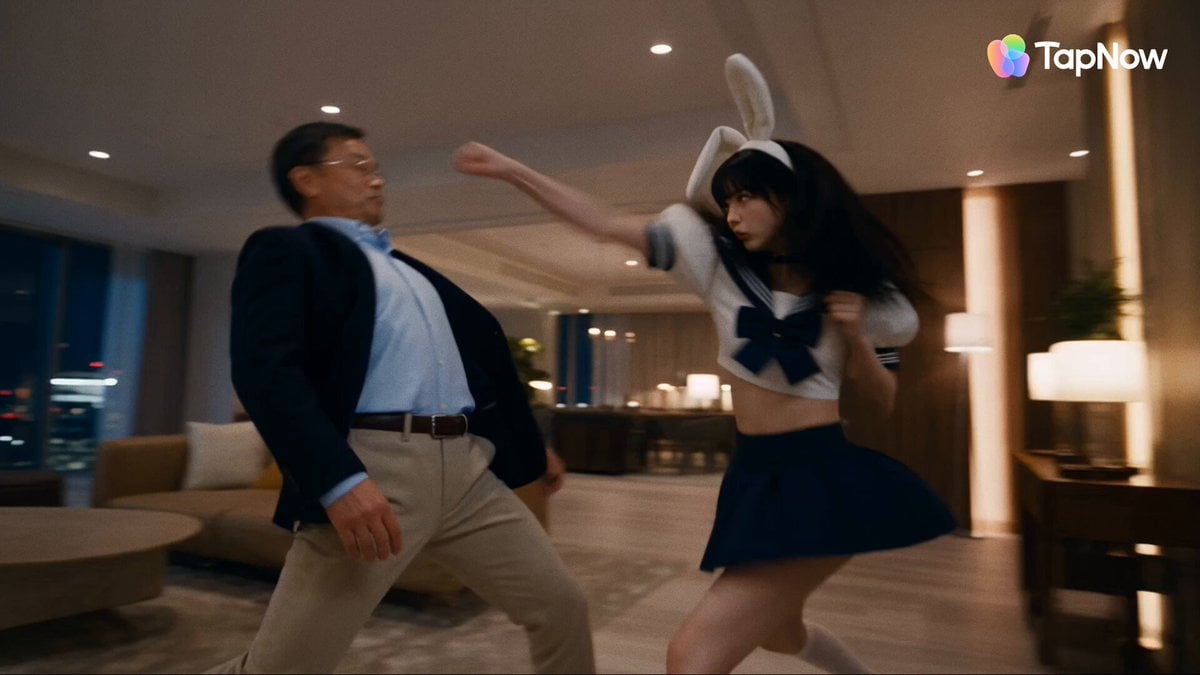
Tokyo Penthouse Action-Comedy Cinematic

Tribal Warrior Shapeshift Jungle

Brutal Viking Berserker Action Cinema
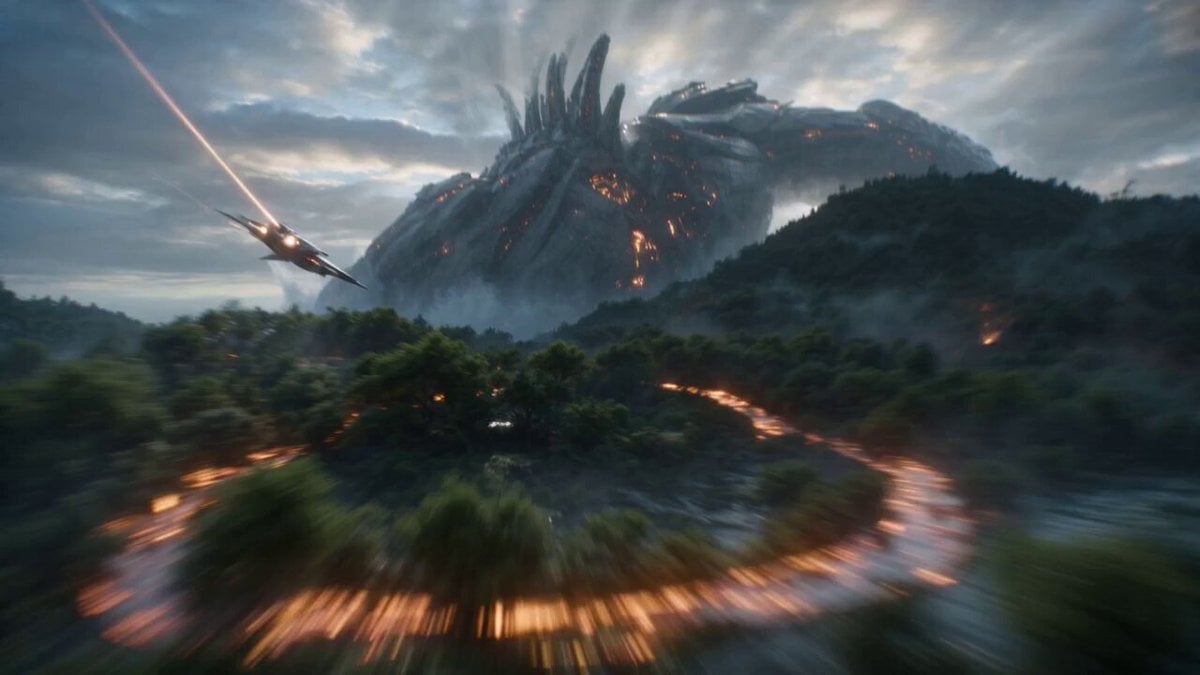
Biomechanical Titan Chase
Image Rotation and Color Flare Video

Sci-Fi Romantic Scene
First-Person Dragon Rider Image Prompt
Open-Source Tokusatsu Cinematic Aesthetic Prompt
Maine Lighthouse Keeper Character Study
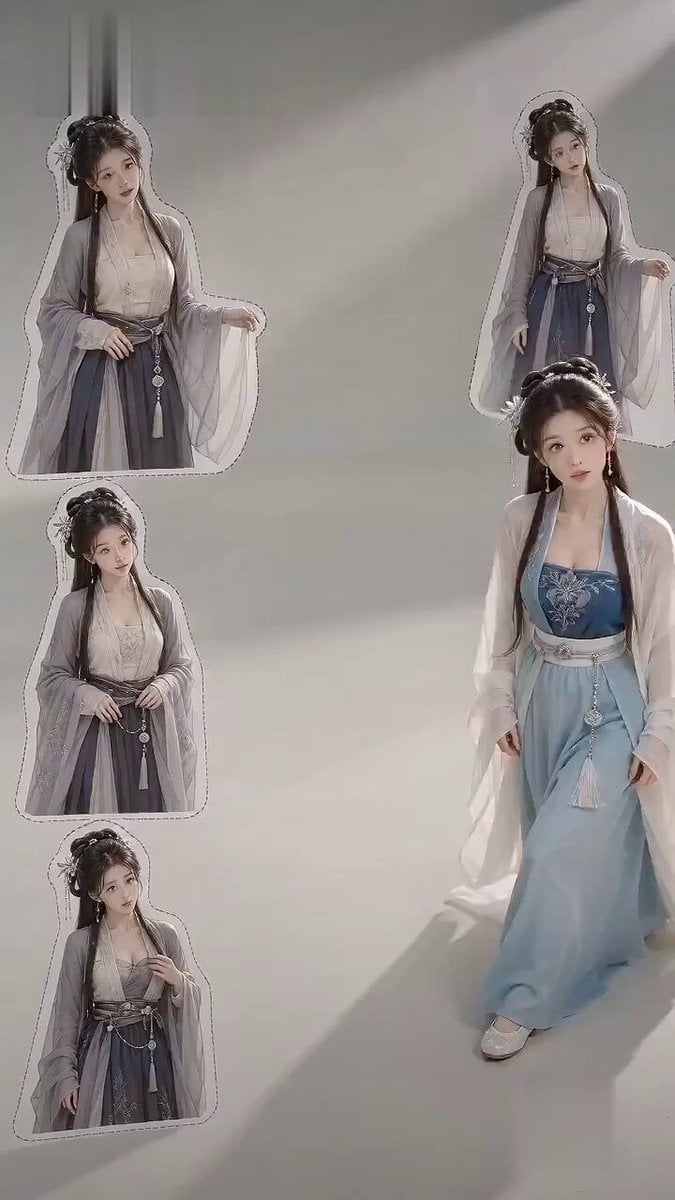
Ancient Style Fashion Outfit Swap
Browse template categories
Cinematic Divine Empress in Ancient Palace questions
How do I use the Cinematic Divine Empress in Ancient Palace template?
Add your photo if the template asks for one, edit the prompt if you like — the template's model and format are already selected — and press Generate. Your version opens in PicX Studio.
Can I customize the Cinematic Divine Empress in Ancient Palace template?
Yes. You can change the subject, setting, lighting, mood, format, and available model controls before creating your video.
Is the Cinematic Divine Empress in Ancient Palace template free?
Opening and editing this template is free. Generating uses credits, shown on the Generate button when you are signed in.
Which AI model should I use?
Start with Grok Imagine, which is the model associated with this template. You can compare another compatible model for a different finish.
Looking for something else? Browse all templates.

Your photo, any look
Thousands of ready templates for every top image and video model, from one credit balance.