
Floating Chinese Palace Ship
An elaborate prompt for generating a high-quality video of a floating Chinese palace designed as an ancient ship among clouds.
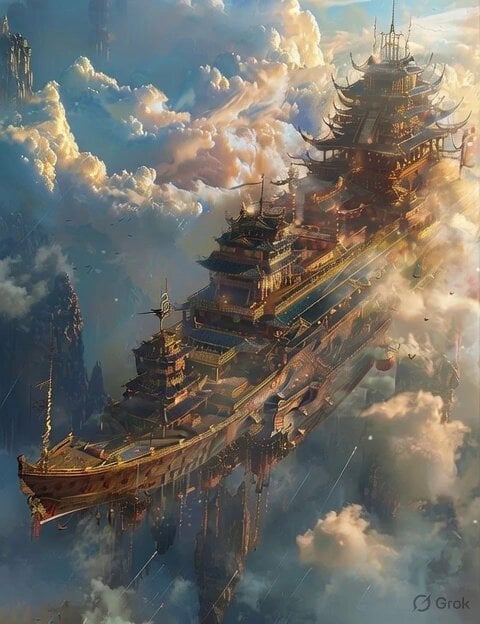
- Prompt included
- Model and format preset
- Free template
The prompt behind this video
Copy the exact prompt behind Floating Chinese Palace Ship, or open it in the studio and make it yours.
Masterpiece, best quality, ultra-detailed cinematic digital painting of a massive floating Chinese palace built like a grand ancient ship, hovering among the clouds. The structure features multiple ornate tiers with traditional Chinese architecture, golden details, red lanterns, and intricate woodwork. It is surrounded by dramatic clouds and floating rocky mountains under a bright sky with sunlight breaking through. Epic scale, majestic and mystical atmosphere with soft god rays and floating particles. Highly detailed architecture, clouds, and lighting. In the bottom left corner, add a small elegant signature reading exactly 'Kisalay' in refined handwritten calligraphy style. No other text or watermarks. Cinematic composition, vibrant yet elegant colors, best quality, 8K resolution.
How to use Floating Chinese Palace Ship in 3 steps
- 1
Open
The prompt is already in the box next to the preview, with the template's model and format selected.
- 2…a portrait of your subject in softgolden-hour light, 85mm…
Personalize
Edit the subject and creative details for your destination.
- 3Generate
Generate
Press Generate — your video is created in PicX Studio, so you can compare it with the original and refine one variable at a time.
More like this
Templates with the same subject, style or setup. Open one to see its prompt.
Better Version: Half-Cyberpunk Chinese Dancer in Classical Palace
Floating Lights and Lantern Glow Video
Floating Glass Castle in Cosmic Storm
Floating in Space Flight
Floating Islands and Rock Spires

Whimsical Floating Turtle Island

Lone Ship and Island Elephant

Floating Girl with Star Light

Snow Queen Permafrost Palace Video
Fantasy Glowing Potion and Floating Herbs
Rocket Floating in Ocean

Floating Happily in Space Video Prompt
Make it yours
Floating Chinese Palace Ship works as-is. These are the safest ways to change it without losing the look.
Change one field
Copy a single group, rewrite it, and generate again so you can see what that field is doing.
Keep the frame, change the subject
Hold the composition and light of Floating Chinese Palace Ship, then swap wardrobe, props or the person for a new take.
| If the result… | Why | Fix |
|---|---|---|
| The result drifts from the preview | Too many fields changed at once. | Reuse Floating Chinese Palace Ship as-is first, then change one group — subject, light, or setting. |
| The model over-stylizes the scene | The prose prompt leaves finish and camera underspecified. | Add one camera or lighting sentence and stay on Grok Imagine. |
More Grok Imagine templates
Other prompts made for Grok Imagine.

Kaleidoscopic Cosmic Dolphin Video

Horror Daffy Duck Video Transition

America 250th Anniversary Celebration

Glowing Water Forest Night Prompt

Soft Pink Roses Dreamer Prompt

Ninja Wizard Levitation Jump

Coffee Cup Interaction Motion

Voice Controlled Water Animation

Pterodactyl Transformation Journey

Candle Mandala Mirror Video
More video prompts
Fresh picks from across the catalog.
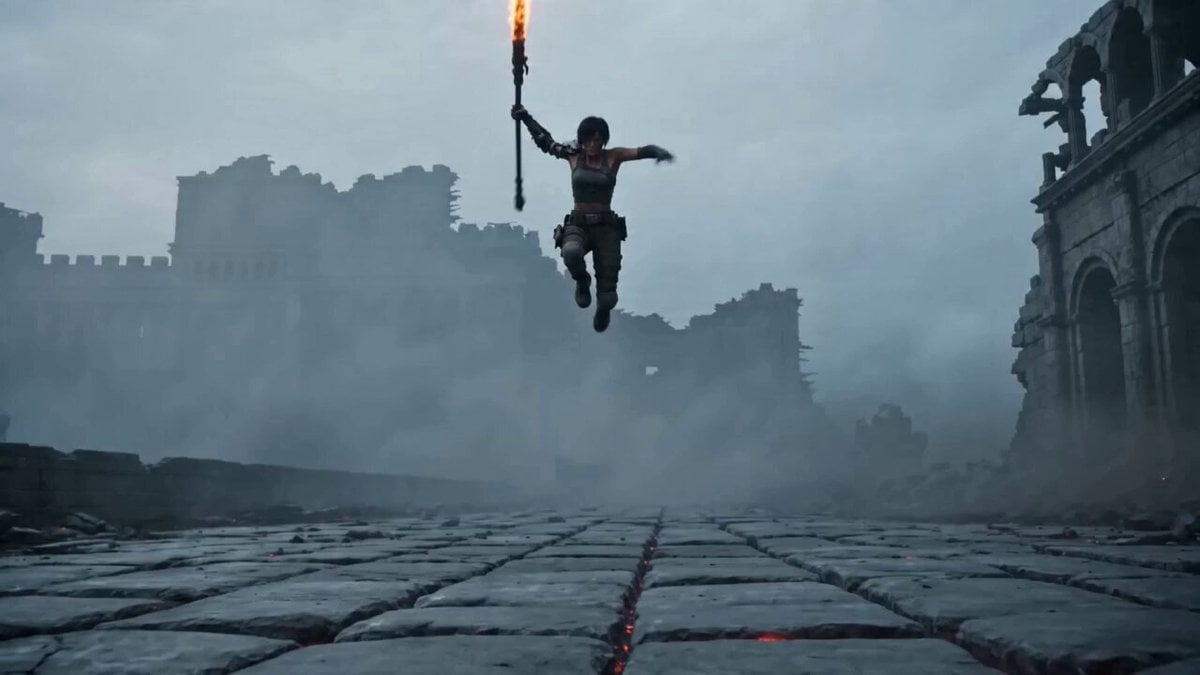
Prompt for Post-Apocalyptic Warrior

PlantMAN and ripped Kevin Malone in an underground office
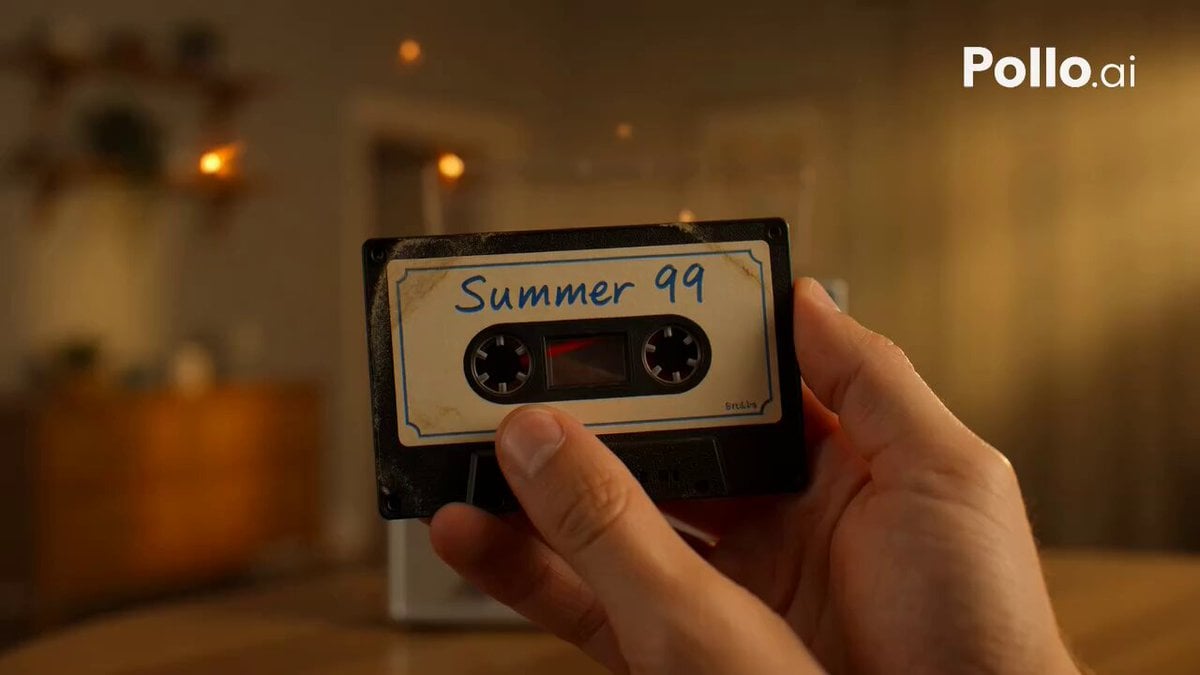
Mixtape Memory Transformation

Woman on Balcony Breezy Scene
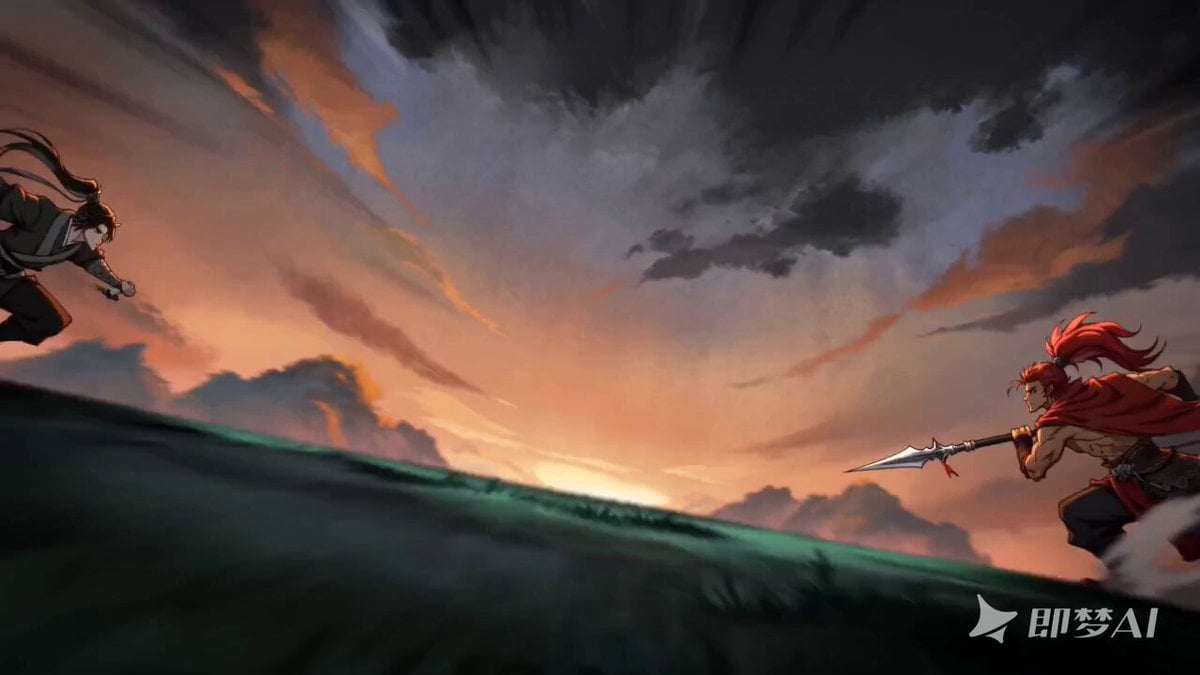
Wushan Wuxing Style High-Energy Fight Scene Prompt for Seedance 2.0
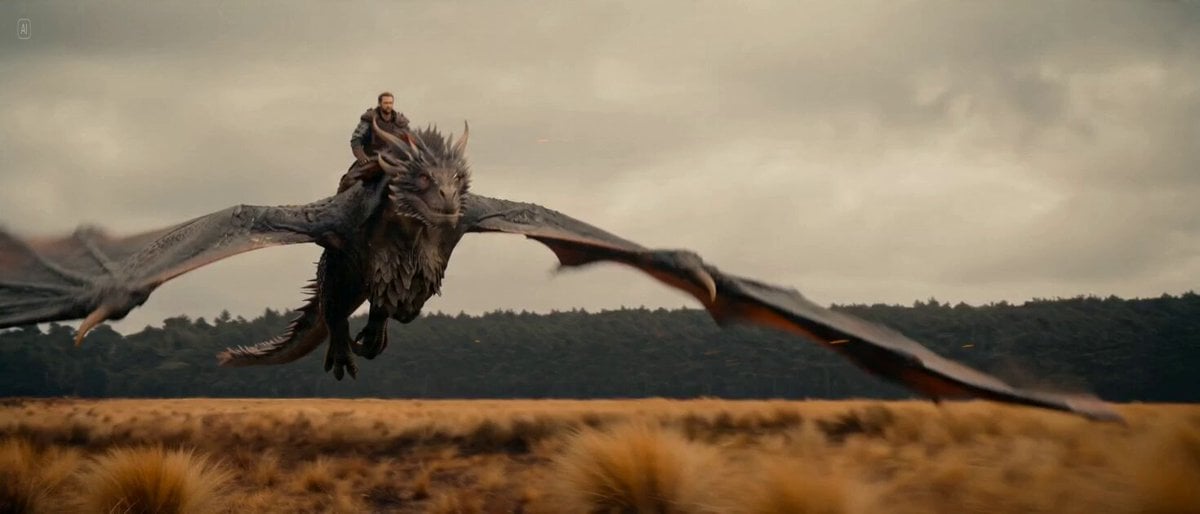
Seedance 2.0 Video Prompt: Epic Fantasy Aerial Dragon Attack

Dreaming of Divinity Animation

Dark Fantasy Frozen Wolf Hunt
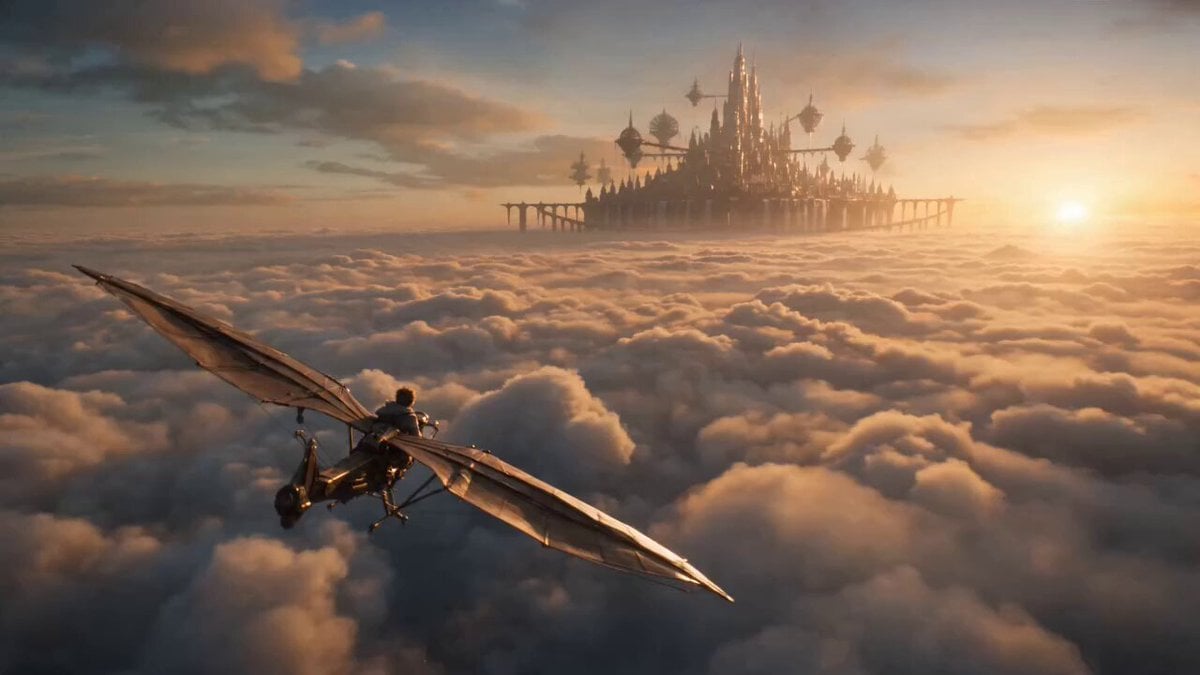
Cinematic Sky Fantasy Glider Scene
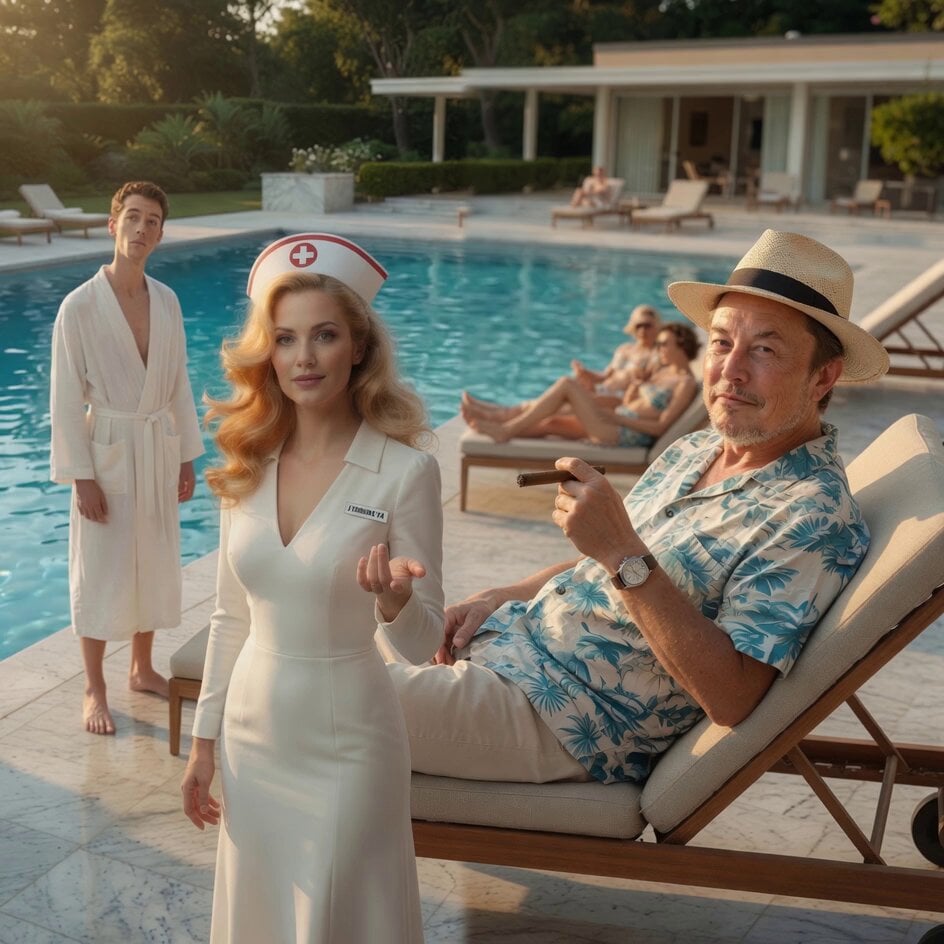
Stranger in a Strange Land Mars Scene
Browse template categories
Floating Chinese Palace Ship questions
How do I use the Floating Chinese Palace Ship template?
Add your photo if the template asks for one, edit the prompt if you like — the template's model and format are already selected — and press Generate. Your version opens in PicX Studio.
Can I customize the Floating Chinese Palace Ship template?
Yes. You can change the subject, setting, lighting, mood, format, and available model controls before creating your video.
Is the Floating Chinese Palace Ship template free?
Opening and editing this template is free. Generating uses credits, shown on the Generate button when you are signed in.
Which AI model should I use?
Start with Grok Imagine, which is the model associated with this template. You can compare another compatible model for a different finish.
Looking for something else? Browse all templates.

Your photo, any look
Thousands of ready templates for every top image and video model, from one credit balance.