
Cinematic Sky Fantasy Glider Scene
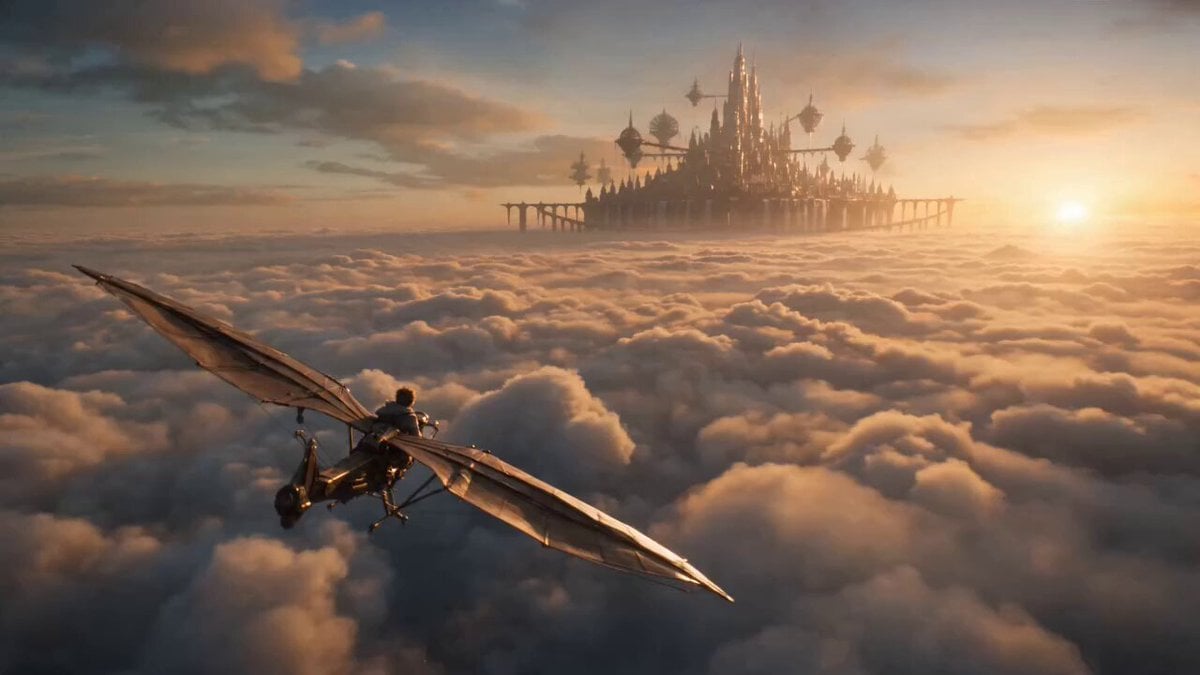
A cinematic fantasy video depicting a young sky courier on a brass-and-wood glider approaching a massive floating city at sunrise.
- Prompt included
- Model and format preset
- Free template
The prompt behind this video
Copy the exact prompt behind Cinematic Sky Fantasy Glider Scene, or open it in the studio and make it yours.
Create a cinematic fantasy scene above the clouds at sunrise. A young sky courier rides a small brass-and-wood glider toward a massive floating city suspended by ancient engines and waterfalls falling into open air. 0–4s: Ultra-wide aerial establishing shot. Endless golden clouds stretch beneath the glider as the floating city appears in the distance, lit by warm sunrise. Camera glides smoothly behind and above. 4–9s: Medium tracking shot alongside the courier as wind pulls at their scarf and loose fabric. The glider banks gently between floating stone towers, birds scattering around the frame. 9–13s: Close-up on the courier’s hand adjusting a glowing navigation compass. Reflections of the city flicker across polished brass controls. Slow rack focus from compass to skyline. 13–15s: Hero wide shot. The courier passes through a waterfall curtain into the city gates, sunlight exploding through mist around them. Style: cinematic sky fantasy, warm golden lighting, soft cloud haze, detailed brass textures, realistic cloth movement, sweeping camera motion, magical realism, clean wind audio, distant bells, water mist, and engine vibrations. Made in @dreamina_ai
How to use Cinematic Sky Fantasy Glider Scene in 3 steps
- 1
Open
The prompt is already in the box next to the preview, with the template's model and format selected.
- 2…a portrait of your subject in softgolden-hour light, 85mm…
Personalize
Edit the subject and creative details for your destination.
- 3Generate
Generate
Press Generate — your video is created in PicX Studio, so you can compare it with the original and refine one variable at a time.
More like this
Templates with the same subject, style or setup. Open one to see its prompt.
Whale in the Sky — City Shadows (Kling AI)

Dragon Rider Cinematic Flight — Seedance 2.5

Forest Fantasy Girl Short Film

Necromancer Battlefield Orbit
Griffin Knight Mountain Kingdom — Seedance 2.0
Ice Queen — Frozen Battlefield Time Control (Seedance)
Dragon Rescue — Volcanic Kingdom Collapse (Seedance)
Swordsman vs Shadow Monster — Bamboo Forest Battle
Stone Colossus Desert Riders — Golden Fire Reveal
Tiny Figure Climbing a Giant — Low Angle Seedance
Chibi Cave Adventure — He Doesn't Know What's Coming
Sea Serpent vs Crab Titan — Ocean Battle
Make it yours
Cinematic Sky Fantasy Glider Scene works as-is. These are the safest ways to change it without losing the look.
Change one field
Copy a single group, rewrite it, and generate again so you can see what that field is doing.
Keep the frame, change the subject
Hold the composition and light of Cinematic Sky Fantasy Glider Scene, then swap wardrobe, props or the person for a new take.
| If the result… | Why | Fix |
|---|---|---|
| The result drifts from the preview | Too many fields changed at once. | Reuse Cinematic Sky Fantasy Glider Scene as-is first, then change one group — subject, light, or setting. |
| The model over-stylizes the scene | The prose prompt leaves finish and camera underspecified. | Add one camera or lighting sentence and stay on Seedance 2.0. |
More Seedance 2.0 templates
Other prompts made for Seedance 2.0.

Comical Martial Arts Punch Scene

Maglev Train Action Sequence

Martial Arts Fight Sequence

Wuxia Protection and Trust Script

Vintage Korean Arcade MiniDV Vlog

Mercedes 190 SL Luxury Ad

Rainy Night Supernatural Reverse Comedy Video Script

Amazon Civilization Discovery

Futuristic South Asian City Transformation

Cozy Luxury Cafe Commercial
More video prompts
Fresh picks from across the catalog.

Soft Pink Peonies Dreamscape
Fantasy Crystal Cave Adventure
Seedance 2.0 Prompt for Beautiful Chef Cooking Sour Fish Soup
Ocean Trench to Surface Transition
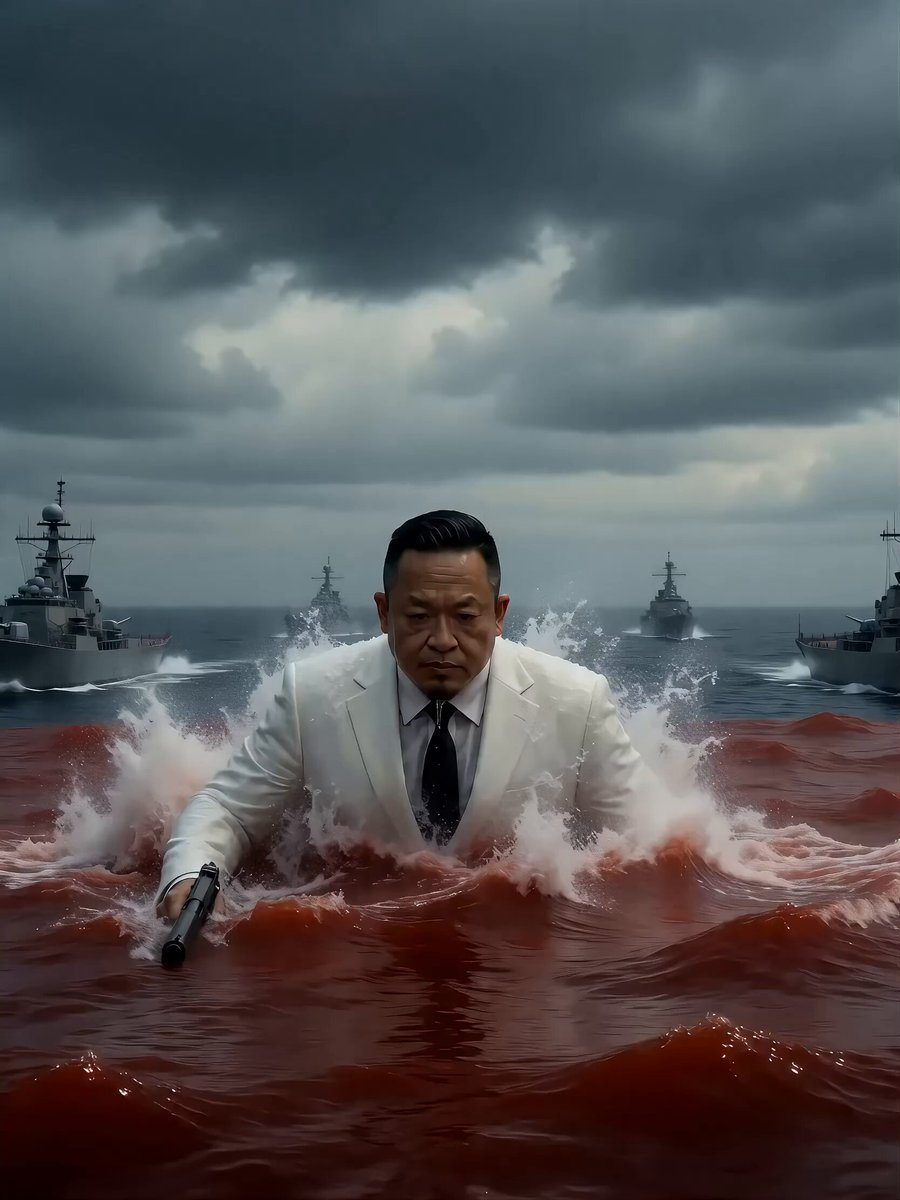
Seedance 2.0 Video Prompt: Giant Asian Man Destroying Warships
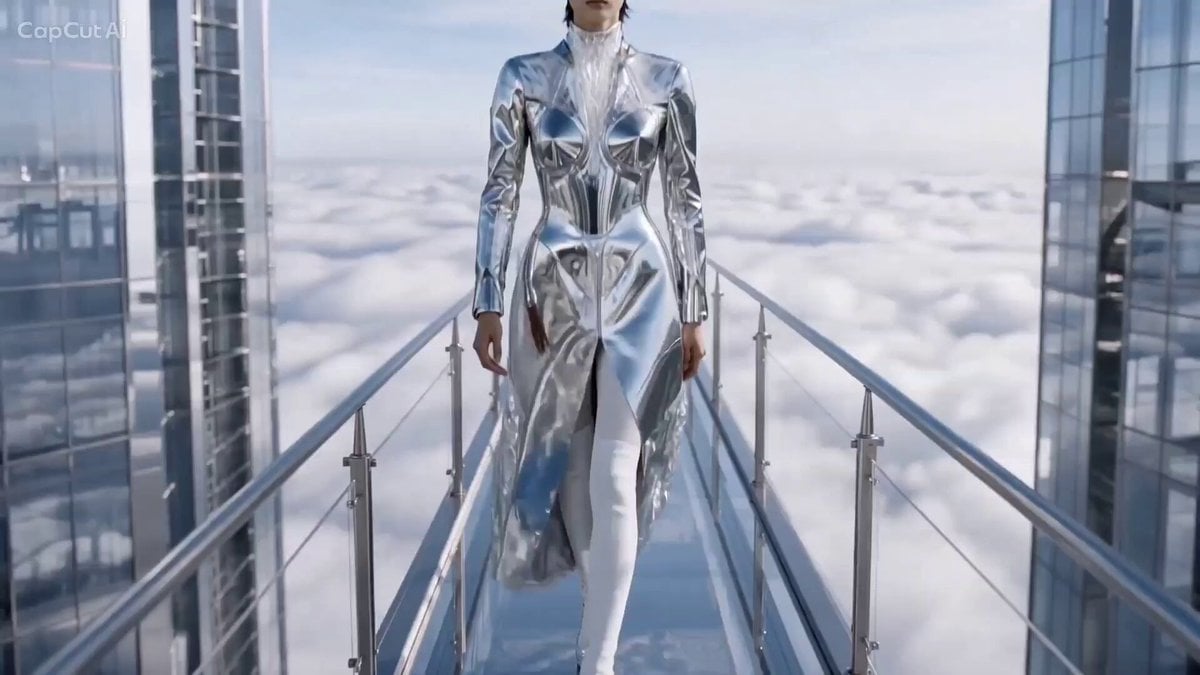
Cinematic High Fashion Runway Above Clouds
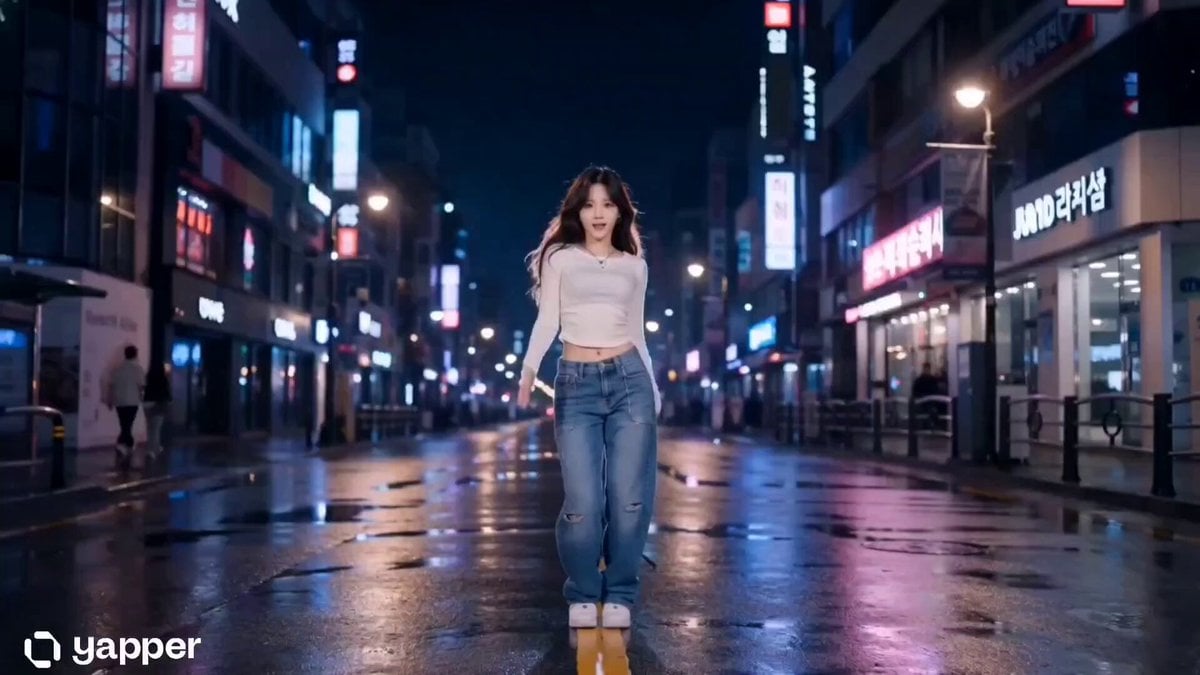
Cinematic K-Pop Dance Video
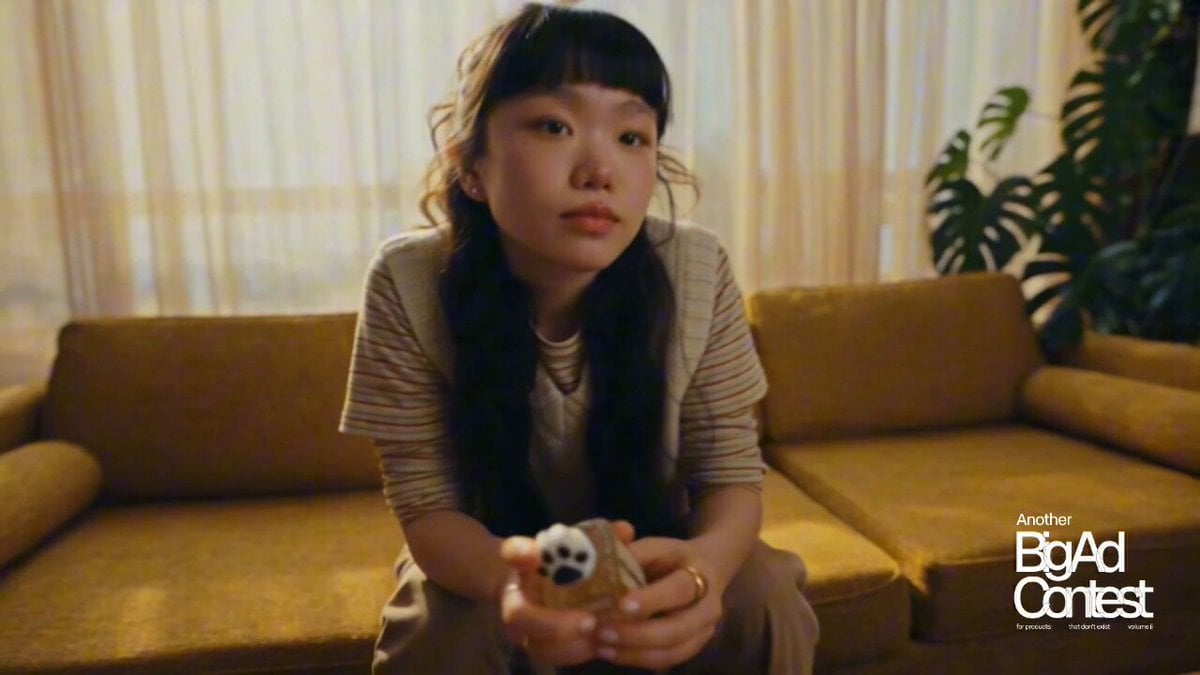
Pet Scent Perfume Commercial
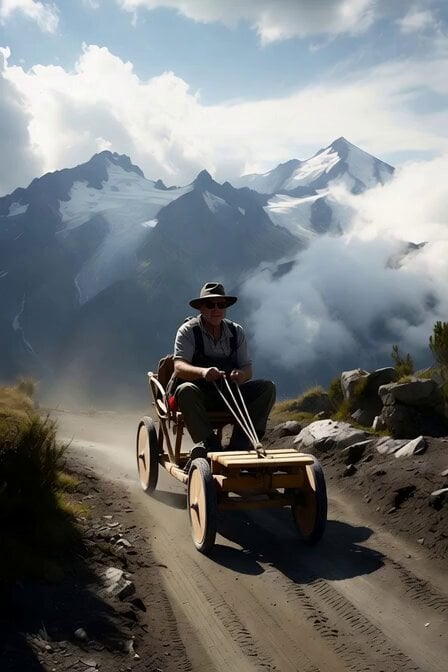
Alpine Soapbox Race Video Prompt
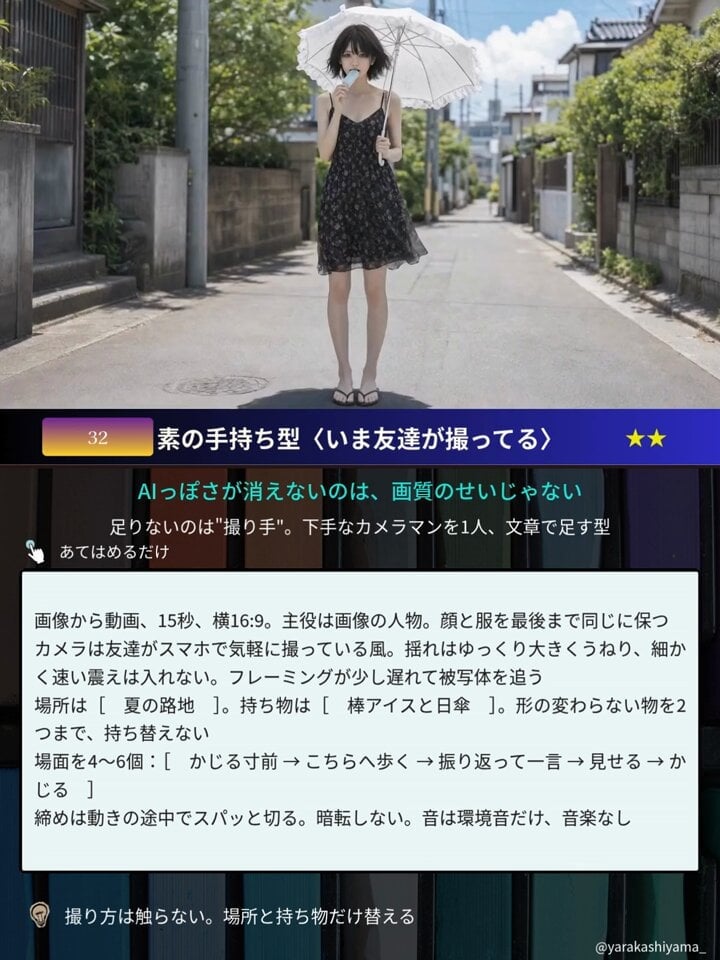
Aesthetic Japanese Woman Video Portrait
Browse template categories
Cinematic Sky Fantasy Glider Scene questions
How do I use the Cinematic Sky Fantasy Glider Scene template?
Add your photo if the template asks for one, edit the prompt if you like — the template's model and format are already selected — and press Generate. Your version opens in PicX Studio.
Can I customize the Cinematic Sky Fantasy Glider Scene template?
Yes. You can change the subject, setting, lighting, mood, format, and available model controls before creating your video.
Is the Cinematic Sky Fantasy Glider Scene template free?
Opening and editing this template is free. Generating uses credits, shown on the Generate button when you are signed in.
Which AI model should I use?
Start with Seedance 2.0, which is the model associated with this template. You can compare another compatible model for a different finish.
Looking for something else? Browse all templates.

Your photo, any look
Thousands of ready templates for every top image and video model, from one credit balance.